Visio vs draw.io: What You Actually Give Up by Going Free in 2026
Turn this article into takeaways for your work.


Each assistant summarizes the article only for you and suggests best practices for your work.
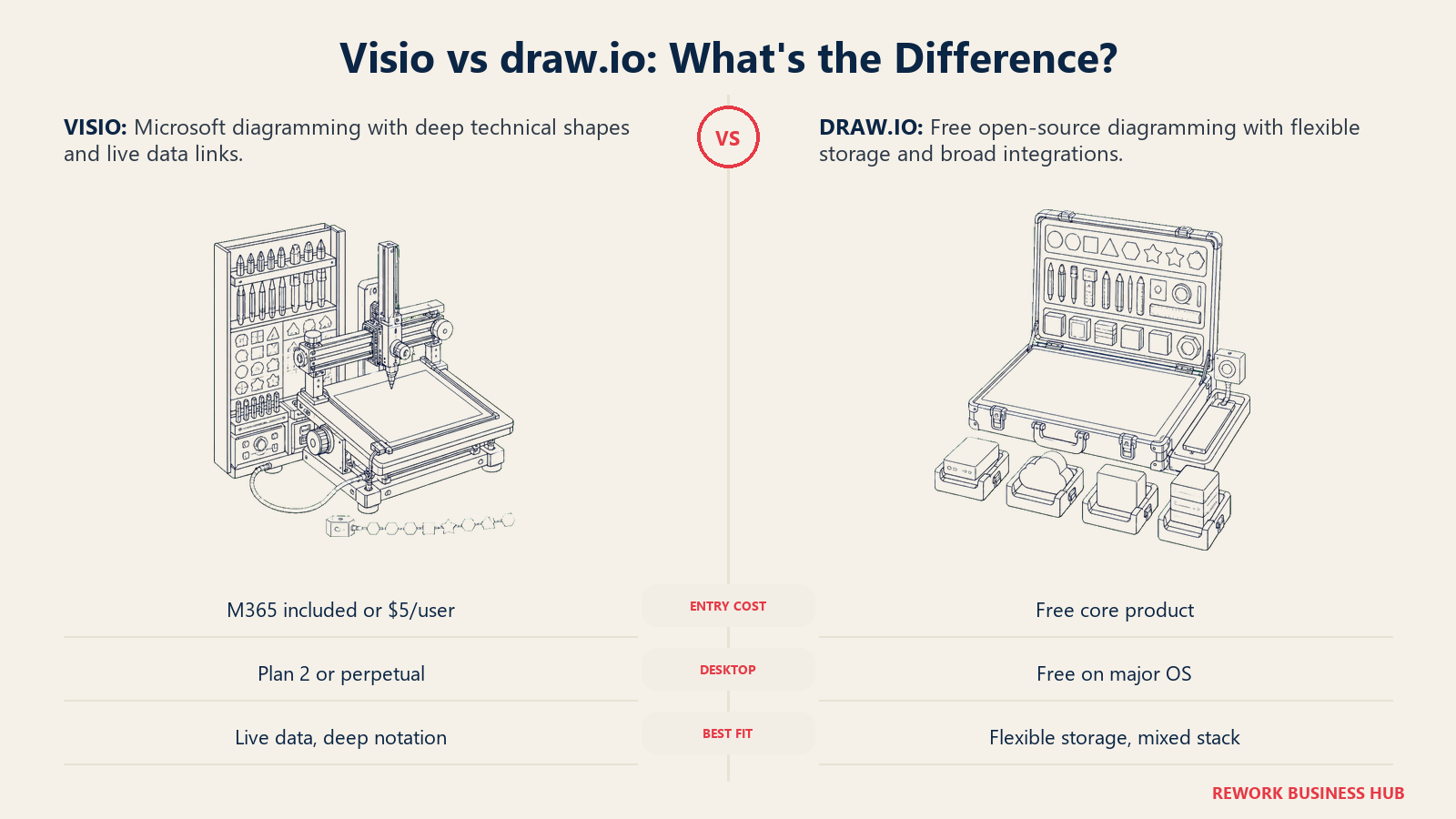
If you're an IT director, solution architect or process owner picking a diagramming tool for a team, you already know draw.io is free. That part isn't news. What's actually useful is knowing what free costs you, and what the alternative costs in return, because Visio isn't one product at one price. It's four separate offerings sold under the same name: a lightweight web app bundled into Microsoft 365 at no extra charge, two subscription tiers priced per user per month, and two perpetual licenses you buy once and own.
Here's the part almost nobody says plainly: the comparison that actually matters isn't free versus paid, it's free versus a tool you may already own. A large share of teams evaluating this decision already pay for Microsoft 365, which means a Visio-branded web app is sitting in their tenant right now, unused, at zero incremental cost. This guide covers what each tool is built for, what the four Visio SKUs actually unlock, what draw.io's "free forever" genuinely includes and where it stops, and where the real switching costs sit on both sides. If you're comparing more than these two, our roundup of business process management software covers the wider category, our guide to Visio alternatives is the place to look if draw.io doesn't feel like enough tool either, and if Lucidchart is also on your shortlist, our Lucidchart vs Visio comparison covers that matchup directly.
TL;DR
| Microsoft Visio | draw.io | |
|---|---|---|
| What it is | Four separate products under one brand: a free M365 web app, two subscriptions, two perpetual licenses | One free, open source diagramming tool with paid add-ons only for Confluence and Jira |
| Entry price | $0 if your company already has Microsoft 365 commercial; otherwise $5.00 user/month paid yearly for Plan 1 | $0, always, with no sign-up and no account required |
| Desktop app | Only on Visio Plan 2 ($15.00 user/month yearly) or the perpetual licenses | Yes, free, for Windows, macOS and Linux, from get.diagrams.net |
| Where you actually work | app.diagrams.net does not apply here; Visio runs in the desktop app, the web app, or embedded in Teams and SharePoint | app.diagrams.net in the browser, or the desktop app |
| Diagram-type depth | Deep on Professional tiers: BPMN 2.0, UML, ERD, P&ID, Azure/AWS architecture, data-linked shapes | Broad general-purpose shape libraries, no data-linked shapes that auto-refresh from a source |
| File format | Native .vsdx, the de facto enterprise interchange format | Native .drawio (XML), with .vsdx import and export |
| Storage model | Files live in OneDrive, SharePoint or your device, governed by your Microsoft 365 tenant | You choose: local disk, Google Drive, OneDrive, GitHub, GitLab, Confluence, or self-hosted |
| Real-time co-editing | Built in, consistent across Plan 1, Plan 2 and Microsoft 365 storage | Depends entirely on which storage backend you connect; not uniform |
| Biggest hidden cost | Buying the wrong SKU: paying for a desktop app you didn't need, or missing the desktop app you did | Confluence and Jira Marketplace apps if your team lives in Atlassian tools, priced by user tier |
| Best for | Teams needing data-linked technical diagrams, deep shape libraries, or standard corporate .vsdx files | Teams that want a genuinely free tool with no procurement process, or need self-hosted control over where diagrams live |
Key Facts
- Microsoft 365 Commercial paid seats exceeded 450 million as of fiscal 2026's second quarter, growing 6% year over year, according to Microsoft's own FY26 Q2 results shared on Microsoft Community Hub. That's the pool of companies that may already have Visio's web app included at no extra cost without knowing it.
- draw.io's core source repository carries roughly 7,700 stars on GitHub and ships under the Apache 2.0 license, according to the jgraph/drawio repository itself.
- The 2026 Open Source Security and Risk Analysis report audited 947 commercial codebases across 17 industries and found 87% contained at least one open source vulnerability, with 68% carrying open source license conflicts, per Black Duck's own coverage of the report. Open source adoption keeps rising even as this kind of governance overhead rises with it.
- The global diagramming software market grew from $1.12 billion in 2025 to $1.26 billion in 2026, a 12.4% CAGR, according to The Business Research Company's diagramming software market report.
- 55% of organizations now cite avoiding vendor lock-in as a leading driver of open source adoption, up 68% year over year, with the figure rising to 63% in the UK and EU versus 51% in North America, according to Perforce's 2026 State of Open Source Report as covered by SecurityBrief.
Who Each Tool Is Really For
Visio was built as Microsoft's answer to enterprise technical diagramming: network topology, engineering schematics, floor plans, org charts and data-linked business diagrams that stay current when the underlying data changes. It's designed for a company standardized on Microsoft 365, where a diagram needs to live next to a SharePoint site or feed off an Excel data source without leaving the Microsoft ecosystem. For the method itself, separate from whichever tool draws it, see our guide to business process mapping.
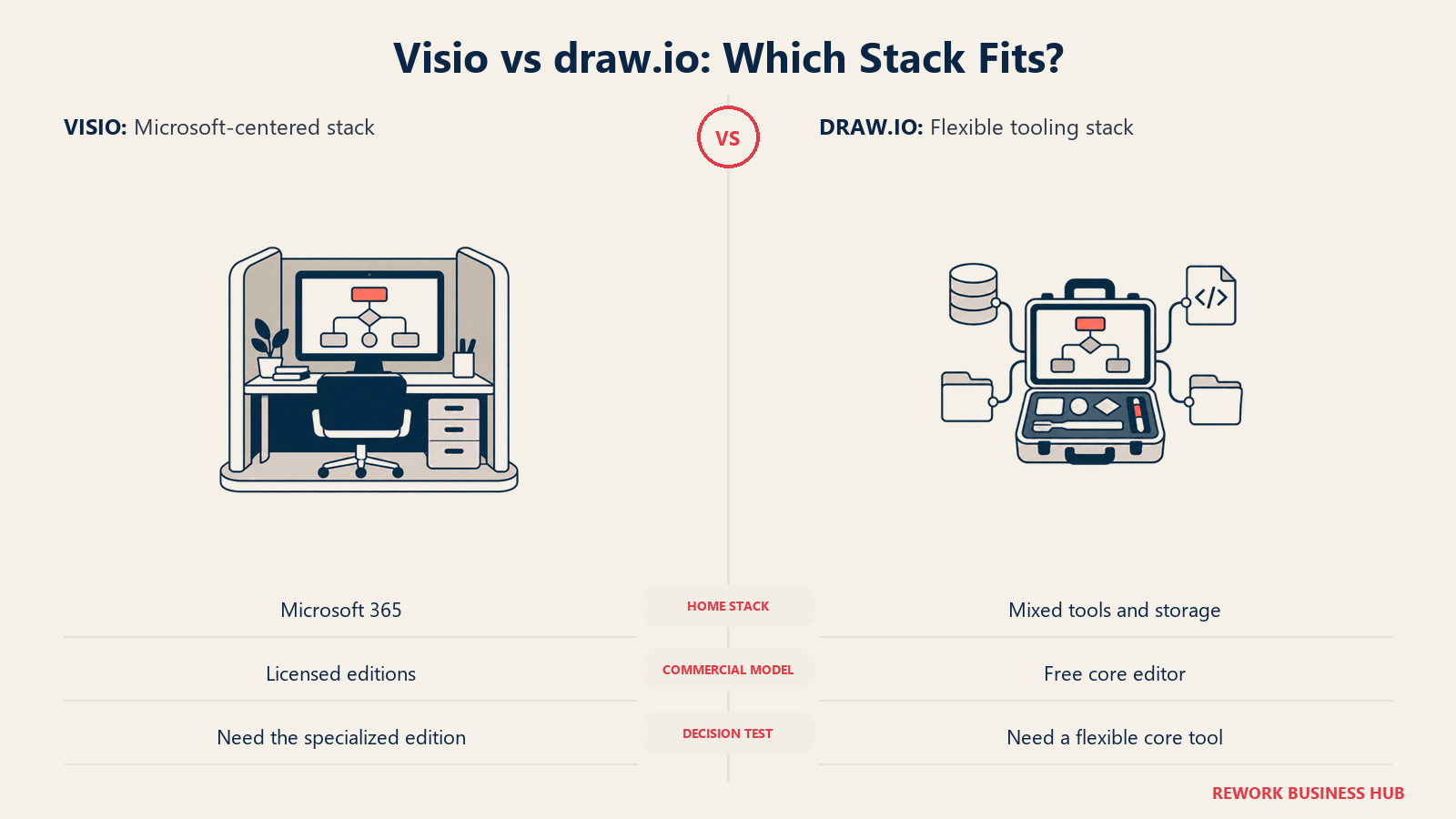
draw.io was built as the opposite bet: a diagramming tool with no vendor tie-in at all. It runs the same way on Google Workspace, Atlassian, GitHub or nothing in particular, and stores files wherever you point it. That's the natural pick for teams who don't want a tool that assumes a specific cloud stack underneath it, or who value being able to audit the source code rather than trust a vendor's word on what it does with their data.
| Dimension | Visio | draw.io |
|---|---|---|
| Built by | Microsoft, as part of the Microsoft 365 product family | JGraph Ltd, as an open source project with a commercial layer for Atlassian products |
| Primary use case | Technical and data-linked diagramming: network, engineering, BPMN 2.0, UML, org charts tied to Microsoft 365 | General-purpose diagramming with no platform lock-in, from flowcharts to architecture sketches |
| Who typically buys it | IT departments and solution architects already committed to Microsoft 365 licensing | Engineering teams, open source projects, and any team that wants zero procurement friction |
| Where it lives in the stack | Inside Microsoft 365: OneDrive, SharePoint, Teams | Standalone by default, or embedded inside Confluence, Jira, GitHub, GitLab, VS Code or Notion |
| Ideal company size | Any size already on Microsoft 365 commercial plans | Any size, especially teams that resist adding a new paid vendor for something this specific |
| Non-technical users | Comfortable with the web and Teams apps; the desktop app has a steeper learning curve | Comfortable with the web app, no account needed to start a diagram |
The Four Visio Products, Decoded
This is the section that most "Visio vs draw.io" comparisons skip, and it's the one that actually decides your budget. Visio isn't a single $5 or $15 product. It's four distinct offerings, and picking the wrong one is the most common way a company overpays or under-provisions.
| Offering | Exact price | What you get |
|---|---|---|
| Visio in Microsoft 365 | Included in Microsoft 365 commercial plans, no extra charge | A lightweight web and Teams app for viewing, editing and creating basic diagrams. Most companies on Microsoft 365 already have this and don't know it. |
| Visio Plan 1 | $5.00 user/month, paid yearly | Web and Teams apps only. No desktop app at all. |
| Visio Plan 2 | $15.00 user/month, paid yearly | Everything in Plan 1, plus the full Visio desktop app. |
| Visio Standard 2024 | $309.99, one-time purchase | Perpetual license. Flowcharts, org charts, basic mind maps, no subscription required. |
| Visio Professional 2024 | $579.99, one-time purchase | Perpetual license. Adds Azure and AWS architecture diagrams, ERD and UML, P&ID, BPMN 2.0, data connectivity, and data graphics with automatic refresh. |
Source for all five rows: Microsoft's own Visio plans and pricing comparison page and Microsoft's one-time-purchase Visio pricing page. Both subscription plans require annual payment and auto-renew, and 30-day free trials exist for Plan 1 and Plan 2.
The reputation trap here is real: "Visio is Windows desktop software" is only half true in 2026. Plan 1, at $5.00 a month, ships with no desktop app whatsoever; you need Plan 2 at $15.00 or a perpetual license for the actual application. Anyone quoting "Visio starts at $5" without saying that tier is web-only is leaving out the detail that changes your decision.
The genuinely useful move before pricing anything else: check whether your company already has Microsoft 365 commercial. If it does, the free web app may cover a surprising amount of basic diagramming, org charts, simple flowcharts, quick process sketches, before you spend a dollar.
draw.io: What "Free Forever" Actually Includes
draw.io's own homepage states this plainly, in this exact wording: "Free forever. No sign-up required. Open source." That's not marketing softening the truth into a limited free tier. It's the literal product. There's no seat cap, no diagram cap, no watermark and no trial clock. You can open app.diagrams.net right now and start a diagram without creating an account, entering a card number, or agreeing to anything beyond a browser tab loading.
| Offering | Exact wording and access | Notes |
|---|---|---|
| draw.io web app | "Free forever, no sign-up required, open source" | Runs at app.diagrams.net, works fully in the browser, no install |
| draw.io desktop app | Free, same wording applies | Downloads from get.diagrams.net for Windows, macOS and Linux |
| Native integrations | Free, bundled into the core product | Google Drive, Microsoft OneDrive and SharePoint, Atlassian, GitHub, GitLab, VS Code, Notion |
| draw.io for Confluence | Paid Atlassian Marketplace app, priced by user tier | Listed on the Atlassian Marketplace; the exact per-user figure renders client-side and isn't quoted here |
| draw.io for Jira | Paid Atlassian Marketplace app, priced by user tier | Same Marketplace listing structure as the Confluence app |
Source: drawio.com. The only place draw.io asks for money is the two Atlassian Marketplace apps that embed diagramming inside Confluence and Jira. If your company doesn't use either, draw.io has no paid tier to eventually hit. Confirm per-seat pricing for those apps on the Atlassian Marketplace listing if that pricing matters to your decision.
One naming note worth clearing up once: draw.io and diagrams.net are the same product under two domains, not one that replaced the other. drawio.com is the marketing site, app.diagrams.net is where the editor runs, and get.diagrams.net hosts the desktop downloads. Both names get used interchangeably in documentation and this article; that's intentional, not a rebrand you missed.
Total Cost at 10, 25 and 100 Users
draw.io's number is easy: it's zero at every seat count, for the core product, full stop. Visio's number depends entirely on which of the four offerings you pick, and whether you already own Microsoft 365 seats that make the web app free. All figures below use the vendor prices quoted earlier, from Microsoft's own pricing pages.
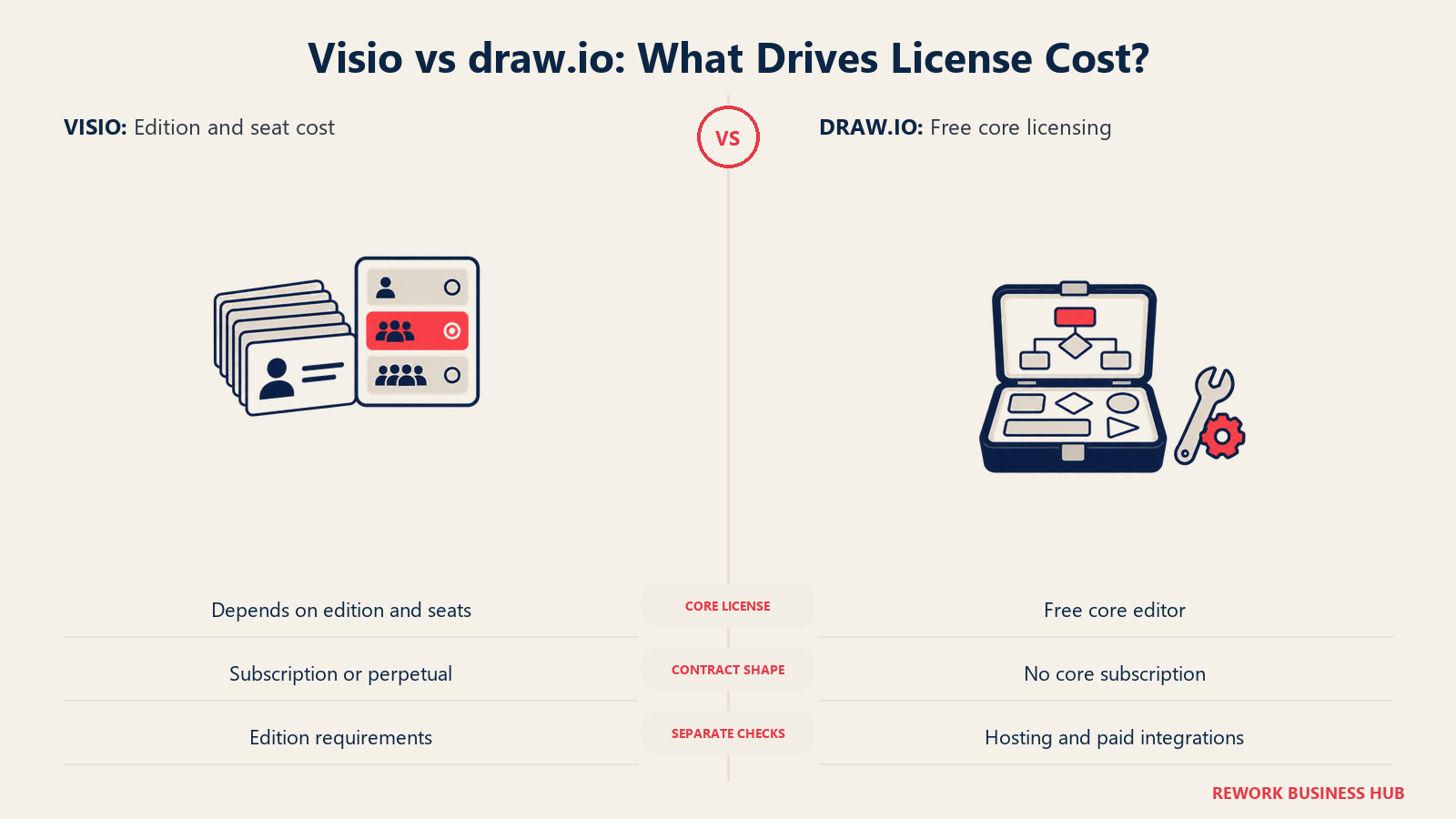
Visio, subscription and perpetual, side by side. Subscriptions bill yearly; perpetual licenses are a single purchase per license with no future major-version upgrade included.
| Users | Plan 1 ($5.00/mo) | Plan 2 ($15.00/mo) | Standard 2024 ($309.99) | Professional 2024 ($579.99) |
|---|---|---|---|---|
| 10 | $600/yr | $1,800/yr | $3,099.90 one-time | $5,799.90 one-time |
| 25 | $1,500/yr | $4,500/yr | $7,749.75 one-time | $14,499.75 one-time |
| 100 | $6,000/yr | $18,000/yr | $30,999.00 one-time | $57,999.00 one-time |
The perpetual-license break-even. Professional 2024's $579.99 equals roughly 3.2 years of Plan 2 at $180/user/year. Standard 2024's $309.99 equals roughly 5.2 years of Plan 1 at $60/user/year. Keep the same version for four or five years without needing the newest features each cycle, and the perpetual license wins on cost, at the price of losing continuous updates.
draw.io, at the same seat counts. Zero for the core product, regardless of team size. The only real line item is a team that wants diagramming embedded directly inside Confluence or Jira, priced by user tier and not published in a static, quotable form. Outside that one case, draw.io's total cost at any seat count is exactly what it says on the tin.
Where draw.io's Cost Is Genuinely Zero, and Where It Isn't
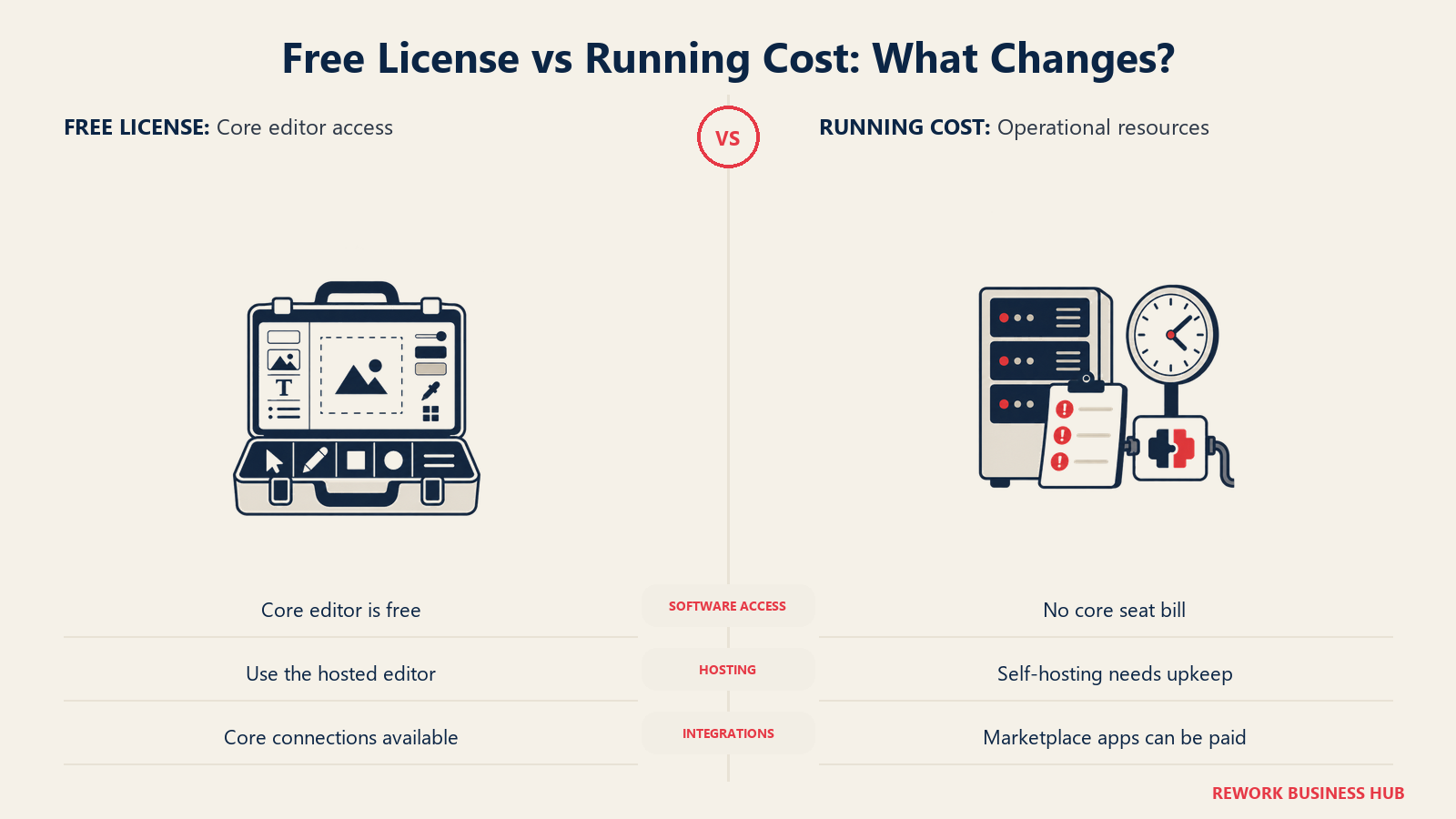
"Free" is a true statement about draw.io's license. It's not automatically a true statement about your total cost of running it well. The gap between the two is small compared to almost any paid tool, but it isn't nothing, and pretending otherwise is how a comparison stops being useful.
| Cost category | Genuinely zero | Not zero, worth planning for |
|---|---|---|
| The software license itself | Yes, forever, no exceptions | |
| Confluence or Jira embedding | Marketplace app, priced by user tier | |
| Self-hosting the web app on your own infrastructure | Server, patching and uptime become your team's job if you choose this route instead of app.diagrams.net | |
| Admin time to configure storage backends | Someone has to decide and set up Google Drive vs OneDrive vs GitHub vs self-hosted, and that decision affects security and collaboration behavior downstream | |
| Support contract with an SLA | There isn't one to buy for the free product; support runs through community channels and GitHub issues | |
| Training and onboarding | Low, the interface is intuitive enough that most users don't need formal training | |
| Vendor risk from an open source project | Governed by JGraph Ltd's continued commitment; open source doesn't eliminate this risk, it changes its shape |
None of this changes the headline: draw.io's license cost is genuinely, permanently zero. But "free" and "zero total cost of ownership" aren't the same claim, and a team evaluating this honestly should budget a little admin time to get the storage-backend decision right, since it quietly shapes the collaboration and governance story covered further down. Whichever tool wins, the diagram is only half the job; our guide to process documentation covers what needs to surround it to be useful to anyone besides the person who drew it.
Diagram Types and Shape Library Depth
This is where Visio Professional earns its price gap over both Visio Standard and draw.io. The depth isn't in how many boxes and arrows either tool can draw, both handle a basic flowchart and org chart equally well, it's in the specialized, technical diagram types that need purpose-built shape sets and, in some cases, live data behind them.
| Diagram type | Visio Standard 2024 | Visio Professional 2024 | draw.io |
|---|---|---|---|
| Basic flowcharts, org charts, mind maps | Yes | Yes | Yes |
| BPMN 2.0 | No | Yes | Yes, general shape library, not a dedicated BPMN 2.0 notation set |
| UML | No | Yes | Yes, general shape library |
| Entity-relationship diagrams (ERD) | No | Yes | Yes, general shape library |
| P&ID (piping and instrumentation) | No | Yes | Community shape libraries exist, not a native purpose-built set |
| Azure and AWS architecture icons | No | Yes | Available through community and official icon-set imports |
| Data-linked shapes that auto-refresh from a data source | No | Yes | No, draw.io has no equivalent data-connectivity feature |
| Network topology diagrams | Limited | Yes | Yes, via general shape libraries |
| Floor plans and space layouts | Limited | Yes | Limited, not a specialty of the tool |
The single feature that most separates Visio Professional from everything else in this table, including draw.io, is data-linked shapes with automatic refresh: a shape that pulls its label, color or status directly from an Excel sheet and updates when the source changes, with nobody touching the diagram by hand. Nothing on the draw.io side replicates that. If your team maintains a live architecture diagram or a status-driven process map, that gap is the real reason to pay for Professional rather than the shape count alone. For how BPMN notation works regardless of which tool renders it, our guide to BPMN covers the standard itself.
.vsdx Compatibility: The Real Switching Cost
.vsdx is Visio's native file format, and it's also the de facto corporate standard for diagram interchange. A decade of enterprise architecture decks, network diagrams and process maps sitting in shared drives across the industry are .vsdx files, which means compatibility with that format is a real switching cost in both directions, not just a nice-to-have checkbox.
| Direction | What happens |
|---|---|
| Opening a .vsdx file in draw.io | Supported natively. draw.io can open and edit most .vsdx files directly, though highly complex Visio-specific features like data-linked shapes don't carry over, since draw.io has no equivalent feature to receive them |
| Saving a draw.io diagram as .vsdx | Supported natively as an export format, so a draw.io diagram can be handed to a Visio user as a .vsdx file |
| Opening a .drawio file in Visio | Not supported. Visio has no native import for draw.io's own XML format |
| A team standardized on Visio switching to draw.io | Low friction for the diagrams themselves, since .vsdx import works; the loss is any data-linked shapes, which stop updating once opened outside Visio |
| A team standardized on draw.io switching to Visio | Low friction as well, since .vsdx export from draw.io is the path in, though anyone gaining access to Visio Professional's deeper shape sets will need to rebuild diagrams to actually use them |
.vsdx compatibility is genuinely good on both sides for basic diagrams, which is why so many teams feel comfortable mixing the two rather than standardizing on one. The real switching cost isn't file compatibility, it's the features that don't survive the round trip: Visio's data-linked shapes and any Visio-specific formatting draw.io has no slot to represent.
Storage, Security and Data Residency
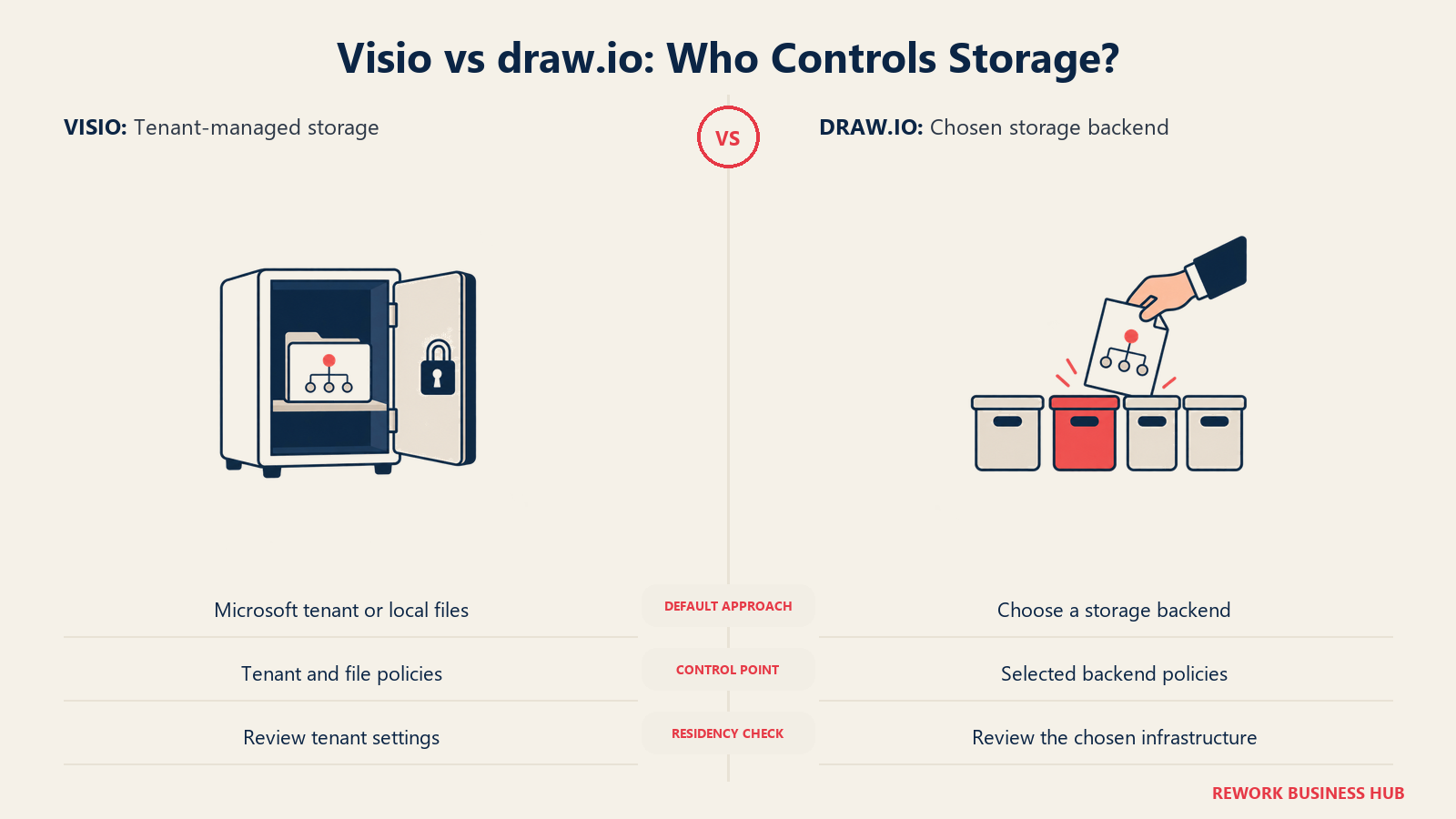
This is the section where draw.io's argument is strongest, and it's the reason regulated teams and security-conscious engineering orgs pick it over Visio in the first place. Visio's storage model is fixed: your files live wherever your Microsoft 365 tenant puts them, governed by whatever data residency and compliance posture your Microsoft agreement already has. draw.io flips that entirely. It doesn't store your diagrams anywhere by default. You choose the backend, which means you choose the governance model that comes with it.
| Storage factor | Visio | draw.io |
|---|---|---|
| Default storage location | OneDrive, SharePoint, or local device, tied to your Microsoft 365 tenant | None by default; you pick at save time |
| Available storage backends | Microsoft 365 only (OneDrive, SharePoint) | Google Drive, OneDrive, GitHub, GitLab, Confluence, local disk, or self-hosted |
| Data ever touching draw.io's own servers | Not applicable, this is a Microsoft product | No, by design. draw.io's client-side editor doesn't transmit diagram content to draw.io's own servers; your data goes straight to whichever storage backend you selected |
| Air-gapped or fully offline use | Possible with the desktop app and local files, but licensing and updates still route through Microsoft | Straightforward: local disk storage plus the desktop app means the tool can run with zero network dependency |
| Data residency control | Inherited from your Microsoft 365 tenant's region settings | Fully your choice, since you pick where the storage backend physically lives |
| Compliance posture | Inherited from your existing Microsoft 365 compliance certifications | Inherited from whichever storage backend you connect, plus the fact that the editor itself is auditable open source code |
| Best fit for regulated industries | Teams already deep in Microsoft's compliance ecosystem (government, finance already on Microsoft GCC or similar) | Teams that need to keep diagram content inside infrastructure they fully control, or that don't want a single vendor holding both the editor and the data |
If your company already trusts Microsoft with its compliance posture, Visio's storage model isn't a downside, it's just inheriting a decision you already made. If diagram content needs to never leave infrastructure you directly control, draw.io's architecture, where the editor never touches its own servers, is a genuinely stronger starting position.
Collaboration and Real-Time Editing
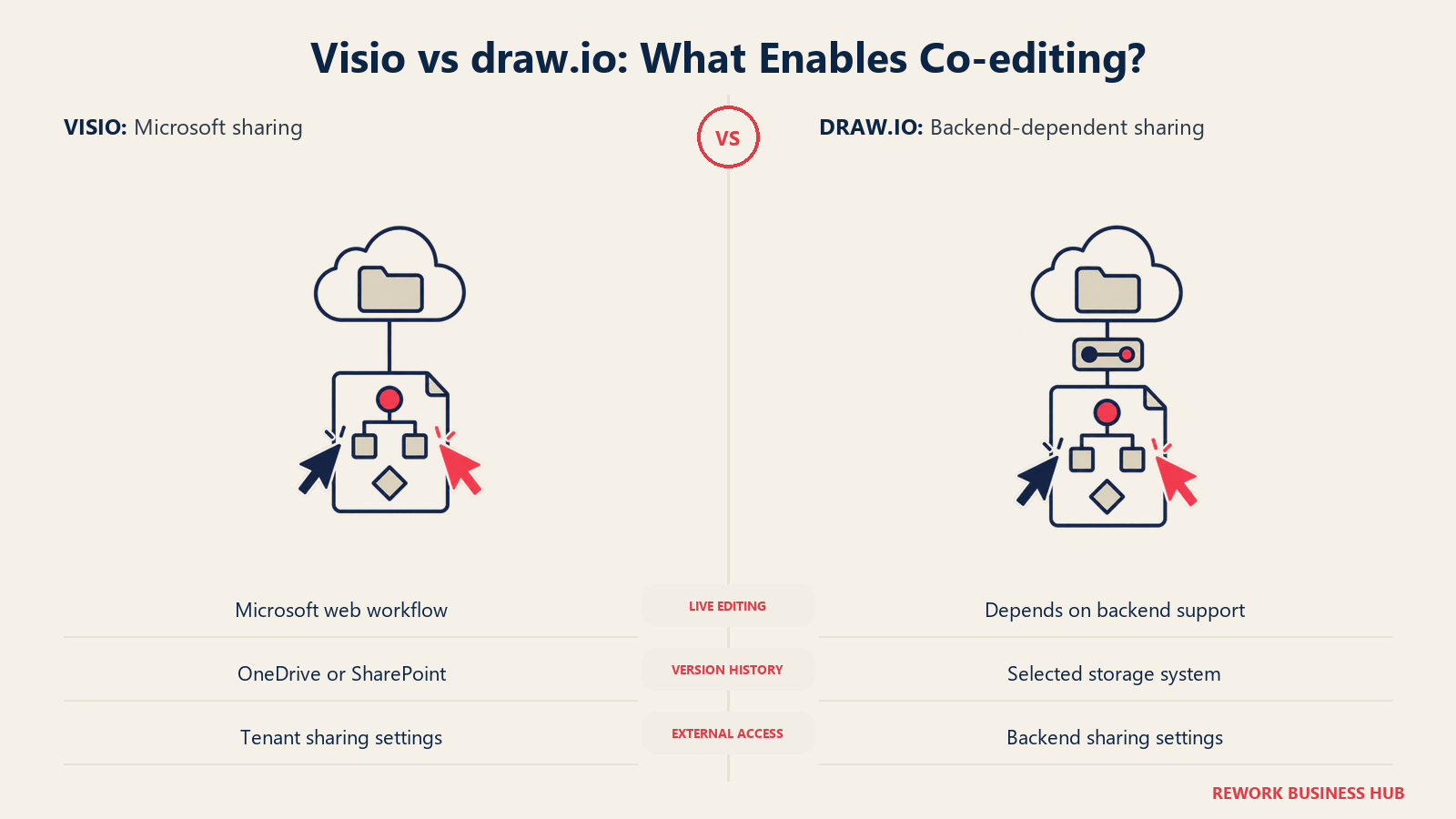
Visio's real-time editing is consistent because it only has one storage story to support: Microsoft 365. draw.io's real-time editing depends on which backend you picked in the previous section, which means the collaboration experience isn't a single answer the way it is for Visio.
| Collaboration factor | Visio | draw.io |
|---|---|---|
| Real-time co-editing | Yes, consistently, across Plan 1, Plan 2 and the web app, since all storage runs through Microsoft 365 | Depends on the storage backend; works well with Google Drive and OneDrive connections, less consistently with local files or some self-hosted setups |
| Comments and annotations | Yes, native | Yes, native |
| Presence indicators (who's viewing or editing) | Yes | Yes, when connected to a backend that supports it |
| Version history | Managed through OneDrive or SharePoint version history | Managed by whichever storage backend you're using, so Google Drive or GitHub version history applies |
| Sharing a diagram with someone outside the company | Requires a Microsoft 365 guest access setup or exporting the file | Straightforward if the storage backend supports external sharing, such as a Google Drive link |
| Simultaneous multi-user editing at scale | Built for it, given Microsoft 365's infrastructure | Works, but performance and consistency depend on the backend chosen |
Visio's collaboration story is boring in the best way: one path, hardened over years. draw.io's is genuinely good but not uniform, since it inherits whatever backend a team connects, smooth on Google Drive, thin on local files only. That's the direct tradeoff for the storage flexibility behind draw.io's security argument above.
Integrations
| Integration | Visio | draw.io |
|---|---|---|
| Microsoft 365 (Teams, SharePoint, OneDrive) | Native, deep, this is the home platform | Supported as one of several storage backend options |
| Google Workspace | Not native | Native, one of the most commonly used backends |
| Atlassian (Confluence, Jira) | Not native | Native, plus the dedicated paid Marketplace apps for embedded editing |
| GitHub and GitLab | Not native | Native, useful for teams that want architecture diagrams versioned alongside code |
| VS Code | Not native | Native extension available |
| Notion | Not native | Native |
| Power BI, Excel data connectivity | Yes, on Visio Professional, this is the data-linked shapes feature | No equivalent |
| Third-party app marketplace or ecosystem | Limited, mostly through the broader Microsoft 365 ecosystem | Present through Atlassian Marketplace for the paid Confluence and Jira apps |
Visio integrates deeply with exactly one ecosystem and nothing else. draw.io integrates lightly but broadly across whatever your team actually uses. A pure Microsoft 365 shop loses nothing from Visio's narrowness; a mixed stack, Atlassian for engineering, GitHub everywhere else, fits draw.io's breadth better.
Offline and Desktop Use
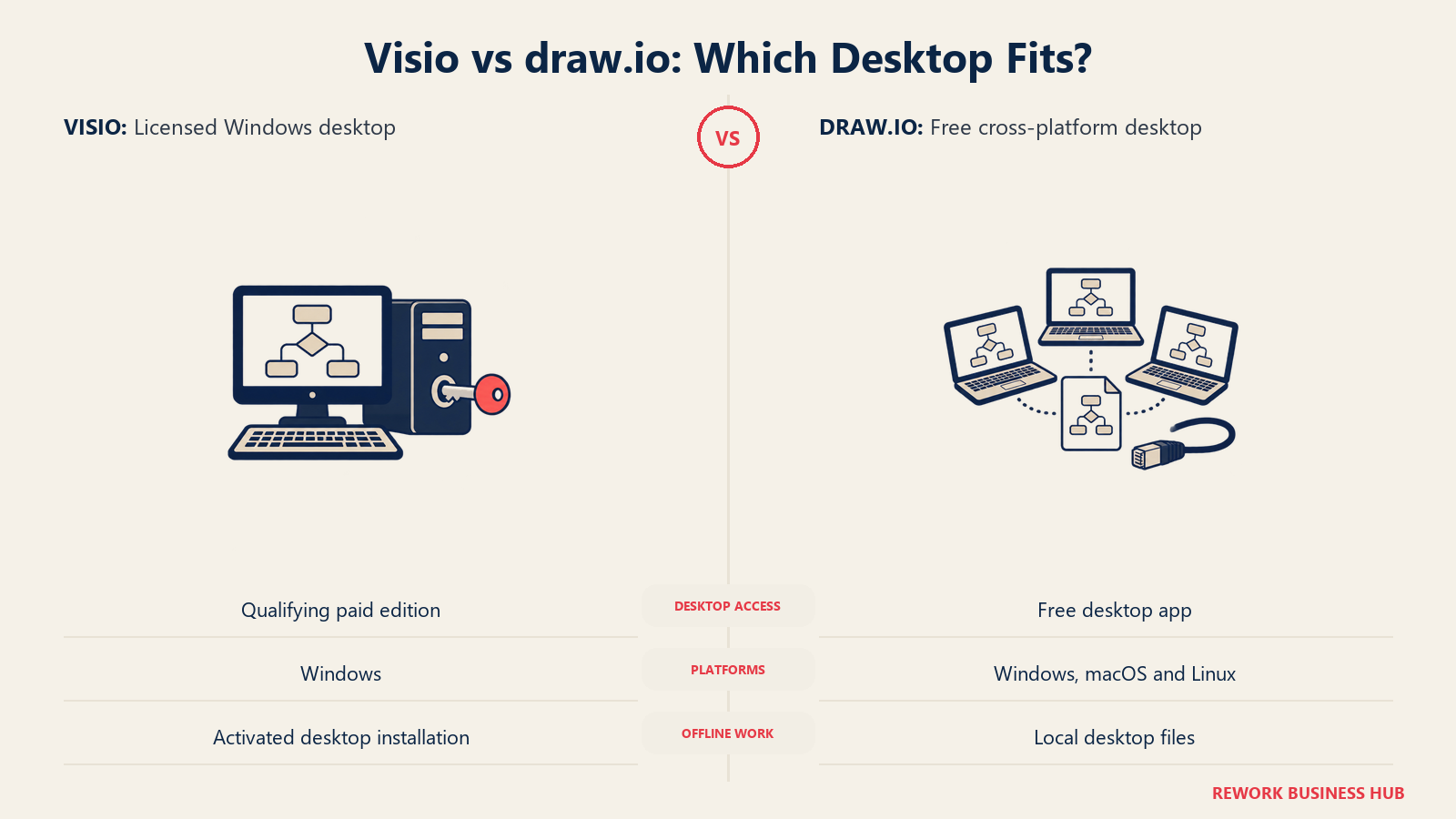
Visio desktop requires a qualifying Windows license; draw.io desktop supports several operating systems.
| Factor | Visio | draw.io |
|---|---|---|
| Free desktop app available | No, the desktop app requires Plan 2 ($15.00 user/month) or a perpetual license | Yes, free, from get.diagrams.net |
| Works fully offline | Yes, once installed, with a Microsoft 365 or perpetual license activated | Yes, the desktop app has no network dependency at all |
| Web app works offline | No, Visio's web and Teams apps require a connection | Partial; app.diagrams.net needs a connection to load initially, but local-file workflows in the desktop app don't |
| Installing without IT approval or procurement | Unlikely, since even Plan 1 requires an admin to assign a Microsoft 365 license | Yes, anyone can download the desktop app or open the web app immediately |
| Platform support | Windows and web; the desktop app is Windows-only | Windows, macOS and Linux, plus the web app on any modern browser |
draw.io's desktop app is free on every platform, including macOS and Linux, where Visio's desktop app doesn't exist at all. A mixed-OS team gets a consistent tool with draw.io in a way Visio's Windows-only desktop app can't match.
Governance, Admin and Support
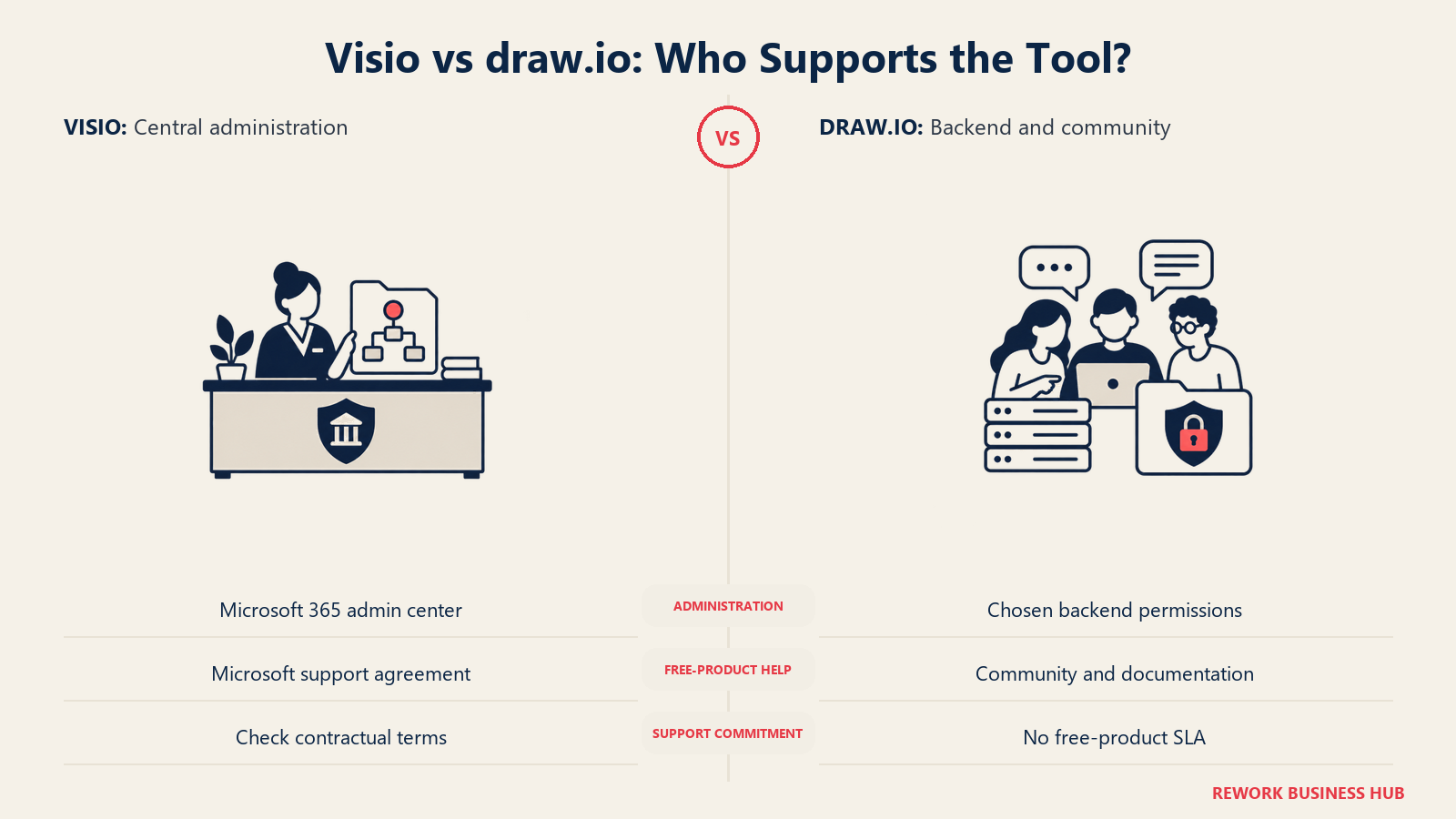
Governance and support are the same story told twice: Visio's is easy because there's only one path to govern, and draw.io's is only as tight as the policy a company builds around it, since the free product issues no license to revoke and no phone line to call.
| Area | Visio | draw.io |
|---|---|---|
| Central license management | Yes, through the Microsoft 365 admin center | No equivalent for the free product; nothing to assign or revoke |
| Usage auditing | Inherited from Microsoft 365's admin and compliance tooling | Inherited entirely from whichever storage backend is in use |
| Role-based access control | Managed through Microsoft 365 permissions on the file's location | Managed through whichever backend's own permission system applies |
| Ease of a security review | Rides on an existing Microsoft 365 review your team has likely already completed | Requires reviewing the open source editor plus whatever backend you connect |
| Who you call when it breaks | Microsoft support, through your Microsoft 365 support agreement | Community forums, GitHub issues and documentation; no vendor phone line on the free product |
| Documented SLA | Yes, as part of Microsoft 365's enterprise support tiers | None on the free product; available for the paid Confluence and Jira apps through Atlassian Marketplace vendor support |
| Who fixes a bug you find | Microsoft's engineering team, on Microsoft's release schedule | Anyone can file or fix an issue in the open source repository, with no contractual timeline for when it lands |
If your team needs a guaranteed response time written into a contract, that's a real, specific thing Visio has and draw.io's free product doesn't. draw.io's community support is genuinely good in practice, just not contract-quality.
AI Features in 2026
This is the one place the free tool is ahead, worth stating plainly since it cuts against the pattern everywhere else here. draw.io ships a native Generate tool, a toolbar button that turns a written description into a diagram, choosing automatically between multiple AI generators for a flowchart, infrastructure diagram, UML sketch or Mermaid-syntax output like a Gantt chart, according to draw.io's own documentation. It works in the web editor, the desktop app, and inside the paid Confluence and Jira apps.
Visio has no equivalent shipped feature. Microsoft's own Visio product page describes core diagramming and collaboration with no mention of AI-powered diagram creation, and Microsoft has confirmed on its own Q&A support forum that Copilot is not currently integrated into Visio. The suggested workaround is using Microsoft 365 Copilot alongside Visio to draft content a person then turns into a diagram by hand, not a direct generate-the-diagram feature the way draw.io's tool works.
| AI capability | Visio | draw.io |
|---|---|---|
| Native text-to-diagram generation | Not shipped | Yes, the Generate tool, built into the toolbar |
| Diagram types AI can generate | Not applicable | Flowcharts, UML, ERD, infrastructure diagrams, UI mock-ups, Mermaid-syntax diagrams like Gantt charts |
| Where it runs | Not applicable | Web editor, desktop app, and the paid Confluence and Jira apps |
| Underlying AI models | Not applicable | Multiple AI generators, selected automatically based on the query, per draw.io's documentation |
| Broader Microsoft 365 Copilot access | Available as a separate product, not integrated into Visio itself | Not applicable |
| Cost of the AI feature | Not applicable | No published credit system or extra charge noted in draw.io's own documentation |
If AI-assisted diagram generation is a real requirement rather than a nice-to-have, this section alone is worth weighing heavily. It's the rare case here where paying more doesn't currently buy you more.
When Visio Is the Right Call
- You need data-linked shapes that auto-refresh from Excel, Power BI or another data source. This is the single feature draw.io has no answer for, and it's the real justification for paying for Visio Professional specifically.
- You need dedicated, purpose-built depth in BPMN 2.0, UML, ERD or P&ID diagrams, and your team already trusts Microsoft's shape libraries over general-purpose ones.
- Your company is already deep in Microsoft's compliance ecosystem, and inheriting Visio's storage and governance model from an existing Microsoft 365 agreement is simpler than standing up a separate review for a new tool.
- You need a guaranteed support SLA, not community-quality support, for a tool your team depends on daily.
- Your company already has Microsoft 365 commercial seats and hasn't checked what the free web app can already do. This is the case that gets skipped most often: before paying anything, confirm whether Visio in Microsoft 365 already covers your actual need.
When draw.io Is the Right Call
- You want a genuinely free tool with zero procurement process. No license to request, no admin to assign a seat, no budget line to justify.
- Your team is on Mac or Linux and doesn't want to be limited to a browser-only Visio experience. draw.io's desktop app runs natively on every major OS; Visio's does not.
- Your data governance requirement is that diagram content never touches a vendor's own servers. draw.io's client-side editor sends your content straight to the storage backend you choose, not to draw.io itself, which is a genuinely stronger starting position for regulated or security-conscious teams.
- Your stack is mixed rather than Microsoft-only and you'd rather have one diagramming tool that plugs into Google Workspace, Atlassian, GitHub and Notion equally well than force everyone onto Microsoft 365 just to get a diagram tool.
- You want AI-assisted diagram generation today, not eventually. draw.io's Generate tool ships now; Visio has no equivalent yet.
Neither felt like a fit? Our roundup of Lucidchart alternatives covers a third option that sits between these two on price and depth.
Decision Framework
| If you are... | Pick |
|---|---|
| Already on Microsoft 365 commercial and haven't checked what the free web app covers | Check Visio in Microsoft 365 first, before pricing anything else |
| Needing data-linked shapes that auto-refresh from a live data source | Visio Professional 2024 or Plan 2 |
| Needing dedicated BPMN 2.0, UML, ERD or P&ID shape sets with vendor support behind them | Visio Professional |
| Running a mixed stack across Google Workspace, Atlassian and GitHub | draw.io |
| On Mac or Linux and want a native desktop app | draw.io |
| Required to keep diagram data off any vendor's own servers | draw.io, since the editor never touches draw.io's infrastructure |
| Wanting AI-generated diagrams from a text prompt today | draw.io, its Generate tool ships now; Visio has no equivalent yet |
| Planning to keep the same tool for 4-plus years and comfortable losing continuous updates | A Visio perpetual license, once it clears the break-even point against the matching subscription |
| Needing a guaranteed support SLA in a contract | Visio, through your Microsoft 365 support agreement |
| Embedding diagramming directly inside Confluence or Jira pages | draw.io's Confluence or Jira Marketplace app |
The short version. This was never really a "which is better" question. Visio is four products sold under one name, and the right one depends on whether you need data-linked shapes and deep technical shape libraries badly enough to pay for them, or whether the free web app buried in a Microsoft 365 plan you already have covers the job. draw.io is free forever with no asterisk on the core product, and its real cost, if any, shows up only in Confluence and Jira embedding or the admin time it takes to choose a storage backend well. Answer "do we already have Microsoft 365, and do we need data-linked shapes" first, and the rest resolves quickly.
What to Do Next
Before you price anything, check whether your company already has Microsoft 365 commercial and open the Visio web app inside it. A surprising share of the "which one do we buy" conversation disappears once someone looks at what's already included. If it isn't enough, or there's no Microsoft 365 footprint at all, open app.diagrams.net and build your most complex real diagram in it, not a demo one, before deciding you need to pay for anything.
Frequently Asked Questions about Visio vs draw.io
Is Visio really $5 a month?
Only for Visio Plan 1, and only if you pay yearly, which comes out to $5.00 user/month. That tier has no desktop app at all, just the web and Teams apps. If you need the full desktop application, you need Plan 2 at $15.00 user/month or one of the perpetual licenses instead.
Is draw.io actually free, or is there a catch?
The core product, both the web app at app.diagrams.net and the desktop app, is free forever with no sign-up required and no feature gate. The only paid parts are the separate Confluence and Jira Marketplace apps, which most teams never touch unless they specifically want diagramming embedded inside those tools.
Can I open a Visio file in draw.io, or a draw.io file in Visio?
draw.io opens and edits most .vsdx files natively and can export back to .vsdx, so moving from Visio to draw.io is generally low friction for standard diagrams. Visio has no native import for draw.io's own file format, so that direction only works by exporting from draw.io as .vsdx first.
What's the difference between draw.io and diagrams.net?
Nothing functionally. They're the same product under two domains: drawio.com is the marketing site, app.diagrams.net is where the editor runs, and get.diagrams.net hosts the desktop downloads. Neither replaced the other; both names are used interchangeably in documentation and by the community.
Does Visio have a completely free version?
Yes, Visio in Microsoft 365, a lightweight web and Teams app included at no extra charge with any Microsoft 365 commercial plan. It's not a separate free tier you sign up for; it's already included if your company has Microsoft 365, and a lot of teams don't realize they have access to it.
Which tool is better for BPMN 2.0 diagrams?
Visio Professional 2024 or Plan 2 ships a native, dedicated BPMN 2.0 shape library as a paid feature. draw.io can diagram BPMN-style flows using its general shape libraries, but it doesn't offer the same purpose-built BPMN 2.0 notation set. For teams whose BPMN accuracy matters for compliance or handoff to a BPM engine, that gap favors Visio Professional specifically.
Is draw.io secure enough for a regulated industry?
draw.io's editor doesn't transmit your diagram content to its own servers by design; data goes directly to whichever storage backend you choose, whether that's local disk, a self-hosted instance, or a cloud provider your company already trusts. That architecture is genuinely strong for data residency and governance, though the overall security posture still depends on which backend you pick and how well your company manages it.
Should I buy a perpetual Visio license or subscribe?
It depends on how long you'll keep using it. Visio Professional 2024's $579.99 one-time cost equals roughly 3.2 years of Visio Plan 2 at $180 a year, and Visio Standard 2024's $309.99 equals roughly 5.2 years of Plan 1. If your team will use the same version for four or five years without needing continuous feature updates, the perpetual license is the cheaper long-run purchase.
Does draw.io have AI-powered diagram generation?
Yes. draw.io ships a native Generate tool that turns a written description into a diagram directly from the toolbar, covering flowcharts, UML, infrastructure diagrams, UI mock-ups and Mermaid-syntax diagrams. Visio has no equivalent shipped feature; Microsoft has confirmed on its own support forum that Copilot is not currently integrated into Visio.

Customer Success Operations Manager
On this page
- TL;DR
- Key Facts
- Who Each Tool Is Really For
- The Four Visio Products, Decoded
- draw.io: What "Free Forever" Actually Includes
- Total Cost at 10, 25 and 100 Users
- Where draw.io's Cost Is Genuinely Zero, and Where It Isn't
- Diagram Types and Shape Library Depth
- .vsdx Compatibility: The Real Switching Cost
- Storage, Security and Data Residency
- Collaboration and Real-Time Editing
- Integrations
- Offline and Desktop Use
- Governance, Admin and Support
- AI Features in 2026
- When Visio Is the Right Call
- When draw.io Is the Right Call
- Decision Framework
- What to Do Next