Square Appointments vs Zoho Bookings vs Doodle: Which One Actually Solves Your Booking Job in 2026?
Turn this article into takeaways for your work.


Each assistant summarizes the article only for you and suggests best practices for your work.
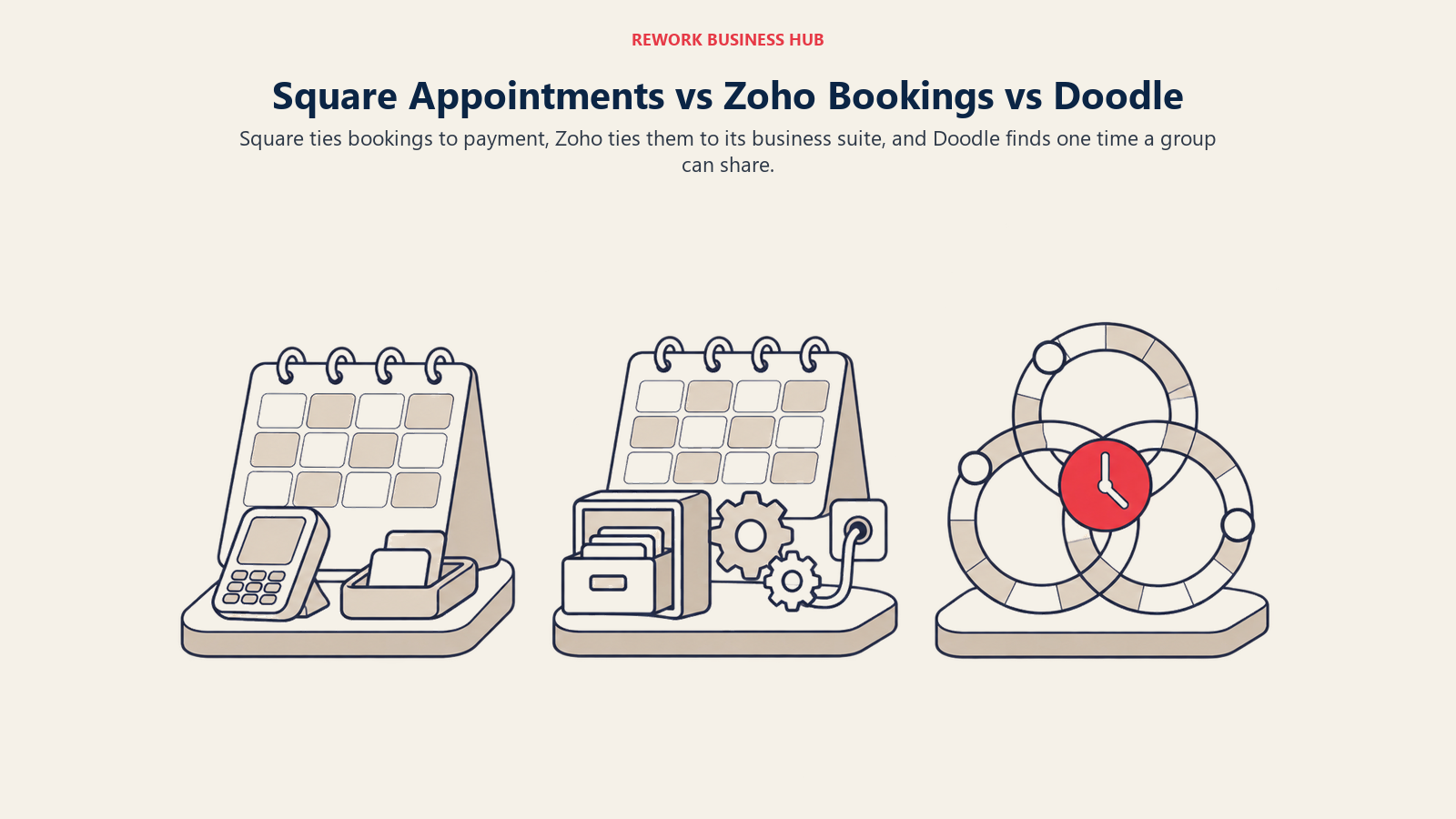
Square Appointments, Zoho Bookings, and Doodle all turn up in the same search results for "appointment scheduling software," and that's close to the only thing they have in common. Line them up on a feature grid and the comparison looks reasonable. Line them up against the businesses that actually use them and it stops making sense fast: a barbershop running Square Appointments has nothing in common with an executive assistant running Doodle to find a time nine people can all make, and neither one is shopping for what a Zoho Bookings buyer actually wants.
This guide is for owners, ops leads, and office managers trying to figure out which of these three fits the job in front of them, not which one wins a hypothetical bake-off. Square Appointments is a booking calendar bolted onto a payments business, free at the entry tier because Square makes money on card processing, not the calendar, and built for a service business that takes money the moment it delivers the service. Zoho Bookings is the cheap, deeply configurable option that mostly makes sense if you're already inside the Zoho ecosystem, since it inherits CRM syncing, workflows, and the rest of the suite for a few dollars a seat. Doodle isn't really appointment software in the same sense at all. It's group poll scheduling first, built to find one time that works across several people's calendars, and it only competes with tools like Calendly at the edges, through a 1:1 booking page that reads like it was added second. Be honest about which job you have before comparing a single price: a salon owner evaluating Doodle is wasting an afternoon, and a person scheduling a nine-person committee meeting has no business paying for Square. Every price below comes from each vendor's own pricing page.
TL;DR
| Square Appointments | Zoho Bookings | Doodle | |
|---|---|---|---|
| Built for | Service businesses taking payment at the appointment | Teams already in, or open to, the Zoho ecosystem | Finding a time that works across a group, plus basic 1:1 booking |
| Pricing unit | Per location, staff calendars are unlimited | Per user | Per seat |
| Free plan | Yes, $0/month per location, but card processing runs 2.6% + 15 cents in person and 3.3% + 30 cents online | Yes, 1 user, 1 event type, 1 calendar sync | Yes, 1 group poll, 1 booking page, 1 one-to-one link |
| Entry paid tier | Plus, $49/month per location, processing drops to 2.5% + 15 cents in person, 2.9% + 30 cents online | Basic, $6/user/month billed annually ($8 monthly) | Pro, $11/seat/month billed annually, built for one person |
| What "a booking" means | An appointment tied to a service, a staff member, and usually a card | A meeting or appointment, optionally tied to a Zoho CRM contact | The output of a poll, or a simple 1:1 slot |
| Team scaling | Flat per location, not per staff member | Linear, price times number of users | Linear, price times number of seats, 2-seat minimum on Team |
| Payments built in | Yes, native POS and card processing | Payment providers as an integration on Premium | No |
| Best for | Salons, clinics, studios, and shops taking payment at booking | Businesses already running Zoho CRM, Zoho Desk, or Zoho One | Coordinating a meeting across several people's calendars |
Key Facts
- The global appointment scheduling software market was valued at $546.1 million in 2025 and is projected to reach $1,905.90 million by 2034, a 14.70% CAGR, according to Fortune Business Insights.
- Square's own Appointments pricing page shows its Free tier carries the highest card processing rates of any of its three plans: 2.6% plus 15 cents in person and 3.3% plus 30 cents online, both higher than Plus or Premium, per Square's Appointments pricing page.
- Nearly 70% of consumers say they'd choose to book online if given the choice, and 94% said they'd be more likely to pick a new service provider that offered online booking, per a GetApp survey of 217 US consumers (2021).
- A 2025 study in Frontiers in Digital Health found online booking cut no-shows in a private medical practice (1.8% online versus 5.9% offline) but the effect reversed at a university hospital (14.3% online versus 11.2% offline), per PMC, a reminder that how a tool is configured matters more than which vendor's name is on it.
- 30% of meetings now span multiple time zones, up 8 percentage points since 2021, according to Microsoft's 2025 Work Trend Index, close to the exact coordination problem Doodle's group polls were built to solve.
What Each Tool Is Actually Built For
Square Appointments exists because Square is a payments company first. The calendar is the wedge that gets a service business processing cards through Square, not a standalone product competing to be the best booking page on the market. That's why the free tier is genuinely free and still includes unlimited staff calendars: Square would rather have your transaction volume than your subscription fee.
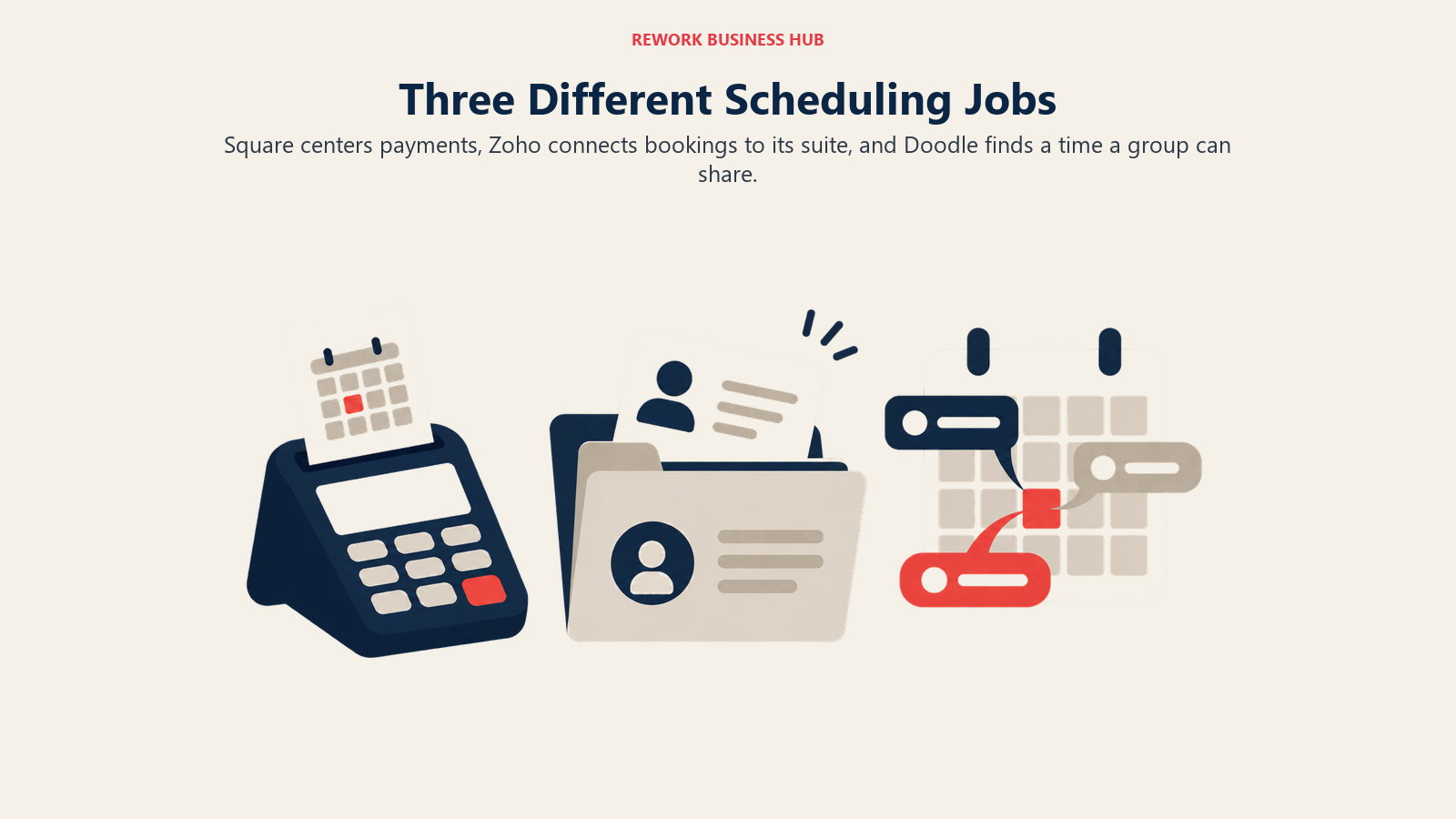
Zoho Bookings exists as one piece of a much bigger suite. On its own, it's a competent, affordably priced booking tool. Wired into Zoho CRM, Zoho Desk, or Zoho One, it becomes the scheduling layer for a business already running sales and support through Zoho, the actual reason most buyers pick it over a standalone tool.
Doodle solves a problem the other two don't touch: getting a group of people, not a client and a provider, to agree on a time. The group poll, where everyone marks the times that work and Doodle finds the overlap, is still the product's core identity. A 1:1 booking page and basic sign-up sheets sit alongside it, a second capability layered onto a polling tool, not the other way around.
| Square Appointments | Zoho Bookings | Doodle | |
|---|---|---|---|
| Ideal buyer | Solo to multi-staff service business already processing cards | Any business already using or evaluating Zoho CRM, Desk, or One | Anyone who regularly needs a time several people agree on |
| Team shape | Staff calendars under one location, unlimited even on Free | Individual users, optionally grouped into workspaces | Individuals, or teams of 2 or more on the Team tier |
| Revenue model fit | Transaction-based: a paid appointment, a card swipe | Time-based or transaction-based, depending on what's booked | Neither; the product doesn't touch payment at all |
| Where it plugs into the stack | Often is the point-of-sale and the booking page at once | Slots into the Zoho suite if you already run it | Stands alone, ahead of whatever tool runs the actual meeting |
| Typical business | Barbershop, spa, tutor, repair shop, clinic | Zoho CRM users of any size, or price-sensitive solo bookers | Executive assistants, recruiters, consultants coordinating groups |
If your team confuses any of this with staff shift scheduling, that's a different category entirely. Assigning employees to work blocks is covered in our best employee scheduling software guide, not here.
Decision by Business Goal
| Your goal | Best fit |
|---|---|
| I take payment the moment I deliver the service | Square Appointments |
| I need deposits or no-show fees enforced automatically | Square Appointments, Plus tier and up |
| I already run Zoho CRM and want booking on the same bill | Zoho Bookings |
| I want the cheapest paid multi-user booking tool that still has real features | Zoho Bookings, Basic tier |
| I need to find one time that works across nine people's calendars | Doodle |
| I run occasional 1:1 meetings and don't want a full booking website | Doodle Pro, or a dedicated meeting tool |
| I'm weighing all of these against a wider field | See the best appointment scheduling software roundup |
Team and Role Fit
| Team / role | Square Appointments | Zoho Bookings | Doodle |
|---|---|---|---|
| Solo stylist, tutor, or therapist | Strong, Free tier covers a single calendar | Strong, Free tier covers 1 user | Strong for occasional 1:1s, weak for a real booking practice |
| Multi-provider salon or clinic | Strong, staff calendars are unlimited even on Free, Plus unlocks client staff picking | Moderate, works but has no payments or packages | Weak, not built for client-facing service booking |
| Sales or business development team | Weak, no routing or CRM tie-in | Moderate, round-robin distribution plus Zoho CRM sync on Premium | Weak, no routing logic at all |
| Executive assistant or recruiter | Weak, wrong job entirely | Weak | Strong, this is exactly what group polls solve |
| Office manager running day-to-day booking | Strong | Strong | Moderate, better for occasional coordination than daily bookings |
Speed matters here too: contacting a lead within 5 minutes instead of 30 raises the odds of qualifying it by 21 times, per the Lead Response Management study, and firms that respond within an hour are nearly 7 times more likely to qualify a lead than those that wait, per Harvard Business Review, worth remembering when weighing Zoho Bookings' round-robin distribution against a standalone router. Our lead response time guide covers why.
Pricing at 1, 5, and 15 Staff
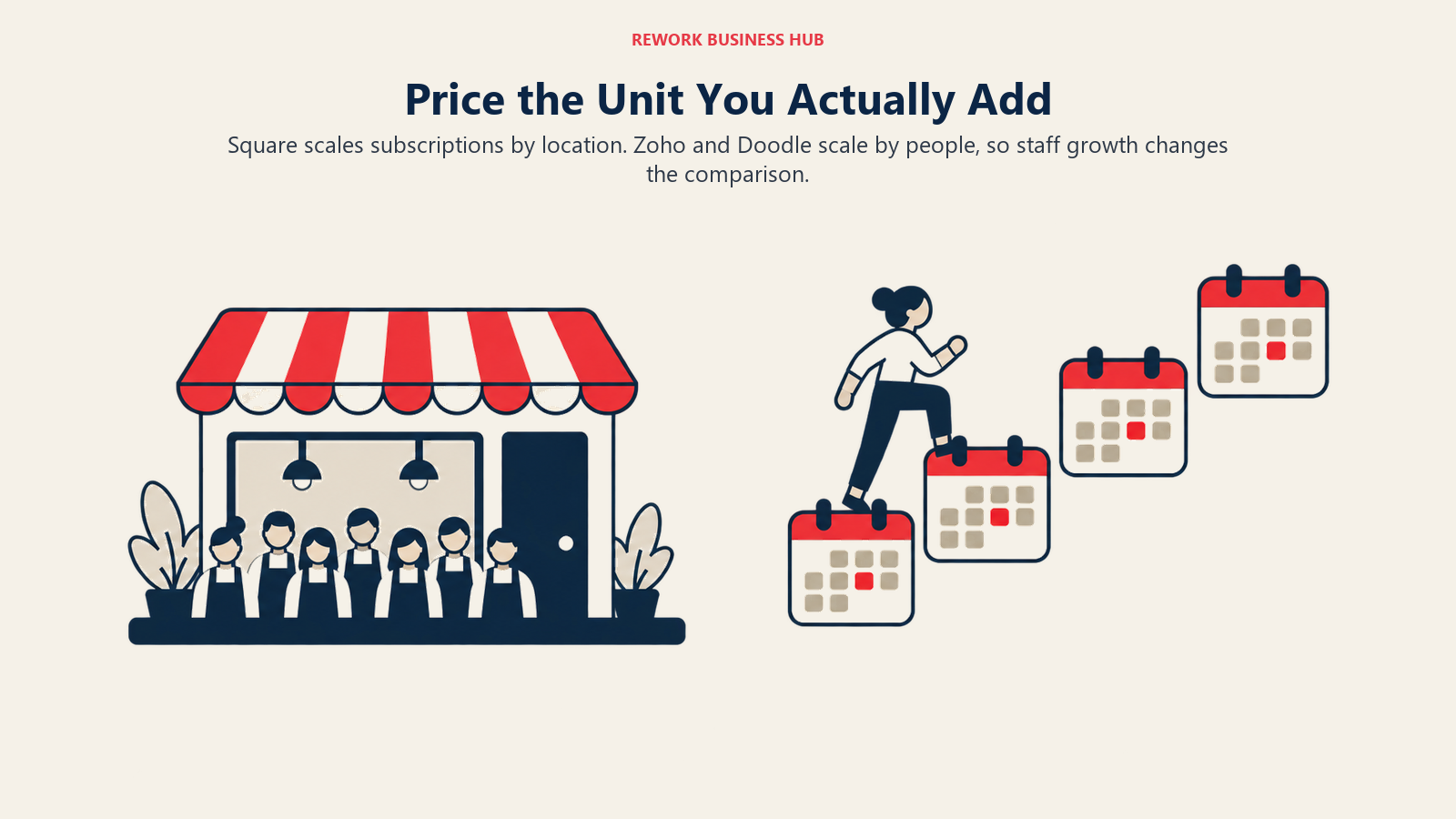
These three don't price on the same unit, and that's the first thing to sort out before comparing a single dollar figure. Square Appointments charges per location, not per staff member, so the subscription price is identical whether one person or fifteen people work out of that location. Zoho Bookings and Doodle both charge per person, so their cost climbs in a straight line as headcount grows. That difference alone can flip which tool is cheapest, depending on how many people you're actually booking for and how many locations they work out of.
Square Appointments, per Square's Appointments pricing page: Free is $0 per month per location, with unlimited staff calendars, an online booking site, and appointment reminders included, but the highest processing rates of the three tiers. Plus is $49 per month per location, with a 30-day free trial, and adds a cancellation policy with no-show fees, multi-staff appointment booking, and a waitlist. Premium is $149 per month per location, also with a 30-day trial, and adds a future bookings report, service cost tracking, and resource management. None of the three change price as staff are added to the same location. Square Pro, custom priced above $250,000 a year in volume, is the only tier that scales with volume rather than a flat fee.
Zoho Bookings, per Zoho's Bookings pricing page: the Forever Free plan covers 1 user, 1 event type, and 1 calendar sync, no card required. Basic is $6 per user per month billed annually ($8 monthly), covering multi-schedules, round-robin distribution, a customer portal, and basic booking types across 1 workspace. Premium is $9 per user per month billed annually ($12 monthly), the tier Zoho's own page labels "Most Popular," and adds routing forms, custom email and SMS workflows, white labeling, a custom domain, and native Zoho CRM syncing across 3 included workspaces. Local VAT, GST, and similar taxes are charged on top of both figures.
Doodle, per Doodle's pricing page: Free covers 1 group poll, 1 booking page, 1 one-to-one link, and basic sign-up sheets. Pro is $11 per seat per month billed annually, aimed squarely at a single freelancer or consultant rather than a team. Team is $16 per seat per month billed annually, built for 2 or more people and adding an admin console, roles and permissions, and the ability to get paid through Stripe; Doodle's own site notes its sales team handles purchases of 25 or more seats. Enterprise starts at $15,000 a year for organizations of 50 or more employees.
| Team size | Square Appointments (per location) | Zoho Bookings (per user) | Doodle (per seat) |
|---|---|---|---|
| 1 | Free: $0/year. Plus, if you need no-show fees: $588/year | Free: $0/year. Basic, if you need round-robin: $72/year | Free: $0/year. Pro, for unlimited polls: $132/year |
| 5 | Same $0 to $1,788/year, the location price does not move | Basic: 5 x $72 = $360/year. Premium: 5 x $108 = $540/year | Team (2-seat minimum): 5 x $192 = $960/year |
| 15 | Same $0 to $1,788/year, the location price still does not move | Basic: 15 x $72 = $1,080/year. Premium: 15 x $108 = $1,620/year | Team: 15 x $192 = $2,880/year, still under the 25-seat self-serve ceiling |
Read the 15-staff row carefully. Square Premium runs $1,788 a year regardless of headcount, since it's licensed to the location, not the people in it. Zoho Bookings Premium, priced per user, lands close behind at $1,620 a year for the same fifteen people, and Zoho Basic undercuts both at $1,080. Doodle Team, at $2,880 a year for fifteen seats, is the most expensive of the three at this headcount, since it was never built to be a service business's primary booking tool. None of this is apples to apples: Square's price includes card processing, and Zoho and Doodle don't process payments at all, so a business needing both has to add a separate processor's fees on top of either one.
| Square tier | Monthly price | Card-present rate | Online rate | Unlocks |
|---|---|---|---|---|
| Free | $0/location | 2.6% + 15 cents | 3.3% + 30 cents | Online booking site, appointment reminders, unlimited staff calendars |
| Plus | $49/location | 2.5% + 15 cents | 2.9% + 30 cents | Cancellation policy and no-show fees, multi-staff appointment booking, waitlist |
| Premium | $149/location | 2.4% + 15 cents | 2.9% + 30 cents | Future bookings report, service cost tracking, resource management |
| Square Pro | Custom | Custom | Custom | For businesses processing over $250,000/year |
This is the detail that makes Square's free plan misleading if you stop reading at "$0 a month." Free doesn't just skip the feature set of Plus and Premium, it also carries the highest card processing rate of the three, both in person and online. Run $10,000 a month through online bookings at Free's 3.3% plus 30 cents and you'd pay roughly $330 in processing before a subscription dollar changes hands; the same volume on Plus's 2.9% plus 30 cents runs closer to $290. That $40 gap doesn't fully cover Plus's $49 fee on its own, so the honest reason to upgrade off Free is the no-show fees, multi-staff booking, and waitlist it unlocks, not the rate alone. But "free" was never really free once a card gets swiped, and that's the most misleading thing about this whole category.
Booking Pages, Payments, and Where Each One Actually Connects
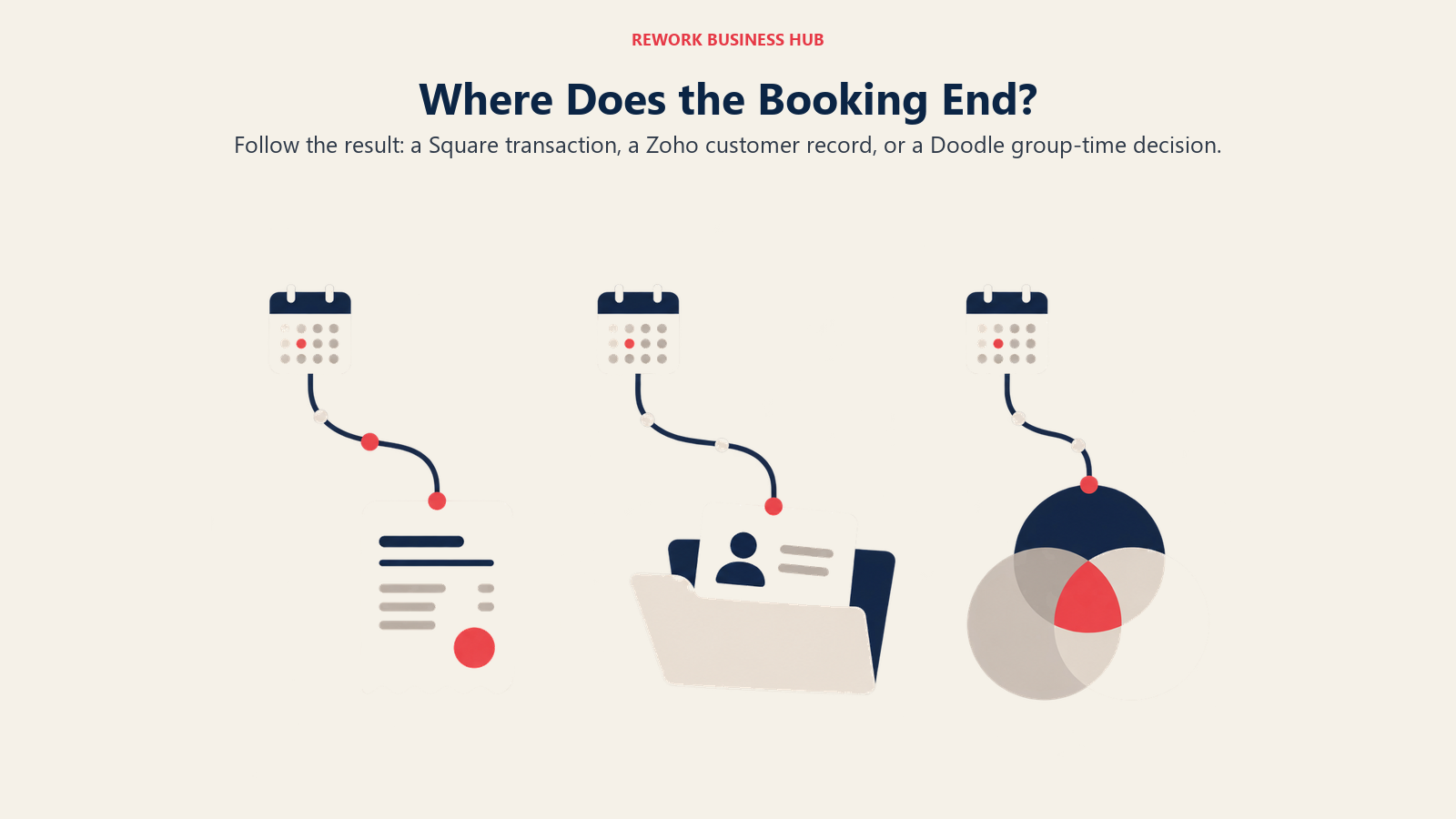
A Square Appointments booking page is built to end at a transaction: a client picks a service, a staff member, a time, and often pays or leaves a card on file right there. A Zoho Bookings page is built to end at a record inside the Zoho suite, a contact synced to Zoho CRM if you're running it, or just a confirmed appointment if you're not. A Doodle page, or more often a Doodle poll, is built to end at a decision: which time works for the most people, with no payment or CRM step anywhere in the flow.
| Capability | Square Appointments | Zoho Bookings | Doodle |
|---|---|---|---|
| Take payment at booking | Yes, native card processing built in | Payment providers available as an integration on Premium | No |
| Deposits and no-show fees | Yes, from Plus and up | Not a native concept | Not offered |
| Point of sale | Yes, native | No | No |
| Multiple staff calendars | Unlimited, even on Free | Yes, one per user | Not applicable, seats aren't staff calendars |
| Group or resource bookings | No | Yes, on Premium, resources are a separate paid add-on | Group polls, not resource booking |
| Group availability polling | No | No | Yes, the product's core feature |
| CRM tie-in | Its own payment and customer record only | Native Zoho CRM sync on Premium | None |
| Custom domain / white labeling | No | Premium only | Not offered |
| Round-robin distribution | No | Yes, Basic and up | No |
That CRM tie-in row is worth sitting with if a wider CRM decision is also on your plate. Zoho Bookings' native sync only pays off if you're actually running Zoho CRM or evaluating it seriously; bought alone, that row is a feature you're not using. If a CRM decision is still open, our best CRM software roundup covers that separately.
Implementation and Change Management
| Factor | Square Appointments | Zoho Bookings | Doodle |
|---|---|---|---|
| First working booking page | Minutes on Free, once a payments account is verified | Minutes on Free | Minutes on Free |
| Heaviest setup work | Service list, staff calendars, no-show and deposit rules on Plus | Workspace and workflow setup, CRM sync if pairing with Zoho CRM | Getting participants to actually respond to the poll |
| Who owns setup | Business owner or office manager | IT or ops admin, especially when wiring in Zoho CRM | Whoever is organizing the meeting, no admin layer needed |
| Ongoing maintenance | Service pricing and staff calendars change as the business does | Workflow and integration upkeep, heavier on Premium | Minimal, most polls are one-off |
| Client-facing risk if rushed | Wrong service pricing, no-show fees not enforced | Missing workflow triggers, CRM sync gaps | A poll nobody answers, not a data problem |
Square's setup work is the heaviest of the three because it's standing up real business logic, pricing, staff assignment, payment rules, not just a calendar link. Zoho's scales with how deep you go into the wider suite. Doodle's only real setup is getting people to respond, a coordination problem, not a configuration one.
Risk and Governance
| Risk factor | Square Appointments | Zoho Bookings | Doodle |
|---|---|---|---|
| Billing currency | USD, billed per location | USD, plus local VAT, GST, and similar taxes added on top | USD, billed per seat |
| Self-serve ceiling | Square Pro requires $250,000+ in annual volume to negotiate custom pricing | No stated seat ceiling on Premium | Doodle's own sales team handles purchases of 25 or more seats |
| Vendor lock-in | Tied to Square's own card processing rates | Deep tie-in to the wider Zoho suite once adopted | Low, group polls don't hold ongoing business data |
| Data the tool actually holds | Payment and appointment records | Contact and booking data, synced to Zoho CRM on Premium | Poll responses and calendar availability only |
| Price change exposure | Processing rates are set by Square, not negotiable below Pro | Per-user pricing scales linearly, easy to forecast | Per-seat pricing scales linearly, easy to forecast |
Square holds the most sensitive data of the three, actual payment records, with the least room to negotiate rates below the custom Pro tier. Zoho's risk is an ecosystem risk: the deeper Bookings wires into Zoho CRM, the more a future move away costs in reconfigured workflows, not just dollars. Doodle carries the least lock-in, since it was never meant to hold a relationship's worth of data, just a poll and a calendar slot.
When Square Appointments Is the Right Call
- You take payment at the moment you deliver the service, and want that payment on the same bill as the booking.
- You want booking, card processing, and point of sale under one subscription instead of stitching two vendors together.
- Multiple staff work out of the same location and you'd rather pay by location than watch the bill climb with every hire.
- You've outgrown a plain booking link and need no-show fees, cancellation policies, or a waitlist enforced automatically, not managed by hand.
When Zoho Bookings Is the Right Call
- You already run Zoho CRM, Zoho Desk, or Zoho One, and want booking data flowing into records you already maintain.
- You want the lowest real paid price per person in this comparison, without giving up round-robin distribution or a customer portal.
- You need routing across a staff group and don't want to pay Calendly Teams' per-seat rate just for that one feature.
- Local tax handling and ecosystem depth matter more to you than native payment processing, which Zoho Bookings doesn't offer on its own.
When Doodle Is the Right Call
- Your actual bottleneck is getting several people to agree on one time, not booking a client onto a single calendar.
- You coordinate interviews, committee meetings, or cross-team syncs more often than client appointments.
- You don't take payment through the scheduling tool at all, and never plan to.
- A simple 1:1 booking page is a nice-to-have on top of the polling feature, not the reason you're buying it. If 1:1 meeting booking actually is the main job, our Cal.com vs YouCanBookMe vs Microsoft Bookings comparison covers three tools built for that instead.
Decision Framework
| If this is true for you | Pick |
|---|---|
| You take payment the moment you deliver a service | Square Appointments |
| You need deposits or no-show fees enforced automatically | Square Appointments, Plus tier |
| You already run Zoho CRM or Zoho One | Zoho Bookings |
| You want the lowest real paid price per person in this comparison | Zoho Bookings, Basic tier |
| Your real problem is finding one time across a group's calendars | Doodle |
| You're coordinating meetings, not client appointments | Doodle |
| Staff count matters more to your budget than location count | Zoho Bookings or Doodle over Square |
| Your real need is staff shift scheduling, not client booking | See the employee scheduling software roundup instead |
| None of these three fit | See the best appointment scheduling software guide |
What to Do Next
- Name the job, not the category. "Scheduling software" covers payments-first booking, ecosystem-tied booking, and group coordination. Pick the job before you compare a single price.
- Run the 1/5/15 math above against your real headcount and location count, not the entry price you saw first. Square's flat per-location pricing and Zoho's or Doodle's per-person pricing can flip the ranking depending on how your team is shaped.
- If payments matter, price Square's processing rate at your real monthly volume, not just the $0, $49, or $149 subscription. The card fees are where Square's "free" plan actually costs money.
- If you're already inside Zoho for CRM or support, price Zoho Bookings first. The ecosystem tie-in is the entire value case, and it's worth little outside that ecosystem.
- Trial the free tier that matches your job for two weeks with real bookings, not a test appointment or two, before committing a busy calendar or a client-facing payment flow. For a wider view of the category, the buyer's guide to choosing scheduling software covers the criteria that matter most.
One gap worth naming before you decide: Square ties a booking to a payment, not a customer record. Doodle ties it to nothing beyond the calendar event. Zoho Bookings is the one exception, but only if you're already paying for Zoho CRM. If what you actually need is booking that lands on the same contact record as your pipeline without a specific CRM subscription first, that's a different category. Rework's E-Booking module is built around exactly that link, for teams of roughly 10 to 200 people, priced per organization; see rework.com/pricing. If a booking link or a payments-ready calendar is genuinely all you need, any of the three above will serve you better and cost less.
Frequently Asked Questions about Square Appointments vs Zoho Bookings vs Doodle
Is Square Appointments actually free?
The subscription is free at $0 per month per location, but card processing costs money regardless of tier: 2.6% plus 15 cents in person and 3.3% plus 30 cents online on Free, the highest rates of Square's three plans. Plus and Premium lower those rates while adding a monthly fee, so "free" only describes the subscription, never the cost of getting paid.
How much does Zoho Bookings cost per user?
Basic is $6 per user per month billed annually, or $8 billed monthly. Premium, the tier Zoho's own page labels "Most Popular," is $9 per user per month billed annually, or $12 billed monthly. A Forever Free plan covers 1 user at no cost. Local VAT, GST, and similar taxes are charged in addition to all of these figures.
Can Doodle be used for client-facing service business booking?
Not comfortably. Doodle has no payment processing, deposits, no-show fees, or point of sale, all things Square Appointments and Acuity Scheduling build around. Its strength is group availability polling and simple 1:1 pages, not running a salon, clinic, or studio's client-facing calendar.
Does Zoho Bookings connect to Zoho CRM?
Yes, natively, but only on Premium at $9 per user per month billed annually. Basic includes round-robin distribution across a staff group but not the CRM sync. Outside the Zoho ecosystem, that connection isn't available at any price.
What's the cheapest option for a team of 15 people?
Zoho Bookings Basic, at $6 per user per month billed annually, comes to $1,080 a year for 15 users, the cheapest of the three. Square Premium runs $1,788 a year regardless of headcount, priced per location. Doodle Team, at $16 per seat per month billed annually, costs $2,880 for 15 seats, the most expensive at this size. None of these are apples to apples, since only Square includes payment processing.
Does Square Appointments charge more as I add staff?
No. Square Appointments prices by location, not by staff member, and even the Free tier includes unlimited staff calendars. Adding a second, third, or fifteenth staff member to the same location doesn't change the subscription price, though it can increase total card processing fees if that staff member is taking more payments.
Is Doodle a good Calendly replacement?
Only for a narrow slice of what Calendly does. Doodle's 1:1 page can replace a simple meeting link, but it has no round-robin routing, team event types, or CRM integrations the way Calendly's Teams plan does. Doodle is the stronger tool when the scheduling problem is a group, not a single host and guest.

Principal Product Marketing Strategist
On this page
- TL;DR
- Key Facts
- What Each Tool Is Actually Built For
- Decision by Business Goal
- Team and Role Fit
- Pricing at 1, 5, and 15 Staff
- Booking Pages, Payments, and Where Each One Actually Connects
- Implementation and Change Management
- Risk and Governance
- When Square Appointments Is the Right Call
- When Zoho Bookings Is the Right Call
- When Doodle Is the Right Call
- Decision Framework
- What to Do Next