Stripe Billing vs Billsby vs Salesforce Revenue Cloud: Developer Billing, SMB Plan or Enterprise Quote-to-Cash in 2026?
Turn this article into takeaways for your work.


Each assistant summarizes the article only for you and suggests best practices for your work.
These three rarely lose the same deal to each other, and that's the most useful thing to understand before comparing a single feature. Stripe Billing, Billsby and Salesforce Revenue Cloud are three different amounts of the revenue stack, sold to three different buyers, at three different points in a company's life. Stripe Billing assumes Stripe already processes your payments and lets an engineer build subscription logic on top of that relationship, billed as a percentage of what you invoice. Billsby is the packaged option: a founder or ops generalist, not a developer, configures plans, allowances and dunning through a UI, for a flat monthly fee plus a modest overage. Salesforce Revenue Cloud is the enterprise case: quoting, approvals, contracts, billing and revenue data living inside the same Salesforce org as the CRM, priced per user per month on an annual contract, with an implementation bill that usually dwarfs the license.
The reason this comparison is worth writing anyway is the boundary. Somewhere between a five-figure and a seven-figure billing volume, a real company sits close enough to two of these that the choice actually matters, and that's where percentage-of-volume pricing and per-seat pricing start behaving in opposite directions: one gets more expensive as revenue grows, the other gets more expensive as headcount grows, and a finance team that models only one curve gets blindsided by the other. This article prices all three at $500,000, $5 million and $50 million in annual billing volume from each vendor's own rate card, and settles two things older comparisons get wrong: what Salesforce actually sells today under the Revenue Cloud name, and whether Billsby is still a live, purchasable product. If the billing-engine-versus-merchant-of-record question hasn't been settled yet, the best subscription billing software guide covers that decision across all 15 platforms in this collection first.
Key Facts
- Stripe Billing charges 0.7% of billing volume on its pay-as-you-go plan, with Pay Monthly tiers starting at $620/month for up to $100,000 in volume and scaling to $5,750/month for up to $1,000,000, plus 0.67% on volume above each tier, per Stripe's own Billing pricing page. Card processing (2.9% + 30 cents per charge, or 0.8% for ACH capped at $5) is separate.
- Businesses running on Stripe generated $1.9 trillion in total payment volume in 2025, up 34% from 2024, across more than 5 million businesses, per Stripe's own 2025 annual update.
- Salesforce CPQ, the standalone product Revenue Cloud replaced, reached End of Sale on March 27, 2025: Salesforce no longer sells new CPQ licenses, though existing customers can keep using it, add seats, renew and get support, per Salesforce's own CPQ end-of-sale page.
- Salesforce Revenue Cloud implementation typically runs $20,000 to $50,000 for a small business, $50,000 to $150,000 for a mid-sized company, and $150,000 to $500,000 or more for a large enterprise, before licensing, according to implementation consultancy GetOnCRM (reported, not Salesforce-confirmed) (GetOnCRM).
- Broken order-to-cash processes cost a typical B2B company 3% to 5% of EBITDA, and in the worst cases eat 15% to 20% of revenue, according to McKinsey's order-to-cash optimization research. Billing is one link in that chain, not the whole thing.
TL;DR
| Stripe Billing | Billsby | Salesforce Revenue Cloud | |
|---|---|---|---|
| What it actually is | Metering and invoicing layer on top of Stripe payments | Packaged subscription billing for small teams | Quote-to-cash suite living inside the Salesforce CRM |
| Pricing model | 0.7% of billing volume, or tiered monthly plus 0.67% overage | $45/mo (Core) or $135/mo (Pro), plus 0.4-0.5% overage above an allowance | $150/user/mo (Growth) or $200/user/mo (Advanced), billed annually |
| Who configures it | An engineer, via API | A founder or ops generalist, via UI | A Salesforce admin or implementation partner |
| Underlying requirement | An existing Stripe payments account | None | An active Sales Cloud or Service Cloud license |
| One-time implementation | Effectively none for a standard setup | Effectively none | $20,000 to $500,000+, reported |
| Grows most expensive with | Billing volume | Billing volume, within its designed range | Headcount touching quote-to-cash |
| Current product status | Actively developed, published pricing | Support docs live and current; no public pricing page on the main marketing site | Legacy CPQ end-of-sale March 2025; sold today as Revenue Cloud under the Agentforce Revenue Management umbrella |
| Best for | Engineering-led SaaS already on Stripe | Small subscription businesses, non-technical config | Companies already running Sales Cloud or CPQ needing quote-to-cash in the CRM |
What Each Tool Is Actually Built For
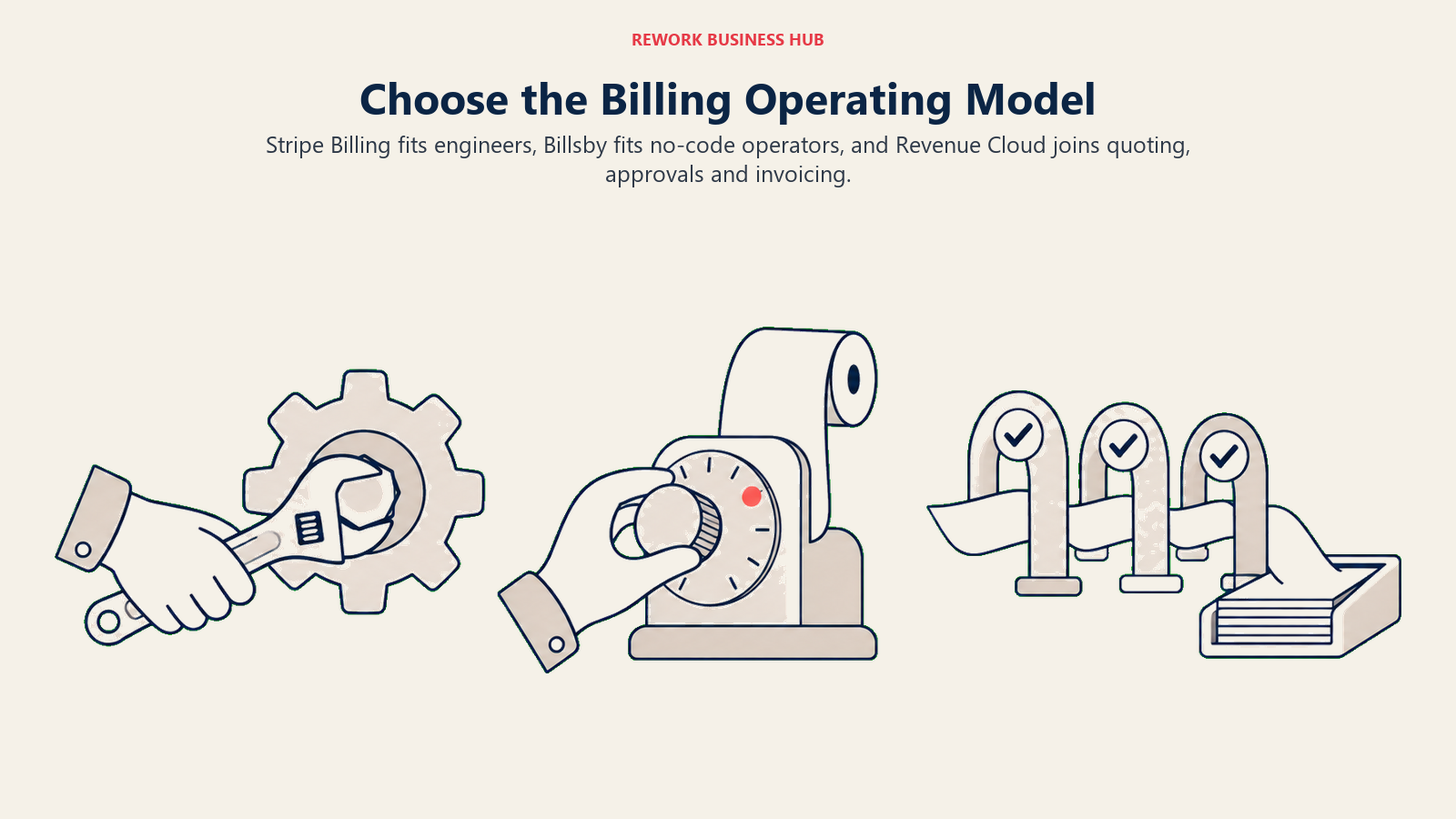
Line these three up by what you're actually buying, not by feature checklists, and the comparison gets a lot more honest. Stripe Billing is the thinnest layer of the three: metering, invoicing and dunning logic that assumes the hard part, moving money, is already solved by your existing Stripe account. Billsby adds a full configuration UI on top of similar mechanics, aimed at someone who has never written a webhook handler and doesn't want to start now. Salesforce Revenue Cloud is a different kind of product: not primarily a billing engine, but a quote-to-cash system that happens to include billing, built around the idea that a sales rep's quote, a deal desk's approval, and a finance team's invoice should be three views of one record, not three tools passing data between them.
| Stripe Billing | Billsby | Salesforce Revenue Cloud | |
|---|---|---|---|
| Primary buyer | Engineering-led SaaS or platform business | Founder or small finance/ops team | RevOps, deal desk or finance team already on Salesforce |
| The question it answers | "How do we bill on our own payment infrastructure without building it from scratch?" | "How do we run subscription billing without hiring for it?" | "How do we get quoting, approvals and billing off spreadsheets and into the CRM?" |
| Where it's strongest | API depth, native to the Stripe ecosystem, usage-based metering | Fast, non-technical setup; predictable base fee | CPQ-to-cash in one org, approval workflows, CRM-native reporting |
| Where it's thin | No bundled CRM, CPQ or approval workflow | Lighter revenue-recognition and enterprise reporting depth | Nothing meaningful without an existing Salesforce investment underneath it |
| Team maturity assumed | Comfortable building against an API | Comfortable configuring a UI, not writing code | Has, or is hiring, a Salesforce admin or implementation partner |
| Typical company stage | Seed through growth-stage, Stripe-native | Pre-seed through Series A, small subscription business | Growth-stage through large enterprise, existing Salesforce shop |
Decision by Business Goal
| Your actual goal | Points toward |
|---|---|
| Launch billing this month without a procurement cycle or an implementation project | Stripe Billing (if an engineer owns it) or Billsby (if nobody on the team codes) |
| Let a non-technical person add a plan or change pricing without a dev ticket | Billsby |
| Keep quoting, discount approvals and billing on one record your sales team already lives in | Salesforce Revenue Cloud |
| Minimize cost once billing volume is genuinely large, and you can absorb a contract | Stripe Billing, on a Pay Monthly tier modeled against your actual volume |
| Know exactly what a 3x jump in billing volume will cost before it happens | Stripe Billing or Billsby, both have a public formula to run; Revenue Cloud's cost tracks headcount instead |
| Get audit-grade, multi-standard revenue recognition (ASC 606, IFRS 15, lease accounting) built into the platform | None of the three natively; see Chargebee vs Zuora for that specific comparison |
| Avoid a five- or six-figure implementation bill before the first invoice goes out | Stripe Billing or Billsby |
Team and Role Fit
| Role | Stripe Billing | Billsby | Salesforce Revenue Cloud |
|---|---|---|---|
| Engineering | Owns the integration, entitlements and webhook logic | Rarely involved after initial payment-gateway connection | Rarely involved; configuration is admin-led |
| Finance / RevOps | Reviews the invoicing model, reconciles against Stripe payouts | Owns day-to-day plan and dunning configuration | Owns pricing rules, approval thresholds, and the connection to the GL |
| Sales / Deal desk | Not a primary user | Not a primary user | Primary user for CPQ, quoting and discount approvals |
| Salesforce admin | Not applicable | Not applicable | Owns the object model, page layouts, and flow configuration |
| Executive / founder | Occasional dashboard use | Frequent, often the one configuring plans directly | Occasional, via CRM reporting and forecast rollups |
Pricing and Total Cost at $500K, $5M and $50M in Annual Billing Volume
This is the section where the three stop being comparable in any simple way, because two price on a percentage of what you bill and one prices on how many people touch the system. Modeling all three at the same "annual billing volume" number is useful precisely because it shows how differently each curve bends. All figures below come from each vendor's own published rate card as of August 2026; none are negotiated quotes.
Stripe Billing: percentage of volume, separate from processing
Stripe Billing has two paths: pay-as-you-go at a flat 0.7% of volume, or a Pay Monthly tier (a 1-year commitment) with a lower 0.67% overage rate above a fixed monthly fee. Every tier's overage rate applies to any volume above that tier's own threshold, not just the next tier up, so the cheapest option isn't always the tier that matches your current volume.
| Annual billing volume | Pay-as-you-go (0.7%) | Cheapest Pay Monthly option |
|---|---|---|
| $500,000 | $3,500/year | Tier 1 ($620/mo flat) costs $7,440/year, more than double. Pay-as-you-go wins clearly. |
| $5,000,000 | $35,000/year | Tier 2 ($1,500/mo + 0.67% above $250K) works out to $2,616.67/mo, or $31,400/year, cheaper than both pay-as-you-go and the "matching" Tier 3 |
| $50,000,000 | $350,000/year | Tier 4 ($5,750/mo + 0.67% above $1M) works out to $26,966.67/mo, or roughly $323,600/year |
At $5 million a year, Tier 2, nominally built for volume "up to $250,000" a month, beats both pay-as-you-go and Tier 3 once you run its overage math against real volume of about $417,000 a month, exactly the kind of flip a team modeling only the headline percentage would miss. None of this includes Stripe's own card processing, a separate charge of 2.9% + 30 cents per successful charge (0.8% for ACH, capped at $5), which can add another 2.5% to 3.5% of volume on top of every number above. Budget both lines. Above roughly $1 million a month in actual volume, Stripe's own pricing page marks the next step "custom," so treat the $50M row as what the published formula computes, not a guaranteed renewal quote.
Billsby: flat fee plus overage, inside its designed range
Billsby publishes two self-serve tiers: Core at $45/month with a $15,000 monthly transaction allowance and a 0.4% overage above it, and Pro at $135/month with a $30,000 allowance and a 0.5% overage, per Billsby's own pricing documentation (see the note below on where that actually lives). A Custom plan exists for higher volume, with no published rate.
| Annual billing volume | Core | Pro |
|---|---|---|
| $500,000 | $1,820/year | $2,320/year |
| $5,000,000 | $19,820/year (formula extrapolation, see note) | $24,820/year (formula extrapolation) |
| $50,000,000 | $199,820/year (formula extrapolation, far outside Billsby's stated market) | $249,820/year (formula extrapolation) |
Run the published formula against real numbers and a genuinely odd result shows up: Core is cheaper than Pro at every volume level, not just below the $30,000 allowance where Pro's fee sits idle. Pro's higher $135 base and larger allowance never overcome its higher 0.5% overage rate against Core's 0.4%, so ask Billsby directly what Pro adds beyond a bigger allowance before upgrading. Treat the $5M and $50M rows as a mechanical extrapolation of a self-serve formula, not a realistic quote: Billsby markets Core and Pro to small subscription businesses, and a company doing $5 million or more a year in volume is well outside that range and would need an unpublished Custom conversation, if Billsby pursues that segment at all.
Salesforce Revenue Cloud: per seat, not per dollar billed
This is the structural difference the whole comparison turns on. Revenue Cloud doesn't price against billing volume at all. Growth runs $150 per user per month and Advanced runs $200, both billed annually, and both require an active Sales Cloud or Service Cloud license underneath, itself reported at roughly $175 per user per month for Sales Cloud Enterprise as of mid-2026. To compare it against the other two on the same "annual billing volume" axis, you have to supply the number Salesforce's price list doesn't: how many people actually touch quoting, approvals and billing. The figures below use a deliberately lean seat count for each tier; swap in your own headcount, since that's the real cost driver here, not revenue.
| Annual billing volume | Modeled seats | Growth (license only) | Advanced (license only) | One-time implementation (reported) |
|---|---|---|---|---|
| $500,000 | 3 | $5,400/year | $7,200/year | $20,000 to $50,000 |
| $5,000,000 | 10 | $18,000/year | $24,000/year | $50,000 to $150,000 |
| $50,000,000 | 30 | $54,000/year | $72,000/year | $150,000 to $500,000+ |
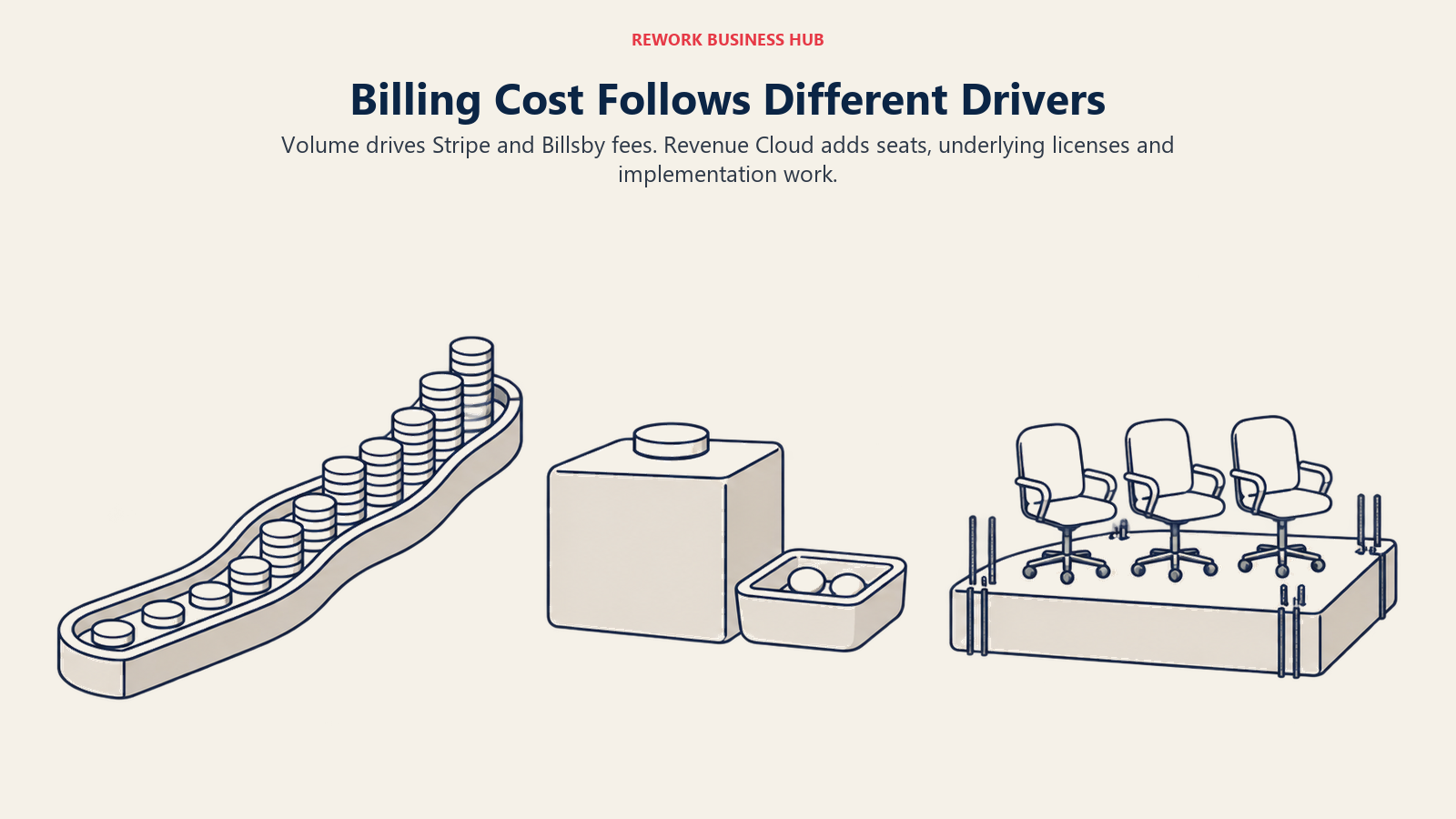
Add Sales Cloud Enterprise underneath if it isn't already owned (reported ~$175/user/month): roughly $6,300/year at 3 seats, $21,000/year at 10 seats, $63,000/year at 30 seats. The honest reading of the $500K row is that it barely belongs in this table. A company billing half a million dollars a year is rarely a realistic Revenue Cloud buyer regardless of the license math, since the implementation bill alone can run several times its total software budget. The story only makes sense once implementation gets amortized against a company already spending real money on Salesforce for other reasons, exactly the buyer Revenue Cloud is built for. That's also the cleanest way to see the structural difference: percentage-of-volume pricing (Stripe Billing, Billsby) rises in a straight line with revenue and ignores headcount, while per-seat pricing (Revenue Cloud) rises in steps with headcount and mostly ignores revenue. A team that models one curve and assumes the other vendor scales the same way will get a real number wrong, not a rounding error.
A note on verifying Billsby directly
Billsby's own knowledge base, at a live billsby.com subdomain dated August 19, 2026, confirms the Core and Pro figures above. But Billsby's main marketing site has no public pricing page at the moment. Its support documentation stays actively maintained, though, and third-party marketplaces (Capterra, G2, GetApp) list it as an active, currently reviewed vendor with self-serve signup and a free trial. Net read: the product appears to still be operating and independently purchasable, but the missing pricing page on the marketing site is worth confirming directly with Billsby before budgeting against the numbers above.
Revenue Recognition, Governance and Vendor Risk
The questions a CFO or RevOps lead actually asks rarely stop at the sticker price: whether the platform helps with the close, what happens when a contract changes mid-term, what it costs to leave, and what each vendor has already done to its own pricing or product line that a buyer should learn from first.
| Stripe Billing | Billsby | Salesforce Revenue Cloud | |
|---|---|---|---|
| Named revenue-recognition module | None published; ASC 606 automation isn't part of the product lineup | None published; positioned as SMB invoicing, not audit-grade recognition | Advanced tier adds "consumption and invoicing, and AI and analytics," but no dedicated multi-standard RevRec engine the way Zuora or Chargebee sell |
| Mid-term amendments | Native proration and plan changes via API, engineer-configured | Plan, add-on and allowance changes via UI, no engineering ticket required | Amendment quotes and approval workflows are core CPQ functionality: more process, more control, more overhead |
| Audit trail depth | Standard Stripe reporting and API-accessible event logs | Standard subscription and invoice history | Native Salesforce reporting tied to the same CRM data used for forecasting |
| What migrating away costs | Rebuilding subscription and invoicing logic elsewhere; payment method portability depends on the destination | Lower stakes given the customer base, but dunning and allowance logic still needs rebuilding | Highest-friction of the three: price books, approvals, contracts and revenue schedules live as configured Salesforce metadata, not a simple export |
| What already changed under existing customers | No comparable pricing shift for Billing itself; the relevant precedent is on Stripe's merchant-of-record side, in Lemon Squeezy vs Paddle vs Zoho Billing | No public pricing page on the main marketing site while support infrastructure stays active; see the note above | CPQ reached End of Sale in March 2025, and Salesforce raised Enterprise/Unlimited pricing roughly 6% in August 2025 (reported): real precedent for how the platform changes under a long-term customer |
If audit-grade revenue recognition across multiple accounting standards is the actual requirement, none of these three is built for that job at Zuora Revenue or Chargebee RevRec depth; the Chargebee vs Zuora comparison covers that ground. And the CPQ End of Sale is worth taking seriously as a signal: a real, recent example of Salesforce retiring a product's previous shape and redirecting new business to its successor, exactly the kind of platform risk a company signing a multi-year Revenue Cloud contract today is implicitly betting against.
Implementation and Change Management
| Stripe Billing | Billsby | Salesforce Revenue Cloud | |
|---|---|---|---|
| Typical time to first invoice | Days to a few weeks, engineering-paced | Days, UI-paced | Weeks to months, implementation-paced |
| Reported cost range | Effectively the API integration itself; no separate implementation fee | Effectively none beyond the subscription | $20,000 to $500,000+, scaling with company size and integration complexity (reported, GetOnCRM) |
| Reported general timeline benchmark | N/A, developer-led | N/A, self-serve | Single-cloud, simpler projects: 6 to 12 weeks. Multi-cloud or integration-heavy: 3 to 9 months. Large portfolio rollouts: 9 to 18 months (reported, general Salesforce platform benchmark, not Revenue-Cloud-specific, per Folio3) |
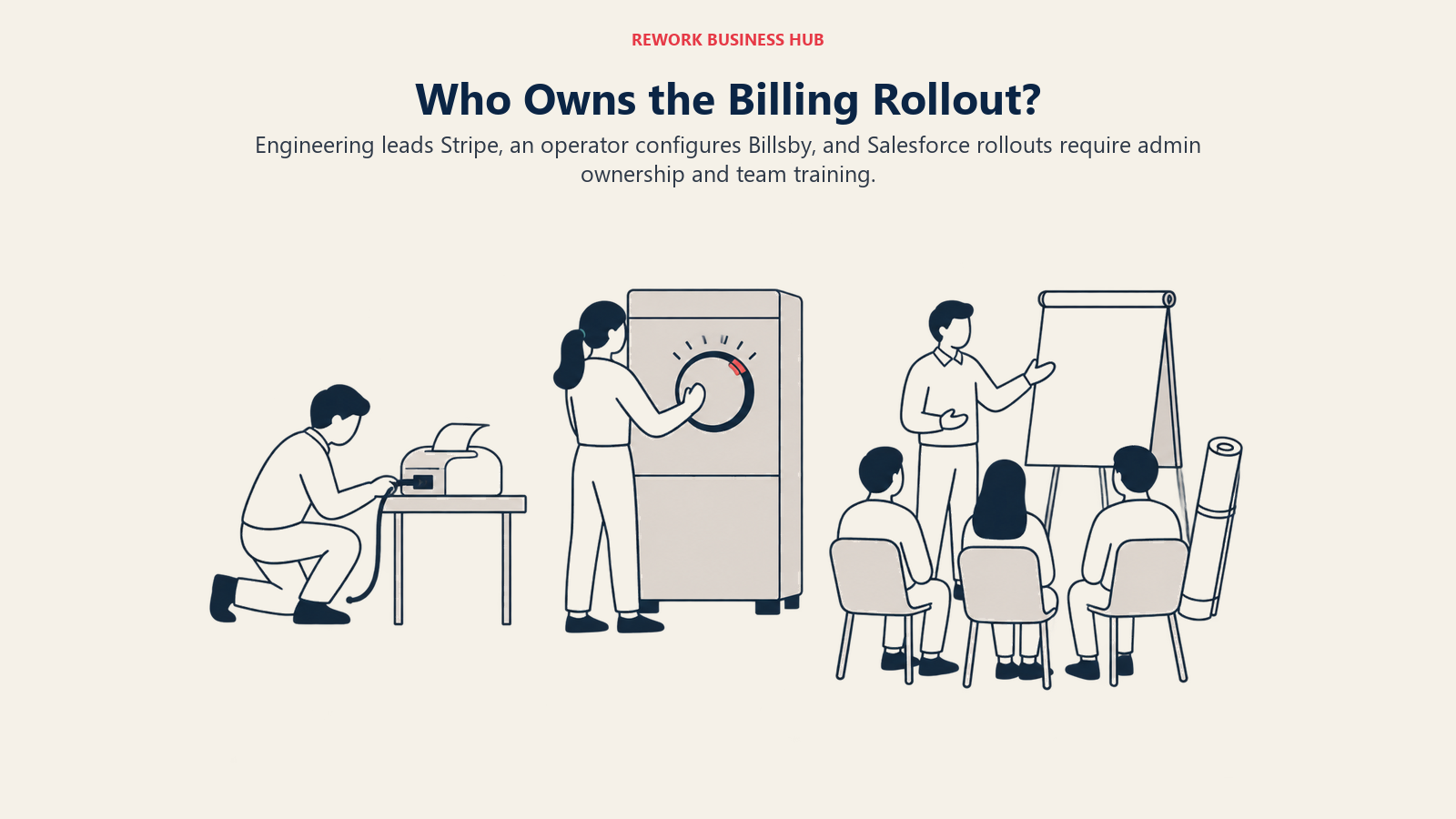
| Who owns the rollout | In-house engineering | Whoever owns pricing, often a founder or ops lead | A certified Salesforce admin or implementation partner |
| Training load | Low; the product is invisible to end customers and mostly invisible to non-engineering staff | Low; built for non-technical configuration | Real; sales reps, deal desk and finance all need to learn the new quote-to-cash flow |
Stripe Billing and Billsby compete on how little implementation they require at all, while Revenue Cloud's implementation line is often the actual purchase decision: a CFO comparing a $150-per-seat license against a $20,000 to $500,000 one-time bill is really deciding whether the CRM-native workflow is worth an implementation cost that, at the small end, can exceed a year of licensing for a ten-person team.
When Stripe Billing Is the Right Call
- Stripe already processes your payments, and adding billing logic in the same dashboard beats standing up or paying for a second vendor relationship.
- An engineer owns pricing and packaging, and API-first configuration is a feature, not a barrier.
- Your pricing is usage-based or hybrid, and you want metering, entitlements and invoicing to stay in sync without a separate feature-flagging system.
- You want to model your own cost before talking to anyone. The formula is public; run it yourself, including both the Billing percentage and the separate processing fee.
If Stripe Billing's percentage-of-volume model stops making sense at your scale, the wider best subscription billing software guide and best Stripe alternatives roundup both cover what else is available.
When Billsby Is the Right Call
- Nobody on the team writes code, and configuring a plan through a UI beats waiting on an engineering ticket.
- Billing volume genuinely fits its designed range. Core and Pro are built for small subscription businesses, and the math above shows Core usually beats Pro on pure cost.
- A flat, predictable base fee matters more than the lowest possible percentage. $45 or $135 a month is easy to budget against, even before the overage math.
- You've confirmed current terms directly. Given this article's own experience reaching
billsby.com, get pricing and platform status in writing before committing budget.
When Salesforce Revenue Cloud Is the Right Call
- You already run Sales Cloud or Service Cloud, and the marginal cost of adding billing to an existing org beats standing up a disconnected tool.
- Quoting and discount approvals are a real sales process, not a formality, and CPQ-grade approval chains are worth the implementation cost.
- Your finance team wants billing and revenue data inside the same reporting Salesforce already produces for pipeline and forecasting.
- You can absorb a genuine implementation project. Budget the full range GetOnCRM reports, $20,000 at the low end to $500,000 or more at the high end, not just the per-seat license.
If Revenue Cloud's implementation weight rules it out but the CRM-native argument still holds, best CRM software in 2026 and best Salesforce alternatives are both worth a look before assuming Salesforce is the only path to that outcome.
Decision Framework
| If this is true for you | Pick |
|---|---|
| You're engineering-led and already on Stripe for payments | Stripe Billing |
| Nobody on the team codes, and volume is genuinely small | Billsby |
| You need quoting, approvals and billing to live inside your CRM | Salesforce Revenue Cloud |
| You're billing well past $1M/month and want the lowest published rate | Stripe Billing, model the specific Pay Monthly tier against your real volume first |
| You're comparing cost only, without factoring in a multi-month implementation | Redo the comparison with implementation included; it changes the answer for Revenue Cloud every time |
| You need audit-grade, multi-standard revenue recognition as the primary requirement | None of the three; see Chargebee vs Zuora instead |
| Your actual gap is a merchant of record, not a billing engine | See Lemon Squeezy vs Paddle vs Zoho Billing instead |
What to Do Next
- Figure out which curve applies to you before comparing a single price. If your cost scales with revenue, model Stripe Billing and Billsby at your real volume, including Stripe's separate processing fee. If your cost scales with headcount and process complexity, model Revenue Cloud's license plus its implementation range, not just the per-seat number.
- Get Billsby's current terms in writing directly, given what this article found trying to reach its own marketing site. A five-minute email closes that gap before it becomes a budget surprise.
- Ask Salesforce for the implementation quote in writing before the license conversation goes further. GetOnCRM's reported range spans a factor of ten, from $20,000 to $500,000+, and only your own sales process will narrow that.
- Loop in FP&A before signing anything with a percentage-of-volume component. A cost that scales linearly with revenue needs to sit in the same model as the revenue forecast it's tied to; our best FP&A software for 2026 guide covers that adjacent layer.
- If the real gap is accounting-grade revenue recognition or ERP-level consolidation, none of these three fully owns that job; our best NetSuite alternatives guide and the how to choose billing and invoicing software guide both cover that ground. And if the actual itch is income data sitting on the same record as your CRM deals and contracts rather than a separate billing tool, that's a different question; Rework's Invoice module is built around that consolidation, though it isn't a metering or quote-to-cash engine and won't replace any of the three platforms compared here.
Related Resources:
- Best Subscription Billing Software in 2026
- Chargebee vs Zuora
- Best Zuora Alternatives
- Lemon Squeezy vs Paddle vs Zoho Billing
- Best Accounts Receivable Software in 2026
- Best Stripe Alternatives
- Best NetSuite Alternatives
- Best Salesforce Alternatives
- Best CRM Software in 2026
- Best FP&A Software in 2026
- How to Choose Billing and Invoicing Software

Principal Product Marketing Strategist
On this page
- Key Facts
- TL;DR
- What Each Tool Is Actually Built For
- Decision by Business Goal
- Team and Role Fit
- Pricing and Total Cost at $500K, $5M and $50M in Annual Billing Volume
- Stripe Billing: percentage of volume, separate from processing
- Billsby: flat fee plus overage, inside its designed range
- Salesforce Revenue Cloud: per seat, not per dollar billed
- A note on verifying Billsby directly
- Revenue Recognition, Governance and Vendor Risk
- Implementation and Change Management
- When Stripe Billing Is the Right Call
- When Billsby Is the Right Call
- When Salesforce Revenue Cloud Is the Right Call
- Decision Framework
- What to Do Next