Best AI Tools for Nonprofits in 2026: 13 Tools for Fundraising, Grants, and Operations
Turn this article into takeaways for your work.


Each assistant summarizes the article only for you and suggests best practices for your work.
Most nonprofits have already touched AI in some form: adoption has reached 92%, but only 7% report a major fundraising impact from it, according to the 2026 Nonprofit AI Adoption Report from Virtuous and Fundraising.AI. That gap is usually a tool-fit problem, not an AI problem. This guide ranks 13 real AI tools nonprofits actually use in 2026, from general assistants (ChatGPT, Claude) with steep nonprofit discounts, to donor CRMs with built-in AI scoring (Keela, Bloomerang), to grant discovery and drafting tools (Instrumentl, Grantable), to fundraising-specific AI (DonorSearch Ai, Virtuous Momentum), plus design (Canva) and automation (Zapier). Rework, a CRM and ops platform, is included with an honest note on where it fits and where it doesn't.
Nonprofit AI discounts are one of the most volatile categories in software right now: four of the programs on this list changed their terms in the past year alone.
Updated July 2026: What Changed
- Anthropic launched Claude for Nonprofits. The program bundles up to 75% off Team and Enterprise plans with data connectors to Blackbaud, Candid, and Benevity, plus a free "AI Fluency for Nonprofits" course.
- OpenAI expanded its nonprofit program. ChatGPT Business is now available to eligible nonprofits at $8/user/month through Goodstack, and ChatGPT Enterprise carries a discount of up to 75% for larger organizations.
- Google finished bundling Gemini into Workspace for Nonprofits. Every paid nonprofit tier now includes Gemini at no extra cost, and the free tier (up to 2,000 users) includes standalone Gemini app access with enterprise-grade data protections.
- Microsoft's nonprofit Copilot rate settled at $25.50/user/month, a permanent 15% discount, layered on top of a separate 75% nonprofit discount on the Microsoft 365 Business Premium base plan Copilot requires.
- Grantable added a formal nonprofit discount: 50% off Starter and Pro plans for a full year for 501(c)(3) organizations with budgets under $500K, verified with a Form 990 upload.
- Virtuous acquired Momentum, folding the AI donor-engagement tool built for mid-level and major gift officers into Virtuous's broader fundraising platform.
Key Facts
- More than half of nonprofits are already piloting or actively using AI tools, per Salesforce's 7th Edition Nonprofit Trends Report.
- Nonprofit AI adoption has reached 92%, but only 7% of organizations report a major fundraising impact from it, per the 2026 Nonprofit AI Adoption Report from Virtuous and Fundraising.AI.
- Only 4.5% of nonprofits use AI-powered smart donation forms, 2.3% use predictive AI to identify likely major donors, and just 1.2% use agentic AI for fundraising, according to Nonprofit Tech for Good's 2026 AI statistics.
- 57% of nonprofits using AI say ChatGPT is the tool they reach for most, followed by Microsoft Copilot (23%) and Google Gemini (14%), per the same Nonprofit Tech for Good research.
- 30% of nonprofits say AI increased their fundraising revenue over the past 12 months, per Candid data cited in Nonprofit Tech for Good's report.
- Only 10% of foundations say they'll accept AI-generated grant applications, 23% say they won't, and 67% remain undecided, per the same Candid-sourced data.
- Nonprofit email revenue grew 16% in 2025, and the average nonprofit raised $2.40 per subscriber, up from $1.87 the year before, per M+R's 2026 Benchmarks report.
Quick Comparison Table
| Tool | Best For | Nonprofit Starting Price | Free Tier? |
|---|---|---|---|
| ChatGPT | General writing, research, and drafting | $8/user/mo (Business, nonprofit rate) | Yes |
| Claude | Careful long-form writing, policy, and grants | $8/user/mo (Team, nonprofit rate) | Yes |
| Google Workspace (Gemini) | Orgs already on Gmail, Docs, and Meet | Free (up to 2,000 users) | Yes |
| Microsoft 365 Copilot | Orgs already on Outlook, Word, and Excel | $25.50/user/mo (add-on, nonprofit rate) | No |
| Canva for Nonprofits | Marketing graphics, flyers, social posts | Free (up to 50 users) | Yes |
| Rework | Multi-program ops: volunteers, case work, partners | $99/mo billed yearly (Marketing Engine, 5 seats) | No |
| Keela | Donor CRM with AI-generated ask amounts | ~$134/mo (up to 1,000 contacts, annual) | No |
| Bloomerang | Donor management with AI content assistance | $125/mo (Core CRM, unlimited users) | No |
| DonorSearch Ai | Wealth screening and major-gift prospecting | Quote-based (roughly $4,000-$12,000/yr) | No |
| Virtuous Momentum | AI-prioritized gift officer outreach | Quote-based (contact sales) | No |
| Grantable | AI-assisted grant proposal drafting | $25/mo (Starter, nonprofit rate) | Yes |
| Instrumentl | AI grant discovery and funder matching | $299/mo (Discover, annual) | No (14-day trial) |
| Zapier | Connecting your donor, form, and email tools | Free / $25.49/mo (Professional, nonprofit rate) | Yes |
How to Choose: Match the Tool to the Bottleneck
Most nonprofits don't need a full "AI strategy" before they start. They need the one tool that removes whatever's eating the most staff hours this month, whether that's drafting appeals, chasing grant deadlines, or losing track of which donor was last contacted. Before comparing feature lists, check what's already bundled into software you're paying for (Google Workspace, Microsoft 365) and what nonprofit discount you qualify for, since the gap between retail and nonprofit pricing on this list runs as high as 83%.
Framework: By Bottleneck
| If your biggest bottleneck is... | Reach for... | Why |
|---|---|---|
| Drafting appeals, thank-you letters, and general writing | ChatGPT or Claude | Nonprofit-rate seats from $8/user/mo; broadest general reasoning and writing |
| You already run Google Workspace | Gemini (bundled, free tier) | Free for up to 2,000 users; no new vendor or billing relationship |
| You already run Microsoft 365 | Microsoft 365 Copilot | 15% nonprofit rate on top of a heavily discounted base M365 plan |
| Donor and volunteer data scattered across spreadsheets and inboxes | Keela or Bloomerang | Purpose-built nonprofit CRM with AI donor scoring, not a general tool bent into shape |
| Multi-program ops: volunteers, case work, and donor relations together | Rework | Unified ops platform for coordinating people, not a fundraising-specific tool |
| Knowing which donors are ready for a major gift ask | DonorSearch Ai or Virtuous Momentum | AI wealth screening and gift-officer prioritization |
| Finding and writing grant applications | Instrumentl or Grantable | AI grant discovery plus AI-assisted drafting from your org's context |
| Marketing graphics, flyers, and social posts | Canva for Nonprofits | Free full Pro tier for eligible 501(c)(3) organizations |
| Manually copying data between donor tools, forms, and email | Zapier | 15% nonprofit discount; connects thousands of apps |
Framework: By Nonprofit Size and Budget
| Budget / Staff Size | What You Need | Best Fits |
|---|---|---|
| All-volunteer, under $250K | Free tools only, no dedicated software line item | ChatGPT free tier, Canva for Nonprofits, Google Workspace for Nonprofits, Grantable free tier |
| 1-5 staff, $250K-$1M | First real donor CRM, low-cost grant tools | Keela (entry tier), Bloomerang, Grantable Starter (nonprofit rate) |
| 5-20 staff, $1M-$5M | Structured donor ops, first paid AI seats, automation | Keela or Bloomerang mid tier, Zapier, ChatGPT/Claude Business (nonprofit rate) |
| 20-50 staff, $5M-$20M | Major-gift prospecting, AI-assisted grant pipeline, multi-program ops | DonorSearch Ai, Instrumentl (Pre-Award or Full Lifecycle), Rework |
| 50+ staff, $20M+ | AI donor engagement at scale, multiple gift officers | Virtuous Momentum, Instrumentl Enterprise, Microsoft/Google enterprise nonprofit tiers |
1. ChatGPT: The Default Starting Point for Nonprofit AI
ChatGPT is the tool most nonprofit staff already know how to use, and that familiarity is a real advantage when a small team has no time for onboarding. The free tier handles basic drafting and research; ChatGPT Business, discounted to $8/user/month (annual, through Goodstack) or $10/month billed monthly, adds admin controls and keeps organizational data out of model training by default.
The honest limitation: it's a general assistant, not a system of record. It won't track a donor's giving history, flag a lapsed member, or remember a grant deadline without you re-explaining it every session.
| What you get | What you don't |
|---|---|
| Broadest general-purpose writing and research at the lowest nonprofit price | Not a donor CRM, grant tracker, or case-management system |
| Custom GPTs for repeatable tasks (appeal drafts, board summaries) | No native memory of donor records or grant deadlines |
| Nonprofit rate verified through Goodstack, no long application | Voice, image, and browsing quality vary by session |
Pricing: Free tier; Business $8/user/mo nonprofit rate (annual) or $10/mo (monthly), verified through Goodstack. Academic institutions, healthcare organizations, and government agencies do not qualify.
Best for: Any nonprofit wanting one general-purpose AI tool the whole team can use daily without training.
2. Claude: Best for Grant Narratives and Careful Policy Writing
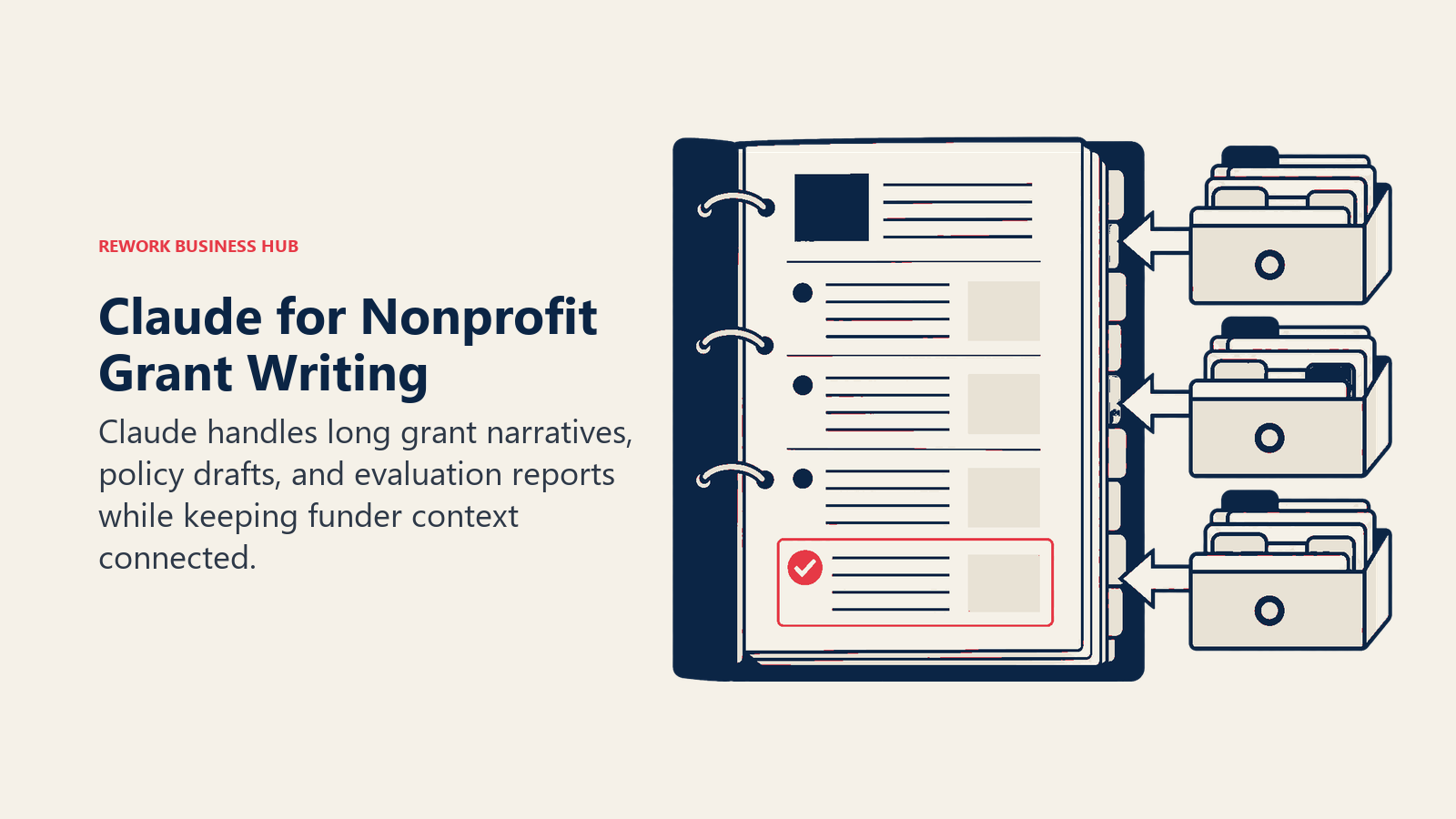
Claude's edge for nonprofits shows up on longer, higher-stakes documents: grant narratives, board policy drafts, and program evaluation reports where instruction-following and holding context across pages matters more than speed. Claude for Nonprofits also ships with data connectors to Blackbaud, Candid, and Benevity, so donor and funder data can feed directly into a session instead of being copy-pasted in.
The Team plan runs $8/user/month (Standard, nonprofit rate) with a Premium tier at $40/user/month for organizations that need deeper research and longer sessions. Eligibility requires 501(c)(3) status or an international equivalent; government agencies and political organizations are excluded.
| What you get | What you don't |
|---|---|
| Strong performance on long, careful documents (grants, policy, reports) | No native donor database, scheduling, or bookkeeping |
| Built-in connectors to Blackbaud, Candid, and Benevity | Smaller plugin ecosystem than ChatGPT |
| Free "AI Fluency for Nonprofits" training course included | Premium tier pricing jumps fast for research-heavy teams |
Best for: Development and program teams doing detailed written work, especially grant applications and funder reports, where output quality outweighs speed.
For a broader look at general-purpose assistants across every function, see Best AI Tools in 2026.
3. Google Workspace for Nonprofits (with Gemini): Best Free Starting Point
Google Workspace for Nonprofits is the single best value on this list for a resource-strapped organization, because the no-cost tier isn't a stripped-down trial. It includes Gmail, Calendar, Meet, NotebookLM, and standalone Gemini app access for up to 2,000 users, with enterprise-grade data protections that keep chats and uploaded files out of model training.
Paid tiers add deeper Gemini access inside Docs, Sheets, and Meet at steep nonprofit discounts: Business Standard runs about $3/user/month versus $18/user/month at standard commercial pricing, an 83% discount. For a nonprofit already living in Gmail and Docs, upgrading from the free tier is close to the cheapest AI decision available.
| What you get | What you don't |
|---|---|
| Genuinely free tier (not a trial) for up to 2,000 users, Gemini included | Full Gemini access in Docs and Sheets needs a paid Business tier |
| Nonprofit discounts up to 83% off standard commercial pricing | Less deep than a dedicated writing tool for brand-voice consistency |
| Enterprise-grade data protections on the free and paid tiers alike | Requires Google for Nonprofits verification before signup |
Pricing: Free (up to 2,000 users, Gemini included); Business Standard ~$3/user/mo nonprofit rate; Business Plus ~$5.04/user/mo nonprofit rate, billed annually.
Best for: Any nonprofit already standardized on Google, and especially small or all-volunteer organizations that need real AI capability at zero cost.
4. Microsoft 365 Copilot for Nonprofits: Best If You're Already on Microsoft 365
Microsoft's nonprofit AI story is really two discounts stacked together. Microsoft 365 Business Premium, the base suite Copilot requires, is available to eligible nonprofits at a 75% discount. Copilot itself then carries a permanent 15% nonprofit discount, landing at $25.50/user/month rather than the $30/user/month commercial rate.
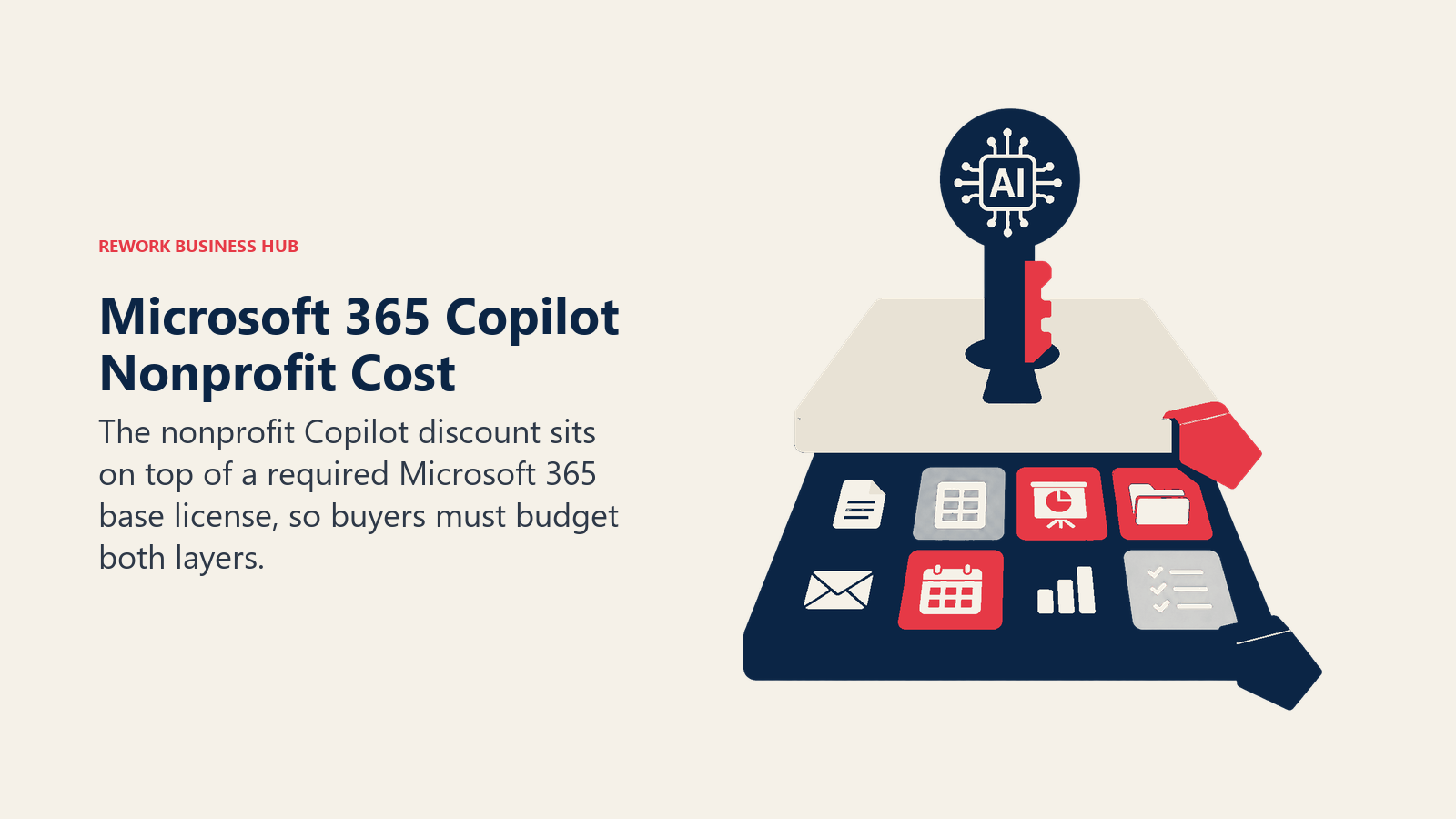
The catch that trips up nonprofits budgeting this: the advertised Copilot price isn't the total cost. You still need a qualifying Microsoft 365 base license underneath it, even though that base license is itself heavily discounted for nonprofits.
| What you get | What you don't |
|---|---|
| AI embedded in Word, Excel, Outlook, and Teams staff already use | Requires a qualifying Microsoft 365 base license, sold separately |
| Two stacked nonprofit discounts (75% off base suite, 15% off Copilot) | Combined true cost is still higher than the Copilot number alone |
| Familiar interface for staff with no AI tool experience | Less flexible than a standalone chat tool for quick one-off questions |
Best for: Nonprofits standardized on Microsoft 365 that want AI drafting and summarization inside the apps their staff already use daily.
5. Canva for Nonprofits: Free Design and Marketing at No Cost
Canva's nonprofit program is close to a full replacement for a part-time designer's toolkit. Registered 501(c)(3) organizations, NGOs, and social impact groups get the complete Canva Pro feature set, including Magic Studio's AI image generation, background removal, and brand kit tools, free for up to 50 team members.
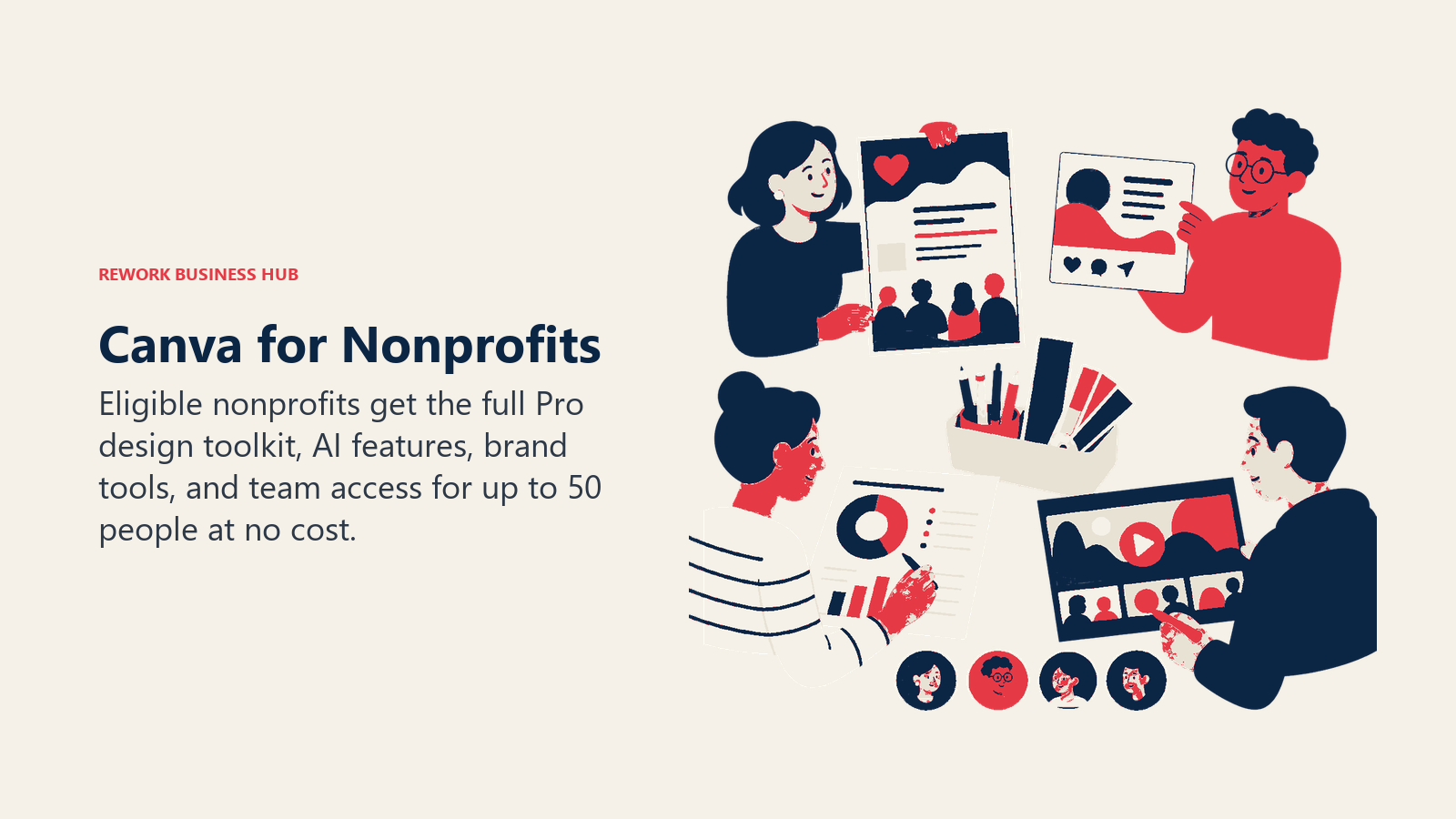
For an organization producing its own event flyers, social posts, annual report graphics, and simple video, this removes a real line item: Canva Pro alone runs $15/month at commercial pricing, and the nonprofit program covers a full team, not one seat.
| What you get | What you don't |
|---|---|
| Full AI design suite (Magic Write, image generation, background removal) free | Requires verified 501(c)(3) or equivalent charitable registration |
| Free for up to 50 users, not a single-seat trial | Beyond 50 users, additional seats need a separate conversation with Canva |
| 75M+ stock assets, brand kit, and 100GB storage included | Not a substitute for a dedicated motion designer at scale |
Best for: Any nonprofit producing its own marketing graphics, event materials, or social content without a design hire.
See Best Canva Alternatives if your team needs deeper video or motion design than Canva's nonprofit tier covers.
6. Rework: Unified Ops for Multi-Program Nonprofits, Not a Fundraising Tool
Rework isn't built for nonprofits specifically, and it's honest to say so upfront: there's no wealth screening, no tax receipting, and no donation-processing layer. Where it genuinely fits is a different problem many mid-size nonprofits also have, coordinating volunteers, case work, and partner or donor relationships across a staff that's outgrown spreadsheets and a shared WhatsApp thread.
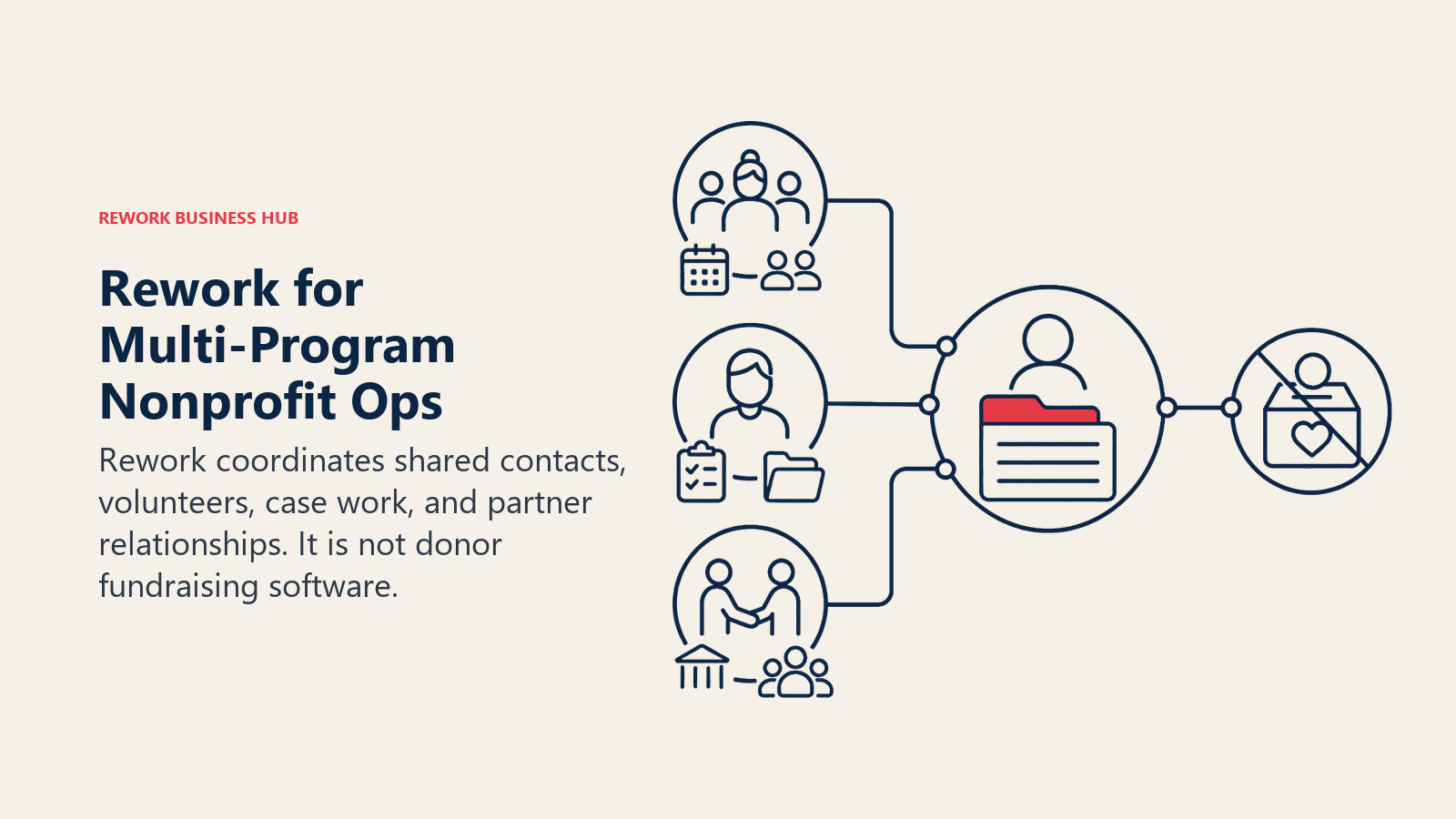
The core fit is a multi-program organization (roughly 20-500 staff) where more than one team touches the same people: a volunteer coordinator, a case manager, and a donor relations lead all working from the same contact record instead of three disconnected trackers. Lead and contact capture, distribution rules, and a multi-channel inbox (WhatsApp, Messenger, Instagram DM, web chat) sit on one data model.
Not ideal for: organizations whose primary need is fundraising-specific depth, wealth screening, or tax-receipted donation processing. A dedicated donor CRM like Keela or Bloomerang fits that job better; Rework fits general ops coordination, not fundraising mechanics.
| What you get | What you don't |
|---|---|
| Unified contact record across programs, volunteers, and partners | No wealth screening, tax receipting, or donation processing |
| Native multi-channel inbox (WhatsApp, Messenger, Instagram DM, web chat) | Not a fundraising-specific or grant-management tool |
| Packaged, transparent pricing with no "contact sales" wall at entry | No published nonprofit discount |
Pricing: the Marketing Engine is $99/month billed yearly for 5 marketing seats, and the Sales Engine is $69/month billed yearly for 5 sales seats; both are a little more month to month, and extra seats come in blocks of 5. See rework.com/pricing.
Best for: Multi-program nonprofits coordinating volunteers, case work, and donor or partner relationships across shared workflows, not organizations whose only need is fundraising software.
For the broader CRM category, see Best CRM Software in 2026, and if you're weighing Rework against a heavier enterprise nonprofit platform, Rework vs Salesforce and Rework vs Salesforce Agentforce cover where the complexity is worth it.
7. Keela: Donor CRM With AI-Generated Ask Amounts
Keela is a nonprofit CRM built to unify donor records, communications, and online giving in one product, and its 2026 AI layer (Keela Intelligence) is squarely aimed at one job: telling a fundraiser who to ask and how much. It analyzes giving history, demographic data, and interaction frequency to generate a Donor Score and a Smart Ask amount for each contact, replacing the guesswork a small team usually does by feel.
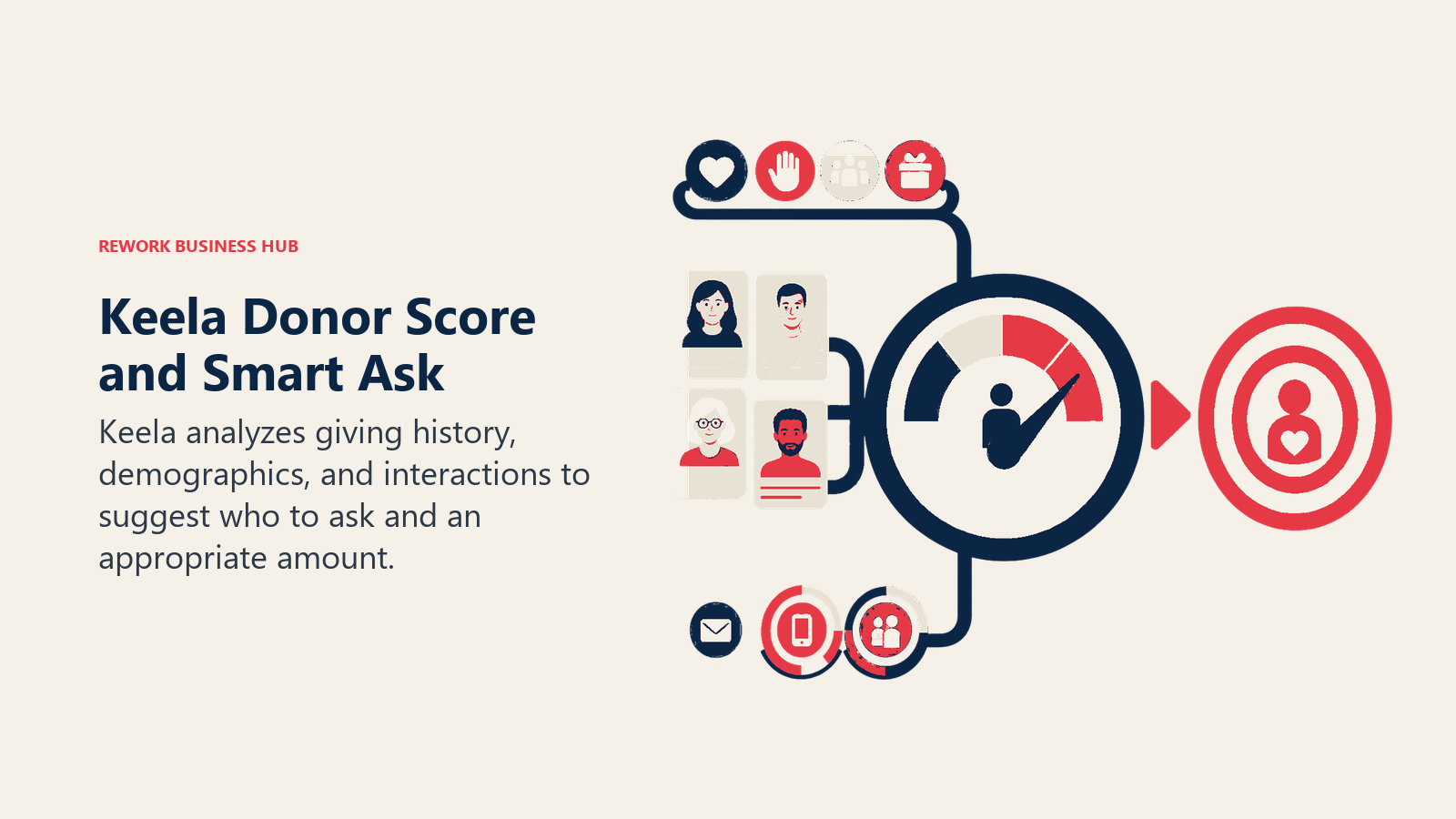
Pricing scales by contact count rather than by seat, and all plans include unlimited users, forms, and donation processing with no transaction fees, which matters for an organization adding volunteers or board members to the system without paying per login.
| What you get | What you don't |
|---|---|
| AI-generated Donor Score and Smart Ask amounts per contact | Pricing scales with contact count, not a flat small-team rate |
| Unlimited users on every tier, no per-seat cost | No published nonprofit-specific discount beyond annual billing |
| Unlimited donation forms and processing with no transaction fees | Less deep major-gift prospecting than a dedicated tool like DonorSearch |
Pricing: $134/mo (up to 1,000 contacts, annual) up to $379/mo (7,501-10,000+ contacts, annual); monthly billing runs 15-20% higher. Custom pricing above 10,000 contacts.
Best for: Small to mid-size nonprofits (1-20 staff) that need one platform for donor records, communications, and AI-assisted ask amounts.
8. Bloomerang: Donor Management With Built-In AI Content Assistance
Bloomerang's pitch is a predictable, constituent-based price instead of a per-seat one, and it was the first major giving platform to build generative AI directly into its email builder rather than bolting it on as a separate app. Prospect AI and predictive donor insights are included across the Giving Platform, surfacing which constituents are trending toward a lapse or a larger gift before a staff member would otherwise notice.
The modular structure means the headline price only covers the CRM core. Fundraising tools (online giving, event pages, text-to-give) and volunteer management are separate add-on modules, so a full stack costs more than the entry number suggests.
| What you get | What you don't |
|---|---|
| Predictable, constituent-based pricing with unlimited users on every plan | Modular pricing means fundraising and volunteer tools cost extra |
| Generative AI content assistance built into the email builder | Full published pricing requires a sales conversation for exact quotes |
| Prospect AI and predictive donor insights included in the core CRM | Pricing scales with database size, not a flat rate regardless of growth |
Best for: Nonprofits wanting one core donor database with AI-assisted email content and predictive insights, without a per-seat cost as staff and volunteers grow.
9. DonorSearch Ai: Wealth Screening and Major-Gift Prospecting
DonorSearch Ai occupies a specific niche: identifying which donors in your existing database, or in a prospect list, have the wealth capacity and giving history to become a major gift. Its ProspectView Online 2 (PVO2) tool uses generative AI to turn raw wealth and philanthropic data into a readable prospect report in minutes, work that used to take a researcher hours per name.
This is priced and built for organizations with an established major-gift program, not a nonprofit just getting started with prospect research. For a group with one or two major gift officers and $2M-$20M in annual revenue, it's a genuinely practical mid-tier option between a free manual search and enterprise tools like iWave or WealthEngine.
| What you get | What you don't |
|---|---|
| AI-generated prospect reports (PVO2) instead of manual research | No public self-serve pricing; every quote requires a sales call |
| Positioned between budget tools and enterprise wealth screening | Hard to justify for nonprofits under $500K in annual fundraising |
| Purpose-built for organizations with an active major-gift program | Not a general donor CRM; typically layers on top of one |
Pricing: Quote-based, typically $4,000-$12,000/yr depending on usage tier; no entry-level or self-serve pricing published.
Best for: Established nonprofits ($2M-$20M in revenue) with one or more major-gift officers who need AI-assisted wealth screening, not a starting-out organization.
10. Virtuous Momentum: AI-Prioritized Outreach for Gift Officers
Momentum, now part of Virtuous after an acquisition folded it into the broader fundraising platform, solves a problem specific to mid-level and major-gift fundraising: a gift officer managing 100+ relationships can't personally review every donor's giving history and behavioral signals every morning. Momentum does that review automatically and hands back a prioritized list of who to contact, why, and a drafted outreach message confirmed by the officer before it goes out.
Reported results from early users describe managing meaningfully more donor relationships at once without losing the personal touch, though as with any vendor-reported figure, treat that as directional rather than a guarantee for your program.
| What you get | What you don't |
|---|---|
| Daily prioritized outreach list based on giving and engagement signals | Quote-based pricing, no self-serve tier for smaller teams |
| AI-drafted donor emails that sync activity back to the CRM | Built for mid-to-large nonprofits with dedicated gift officers |
| Purpose-built for relationship-based major and mid-level giving | Requires (or pairs with) Virtuous's broader fundraising platform |
Pricing: Quote-based through Virtuous's sales team; no public self-serve pricing.
Best for: Mid-to-large nonprofits with one or more dedicated mid-level or major-gift officers managing a real relationship portfolio.
11. Grantable: AI-Assisted Grant Writing From Your Organization's Context
Grantable is built around a specific frustration every grant writer knows: re-explaining your organization's mission, programs, and past proposals to a general AI tool every single time you start a new application. Grantable keeps your org profile, files, past proposals, and funder relationships persistently available to its AI, so drafting a new narrative starts from your actual context instead of a blank prompt.
The nonprofit discount here is meaningful: organizations with budgets under $500K get 50% off paid plans for a full year after verifying with a Form 990 upload, cutting the Starter plan to $25/month.
| What you get | What you don't |
|---|---|
| Persistent org context (profile, files, past proposals) feeds every draft | Chat message limits by tier; heavy grant seasons may need Pro |
| 990-based funder search and AI fit-scoring to find matches | Funder database is thinner than a dedicated discovery tool like Instrumentl |
| 50% nonprofit discount for orgs under $500K budget, verified by 990 | Free tier is limited (5 messages/day), fine for testing, not daily use |
Best for: Grant writers and small development teams who need AI drafting help grounded in their organization's actual history, not generic grant templates.
12. Instrumentl: AI Grant Discovery and Funder Matching
Where Grantable's strength is drafting, Instrumentl's strength is discovery: an AI-powered matching engine searches more than 27,000 active RFPs and 450,000 funder profiles to surface grants your organization actually qualifies for, then tracks each one through a pipeline so nothing slips past a deadline. For a nonprofit that spends more hours hunting for the right funder than writing to one, this is the bigger time save.
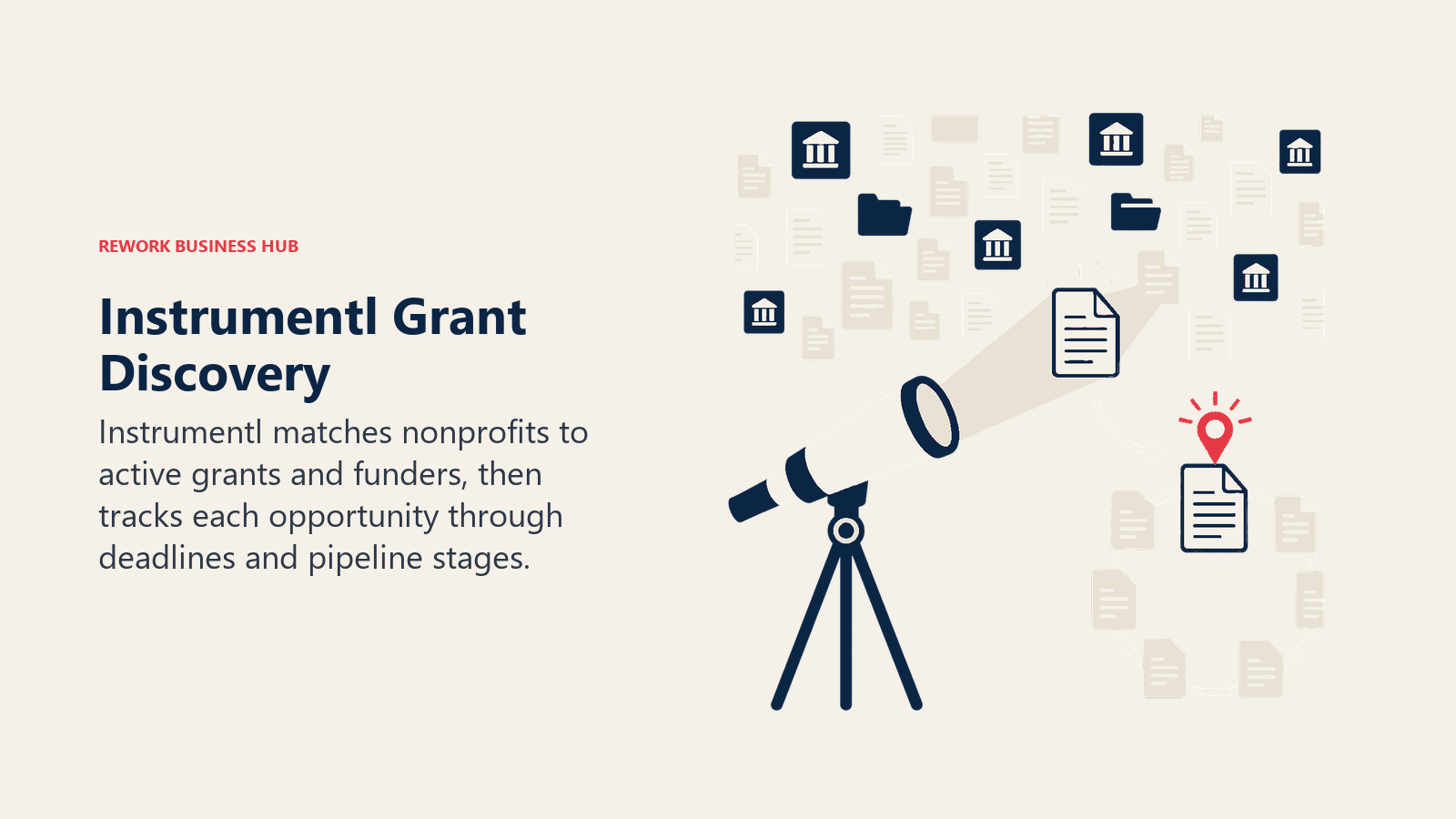
Pricing runs higher than most tools on this list, and it's aimed at organizations with a real grant pipeline to manage, not a nonprofit applying to one or two grants a year.
| What you get | What you don't |
|---|---|
| AI matching across 27,000+ RFPs and 450,000+ funder profiles | Meaningfully pricier than Grantable or a general AI assistant |
| Deadline and pipeline tracking built in, not a separate spreadsheet | Discover tier's writing help is thin; Pre-Award adds real drafting tools |
| 14-day free trial, no credit card required | Full Lifecycle tier ($999/mo) is enterprise-priced for smaller orgs |
Pricing: Discover $299/mo (annual); Pre-Award $499/mo; Full Lifecycle $999/mo; Enterprise by quote; month-to-month rates run higher.
Best for: Nonprofits managing an active grant pipeline across multiple funders, where discovery and deadline tracking matter as much as drafting.
Between the two, many grant-heavy nonprofits eventually run both: Instrumentl to find and track opportunities, Grantable (or Claude, for a lighter setup) to draft against them.
13. Zapier: Connecting Your Donor, Form, and Email Tools
Zapier's core value for a nonprofit hasn't changed: connect the apps you already use so a new donation or volunteer signup doesn't need to be copied by hand into your CRM and your email list. Nonprofits get a straightforward 15% discount on any paid plan, stackable with Zapier's annual billing discount, which drops the Professional plan from $29.99/month to about $25.49/month.
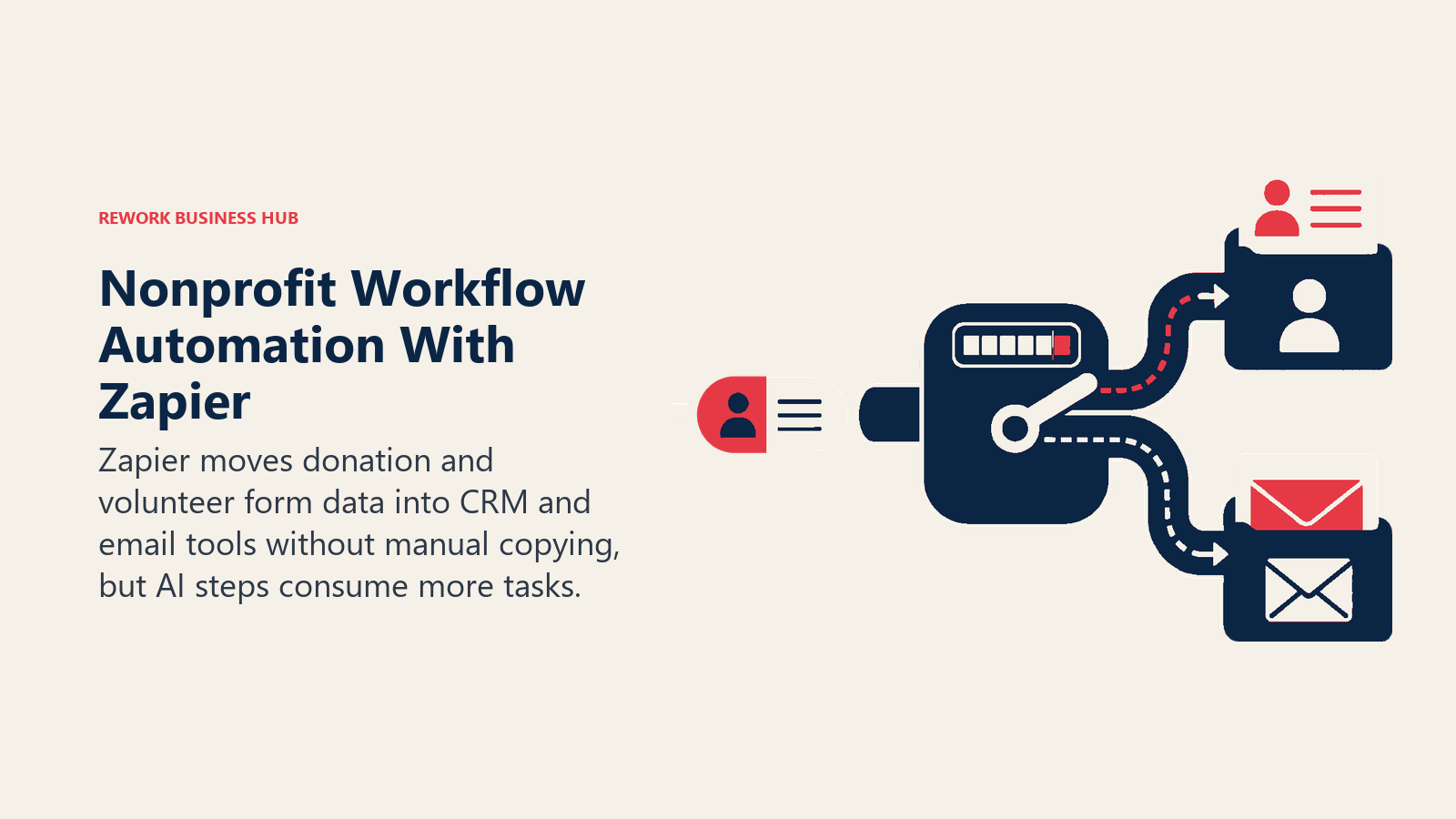
AI steps inside Zapier workflows are priced separately from the base plan and consume more of your task quota depending on the model tier selected, which is worth budgeting for if you're using AI to route or summarize incoming donor and volunteer form data automatically.
| What you get | What you don't |
|---|---|
| Connects thousands of apps (donation forms, email, CRM) without engineering help | AI steps consume extra task quota on top of your base plan |
| 15% nonprofit discount, stackable with annual billing | Real free tier is limited (100 tasks/mo), fine for light automation only |
| Scales from a single automation to complex multi-step workflows | Costs climb fast once you're running AI steps at real volume |
Pricing: Free (100 tasks/mo); Professional $29.99/mo, ~$25.49/mo with nonprofit discount (annual); Team $103.50/mo, ~$88/mo with nonprofit discount.
Best for: Nonprofits with two or more tools (donation forms, email platform, CRM) that need to talk to each other without manual data entry.
See Best Zapier Alternatives if task-based pricing doesn't fit your automation volume, and Best AI Automation Tools in 2026 for more options beyond Zapier specifically.
Pricing at a Glance
| Tool | Nonprofit Entry Price | Pricing Model | Nonprofit Discount? |
|---|---|---|---|
| ChatGPT | $8/user/mo (Business, annual) | Per-seat subscription | Yes, up to 75% |
| Claude | $8/user/mo (Team Standard, annual) | Per-seat subscription | Yes, up to 75% |
| Google Workspace (Gemini) | Free (up to 2,000 users) | Bundled into base plan | Yes, up to 83% |
| Microsoft 365 Copilot | $25.50/user/mo add-on | Add-on + required base license | Yes, 15% (plus 75% off base plan) |
| Canva for Nonprofits | Free (up to 50 users) | Free program, not a discount | Yes, 100% |
| Rework | $99/mo billed yearly (Marketing Engine, 5 seats) | Engine with seats in blocks of 5; monthly or yearly | Not published |
| Keela | $134/mo (up to 1,000 contacts) | Contact-based subscription | Annual billing savings only |
| Bloomerang | $125/mo (Core CRM) | Constituent-based subscription | Not published |
| DonorSearch Ai | ~$4,000/yr (quote-based) | Annual license | Not published |
| Virtuous Momentum | Quote-based | Annual license | Not published |
| Grantable | $25/mo (Starter, nonprofit rate) | Per-org subscription | Yes, 50% (orgs under $500K) |
| Instrumentl | $299/mo (Discover, annual) | Per-org subscription | Not published |
| Zapier | $25.49/mo (Professional, nonprofit rate) | Task-based subscription | Yes, 15% |
Mistakes to Avoid When Adding AI to a Nonprofit
A short pre-purchase check can prevent the most expensive privacy, pricing, and workflow errors.
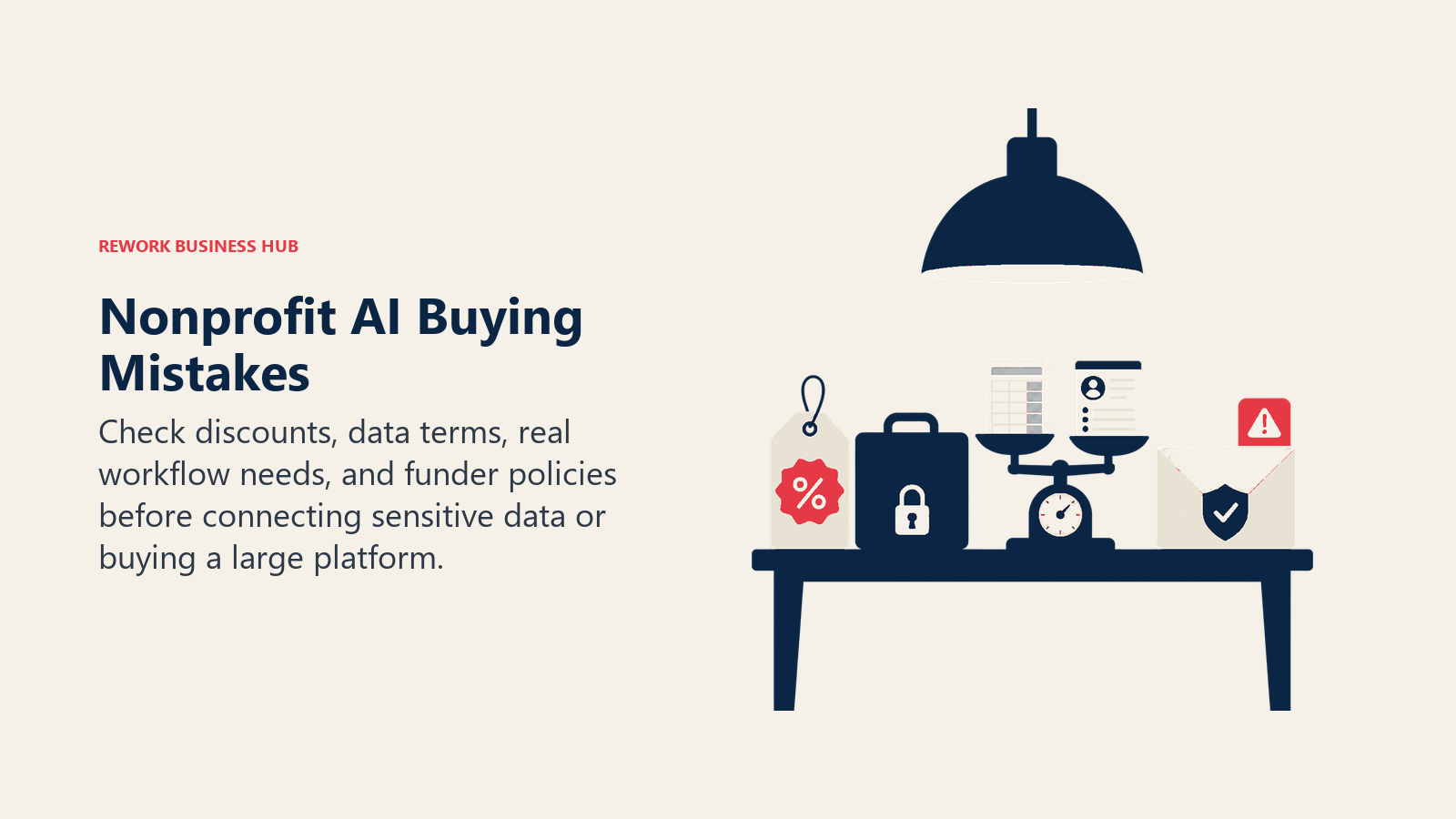
- Paying full retail price without checking for a nonprofit discount first. Nearly every major AI vendor (OpenAI, Anthropic, Google, Microsoft, Zapier) has one now, and most only require a Goodstack or TechSoup verification.
- Uploading donor, beneficiary, or case-management data into a consumer free tier, where data protection terms are often different from (or absent compared to) the nonprofit or business tier.
- Buying a full donor CRM before you've actually outgrown a spreadsheet. A 1-3 person nonprofit tracking a few hundred donors often doesn't need Keela or Bloomerang yet.
- Treating "has AI" as the reason to switch fundraising platforms. Judge the core donor management and reporting first; AI should be the tiebreaker, not the whole evaluation.
- Submitting AI-drafted grant applications without checking a specific funder's policy first. Acceptance is still genuinely mixed across foundations.
- Skipping the security question with any vendor. Get written confirmation that donor and beneficiary data isn't used to train models before connecting anything sensitive.
Frequently Asked Questions about AI Tools for Nonprofits
What's the best free AI tool for a small nonprofit?
Start with Google Workspace for Nonprofits, since the free tier includes Gemini access across Gmail, Docs, and Meet for up to 2,000 users at no cost. Pair it with Canva for Nonprofits, which gives eligible 501(c)(3) organizations the full Pro design suite free for up to 50 users.
How do nonprofits qualify for AI discounts like ChatGPT or Claude?
Most vendors verify eligibility through Goodstack or TechSoup, which check for active 501(c)(3) status or the equivalent in your country. Government agencies, political organizations, and most higher-education institutions are typically excluded, though the exact rules vary by vendor.
Is Rework a good fit for a nonprofit?
Only for multi-program nonprofits, roughly 20-500 staff, coordinating volunteers, case work, and donor or partner relationships across teams, not organizations whose primary need is fundraising-specific features like wealth screening or tax receipting. For pure donor management, a dedicated tool like Keela or Bloomerang fits better.
What's the difference between Grantable and Instrumentl?
Instrumentl's core strength is discovery: it matches your organization against more than 27,000 active RFPs and 450,000 funder profiles and tracks your pipeline. Grantable's core strength is drafting: it keeps your org's profile and past proposals in context so its AI writes faster first drafts. Grant-heavy nonprofits often end up using both.
Will funders accept an AI-written grant application?
It's genuinely mixed right now. Only about 10% of foundations say they'll accept AI-generated applications, 23% say they won't, and the rest are still deciding, so always check a specific funder's guidelines before leaning heavily on AI-drafted text in a submission.
How much should a small nonprofit budget for AI tools in 2026?
A lot of the highest-value tools on this list, Google Workspace for Nonprofits' free tier, Canva for Nonprofits, and Grantable's free tier, cost nothing for eligible organizations. Add one discounted general assistant seat (ChatGPT or Claude at roughly $8/user/month) and a donor CRM once you're tracking more than a spreadsheet can handle, and a small nonprofit can run a real AI stack for well under $100 a month.
Is donor and beneficiary data safe with these AI tools?
Vendors with nonprofit-specific programs, including Google, Microsoft, OpenAI, and Anthropic, publish data protection terms stating that nonprofit chats and files aren't used to train their models by default. Confirm this in writing before connecting donor, beneficiary, or case-management data to any AI tool.
How current is this pricing, and how often should nonprofits re-check it?
Nonprofit AI discounts are moving fast right now. At least four programs on this list, ChatGPT, Claude, Microsoft Copilot, and Google Workspace, changed or expanded their nonprofit terms within the past year, so confirm current pricing directly on each vendor's nonprofit program page before signing an annual contract.
What to Do Next
Start with what's already free or steeply discounted: Google Workspace for Nonprofits, Canva for Nonprofits, and a Goodstack-verified ChatGPT or Claude seat cover general writing, design, and research at close to zero cost for an eligible 501(c)(3). Add a donor CRM (Keela or Bloomerang) once a spreadsheet stops being enough, and layer in grant or major-gift tools (Instrumentl, Grantable, DonorSearch Ai, Virtuous Momentum) once you have a real pipeline to manage rather than one or two applications a year.
If your bottleneck is coordination across programs, meaning volunteers, case work, and donor relationships getting lost between different teams rather than a single person needing to write faster, that's a different problem than what a chat-based AI tool or a fundraising-specific CRM solves. Rework's pricing covers the Marketing Engine (from $99/month billed yearly, 5 seats) for smaller multi-program teams getting started. For the broader small-organization AI landscape beyond nonprofits specifically, see Best AI Tools for Small Business in 2026, and for a full donor CRM shortlist, Best CRM Software in 2026 covers 15 platforms ranked by fit.

Principal Product Marketing Strategist
On this page
- Updated July 2026: What Changed
- Key Facts
- Quick Comparison Table
- How to Choose: Match the Tool to the Bottleneck
- Framework: By Bottleneck
- Framework: By Nonprofit Size and Budget
- 1. ChatGPT: The Default Starting Point for Nonprofit AI
- 2. Claude: Best for Grant Narratives and Careful Policy Writing
- 3. Google Workspace for Nonprofits (with Gemini): Best Free Starting Point
- 4. Microsoft 365 Copilot for Nonprofits: Best If You're Already on Microsoft 365
- 5. Canva for Nonprofits: Free Design and Marketing at No Cost
- 6. Rework: Unified Ops for Multi-Program Nonprofits, Not a Fundraising Tool
- 7. Keela: Donor CRM With AI-Generated Ask Amounts
- 8. Bloomerang: Donor Management With Built-In AI Content Assistance
- 9. DonorSearch Ai: Wealth Screening and Major-Gift Prospecting
- 10. Virtuous Momentum: AI-Prioritized Outreach for Gift Officers
- 11. Grantable: AI-Assisted Grant Writing From Your Organization's Context
- 12. Instrumentl: AI Grant Discovery and Funder Matching
- 13. Zapier: Connecting Your Donor, Form, and Email Tools
- Pricing at a Glance
- Mistakes to Avoid When Adding AI to a Nonprofit
- What to Do Next