Best AI Tools for College Students in 2026: 12 Tools for Research, Writing, Note-Taking, and Staying Organized
Turn this article into takeaways for your work.


Each assistant summarizes the article only for you and suggests best practices for your work.
College is where AI use stops being casual and starts being a workflow: a 15-page research paper, a citation list your professor will actually check, four overlapping deadlines in the same week, and a lecture you can't afford to zone out of. ChatGPT and Claude handle drafting and feedback, Perplexity and NotebookLM handle research and source-grounded synthesis, Zotero keeps your citations straight, Grammarly and Notion AI handle polish and organization, and Motion and Todoist handle the part every other list skips: actually managing your semester. This guide ranks 12 tools by where they fit a real college workload, plus a straight answer on where AI use crosses into academic misconduct.
Every tool below was evaluated on real college coursework (research papers, seminar readings, group projects, exam prep, and semester-long deadline tracking), current pricing, and verified student discounts, not a vendor demo.
This guide is deliberately narrower than a general "AI tools for students" list. If you're weighing K-12 homework help or camera-based math solvers like Photomath and Wolfram Alpha, our best AI tools for students roundup covers that ground. This one is built for the specific shape of college work: papers with real citations, semesters with competing deadlines, and readings that show up in a stack, not a single worksheet.
What Changed in 2026
- Notion moved full, unlimited AI access behind the paid Business tier ($20/month per member). The free Education Plus plan for verified students still exists, but it no longer includes full AI credits.
- Motion and Todoist both shipped deeper AI scheduling features in 2026: Motion's AI daily planner now auto-reshuffles your calendar around deadlines, and Todoist's Ramble feature turns a voice memo into structured tasks using Gemini 2.5 Flash Live.
- Perplexity's Education Pro tier added Study Mode and roughly 10x more citations per answer on top of its existing Academic Focus mode, at a discounted student rate.
- Google split its AI Ultra subscription into a $99.99 entry tier and a $200 high-limit tier at I/O in May 2026, which now gates NotebookLM's higher usage limits.
Key Facts
- 57% of US college students now use AI in their coursework at least weekly, including about 1 in 5 who use it daily, per Gallup's 2026 State of Higher Education study with the Lumina Foundation, based on 3,801 US students pursuing an associate or bachelor's degree.
- 77% of higher-ed faculty now use AI in their teaching, up 16 percentage points from 2025, per the Digital Education Council's AI in Higher Education Global Survey 2026, which drew 45,398 responses (27,284 students and 18,114 faculty) across 35 countries.
- 54% of students use AI to summarize lectures or notes and 54% use it to edit or improve their writing, the two most common uses reported in that same 2026 higher-ed survey, as reported by EdTech Innovation Hub.
- Among 95,500 students at public US research universities, daily AI users admit to cheating with it at a 26% rate, versus 7% for students who only use AI monthly, per a Cornell-led study published in Science and reported by Forbes.
- Long before generative AI, cheating was already common in college: across 71,300 undergraduates surveyed over a 12-year, 24-campus study, 68% admitted to cheating on a test or written assignment at least once, per the International Center for Academic Integrity.
Quick Comparison Table
| Tool | Best For | Starting Price | Key Strength | Key Limitation |
|---|---|---|---|---|
| ChatGPT | All-purpose drafting and explaining | Free; Plus $20/mo | Broadest ecosystem, fastest to useful output | No universal student discount |
| Claude | Long readings and careful paper feedback | Free; Pro $20/mo ($17/mo annual) | Handles full papers and long PDFs without losing thread | No individual student discount |
| Perplexity | Cited, source-backed research | Free; Education Pro ~$10/mo | Every answer shows real, clickable sources | Deep Research capped on lower tiers |
| NotebookLM | Turning your own readings into study guides | Free; bundled in Google AI Plus $7.99/mo+ | Grounds answers only in sources you upload | No standalone paid tier |
| Zotero (+ AI plugins) | Managing citations across a whole degree | Free (300 MB storage) | Open source, no lock-in, every citation style | No native AI, needs a third-party plugin |
| Grammarly | Polishing every paper before you submit | Free (100 AI prompts/mo); Pro $12/mo | Catches issues a chatbot draft leaves behind | Full AI detection is Pro-only |
| Notion AI | One workspace for notes, classes, and group work | Free; Business (full AI) $20/mo/member | Single workspace replaces five separate apps | Full unlimited AI needs paid Business tier |
| Otter.ai | Never missing a word of a lecture | Free (300 min/mo); Pro $16.99/mo | Real-time transcription plus AI summary | Free tier caps at 30 min per session |
| Quizlet | Flashcards and practice tests for exam week | Free; Plus $2.99/mo (annual) | Auto-generates cards from notes or PDFs | AI tutoring shallower than dedicated apps |
| Motion | AI calendar that plans around deadlines | Pro AI $19/mo ($12.73/mo annual) | Auto-reshuffles your week when plans change | No student discount; pricier than a planner app |
| Todoist | Budget task tracking across every class | Free (5 projects); Pro $5/mo (annual) | Cheapest AI task manager on this list | Free tier caps at 5 active projects |
| Speechify | Turning readings into audio you can listen to | Free; Premium $139/yr ($11.58/mo) | Fastest way to get through a dense reading list | Best discount requires manual verification |
1. ChatGPT: The Default All-Purpose Study Assistant
ChatGPT is still the tool most college students open first, and it earns that spot for good reason: it explains a concept a professor rushed through, outlines an essay structure, summarizes a long reading, and drafts practice questions before an exam, all in one interface. The free tier covers casual use, and it handles most undergraduate-level reasoning without a paid plan.
The gap is that OpenAI still hasn't shipped a universal individual student discount as of July 2026. ChatGPT Go ($8/month, select markets) bridges that for students who outgrow free-tier limits but don't need Plus. ChatGPT Edu exists, but only if your university buys it institution-wide. If you're deciding between ChatGPT and its closest rivals, our Claude vs ChatGPT vs Gemini breakdown goes deeper on which one actually fits your workflow.
| What you get | What you don't |
|---|---|
| Broadest general-purpose reasoning and drafting | No universal student discount as of July 2026 |
| Huge ecosystem of custom GPTs for specific subjects | Free tier has message caps during peak hours |
| Fast to useful output with zero setup | Citations are inconsistent without web search enabled |
| Voice mode for studying while commuting or at the gym | Can state wrong facts confidently, always verify |
Pricing: Free; ChatGPT Go $8/mo (select markets); Plus $20/mo; Pro $100/mo or $200/mo.
Best for: Students who want one tool for brainstorming, outlining, explaining, and quick drafts without juggling five apps.
2. Claude: Best for Long Readings and Careful Paper Feedback
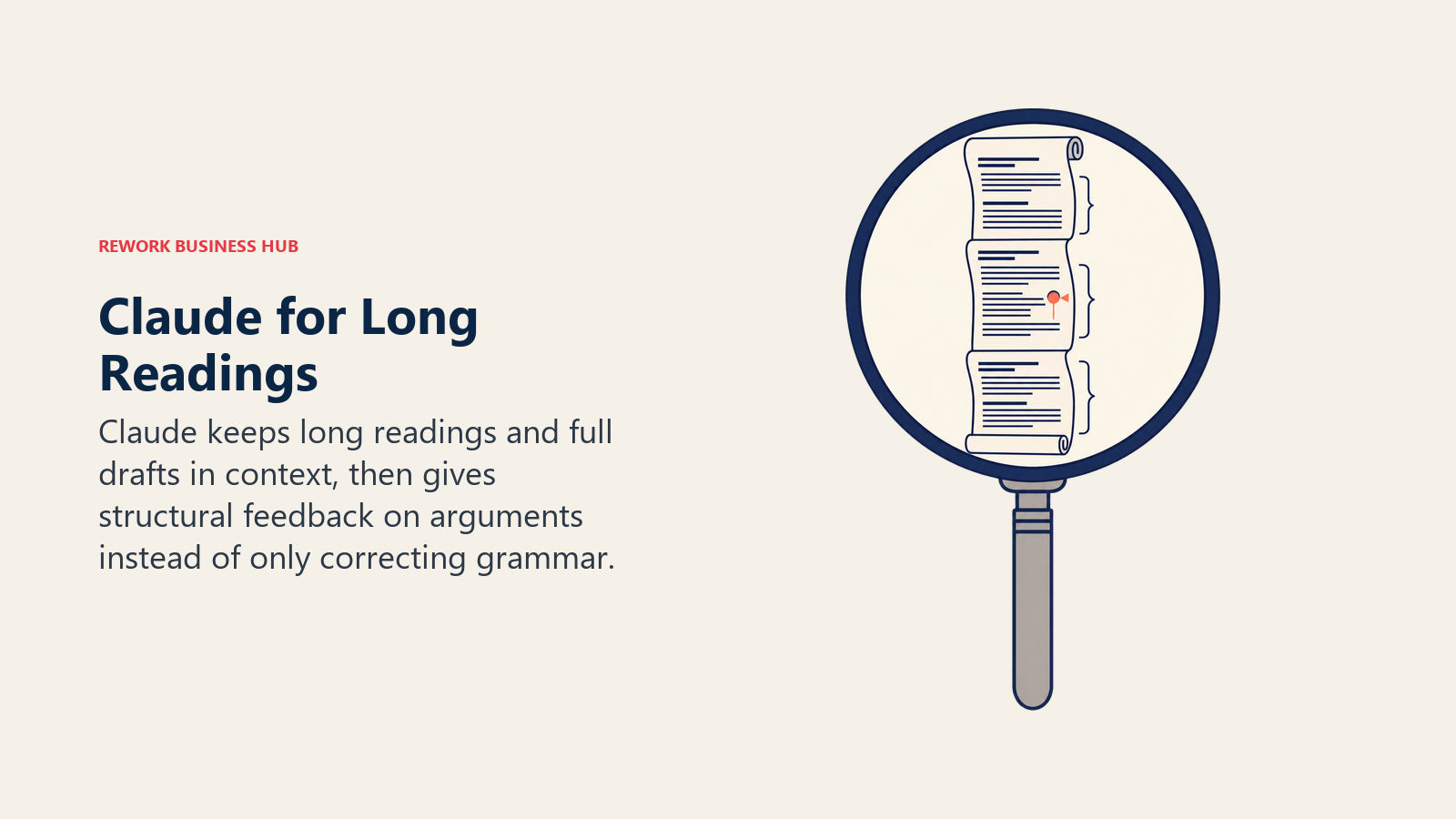
Claude's edge shows up the moment your workload gets long: a full assigned reading, an entire problem set, or a complete draft chapter, held in context without losing the thread partway through. That makes it genuinely useful for literature reviews, thesis chapters, and the dense textbook sections that other tools tend to summarize too thin. Its feedback also tends to be more specific about structure and argument, not just grammar.
Anthropic offers Claude for Education, but it's an institution-wide plan your school has to adopt, not something you can claim individually with a school email. If your university hasn't signed up, you're on the free tier or paying full price for Pro.
| What you get | What you don't |
|---|---|
| Best-in-class handling of long documents and PDFs | No individual student discount as of July 2026 |
| Specific, structural feedback on arguments, not just typos | Claude for Education requires your school to opt in |
| Clear about uncertainty rather than guessing | Smaller plugin ecosystem than ChatGPT |
| Strong for multi-file synthesis across several sources at once | Free tier has tighter daily message limits |
Pricing: Free; Pro $20/mo ($17/mo billed annually); Max $100/mo (5x) or $200/mo (20x).
Best for: Upperclassmen, honors students, and grad students working with long readings or a thesis that needs structured, honest feedback.
3. Perplexity: Best for Cited, Source-Backed Research
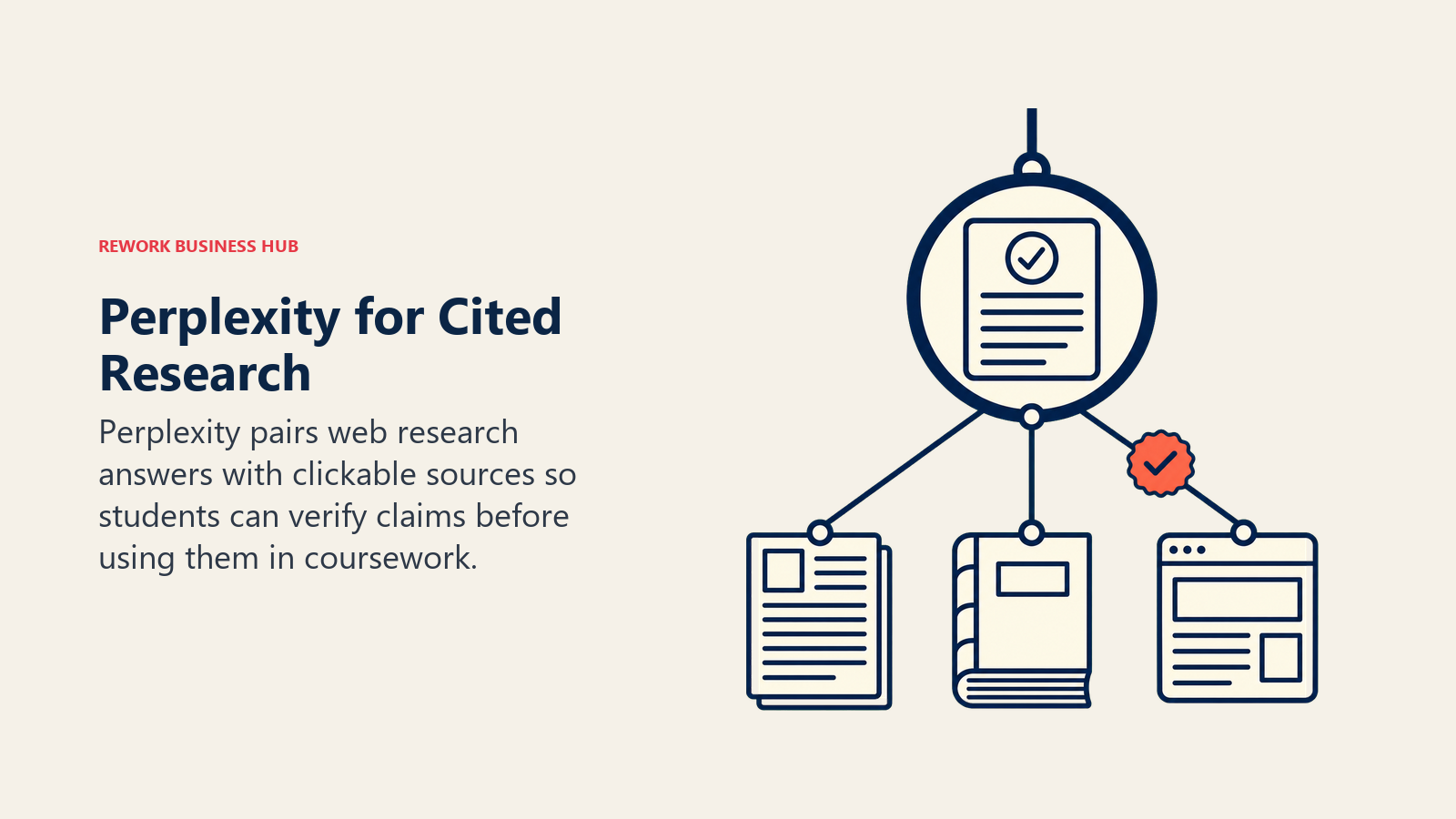
Perplexity's whole design is built around showing its work. Every answer comes with numbered citations linking to the actual source, which matters the moment "the AI told me" isn't something your professor will accept as a citation. Its Education Pro tier adds a Study Mode built specifically for coursework, plus roughly 10x more citations per answer than the standard experience.
The discount structure is a little uneven: standard Education Pro runs around $10/month (50% off) verified through SheerID with a school email, though some students who signed up through referral promotions report a lower renewal rate closer to $5/month.
| What you get | What you don't |
|---|---|
| Every answer shows real, clickable sources | Deep Research runs are capped on lower tiers |
| Study Mode built specifically for coursework | Pricing tiers have shifted more than once in 2026 |
| Real-time web search, not a static knowledge cutoff | Less strong than Claude for long-form writing feedback |
| Verified student rate around 50% off standard Pro | Requires school email verification via SheerID |
Pricing: Free; Pro $20/mo; Education Pro roughly $10/mo (50% off) for verified students.
Best for: Research papers and assignments where every claim needs to trace back to a real, checkable source.
4. NotebookLM: Best for Turning Your Own Readings Into Study Guides
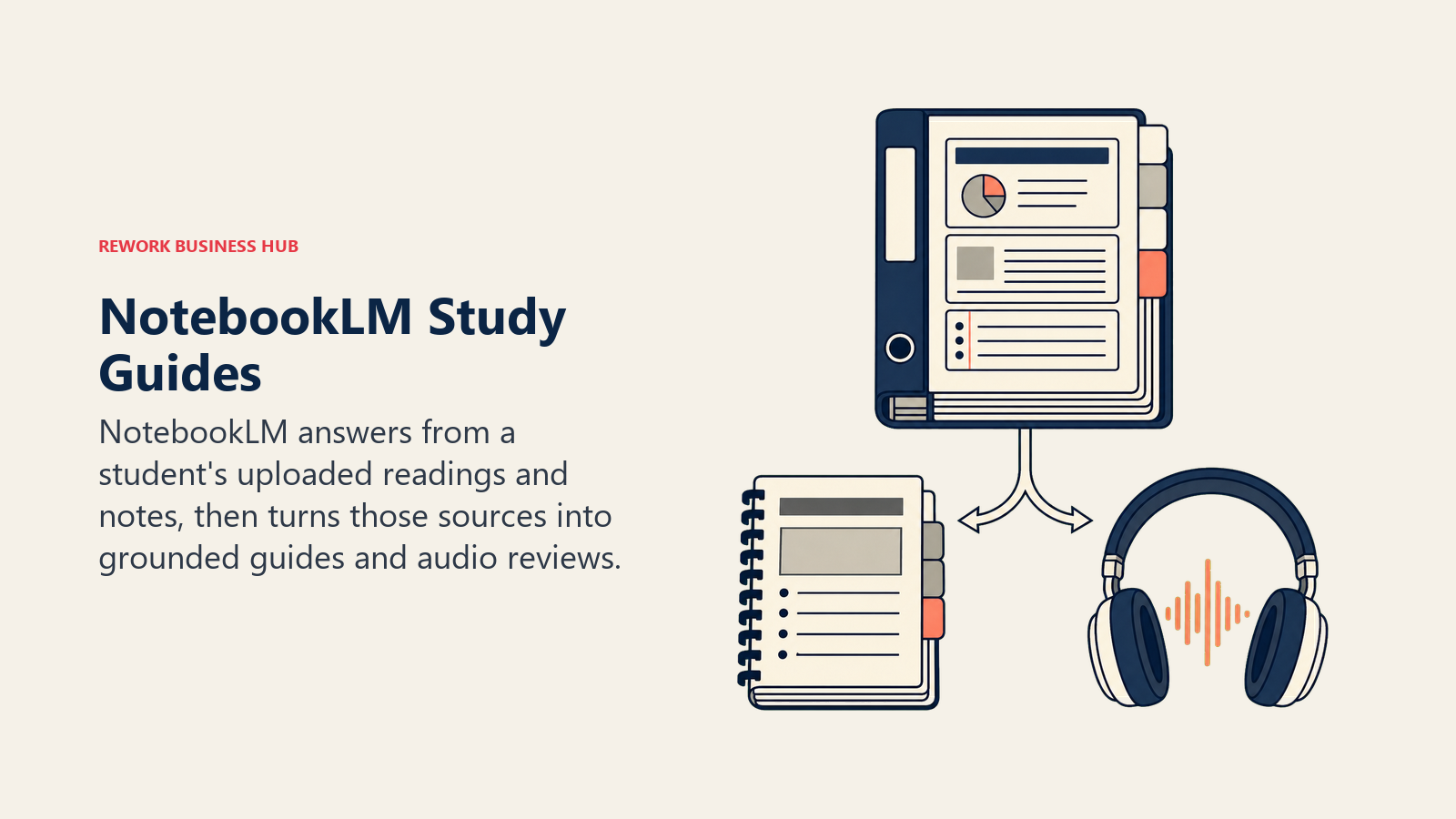
NotebookLM solves a specific problem general chatbots don't: it only answers from sources you actually upload, your lecture slides, your assigned readings, your own notes, so it can't invent facts from outside material the way a general chatbot can. Upload a semester's worth of course material and it generates study guides, FAQ sheets, and an audio "Overview" you can listen to on a walk across campus.
The free tier is genuinely usable: 100 notebooks, 50 sources each, and 50 questions a day with no time limit. There's no standalone NotebookLM subscription; higher usage limits and Video Overviews require a paid Google AI plan.
| What you get | What you don't |
|---|---|
| Answers are grounded only in your uploaded sources | No standalone paid tier, tied to Google AI plans |
| Free tier covers a full semester of reading material | Doesn't browse the open web like Perplexity |
| Audio Overviews are genuinely useful for review on the go | Higher limits and Video Overviews need a paid plan |
| Great for building shared study guides with a group | Less useful for open-ended brainstorming |
Pricing: Free (100 notebooks, 50 sources each, 50 questions/day); paid usage bundled into Google AI Plus $7.99/mo, Pro $19.99/mo, Ultra from $99.99/mo.
Best for: Turning a stack of lecture slides and assigned readings into a study guide without the AI inventing anything.
5. Zotero (+ AI Plugins): Best for Managing Citations Across a Whole Degree
Zotero solves the problem college students underrate until junior year: citations compound. A freshman research paper needs a dozen sources; a senior thesis needs a hundred, formatted to a specific style, tracked across four years. Zotero has stayed free, open source, and vendor-neutral for exactly that reason, with 300 MB of free storage and paid tiers from $20/year for 2 GB up to $120/year for unlimited.
Zotero itself doesn't include native AI, but third-party plugins fill that gap without replacing the core tool. Plugins add conversational search across your saved library, drawing on tags and full-text PDF content to answer questions grounded in what you've actually collected. If your program leans on primary research literature, our best AI tools for academic research guide covers the deeper research stack, including citation-verification tools built for grad-level work.
| What you get | What you don't |
|---|---|
| Free, open source, no vendor lock-in on your citation data | No native AI features, requires a third-party plugin |
| Massive citation style library, works with any course's format | Third-party AI plugins vary in quality and aren't Zotero-maintained |
| 300 MB free storage; paid tiers from $20/year (2 GB) | Steeper learning curve than a citation generator website |
| Syncs across a whole degree, not just one semester | Not a discovery, summarization, or writing tool on its own |
Pricing: Free (300 MB storage); paid storage from $20/year (2 GB) to $120/year (unlimited).
Best for: Any student writing research papers who wants one citation library that survives all four years, not five different tools.
6. Grammarly: Best for Polishing Every Paper Before You Submit
Grammarly still does one thing better than a general chatbot: it lives inside the app you're already typing in, catching grammar, tone, and clarity issues in real time instead of requiring a separate copy-paste step. The free tier covers basic corrections and includes 100 AI prompts a month, enough for occasional rewrites between papers.
Pro unlocks full-sentence rewrites, tone adjustment, plagiarism checking, and AI-generated text detection, useful for checking your own draft honestly before you submit it, not just catching typos. If you want a broader look at AI writing tools beyond grammar-checking, see our best AI writing tools roundup.
| What you get | What you don't |
|---|---|
| Real-time checking inside your browser and docs | Full-sentence rewrites and AI detection are Pro-only |
| Free tier includes 100 AI prompts a month | Not a research or brainstorming tool |
| Plagiarism and AI-text detection built in | Can flag legitimate phrasing as an issue sometimes |
| Works across nearly every app you type essays in | Pro pricing has shifted plan names more than once in 2026 |
Pricing: Free (100 AI prompts/mo); Pro $12/mo billed annually (2,000 AI prompts/mo).
Best for: A final honest polish pass on every paper, email, and application before you hit submit.
7. Notion AI: Best for One Workspace Across Notes, Classes, and Group Projects
Notion's real advantage for college isn't the AI layer, it's that lecture notes, a group project board, a reading list, and a semester calendar can all live in one workspace instead of five separate apps. The AI layer summarizes long notes, auto-fills databases, and drafts outlines directly inside that same workspace.
Notion's education offer is one of the best on this list: students at accredited institutions can claim a free Plus plan with a school email, no credit card required, covering thousands of school domains beyond just .edu. As of 2026, full unlimited AI access, including the Notion Agent, moved behind the paid Business tier at $20/month per member, which the free education plan does not unlock. If note-taking specifically is your bottleneck rather than full workspace organization, our best AI note-taking apps guide compares narrower options too.
| What you get | What you don't |
|---|---|
| Free Plus plan for verified students, no card needed | Full unlimited AI now requires the paid Business tier |
| One workspace for notes, tasks, and group projects | Learning curve is steeper than a single-purpose app |
| Good for shared group project workspaces | AI features feel like an add-on, not the core product |
| Templates for class schedules and reading lists | Metered credit system limits how far the free AI trial goes |
Pricing: Free; Plus plan free for verified students; Business (full AI) $20/mo per member.
Best for: Students who want one organized workspace for notes, group projects, and semester planning, AI or not.
8. Otter.ai: Best for Never Missing a Word of a Lecture
Otter transcribes lectures and study group calls in real time and generates an AI summary afterward with key points and action items pulled out automatically. For a three-hour seminar or a group project call, that means you can actually participate in discussion instead of typing notes the whole time.
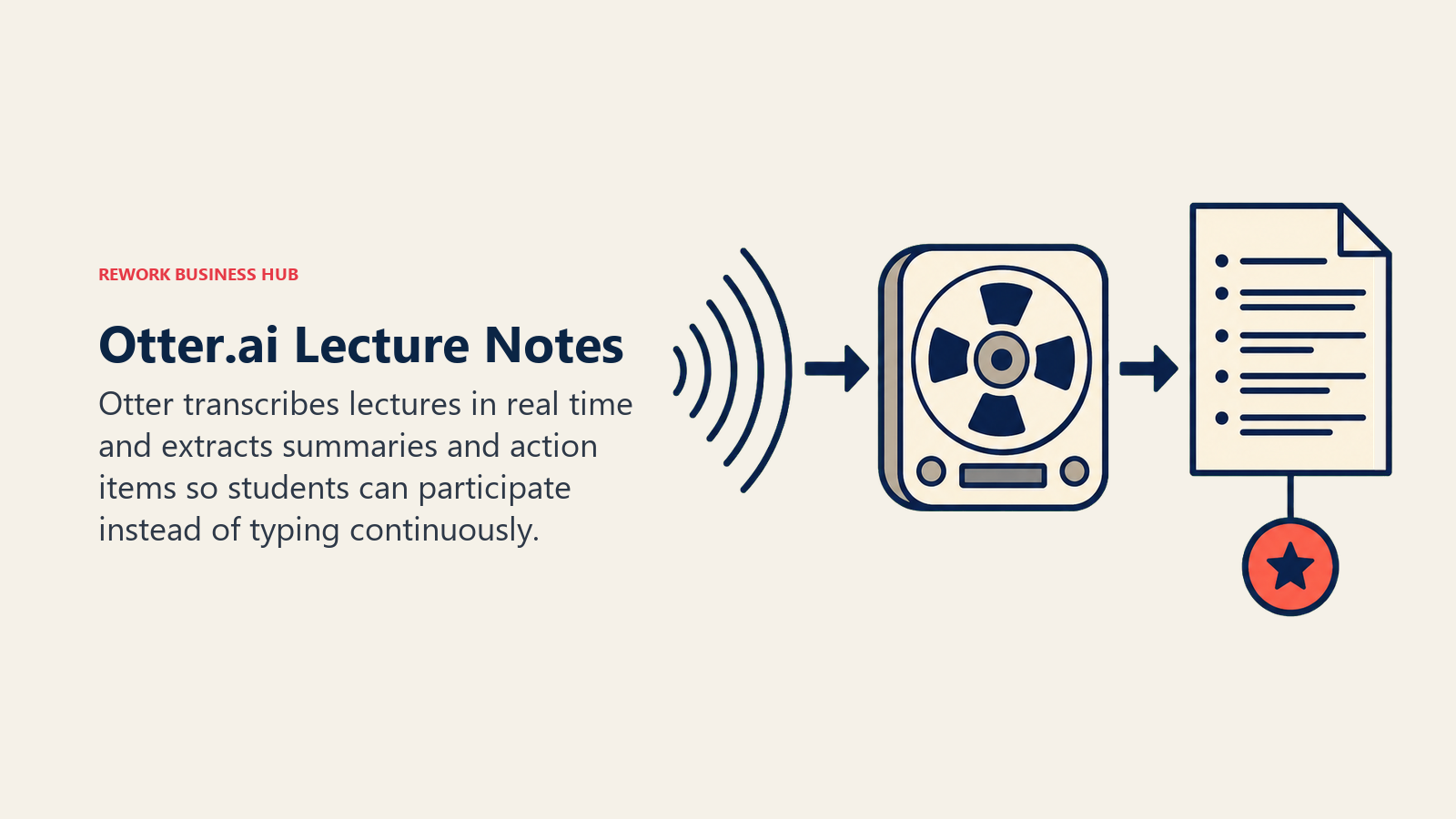
The free tier's 30-minute-per-session cap is the real limitation; most lecture blocks run longer than that. Students and teachers get a 20% discount on Pro with a school email, which mostly closes the gap. If you want to compare it against other AI notetakers, our best AI meeting assistants guide covers Fireflies and Fathom as well.
| What you get | What you don't |
|---|---|
| Real-time transcription plus an AI summary after | Free tier caps at 30 minutes per session |
| 20% student and teacher discount with a school email | Accuracy dips with heavy accents or poor audio |
| Works across in-person, Zoom, and phone calls | Pro's 1,200 monthly minutes can run out in a busy semester |
| Action items and key points pulled out automatically | Not useful outside lecture or meeting-style content |
Pricing: Free (300 min/mo, 30-min cap per session); Pro $16.99/mo ($8.33/mo billed annually), 20% off for students and teachers.
Best for: Long lectures and seminars where you'd rather participate than transcribe by hand.
9. Quizlet: Best for Flashcards and Practice Tests During Exam Week
Quizlet's Magic Notes feature turns a photo of your handwritten notes or a pasted PDF into a flashcard set automatically, and Q-Chat, its AI tutor, asks follow-up questions instead of just flipping a card, closer to how a real study partner quizzes you. Expert Solutions layers in step-by-step textbook answers for courses that use common textbooks.
It's the cheapest paid tier on this entire list, which makes it an easy add even if your main workflow lives elsewhere.
| What you get | What you don't |
|---|---|
| Auto-generates flashcards from notes or PDFs | Free tier limits practice tests and Learn sessions |
| Q-Chat AI tutor asks follow-up questions, not just answers | AI tutoring is shallower than a dedicated tutoring app |
| Cheapest paid tier on this entire list | Textbook coverage in Expert Solutions is uneven by subject |
| Works well for group study and shared card sets | Not built for essay writing or research |
Pricing: Free; Plus $2.99/mo billed annually ($35.99/yr) or $7.99/mo month-to-month; Plus Unlimited $9.99/mo ($44.99/yr annual).
Best for: Memorization-heavy courses (languages, vocab, anatomy, bar exam prep) where flashcards and practice tests actually move the needle.
10. Motion: Best AI Calendar That Plans Your Semester Around Deadlines
Every list of AI tools for students covers research and writing. Almost none cover the actual bottleneck for a lot of college students: four classes, three deadlines in the same week, and no system that adjusts when a group project runs long. Motion's AI daily planner takes your assignments, exams, and fixed commitments (classes, work shifts, practice) and auto-builds a day plan, reshuffling automatically when something runs over instead of leaving you to redo it by hand.
The honest tradeoff is price. At $19/month with no student discount, Motion costs more than most single-purpose study tools on this list, and it's overkill if your semester is genuinely light. It earns its place for students juggling a heavy course load, a job, and extracurriculars at the same time, where a static planner keeps falling out of date by Wednesday.
| What you get | What you don't |
|---|---|
| AI daily planner auto-reshuffles when your day changes | No student discount; pricier than a plain planner app |
| Handles calendar, tasks, and docs in one connected system | Steeper learning curve than a simple to-do list |
| 7,500 AI credits a month on the Pro AI plan | Best value for a genuinely packed schedule, overkill for a light one |
| Auto-schedules study blocks around fixed commitments | Requires card details to start the free trial |
Pricing: Pro AI $19/mo ($12.73/mo billed annually); Business AI $29/mo.
Best for: Students carrying a heavy course load alongside work or extracurriculars who need their calendar to actually adapt.
11. Todoist: Best Budget AI Task Manager for Tracking Every Assignment
Todoist is the plain, cheap alternative to Motion's full AI calendar: a task list, not a planner, and it's honest about that scope. Task Assist writes task descriptions, sets realistic deadlines, and breaks a big assignment ("write research paper") into smaller subtasks automatically. Ramble, its 2026 addition, turns a rambling voice memo between classes into structured tasks using Gemini 2.5 Flash Live, useful for capturing what a professor just said before you forget it.
The free tier caps out at 5 active projects, which is tight once you're juggling four classes, a job, and a student org. Pro removes that cap and unlocks unlimited Task Assist and Ramble sessions for less than a coffee a week.
| What you get | What you don't |
|---|---|
| Cheapest AI task manager on this list, $5/mo annual | Free tier caps at 5 active projects |
| Task Assist breaks big assignments into subtasks | Not a calendar; won't auto-reshuffle your day like Motion |
| Ramble turns a voice memo into structured tasks | Less capable for deep semester-long planning |
| Fast, simple interface with almost no learning curve | AI features are lighter than Motion's full planner |
Pricing: Free (up to 5 projects); Pro $5/mo billed annually ($7/mo monthly).
Best for: Students who want AI-assisted task tracking without paying for a full planning platform.
12. Speechify: Best for Turning Your Reading List Into Audio
Speechify converts PDFs, textbooks, and web articles into natural-sounding audio you can listen to while walking to class, doing laundry, or commuting. For reading-heavy majors (history, poli-sci, philosophy, pre-law) where the assigned pages pile up faster than dedicated reading time exists, that reclaims hours a week without cutting corners on the actual material.
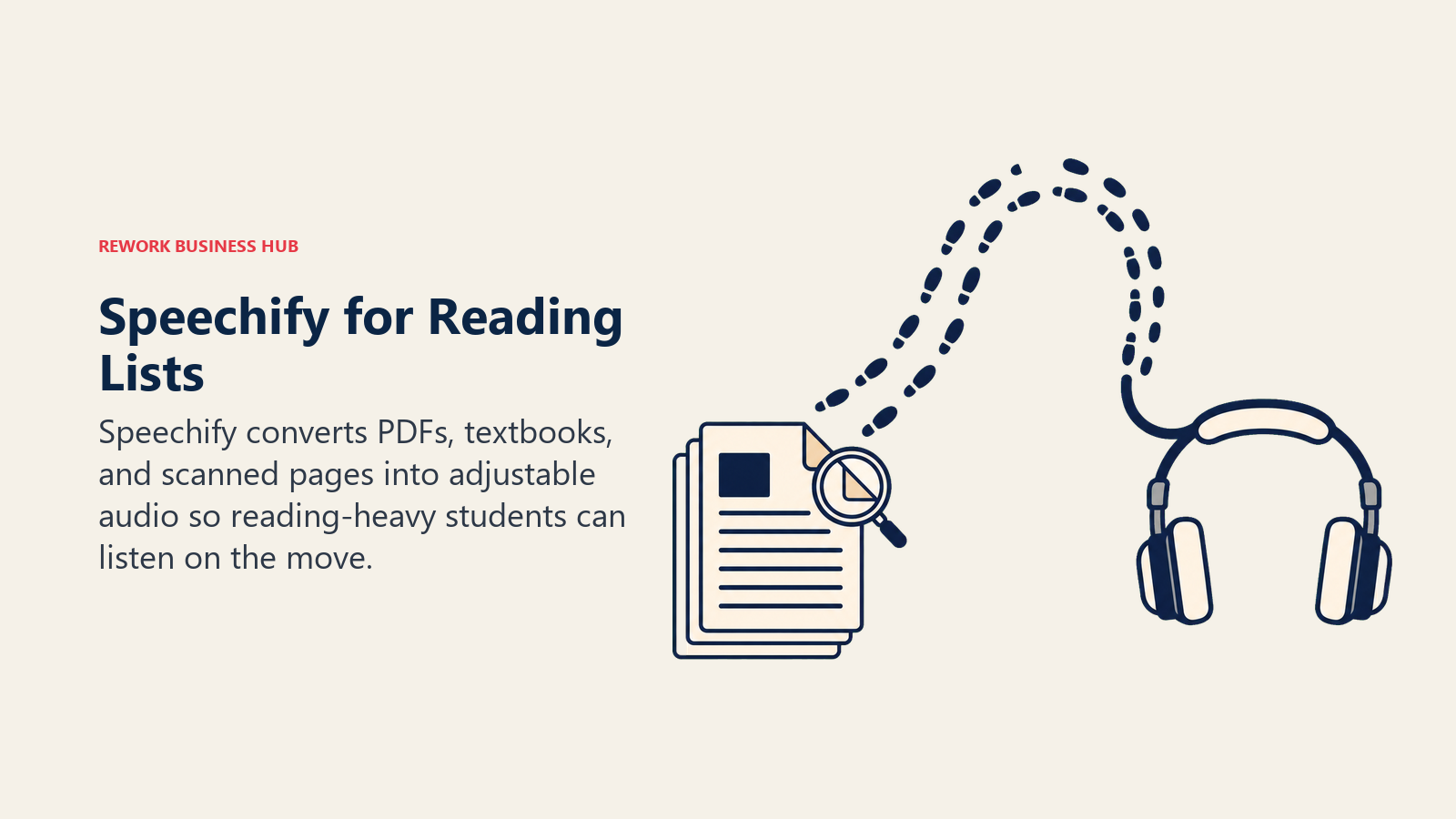
The free tier covers basic text-to-speech. Premium unlocks faster playback speeds, more natural voices, and OCR for scanned textbook pages. Student discounts run 25% to 40% off through UNiDAYS or Student Beans, though the exact rate isn't published and requires verification with a school email.
| What you get | What you don't |
|---|---|
| Turns dense reading lists into audio you can multitask around | Best discount requires manual verification, not instant |
| OCR handles scanned textbook pages, not just clean PDFs | Doesn't summarize or explain, just reads aloud |
| Natural-sounding voices at adjustable playback speed | Premium runs $29/mo without an annual commitment |
| Genuinely useful for auditory learners and long reading lists | Not a substitute for actually engaging with dense material |
Pricing: Free; Premium $139/yr ($11.58/mo) or $29/mo month-to-month; 25% to 40% off with a verified student discount.
Best for: Reading-heavy majors who need to get through a long syllabus without every page eating dedicated study time.
Academic Integrity: What Every College Student Should Know
Using AI in college isn't automatically cheating, and it isn't automatically fine either. The line depends on your syllabus, your professor, and sometimes the specific assignment within the same class, which is exactly why so many students get this wrong without meaning to.
The data backs up that this is a real, growing problem, not just a moral panic. Among 95,500 students at public US research universities, a Cornell-led study published in Science found that students who use AI daily cheat with it at a 26% rate, compared to 7% for students who only use AI monthly. That's a strong signal that frequency of use, not AI access itself, is what tracks with misconduct. And this isn't a new problem AI invented: across 71,300 undergraduates surveyed over a 12-year, 24-campus study, 68% had already admitted to cheating on a test or written assignment before generative AI existed, according to the International Center for Academic Integrity. AI changed the tools, not the underlying behavior.
Most universities now run submitted work through Turnitin or a similar AI-detection layer. These tools are not as reliable as their marketing suggests, and detection accuracy drops further on writing from non-native English speakers and heavily edited drafts, which is exactly why most universities' own academic integrity policies say a detection flag should start a conversation with your professor, not trigger an automatic penalty.
Practical guidance that holds up across almost every syllabus:
- Read your syllabus's AI policy for every class, every semester. Policies vary by professor and even by assignment type within the same course. What's fine for a discussion post might not be fine for a graded essay.
- Use AI to understand, not to skip understanding. Asking Claude to explain a concept three different ways is a completely different act than asking it to write the essay for you. Only one of those helps you on the exam.
- Verify anything AI tells you before you cite it, especially in a research paper where a fabricated source is far more damaging than a weak argument. See our explainer on AI hallucination for why chatbots confidently state things that aren't true.
- Don't submit unedited AI output as your own words, even in classes where it's technically allowed. Writing that reads like generic AI output also tends to score worse on the parts of a rubric that reward original thinking, independent of any integrity policy.
- Keep your process visible when it matters. Version history in Google Docs, dated notes, or a Zotero library that shows your actual research trail is the easiest way to demonstrate your work is genuinely yours if a question ever comes up.
How to Build Your College AI Stack by Task
Most students don't need all 12 tools running at once. Pick two or three based on what's actually costing you the most time this semester.
| If you need... | Pick... | Why |
|---|---|---|
| One tool for general coursework, drafting, and explaining | ChatGPT or Claude | Broadest reasoning; pick Claude specifically for long readings and theses |
| Research with sources you can actually cite in a paper | Perplexity | Every answer links to a real, checkable source |
| Study guides from your own lecture material | NotebookLM | Grounded only in what you upload, won't invent facts |
| A citation library that survives your whole degree | Zotero | Free, open source, works with any course's citation style |
| A final honest polish before you submit a paper | Grammarly | Catches issues a chatbot draft leaves behind |
| One workspace for notes, classes, and group projects | Notion AI | Free Plus plan for verified students |
| Catching every word of a long lecture | Otter.ai | Real-time transcription plus an AI summary after |
| Memorizing vocab, formulas, or exam material | Quizlet | Auto-generates flashcards and quizzes from your notes |
| A calendar that adapts when your week gets overloaded | Motion | AI daily planner auto-reshuffles around real deadlines |
| Cheap, simple task tracking across every class | Todoist | AI-assisted, under $5 a month, minimal learning curve |
| Getting through a reading list without losing study hours | Speechify | Turns PDFs and textbooks into audio you can multitask around |
AI Tool Mistakes College Students Make
| Mistake | What It Looks Like | What to Do Instead |
|---|---|---|
| Paying for five subscriptions before finding a real workflow | Signing up for every tool's free trial during syllabus week | Start with one general assistant and one specialist, add more only when you hit a real gap |
| Skipping the student discount | Paying full price for Perplexity, Otter, or Speechify | Verify with a school email before you subscribe to anything |
| Treating AI as a citation source | Citing a chatbot's summary of a study without checking the source exists | Cross-check with Perplexity or Zotero's library before citing anything in a paper |
| Ignoring your syllabus's AI policy | Assuming every class allows the same AI use as the last one | Reread the AI policy section for each class at the start of the semester |
| Submitting unedited AI drafts | Copy-pasting a ChatGPT essay with no personal editing pass | Use AI for outlines and feedback, write and edit the final draft yourself |
| Using a study tool as a scheduling tool, or vice versa | Trying to plan a whole semester inside Quizlet or track flashcards inside Motion | Match the tool to the job: memorization tools for memorization, planners for deadlines |
What to Do Next
Pick one general assistant (ChatGPT or Claude), one research tool that shows real citations (Perplexity or NotebookLM), and one organization tool that matches how overloaded your actual semester is (Notion AI for a light course load, Motion if you're juggling work and extracurriculars too). Verify your student discount with a school email before paying full price for anything on this list. And before you submit anything AI-assisted, reread your syllabus's AI policy, because the rules genuinely change from class to class and from professor to professor. If you want the broader picture across every student use case, not just college-level work, see our best AI tools for students roundup, and if research specifically is your bottleneck, our best AI tools for academic research guide goes deeper on the discovery-to-citation workflow.

Principal Product Marketing Strategist
On this page
- What Changed in 2026
- Key Facts
- Quick Comparison Table
- 1. ChatGPT: The Default All-Purpose Study Assistant
- 2. Claude: Best for Long Readings and Careful Paper Feedback
- 3. Perplexity: Best for Cited, Source-Backed Research
- 4. NotebookLM: Best for Turning Your Own Readings Into Study Guides
- 5. Zotero (+ AI Plugins): Best for Managing Citations Across a Whole Degree
- 6. Grammarly: Best for Polishing Every Paper Before You Submit
- 7. Notion AI: Best for One Workspace Across Notes, Classes, and Group Projects
- 8. Otter.ai: Best for Never Missing a Word of a Lecture
- 9. Quizlet: Best for Flashcards and Practice Tests During Exam Week
- 10. Motion: Best AI Calendar That Plans Your Semester Around Deadlines
- 11. Todoist: Best Budget AI Task Manager for Tracking Every Assignment
- 12. Speechify: Best for Turning Your Reading List Into Audio
- Academic Integrity: What Every College Student Should Know
- How to Build Your College AI Stack by Task
- AI Tool Mistakes College Students Make
- What to Do Next