Best AI Tools for Accountants in 2026
Turn this article into takeaways for your work.


Each assistant summarizes the article only for you and suggests best practices for your work.
If you're a practicing accountant, tax preparer, or firm owner picking AI tools in 2026, TaxDome and Canopy lead for AI-assisted practice management and client workflow, Financial Cents, Client Hub, and Double (formerly Keeper) lead for bookkeeping review and client communication, Dext leads for AI document capture, Black Ore and Basis lead for autonomous tax return and workpaper preparation, Thomson Reuters CoCounsel and Blue J lead for AI tax research, Intuit's ProConnect and Lacerte lead if you want AI layered onto the professional tax software you already file with, MindBridge and DataSnipper lead for AI-assisted audit work, and FloQast leads for AI-assisted month-end close. This guide ranks 15 tools by the job an accountant or firm is actually hiring AI to do, not by whichever vendor shipped the loudest AI announcement this quarter.
This guide is scoped to the accountant's own practice: tax preparation, bookkeeping automation delivered by a firm to its clients, audit fieldwork, month-end close, and the practice management work that holds a firm together. It is not about which general ledger a small business should buy (best AI tools for accounting covers QuickBooks, Xero, Zeni, and Digits from the business owner's seat), which FP&A stack an internal finance team should run (best AI tools for finance teams covers Cube, Datarails, and Pigment), or how a fractional CFO practice reports across a client portfolio (best AI tools for virtual CFO services covers Spotlight Reporting and Jirav). All four guides are meant to be read together, since most firms end up using tools from several.
Updated July 2026: What Changed
- Black Ore opened Tax Autopilot to every CPA firm. Through April 2026 it ran invite-only off a waitlist of nearly 4,000 firms, including 40% of the Top 20 firms in the country; it's now broadly available, still with custom pricing only.
- Basis raised $100M at a $1.15 billion valuation to build out AI agents that complete tax, audit, and advisory workflows end to end, and now counts roughly 30% of the Top 25 accounting firms as customers.
- Digits and Booke AI moved to outcome-based firm pricing (covered in depth in the general AI accounting tools guide), a pattern now spreading into firm-facing AI more broadly: several vendors on this list price around results delivered per client, not seats sold.
- AI adoption for tax research nearly doubled year over year. 60% of tax professionals now use AI for tax research at least weekly, up from 33% in 2025, per the Blue J and CPA.com 2026 survey.
Key Facts
- 60% of tax professionals now use AI for tax research at least weekly, up from 33% a year earlier, and 84% agree AI saves them time, per the Blue J and CPA.com 2026 AI adoption survey of over 1,000 tax professionals.
- 83% of audit functions are piloting or already using AI, with another 12% planning to adopt within the year, per Gartner's 2026 survey of chief audit executives.
- 62% of finance and accounting leaders report difficulty hiring and retaining accountants, with unemployment among accounting professionals still hovering near 1-2%, per Robert Half's 2026 Salary Guide research.
- The Bureau of Labor Statistics projects roughly 124,200 accounting and auditing job openings a year through 2034, against a shrinking CPA pipeline, per the 2025 AICPA/NASBA Trends Report.
- Practitioners are already applying AI across the workflow: 44% for advisory projects, 40% for tax planning, and 39% for compliance research, per the same Blue J and CPA.com survey.
Quick Comparison Table
| Tool | Best For | Starting Price | Key Strength | Key Limitation |
|---|---|---|---|---|
| TaxDome | Firms wanting one AI-assisted platform for workflow, portal, and CRM | Essentials $800/user/yr | Deep all-in-one practice management, IRS integration | Priced per seat annually; a real commitment for a solo preparer |
| Canopy | Firms wanting modular AI practice management they can scale into | From $66/mo (under 5 users) | Canopy Coworker and Notetaker built into every plan | Modular pricing climbs fast past 4 users |
| Financial Cents | Bookkeeping/accounting firms wanting lightweight workflow tracking | Solo $19/mo | Simple, affordable capacity and deadline tracking | Lighter AI depth than TaxDome or Canopy |
| Client Hub | Firms wanting AI-reviewed close plus client-facing communication | Practice Manager $59/user/mo | AI drafts client email responses, flags close issues | Per-user pricing scales with headcount, not clients |
| Double (formerly Keeper) | Firms wanting AI-flagged bookkeeping review before month-end close | From $200/mo (annual) | AI review catches miscategorized transactions pre-close | Pricing is per connected client; scales with book count |
| Dext | Firms wanting AI receipt and invoice data capture at the source | Practice Essentials $17.70/client/mo | Fast, accurate OCR feeding 36+ accounting platforms | Narrow scope; needs a ledger and workflow tool alongside it |
| Black Ore (Tax Autopilot) | Firms wanting autonomous 1040 prep at real volume | Custom (no self-serve) | 99%+ reported accuracy, up to 98% time savings per return | No published pricing; requires a sales conversation |
| Basis | Larger firms wanting AI agents across tax, audit, and advisory | Custom (no self-serve) | End-to-end agentic workflows, not single-task automation | Enterprise-oriented; overkill for a small practice |
| Thomson Reuters CoCounsel (Tax & Accounting) | Firms wanting AI-assisted tax research and memo drafting | Basic $180/user/mo | Direct integration with UltraTax CS and ONESOURCE | Premium pricing; steep for firms under $500K revenue |
| Blue J | Tax specialists wanting AI-predicted case outcomes | Professional ~$250/user/mo | 85-90% predictive accuracy on tax case law outcomes | Narrow use case; not a general practice tool |
| Intuit ProConnect / Lacerte (Intuit Assist) | Firms wanting AI added to the tax software they already file with | ProConnect from $110/mo | AI data extraction and audit-risk scoring on 1040s | Deeper business-return automation costs meaningfully more |
| MindBridge AI Auditor | Audit teams wanting AI anomaly detection across full ledgers | Custom (quote only) | Scores 100% of transactions for risk, not a sample | No public pricing; enterprise sales cycle |
| DataSnipper | Audit teams wanting AI-automated workpaper prep in Excel | Custom (quote only), ~€350-850/user typical | Extracts and cross-references data straight into workpapers | Quote-based; hard to justify below roughly 10 users |
| FloQast | Controllership and outsourced-close teams wanting AI-assisted close | Custom, typically $12K+/yr | Reconciliation and close checklist tied to the ERP | No public pricing; implementation costs add up fast |
| ChatGPT / Claude | Any accountant wanting fast drafting or research help | Plus/Pro from $20/mo | Near-zero onboarding for memo drafting, summarizing | Not a system of record; every output needs verification |
How to Choose: Decision Framework
Before comparing feature lists, figure out which job in the practice you're actually trying to automate. Most firms end up layering two or three of these tools rather than picking just one, but the starting point should match your biggest bottleneck, not the loudest AI headline. For the fuller buying criteria before AI enters the picture, how to choose accounting software and how to choose bookkeeping software walk through the underlying evaluation framework.
| If you need... | Pick... | Why |
|---|---|---|
| One AI-assisted platform for client workflow, portal, and billing | TaxDome or Canopy | Both bundle CRM, document exchange, and AI drafting into one system of record |
| Lightweight deadline and capacity tracking without a big platform switch | Financial Cents | Cheapest entry point that still tracks who owes what, by when |
| A close checklist plus AI-drafted client communication in one tool | Client Hub | Purpose-built to cut close review and email time for bookkeeping firms |
| AI review of a client's books before you sign off on close | Double (formerly Keeper) | Flags miscategorized or unusual transactions automatically, per connected client |
| To stop manually keying receipts and invoices | Dext | Best-in-class OCR that publishes straight into 36+ accounting platforms |
| Autonomous tax return preparation at real volume | Black Ore | Built specifically to prepare, not just assist with, 1040 returns |
| AI agents across tax, audit, and advisory in one larger firm | Basis | Agentic workflows spanning multiple service lines, not a single point tool |
| Faster, more defensible tax research with cited case law | Thomson Reuters CoCounsel or Blue J | CoCounsel integrates into UltraTax/ONESOURCE; Blue J predicts case outcomes |
| AI added to the professional tax software you already file returns in | Intuit ProConnect or Lacerte | Intuit Assist layers onto software your firm already knows |
| AI-assisted anomaly detection across an entire audit population | MindBridge AI Auditor | Scores 100% of transactions for risk instead of a sampled subset |
| Faster workpaper prep during fieldwork | DataSnipper | Extracts and cross-references source documents directly inside Excel |
| AI-assisted month-end close for a controllership or outsourced-close team | FloQast | Ties reconciliation and close checklists directly to the ERP |
| A fast answer or drafted memo with no new tool to learn | ChatGPT or Claude | Near-zero onboarding; most accountants already have one open |
Framework: By Practice Type
| Practice Profile | Budget Signal | Best Fits |
|---|---|---|
| Solo preparer or single-owner bookkeeping practice | Free to $60/mo | Financial Cents, ChatGPT/Claude, Dext (single client) |
| Small firm (2-10 staff) | $60-500/mo | Canopy, Client Hub, Double, TaxDome Essentials |
| Mid-size firm (10-50 staff) | $500-3,000/mo | TaxDome Pro/Business, Dext Practice, CoCounsel, Blue J |
| Firm with a dedicated tax research or planning specialty | $3,000-25,000/yr | Blue J, Thomson Reuters CoCounsel |
| Firm scaling autonomous tax prep | Custom, five-plus figures/yr | Black Ore |
| Larger firm running tax, audit, and advisory as one shop | Custom, six figures/yr | Basis |
| Audit practice or internal audit function | Custom, five-plus figures/yr | MindBridge AI Auditor, DataSnipper |
| Controllership or outsourced-close team | $12,000+/yr | FloQast |
1. TaxDome: All-in-One AI Practice Management for Tax and Accounting Firms
TaxDome bundles the pieces most firms otherwise stitch together from separate vendors: client portal, document exchange, e-signatures, CRM, workflow templates, and billing, now layered with AI-driven analytics and IRS integration on its Pro and Business tiers. For a firm that wants one system of record instead of five logins, that consolidation is the entire pitch.
The tradeoff is price and commitment. TaxDome bills per seat, annually, upfront, and every staff member who touches the workspace needs a paid seat. A firm evaluating whether the all-in-one approach is worth that commitment should weigh it against how to choose accounting software before signing a multi-year contract for the discount.
Best for: Small to mid-size firms wanting one AI-assisted platform for client communication, workflow, and billing, willing to commit to annual per-seat pricing
Key strengths:
- Deep, all-in-one feature set: portal, CRM, e-signature, IRS integration, workflow templates
- AI-driven analytics and workload management on Pro tier and above
- Multi-year subscriptions save up to 12.5% for firms ready to commit
Limitations:
- Priced per seat, billed annually upfront, which is a real commitment for a small practice
- Essentials tier caps at a single user; team features require Pro
- Feature density means a longer setup and onboarding period than a lighter tool
| What you get | What you don't |
|---|---|
| Full practice management stack in one platform | Annual, per-seat billing with no month-to-month entry option |
| AI analytics and workload management on Pro/Business | Solo tier is genuinely single-user only |
| IRS integration and custom domain on top tiers | Setup and onboarding take longer than a single-purpose tool |
Pricing: Essentials $800/user/yr, Pro $1,000/user/yr, Business $1,200/user/yr, all billed annually upfront; added Pro seats run $100/mo. See taxdome.com/pricing.
2. Canopy: Modular AI Practice Management That Scales With the Firm
Canopy takes a different pricing shape than TaxDome: every plan includes the full practice management suite (CRM, workflow, document management, billing, client portal, payments) plus two AI features baked in from the start, Canopy Coworker for drafting and summarizing, and Canopy Notetaker for transcribing client meetings into organized notes and tasks.
Below 5 users, Canopy is a flat per-user rate. Past that, it switches to a $150/mo base platform plus per-user module costs, which lets a growing firm add modules (workflow, billing, client portal) only where it needs them, but the total climbs quickly once a firm is adding several modules across 10+ staff.
Best for: Firms wanting AI drafting and meeting notes built into practice management from day one, especially ones that expect to grow past a handful of users
Key strengths:
- Canopy Coworker and Notetaker included as core AI features, not a paid add-on
- Client Credits pricing charges once per client regardless of how many AI actions you run
- Modular structure lets a firm add only the workflow pieces it actually needs
Limitations:
- Past 4 users, pricing shifts to a base fee plus per-module, per-user costs that add up fast
- A 10-person firm running all modules can land north of $1,000/mo
- Newer AI feature set than the practice management core, so depth is still expanding
| What you get | What you don't |
|---|---|
| Coworker and Notetaker AI included in every plan | Modular pricing scales quickly past 4 users |
| Simple flat-rate entry for small firms | Full-featured 10+ user firm can exceed $1,000/mo |
| Client Credits keep AI usage costs predictable per client | Fewer bundled extras than TaxDome's top tier |
Pricing: From $66/mo for firms with 4 or fewer users; $150/mo base platform plus per-user module pricing above that (roughly $1,050/mo example for a 10-person firm on all Standard modules). See getcanopy.com/pricing.
3. Financial Cents: Lightweight AI Workflow Tracking for Bookkeeping and Accounting Firms
Financial Cents skips the all-in-one ambition of TaxDome and Canopy and focuses on one job: knowing who owes what, by when, across every client a firm serves. Gmail and Outlook integration, e-signatures, unlimited tags and client groups, and capacity tracking make it easy to see workload at a glance without a heavyweight platform migration.
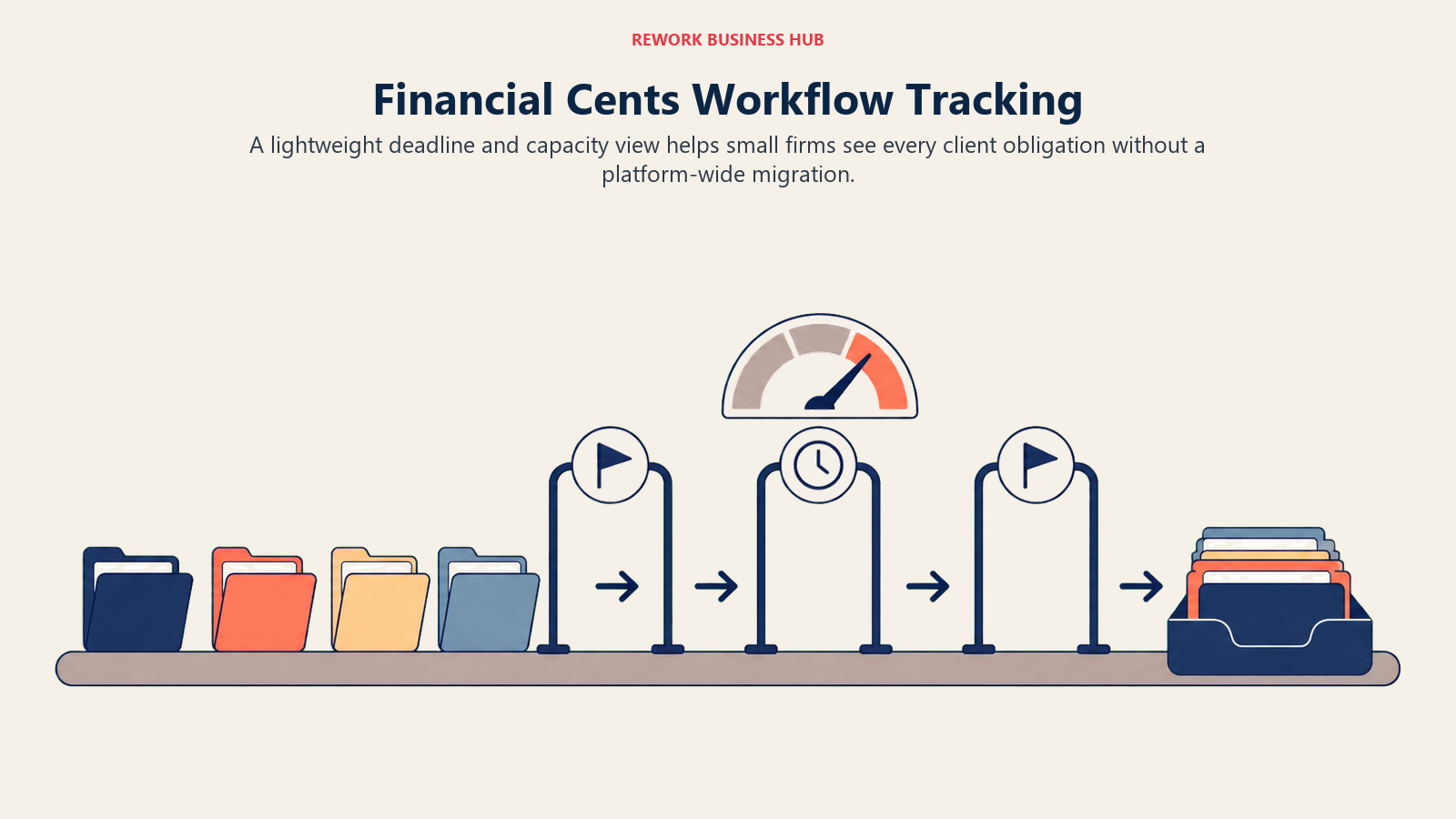
The Solo tier at $19/mo is genuinely built for a single-user firm testing the category, and the jump to Team at $49/mo (annual) is where most small firms actually land, since it unlocks the collaboration features a two-or-more-person practice needs.
Best for: Small bookkeeping and accounting firms that want deadline and capacity visibility without committing to a full practice management platform switch
Key strengths:
- Cheapest genuinely usable entry point in this category at $19-49/mo
- Unlimited tags, client groups, and custom fields for organizing a growing client list
- 14-day trial with no credit card required lowers the evaluation cost to nearly zero
Limitations:
- Lighter AI feature depth than TaxDome or Canopy; workflow-first, not AI-first
- Scale tier ($69/mo) is where branded client experience and deeper automation live
- No enterprise-grade document exchange or e-signature depth built for larger firms
| What you get | What you don't |
|---|---|
| Low-cost, fast setup for solo and small-team firms | Thinner AI feature set than category leaders |
| Clear capacity and deadline visibility across clients | Advanced automation gated behind Scale/Enterprise |
| 14-day free trial, no credit card required | Not built as a client-facing portal replacement |
Pricing: Solo $19/mo, Team $49/mo (annual), Scale $69/mo (annual), Enterprise custom. See financial-cents.com/pricing.
4. Client Hub: AI-Reviewed Close With Client-Facing Communication Built In
Client Hub's angle is the two things that eat the most time at month-end: reviewing the books before close and explaining what happened to the client afterward. Its AI reviews Balance Sheet and P&L data to flag accounts and transactions worth a second look, and its inbox assistant drafts professional client responses, which the vendor says cuts email management time by up to 70%.
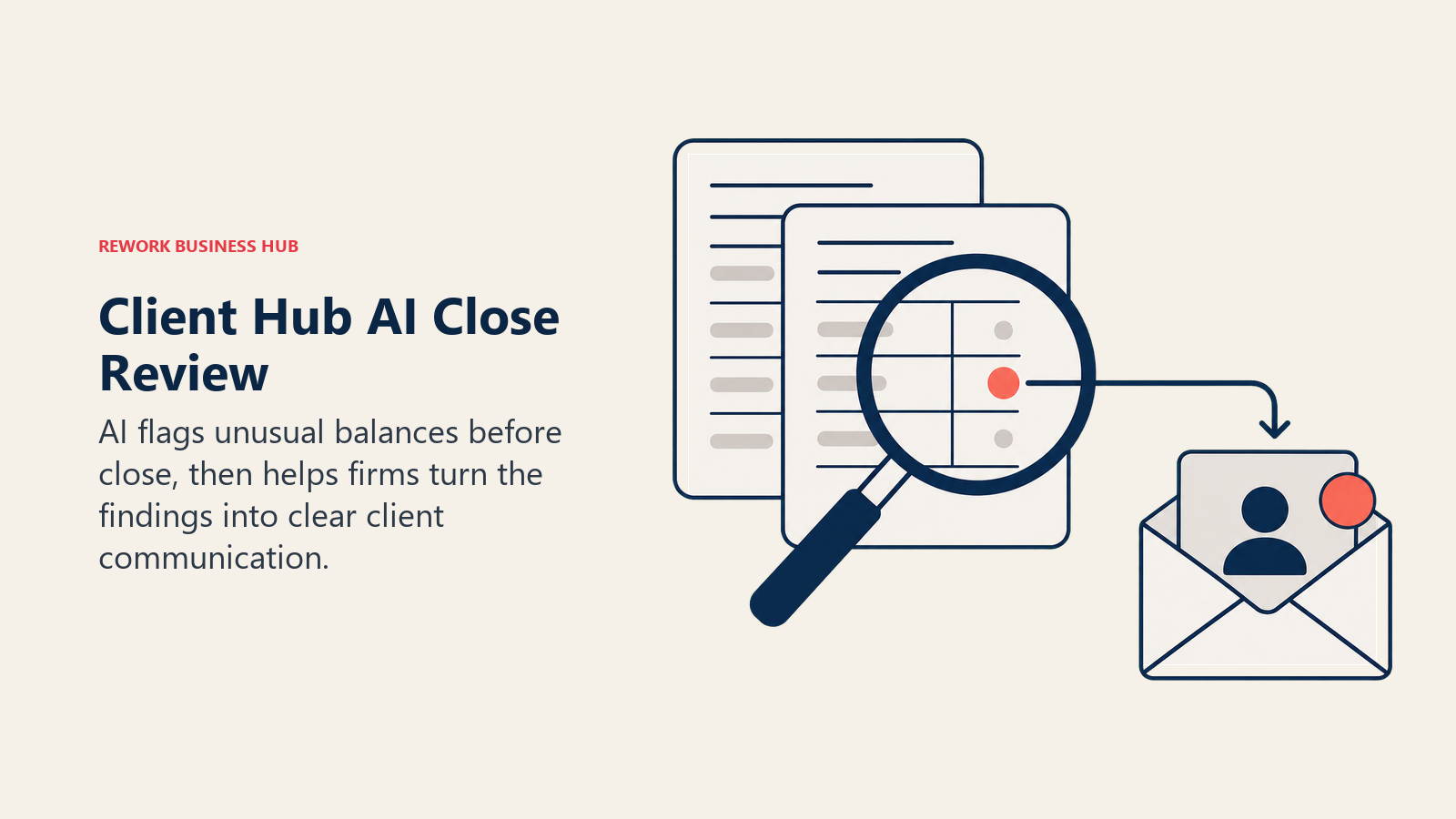
Pricing runs per firm user, not per client, and every plan includes unlimited clients, which is a meaningfully different economics model than tools that charge per connected business. That makes Client Hub cheaper to scale for a firm serving many small clients, and relatively more expensive for a two-person firm with only a handful of large accounts.
Best for: Bookkeeping and accounting firms wanting AI-flagged close review paired with faster client communication, especially firms serving many small clients
Key strengths:
- AI-based Balance Sheet and P&L review flags issues before close, not after
- Inbox assistant drafts client-facing responses, cutting email time meaningfully
- Unlimited clients on every plan makes per-user pricing scale well for firms with many small accounts
Limitations:
- Per-user pricing means cost scales with headcount, not client count, the opposite of tools built for firms with few large clients
- QuickBooks and Xero integrations require the PLUS tier
- Newer entrant with a smaller ecosystem than TaxDome or Canopy
| What you get | What you don't |
|---|---|
| AI-flagged review of the books before close | QuickBooks/Xero integration requires the PLUS tier |
| Inbox assistant drafts client emails automatically | Per-user pricing, not per-client, changes the economics for small firms with few clients |
| Unlimited clients on every plan | Smaller integration ecosystem than the category leaders |
Pricing: Solopreneur $49/user/mo (annual, single user), Practice Manager $59/user/mo (annual), Practice Manager PLUS $79/user/mo (annual, adds QuickBooks/Xero sync). See clienthub.app/pricing.
5. Double (formerly Keeper): AI-Flagged Bookkeeping Review Before Sign-Off
Double, the rebrand of Keeper, is built for the specific moment right before a firm closes a client's books: catching the miscategorized transaction, the duplicate expense, or the unusual balance that a human reviewer might miss on a fast pass. It plugs into QuickBooks and Xero rather than replacing either.
Pricing is structured per connected client rather than per firm user, which is the opposite model from Client Hub. That makes Double relatively cheaper for a small team managing many client books and relatively more expensive for a larger team managing fewer, bigger accounts.
Best for: Bookkeeping firms wanting an AI safety net that flags review issues in QuickBooks or Xero books before a bookkeeper signs off on close
Key strengths:
- AI review targets the specific errors that slip through a fast manual pass
- Unlimited users included; pricing is driven by connected clients, not headcount
- Direct integration with QuickBooks and Xero, no separate ledger to maintain
Limitations:
- Per-client pricing scales up quickly for firms managing a large book count
- Requires at least one connected client to subscribe at all
- Internal finance team pricing is quote-only, separate from the firm-facing plans
| What you get | What you don't |
|---|---|
| AI-flagged review before close, inside QuickBooks/Xero | Per-client pricing, which climbs with book count |
| Unlimited users on every connected-client plan | Internal (non-firm) pricing is quote-only |
| Direct QuickBooks and Xero integration | Newer brand identity (rebrand from Keeper) still settling in the market |
Pricing: From $200/mo on an annual commitment, billed per connected client; email integration add-on runs $10/mo per connected inbox. See doublehq.com/pricing-plans.
6. Dext: AI Document Capture That Feeds Everything Else
Dext solves the problem underneath every other tool on this list: getting receipt, invoice, and bank statement data out of paper and PDFs accurately without manual keying. Its AI extraction and categorization publish straight into more than 36 accounting platform integrations, and Practice plans are built specifically around per-client, per-firm pricing rather than per-user.
Because Dext is scoped narrowly to document capture, it's the tool firms add underneath TaxDome, Canopy, or a straight QuickBooks/Xero setup, not a replacement for any of them. That narrow scope is also exactly why it stays cheap relative to full practice management platforms.
Best for: Firms of any size that want to stop manually keying receipts, invoices, and bank statements, layered under whatever practice management or ledger tool they already run
Key strengths:
- Strong AI OCR accuracy across document capture methods (photo, email, upload, bank feeds)
- Publishes directly into 36+ accounting software integrations, no manual re-entry
- Practice pricing is per-client, which scales predictably as a firm adds clients
Limitations:
- Narrow scope: document capture and categorization, not a full ledger or workflow tool
- Practice plans require a 10-client minimum on an annual subscription
- Advanced practice-level management tools require the Practice Advanced tier
| What you get | What you don't |
|---|---|
| Accurate AI document capture across 36+ integrations | Narrow scope; still needs a ledger and workflow tool alongside it |
| Predictable per-client Practice pricing | 10-client minimum on Practice plans |
| 14-day free trial with full feature access | Practice-level management tools need the Advanced tier |
Pricing: Business (single company) from $25.21/mo. Practice Essentials $17.70/client/mo, Practice Advanced $19.20/client/mo, both with a 10-client minimum on an annual subscription. See dext.com/us/partner/pricing.
7. Black Ore (Tax Autopilot): Autonomous 1040 Preparation at Real Volume
Black Ore's Tax Autopilot is built for one job: preparing individual tax returns with minimal human intervention at the volume a real firm processes during tax season. The company reports more than 99% accuracy across tens of thousands of returns processed, an autonomy rate above 98%, preparation time savings of up to 98%, and cost reductions of up to 80% per return, figures drawn from its own deployment data rather than an independent audit.
Through April 2026, Black Ore ran an invite-only rollout off a waitlist of nearly 4,000 firms, including 40% of the Top 20 CPA firms in the country. It's now open to broad availability, though pricing still requires a direct conversation with the vendor rather than a self-serve signup.
Best for: Firms processing enough individual returns during tax season that manual review, not preparation, is the real bottleneck
Key strengths:
- Reports the strongest autonomy and time-savings figures of any tool on this list for return preparation specifically
- Already validated at scale by a meaningful share of the largest CPA firms in the country
- Now broadly available after ending its invite-only waitlist period
Limitations:
- No published pricing; every deal starts with a sales conversation
- Performance figures are vendor-reported, not independently audited
- Narrow scope (tax return preparation), not a practice management or research tool
| What you get | What you don't |
|---|---|
| Vendor-reported 99%+ accuracy and up to 98% time savings | No transparent, self-serve pricing |
| Validated by 40% of the Top 20 CPA firms | Figures are vendor-reported, not independently verified |
| Now broadly available (opened April 2026) | Scoped to return preparation, not full practice management |
Pricing: Custom, no self-serve tier; contact for a demo and quote. See blackore.ai.
8. Basis: AI Agents Across Tax, Audit, and Advisory for Larger Firms
Basis takes the broadest scope of any tool on this list: AI agents that complete structured accounting workflows end to end across tax return preparation, audit testing procedures, workpaper generation, reconciliation, document classification, and variance analysis, rather than assisting with one narrow task. Roughly 30% of the Top 25 accounting firms in the country are already deploying its agents, and the company raised $100 million at a $1.15 billion valuation in February 2026 led by Andreessen Horowitz.
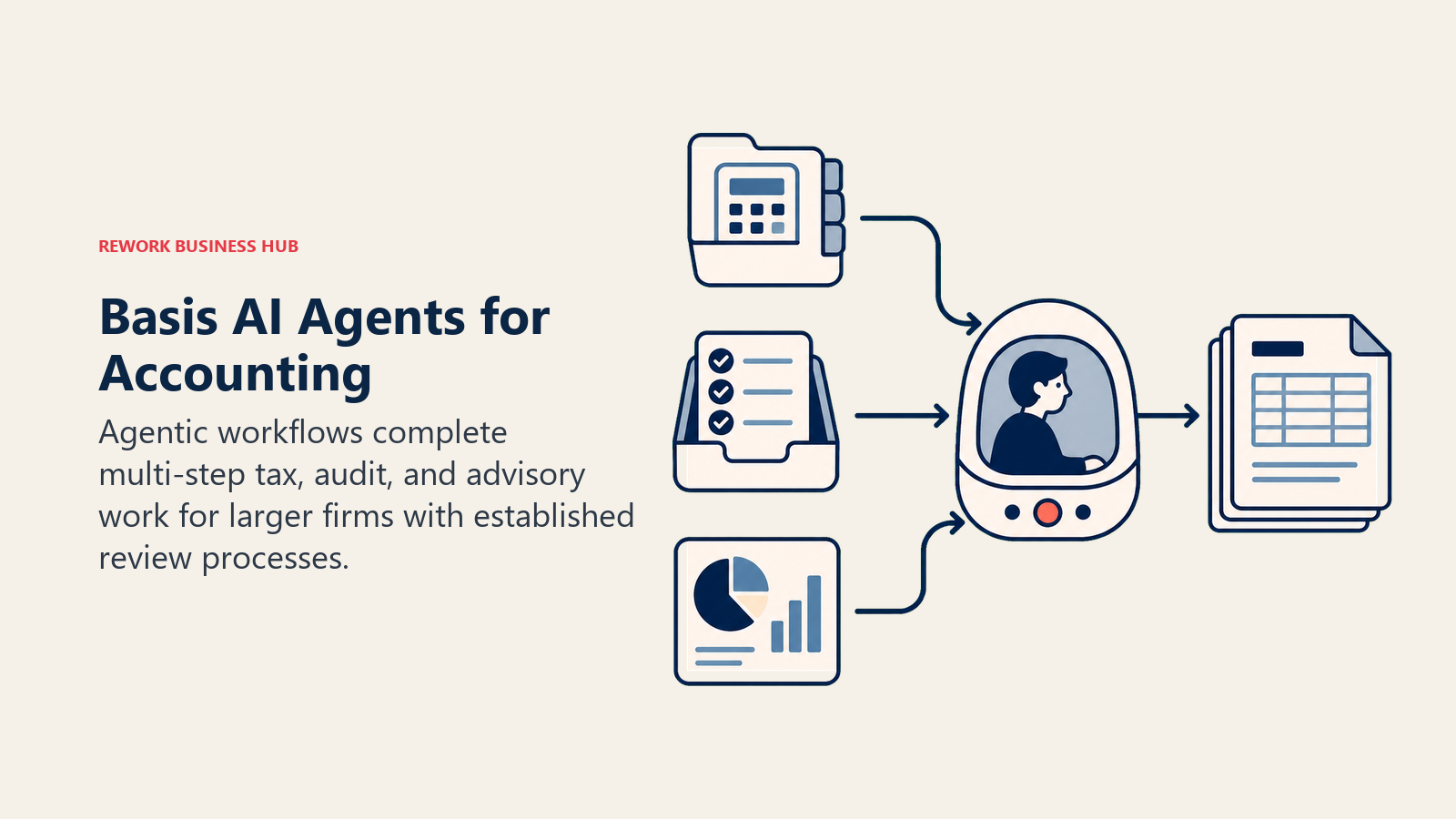
That scale and ambition come with a fit signal: Basis is built for larger firms running tax, audit, and advisory as connected practices, not a two-person shop looking for its first AI tool. Mid-market AI accounting platforms in this category typically run $20,000-$80,000 a year, though Basis itself publishes no list pricing.
Best for: Larger firms wanting AI agents that handle end-to-end workflows across multiple service lines, not a single point solution
Key strengths:
- Genuinely agentic: completes multi-step workflows, not just single-task automation
- Already deployed at nearly a third of the largest 25 accounting firms
- Backed by a $100M raise specifically to expand tax, audit, and advisory coverage
Limitations:
- No public pricing; positioned and priced for larger firms
- Overkill for a solo practitioner or small firm's first AI purchase
- Newer platform, still expanding coverage across every workflow it targets
| What you get | What you don't |
|---|---|
| End-to-end agentic workflows across tax, audit, and advisory | No public, self-serve pricing |
| Proven adoption among the largest accounting firms | Built for scale; a poor fit for very small practices |
| Well-capitalized vendor investing heavily in coverage | Newer platform than single-task specialists like DataSnipper |
Pricing: Custom, no self-serve tier; mid-market AI accounting platforms broadly run $20,000-$80,000/yr. See getbasis.ai.
9. Thomson Reuters CoCounsel (Tax & Accounting): AI Research Integrated Into Your Existing Stack
CoCounsel's advantage over a general-purpose AI assistant is integration: it connects directly into Thomson Reuters' UltraTax CS and ONESOURCE, so research findings, tax memos, and advisory notes flow straight into the client file a firm is already working in, instead of living in a separate chat window that needs copying and pasting. The vendor reports a 40% reduction in research time compared to traditional methods.
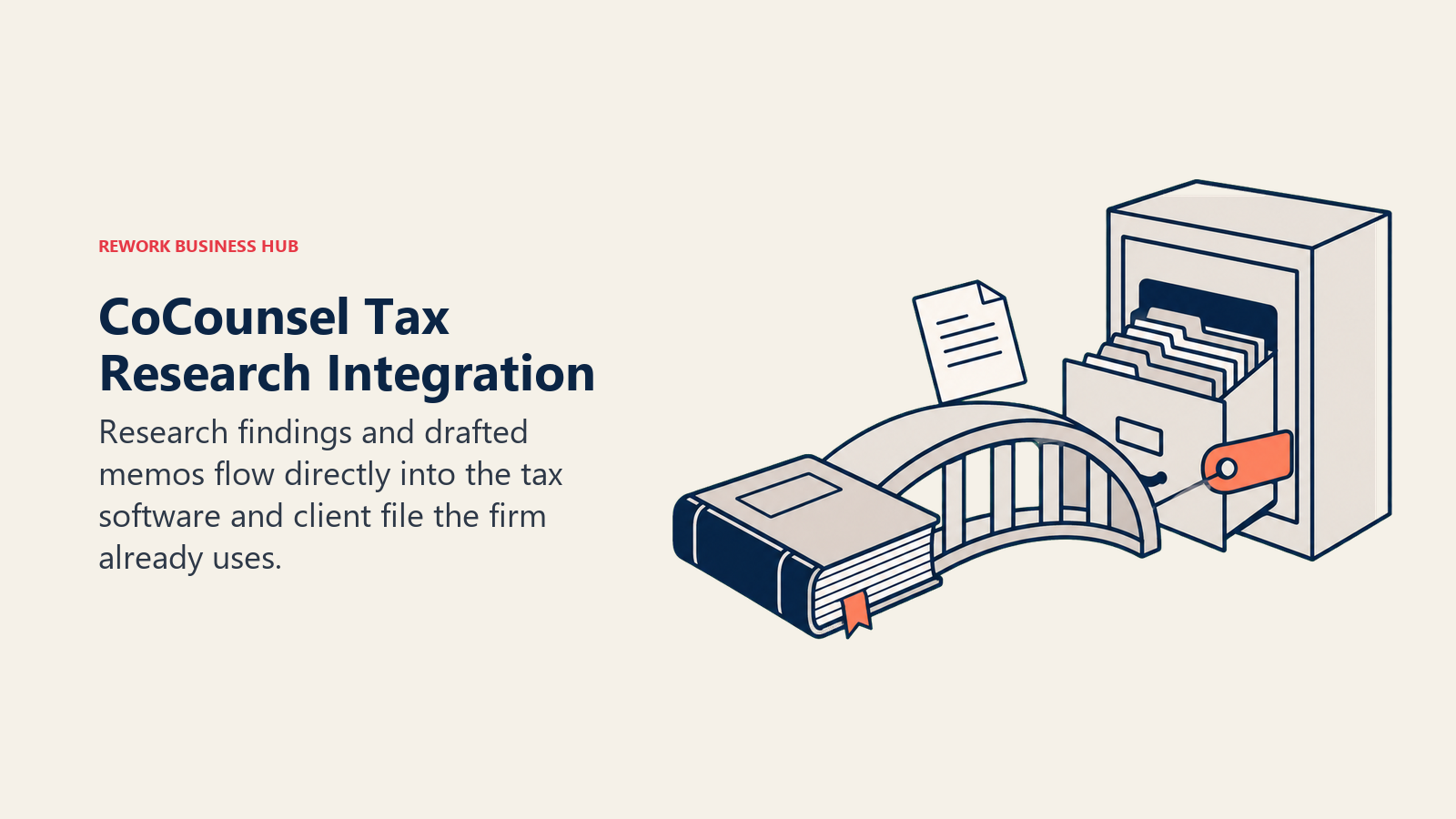
The pricing reflects that integration depth. At $180/user/mo for the Basic tier, it's priced well above a general AI subscription, which the vendor's own positioning acknowledges may deter smaller firms under roughly $500,000 in annual revenue. It's built for firms with complex client portfolios and teams of five or more tax professionals who can spread that cost across meaningful research volume.
Best for: Mid-size to larger firms already running UltraTax CS or ONESOURCE that want AI research and memo drafting integrated directly into that workflow
Key strengths:
- Direct integration with UltraTax CS and ONESOURCE keeps research inside the existing client file
- Reports a 40% reduction in research time versus traditional methods
- Collaborative features and real-time alerts suit teams with complex, multi-professional client portfolios
Limitations:
- Premium pricing that the vendor itself flags as a stretch for firms under $500K revenue
- Full value depends on already running Thomson Reuters' tax prep software
- Basic tier ($180/user/mo, $1,944/yr with a 10% prepay discount) is the entry point, not the ceiling
| What you get | What you don't |
|---|---|
| AI research integrated directly into UltraTax CS/ONESOURCE | Premium pricing versus a standalone AI research tool |
| Reported 40% research time reduction | Full value requires already using Thomson Reuters tax software |
| Built for complex, multi-professional client portfolios | Smaller firms may find the cost hard to justify |
Pricing: Basic $180/user/mo ($1,944/yr with a 10% prepay discount); higher tiers scale with firm size and integration depth. See tax.thomsonreuters.com/en/products/cocounsel-tax.
10. Blue J: AI-Predicted Tax Case Outcomes for Specialist Research
Blue J takes a narrower, more specific approach than CoCounsel: instead of general research assistance, its machine learning models predict how a specific tax fact pattern is likely to be decided, drawing on more than a million annotated federal tax court cases, IRS rulings, and administrative documents, with reported accuracy of 85-90% against historical outcomes.
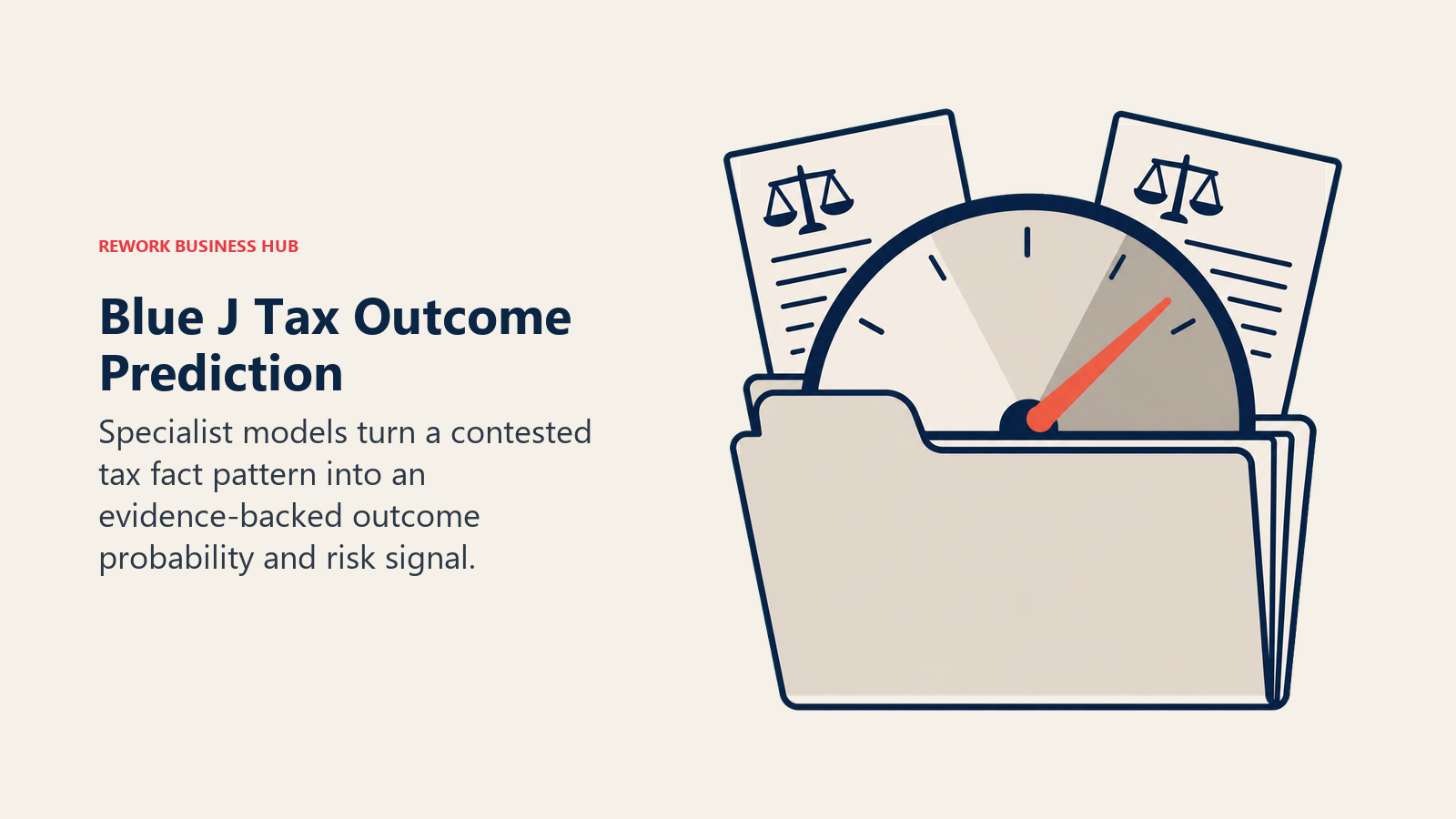
That predictive framing is genuinely differentiated, but it's also a narrower tool than a firm's only AI research subscription. It fits best as the specialist layer for firms doing enough contested or ambiguous tax positions that outcome prediction, not just case lookup, adds real value.
Best for: Tax specialists and firms handling contested or ambiguous positions who want AI-predicted outcomes, not just AI-summarized case law
Key strengths:
- Reported 85-90% predictive accuracy on federal tax case outcomes
- Database of over 1 million annotated cases, rulings, and administrative documents, updated monthly
- Risk scoring and scenario modeling built specifically for contested-position analysis
Limitations:
- Narrower use case than a general research assistant like CoCounsel
- Entry Professional pricing (~$3,000/user/yr) is a meaningful commitment for infrequent use
- Enterprise tier pricing starts at $25,000/yr and scales with firm size
Pricing: Professional roughly $3,000/user/yr ($300/mo if billed monthly, with a 10% surcharge); Enterprise from $25,000/yr, scaling with firm size and customization. See bluej.com/get-started.
11. Intuit ProConnect / Lacerte (Intuit Assist): AI Layered Onto Professional Tax Software You Already Use
For firms already filing through ProConnect Tax Online or Lacerte, Intuit Assist adds AI data extraction, real-time error detection, and basic audit-risk scoring directly into the software rather than asking a firm to adopt a separate research or drafting tool. That's the same strategy Intuit is running on the small-business side with QuickBooks, just aimed at the practitioner's own filing software.
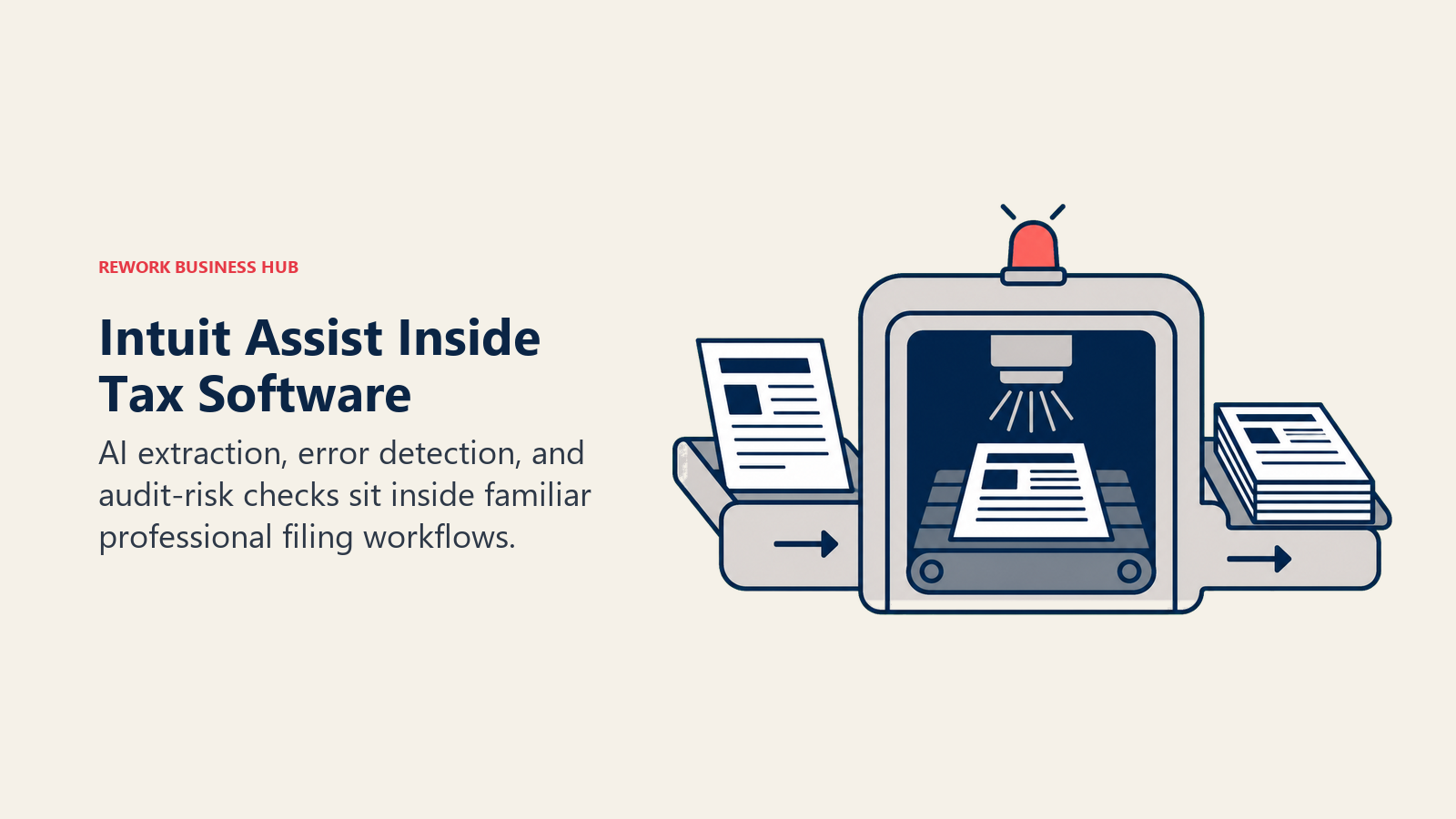
The pricing structure mirrors QuickBooks' tiering logic: entry pricing gets you the software and basic AI, while multi-state, business-return automation, and enterprise-level Intuit Assist features live behind meaningfully higher tiers. A firm evaluating whether to stay in the Intuit ecosystem for its own filing, separate from what it recommends to clients, should weigh this against best QuickBooks alternatives if pricing has become the sticking point.
Best for: Firms already filing through ProConnect or Lacerte that want AI extraction and error detection without adopting a separate tool
Key strengths:
- AI features build directly into tax software your preparers already know
- Real-time error detection and audit-risk scoring reduce late-stage review surprises
- Familiar Intuit ecosystem lowers the learning curve versus a net-new AI tool
Limitations:
- Multi-state and business-return automation cost meaningfully more than the base tier
- Enterprise-level Intuit Assist runs roughly $4,500/user/yr, a steep jump from entry pricing
- Lacerte Standard is desktop-based, paid upfront annually, with no monthly option
| What you get | What you don't |
|---|---|
| AI extraction and error detection inside familiar software | Multi-state/business-return automation costs significantly more |
| Real-time audit-risk scoring on individual returns | Enterprise Intuit Assist tier runs ~$4,500/user/yr |
| Familiar ecosystem for firms already on ProConnect/Lacerte | Lacerte Standard requires annual upfront desktop payment |
Pricing: ProConnect Tax Online from $110/mo ($1,200/user/yr); Professional/Premium tiers $1,850-$2,300/user/yr; Lacerte Standard $1,600/user/yr (desktop, annual); enterprise Intuit Assist from roughly $4,500/user/yr. See accountants.intuit.com/tax-software/tax-online/pricing.
12. MindBridge AI Auditor: AI Anomaly Detection Across the Full Ledger
MindBridge's pitch to audit teams is coverage: instead of testing a sampled subset of transactions the way traditional audit procedures do, its AI risk-scores every transaction in a client's ledger, surfacing anomalies and outliers a sample-based approach would simply never see. That shift from sampling to full-population analysis is the core reason audit teams adopt it.
Pricing is entirely custom and not published anywhere, typical of enterprise audit analytics tools sold through a direct sales process rather than self-serve signup. Expect a proof-of-concept engagement and a quote tied to your firm's client volume and data complexity before you see a real number.
Best for: Audit teams and firms wanting AI-assisted full-population risk scoring instead of traditional sample-based testing
Key strengths:
- Analyzes 100% of transactions for anomalies, not a statistical sample
- Purpose-built for audit and assurance workflows, integrates with common ERPs
- Established player in the audit analytics category with a long enterprise track record
Limitations:
- No public pricing anywhere; every engagement is a custom sales cycle
- Enterprise-oriented; likely overkill for a small firm's occasional audit engagement
- Requires clean data feeds from the client's ERP to deliver full value
Pricing: Custom, quote only; no published list pricing. See mindbridge.ai.
13. DataSnipper: AI-Automated Workpaper Prep for Audit Fieldwork
DataSnipper attacks a specific, time-consuming piece of audit fieldwork: cross-referencing source documents (invoices, bank statements, contracts) against workpapers, historically done by manually highlighting and tying out numbers by hand. Its AI extracts and cross-references that data directly inside Excel, where auditors already work, rather than pulling them into a separate application.
Like MindBridge, DataSnipper publishes no list pricing; all three of its tiers (Start, Accelerate, Elevate) are quote-based and gated behind a demo. European market feedback suggests a roughly 30-person audit firm typically budgets €15,000-18,000 a year for the license, which puts per-seat costs in a range that's hard to justify below roughly ten users.
Best for: Audit teams wanting AI-automated workpaper cross-referencing built directly into the Excel environment auditors already use
Key strengths:
- Extracts and cross-references source documents directly inside Excel, no separate app to learn
- Purpose-built for the tie-out and workpaper prep work that eats real fieldwork hours
- Established in the audit automation category with meaningful firm-size validation
Limitations:
- No published pricing; every tier is quote-based and demo-gated
- Per-seat economics are hard to justify below roughly ten users
- Scoped to workpaper prep, not full-ledger anomaly detection like MindBridge
Pricing: Custom, quote only across all three tiers (Start, Accelerate, Elevate); indicative European market pricing runs roughly €350-850/user, with a ~30-person firm typically budgeting €15,000-18,000/yr. See datasnipper.com.
14. FloQast: AI-Assisted Month-End Close for Controllership and Outsourced-Close Teams
FloQast is built around the month-end close checklist: reconciliations, task assignments, and sign-offs tied directly to the ERP, with AI-assisted matching and anomaly flagging layered on top of that workflow. For accounting firms running outsourced or fractional controllership for clients, not just their own internal close, it standardizes a process that otherwise looks different for every client.
Pricing is entirely custom and not published, but third-party contract data puts smaller deployments around $12,000-$50,000 a year and mid-market deployments (10-25 entities) at $60,000-$120,000 a year, with implementation services adding another $5,000-$30,000 depending on complexity. That's a meaningfully bigger commitment than most other tools on this list.
Best for: Accounting firms or internal controllership teams running month-end close across multiple entities or clients that want AI-assisted reconciliation tied to the ERP
Key strengths:
- Reconciliation and close checklist workflow built specifically around ERP data
- Standardizes a close process across multiple entities or outsourced-close clients
- Established, well-reviewed category leader in close management specifically
Limitations:
- No public pricing; third-party data suggests $12,000-$120,000+/yr depending on scale
- Implementation costs ($5,000-$30,000+) add meaningfully to first-year cost
- Overkill for a firm without multiple entities or a real month-end close bottleneck
Pricing: Custom, quote only; typical smaller deployments run $12,000-$50,000/yr, mid-market $60,000-$120,000/yr, plus $5,000-$30,000+ in implementation. See floqast.com.
15. ChatGPT / Claude: Fastest Path to a Drafted Memo or Quick Research Summary
Neither ChatGPT nor Claude is built for accounting specifically, but both are genuinely useful for the ad hoc work that doesn't belong in a client file yet: drafting a first pass at a client memo, summarizing a long regulation or ruling in plain English, or sanity-checking a calculation before it goes into a deliverable. For a side-by-side on how the major general-purpose assistants compare for this kind of work, see Claude vs ChatGPT vs Gemini.
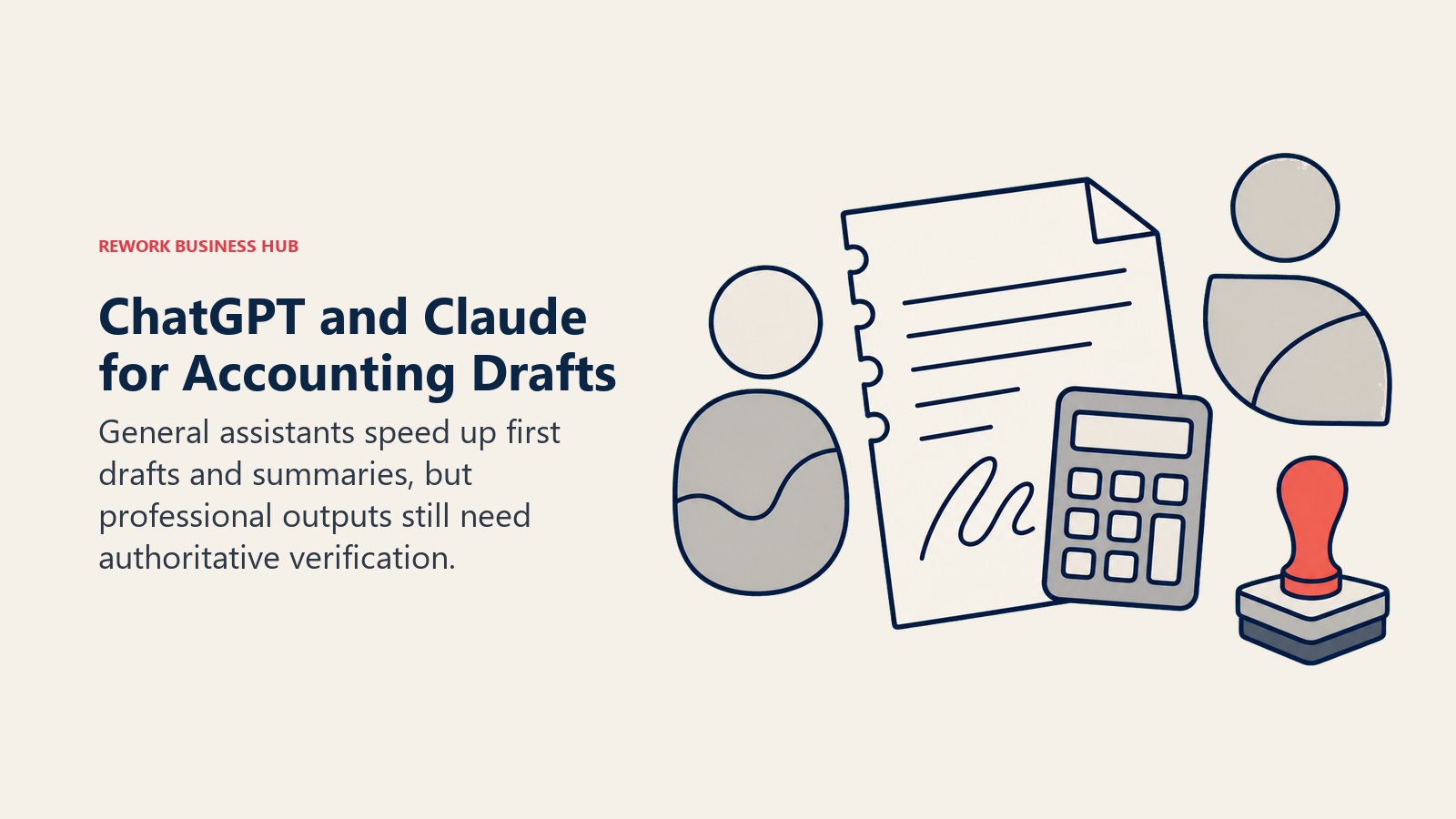
The advantage is speed: most accountants already have one of these open, so there's no procurement cycle for a quick question. The limitation is exactly as important as it is for any general-purpose tool in this list's category: neither has a ledger, an audit trail, or built-in accounting controls, and neither should be the last check before something goes out under a firm's name.
Best for: Accountants wanting fast, disposable drafting or research help without adopting a dedicated practice tool
Key strengths:
- Near-zero onboarding; most accountants already use one of these tools
- Useful for first-draft memos, plain-English summaries, and quick sanity checks
- Far cheaper than any specialist tool on this list for occasional, low-stakes use
Limitations:
- No system of record, audit trail, or accounting-specific controls
- Not connected to client data unless manually exported and uploaded
- Every output needs verification against authoritative guidance before it's used professionally
Pricing: ChatGPT Plus $20/mo, Business roughly $20-25/user/mo annually; Claude Pro from $20/mo, Team plans scale per seat. See chatgpt.com/pricing and claude.com/pricing.
Pricing at a Glance
| Tool | Entry Price | Pricing Model | Free Tier? |
|---|---|---|---|
| TaxDome | Essentials $800/user/yr | Per-seat, annual upfront | No |
| Canopy | From $66/mo (under 5 users) | Flat under 5 users, then modular | No |
| Financial Cents | Solo $19/mo | Flat monthly tier | 14-day trial |
| Client Hub | Solopreneur $49/user/mo | Per-user, unlimited clients | No |
| Double (formerly Keeper) | From $200/mo | Per connected client | No |
| Dext | Practice from $17.70/client/mo | Per-client (10-client minimum) | 14-day trial |
| Black Ore | Custom | Enterprise, no self-serve | No |
| Basis | Custom | Enterprise, no self-serve | No |
| Thomson Reuters CoCounsel | Basic $180/user/mo | Per-user tier | No |
| Blue J | Professional ~$3,000/user/yr | Per-user annual | No |
| Intuit ProConnect/Lacerte | From $110/mo | Per-user/per-return tier | No |
| MindBridge AI Auditor | Custom | Enterprise, quote only | No |
| DataSnipper | Custom (~€350-850/user typical) | Quote-based tiers | No |
| FloQast | Custom, typically $12K+/yr | Modular enterprise pricing | No |
| ChatGPT / Claude | $20/mo | Flat monthly tier | Limited free tier |
Where AI Tools for Accountants Are Headed
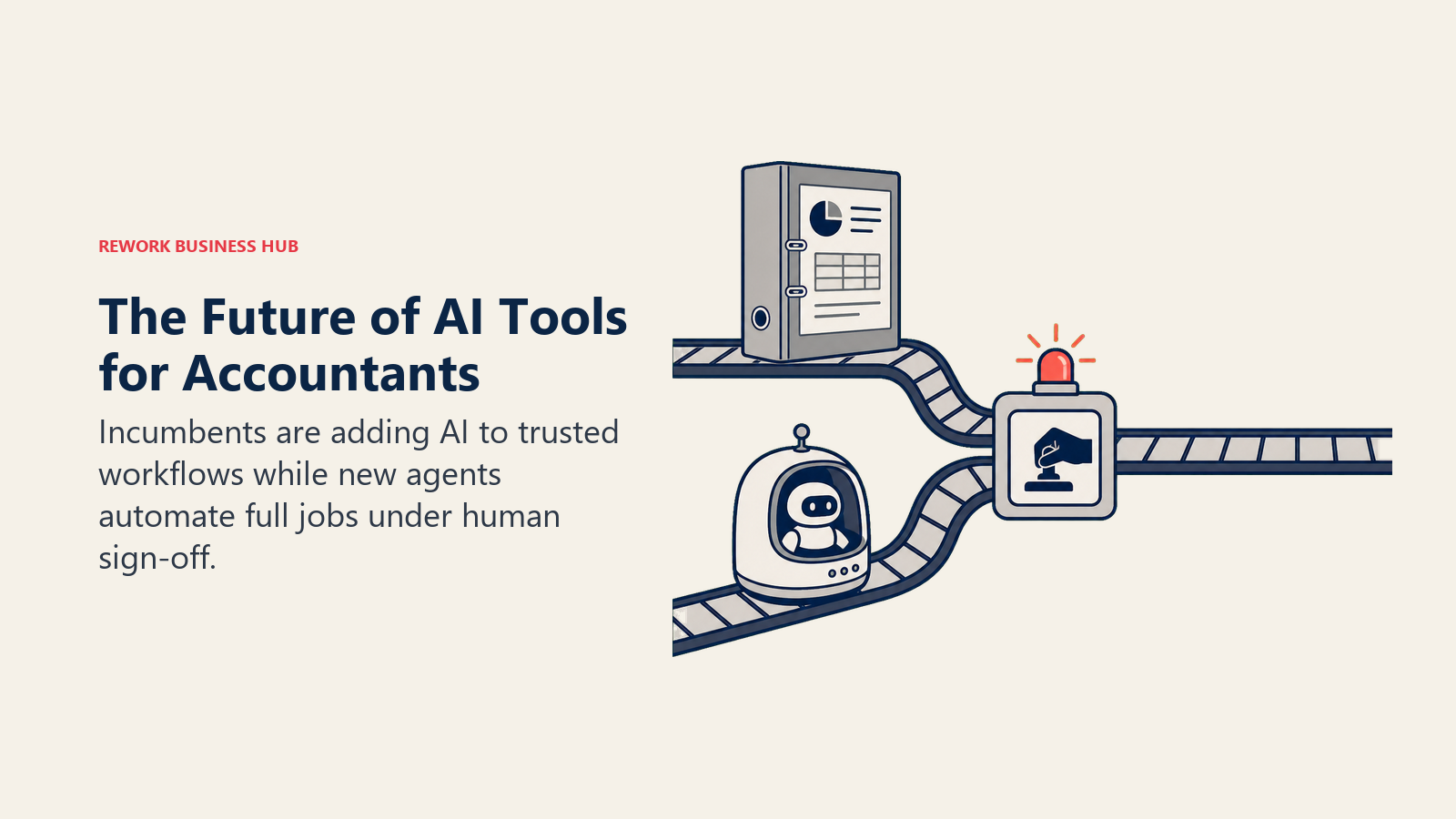
The category is splitting along the same fault line as general AI accounting software, but with a practice-specific twist. Incumbent practice management and tax software (TaxDome, Canopy, Intuit ProConnect/Lacerte) are layering AI features onto workflows firms already trust, while a new generation of purpose-built agents (Black Ore, Basis) is betting it can automate entire workflows, tax prep, audit testing, workpaper generation, end to end rather than assisting a human doing the same steps. Both camps are moving in the same direction: from "AI that suggests" toward "AI that does, with a human signing off." Given that 83% of audit functions are already piloting or using AI and adoption for tax research nearly doubled in a single year, the accountants adopting deliberately now, not reactively during the next tax season crunch, are the ones best positioned as the CPA pipeline keeps shrinking against a growing volume of work.
If your firm's biggest gap is actually the client's own ledger rather than your internal practice tools, best AI tools for accounting covers QuickBooks, Xero, and the AI-native bookkeeping platforms your clients are choosing between. And if payroll or billing workflows are the next process you're evaluating for your own firm or a client, how to choose payroll software and how to choose billing and invoicing software cover those adjacent decisions.
Frequently Asked Questions about AI Tools for Accountants
What is the best AI tool for accountants in 2026?
There's no single best tool; it depends on the job. TaxDome and Canopy lead for AI-assisted practice management and client workflow, Black Ore leads for autonomous tax return preparation, Basis leads for firms wanting AI agents across tax, audit, and advisory, MindBridge and DataSnipper lead for audit work, and Thomson Reuters CoCounsel or Blue J lead for AI tax research. Match the tool to your firm's actual bottleneck rather than picking one general winner.
Can AI actually prepare a tax return without a human reviewing it?
Mostly not without review, even for the most autonomous tools. Black Ore reports over 99% accuracy and up to 98% time savings on the returns it processes, but firms still keep a human sign-off step before filing. Basis is explicitly agentic across tax, audit, and advisory but is built and priced for larger firms with existing review processes. Treat these as dramatically faster first drafts, not a replacement for a preparer's final review.
Is AI actually being used in audit work yet, or is it still mostly hype?
It's real and accelerating. 83% of audit functions are already piloting or using AI, with another 12% planning to adopt within the year, per Gartner's 2026 survey of chief audit executives. MindBridge (full-population anomaly detection) and DataSnipper (AI-automated workpaper prep) are both established, revenue-generating tools in active use at real audit firms, not early-stage experiments.
What's the cheapest way for a small firm to start using AI?
If you already pay for ChatGPT Plus or Claude Pro ($20/mo), you have a capable assistant for drafting and research summaries today. For a dedicated practice tool, Financial Cents starts at $19/mo for a solo user, and Canopy's under-5-user pricing starts at $66/mo with AI drafting and meeting notes included from day one.
How is AI tax research pricing typically structured?
Two patterns dominate. Per-user monthly or annual subscriptions (Thomson Reuters CoCounsel at $180/user/mo, Blue J's Professional tier at roughly $3,000/user/yr) charge based on how many preparers need access. Both offer custom Enterprise tiers for larger firms with complex, multi-professional client portfolios, where pricing scales with firm size rather than a flat per-seat rate.
Do practice management tools like TaxDome and Canopy replace tax prep software like Lacerte or ProConnect?
No. Practice management tools handle client communication, workflow, document exchange, and billing; they sit alongside, not instead of, the actual tax preparation software a firm files returns in. Most firms run one of TaxDome or Canopy plus one of Intuit's ProConnect or Lacerte (or another prep software) at the same time.
Are AI bookkeeping review tools like Double and Client Hub accurate enough to skip a human review step?
Not yet. Both are explicitly designed as a review layer that flags issues for a human bookkeeper to check, not a fully autonomous close process. Double's AI flags miscategorized or unusual transactions before sign-off; Client Hub's AI reviews Balance Sheet and P&L data for the same purpose. The value is catching more issues faster, not removing the reviewer.

Principal Product Marketing Strategist
On this page
- Updated July 2026: What Changed
- Key Facts
- Quick Comparison Table
- How to Choose: Decision Framework
- Framework: By Practice Type
- 1. TaxDome: All-in-One AI Practice Management for Tax and Accounting Firms
- 2. Canopy: Modular AI Practice Management That Scales With the Firm
- 3. Financial Cents: Lightweight AI Workflow Tracking for Bookkeeping and Accounting Firms
- 4. Client Hub: AI-Reviewed Close With Client-Facing Communication Built In
- 5. Double (formerly Keeper): AI-Flagged Bookkeeping Review Before Sign-Off
- 6. Dext: AI Document Capture That Feeds Everything Else
- 7. Black Ore (Tax Autopilot): Autonomous 1040 Preparation at Real Volume
- 8. Basis: AI Agents Across Tax, Audit, and Advisory for Larger Firms
- 9. Thomson Reuters CoCounsel (Tax & Accounting): AI Research Integrated Into Your Existing Stack
- 10. Blue J: AI-Predicted Tax Case Outcomes for Specialist Research
- 11. Intuit ProConnect / Lacerte (Intuit Assist): AI Layered Onto Professional Tax Software You Already Use
- 12. MindBridge AI Auditor: AI Anomaly Detection Across the Full Ledger
- 13. DataSnipper: AI-Automated Workpaper Prep for Audit Fieldwork
- 14. FloQast: AI-Assisted Month-End Close for Controllership and Outsourced-Close Teams
- 15. ChatGPT / Claude: Fastest Path to a Drafted Memo or Quick Research Summary
- Pricing at a Glance
- Where AI Tools for Accountants Are Headed