AI for SOPs and Process Documentation
Turn this article into takeaways for your work.


Each assistant summarizes the article only for you and suggests best practices for your work.
AI for SOPs and process documentation means using language models to turn raw material (recordings, notes, tickets, old procedures) into draft standard operating procedures, to flag where existing ones have drifted from practice, and to keep wording consistent across a library, while the people who run the process own the facts and approve every change. AI is good at the writing and comparing. It has no way to know what actually happens on your floor, in your queue or in your warehouse. That knowledge stays with your process owners.
This article is for operations managers, COOs and heads of process who inherited a pile of procedures nobody trusts. It covers where AI helps, a workflow for drafting and validating, how to handle versions, and the mistakes that make AI-written SOPs worse than none. For the underlying concepts, see what a standard operating procedure is and how process documentation works. For the wider picture, start at the hub on AI in operations management.
Key Facts
- In a preregistered experiment with 444 college-educated professionals, access to ChatGPT cut the time taken on mid-level professional writing tasks by 37% and raised evaluator grades (Noy and Zhang, MIT).
- In the same experiment, 68% of people using ChatGPT said they submitted its first output without editing it, which is the habit to design against when AI drafts a procedure (Noy and Zhang, MIT).
- NIST defines confabulation as "confidently stated but erroneous or false content", the risk that makes human validation non-negotiable for any SOP an AI drafts (NIST AI 600-1).
- Regulated industries already require approval of procedure changes: US drug manufacturing rules call for written procedures that are reviewed and approved by the quality control unit (21 CFR 211.100).
- The pattern that works: AI drafts and compares, a named process owner validates, and the approved version is the only one anyone can find.
What AI Can and Can't Do for SOPs
An SOP does one job: it tells a trained person how to do a recurring task the same way every time. Writing and maintaining that document is where most teams fall down, not because they don't care, but because it's slow, unglamorous work that loses to the daily workload. That's the gap AI fills.
In ACE Framework terms, most of this is Ingest (read a recording or an old document), Analyze (compare two versions or spot gaps) and Generate (produce a draft). It stops short of Execute. An SOP draft is information. It becomes operational only when a person approves it, which is the line between generating and executing.
Here's the split in practice.
| Task | AI is good at | AI is poor at |
|---|---|---|
| First drafts | Turning a transcript, screen recording or rough notes into numbered steps | Knowing which steps people actually skip or work around |
| Structuring | Applying your template: purpose, scope, roles, steps, exceptions | Deciding what the scope should be |
| Consistency | Standardizing terms, tone, verbs and formatting across a library | Spotting a rule that's wrong but written consistently |
| Updating | Comparing an old SOP with new notes and listing the differences | Knowing a change was approved or that a regulation moved |
| Findability | Answering "what's the procedure for X?" from approved text | Answering when no approved text exists |
| Translation and simplification | Producing plain-language or shorter versions | Judging whether a simplification dropped a safety step |
The right column is a list of jobs for people. Treat it as the review checklist.
Where AI Fits in the SOP Lifecycle
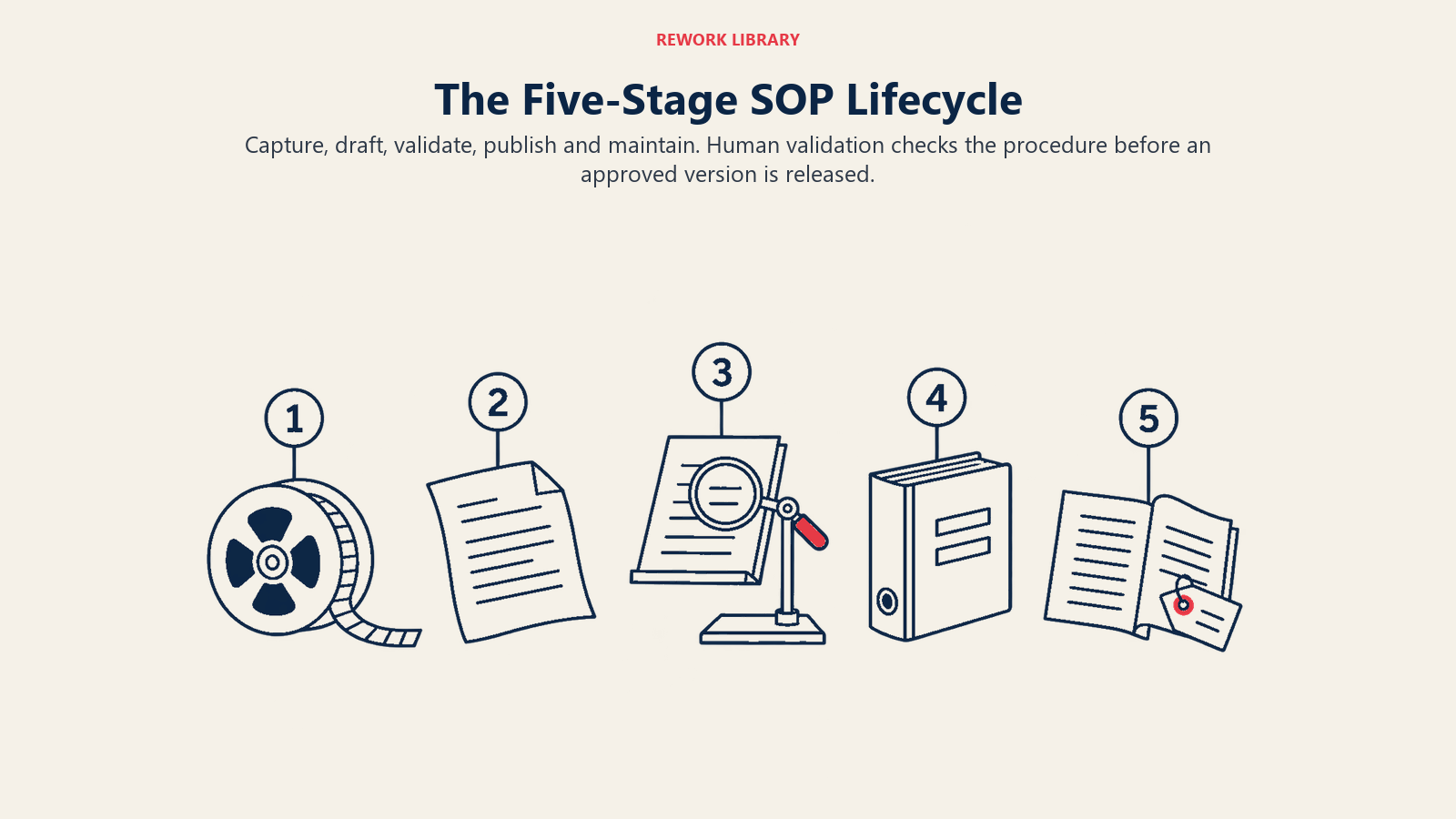
Think of an SOP as moving through five stages: capture, draft, validate, publish, maintain. AI can speed up four of them. Only one, validation, should stay firmly human.
Capture
The cheapest source of truth is someone doing the work. Record a screen share while a specialist processes an invoice, or transcribe a supervisor walking through a shift handover. An AI tool can turn that transcript into a rough step list in minutes. Compared with interviewing and typing it up by hand, the hours saved are real, and the draft is closer to practice because it started from what the person did rather than what they remembered to say.
If you've already mapped the flow, feed that in too. A business process map gives the model the sequence, the handoffs and the decision points, so the SOP matches the map instead of contradicting it.
Draft
Give the model three things: the raw capture, your SOP template and a few approved SOPs as style examples. Ask for a draft that follows the template, marks anything it had to guess with a visible placeholder like [CONFIRM: approval limit], and doesn't add steps that aren't in the source. That last instruction matters. Left alone, a model fills gaps with plausible steps, and plausible isn't the same as correct.
Validate
This is the stage that can't be skipped, and it's covered in detail below.
Publish
Once approved, the SOP goes into one controlled location with a version number, an effective date and a named owner. AI can help by generating the short summary, the change note and a one-page quick reference, all of which a reviewer approves with the main document.
Maintain
This is where AI earns the most over a year. It can compare the current SOP with recent tickets, incident reports or change requests and flag where the written process and the real one have parted ways. It can also scan the library for contradictions, such as two SOPs that give different approval limits for the same action.
A Drafting Workflow You Can Adopt This Month
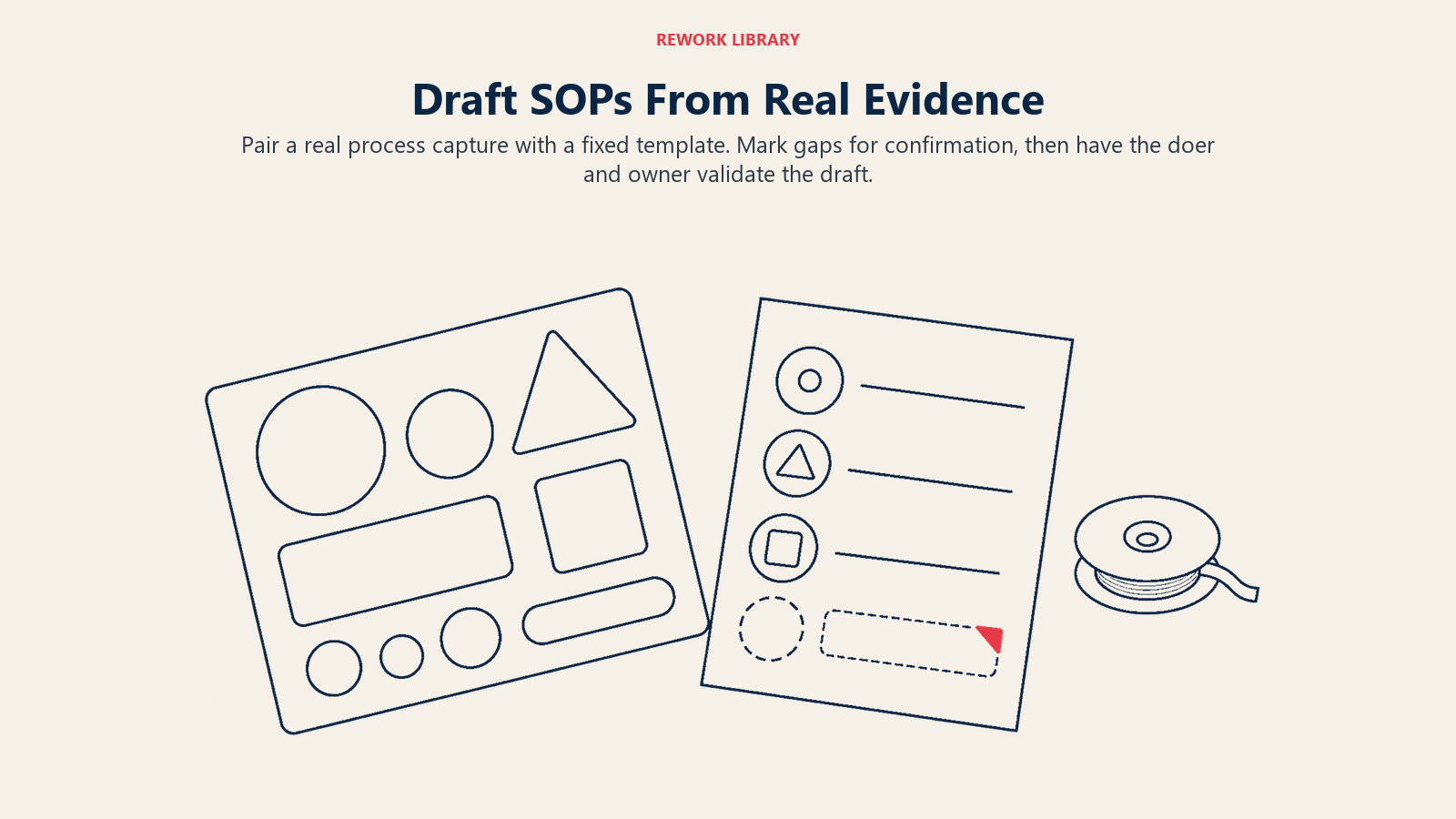
Use a repeatable process, a fixed template and a real capture, then have the doer and owner validate the draft before publication.
- Pick one process with a clear owner. Choose something repeatable, documented badly and run often enough that the pain is visible, like onboarding a supplier or handling a returns exception. Avoid safety-critical or regulated work for the first pilot.
- Settle your template first. A good SOP template has purpose, scope, owner, roles, prerequisites, numbered steps, exceptions, records produced and a revision history. If you don't have one, build it before you involve AI, or every draft will look different.
- Capture the real process. Record the work or interview the person who does it. Include the exceptions: "What do you do when the customer has no PO number?"
- Generate a draft with placeholders. Instruct the model to use only the source, to mark gaps rather than fill them, and to keep each step to one action. Keep the source and the draft together so a reviewer can trace any step back.
- Have the doer walk the draft. The person who performs the task follows the SOP literally, as if new. Every place they stumble is an error or a missing step.
- Have the owner approve. The accountable manager signs off on content, scope and risk. A RACI matrix makes it clear who drafts, who reviews, who approves and who gets informed.
- Publish with a version and a review date. Set the next review on the document itself.
- Test with a new hire. Hand it to someone who hasn't done the task and watch. If they need to ask questions, the SOP isn't finished.
A hypothetical worked example
Imagine a mid-sized distributor whose purchase-order exception process lives in three outdated documents and one senior buyer's head. The operations manager records the buyer handling five real exceptions: a price mismatch, a short shipment, a missing PO number, a duplicate invoice and a late delivery. An AI tool turns the transcript into a draft SOP with a step list and placeholders such as [CONFIRM: who approves a variance over the limit]. The buyer walks it and corrects two steps. The finance controller fills the approval-limit placeholder. The operations manager approves it as version 1.0, names the buyer as owner and sets a six-month review. The whole job takes days rather than weeks, and no step in the final document is a guess.
Validation With Process Owners
Validation is where a draft becomes a procedure. A reviewer who just reads for typos isn't validating anything. A useful validation has three parts.
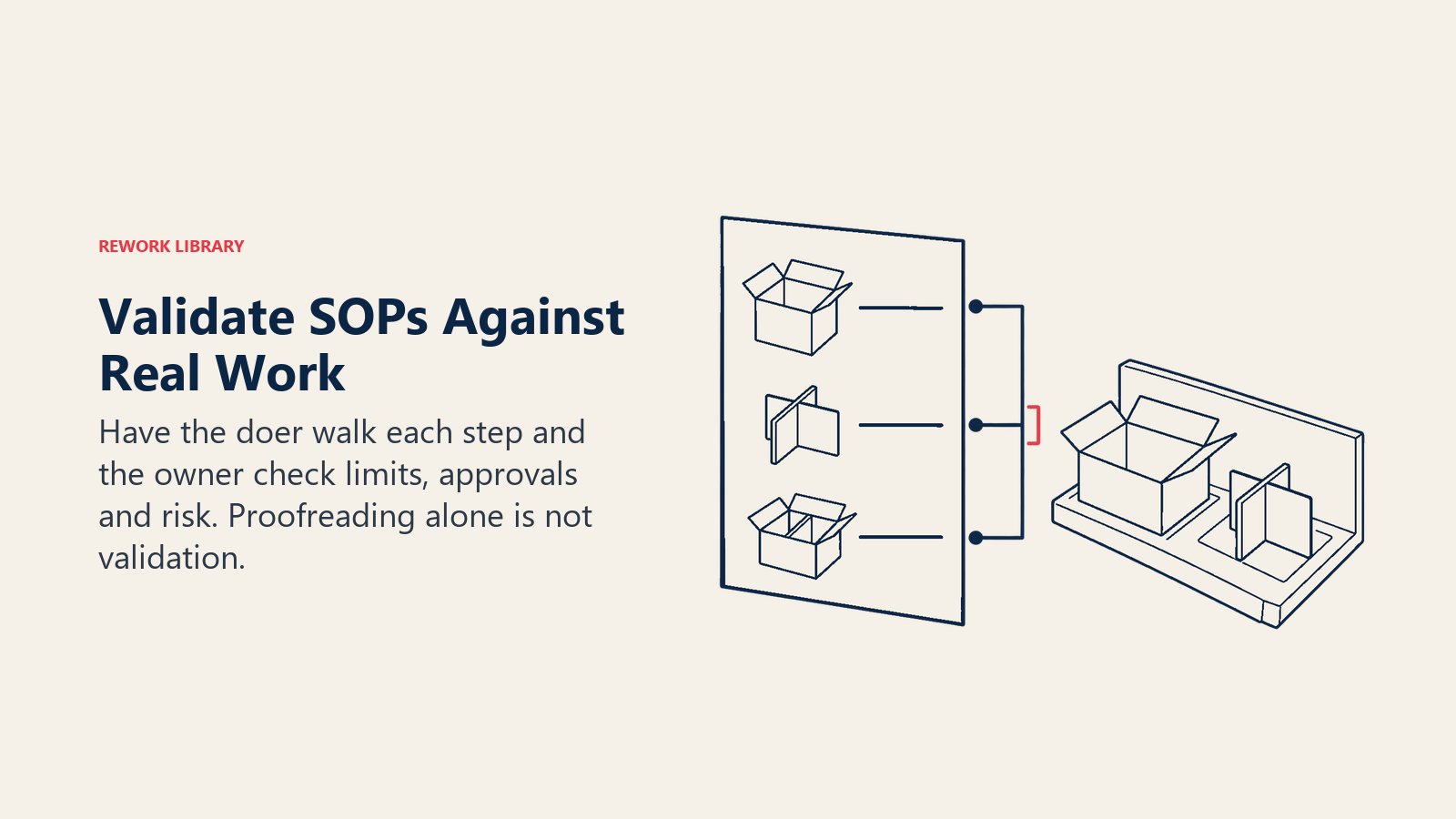
Accuracy against practice. The person who does the work performs each step from the document. Missing steps and wrong sequences show up fast.
Accuracy against rules. Someone responsible for policy, compliance or finance confirms that limits, approvals and regulatory references are right. This is also where a model's confident error gets caught. NIST describes confabulation as the production of "confidently stated but erroneous or false content" (NIST AI 600-1), and a numbered list in a corporate template looks authoritative whether or not it's right.
Accuracy against risk. For anything touching safety, money or customer data, a second reviewer checks the steps that can't be undone.
The risk of skipping validation isn't theoretical. In an MIT experiment on professional writing tasks, 68% of participants using ChatGPT reported submitting its first output without editing it (Noy and Zhang, MIT). The same study found a 37% drop in task time, so the speed is real. But speed is exactly what tempts a busy team to publish unreviewed. Build a gate that makes it impossible: no SOP gets a version number until a named owner has signed it. The principle is the same as human-in-the-loop design anywhere else: the person approving must have the authority, the time and the evidence to say no.
In regulated settings, this isn't optional. The US drug manufacturing regulation requires written procedures for production and process control, with changes prepared by the relevant organizational units and the procedures reviewed and approved by the quality control unit (21 CFR 211.100). Whatever your industry, a clearly recorded approver for each change is good practice, and AI doesn't change that. Check the specific rules for your sector before relying on an AI-assisted workflow for regulated documents.
Version Control and Consistency
AI makes it easy to produce many versions quickly. That's a problem if people can't tell which one is current. Treat version control as a design requirement from day one.
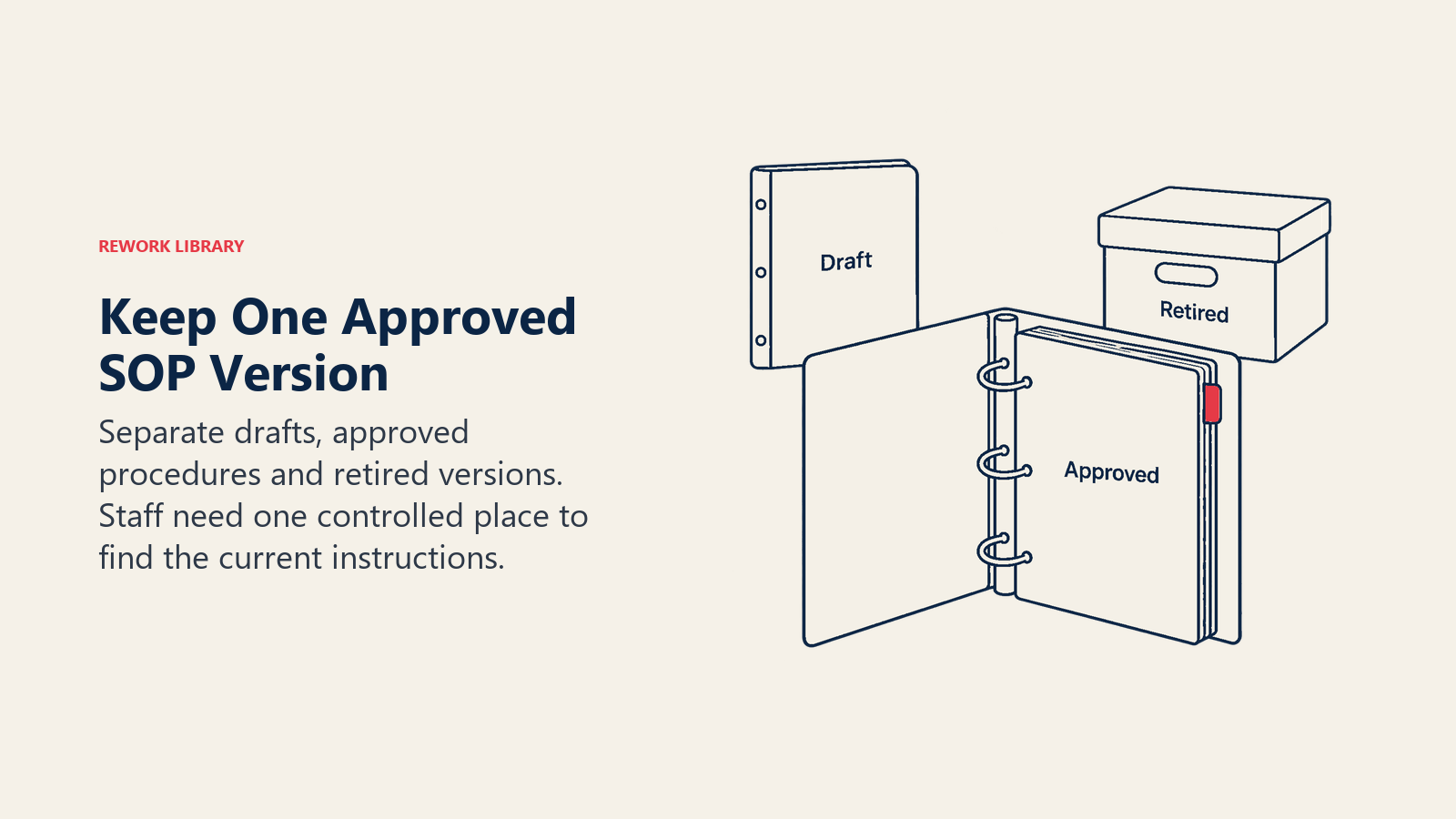
One source of truth. Pick a single location for approved SOPs. Drafts live elsewhere, clearly marked, and never in the same folder. If a frontline worker can find three versions of the same procedure, they'll follow the one they already know.
A revision history on every document. Record the version, date, author of the change, approver and a one-line reason. The AI can draft the change note, and the owner confirms it.
Draft and approved states. Use status labels (Draft, In review, Approved, Retired) so a search shows what can be trusted.
A controlled vocabulary. If one SOP says "supplier" and another says "vendor", or one says "must" and another "should", a model can flag and standardize those terms across the library. Agree on the glossary first and have a person approve it.
Cross-document consistency checks. Ask the model to compare related SOPs and list conflicts: different approval limits, different retention periods, different owners for the same step. Conflicts are a list for the owners to resolve, not for the model to fix on its own.
Retirement. When a process changes, retire the old SOP explicitly and keep it archived. A hidden old version is how audits and incidents go wrong.
| Control | What to record | Who confirms |
|---|---|---|
| Version number | Major for process change, minor for wording | Process owner |
| Effective date | When staff must follow it | Process owner |
| Change reason | One line in plain language | Author, checked by owner |
| Approver | Name and role | Accountable manager |
| Next review date | Usually 6 to 12 months out | Process owner |
| Status | Draft, In review, Approved, Retired | Document controller |
Keeping SOPs Alive After Launch
Most SOP libraries fail slowly. They're accurate on the day of approval and wrong six months later. AI helps most here, because the work is comparison and reminders, which people forget and models don't.
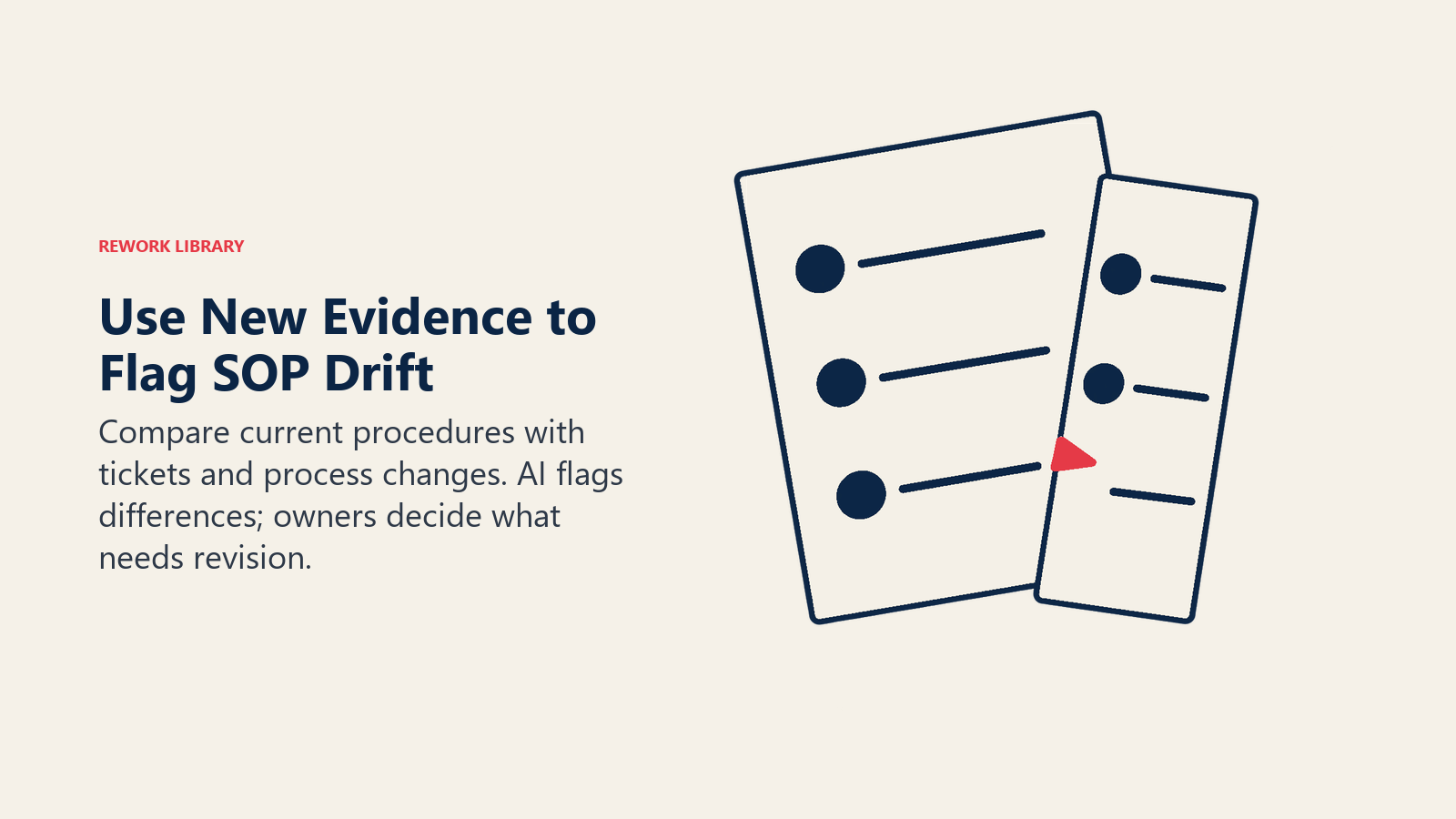
- Trigger reviews from change. When a system, policy, org chart or supplier changes, have the AI list which SOPs mention the old version, then send the list to each owner.
- Mine tickets and incidents. Ask for recurring complaints, workarounds and error reports that map to a specific SOP step. A step that keeps producing tickets is a candidate for rewrite.
- Run a scheduled drift check. Each quarter, give the model the SOP and recent real-process evidence (a new recording, a handful of cases) and ask for differences. The owner decides what is a real change and what is one person's habit.
- Use approved SOPs as the knowledge base for an assistant. A retrieval-grounded assistant answers "how do I handle a short shipment?" from your approved text and cites the document. This is retrieval-augmented generation applied to procedures, and it only works if the library behind it is current and clearly labelled. Feed it drafts, and it will quote them.
- Watch the clean data requirement. If the library is messy, the assistant is messy. The operational data for AI piece covers preparing the material.
Real Examples by Function
The same approach reads differently depending on the team.
Finance and procurement. Month-end close checklists, invoice exception handling and vendor onboarding steps. AI drafts from the controller's walkthrough, and the controller owns approval limits and control points. Everything about thresholds is a person's decision.
Customer support operations. Escalation paths, refund handling and outage communication. Agents record how they resolve a tricky case, AI drafts the procedure, and a team lead validates the exceptions.
HR and people operations. Onboarding, leave processing and offboarding checklists. AI drafts the sequence, and HR confirms legal and policy language. Anything that cites a law gets checked by whoever is responsible for compliance.
Warehouse and logistics. Receiving, picking, returns and damaged goods. AI converts supervisor walkthroughs into step lists and shorter shift-start quick references. Safety steps always get a second reviewer.
IT operations. Access requests, change management and incident response runbooks. AI drafts and compares runbooks, and the system owner confirms technical accuracy.
Facilities and field work. Inspection routines and equipment checks. AI can turn photos and notes into checklists, and a qualified person approves them.
Common Pitfalls
Publishing the first draft. The 68% figure above is the warning. Draft quality isn't the point; the gate is.
Letting the model invent the process. If the prompt asks for "a best-practice SOP for supplier onboarding" with no source material, you'll get a generic document that matches no real workflow. Always start from a capture of your own process.
Documenting a broken process. AI will write down a bad process as cleanly as a good one. If a process has duplicate approvals or pointless handoffs, fix it first. Process mapping is the place to find that out.
Too many documents. AI makes it cheap to write, and libraries bloat. Fewer, shorter SOPs that people read beat a complete library nobody opens.
Sensitive data in prompts. Recordings and tickets can include customer names, pricing or personal data. Redact before you send material to a tool, and check where your tool stores inputs.
No owner. Every SOP needs a named person, not a department. Without one, the review date is decoration.
Skipping the new-hire test. Experts read around the gaps. Someone new can't.
Unclear approval. If nobody can say who approved the current version and when, the document has no authority.
What to Measure
Track whether the library is trusted and used, not how many pages the AI produced.
- Time to draft an SOP from capture to approved version.
- Revision cycles per SOP before approval (many cycles often signals poor source material).
- Share of SOPs past their review date.
- Errors or rework tied to a documented process, tracked per process before and after.
- New-hire time to independent work on documented tasks.
- Search success: how often people find the right approved SOP on the first try.
- Contradictions found between documents per quarter, and how fast they close.
Pick two or three, baseline them before the pilot and review them monthly with the process owners.
Where to Go Next
Start with one process, one owner and one template. Draft it with AI from a real recording, make the doer and the owner validate it, and publish it with a version and a review date. Once that cycle runs cleanly, scale it to the next ten processes. For how this fits the rest of your operating model, read the overview of AI in operations management.

Senior Operations & Growth Strategist
On this page
- Key Facts
- What AI Can and Can't Do for SOPs
- Where AI Fits in the SOP Lifecycle
- Capture
- Draft
- Validate
- Publish
- Maintain
- A Drafting Workflow You Can Adopt This Month
- A hypothetical worked example
- Validation With Process Owners
- Version Control and Consistency
- Keeping SOPs Alive After Launch
- Real Examples by Function
- Common Pitfalls
- What to Measure
- Where to Go Next