AI-Assisted Decisions in Operations: Recommend, Approve or Automate?
Turn this article into takeaways for your work.


Each assistant summarizes the article only for you and suggests best practices for your work.
An AI-assisted decision in operations is any operational choice where software analyzes the situation and either recommends an action, proposes it for a person to approve, or carries it out itself. The right mode for each decision depends on two things: how much damage a wrong call does, and how easily you can undo it. Cheap and reversible decisions can run automatically. Costly or irreversible ones need a human with real authority to say no.
Most operations teams get this wrong in one of two directions. They keep a person approving everything, which kills the speed AI was bought for, or they let an agent act on whatever it can reach and find out about the mistake from a customer. This article gives you a way to sort decisions into three modes, a matrix you can fill in during a team meeting, and a rollout path that moves decisions from one mode to the next only when the evidence supports it. It sits inside the AI in operations management hub, which covers the wider picture.
Key Facts
- Amazon's 2015 shareholder letter splits decisions into one-way doors (consequential, nearly irreversible, to be made "methodically, carefully, slowly") and two-way doors (changeable, to be made quickly) (Amazon shareholder letter).
- The EU AI Act requires that people overseeing high-risk AI systems stay aware of the tendency to over-rely on the output, be able to decide not to use the system in a given situation, and be able to override or stop it (Regulation (EU) 2024/1689, Article 14).
- GDPR Article 22 gives people the right not to be subject to a decision based solely on automated processing that has legal or similarly significant effects, with safeguards that include the right to obtain human intervention (GDPR, Article 22).
- Three modes cover nearly every case: recommend (AI suggests, a person acts), approve (AI prepares, a person signs off), and automate (AI acts, a person audits).
- Reversibility and blast radius, not model accuracy alone, should set the mode. A 99% accurate model that triggers an irreversible action still fails someone, somewhere, every hundred runs.
What "Deciding" Means When AI Is Involved
A decision in operations has four parts: noticing a situation, judging what to do, choosing, and acting. AI is good at the first two. It reads inventory levels, ticket queues, invoices or sensor feeds, classifies what's going on and predicts what will happen next. In ACE Framework terms, that's Analyze and Predict.
The last two are where you set the dial. A system that stops after judging produces a recommendation. A system that proposes a choice and waits produces an approval request. A system that goes on to act has crossed into Execute, the step that changes something in the real world. The generate vs execute boundary explains why that crossing deserves its own design review, and the AI pattern risk gradient shows how risk climbs as patterns move from reading to writing to acting.
So the question isn't "should we use AI for this decision?" It's "how far along the four parts should AI go on its own?"
The Three Modes
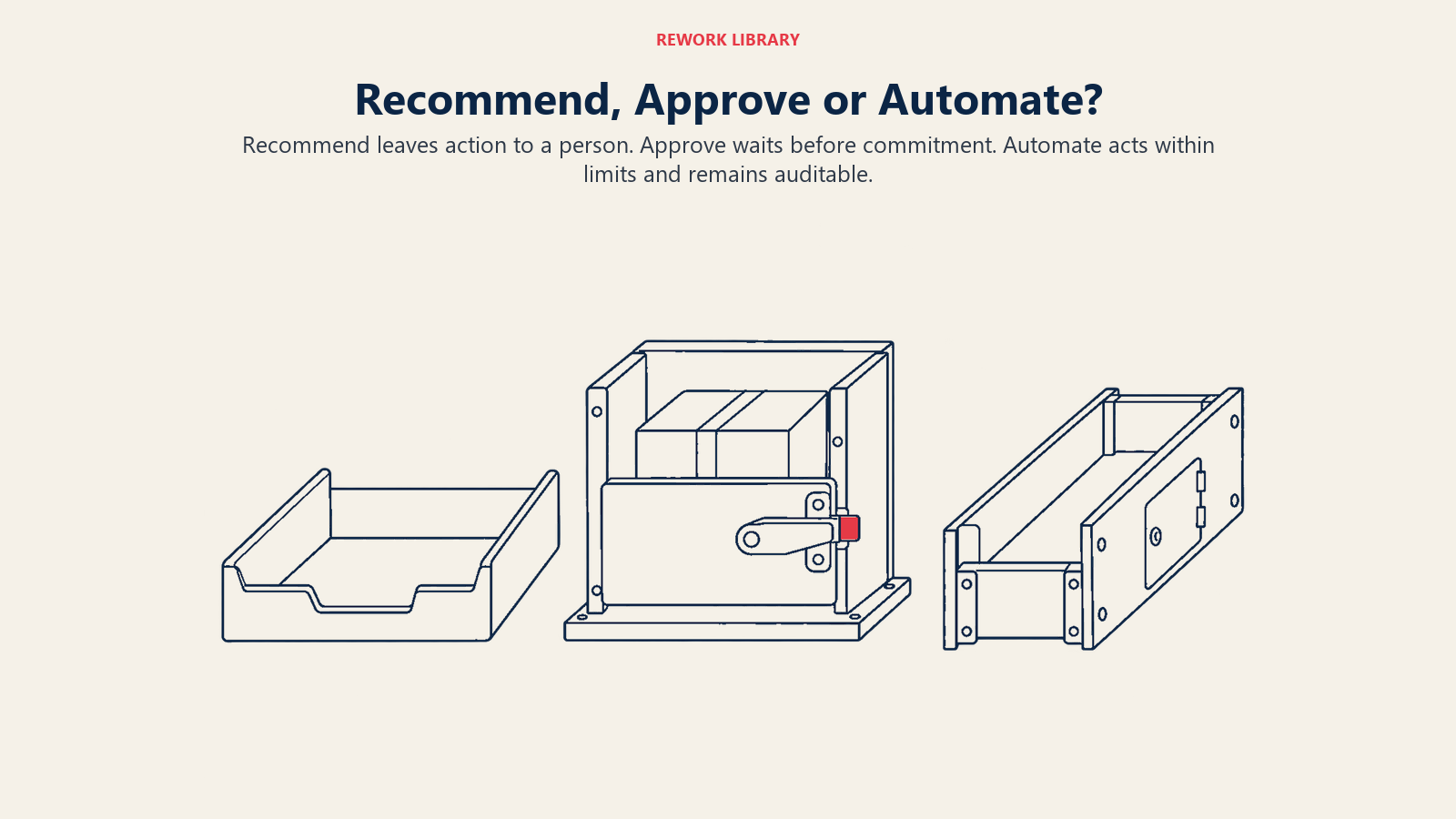
Recommend leaves the action to a person, approve holds the prepared action for sign-off, and automate acts within limits while people audit the results.
Recommend
The AI analyzes and suggests. A person decides and acts through the normal system. Nothing happens unless a human does it.
Use it when the decision is costly or irreversible, when the rules are unclear or contested, when the data is thin, or when you're new to the process and haven't yet seen how the model behaves. A demand planner sees a suggested reorder quantity next to the usual forecast, with the reasons listed, and types the number into the purchasing system herself.
The failure mode is quiet: people stop reading the suggestion and click along, which turns "recommend" into "automate" without any of the controls. More on that below.
Approve
The AI does the work up to the point of commitment, and a named person approves it. The draft purchase order is built, the schedule change is staged, the refund is queued. One click from an authorized person releases it.
Use it when the decision is repetitive enough that preparing it by hand is wasteful, but the consequences justify a checkpoint. An operations lead approves a batch of 40 supplier invoices the system has matched and flagged as clean, and looks closely only at the five it marked uncertain.
This is the classic human-in-the-loop design. It only works if the approver can see why the system proposed what it did, has the authority to reject, and isn't approving 300 items an hour.
Automate
The AI acts. A person sets the rules, monitors the results and audits samples, but isn't in the path of each decision.
Use it when a wrong action is cheap, reversible and quickly detected, and when the system has a track record on your own data. Routing an incoming request to the right queue, rescheduling a non-critical maintenance check by a day, or reordering a low-value consumable under a fixed ceiling are typical. If it goes wrong, someone moves the ticket back or cancels the order.
Automating doesn't mean unsupervised. It means supervision shifts from each decision to the pattern across many decisions. That's where an AI operations control tower earns its place: a view of what the system did, how often it was overridden, and where it's drifting.
The Two Questions That Choose the Mode
Ask these two questions about every decision, in order.
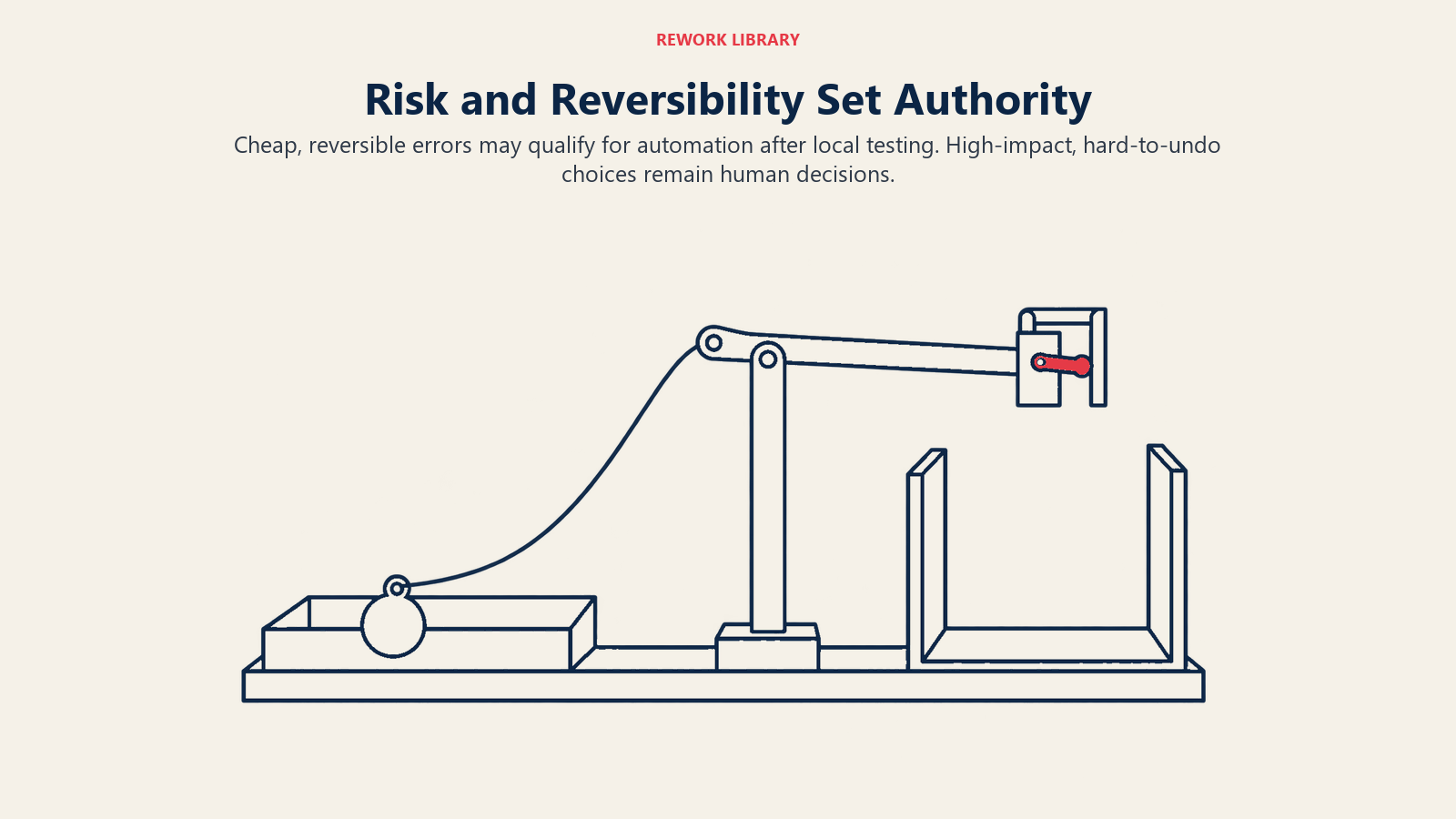
1. How bad is a wrong call? (Blast radius.) Consider money, customers affected, safety, legal exposure and how far the error spreads before anyone notices. A mislabeled internal ticket touches one person's afternoon. A wrong supplier payment touches cash. A wrong safety release touches people.
2. How easily can it be undone? (Reversibility.) Can you cancel it, claw it back or correct it within hours at low cost? Or does it become a fact in the world, like a shipped order, a sent customer notice, a paid wire or a terminated contract?
That second question is the heart of it. Amazon's shareholder letter makes the same distinction for human decision-makers: irreversible decisions deserve slow, careful treatment, while reversible ones should be made quickly by people with good judgment (Amazon shareholder letter). AI doesn't change that logic. It just makes the quick path faster, which makes it more important to know which doors are one-way.
The decision matrix
| Easily reversed | Hard or impossible to reverse | |
|---|---|---|
| Low blast radius | Automate. Audit samples weekly. | Approve. Light check, fast turnaround, single approver. |
| High blast radius | Approve. Named owner, clear limits, review the exceptions. | Recommend only. Human decides and acts, with the AI's reasoning on the screen. |
Two refinements make the matrix usable.
Add a third axis: evidence. A decision that sits in the "automate" cell on paper should still start in "approve" until you have run it long enough to see the override rate and error types on your own data. The matrix tells you where a decision can end up. Evidence tells you whether it has earned the move.
Use limits, not just categories. Many decisions straddle cells depending on size. Automate reorders under a set value, approve those above it, recommend-only for anything touching a new supplier. Thresholds on amount, count, customer tier or confidence let one workflow live in all three modes at once.
Real Examples by Function
| Function | Decision | Likely mode | Why |
|---|---|---|---|
| Supply chain | Reorder a low-value consumable under a fixed ceiling | Automate | Cheap, reversible, quickly noticed |
| Supply chain | Switch a primary supplier | Recommend | Contracts, relationships, hard to undo |
| Procurement | Match an invoice to a purchase order within tolerance | Automate, with sample audit | Rules are clear, errors are caught in payment runs |
| Finance operations | Release a supplier payment | Approve | Money leaves the building and is hard to recover |
| Facilities and maintenance | Reschedule a non-critical inspection by a day | Automate | Easily moved back |
| Facilities and maintenance | Clear safety-critical equipment for restart | Recommend | Harm to people can't be undone |
| Customer operations | Route a request to a queue | Automate | A misroute costs minutes |
| Customer operations | Refund above a set amount | Approve | Money and policy exposure |
| Workforce planning | Draft next week's shift roster | Approve | Affects people's lives and may carry labor-law rules |
| Workforce planning | Dismiss or discipline someone | Human decision, AI kept out of the choice | Significant effect on a person, legal duties apply |
The last row matters. Some decisions shouldn't be on the automation spectrum at all, and in some jurisdictions the law says so.
Where the Rules Already Draw Lines
You don't have to invent every boundary. Two pieces of EU law, which many global operators follow as a baseline, state the principle plainly.
GDPR Article 22 gives people the right not to be subject to a decision based solely on automated processing that produces legal effects or similarly significantly affects them, and its safeguards include the right to obtain human intervention and to contest the decision (GDPR, Article 22). If an operations decision decides who gets hired, scheduled, paid or dismissed, check this before you automate it.
The EU AI Act's human oversight article for high-risk systems goes further on design. It expects the people overseeing the system to remain aware of the tendency to over-rely on its output, to be able to decide not to use the system in a particular situation, to override or reverse the output, and to intervene or stop it (Regulation (EU) 2024/1689, Article 14). Even if your use case isn't classed as high-risk, those abilities make a good checklist for any approve-mode workflow. For a primer on the regulation itself, see the regulation text itself. This is general orientation, not legal advice. Have counsel confirm how the rules apply to your processes.
How to Set Decision Modes, Step by Step
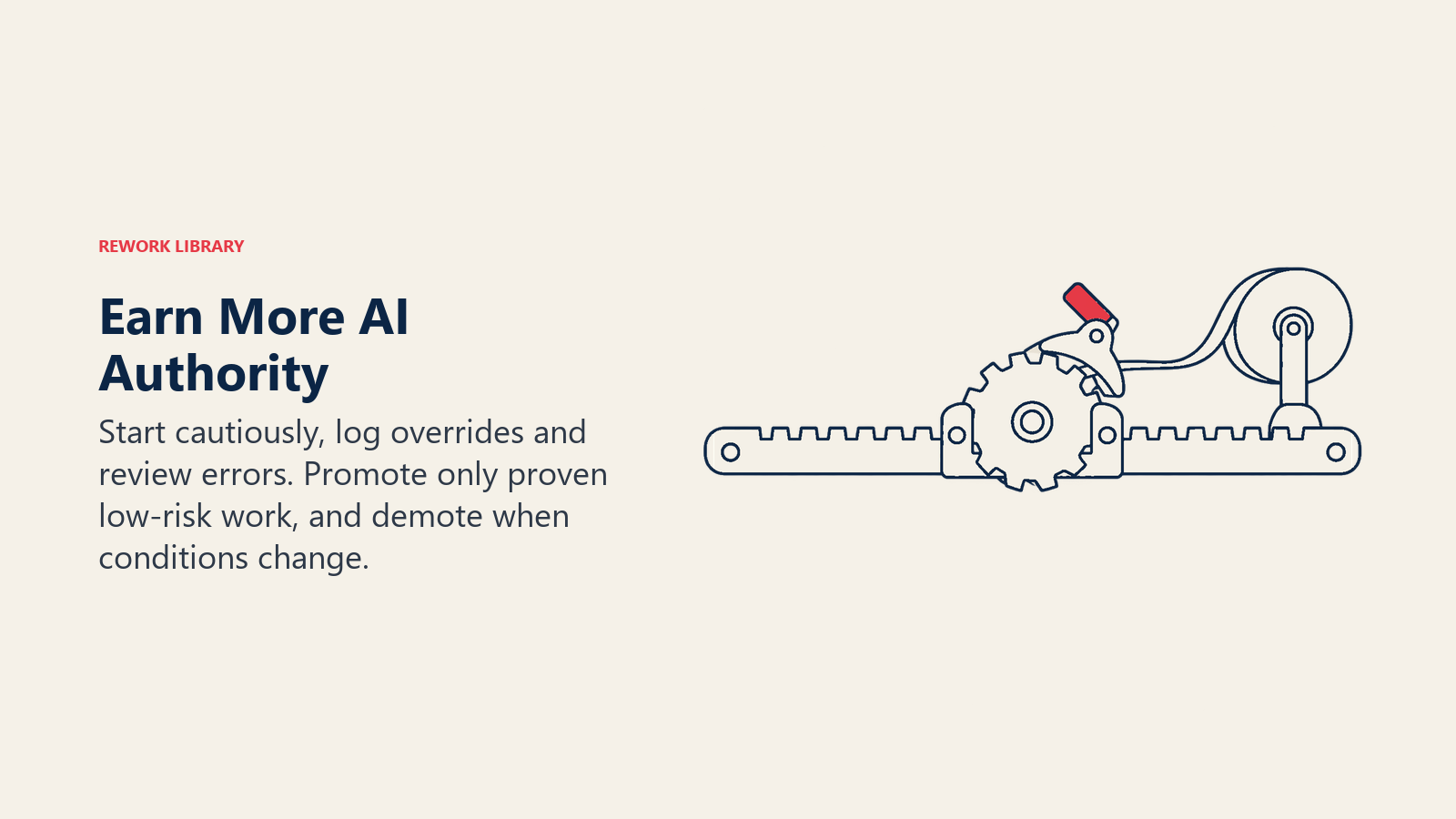
Start each decision cautiously, name its owner and stop conditions, then use logged overrides and errors to decide whether to promote or demote its authority.
- List the decisions, not the tools. Walk through one operational process, such as order-to-cash or inbound logistics, and write down every point where someone chooses something. Most teams find 15 to 30. Your existing procedures are the starting map.
- Score each on blast radius and reversibility. Use plain high/low and easy/hard. Don't build a 10-point model. Argue the borderline ones out loud, because the argument is the useful part.
- Assign a starting mode. Place each decision in the matrix, then start it one step more cautious than the matrix says. Automate candidates begin in approve. Approve candidates begin in recommend.
- Name an owner for each mode. Every approve and automate decision needs one accountable person. "The team" can't be held to account, and it can't be paged at 2 a.m. The RAPID decision model is a useful template for separating who recommends, who agrees, who decides and who executes.
- Write the stop conditions. For every automated decision, define what pushes it back to a human: low confidence, an amount over the limit, a customer on a watch list, an input the model hasn't seen before.
- Make approval easy to do well. Show the proposed action, the reasons, the data used and the alternatives. Put the uncertain items first. Cap the volume one person can approve in a session.
- Log everything. Record the input, the recommendation, who approved or overrode it and what happened next. You'll need it for audit and for step 8.
- Review and promote. After a fixed period, say 30 to 60 days, look at the override rate and the error types. If humans accept nearly every proposal and the few they reject are caught cheaply, consider moving that slice to automate. If the rejects are costly, keep the checkpoint.
- Demote just as readily. If error rates climb after a process change or data change, move the decision back a step without drama. This is a normal part of operating the system, not a failure.
Clean inputs make every step easier. If the model is deciding on stale or duplicate records, no choice of mode saves you, so read operational data for AI before you promote anything.
Pitfalls to Avoid
Rubber-stamp approval. If an approver clears 200 items in ten minutes, you have automation with a human alibi. The EU AI Act's wording on over-reliance exists for this reason. Measure time per approval and the share of proposals changed. A near-zero change rate on a high-volume queue is a warning, not a success.
Treating accuracy as the only test. A model right 98% of the time sounds safe until you ask what the other 2% costs. One wrong release of safety-critical equipment outweighs thousands of correct reorders.
Approving at the wrong point. A person who signs off after the system has already told the customer, moved the stock or sent the instruction isn't approving anything. Put the checkpoint before the commitment.
One mode for the whole workflow. Different steps in the same process carry different risk. Draft the invoice automatically, approve the payment, recommend the supplier change.
No way to stop it. Every automated flow needs a pause control that a named person can use without a ticket. Agents acting across several systems need this most. The human-in-the-loop AI agents article covers escalation design in more depth.
Forgetting people are affected. Decisions about scheduling, pay, performance or dismissal carry legal and ethical weight beyond operational efficiency. Keep AI in the recommend seat, or out of the loop, and check local rules.
Never reviewing. A mode assigned in January and never revisited is stale by June. Put a recurring review in the calendar.
What to Measure
Track the health of each mode separately.
- Recommend: acceptance rate, and whether accepted recommendations led to better outcomes than overridden ones.
- Approve: override rate, time per approval, queue size per approver, and errors that got through.
- Automate: error rate caught by audit, reversals per hundred actions, time to detect and fix a bad run, and number of stop-condition triggers.
- Across all: cycle time, cost per decision, and the share of decisions in each mode over time. Healthy programs show a slow, evidence-backed drift toward more automation on low-risk work, not a jump.
Tie these to the KPIs your operations team already reports so the numbers sit in one place.
Where to Go Next
Pick one process, list its decisions, and fill in the matrix with the people who run it. Start every decision one step more cautious than the matrix suggests. Run for a month, read the override log, and promote only what the evidence supports. The point isn't to have less human involvement. It's to put human attention where a mistake would hurt, and take it away where it only slows things down.
Frequently Asked Questions about AI-Assisted Decisions in Operations
What is the difference between recommend, approve and automate?
In recommend mode, AI suggests and a person acts. In approve mode, AI prepares the action and a person signs off before it happens. In automate mode, AI acts on its own within set limits and people audit the results afterward.
How do I decide which operational decisions AI can make on its own?
Ask how costly a wrong call is and how easily it can be undone. If a mistake is cheap, reversible and quickly detected, and the system has a track record on your data, it's a candidate for automation. Otherwise keep a human in the loop.
Is human approval enough to make an AI decision safe?
Only if the approver has the information, the authority and the time to say no. The EU AI Act specifically warns about people over-relying on system output, so measure how often approvers change or reject proposals and how long each review takes.
Can AI make decisions about people, like scheduling or discipline?
Treat these with extra care. GDPR Article 22 gives people the right not to be subject to solely automated decisions with significant effects, including a right to human intervention. Keep AI in a recommend role at most, and have legal counsel check local rules.
When should a decision move from approve to automate?
When you've run it long enough to see the override rate and error types on your own data, humans accept nearly all proposals, and the rejected ones are caught cheaply. Move one slice at a time, with limits and stop conditions, and be ready to move it back.
Who is accountable when an automated decision goes wrong?
A named person, not the model or the vendor. Assign an owner for every automated decision who sets the rules, watches the results and can pause the flow. Log inputs and outcomes so you can explain what happened.

Senior Operations & Growth Strategist