AI Field Service Scheduling and Dispatch
Turn this article into takeaways for your work.


Each assistant summarizes the article only for you and suggests best practices for your work.
AI field service scheduling is software that decides which technician goes to which job, in what order and at what time, by weighing skills, location, working hours and service commitments, then re-plans the day as jobs run long, cancel or arrive. A dispatcher used to do this from a whiteboard and a phone. The software does it across hundreds of jobs at once and keeps doing it after the first plan breaks.
If you run technicians who visit customers, such as HVAC, telecom, utilities, equipment repair, pest control or home care, this is one of the most concrete places where AI changes daily operations. It's part of the wider AI in logistics picture, and it shares its routing core with AI route optimization. What makes field service different is that the stop isn't a drop-off. It's a piece of skilled work with an uncertain length.
Key Facts
- Researchers call this the technician routing and scheduling problem. It gets hard when scarce, skilled resources have to visit different customer locations, and surveys classify it by resource qualifications, service requirements and objectives (Paraskevopoulos, Laporte, Repoussis and Tarantilis).
- British Telecommunications added a dynamic scheduler, built on heuristic search and constraint-based reasoning, to its Work Manager system in 1996. Its developers reported savings of $150 million a year once it reached 20,000 engineers in 1998, with an estimated $250 million a year at a target workforce of 40,000 (Lesaint, Voudouris and Azarmi, Interfaces, 2000). Those are the authors' reported estimates for one very large operator, not a benchmark for your team.
- Research on dynamic technician routing suggests that deliberately accepting a few imperfect skill matches can improve overall service quality over several days, because geography and absences make perfect matches impractical (Stein, Hildebrandt, Thomas and Ulmer, 2024).
- Scheduling quality depends on three inputs: an honest skills record, realistic job-duration estimates and live location and status data. The model is rarely the weak link.
- Treat the first version as a recommendation engine. Let dispatchers approve plans before you let software dispatch on its own.
What the Software Actually Decides
A field service scheduler answers four questions, over and over through the day.
- Who can do this job? It filters technicians by skills, certifications, parts on the truck and access rights.
- When must it happen? It reads the appointment window, the SLA deadline and the job's priority.
- Who should do it? Among qualified technicians, it picks the assignment that keeps travel low and the day full without breaking the first two rules.
- In what order? It sequences each technician's stops so the route is feasible with real travel times and breaks.
Notice that questions 1 and 2 are rules, and questions 3 and 4 are optimization. AI contributes at both ends: prediction improves the inputs (how long will this job take, will the technician finish on time), and optimization turns them into a plan. In ACE Framework terms, it's Analyze and Predict feeding Execute, and it's a good example of the scoring-and-routing pattern.
Vendor documentation shows how these ideas map to product settings. Timefold, a scheduling software company, describes matching technicians to visits by skills and skill levels, setting required and preferred time windows, defining SLAs for time-sensitive work, and re-planning in real time for new visits, emergencies, no-shows and technician illness (Timefold documentation). That's the vendor's description of its own product, but the list is a useful checklist of what any scheduler should handle.
Matching by Skill, Location and SLA
Skills
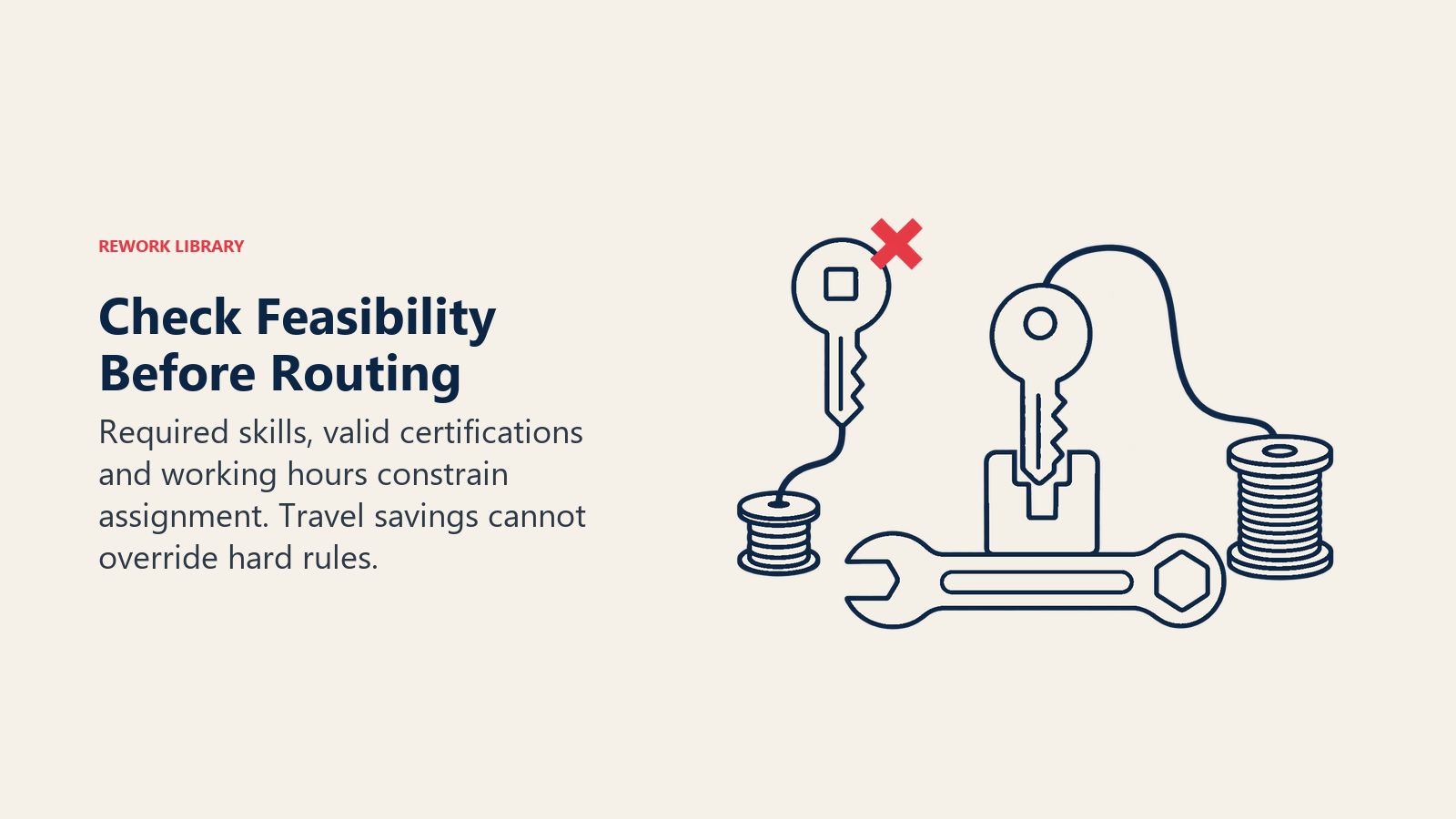
Skills are the first filter, and the one most often wrong in practice. A technician record that says "electrical" doesn't say whether the person can work on three-phase panels, hold the gas safe license or handle a specific brand's equipment. Break skills into levels and certifications that the scheduler can test. Expiry dates matter too: a certification that lapsed last month should stop the person being booked.
Location
Distance matters, but travel time matters more. Two jobs 5 km apart may be 40 minutes apart at 5 p.m. Good schedulers use road-network travel times, ideally time-of-day aware, and they plan around where each technician starts and ends the day. For a deeper treatment of how routes get built, see route and time management.
SLA
A service level agreement turns "soon" into a deadline with a penalty. The scheduler should treat a four-hour emergency response differently from a routine inspection due this month. Most tools let you weight priorities, so a high-priority job can displace a low-priority one when the day goes wrong. Decide those weights deliberately. Otherwise the software will happily fill the morning with easy jobs and push the contractual one to the afternoon.
How the three interact
| Factor | Typical rule | What goes wrong when ignored |
|---|---|---|
| Skills and certifications | Hard rule: no qualified match, no assignment | Wrong technician arrives, job needs a second visit |
| Location and travel time | Soft goal: minimize drive time | Overtime, late arrivals, fuel cost |
| SLA and priority | Hard deadline or weighted penalty | Missed commitments, credits owed |
| Working hours and breaks | Hard rule | Compliance issues, fatigue |
| Customer time-window preference | Soft goal | Failed access, repeat calls |
Predicting Job Duration
Every schedule is only as good as its estimate of how long each job takes. Most field teams still use a flat number per job type: 60 minutes for a boiler service, 30 for a router swap. Those averages hide the variation that wrecks the afternoon.
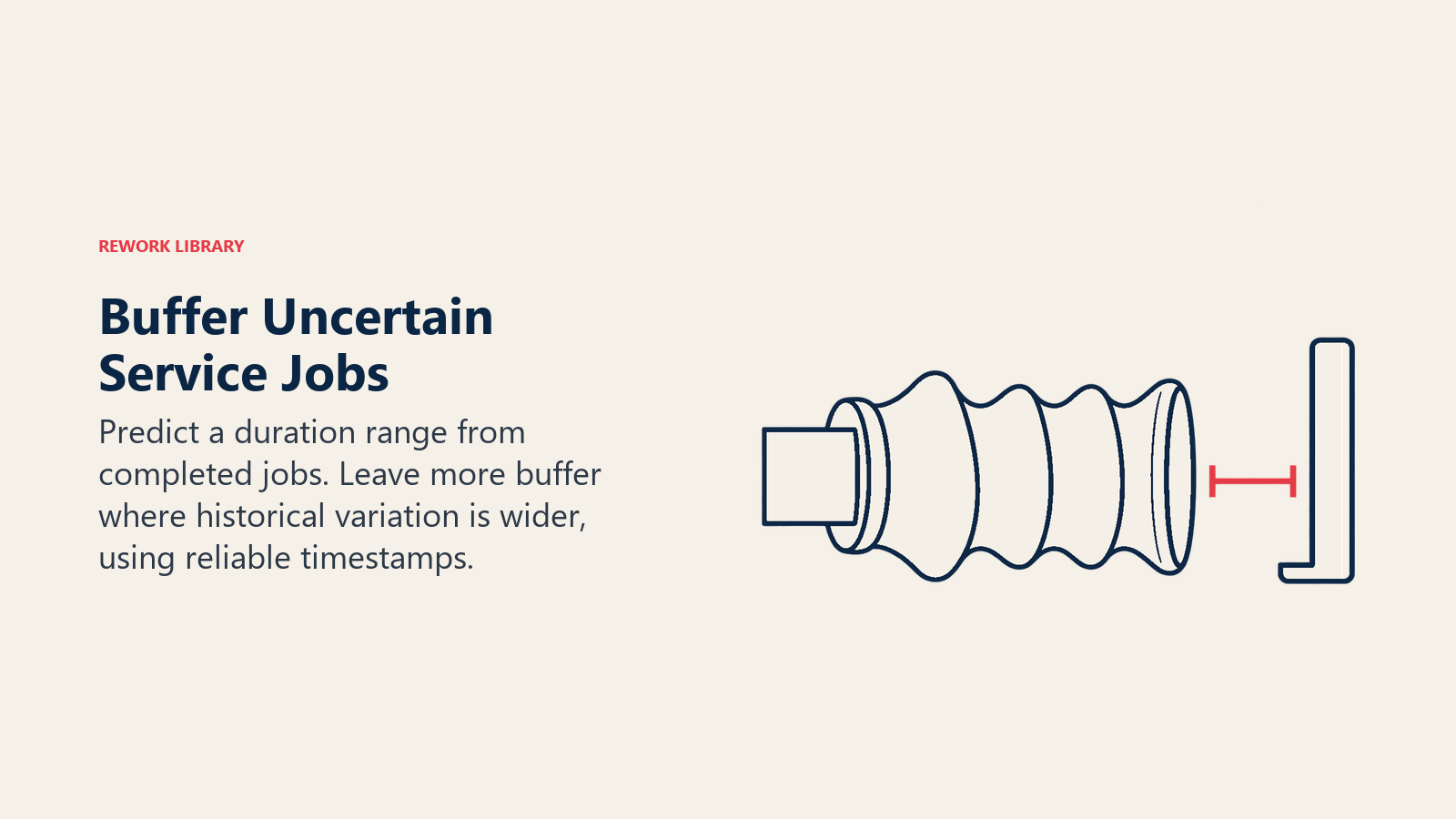
A prediction model replaces the flat number with an estimate that uses what you already know: job type, equipment model and age, site type, the technician's experience, past visits to the same address and notes from the booking call. It can also give a range, not a single figure, so the scheduler adds buffer where uncertainty is high and packs tightly where it isn't.
Why the range matters: misdiagnosed faults and repair surprises make some jobs far longer than the average. The practical version is simple. A job type with wide historical variation gets a bigger buffer or a flag for the dispatcher.
Start simple. Compare booked duration to actual duration for the last six months, by job type. If the gap is large and consistent, a spreadsheet correction already helps. Prediction models earn their keep once you have enough completed jobs with clean start and finish times, which is why operational data for AI comes before any model work.
Handling Same-Day Changes
The plan you build at 6 a.m. is wrong by 10 a.m. A job overruns, a part is missing, a customer cancels, an emergency comes in, a technician calls in sick. This is where scheduling software earns most of its value, because re-planning by hand is slow and tends to favor whatever the dispatcher noticed first.
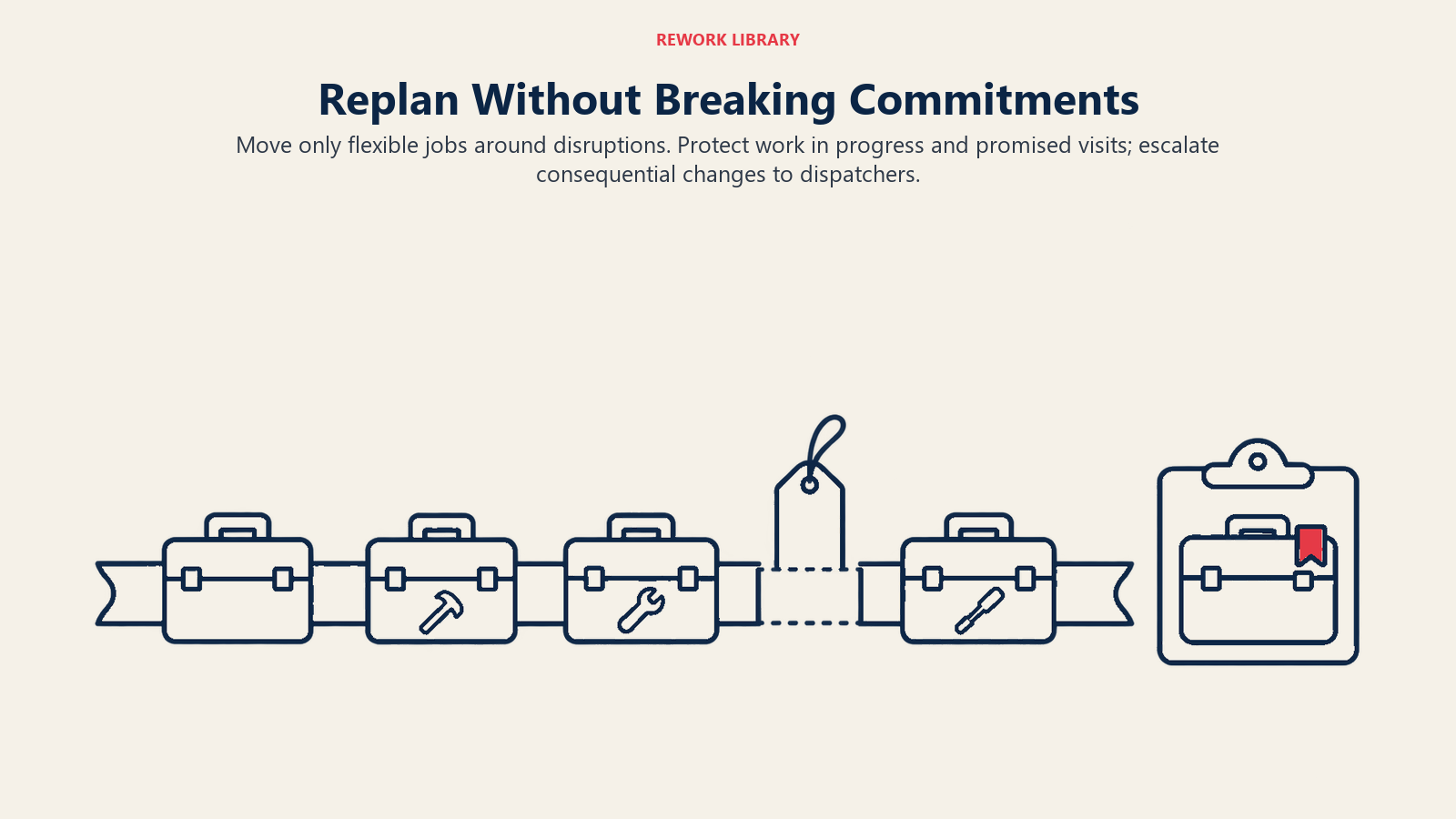
Good dynamic scheduling does four things:
- Re-plans only what it must. Moving every technician's whole day for one cancellation creates chaos. The better tools limit disruption: jobs already in progress or promised to customers stay put, and only the flexible ones move.
- Inserts emergencies at the cheapest cost. It finds the technician whose current route absorbs the new job with the least damage to other commitments.
- Reacts to actual times. When a technician reports arrival and departure, the plan updates from real progress, not from the morning's guesses.
- Warns before the miss. If job three is running forty minutes over and job four has a tight window, the system flags it while the dispatcher can still call the customer or reassign.
Dynamic scheduling is not a new idea. BT's published account describes a scheduler designed for exactly this setting, a very large field workforce whose work changes constantly, and credits it with large savings (Lesaint, Voudouris and Azarmi). The technology has changed. The problem hasn't.
Examples by Function
| Function | Scheduling problem | What AI adds |
|---|---|---|
| HVAC and home services | Emergency calls land on top of booked maintenance | Fast insertion, buffer for variable repairs |
| Telecom and broadband | Installs with customer access windows | Window-aware sequencing, skill matching for equipment types |
| Utilities | Crews with licensing and safety rules | Hard-rule enforcement, priority handling after outages |
| Medical device and equipment service | Contracted response times by customer tier | SLA-weighted dispatch, parts and certification checks |
| Property and facilities maintenance | Many small recurring jobs across sites | Clustering by geography, planned and reactive work in one plan |
| Home care | Visits with preferred times and continuity of carer | Preference handling, absence cover |
Equipment service teams that also run condition monitoring can feed predicted failures straight into the schedule. If you do that, read the predictive maintenance strategy first, so planned and predicted work don't compete for the same technicians without anyone noticing.
How to Implement It, Step by Step
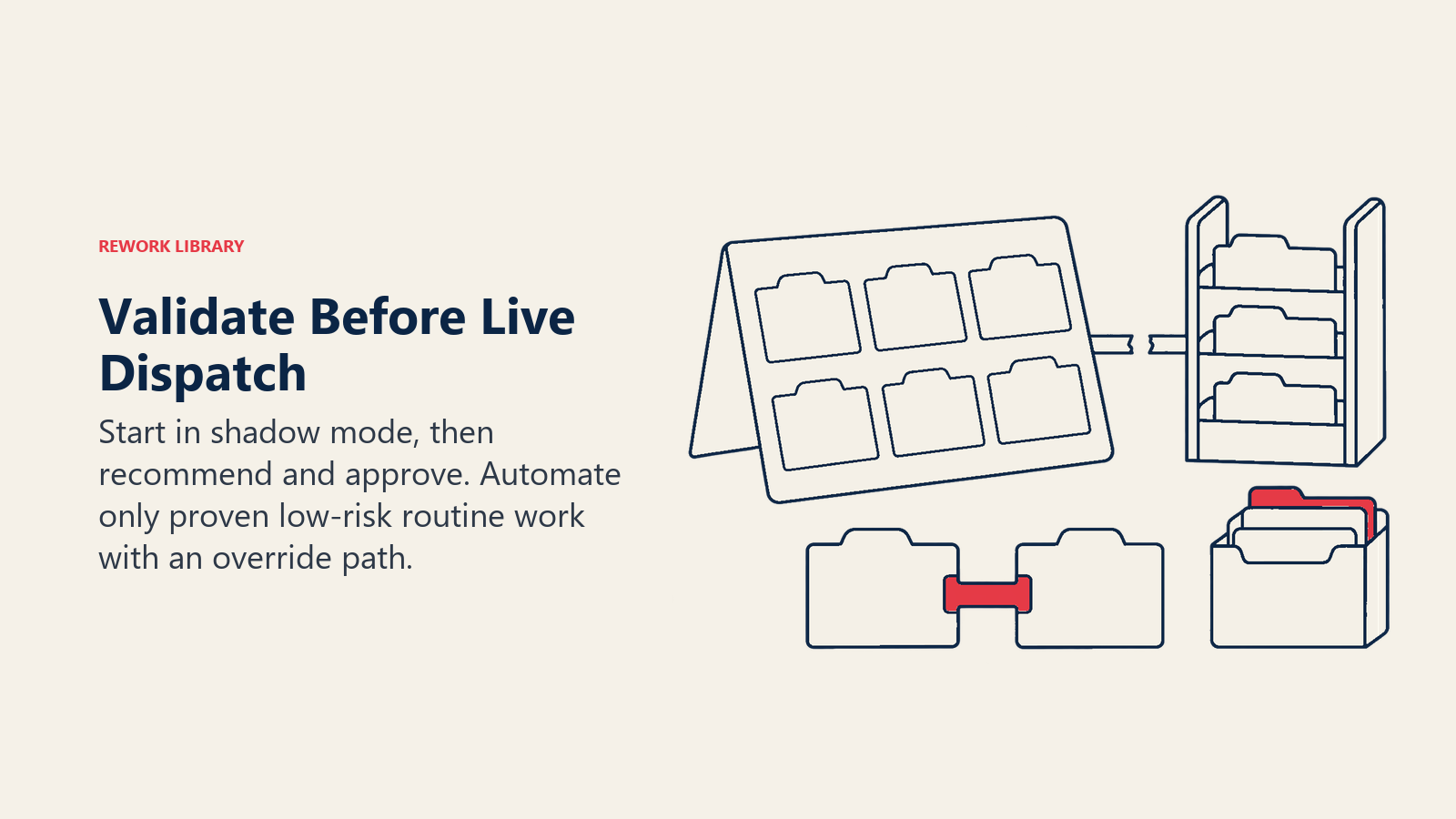
Run a shadow plan first, compare it with dispatchers' decisions, then move through recommend and approve before considering automation for proven low-risk routine jobs.
- Measure today's baseline. Pull three months of jobs. Record jobs per technician per day, travel time share, on-time arrival, first-visit completion and SLA misses. Without this you can't tell whether the software helped.
- Clean the skills record. Sit with team leads and list every skill, certification and level that actually restricts who can take a job. Put expiry dates in. This takes longer than people expect and pays back more than any model.
- Fix job codes and durations. Make sure job types are consistent and that technicians record real start and finish times. Calculate booked-versus-actual gaps.
- Define the rules and the weights. Which constraints are never broken (certification, legal hours)? Which are preferences (customer time slot, continuity)? How do priorities trade off? Write it down so dispatchers can challenge it.
- Run in shadow mode. Let the software plan each day in the background while dispatchers keep scheduling manually. Compare its plan to theirs and review the differences with them. Dispatchers will spot rules you missed, such as the customer who can't be visited before noon.
- Move to recommend, then approve. Show proposed assignments with reasons, and let a dispatcher accept or change them. This is the "approve" mode in AI-assisted decisions in operations. Track how often dispatchers override and why.
- Automate the low-risk slice. Once overrides on routine jobs drop and the reasons are understood, let the system assign standard work on its own. Keep emergencies and key accounts under human approval.
- Add live updates. Connect technician status, location and job completion so same-day re-planning runs on real data.
- Review weekly. Look at overrides, late arrivals, overruns and SLA misses. Feed what you learn back into skills, durations and weights.
Teams that run several automated workflows at once benefit from one place to watch them, like the one described in AI operations control tower.
Pitfalls to Avoid
Treating the skills list as optional. If the record says everyone can do everything, the optimizer will believe it, and the first bad match becomes a repeat visit.
Optimizing travel at the expense of the customer. A plan that minimizes kilometers may stack all the difficult jobs on your best technician or squeeze lunch out of the day. Include fairness and break rules, or your people will route around the system.
Chasing perfect matches. The research on dynamic technician routing points the other way: accepting some imperfect assignments can serve customers better over several days than insisting on a perfect one every time (Stein et al.). Allow controlled exceptions, such as a less-qualified technician doing a triage visit, and track the revisit rate.
Ignoring rework. A job that needs a second visit costs two slots. Measure first-visit completion and treat it as a scheduling output, not just a technician metric.
Tight plans with no slack. A schedule at 100% utilization has no room for a long job. Leave buffer, sized by job-type variability.
Garbage timestamps. If technicians batch-close jobs at the end of the day, your recorded durations are fiction and so are the model's predictions. Fix the capture before you fix the model.
Cutting dispatchers out. Dispatchers know which customers are difficult and which sites have access problems. Use that knowledge as rules and notes, and keep a clear override path.
What to Measure
- Utilization: productive on-site time as a share of paid time.
- Travel share: drive time as a percentage of the working day.
- On-time arrival and SLA attainment, by priority class.
- First-visit completion (the share of jobs fixed without a return trip).
- Schedule adherence: how far the day's outcome deviated from the 6 a.m. plan, and how often the system re-planned.
- Dispatcher override rate, with reasons. A falling rate with stable quality means trust is earned. A falling rate with rising complaints means people have stopped checking.
- Duration error: predicted versus actual, by job type.
Pick a small set and report it weekly. The goal isn't a perfect plan. It's a day that survives contact with the customer.
Where to Go Next
Start by pulling three months of job data and checking two things: how accurate your booked durations are, and how current your skills record is. Those two checks tell you more about your readiness than any vendor demo. Then run a shadow pilot on one depot or one job family, compare it with your dispatchers' real plans, and expand only when the differences are understood.

Senior Operations & Growth Strategist