A Day in the Life of a Customer Success Manager
Turn this article into takeaways for your work.


Each assistant summarizes the article only for you and suggests best practices for your work.
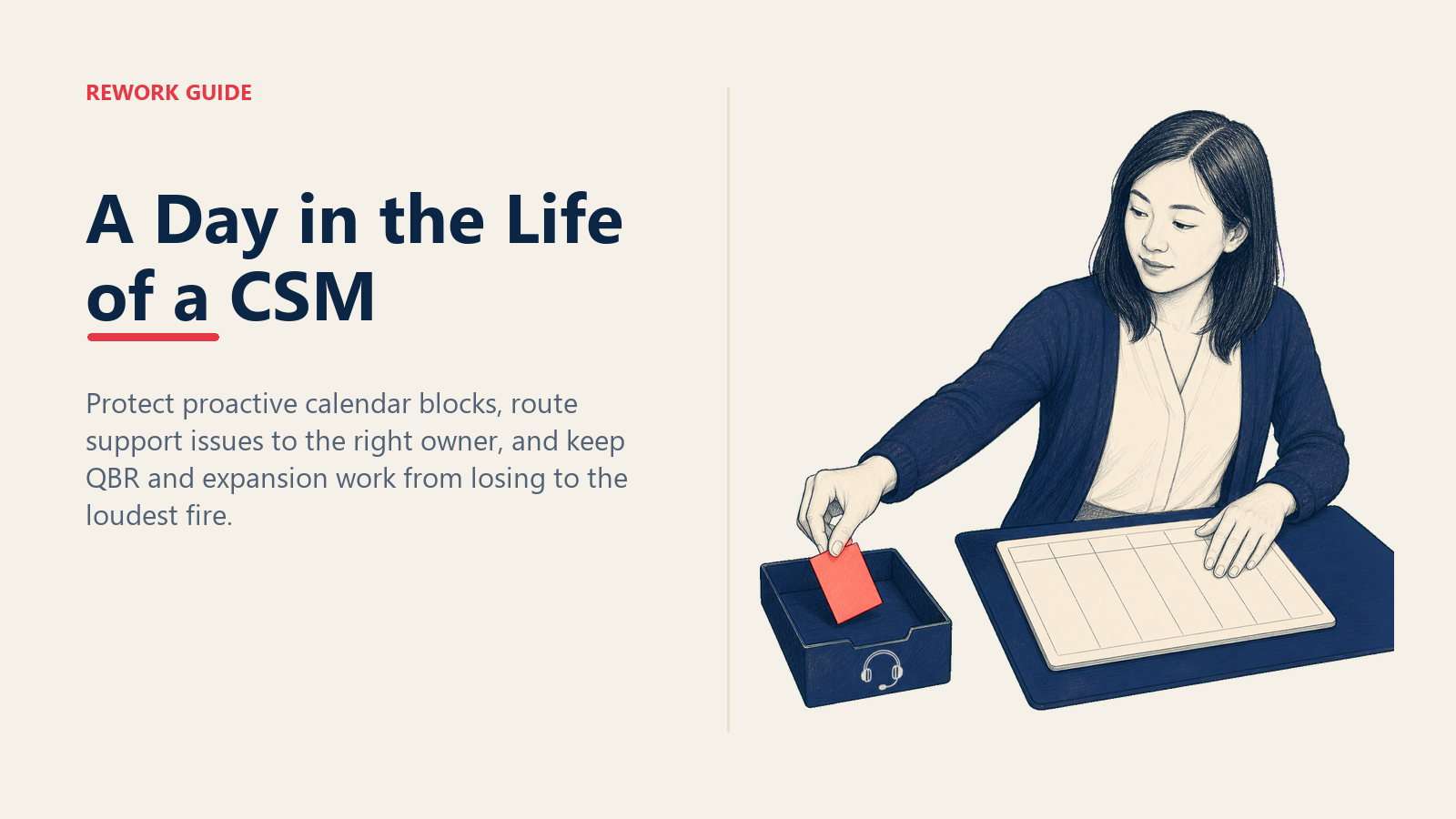
It's 11:47 a.m. on a Tuesday. Maya's got 30 accounts on her plate, three escalations stacking up in Slack, an expansion conversation she half-drafted at 9:12 and never finished, and a churn-risk flag that just lit red on the dashboard she hasn't looked at since coffee. She hasn't eaten. She also hasn't done a single one of the four "proactive customer touches" she planned out last Friday, because her morning got hijacked by a ticket that Support should've owned.
This is not a bad day. This is a Tuesday.
If you're considering a move into Customer Success (from sales, from support, from somewhere else), you should know what the job actually looks like before you take it. Not the LinkedIn version where everyone's a "trusted advisor" running quarterly business reviews from a beachfront WeWork. The real version, where the calendar is a battlefield and the difference between a great CSM and a glorified support rep is about three calendar habits.
So let's walk through Maya's day, hour by hour. Then let's talk about the trap that's already pulling her under, even though she doesn't fully see it yet.
Why the Day Rarely Goes as Planned
Customer Success is reactive AND strategic at the same time. That's the whole problem.
The reactive half is loud. A customer's integration breaks at 9 a.m. and you can hear them screaming through the Slack channel. The strategic half is quiet. The renewal that's six months away, the expansion conversation you should be planting seeds for now, the QBR you're supposed to be prepping a week early: none of that pings you. None of it has a deadline that anyone but you is tracking.
So the default gravity of the role is reactive. Urgent beats important, every time, unless you build a system that says otherwise. Most CSMs don't, because nobody trains them to. They show up, they respond to what's loudest, and within 18 months they've quietly become a high-paid support tier with a fancier title.
The CSMs who survive (and the ones who hit the NRR numbers that get them promoted) figure out one thing early: their calendar is the job. Whatever's on it is what gets done. Whatever isn't, doesn't.
Now let's see what Maya's actually does.
The Hour-by-Hour Walk-Through
8:30 - 9:30 a.m.: Health-Score Review
Coffee. Dashboard. Eyes on the portfolio.
Maya runs through her 30 accounts in roughly 20 minutes. She's looked at them so many times she doesn't read the rows so much as scan for what's changed. Login frequency dropped on three accounts. One champion's title changed (which usually means they're either getting promoted or leaving, both of which are signals). One account just had a 40% spike in support tickets, which might be a usage surge or might be a rage-quit warming up.
She flags two accounts red, three yellow, queues four proactive touches for the day, and writes herself a quick note: "Acme: champion still there? Confirm before QBR prep Thursday."
The whole point of this hour is the protected time. Nobody's pinging her yet. She's not in any meetings. She's not answering anyone's question. She's just looking at her book and deciding what matters today. CSMs who skip this hour, who roll into the day on Slack, never get it back.
9:30 - 10:30 a.m.: Customer Call
Today it's an onboarding milestone check-in with a 60-day customer. Standard agenda: are they hitting the value milestones from their plan, what's blocking adoption, who else inside their org should be using the product. Twenty minutes of agenda, ten of relationship, and the last thirty for questions.
The call goes 12 minutes long because the customer brings up a feature gap. Maya doesn't promise anything. She logs it, says "let me come back to you Friday with what's possible," and she's late to the next block.
10:30 - 11:30 a.m.: QBR Prep
Next Tuesday's QBR is for one of her top-five accounts. She's supposed to use this hour to pull data, draft the strategic recommendations, and align with the AE on expansion talking points.
She uses 22 minutes of it. Then a Slack ping comes in: a different customer's CSV import is failing, the customer is "very frustrated," and her name got tagged because she owns the relationship. She tells herself she'll come back to QBR prep at lunch. She won't.
This is the moment the day starts going sideways. Not at 11:47. Here, at 10:52, when QBR prep loses to a CSV import.
11:30 - 12:30 p.m.: Internal Sync With Sales
Weekly 30-minute standing call with the AE who covers her territory. They trade intel: which of her accounts have expansion signals, which of his prospects are converting next month and need warm handoffs, which mutual customers are sending mixed signals (happy with the CSM, complaining to sales about pricing).
These syncs look like overhead. They're not. The CSMs who hit expansion targets are the ones who treat the AE relationship as a two-way intel pipeline, not a handoff queue. Maya's lucky: her AE is good. Half the team's AEs aren't, and those CSMs miss expansion plays they should've seen coming.
12:30 - 1:30 p.m.: Lunch (In Theory) + Async
Maya eats a salad over her keyboard while clearing 14 unread Slack messages and 6 emails. Three of those messages are real questions that need her brain. Eight are FYIs that didn't need to be sent. Two are "quick favors" that will each take 25 minutes. One is the CSV import customer following up because nobody got back to him in 90 minutes.
She fires back a short Slack: "Saw your message, looping in support now, will have an update in your inbox by 2 p.m." That single message buys her the rest of lunch and protects her afternoon. We'll come back to that line in a minute.
1:30 - 3:00 p.m.: Firefighting
The 11:47 escalation now has a real shape. Support has triaged it. Product weighs in. Maya's role isn't to fix the bug. It's to translate. She owns the customer narrative, the timeline, the "here's what we know, here's what we don't, here's what happens next." She drafts the customer email three times before she sends it. The customer replies with a thumbs-up emoji. Crisis defused.
Total time spent: 78 minutes. Total time that should've gone to QBR prep, expansion work, or proactive outreach: 78 minutes.
3:00 - 4:30 p.m.: Expansion Conversation
A customer's renewal is 90 days out, and the signals are stacking up: expanded team, two new use cases mentioned in the last QBR, a champion who keeps name-dropping a sister team in Slack. This could be a meaningful expansion. Maya runs a discovery call. She doesn't pitch. She asks. What's the team trying to do in the next two quarters? What's working, what's missing, what would change if they had visibility across the sister team too?
She walks out of the call with three pieces of information: the budget is bigger than she thought, the timeline is tighter than she thought, and the decision-maker is someone she hasn't met yet. She blocks 30 minutes Thursday to get on his calendar. The expansion just got 40% more likely.
4:30 - 5:30 p.m.: CRM Hygiene + Tomorrow's Setup
Notes go in. Next-step tasks get owners and dates. Tomorrow's calendar gets a once-over. Anything unprotected gets protected. Meaning, if the only block of "open time" tomorrow is 90 minutes from 1 to 2:30, she names it on the calendar ("QBR prep, Acme") so nobody else fills it with a "quick sync."
Maya logs off at 5:42. She got 4 of her 6 planned proactive touches done. The QBR is at 60% draft, not 90% like she wanted. Two emails are still unanswered. Tomorrow she'll do better. Probably.
The Firefighting Trap (This Is the Whole Article)
Now look back at Maya's day with one question: how much of it was reactive, and how much was strategic?
Reactive: health-score check (kind of, she was scanning for fires), the firefight (full hour and 18 minutes), the lunch-hour Slack triage, the customer email follow-up at 5:30. Call it 3 hours, easy.
Strategic: the customer call (proactive milestone), the partial QBR prep, the sales sync, the expansion discovery. Maybe 3.5 hours, but only if you're generous about the QBR.
That's roughly 50/50, and Maya's day was good. She protected the morning hour. She caught the expansion signal. She didn't own the support ticket.
A bad week pushes that ratio to 70/30 reactive. A bad month makes it 80/20. By month three, the CSM who started the year with 80% of her time on proactive work is doing 30%. Her customers have learned to ping her for everything because she always answers. Her QBR prep slips to Sunday night every week. Expansion plays die because she never has 90 minutes to think. And her manager starts using phrases like "feels reactive in 1:1s lately."
That is the trap. Once you're in it, the gravity is brutal. Every escalation you handle personally trains the customer to escalate to you. Every time you skip QBR prep, the next QBR is worse, and the customer trusts you less, which means they escalate more. The death spiral feeds itself.
The full diagnostic on this, and the specific calendar moves to escape it, is its own playbook. Here's the short version.
The Three Calendar Habits That Separate the Two
1. Block proactive hours and defend them like meetings. That 8:30-9:30 health-score window is non-negotiable. So is at least one 90-minute QBR-prep block per week. Block them on the calendar with a real title ("QBR prep, Acme") so people don't book over them. When someone tries, you say no, and you mean it.
2. Train the customer on the right channel. When the CSV-import customer pinged Maya, she didn't fix it herself. She routed it to support and stayed in the loop as the relationship owner. The Slack reply ("looping in support, update by 2 p.m.") does three things at once: it acknowledges the customer in under 90 minutes, it sets expectations for resolution, and it teaches the customer that support owns tickets and the CSM owns strategy. Do that 15 times and the customer stops pinging you for tickets.
3. Warm-handoff escalations instead of owning them. The temptation is to "just handle it" because that feels faster. It's not faster. It's faster today and slower for the next six months. Warm-handoff means: you bring support into the thread, you do the introduction, you stay copied for visibility, but support owns resolution and reports back. The customer feels held. Your calendar gets to keep its shape.
A CSM who personally resolves every ticket is hurting the account long-term, not helping it. They become the bottleneck instead of the strategist, and the moment they take a vacation the whole book wobbles. The best thing a CSM can do for a customer is make sure the right team owns each kind of problem.
Sample Slack Language That Saves Your Day
Three lines to steal:
The acknowledgment-and-route (use when a customer pings you with a support issue):
"Saw this, looping in @support-team now, they own resolution. I'll stay in the thread for visibility and circle back with you tomorrow on the bigger usage question we discussed last week."
The protected-time decline (use when someone tries to book over your blocked work):
"I'm in deep work on the Acme QBR until 11:30, can we do 12:15 or push to tomorrow? Happy to make it work either way."
The expansion-signal capture (use after a discovery call so you don't lose the thread):
"Strong session today. Three things I want to dig into before next week: (1) budget cycle for Q3, (2) sister-team use case, (3) intro to the new decision-maker. I'll come back Thursday with a proposed path."
Each of those is a line of text. Each one saves you a meeting, a tab, or a Sunday night.
Measuring Whether You're Winning
The metrics that matter for a CSM aren't tickets resolved or "customer happiness vibes." They're the ones tied to whether the role is doing what it's supposed to do.
Proactive-outreach completion rate. Of the customer touches you planned at the start of the week, what percentage actually happened? Target: 80%+. Below 60% three weeks running, you're trapped.
Escalation response time. Acknowledge in under 2 hours. Resolve or route in under 24. The acknowledgment matters more than the resolution speed: a customer who's heard from you in 90 minutes is patient; one who hears nothing for a day is plotting.
NRR contribution. Net revenue retention on your book versus the team baseline. This is the only metric that tells your manager whether your strategic work is real. Renewal rate alone won't tell that story; you can hit renewal and still be losing expansion ground. NRR catches both.
A CSM who's hitting all three is doing the job. A CSM who's hitting only the second one is the support escalation queue, getting paid CSM money. That's the trap closing.
What Tools Make This Possible
The CSM who's running this rhythm has to live in a few systems all day: a CRM for account context and renewal data, a customer-data platform for health scores, a ticketing system for support handoffs, and a notes layer for QBR prep and expansion intel. Most CSMs cobble together five or six tools and lose 45 minutes a day to context-switching.
The full breakdown of what to use and how it should connect is in the CSM tools and tech stack playbook, but the short version: you want one system of record for the customer (CRM), one for the work (tasks, follow-ups, internal collaboration), and clean handoffs to support and product. Rework Work Ops gives CSMs a unified surface for QBR prep, account-level notes, and follow-up tasks, so the expansion-signal capture line you wrote at 4:18 p.m. doesn't get lost in a Notes.app document by Friday. Work Ops (the Project Engine) starts at $99/month billed yearly with 5 seats included. For CS leaders running CRM-attached books, Rework CRM (the Sales Engine, from $69/month billed yearly) keeps account history, renewal dates, and AE handoffs visible in the same place.
What Most CSMs Get Wrong (And How to Fix It This Week)
If your day looks more like 70% reactive than 50/50, here's where to start:
- Look at last week's calendar. How many hours were planned proactive work that actually happened? If it's under 4, you have a calendar problem, not a workload problem.
- Pick one account that's been quiet. Silence is not health. Quiet accounts are pre-churn 60% of the time. Reach out this week, not with an ask, just a check-in tied to something specific in their world.
- Identify your top three "ticket-routing" customers. The ones who ping you for everything. Send them one Slack this week that re-trains them on the right channel: "Hey, for product issues, the fastest path is support@; they triage 24/7 and I'll stay copied. For renewal, expansion, and strategic stuff, I'm your person."
Three moves. Each one takes 15 minutes. Each one buys you back hours next month.
The Bigger Picture
Customer Success is one of the most consequential and most poorly-understood roles in modern SaaS. Done well, a great CSM is the reason a customer expands from $50K to $500K over three years. Done badly, a CSM is the reason customers churn quietly without anyone noticing the warning signs.
The difference is rarely talent. Most CSMs who fall into the trap aren't lazy or unskilled. They're responsive, helpful, and well-meaning. They become the support escalation queue precisely because they're good at solving problems. The trap is that they're solving the wrong ones.
So if you're considering a move into CS, or you're three months in and you can feel the gravity pulling, the question to ask yourself isn't "am I working hard enough?" Almost every CSM is. The question is: "what percentage of my week is going to the work that only a CSM can do?" If the answer is under 60%, you're in the trap, and the way out is the calendar, not effort, not hustle, not another late night clearing tickets.
A great Tuesday isn't one with zero fires. It's one where the fires didn't take the things that mattered most.
Frequently Asked Questions About a CSM's Day
How many accounts should a CSM realistically manage?
Depends on segment. Enterprise CSMs (deals over $100K ACV) typically carry 8-15 accounts. Mid-market CSMs run 25-40. SMB or low-touch CSMs might oversee 100+ in a pooled model. The trap with high account counts isn't workload, it's that you can't run real QBRs or expansion plays at scale, so the role becomes pure reactive support.
What's the single most important hour of a CSM's day?
The first one. The 8:30-9:30 health-score block sets what the day is about. CSMs who skip this hour and roll straight into Slack don't get it back: the day's gravity becomes whoever pinged them first, not what their book actually needs.
How do I know if I'm in the firefighting trap?
Three signals. (1) Your weekly proactive-touch completion rate is under 60% three weeks running. (2) QBR prep keeps slipping to Sunday night. (3) You can name three customers who ping you weekly for things that should go to support. Two of those three is a yellow flag. All three is the trap.
Is it bad to handle escalations personally?
Sometimes. The right move is a warm handoff: bring the right team in, do the intro, stay copied. Owning the ticket personally feels faster today and is much slower over the next six months because it trains the customer to escalate to you for everything. Your job is to own the relationship, not the resolution.
How is a CSM different from an Account Manager?
AMs are commercial-first: renewal, expansion, contract negotiation. CSMs are value-first: adoption, outcomes, strategic guidance, with renewal and expansion as outputs of strong relationships. Many SaaS companies blend the two; the best ones keep them separate so the value conversation isn't constantly muddied by a quota.
What's the worst Tuesday move a CSM can make?
Saying yes to a "quick favor" before the morning health-score review. Once your first hour is somebody else's emergency, the rest of the day usually rolls downhill. Protect the first hour and the rest is recoverable.
Should a CSM own product feedback?
Capture and route, not own. CSMs see patterns nobody else sees (three accounts asking for the same feature is real signal), but the moment a CSM becomes the unofficial product manager, their account work suffers. Route it to product with context, follow up on outcomes, and stay out of the prioritization debate.
Learn More

Principal Product Marketing Strategist
On this page
- Why the Day Rarely Goes as Planned
- The Hour-by-Hour Walk-Through
- 8:30 - 9:30 a.m.: Health-Score Review
- 9:30 - 10:30 a.m.: Customer Call
- 10:30 - 11:30 a.m.: QBR Prep
- 11:30 - 12:30 p.m.: Internal Sync With Sales
- 12:30 - 1:30 p.m.: Lunch (In Theory) + Async
- 1:30 - 3:00 p.m.: Firefighting
- 3:00 - 4:30 p.m.: Expansion Conversation
- 4:30 - 5:30 p.m.: CRM Hygiene + Tomorrow's Setup
- The Firefighting Trap (This Is the Whole Article)
- The Three Calendar Habits That Separate the Two
- Sample Slack Language That Saves Your Day
- Measuring Whether You're Winning
- What Tools Make This Possible
- What Most CSMs Get Wrong (And How to Fix It This Week)
- The Bigger Picture
- Learn More