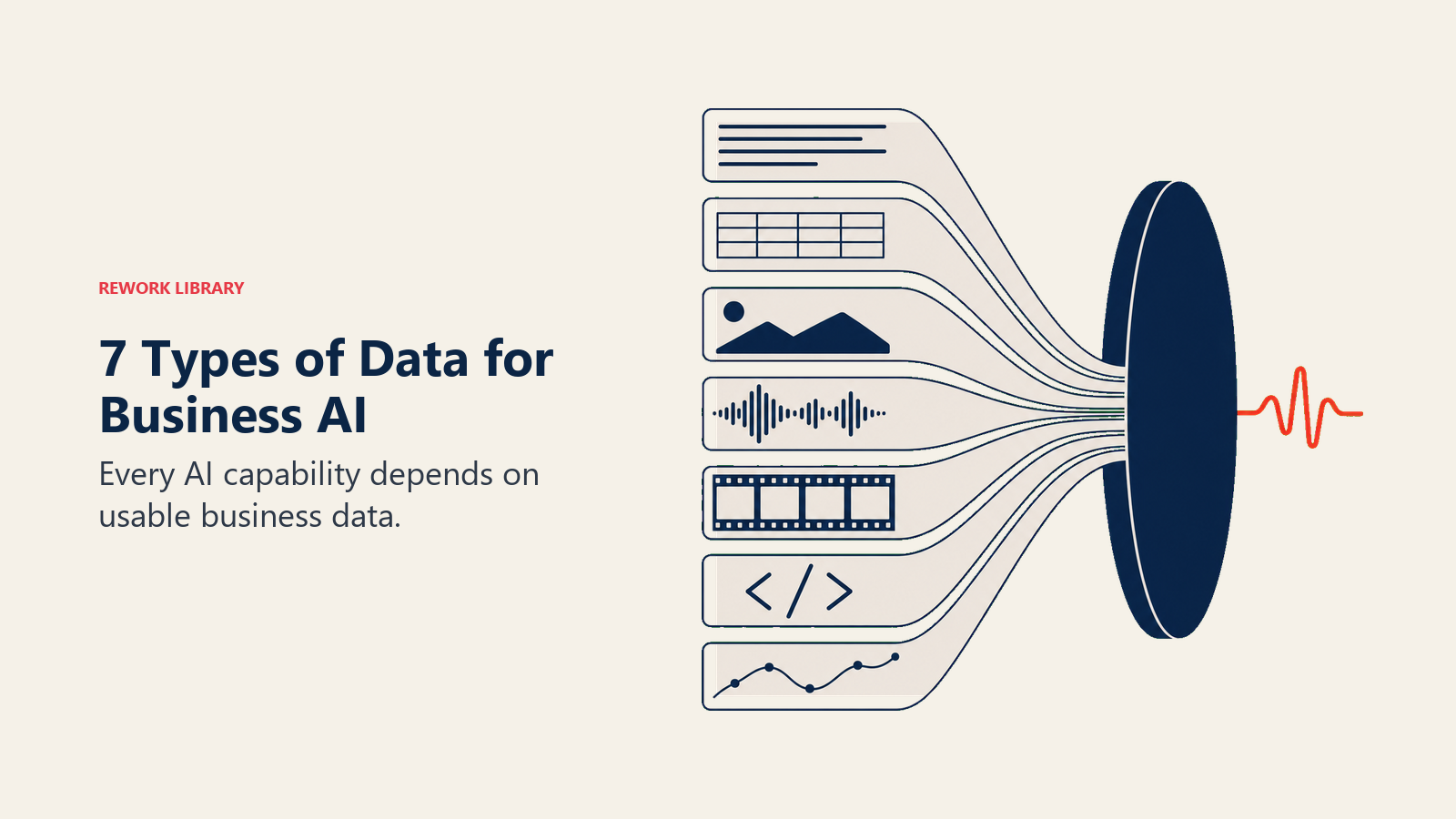
Die 7 Datentypen, die Business-AI antreiben
Turn this article into takeaways for your work.


Each assistant summarizes the article only for you and suggests best practices for your work.
AI-Tools scheitern nicht in Demos. Sie scheitern, wenn sie auf Ihre tatsächlichen Daten treffen.
Die Demo läuft mit sauberen, aufbereiteten, vom Anbieter kontrollierten Eingaben. Ihre reale Umgebung sieht anders aus: Meeting-Transkripte, in denen jeder Sprecher als [Speaker 1] gekennzeichnet ist. Ein CRM, in dem bei 40 % der Einträge genau die Felder fehlen, auf die das Scoring-Modell angewiesen ist. Eine Dokumentenbibliothek mit drei Jahren veralteter Preisangaben, die genauso gewichtet werden wie die Aktualisierungen des letzten Monats. Das Modell ist in Ordnung. Das Problem sind die Daten. Und ohne ein Vokabular, um zu diagnostizieren, welches Datenproblem vorliegt, sieht der Fehler nach schlechter AI aus, obwohl es sich um ein behebbares Plumbing-Problem handelt.
Das ist das häufigste Muster bei enttäuschenden AI-Einführungen: keine Fähigkeitslücke, sondern eine Datenlücke, die vor der Vertragsunterzeichnung niemand erkannt hat. Der Vertriebsprozess des Anbieters hat keinen Anreiz, sie offenzulegen. Das einkaufende Team verfügt selten über das Framework, um sie zu finden.
Das ACE-Framework platziert Daten aus genau diesem Grund auf der Foundation-Ebene. Bevor eine Fähigkeit funktioniert (Ingest, Analyze, Predict, Generate, Execute), müssen Daten existieren, zugänglich sein und in einem Format vorliegen, das die AI verarbeiten kann. Die sieben Datentypen in diesem Artikel sind die unterschiedlichen Formate, in denen Informationen in einem Unternehmen vorkommen. Jeder liegt in anderen Systemen, geht auf andere Weise kaputt und erfordert eine andere Aufbereitung, bevor er nützlich ist.
Lesen Sie diesen Artikel wie eine Referenz. Führen Sie dann die Inventar-Checkliste am Ende für jedes AI-Projekt durch, das gerade läuft oder auf Ihrer Roadmap steht. Die Lücken werden offensichtlich, sobald Sie wissen, worauf Sie achten müssen.
Warum Datentypen vor allem anderen wichtig sind
Im ACE-Framework für Business-AI liegen Daten auf der Foundation-Ebene, unterhalb aller fünf Fähigkeiten (Ingest, Analyze, Predict, Generate, Execute), unterhalb von Patterns, unterhalb von Agents. Das ist keine Bescheidenheit. Das ist Ursache und Wirkung. Jede AI-Fähigkeit benötigt Daten als Rohmaterial. Verändern Sie Qualität, Format oder Zugänglichkeit dieser Daten, und Sie verändern, was die AI leisten kann.
Die sieben kanonischen Datentypen stellen die unterschiedlichen Formate dar, in denen Informationen innerhalb eines Unternehmens existieren. Jeder erfordert unterschiedliche Infrastruktur zur Speicherung, unterschiedliche Pipelines zur Übertragung und unterschiedliche AI-Modelle zur Verarbeitung. Diese zu verstehen ist nicht akademisch. Es ist der erste praktische Schritt, um zu wissen, ob ein AI-Tool tatsächlich funktioniert, bevor Sie den Vertrag unterzeichnen.
Hier ist das Inventar. Lesen Sie es als Referenz. Nutzen Sie dann die Checkliste am Ende, um Ihren eigenen Stack zu prüfen.
1. Text
Text ist der häufigste Datentyp in fast jedem Unternehmen und auch der am wenigsten strukturierte, was ihn sowohl zur größten Chance als auch zu einem der größten Probleme für AI macht.
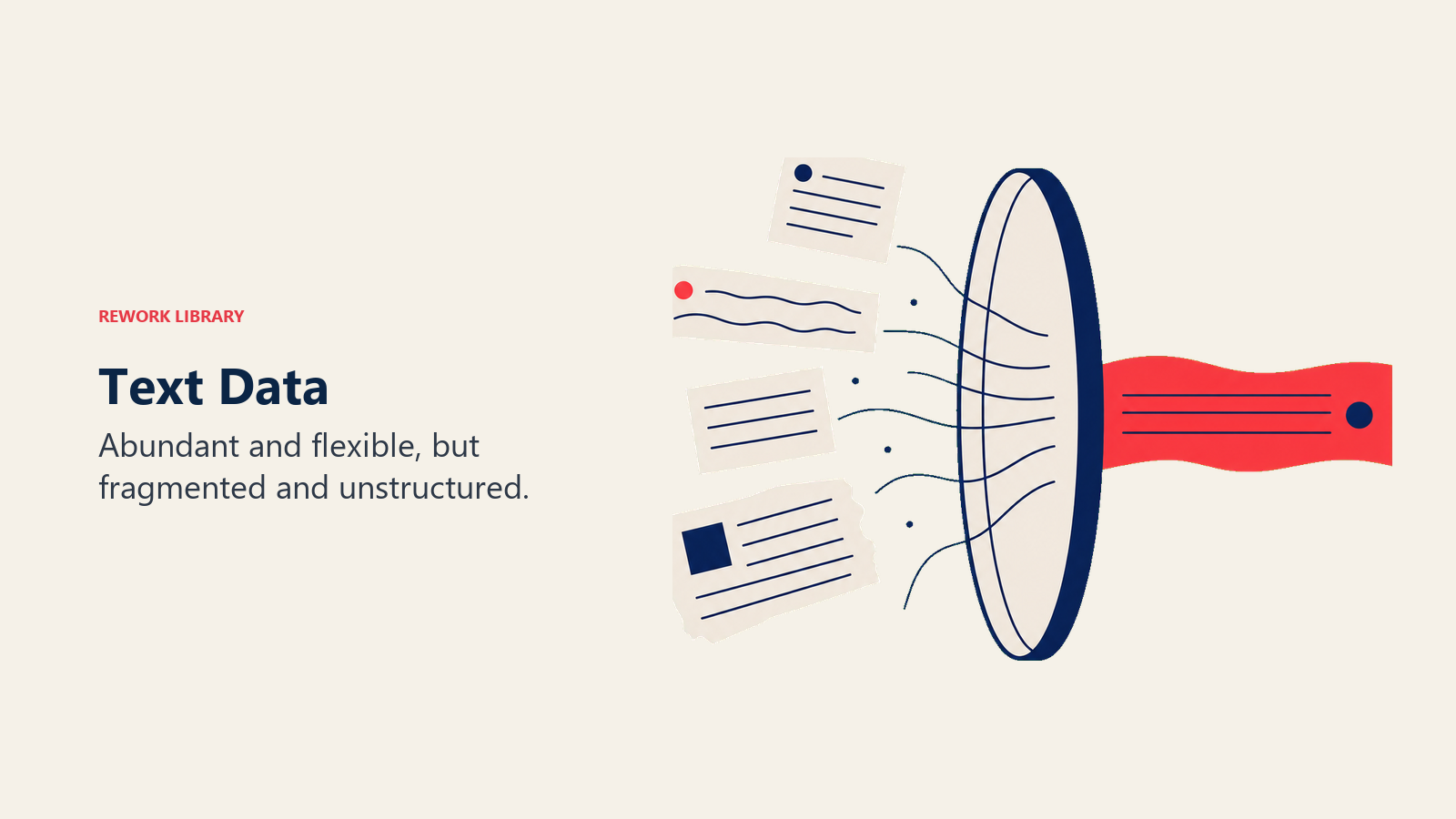
Wo er liegt: Gmail, Outlook, Slack, Microsoft Teams, Notion, Confluence, Salesforce CRM-Notizen, Zendesk-Tickets, Google Docs, Vertragsordner, Kundenbewertungen, Umfrageantworten.
Was AI damit gut kann: Absichtserkennung (ist diese E-Mail dringend oder zur Information?). Zusammenfassung (kondensieren Sie einen 40-Nachrichten-Thread auf drei Aufzählungspunkte). Extraktion (extrahieren Sie den Lieferantennamen, das Vertragsdatum und die Verlängerungsklausel aus einem PDF). Klassifizierung (kennzeichnen Sie dieses Support-Ticket als „Abrechnung", „Bug" oder „Feature-Anfrage"). Generierung (entwerfen Sie eine Follow-up-E-Mail basierend auf dem vollständigen Gesprächskontext).
Häufige Probleme: Verteilt auf 20 Tools, die nicht miteinander kommunizieren. Kein Schema (Freitextfelder bedeuten, dass „nächste Schritte" bei jedem Vertreter anders aussieht). Sensible Daten vermischt mit operativen Daten, was Compliance-Risiken schafft.
Der ehrliche Fehlermodus: Rachels Proposal-Tool zitierte veraltete Dienstleistungen, weil sein Textkorpus alte Pitch-Decks und E-Mail-Threads ohne Aktualitätsgewichtung enthielt. Die AI mittelte alles und behandelte eine Servicebeschreibung von 2019 genauso wie eine von 2026.
2. Strukturierte Daten
Structured Data sind Informationen, die in Zeilen und Spalten mit expliziten Feldnamen organisiert sind. Das ist der Datentyp, mit dem AI am längsten arbeitet, und immer noch derjenige, von dem Predictive-AI-Fähigkeiten am stärksten abhängen.
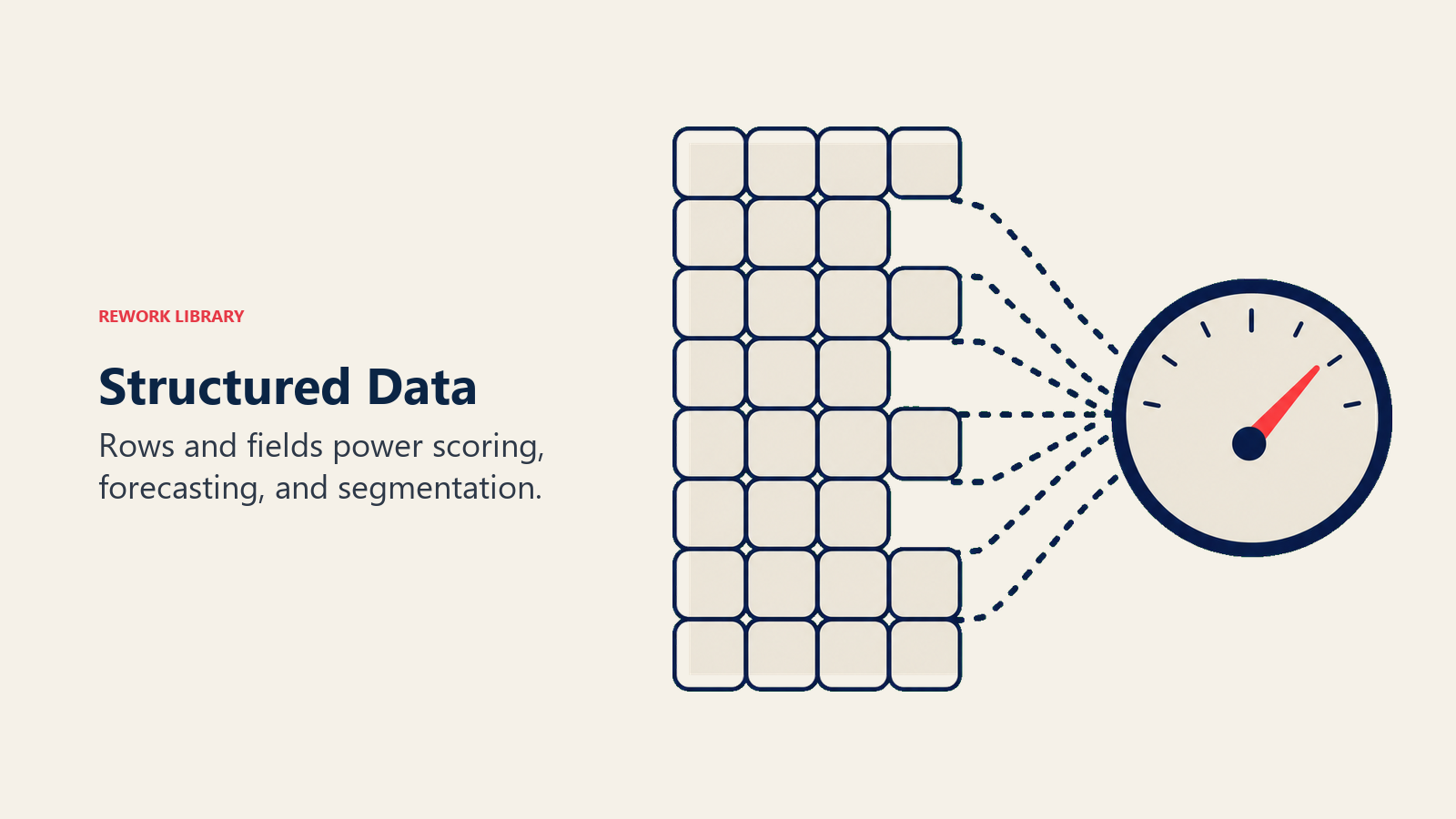
Wo er liegt: Salesforce, HubSpot, Pipedrive (CRM-Einträge), Snowflake, BigQuery, Redshift (Data Warehouses), Excel, Google Sheets, ERPs wie NetSuite oder Sage, Formulareinreichungen, API-Antworten.
Was AI damit gut kann: Lead Scoring (73 % Abschlusswahrscheinlichkeit basierend auf 18 Signalen). Pipeline-Prognose (Q2 Closed-Won zwischen 3,8 Mio. und 4,4 Mio. USD). Anomalieerkennung (diese Ausgabe liegt 340 % über dem Kategoriedurchschnitt). Churn-Vorhersage. Klassifizierung und Segmentierung im großen Maßstab.
Häufige Probleme: Veraltete Einträge (ein CRM mit 12.000 Kontakten, bei dem 4.000 Einträge falsche Titel und inaktive E-Mail-Adressen haben, produziert unzuverlässige Scores). Fehlende Felder (wenn 60 % der Closed-Won-Einträge kein „Source"-Feld haben, kann das Modell nicht lernen, welche Quellen konvertieren). Siloartige Systeme (Finance in NetSuite, Sales in Salesforce, Customer Success in Gainsight, ohne Integration und ohne systemübergreifendes Reasoning).
3. Bild
Business-Anwendungsfälle für Image-AI gehen weit über E-Commerce und Fertigung hinaus. Die Bandbreite reicht von gescannten Rechnungen bis hin zu Produktfotos und Dashboard-Screenshots.
Wo er liegt: Dateispeicher (Google Drive, Dropbox, SharePoint), kundenspezifische Upload-Portale, E-Commerce-Kataloge (Shopify, WooCommerce), Marketing-Asset-Bibliotheken, Qualitätskontrollsysteme in der Fertigung, gescannte Dokumentenrepositories.
Was AI damit gut kann: OCR (gescannten Text in maschinenlesbare Zeichen umwandeln, entscheidend für die Rechnungsverarbeitung). Visuelle Klassifizierung (Defekt vs. kein Defekt in einer Fertigungslinie). Objekterkennung. ID-Verifizierung für KYC-Abläufe. Bildgenerierung (Produktfoto-Varianten, Marketing-Visuals).
Häufige Probleme: Inkonsistente Qualität (ein Modell, das auf sauberen Studio-Fotos trainiert wurde, versagt bei unscharfen Feldaufnahmen). IP- und Urheberrechtsrisiken durch Generierungstools. Kundenuploads enthalten oft personenbezogene Daten (Passnummern, medizinische Formulare), die eigene Governance-Anforderungen haben, auch wenn die Daten visuell sind.
4. Audio
Audio-Daten ermöglichen einen der AI-Anwendungsfälle mit dem höchsten ROI im B2B-Bereich: Meeting Intelligence. In dem Moment, in dem ein Verkaufsgespräch oder eine Kundensupport-Unterhaltung transkribiert und analysiert werden kann, gewinnt das Unternehmen einen Datentyp, den es schlicht vorher nicht hatte: ein durchsuchbares Protokoll jeder gesprochenen Interaktion.
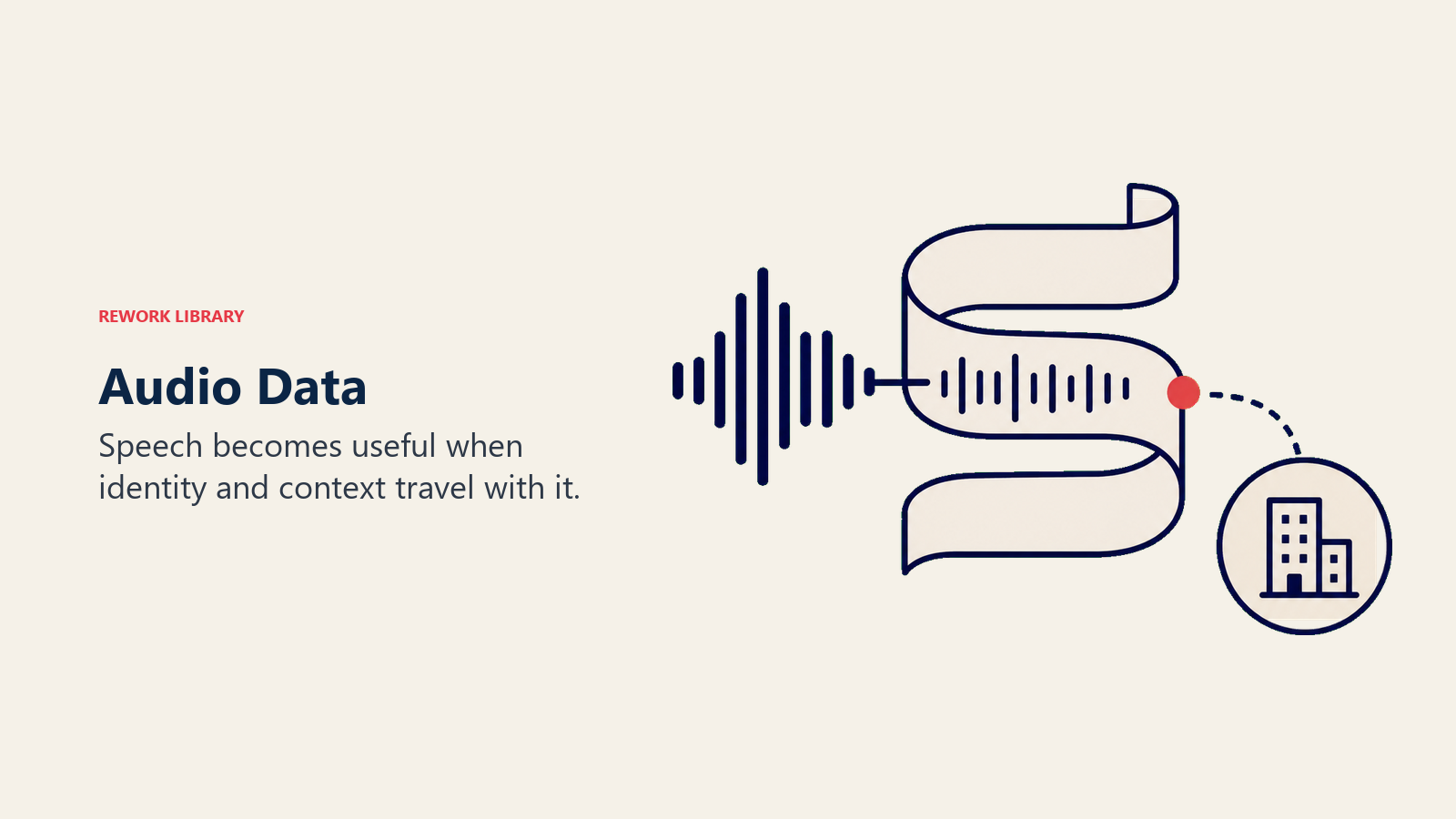
Wo er liegt: Gong, Chorus, Fireflies (Plattformen zur Aufzeichnung von Verkaufsgesprächen), Zoom Cloud-Aufzeichnungen, Microsoft Teams, Callcenter-Systeme, Voicemail-to-Text-Dienste.
Was AI damit gut kann: Transkription. Sentiment-Analyse (war der Kunde am Ende des Gesprächs frustriert?). Themenextraktion (welche Einwände kamen auf?). Sprecheridentifikation. Call Scoring (hat der Vertreter genug Entdeckungsfragen gestellt?). Compliance-Monitoring.
Häufige Probleme: Einwilligungsanforderungen (Aufzeichnung ohne Zustimmung aller Parteien ist in mehreren US-Bundesstaaten und vielen anderen Ländern illegal; rechtliche Überprüfung ist vor der Bereitstellung obligatorisch). Hintergrundgeräusche und überlappende Sprecher verschlechtern die Transkriptionsgenauigkeit. Rachels Meeting-Intelligence-Fehler ist der Lehrbuchfall: das Transkriptionsmodell funktionierte einwandfrei, aber der Schritt der Sprecheridentifikation hatte keinen Zugang zu ihrem Kalender oder ihrer CRM-Kontaktliste. Der Pipeline fehlte eine Verbindung, nicht der AI.
5. Video
Video ist Audio plus Image plus Zeit, damit ist es der reichhaltigste und teuerste Datentyp in der Verarbeitung. Die Verarbeitung von Video erfordert deutlich mehr Rechenleistung als jeder andere Typ, weshalb der ROI-Schwellenwert höher liegt.
Wo er liegt: YouTube (eigene Kanäle), Loom (asynchrones Messaging), Zoom Cloud-Aufzeichnungen, Vimeo (Schulungsinhalte), Sicherheitskamerasysteme, Produktdemo-Bibliotheken.
Was AI damit gut kann: Transkription (da Video Audio enthält). Szenenverständnis. Highlight-Extraktion. Kapitelgenerierung. Content-Moderation. Videogenerierung (synthetische Avatare, Demo-Clips).
Häufige Probleme: Speicherkosten häufen sich schnell an (eine Stunde 1080p-Video sind 2–4 GB; 200 aufgezeichnete Meetings pro Woche summieren sich schnell). Verarbeitungskosten sind bei langen Inhalten erheblich. Einwilligungs- und biometrische Datenanforderungen gelten. Video erfasst Gesichter, was über das Audio hinaus Verpflichtungen unter Gesetzen wie BIPA (Illinois) und DSGVO schafft.
6. Code
Code ist strukturierter Text mit formaler Syntax, verhält sich aber anders genug als natürliche Sprache, um eine eigene Kategorie zu verdienen. AI, die für Code entwickelt wurde (GitHub Copilot, Amazon Q Developer, Cursor), ist für seine Syntaxmuster maßgeschneidert und nicht nur auf Prosa feinabgestimmt.
Wo er liegt: GitHub, GitLab, Bitbucket (Repositories), CI/CD-Systeme (Jenkins, GitHub Actions), Log-Aggregatoren (Datadog, Splunk, Sumo Logic), Infrastructure-as-Code-Dateien (Terraform, Ansible).
Was AI damit gut kann: Code-Generierung. Code-Review (Sicherheitslücken, Stilprobleme, Leistungsprobleme kennzeichnen). Dokumentation. Debugging aus Fehlerprotokollen. Refactoring. Schwachstellenscanning (hartcodierte Anmeldedaten finden). Log-Analyse.
Häufige Probleme: Kontextfenstergrenzen (AI verarbeitet eine einzelne Datei gut, hat aber Mühe mit einem 500.000-Zeilen-Monorepo; Tools wie Cursor lösen das über Retrieval-Strategien). Secrets in Repositories (API-Keys und Anmeldedaten, die in Code eingecheckt wurden, erhöhen die Angriffsfläche erheblich, wenn sie mit einem AI-Assistenten verbunden sind). Fehlende Absicht (die AI kann lesen, was der Code tut; sie kann meist nicht lesen, warum; Dokumentation und Kommentare sind die Brücke).
7. Zeitreihen
Time-Series-Daten sind alle Messungen, die in regelmäßigen Abständen aufgezeichnet werden: eine Metrik um 9:00 Uhr, 9:01 Uhr, 9:02 Uhr. Sie sind die Muttersprache von Operations, Finance und Infrastruktur-Monitoring und ermöglichen Prognosen und Anomalieerkennung, die kein anderer Datentyp ersetzen kann.
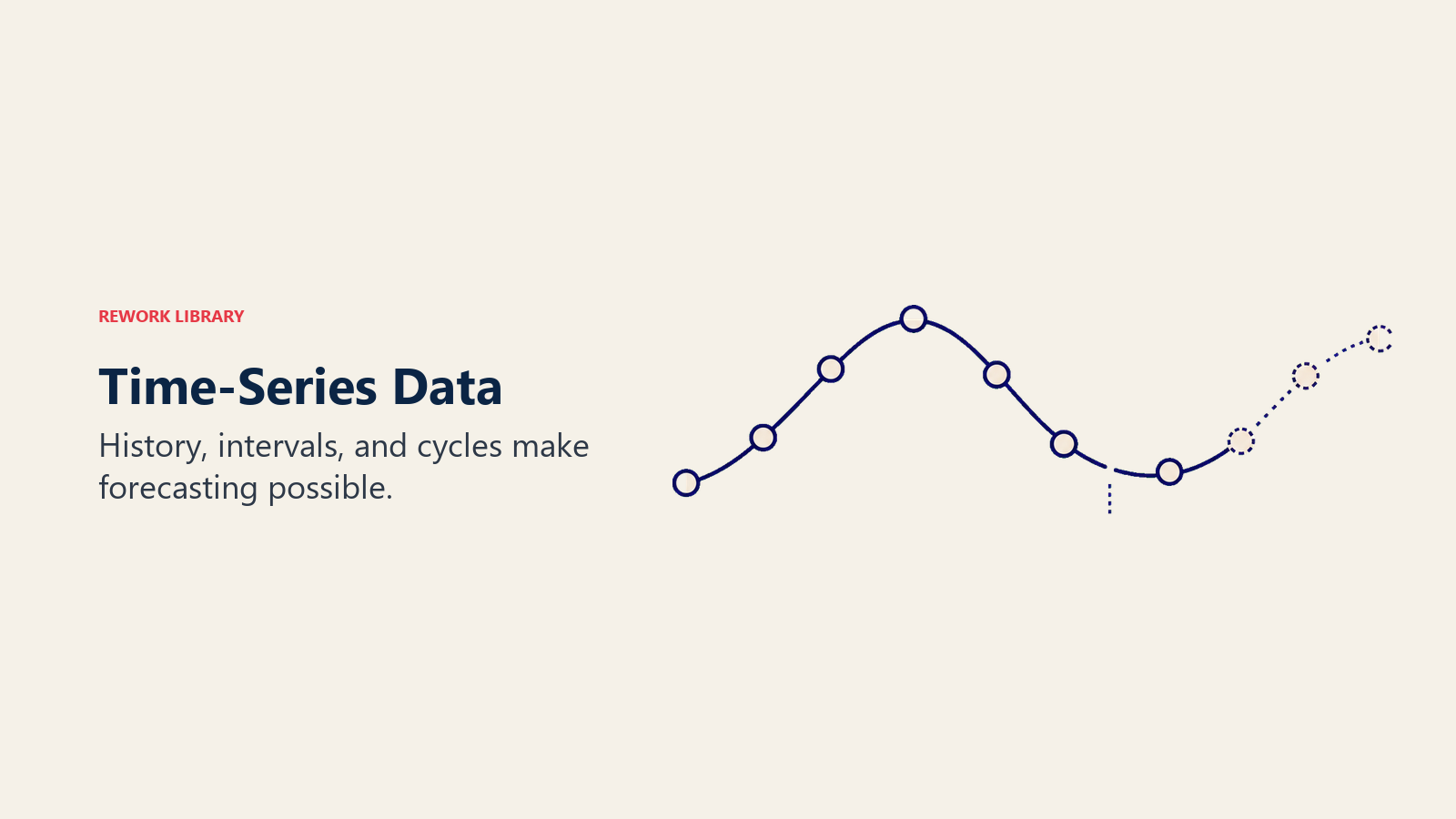
Wo er liegt: Monitoring-Tools (Datadog, New Relic, Prometheus), IoT-Sensorsysteme, Finanzsysteme (täglicher Umsatz, Ausgaben, Mitarbeiterzahl), Website-Analytics (Google Analytics, Mixpanel, Amplitude), POS-Systeme (Transaktionsvolumen pro Stunde und Tag).
Was AI damit gut kann: Prognosen (Umsatz des nächsten Monats, Churn-Rate des nächsten Quartals). Anomalieerkennung (diese Metrik liegt 3,4 Standardabweichungen von ihrer gleitenden Basislinie entfernt). Trendanalyse (das Support-Volumen wächst schneller als der Umsatz). Saisonalitätsmodellierung.
Häufige Probleme: Clock Drift und fehlende Zeitstempel zerstören die regelmäßigen Intervalle, die Time-Series-Modelle voraussetzen. Das Mischen von Sampling-Granularitäten (ein System protokolliert jede Minute, ein anderes jede Stunde) produziert unzuverlässige Baselines. Unzureichende Historie ist die häufigste Lücke: ein Prognosemodell, das auf 3 Monaten Daten trainiert wurde, kann jährliche Muster nicht zuverlässig vorhersagen. Die Faustregel ist 2–3 vollständige Zyklen des Musters, das Sie modellieren möchten.
Wie Datentypen sich in realen Anwendungsfällen kombinieren
Die meisten Business-AI-Anwendungsfälle umfassen zwei oder drei Datentypen. Die Kombination zu verstehen sagt Ihnen, welche Pipelines Sie aufbauen und welche Datenbereitschaftsprobleme Sie zuerst lösen müssen.
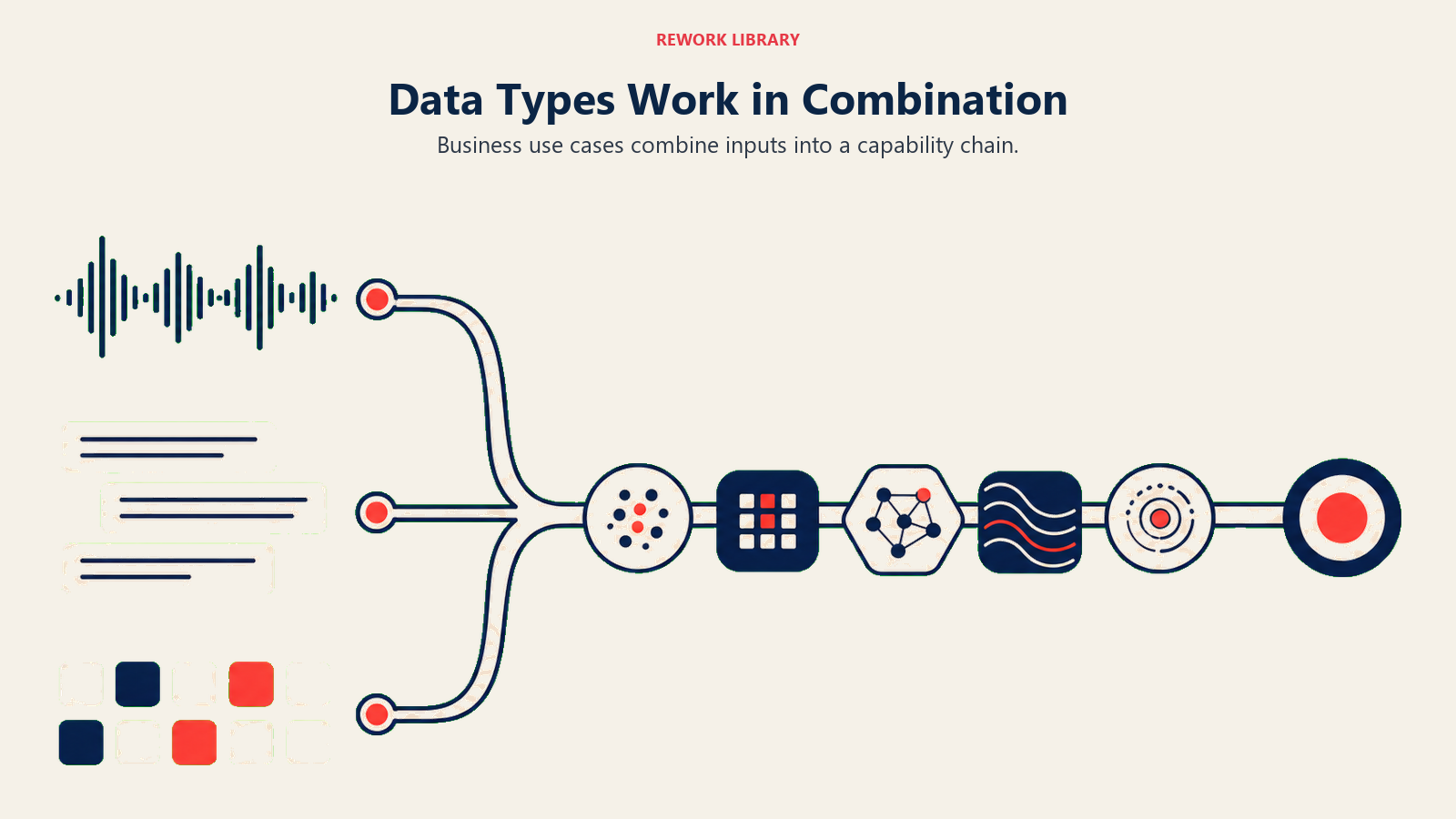
| Anwendungsfall | Datentypen | ACE-Fähigkeiten |
|---|---|---|
| Sales Call Intelligence (Gong-Stil) | Audio + Text + Structured | Ingest + Analyze + Generate |
| Lead Scoring (Salesforce Einstein-Stil) | Structured + Text | Analyze + Predict |
| Rechnungsverarbeitung (AP-Automatisierung) | Image + Structured | Ingest + Analyze + Execute |
| Support-Ticket-Triage (Zendesk AI-Stil) | Text | Analyze + Predict + Execute |
| Betrugserkennung (Stripe Radar-Stil) | Structured + Time-Series | Ingest + Analyze + Predict + Execute |
| DevOps Log-Analyse | Code + Time-Series | Ingest + Analyze + Predict |
| Produktdemo-Analyse | Video + Text + Structured | Ingest + Analyze + Generate |
Wenn ein Anbieter ein AI-Tool pitcht, fragen Sie, welche Datentypen es verbraucht. Wenn diese Typen in Ihrem Stack nicht sauber, zugänglich und richtig verbunden sind, wird das Tool nicht wie versprochen funktionieren, unabhängig davon, wie gut das zugrundeliegende Modell ist.
Welcher Datentyp welche ACE-Fähigkeit speist
Diese Matrix ordnet die sieben Datentypen den fünf ACE-Fähigkeiten zu. „Hoch" bedeutet, dass der Datentyp ein primärer Input ist. „Mittel" bedeutet, er ist sekundär oder unterstützend. „Niedrig" bedeutet, die Verbindung ist ungewöhnlich.
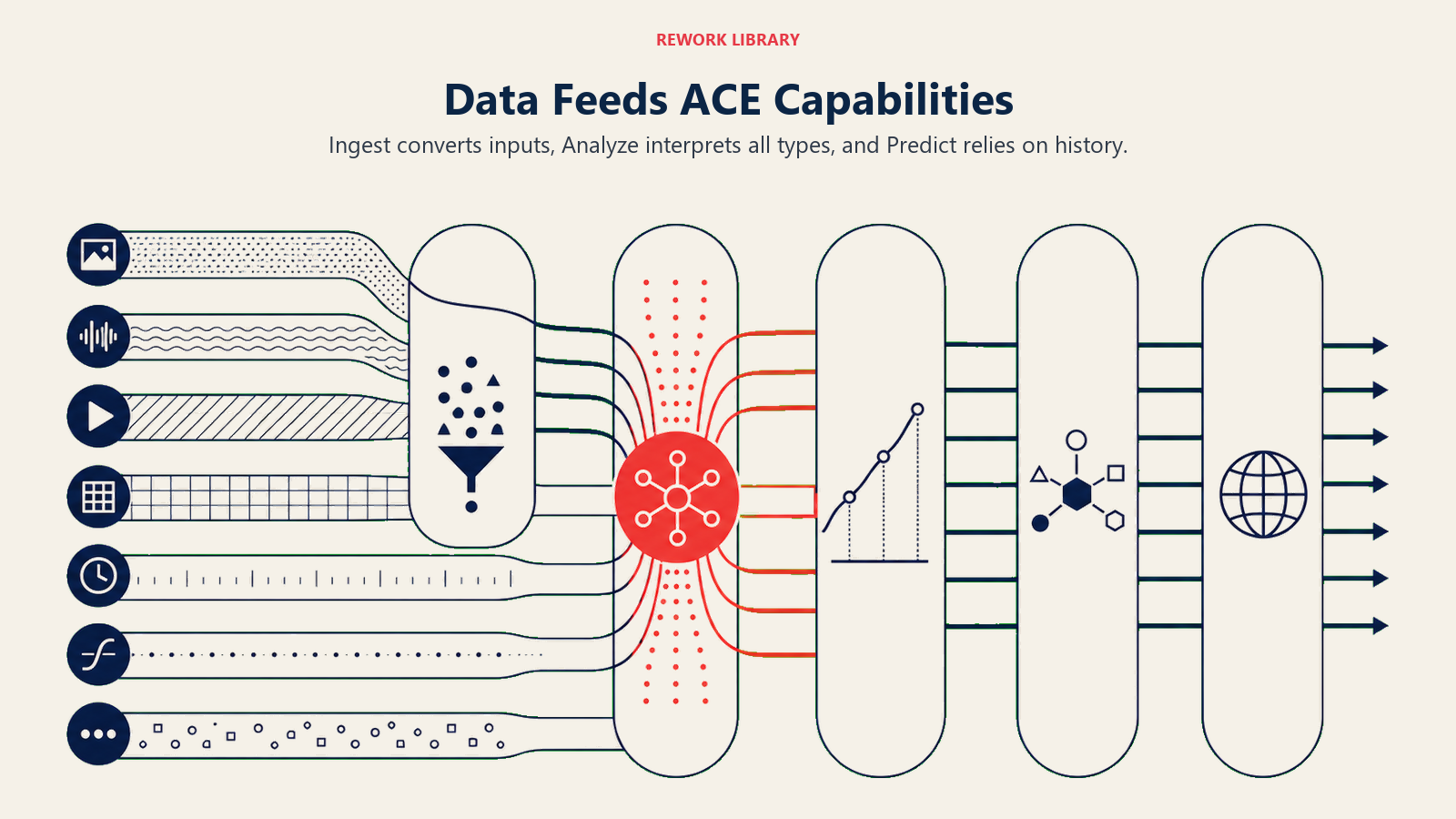
| Datentyp | Ingest | Analyze | Predict | Generate | Execute |
|---|---|---|---|---|---|
| Text | Hoch | Hoch | Mittel | Hoch | Niedrig |
| Structured | Mittel | Hoch | Hoch | Mittel | Mittel |
| Image | Hoch | Hoch | Niedrig | Hoch | Niedrig |
| Audio | Hoch | Hoch | Niedrig | Mittel | Niedrig |
| Video | Hoch | Mittel | Niedrig | Mittel | Niedrig |
| Code | Mittel | Hoch | Niedrig | Hoch | Mittel |
| Time-Series | Mittel | Hoch | Hoch | Niedrig | Mittel |
Drei Dinge stechen in dieser Matrix hervor.
Ingest ist der Einstiegspunkt für Nicht-Text-Typen. Images, Audio und Video können nicht direkt verarbeitet werden. Sie müssen zuerst konvertiert werden (OCR, Transkription, Szenenanalyse). Wenn Ihre Ingest-Pipeline kaputt ist, schlägt alles Nachgelagerte fehl.
Analyze ist universell. Jeder Datentyp speist Analyze, weil das Sinnmachen aus Informationen immer auf das Aufnehmen folgt. Deshalb erscheint die Analyze-Fähigkeit in fast jedem realen AI-Anwendungsfall.
Predict läuft auf Structured und Time-Series. Prognosen und Scoring erfordern historische Muster in strukturierter Form. Unsaubere Structured Data oder kurze Time-Series-Historien werden selbst mit einem guten Modell unterdurchschnittliche Ergebnisse liefern.
Vor jedem AI-Projekt: Daten-Inventar-Checkliste
Gehen Sie dies durch, bevor Sie einen Anbietervertrag unterzeichnen oder eine interne Initiative starten. Es dauert weniger als eine Stunde und fängt die teuersten Fehler auf.
1. Welche Datentypen erfordert dieser Anwendungsfall? Schreiben Sie sie konkret auf. Nicht „Daten" im Allgemeinen. Text (woher?), Structured (welches System?), Audio (welche Aufzeichnungen?) und so weiter.
2. Haben Sie diese Daten heute? Zählen Sie keine Daten, die Sie planen zu sammeln. Zählen Sie die Daten, die Sie haben. Wenn der Anwendungsfall 18 Monate an Verkaufsgespräch-Aufzeichnungen erfordert und Sie Gong seit 4 Monaten nutzen, haben Sie die Daten nicht.
3. Ist er für das AI-Tool zugänglich? Daten, die existieren, aber nicht erreicht werden können, sind Daten, die Sie nicht haben. Häufige Blocker: kein API, Integration nicht gebaut, On-Premise-Zugang erforderlich, IT-Richtlinie hat die Verbindung noch nicht freigegeben.
4. Ist er sauber genug, um nützlich zu sein? Bei Structured Data: Wie viel Prozent der Einträge haben die Schlüsselfelder befüllt? Bei Text: Ist er über Systeme verteilt? Bei Audio: Wie viel Prozent der Gespräche werden tatsächlich aufgezeichnet und gespeichert?
5. Ist er korrekt berechtigt? Kunden-Audio, Mitarbeiterkommunikation und Finanzdaten tragen alle Datenschutzverpflichtungen. Bestätigen Sie Ihren DPA mit dem Anbieter und Ihre internen Richtlinien, bevor Sie die Verbindung herstellen.
6. Welche Datenbereitschaftsprobleme müssen zuerst gelöst werden? Hier stocken die meisten AI-Projekte. Das Tool ist bereit; die zugrundeliegenden Daten sind es nicht. Beheben Sie zuerst das Datenproblem, dann setzen Sie die AI ein, die davon abhängt. Langweilige Reihenfolge. Die, die funktioniert.
Was uns das über Rachels Problem sagt
Rachels drei gescheiterte AI-Tools hatten jeweils ein spezifisches Datenproblem, kein AI-Problem.
Das Meeting-Intelligence-Tool produzierte [Speaker 1]-Labels, weil die Pipeline des Anbieters nicht mit ihrem Kalender oder CRM integriert war. Die Transkription funktionierte einwandfrei. Der Schritt der Sprecheridentifikation erhielt schlicht nie die Kontaktdaten, die er brauchte, um Stimmen zu Namen zuzuordnen.
Das Lead-Scoring-Modell gab allen 7/10, weil ihr CRM keine differenzierten historischen Daten hatte. Zu viele Closed-Won-Einträge hatten fehlende Felder (Source, Branche, Unternehmensgröße). Das Modell konnte keine unterscheidenden Muster finden und fiel auf den Durchschnitt zurück.
Das Proposal-Tool zitierte veraltete Dienstleistungen, weil sein Textkorpus keine Aktualitätsgewichtung hatte. Eine Servicebeschreibung von 2019 hatte dasselbe Gewicht wie eine von 2026.
In jedem Fall funktionierte die AI wie vorgesehen. Und jetzt kann Rachel den spezifischen Datentyp benennen, die Lücke identifizieren und beschreiben, was sich ändern müsste. Das ist der Wert eines Daten-Inventars: nicht nur eine Liste, sondern eine Diagnose.
Was als Nächstes zu lesen ist
Dieser Artikel hat Ihnen den Katalog gegeben. Der nächste Schritt ist zu verstehen, was diese Datentypen für AI nutzbar macht.
- Datenbereitschaft für AI, die praktischen Voraussetzungen: zugänglich, strukturiert, aktuell und zulässig
- Clean Data Field Guide, Datenqualitätsprobleme diagnostizieren, bevor sie ein Projekt versenken
- Ingest, die erste ACE-Fähigkeit, und die, die bestimmt, ob Image-, Audio- und Video-Daten überhaupt in Ihre Workflows gelangen
- Analyze, die Fähigkeit, die auf jeden Datentyp angewendet wird und aus Rohdaten geschäftliche Erkenntnisse macht
- Das ACE-Framework, das vollständige Periodensystem mit dem sechsstufigen Stack, der zeigt, wie Daten, Fähigkeiten und Patterns zusammenhängen

Principal Solution Architect
On this page
- Warum Datentypen vor allem anderen wichtig sind
- 1. Text
- 2. Strukturierte Daten
- 3. Bild
- 4. Audio
- 5. Video
- 6. Code
- 7. Zeitreihen
- Wie Datentypen sich in realen Anwendungsfällen kombinieren
- Welcher Datentyp welche ACE-Fähigkeit speist
- Vor jedem AI-Projekt: Daten-Inventar-Checkliste
- Was uns das über Rachels Problem sagt
- Was als Nächstes zu lesen ist