More in
AI Team Readiness Guide
Workforce Planning for AI Roles
thg 6 12, 2026 · Currently reading
Building an AI-First Culture
thg 6 12, 2026
Building Collaborative AI Teams
thg 6 12, 2026
How to Audit Your Sales Team's AI Readiness
thg 4 14, 2026
Building an AI Skills Matrix for Your Department
thg 4 14, 2026
90-Day Plan: From AI-Curious to AI-Fluent
thg 4 14, 2026
AI Tools Training Guide for Non-Technical Teams
thg 4 14, 2026
Hiring vs Upskilling: Decision Framework for Directors
thg 4 14, 2026
Setting Up an AI Champions Program in Your Department
thg 4 14, 2026
Measuring AI Adoption ROI Across Your Team
thg 4 14, 2026
Workforce Planning for AI Roles: How Directors Build Teams That Can Actually Execute
A Director of Revenue Operations at a 200-person B2B software company posted a job for an "AI Automation Specialist" last year. She got 140 applications. She hired someone in eight weeks. Six months later, that specialist had built four automations, written 12 process docs, and given two internal workshops. The team's AI usage? Essentially unchanged. The specialist was the only one using AI. Everyone else was watching.
The problem wasn't the hire. It was that she'd planned for a single AI expert in a team of generalists, which is structurally the same as hiring one fitness coach for a company and expecting everyone to get healthier.
If you're a Director or VP trying to figure out how to staff for AI capability, the question isn't "what AI roles do I need?" It's "what mix of roles and skills across my existing team creates the leverage I actually want?"
Why Most AI Workforce Plans Miss the Point
Most AI workforce plans are written like technology deployments: identify the tools, identify the skills needed to run those tools, hire for those skills.
This works for specific, contained systems. It fails for AI because AI is a general-purpose capability, not a specialized function. When you install a new CRM, only your RevOps team needs to operate it. When you roll out AI writing tools, your whole content team needs to know how to use them. When you deploy AI for sales forecasting, your analysts, ops managers, and sales leaders all need to interpret the outputs.
You can't centralize that in one person. You need what researchers at MIT Sloan call "distributed AI literacy": not every person needs deep technical AI knowledge, but everyone needs enough to use AI tools effectively in their specific role.
This shifts the workforce planning question from "who do we hire?" to "what's the right ratio of specialists to enabled generalists, and how do we build enabling infrastructure that keeps improving over time?"
The Three-Layer AI Staffing Model
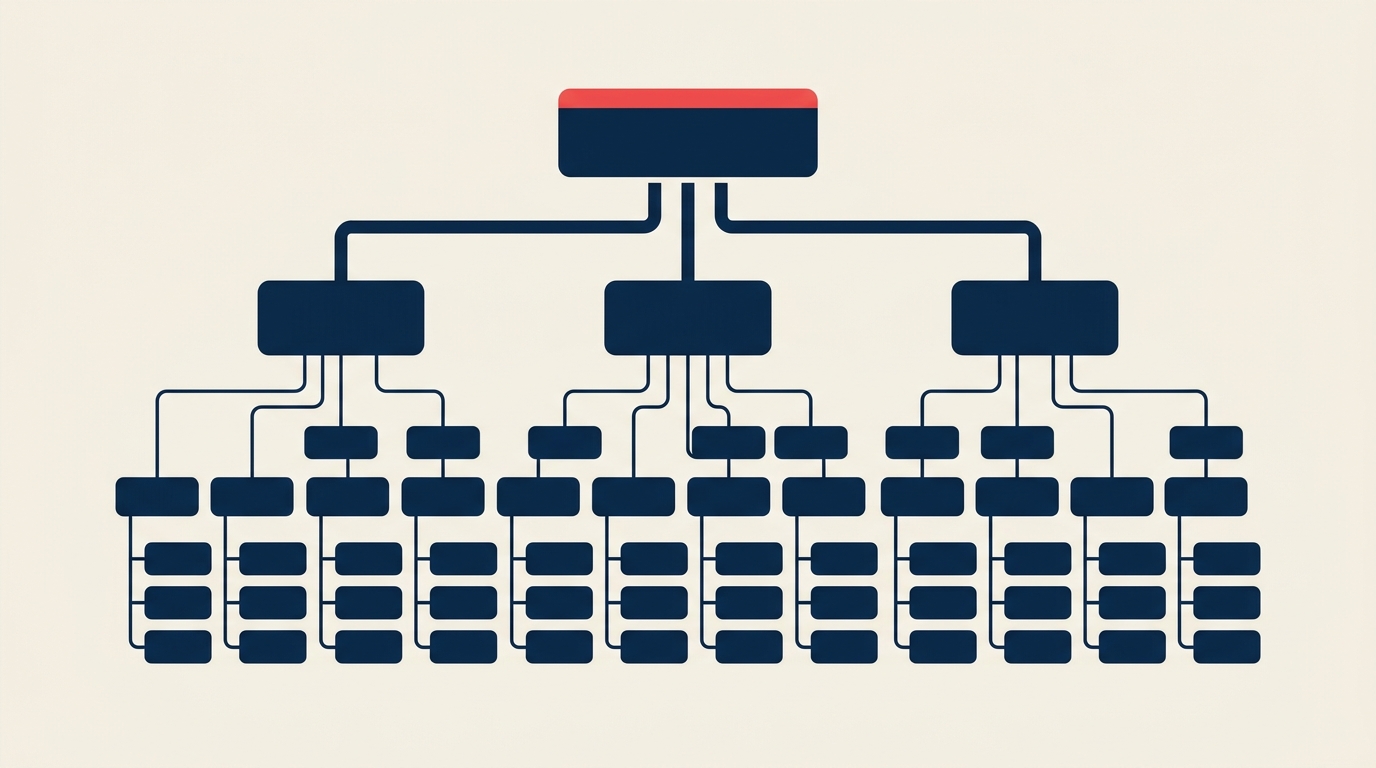
Effective AI teams at mid-market companies (50-500 employees) tend to develop three distinct capability layers, whether they plan for them or not. Planning for them deliberately is faster and cheaper.
Layer 1: Generalist AI users (the majority of your team)
These are your existing employees who need to use AI tools as part of their daily workflows. They don't need to understand how large language models work. They need to know which tools to use for which tasks, how to write prompts that produce useful output, when to trust AI-generated content and when to verify it, and how to hand off work between AI tools and other systems.
For most departments, this is 80-90% of headcount. Your goal is baseline competency across all of them, not depth in any particular one.
Layer 2: AI-enabled specialists (10-15% of the team)
These are people in specialist roles who use AI heavily within their domain. A content marketer who uses AI for research, drafting, and SEO analysis. An analyst who uses AI for data cleaning, pattern spotting, and visualization. A sales rep who uses AI for prospect research, call prep, and follow-up drafting.
These people need deeper AI skill than generalists but not engineering-level knowledge. They're the operational backbone of an AI-enabled department.
Layer 3: AI infrastructure owners (1-3 people, often shared across departments)
These are the people who set up integrations, build internal AI tools and automations, manage prompts and workflows, evaluate new tools, and maintain the systems that everyone else uses. They need more technical depth: comfortable with APIs, no-code or low-code platforms, and prompt engineering.
One of the most common mistakes is hiring for Layer 3 first and assuming it creates Layer 1. It doesn't. A single AI specialist can build tools, but they can't build adoption. Adoption comes from Layer 1 and Layer 2 being trained and enabled, which is a training and change management problem, not a technical one.
Hiring vs Upskilling: When Each Makes Sense
The hiring vs upskilling decision framework covers this in depth, but here's the condensed version for workforce planning purposes.
Upskill first, hire only for genuine gaps.
Most mid-market companies don't need to hire dedicated AI roles for Layer 1 or Layer 2. These capabilities can be developed in existing staff through structured training programs. The 90-day AI fluency plan outlines how to take a department from AI-curious to AI-functional within a quarter.
The decision to hire externally for a role should rest on one of two conditions:
First, the skill genuinely doesn't exist in your organization and can't be built within the time window you're working with. If you need someone to build API integrations between five different tools by next quarter, you probably need to hire or contract, not train.
Second, the role requires sustained, full-time focus on AI infrastructure that can't be part-time or divided. If you need someone building and maintaining AI systems daily, that's a dedicated role.
Hire for Layer 3 infrastructure roles. Train for Layers 1 and 2. This is almost always the right ratio at companies below 500 people.
When to hire an AI champion vs a technical specialist
An AI champion (sometimes called an AI enablement lead or AI program manager) is a different role from a technical specialist. A champion's job is internal adoption and change management. They run workshops, identify use cases, document processes, remove adoption friction, and track usage metrics. They don't build technical systems.
A technical specialist builds and maintains AI infrastructure. They're comfortable with code, APIs, and platforms like Zapier, Make, or custom integrations.
These are often conflated in job descriptions, which is why so many AI hires underperform. Before posting a role, decide which one you actually need. For most departments under 100 people, the champion function matters more than technical depth, and it can often be built internally through the AI champions program rather than hired.
Writing Role Descriptions That Attract the Right Candidates
Generic AI role descriptions attract generic candidates. The best AI hires come from specific, honest job descriptions.
Avoid these phrases in role descriptions:
- "Deep understanding of AI and machine learning" (vague, filters out practical candidates)
- "Stay current with the latest AI trends" (meaning: we don't have a point of view)
- "Build AI solutions end-to-end" (too broad to evaluate)
- "AI-first mindset" (filler)
Use these instead:
Describe the actual tools and platforms. "Proficient with OpenAI API, Make.com or Zapier, and experience building prompts for business tasks." This is specific and assessable.
Describe the outcomes, not the inputs. "Will own our AI-assisted content pipeline (from tool selection to prompt library to quality review) and track content output time vs baseline." This tells candidates what they'll be measured on.
Describe the team context. "Works across marketing, sales, and ops teams to identify workflow automation opportunities and build systems that teams will actually use." This signals it's an enablement role, not a technical silo.
Include the maturity stage. "We're early. We have three AI tools in active use across two departments and want to scale to six departments in 12 months." Honest maturity disclosure attracts people who like building from early stages.
Structuring Your AI Skills Matrix
Before you write any job description or plan any training, audit what you have. The AI skills matrix process covers this in detail. For workforce planning, what you need to know is:
Current state by layer. How many people in your department are operating at Layer 1 competency (can use AI tools in their daily work)? How many at Layer 2 (use AI tools deeply within their specialty)? Where are the gaps between current and target state?
Skill gaps by role type. Not everyone has the same gap. Your data analysts probably have different AI skill gaps than your customer success managers. Segmenting by role type tells you where training investment produces the most return.
Time-to-competency estimates. For people who are two skill levels below target, upskilling takes longer and may require different methods (coaching vs courses vs shadowing). Include this in your planning horizon.
This audit should take two to three hours with your immediate team leads, and the output directly informs which roles you fill externally vs which you develop internally over the next 6-12 months.
The Headcount Business Case for AI Roles
When you're making the case to leadership for new headcount or training budget, the argument that works isn't "AI is the future." It's "here's the specific output gap we have and here's what it costs us."
Frame the case this way:
Current state: "Our marketing team produces eight pieces of content per week. Industry benchmarks for a team our size are 14-18. We're 40-55% below capacity."
Root cause: "The bottleneck is research and first-draft generation, which takes an average of six hours per piece. That's 80-90% of total writing time."
Investment options: "Option A: Hire a senior writer at $X all-in cost. Option B: Implement AI-assisted drafting tools at $Y/year and invest in training at $Z. At current productivity assumptions, Option B closes the gap in 90 days and costs 60% less in year one."
Measurement: "We'll track articles produced per team member per week. Baseline is 1.6. Target by Q3 is 2.8. If we're below 2.2 at the 90-day mark, we revisit."
This framing turns an AI staffing discussion into a standard business case, which is the language leadership responds to.
For the measurement framework to track after the investment, use the measuring AI adoption ROI process.
Common Workforce Planning Mistakes
Hiring before auditing. Writing a job description before you know your skills gaps means you'll hire for someone else's gap, not yours. Run the skills matrix first.
Over-hiring for AI depth. Unless you're building AI products (you're probably not), you rarely need machine learning engineers or AI researchers on a business team. You need people who can configure and use existing tools, not build models.
Ignoring the adoption problem. The most sophisticated AI team structure in the world produces nothing if people don't change their workflows. Include adoption planning, not just technical capability, in your workforce plan.
Setting unrealistic time-to-competency expectations. AI tool proficiency takes weeks to months, not days. Planning that assumes everyone will be AI-fluent in two weeks will fail. The 90-day fluency plan is more realistic for most departments.
Treating AI roles as permanent infrastructure without review. The AI tooling market is changing fast. A role you hire for today might need to be reshaped in 18 months. Build review checkpoints into your workforce plan.
A Practical Planning Timeline
If you're starting AI workforce planning from scratch, here's a 90-day sequence that works for most mid-market departments:
Weeks 1-2: Run the AI skills matrix audit across your team. Map current state to target state by role type. Identify your Layer 3 gap (do you need a dedicated AI infrastructure person?).
Weeks 3-4: Decide on the upskill vs hire split for Layer 1 and Layer 2. Scope the training program. If hiring for Layer 3, write the job description using the principles above.
Weeks 5-8: Launch training for Layer 1. This is the AI tools training program if you don't have one. Begin Layer 3 hiring process in parallel.
Weeks 9-12: Deepen Layer 2 training for specialists. Review early training outcomes. Adjust based on what's working. Onboard Layer 3 hire if complete.
Month 4 onward: Quarterly review of skills matrix, adoption metrics, and role definitions as the tooling landscape evolves.
This isn't the only way to do it, but it gives you a coherent sequence rather than trying to do everything simultaneously.
The companies that build genuine AI capability at the team level do it by treating workforce planning as an ongoing practice, not a one-time project. The tools will keep changing. Your team's ability to absorb and use new tools is the durable competitive advantage worth investing in.

Co-Founder & CMO, Rework
On this page
- Why Most AI Workforce Plans Miss the Point
- The Three-Layer AI Staffing Model
- Hiring vs Upskilling: When Each Makes Sense
- Writing Role Descriptions That Attract the Right Candidates
- Structuring Your AI Skills Matrix
- The Headcount Business Case for AI Roles
- Common Workforce Planning Mistakes
- A Practical Planning Timeline