Best Mixmax Alternatives in 2026: 12 Sales Engagement Tools Compared

Turn this article into takeaways for your work.


Each assistant summarizes the article only for you and suggests best practices for your work.
Mixmax is a well-designed tool that makes Gmail faster. Email tracking, scheduling, one-click polls, calendar embeds, and templates all work well when a rep is sending one-to-one emails from their own inbox. That's the genuine value proposition, and it delivers on it.
But most growing sales teams eventually hit a wall. Mixmax is Gmail-only, so any team running Outlook or a non-Google mail stack is blocked from day one. Its sequences are functional, but the cadence depth, branching logic, and reporting that dedicated sales-engagement platforms offer aren't really there. LinkedIn steps, calls, and SMS require separate tools stitched together. When you're paying $49-$89 per seat and still juggling three other tools to run a full multichannel motion, the cost math stops working. Mixmax works beautifully as a personal productivity layer for individual reps. It struggles as the system a 15-person team coordinates around.
If you're outgrowing Mixmax, or you need something that works outside Gmail, the tools below cover every realistic replacement scenario: enterprise-grade engagement platforms, lean cold-email senders, multichannel sequencers, and CRM-native options that keep pipeline and outreach in one place.
Quick Comparison Table
| Tool | Best For | Starting Price | Key Strength | Key Limitation |
|---|---|---|---|---|
| Rework | Mid-size B2B teams wanting CRM + sequences + multichannel inbox | $999/year (up to 5 users) | Unified CRM, sequences, and multichannel inbox (WhatsApp, email, SMS, IG, web chat) in one platform | 5-seat minimum; not for solo reps or tiny teams |
| Outreach | Large enterprise sales orgs | ~$100-$130/user/month | Deep sequence logic, AI coaching, revenue intelligence | Expensive, long contracts, complex onboarding |
| Salesloft | Mid-market to enterprise with Clari/forecasting needs | ~$125-$165/user/month | Cadences, coaching, now bundled with Clari forecasting | Pricing opacity, auto-renewing contracts |
| Apollo.io | Prospecting-first teams who also need sequences | $49/user/month (Basic) | Contact database + sequences in one platform | Credits expire; data quality varies by region |
| Lemlist | Multichannel outbound with strong personalization | Email $55/month flat (annual), unlimited users | Image/video personalization, per-user multichannel tier | LinkedIn add-on costs stack up quickly |
| Reply.io | Teams wanting email + LinkedIn + calling in one tool | $49/user/month | Modular multichannel; AI SDR option | True multichannel adds up to ~$187/user/month |
| Mailshake | Small teams doing straightforward cold email | $25/month (annual) | Simple setup, clean UX, LinkedIn + dialer on top tier | No free trial; limited CRM depth |
| Yesware | Outlook and Gmail users who want lightweight tracking | $15/user/month (Pro) | Works natively in Outlook and Gmail | Sequences are limited; not built for team-wide cadences |
| Klenty | CRM-connected teams doing structured cadences | $50/user/month | Solid CRM integrations, cadence playbooks | Email-only on entry tier; no built-in prospecting data |
| HubSpot Sales Hub | Teams already on HubSpot CRM | $100/user/month (Pro) | Native CRM, sequences, reporting in one system | Sequences gated to Pro ($100/seat); mandatory onboarding fee |
| Instantly | High-volume cold email agencies and solo founders | $30/month (Growth plan, volume-based) | Unlimited email accounts, great deliverability tooling | Not a true sales engagement platform; no CRM, no calls |
| Smartlead | Agencies and founders scaling cold email volume | $39/month (Base) | Unlimited warmup, inbox rotation, whitelabel option | No native CRM, no multichannel beyond email |
Stage Fit Matrix
| Tool | Solo Rep | Small Team (2-10) | Mid-Size (10-100) | Enterprise (100+) |
|---|---|---|---|---|
| Rework | Not ideal (5-seat min) | Good (team-wide system) | Strong fit | Good |
| Outreach | Poor | Poor | Good | Strong fit |
| Salesloft | Poor | Poor | Good | Strong fit |
| Apollo.io | Good | Good | Good | Limited |
| Lemlist | Good | Good | Good | Workable |
| Reply.io | Good | Good | Good | Workable |
| Mailshake | Good | Good | Workable | Poor |
| Yesware | Strong fit | Good | Workable | Poor |
| Klenty | Good | Good | Good | Workable |
| HubSpot Sales Hub | Workable | Good | Strong fit | Good |
| Instantly | Strong fit | Good | Workable | Poor |
| Smartlead | Strong fit | Good | Workable | Poor |
Sizing and Persona Table
| Tool | Minimum Seats | Typical Buyer | Annual Budget Range | Gmail or Outlook? |
|---|---|---|---|---|
| Rework | 5 | RevOps, VP Sales, Founder (mid-size B2B) | $999-$10K+ | Both (multi-channel inbox) |
| Outreach | 10+ (in practice) | VP Sales, Sales Ops (enterprise) | $12K-$100K+ | Both |
| Salesloft | 10+ | VP Sales, RevOps (mid-market/enterprise) | $15K-$80K+ | Both |
| Apollo.io | 1 | SDR, AE, growth marketer | $588-$10K+ | Both |
| Lemlist | 1 | SDR manager, agency, founder | $660-$5K+ | Both |
| Reply.io | 1 | SDR, agency | $588-$8K+ | Both |
| Mailshake | 1 | SMB sales rep, agency | $588-$5K | Both |
| Yesware | 1 | Individual rep (Gmail or Outlook) | $180-$1K+ | Both (native) |
| Klenty | 1 | SDR team with CRM | $600-$5K+ | Both |
| HubSpot Sales Hub | 1 | Teams on HubSpot CRM | $1,200-$20K+ | Both |
| Instantly | 1 | Solo founder, agency | $360-$4K | Both |
| Smartlead | 1 | Agency, founder, cold email specialist | $468-$4K+ | Both |
1. Rework
Rework is a unified CRM, sales-engagement, and multi-channel inbox built for mid-size B2B teams. Where Mixmax plugs into Gmail as a personal productivity layer, Rework runs sequences tied directly to a shared CRM and a single inbox that consolidates email, WhatsApp, Instagram DM, Facebook Messenger, web chat, and SMS. The whole revenue team, from SDRs through account managers, works from the same customer record.
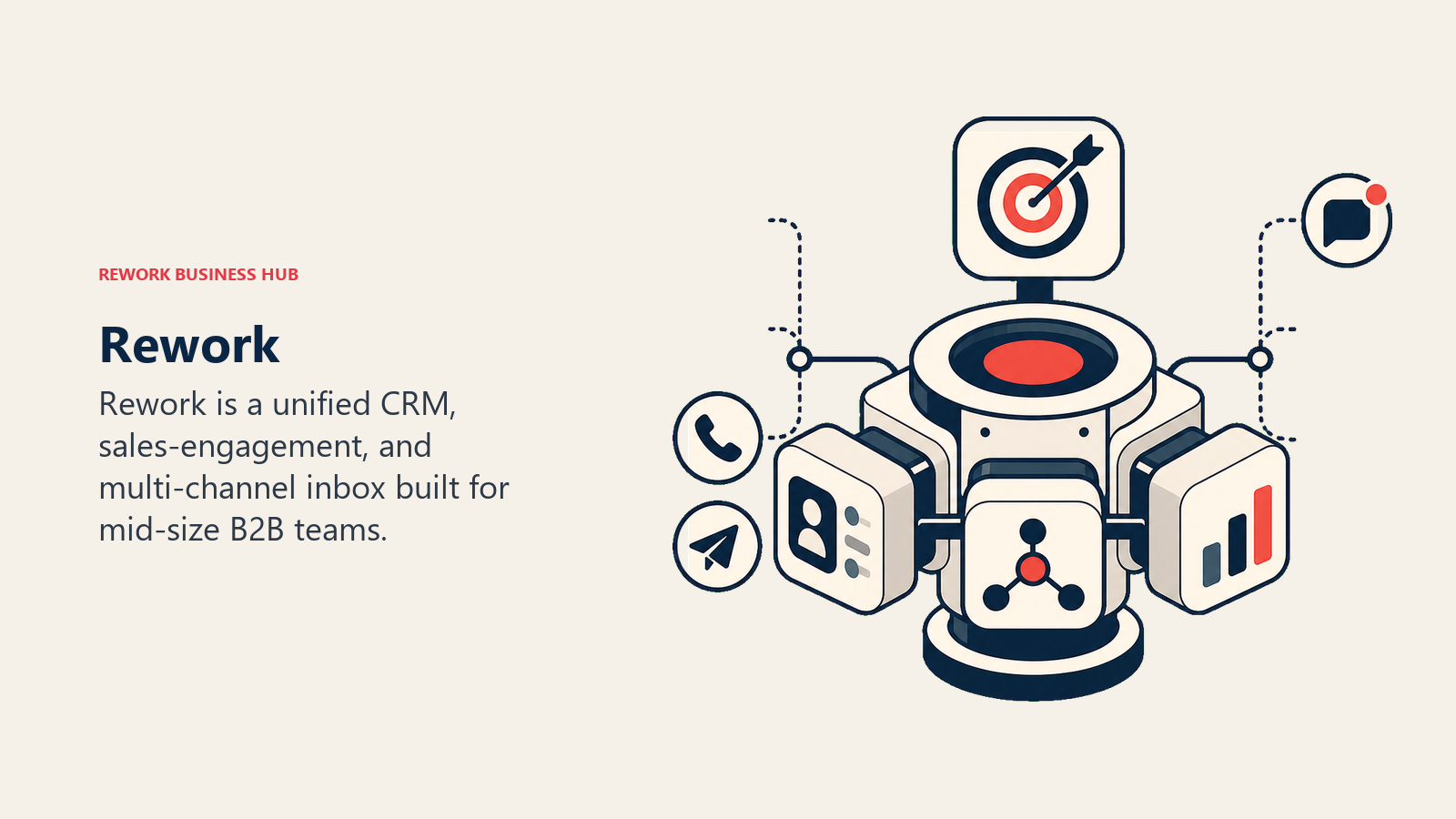
The core methodology is operational unity: every touchpoint, reply, and task lives on one account and deal record, not scattered across individual inboxes. Lead routing (round-robin, territory-based, SLA-based) means inbound leads get assigned and sequenced automatically rather than waiting for a rep to pick them up.
Target audience: Mid-size B2B teams (20-500 employees) that want to replace a patchwork of a CRM tool, a sequencer, and individual inbox plugins with a single platform.
Sizing fit: Designed for teams of 5 and up. The 5-seat minimum makes it a poor fit for solo reps or 1-3 person teams who just want Gmail scheduling and tracking, which is exactly where Mixmax excels.
Stage fit: Growth-stage through mature mid-market.
Team vs. company-wide: Company-wide. Sequences, CRM records, and the inbox are shared resources, not per-rep installs.
| Pros | Cons |
|---|---|
| CRM + sequences + multichannel inbox in one platform | 5-seat minimum; not for solo users |
| No per-channel add-on fees for WhatsApp, SMS, IG | Less name recognition than Outreach or Salesloft |
| Native lead routing and SLA management | Fewer third-party integrations than older platforms |
| Predictable annual pricing | Less mature AI coaching features vs. Outreach |
Pricing: Sales Ops Starter $999/year (up to 5 users); Standard $1,999/year (10 users included, then $12/user/month per additional seat). A team of 25 pays approximately $4,159/year. See rework.com/pricing.
Best for: Mid-size teams replacing a standalone sequencer, a separate CRM, and per-rep Gmail plugins with one company-wide system.
Not ideal for: Solo reps or teams of 1-4 who need a lightweight Gmail productivity and scheduling layer. That's Mixmax's sweet spot, and Mixmax does it well.
2. Outreach
Outreach is one of the two dominant enterprise sales-engagement platforms (alongside Salesloft). It was built for large sales organizations that need deep sequence logic, AI-powered call coaching (via Kaia), pipeline inspection, and revenue forecasting layered on top of engagement.
The methodology is signal-driven selling: Outreach surfaces intent signals, engagement data, and pipeline risk so reps prioritize the right accounts at the right moment. That vision requires substantial configuration, admin overhead, and budget.
Target audience: Enterprise sales teams, typically 50+ seats, with a dedicated RevOps function.
Sizing fit: Poor for small teams. The platform's value compounds at scale, but the implementation cost and admin burden are real below about 25 seats.
Stage fit: Late-stage / enterprise.
Team vs. company-wide: Company-wide, manager-forward.
| Pros | Cons |
|---|---|
| Best-in-class sequence depth and AI coaching | No published pricing; ~$100-$130/user/month to start |
| Deep Salesforce and HubSpot sync | Annual-only contracts; 12-month upfront |
| Conversation intelligence built in | Implementation fees ($5K-$15K+) |
| Strong pipeline and revenue analytics | Complexity requires dedicated admin |
Pricing: ~$100-$130/user/month on the Standard plan (annual contract). Professional and Enterprise tiers run $130-$170+. Request pricing at outreach.com.
Best for: Enterprise teams that need sequence depth, conversation intelligence, and pipeline forecasting in one platform.
3. Salesloft
Salesloft merged with Clari in late 2025, and the combined company now sells what it calls a "Predictive Revenue System" that bundles cadences, coaching, and forecasting. If you're evaluating Salesloft in 2026, you're effectively buying into the Clari ecosystem.
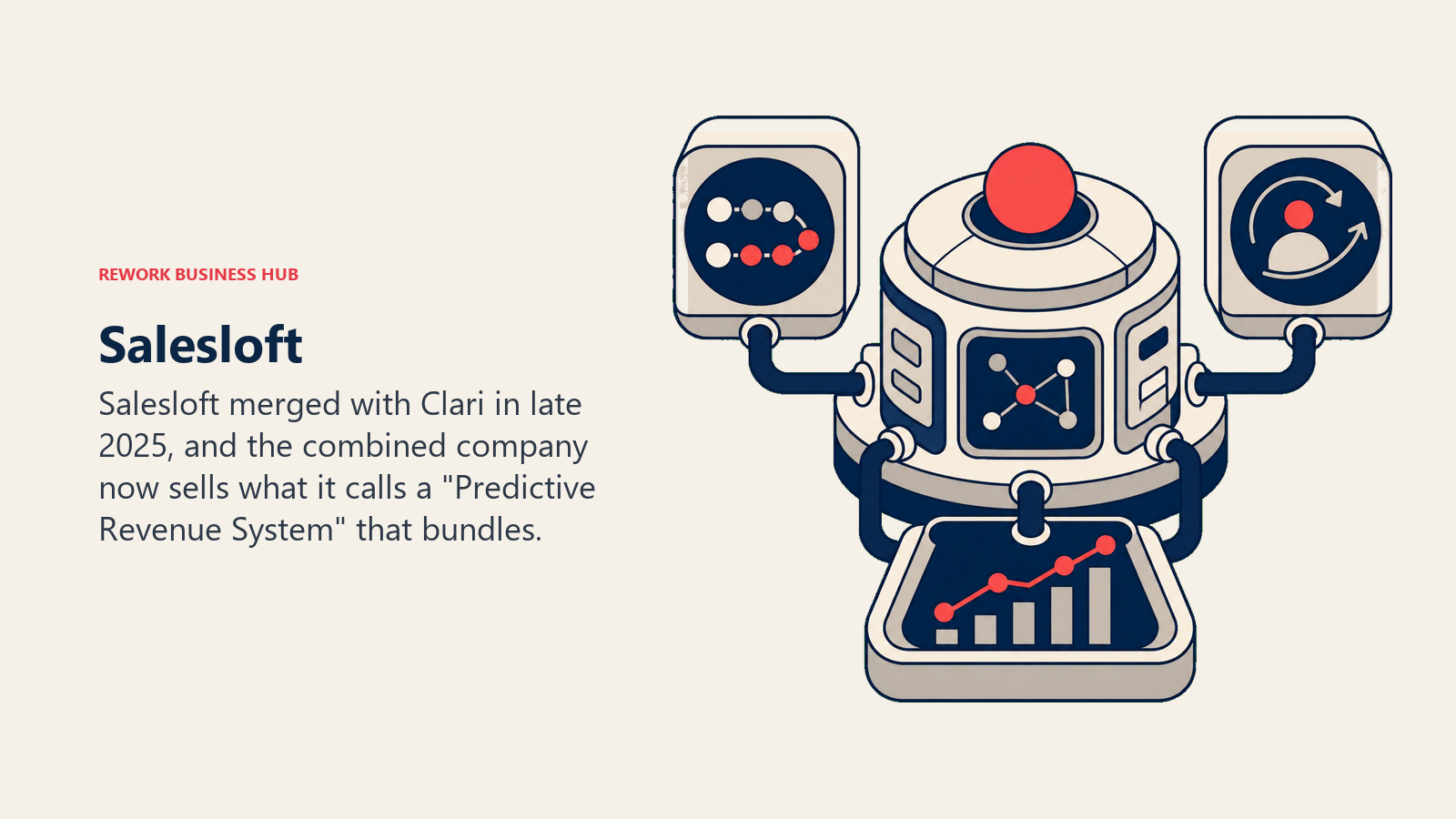
The Salesloft side remains strong for structured outbound cadences, rep coaching (via Conversations), and email/call management. The Clari addition means deal inspection and forecast accuracy are now native capabilities, not add-ons.
Target audience: Mid-market to enterprise teams, particularly those who already use or plan to use Clari for forecasting.
Sizing fit: Minimum viable at 10-15 seats. Per-seat costs drop meaningfully at volume.
Stage fit: Growth-to-enterprise.
Team vs. company-wide: Company-wide, manager and RevOps-heavy.
| Pros | Cons |
|---|---|
| Cadences + forecasting now native (post-Clari merger) | No published pricing; custom quotes only |
| Strong coaching and analytics | Contracts auto-renew with 5-8% annual increases |
| Good CRM sync (Salesforce, HubSpot) | Dialer sold as a separate add-on |
| Established enterprise reliability | Integration complexity post-merger still playing out |
Pricing: ~$125-$165/user/month at list; negotiated deals land $100-$130/user/month for mid-market. Dialer adds ~$300-$400/user/year. Visit salesloft.com/pricing for a quote.
Best for: Mid-market and enterprise teams that want cadences and revenue forecasting under one contract, especially if they're already Clari customers.
4. Apollo.io
Apollo combines a 275M+ contact database with a built-in sequencer, making it the tool of choice for teams that prospect and engage from the same platform. You search for contacts, verify emails, and run sequences without switching tabs.
The methodology is data-first outbound: find the right people, get their verified contact details, and engage them, all inside one tool. For teams that previously paid separately for a contact database and a sequencer, Apollo frequently halves the stack cost.
Target audience: SDRs, AEs, and growth teams at companies of any size, from solo founders to mid-market teams. Broad appeal.
Sizing fit: Works at 1 seat or 100. The Organization plan at $119/user/month suits larger teams that need custom reporting and advanced CRM sync.
Stage fit: Any stage.
Team vs. company-wide: Can be both. Many teams use Apollo as a prospecting tool even when the primary sequencer lives elsewhere.
| Pros | Cons |
|---|---|
| Contact database + sequences in one platform | Credits expire monthly; overages add up fast |
| Free plan available (10 sequences, 2 active at once) | Data quality is uneven outside North America/Western Europe |
| One of the best price-to-value ratios at $49-$79/seat | Reporting is weaker than Outreach or Salesloft |
| Large integration library | LinkedIn automation is limited versus dedicated tools |
Pricing: Free, Basic ($49/user/month annual), Professional ($79/user/month annual), Organization ($119/user/month annual). See apollo.io/pricing.
Best for: Teams that want prospecting data and sequences without buying two separate tools. See our best Apollo alternatives if you're already using Apollo and evaluating a change.
5. Lemlist
Lemlist started as a cold email tool famous for personalized images and videos in email (think custom screenshots with the prospect's name or website). It's since added LinkedIn automation and calling on its Multichannel Expert plan, making it a competitive option for teams running true multichannel outbound.
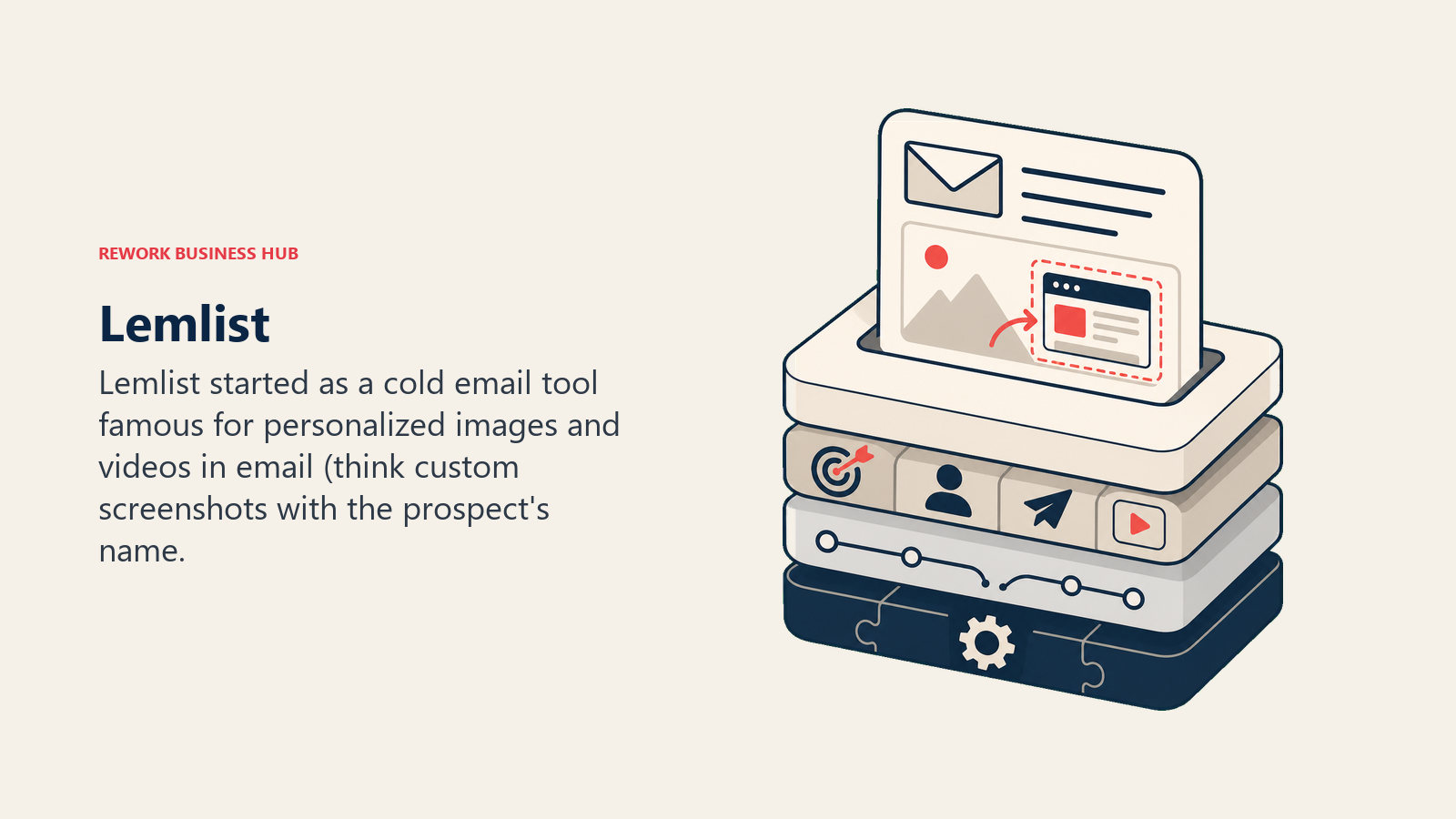
The methodology is personalization-led outreach: each touch is more likely to land because it looks genuinely crafted, not mass-blasted. That pays off in response rates, though it requires more setup per campaign.
Target audience: SDR managers, growth agencies, and founders who run outbound at moderate volume and want high response rates over high send volume.
Sizing fit: Works well from 1-50 seats. Enterprise packaging is available but not a primary use case.
Stage fit: Early to mid-growth.
Team vs. company-wide: Team-level. Campaigns are shared across seats.
| Pros | Cons |
|---|---|
| Best image/video personalization in the category | LinkedIn add-on costs push true multichannel toward $87+/seat |
| Clean campaign builder and analytics | Agency billing requires careful seat management |
| Lemwarm email warmup included | Less CRM depth than Outreach or Klenty |
| Strong deliverability tooling | Liquid syntax for personalization has a learning curve |
Pricing: Email $69/month billed monthly, $55/month billed annually, a flat team price with unlimited users. Multichannel $109/user/month monthly, $87/user/month annually, priced per user. Enterprise is custom at 5 or more users. Extra mailboxes at $9/month. See lemlist.com/pricing. For more context, read best Lemlist alternatives.
Best for: Teams where personalization and response rates matter more than raw volume.
6. Reply.io
Reply.io is a modular multichannel sequencer covering email, LinkedIn, calls, and SMS. The base plan is email-only at $49/user/month, but the platform's full value shows when you layer in LinkedIn automation ($69/account/month) and calling ($29/user/month), bringing true multichannel to roughly $187/user/month.
Reply also offers Jason AI, an autonomous AI SDR agent that runs prospecting and outreach independently, starting at $500/month.
Target audience: SDR teams and agencies that want a single platform for email, LinkedIn, and calls without enterprise-level pricing.
Sizing fit: Scales from 1 seat to mid-market. Not optimized for enterprise.
Stage fit: Seed to mid-growth.
Team vs. company-wide: Team-level.
| Pros | Cons |
|---|---|
| True multichannel when fully configured | Add-ons push per-seat cost well above advertised price |
| AI SDR option for autonomous prospecting | LinkedIn automation costs are per-account, not per-seat |
| Agency plan with multi-tenant management | Reporting is adequate but not strong |
| Good email deliverability features | Setup is modular but can feel fragmented |
Pricing: Email Volume from $49/user/month; Multichannel $89/user/month (email only, add-ons extra); Agency from $166/month. Full multichannel ~$187/user/month. See reply.io/pricing.
Best for: Teams that need LinkedIn sequences, calling, and email in one tool without paying Outreach or Salesloft prices.
7. Mailshake
Mailshake is one of the older names in cold email. It's straightforward: connect your email, build a sequence, send. The UX is clean and setup is fast. The Sales Engagement plan ($99/seat/month) adds LinkedIn automation and a built-in dialer with unlimited North American minutes.
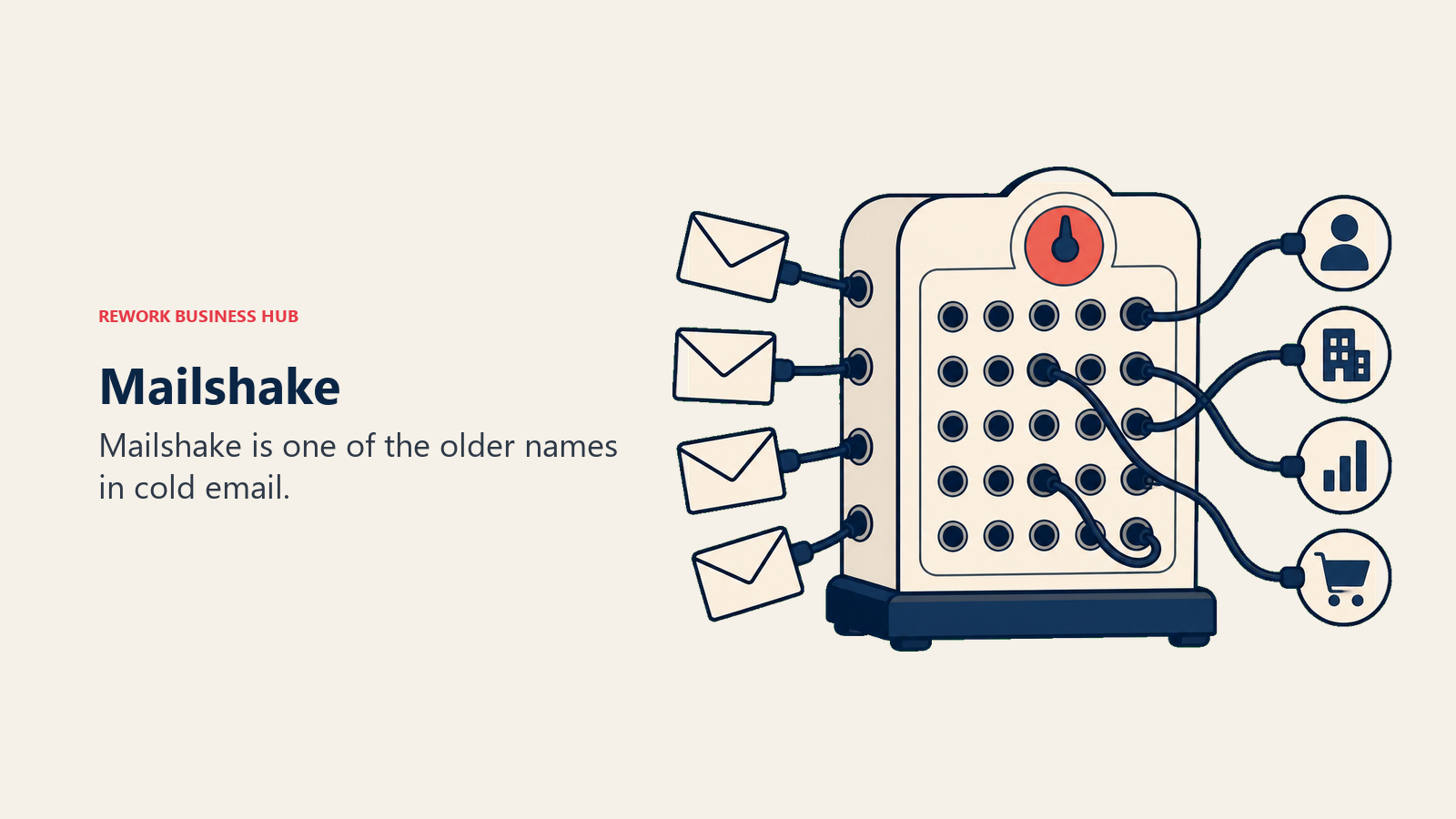
The methodology is simple, direct outbound. Mailshake doesn't try to be a CRM or an AI coaching platform. It sends emails well and gets out of the way.
Target audience: Small sales teams (2-15 people) and agencies doing structured cold email at manageable volume.
Sizing fit: Best at 1-25 seats. Not designed for enterprise.
Stage fit: Early to mid-stage.
Team vs. company-wide: Team-level for sequences; CRM work happens elsewhere.
| Pros | Cons |
|---|---|
| Fast setup, clean UI | No free trial |
| LinkedIn automation + dialer on top plan | Data Finder credits (prospecting) limited on lower tiers |
| Good CRM integrations (Salesforce, HubSpot, Pipedrive) | Sequences are less sophisticated than Outreach or Salesloft |
| Transparent, published pricing | Two email accounts max on Email Outreach tier |
Pricing: Starter $29/month billed monthly, $25/month annual (tracking only). Email Outreach $49/month billed monthly, $45/month annual. Sales Engagement $99/month billed monthly, $85/month annual. Monthly billing standard, no annual lock-in required. See mailshake.com/pricing.
Best for: Small teams that want clean, simple email sequences without the complexity or cost of an enterprise platform.
8. Yesware
Yesware is the closest alternative to Mixmax in terms of positioning: it lives natively inside Gmail and Outlook, adds email tracking, templates, and campaigns, and stays out of the way. The key difference versus Mixmax is Outlook support, which makes Yesware the natural choice for organizations running Microsoft 365.
The methodology mirrors Mixmax: give individual reps better information (who opened, who clicked, who ignored) and better tools (templates, scheduling) without changing how they work.
Target audience: Individual sales reps and small teams using Gmail or Outlook who want lightweight tracking and campaigns without a separate platform.
Sizing fit: Works well at 1-20 seats. Enterprise tier ($65/user/month) adds Salesforce features.
Stage fit: Early-stage and smaller teams; also good for enterprise reps who need a personal-productivity layer alongside a heavier engagement platform.
Team vs. company-wide: Individual-focused, though team reporting exists on Premium and above.
| Pros | Cons |
|---|---|
| Native Gmail AND Outlook support | Campaign recipient limits are tight on lower plans (20/month on Pro) |
| $15/seat/month entry price is genuinely affordable | Not a serious sequencing tool for SDR teams |
| Good Salesforce sync on Enterprise tier | Limited multichannel (email only) |
| 14-day free trial available | Slower feature development than newer entrants |
Pricing: Free (10 campaign recipients/month), Pro $15/user/month (annual), Premium $35/user/month (annual), Enterprise $65/user/month (annual). See yesware.com/plans-and-pricing.
Best for: Reps who need Outlook-compatible email tracking and lightweight campaigns, or teams that want a Mixmax-like tool without the Gmail-only constraint.
9. Klenty
Klenty is a cadence-focused sales engagement platform with strong CRM integrations across Salesforce, HubSpot, Pipedrive, and Zoho. The Startup plan covers email only; the Growth plan unlocks LinkedIn, calls, WhatsApp, and SMS. That tiered expansion makes Klenty a sensible starting point for teams that begin with email and want to add channels over time.
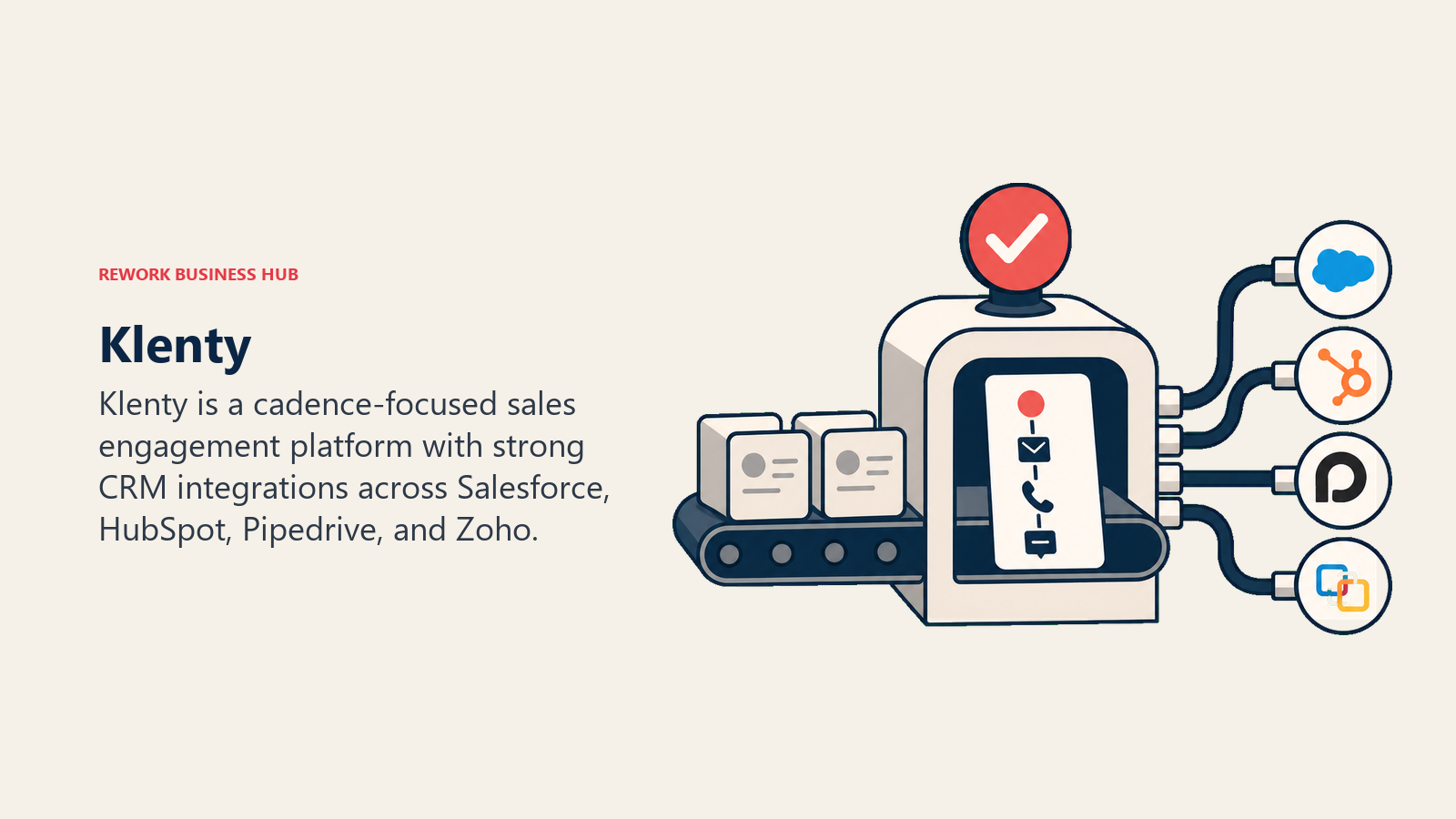
The methodology is CRM-synchronized cadences: every step in a sequence writes back to the CRM record, so managers have full visibility and reps don't duplicate work.
Target audience: SDR teams at B2B companies that run structured cadences tied to a CRM, particularly teams that use Pipedrive (Klenty integrates especially well there).
Sizing fit: 1-100 seats. Scales to mid-market; not designed for enterprise.
Stage fit: Early-growth to mid-market.
Team vs. company-wide: Team-level with manager oversight.
| Pros | Cons |
|---|---|
| Strong CRM sync across Salesforce, HubSpot, Pipedrive, Zoho | Email-only on the $50/seat entry plan |
| Multichannel available at $70/seat (Growth) | No built-in contact database |
| Cadence playbooks and templates are well-structured | UI is functional but not polished |
| Intent data triggers available on higher tiers | LinkedIn automation requires browser extension |
Pricing: Startup $50/user/month, Growth $70/user/month, Plus $99/user/month (all annual). See klenty.com.
Best for: CRM-centric SDR teams that want structured multichannel cadences with reliable two-way sync.
10. HubSpot Sales Hub
HubSpot Sales Hub is the engagement layer on top of HubSpot CRM. If your team already uses HubSpot for contact management and pipeline, adding Sales Hub sequences is the lowest-friction path to structured outreach because everything is native.
The catch: sequences are gated to the Professional plan ($100/seat/month annual), which also carries a mandatory $1,500 onboarding fee in year one. Below Professional, you get email tracking and templates but no automated follow-up cadences.
Target audience: Teams already on HubSpot CRM who want to avoid buying a separate sequencer.
Sizing fit: Works at any size, but the $100/seat Professional threshold is steep for very small teams. Larger teams often negotiate better per-seat rates.
Stage fit: Any, but value is highest for teams already in the HubSpot ecosystem.
Team vs. company-wide: Company-wide, tied to the shared CRM.
| Pros | Cons |
|---|---|
| Sequences native to CRM, no sync required | Sequences only on Pro ($100/seat/month) |
| Shared templates, enrollment automation | Mandatory onboarding fee ($1,500 Pro, $3,500 Enterprise) |
| Strong reporting tied to CRM data | Quoting not included at any tier |
| Free CRM with upgrade path | Costs compound quickly when adding Marketing Hub, Service Hub |
Pricing: Starter $15/seat/month (no sequences), Professional $100/seat/month (annual, plus $1,500 onboarding), Enterprise $150/seat/month (annual, plus $3,500 onboarding). See HubSpot pricing. Also see best HubSpot alternatives for CRM options.
Best for: Teams already running HubSpot CRM who want sequences without adding a third-party tool.
11. Instantly
Instantly is a high-volume cold email platform built for agencies and founders who send at scale. The pricing model is unusual: you pay for email volume and unlimited email accounts, not per seat. A solo founder can connect 50 domains, warm them all, and send 25,000 emails per month on the Hypergrowth plan at $77.60/month.
Instantly added a lightweight CRM and a lead finder database in 2024-2025, but these are separate subscriptions that push total cost to $124-$220+/month for the full stack.
Target audience: Cold email agencies, solo founders, and growth teams focused on volume outbound with deliverability control.
Sizing fit: Designed for individual users and small agencies. Not a team sales platform in the traditional sense.
Stage fit: Pre-seed to early-growth.
Team vs. company-wide: Individual/agency use. Team collaboration is limited.
| Pros | Cons |
|---|---|
| Unlimited email accounts on all plans | Not a real sales engagement platform (no CRM depth, no calls) |
| Excellent deliverability and warmup tooling | CRM, leads, and outreach are three separate paid modules |
| Volume-based pricing is cost-effective for high senders | Inbox replies require manual follow-up or CRM add-on |
| Easy domain and mailbox rotation | Not designed for coordinated team cadences |
Pricing: Growth $30/month (5,000 emails/month), Hypergrowth $77.60/month (25,000 emails/month), Light Speed $286/month (500,000 emails/month). Lead finder and CRM are add-on subscriptions. See instantly.ai/pricing.
Best for: Agencies and founders sending at volume who prioritize deliverability and inbox rotation over CRM integration or team coordination.
12. Smartlead
Smartlead occupies similar territory to Instantly: cold email at scale, unlimited email accounts, and strong warmup tooling. Where Smartlead differentiates is agency features. The whitelabel option ($29/month per client workspace) lets agencies run the platform under their own brand. A unified inbox across all client accounts simplifies reply management.
Like Instantly, Smartlead is not a full sales engagement platform. There are no native calls, no LinkedIn steps, and no built-in CRM beyond basic reply tracking.
Target audience: Cold email agencies and founders who want clean infrastructure and whitelabeling.
Sizing fit: 1-5 person agencies and solo operators primarily.
Stage fit: Early-stage, pre-revenue to early-growth.
Team vs. company-wide: Agency/team-of-one model.
| Pros | Cons |
|---|---|
| Unlimited email accounts and warmup on all plans | No multichannel beyond email |
| Inbox rotation and deliverability controls are solid | No native CRM or pipeline management |
| Whitelabel option for agencies ($29/month per workspace) | Annual billing saves 17% but tool is already inexpensive |
| API, webhooks, and CRM integration on Pro+ | Sequences are less sophisticated than dedicated engagement platforms |
Pricing: Base $39/month (2,000 contacts), Pro $94/month (API + CRM sync), Unlimited Smart $174/month (most popular), Unlimited Prime $379/month (annual billing saves ~17%). See smartlead.ai/pricing.
Best for: Cold email agencies that need whitelabeling, inbox rotation, and unlimited accounts without a high per-seat cost.
How to Choose: Decision Framework
Use this table to narrow down your shortlist based on your real requirements.
| If you need... | Look at... | Skip... |
|---|---|---|
| A full CRM + sequences + multichannel inbox for a team of 5-100 | Rework | Mixmax, Instantly, Smartlead |
| Enterprise sequence depth and AI coaching | Outreach, Salesloft | Mailshake, Yesware, Instantly |
| Prospecting data AND sequences in one tool | Apollo.io | Klenty, Mailshake (no data) |
| Outlook support with lightweight tracking | Yesware | Mixmax (Gmail-only) |
| Multichannel (email + LinkedIn + calls) at mid-market prices | Lemlist, Reply.io, Klenty | Mailshake Starter, Yesware |
| Native CRM integration with no extra sync setup | HubSpot Sales Hub (if on HubSpot), Rework | Instantly, Smartlead |
| High-volume cold email with deliverability control | Instantly, Smartlead | Outreach, Salesloft, Rework |
| Agency use with whitelabeling and multi-client management | Smartlead, Reply.io (Agency plan) | Rework, Yesware |
| Lowest possible per-seat cost for small teams | Yesware ($15), Mailshake ($59), Apollo Free | Outreach, Salesloft |
Comparing Pricing Side by Side
| Tool | Entry Price | Per-Seat Annual | 10-Seat Annual Estimate | 25-Seat Annual Estimate |
|---|---|---|---|---|
| Rework | $999/year (5 seats) | $144/year per extra seat | $2,719 | $4,159 |
| Outreach | ~$100/seat/month | ~$1,200/year | ~$12,000 | ~$30,000 |
| Salesloft | ~$125/seat/month | ~$1,500/year | ~$15,000 | ~$37,500 |
| Apollo.io (Basic) | $49/seat/month | $588/year | $5,880 | $14,700 |
| Lemlist (Email) | $55/month flat (annual) | Flat, unlimited users | $660/year flat | $660/year flat |
| Reply.io (Multichannel) | $89/seat/month | $1,068/year | $10,680 | $26,700 |
| Mailshake (Email Outreach) | $49/seat/month | $588/year | $5,880 | $14,700 |
| Yesware (Pro) | $15/seat/month | $180/year | $1,800 | $4,500 |
| Klenty (Growth) | $70/seat/month | $840/year | $8,400 | $21,000 |
| HubSpot Sales Hub (Pro) | $100/seat/month | $1,200/year | $12,000 | $30,000 |
| Instantly (Hypergrowth) | $77.60/month flat | Volume-based | $930/year flat | $930/year flat |
| Smartlead (Pro) | $94/month flat | Volume-based | $1,128/year flat | $1,128/year flat |
Note: Instantly and Smartlead are not per-seat platforms. The "flat" cost reflects a single-account subscription, typically used by one team or agency.
Mixmax vs. the Field: What the Gaps Actually Are
| Capability | Mixmax | Rework | Outreach/Salesloft | Apollo | Lemlist/Reply |
|---|---|---|---|---|---|
| Gmail-native UX | Strong | No (own inbox) | No | No | No |
| Outlook support | No | Yes | Yes | Yes | Yes |
| Multichannel (LinkedIn, WhatsApp, SMS) | No | Yes (WhatsApp, IG, SMS, web chat) | Yes (calls + email) | Limited | Yes |
| Team CRM built in | No | Yes | No (integrates) | Basic | No |
| Sequence depth and branching | Basic | Good | Best-in-class | Good | Good |
| Calendar scheduling and polls | Strong | No | No | No | No |
| Pricing transparency | Yes ($29-$89/seat) | Yes ($999-$1,999/year) | No (quote only) | Yes | Yes |
| Minimum seats | 1 | 5 | 10+ (in practice) | 1 | 1 |
Mixmax's calendar embed, polls, and in-email scheduling remain genuinely best-in-class in the category. No other tool on this list matches the one-click meeting booking experience inside Gmail. If those features are the core reason you use Mixmax and your team is small and Gmail-based, switching may not improve your results.

What to Do Next
Start by answering three questions:
Does your team use Outlook or a non-Gmail mail stack? If yes, Mixmax is off the table. Yesware is the closest equivalent that works in Outlook natively.
Do you need a shared system, not just a personal inbox layer? If reps are coordinating on accounts, sharing sequences, and working toward team quotas, you need something with a shared CRM and coordinated cadences. Rework, Apollo, Klenty, HubSpot Sales Hub, or the enterprise platforms fit that picture.
Is volume or team coordination the primary need? High-volume cold email agencies with deliverability concerns do well with Instantly or Smartlead. Teams running structured, coordinated outbound do better with Outreach, Salesloft, Lemlist, Reply.io, or Rework.
For most B2B teams that have grown past five reps and find themselves patching Mixmax together with a CRM, a LinkedIn tool, and a calling app, the step-change is moving to a platform where all of that lives in one place. That list includes Rework, Outreach, Salesloft, and Lemlist depending on your size and budget.
For teams that just need sequences without the CRM complexity, Apollo.io covers prospecting and outreach in one tool at a price that works for small teams. And if you're comparing full CRM platforms rather than point sequencers, the best CRM software roundup for 2026 covers that category in depth.
Camellia writes about sales engagement and revenue tooling for B2B teams. Last updated June 2026.

Principal Product Marketing Strategist
On this page
- Quick Comparison Table
- Stage Fit Matrix
- Sizing and Persona Table
- 1. Rework
- 2. Outreach
- 3. Salesloft
- 4. Apollo.io
- 5. Lemlist
- 6. Reply.io
- 7. Mailshake
- 8. Yesware
- 9. Klenty
- 10. HubSpot Sales Hub
- 11. Instantly
- 12. Smartlead
- How to Choose: Decision Framework
- Comparing Pricing Side by Side
- Mixmax vs. the Field: What the Gaps Actually Are
- What to Do Next