Guru vs Document360: Verified Answers or a Published Help Center in 2026?
Turn this article into takeaways for your work.


Each assistant summarizes the article only for you and suggests best practices for your work.
You're comparing Guru and Document360 because somebody in your company said "we need a knowledge base," and two people on the buying committee started evaluating two completely different products. That's not a rare mixup. "Knowledge base" is doing double duty for both what Guru does and what Document360 does, and treating them as synonyms is exactly what puts a support-ops buyer into a demo built for a technical writer, or a product-docs buyer into a demo built for a VP of Support.
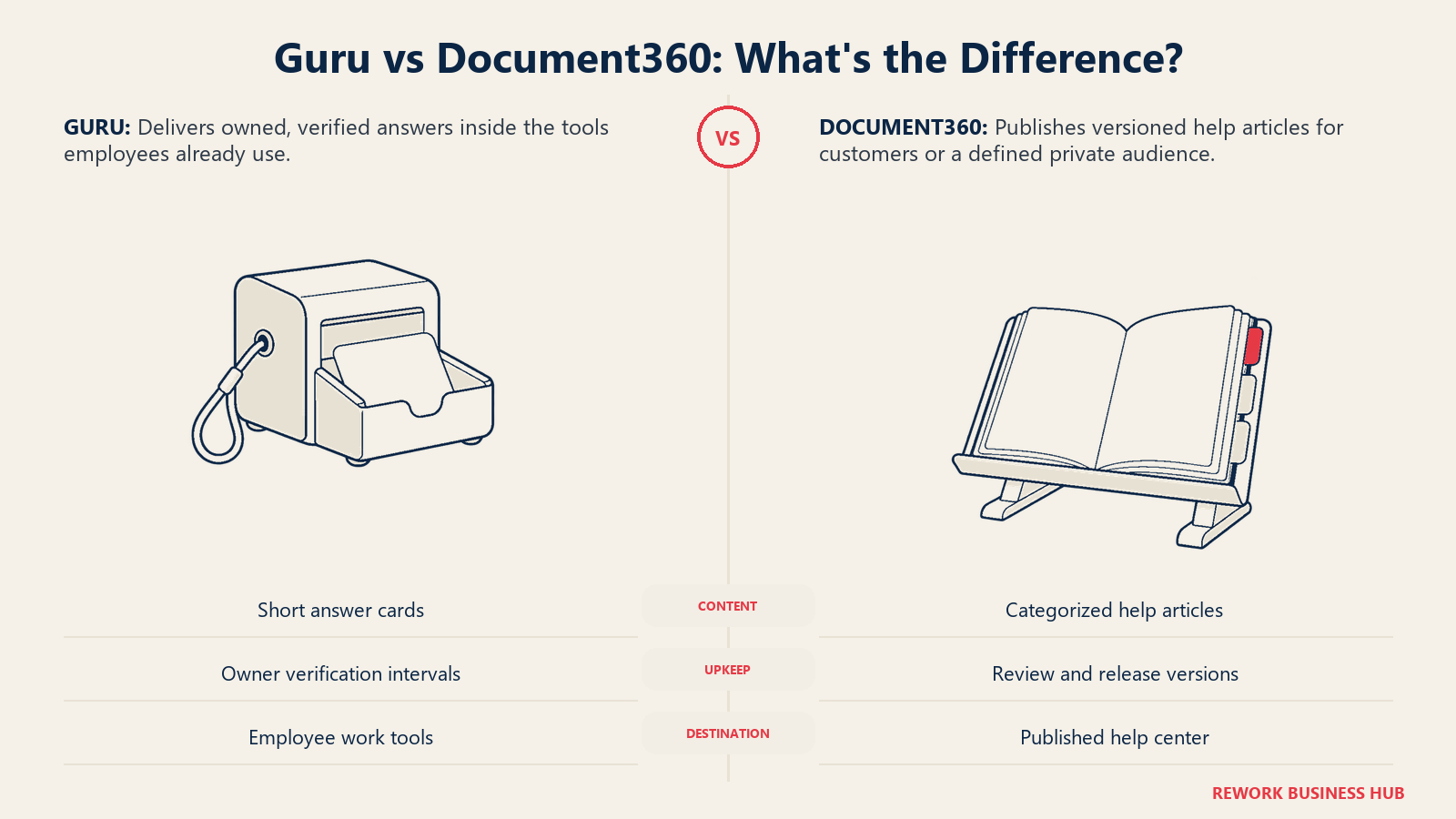
Guru is a card-based tool your own team uses at work: short, verified answers with a named owner, pushed into Slack, Microsoft Teams, Salesforce, and a browser extension so a rep never leaves the conversation to find the truth. Document360 is a knowledge-base platform built to publish a versioned, multi-language help center that your customers read and search on their own, with the categories, approval workflows, and search analytics that job actually requires. One answers questions inside your team's tools. The other publishes a documentation site out to the world, or to a gated audience you define. Get that backwards and you'll spend a quarter trying to make Guru behave like a public docs site, or Document360 behave like a rep-facing answer layer, and neither will do it well.
Key Facts
- Employees lose an average of 8 hours a week searching for information they need, plus another 5 hours a week waiting on colleagues who have it, per a Panopto and YouGov survey of 1,001 US employees.
- 74% of consumers now expect customer service to be available 24/7, and 88% expect faster responses than they did a year ago, per Zendesk's CX Trends 2026 report, which is exactly the pressure a public help center is built to absorb.
- Guru holds a 4.8 out of 5 rating on Capterra across 640 verified reviews, as of September 2026. (Capterra)
- Document360 holds a 4.7 out of 5 rating on Capterra across 292 verified reviews, as of September 2026. (Capterra)
- Document360's parent company, Kovai.co, says the product has crossed $10 million in annual recurring revenue and is targeting $25 million by 2028, a claim reported from the company rather than independently audited. (YourStory, December 2025)
TL;DR
| Guru | Document360 | |
|---|---|---|
| Core bet | Verified internal answer cards pushed into your team's tools | A published, versioned, customer-facing help center |
| Built for | Support, sales, and CS teams answering the same questions repeatedly | Product, docs, and support teams publishing documentation to customers |
| How content gets created | Short cards written by a person (or AI-drafted), then verified on a schedule | Long-form categorized articles, routed through a workflow, versioned per release |
| Where it shows up | Slack, Microsoft Teams, Salesforce, Chrome/Edge extension | A branded, searchable help site (public, private, or mixed), plus API and widget embeds |
| AI layer | AI can draft a card; a human still verifies it | Eddy AI: AI search, an AI chatbot, an AI writing agent, duplicate-content detection |
| Pricing | Quote-only, no published figures, no free plan | Quote-only, no published figures, 14-day trial, no permanent free plan |
| Rating | 4.8/5 on Capterra, 640 reviews | 4.7/5 on Capterra, 292 reviews |
| Best for | Teams where the same question gets answered differently by whoever's online | Teams whose docs are effectively part of the product experience |
For the step-by-step buying process independent of which vendor you land on, see our best knowledge management software of 2026 roundup.
Who Each Tool Is Built For
Guru launched in November 2013 out of Philadelphia, founded by Rick Nucci and Mitch Stewart, who spent the prior decade building Boomi before Dell acquired it in 2010 (Guru's about page). It grew up serving the kind of team Boomi's own reps needed help supporting: people who need one short, trusted answer mid-call, not five documents to skim through first. That DNA still shows in the product today.
Document360 is built by Kovai.co, a bootstrapped, multi-product SaaS company that says it is "headquartered in London" with a "team of 290+ split between London, UK and Coimbatore, India" (Kovai.co). Kovai never took outside investment, and the product has grown into a real business on its own merits, past $10 million in annual recurring revenue on the company's own account. The customers Document360 publishes on its own site skew toward software and B2B service companies: Gong, ClickFunnels, Insider, Natterbox, Rocket.Chat, NavVis and the Rainforest Alliance among them (Document360 customers). Document360 was built from day one to be the thing a company points customers at, not the thing employees search internally.
| Guru | Document360 | |
|---|---|---|
| Company size sweet spot | 50 to 2,000+ employees | Any size shipping a product whose customers need documentation, often 20 to 2,000+ employees |
| Team maturity | Has a support, sales, or CS operation big enough that answers already vary by rep | Has, or is building, a dedicated technical writing or product-education function |
| Primary buyer | Support ops, sales enablement, RevOps, or CS leadership | Product, technical writing, or support leadership |
| Buying trigger | "New reps take months to ramp because nothing is written down consistently" | "Our docs are the first thing a customer sees, and right now they're a mess" |
| Notable customers | Support and CS-heavy organizations (Guru does not publish a public logo wall) | Gong, ClickFunnels, Insider, Rocket.Chat, Rainforest Alliance (Document360 customers) |
| Team | Guru | Document360 |
|---|---|---|
| Support | Core use case, verified answers surfaced mid-ticket | Indirect, powers the self-service articles that deflect tickets in the first place |
| Sales | Core use case, battlecards and objection answers inside the CRM | Rarely used directly |
| Customer Success | Core use case, consistent answers across a whole book of accounts | Indirect, CS points customers at published articles |
| Product / Technical Writing | Rarely the primary user | Core use case, authoring, versioning, and publishing |
| IT / Platform | Sets up SSO and integrations, rarely authors content | Manages SSO, the knowledge base privacy model, and the localization workflow |
| Marketing | Rarely used directly | Sometimes owns the public help center as part of brand and CX |
Push vs. Publish: The Split That Actually Matters
Guru's core mechanic is verification, not search. A card has a named owner and a review interval, weekly, monthly, quarterly, yearly, or a custom date, and it nags that owner until they re-confirm the answer is still true or update it. That's the same logic we cover in our Glean vs Guru comparison: Glean searches whatever your company has already written, accurate or not, while Guru only answers what someone bothered to write a card for and stands behind. The failure mode Guru fixes is a support or sales floor where the same question gets answered from memory, differently, by whoever's online that day.
Document360's core mechanic is structured publishing. Content lives in a category tree built with its Category Manager, moves through a Custom Workflow Builder (draft, review, publish, or stages you define yourself), gets versioned so a reader on an older release sees docs that actually match it, and gets translated into the languages your customers read in. The failure mode it fixes is different: the documentation itself is a piece of the product experience, and right now it's scattered, stale, or missing the categories and search analytics that would show you what customers looked for and never found.
Put simply, Guru pushes a verified answer INTO the tool an employee is already using. Document360 publishes a governed document OUT to the tool a customer is already using, whether that's a public help center or a gated one. A company that genuinely needs both is buying two different categories of software, not choosing a winner between two rivals.
Content Model and Authoring
| Guru | Document360 | |
|---|---|---|
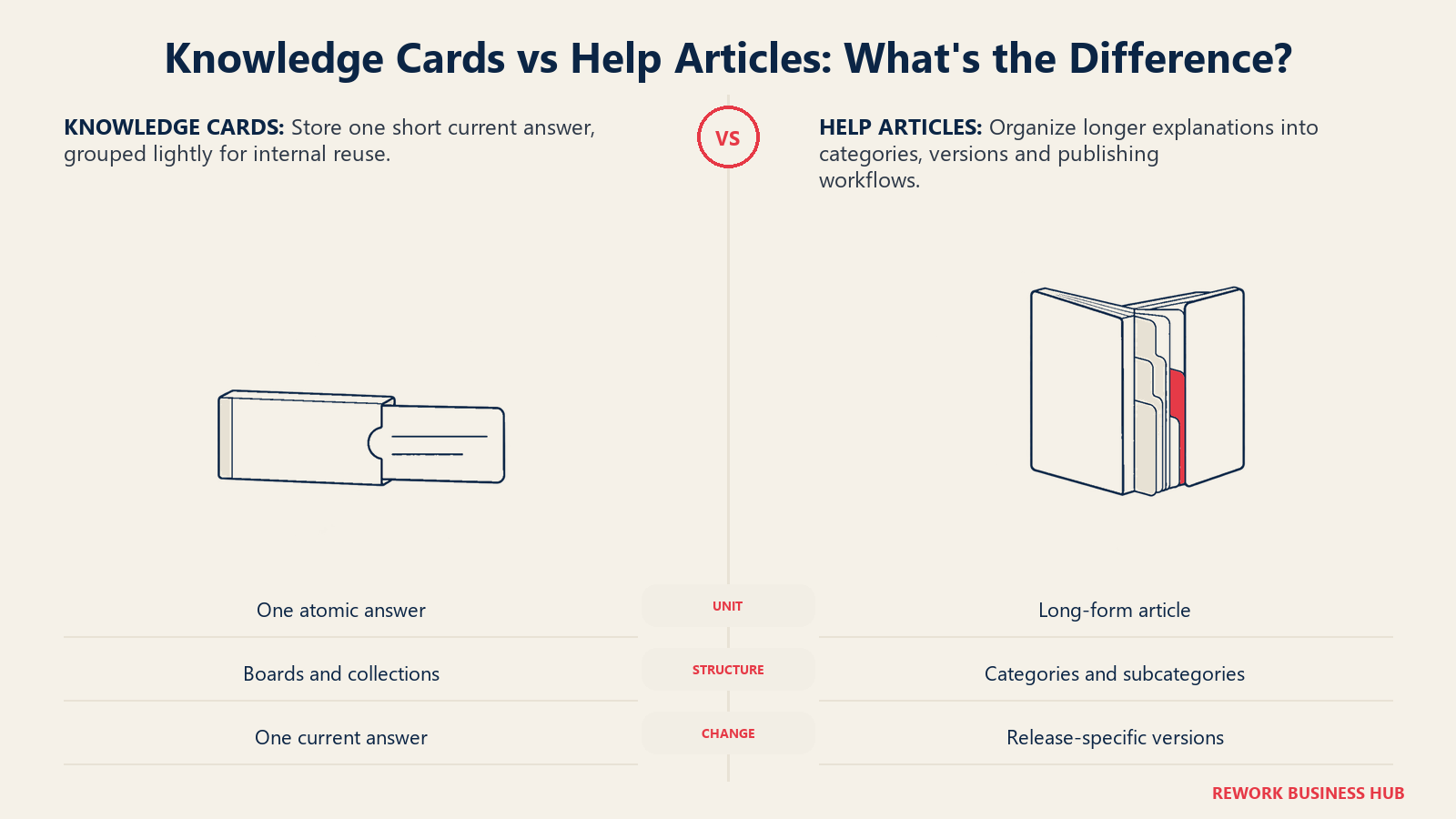
| Unit of content | A card: a short, atomic answer | A long-form article inside a category tree |
| Typical length | A few sentences to a short paragraph | Full articles, often with screenshots, code samples, and cross-references |
| Structure | Flat, or lightly grouped into boards and collections | Categories and subcategories via the Category Manager, built for deep hierarchies |
| Authoring flow | Anyone can draft a card; AI can also draft one for review | Custom Workflow Builder, draft/review/publish stages you set, plus Scheduled Publishing |
| Versioning | Not the point, a card has one current answer | Built in, so a reader on last quarter's release sees the matching docs |
| Localization | Not a core feature | Native multi-language support built for a customer-facing audience |
A useful way to think about the split: Guru cards are closer to the individual answers inside your team's process documentation, while a Document360 category tree is closer to a full, versioned standard operating procedure library, built to survive an approval chain and a translation pass, not just a quick Slack lookup.
Freshness and Trust: Whose Job Is It to Keep Answers Right?
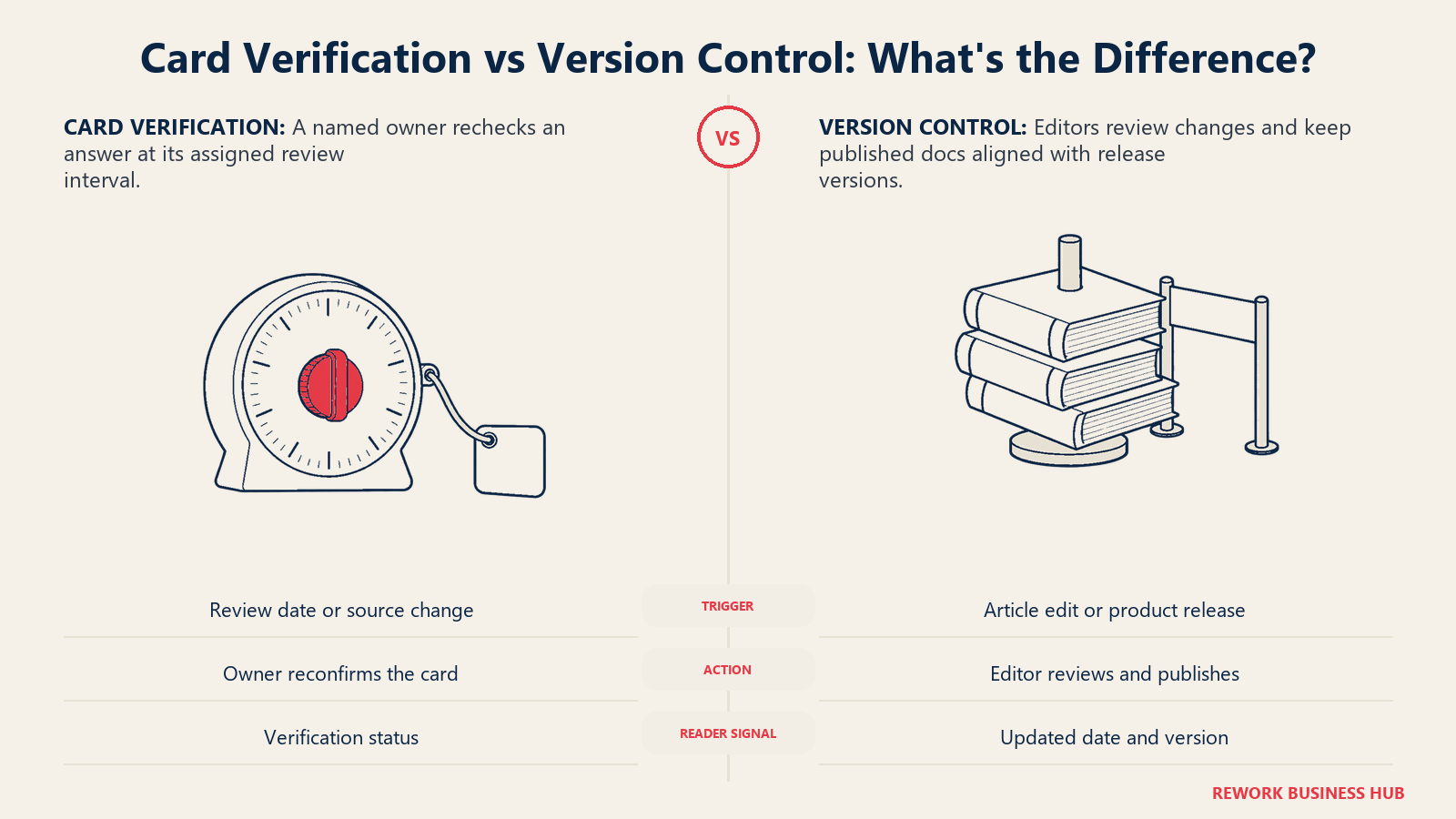
Keeping knowledge current depends on who owns the answer and when it returns for review. Guru uses card-level verification; Document360 uses publishing reviews and versions.
| Guru | Document360 | |
|---|---|---|
| Core freshness mechanic | Per-card verification interval with a named owner | Version control plus a workflow that routes edits through review before publishing |
| What happens when a source changes | Knowledge Triggers flag the change for a human to review, not an automatic re-crawl | An editor manually creates a new version or updates the live article, nothing nags a specific owner by date |
| Conflict handling | Duplicate or conflicting cards get flagged for merge or archive | Document360's AI Premium Suite includes duplicate-content detection |
| Visible trust signal to the reader | A verified or unverified badge with a date | A "last updated" marker and version selector on the published article |
| Vendor's own claim | Cards close knowledge gaps "from 60% to 100% assessed and verified" (Guru), a vendor claim worth treating as directional, not audited | No equivalent freshness metric published |
Search and AI
| Guru | Document360 | |
|---|---|---|
| AI product name | No named suite, AI assists card drafting | Eddy AI, part of a separately priced AI Premium Suite |
| AI search | Surfaces verified cards in Slack, Teams, Salesforce, and the browser extension | AI Search plus an AI chatbot that answers from "scattered docs, tickets, files, and FAQs" |
| AI content creation | AI can draft a card; a human still verifies it before it counts | AI Writing Agent drafts documentation from source material inside the editor |
| Full-text search across every connected app | No, that's not the design, Knowledge Triggers flag changes instead | Search is scoped to the published knowledge base, not to external connected apps |
| Where the AI answer lands | Inline, inside the app the employee is already working in | Inside the published help center's chat widget or search box |
Permissions and Publishing: Internal vs. Customer-Facing
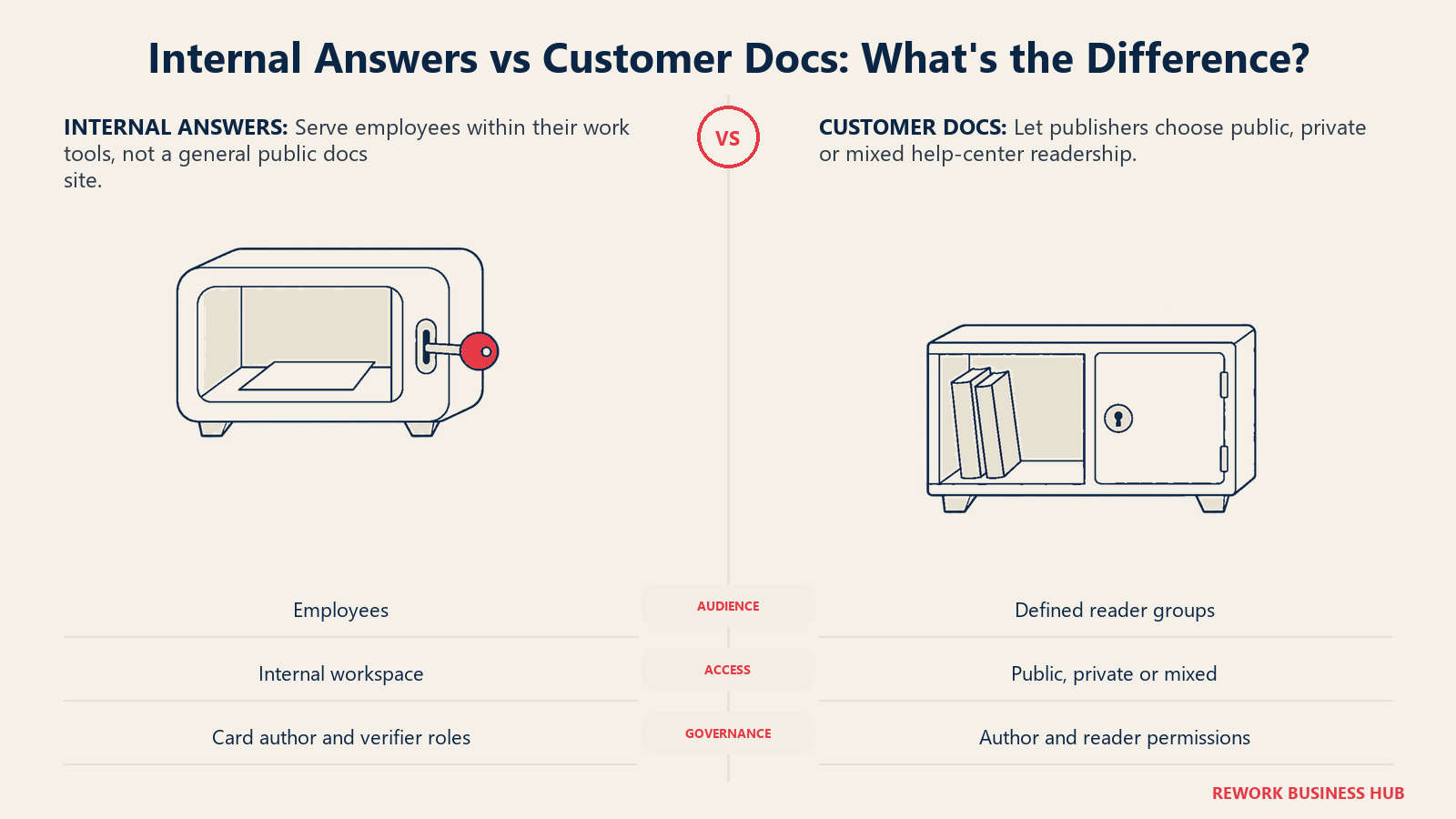
Reader access is a design choice, not just a security setting. Compare internal employee answers with the public, private or mixed audience your documentation needs to serve.
| Guru | Document360 | |
|---|---|---|
| Default audience | Internal, employees only | Public, private, or a mixed model you choose per knowledge base |
| Who can verify or publish | Authors, Workspace Owners, or Admins can verify a card | Role-based access controls both internal authors and, separately, external reader access |
| Security posture | SOC 2 Type 2, HIPAA-ready, enterprise SSO, audit trails, DLP | SSO and SCIM, IP restriction, role-based access, a configurable knowledge base privacy model |
| Built to serve external customers | No, there is no general-purpose public site | Yes, this is the core use case |
| Browser extension data handling | Explicitly does not read, change, or store data from the page it's on | Not applicable, the product's job is publishing, not browsing |
Integrations and Where the Answer Surfaces
| Guru | Document360 | |
|---|---|---|
| Native integration count | 100+ native, plus Zapier, Workato, and Prismatic for custom workflows (Guru integrations) | 30+ named integrations across helpdesk, collaboration, analytics, code, and marketing categories (Document360 integrations) |
| Named helpdesk / CRM integrations | Salesforce, delivered through Slack and Microsoft Teams as surfaces | Freshdesk, Zendesk, Intercom, Drift, Salesforce, LiveChat, Crisp, Gorgias, Olark, FreshChat |
| Collaboration | Slack, Microsoft Teams | Slack, Microsoft Teams, Zapier, Make |
| Where the answer actually surfaces | Inside Slack, Teams, Salesforce, or the browser, wherever the employee already works | Inside the published help center itself, or embedded via widget or API into your product |
| Analytics and localization integrations | Not applicable | Google Analytics, Hotjar, Amplitude, Mixpanel, and Segment for analytics; Crowdin for translation |
Analytics and Reporting
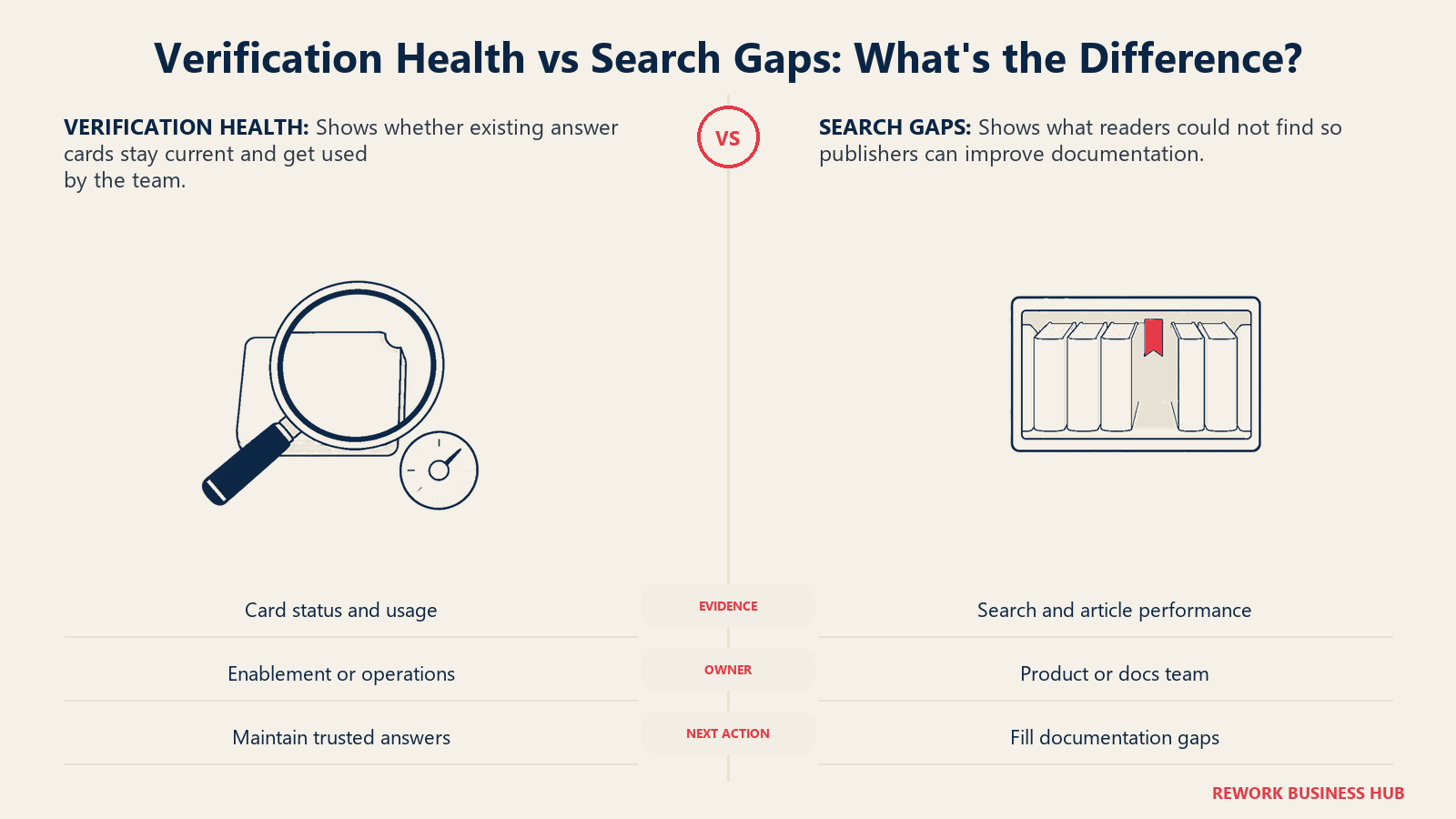
Measure the maintenance decision the report needs to support. Card verification and usage reveal upkeep needs, while search gaps identify documentation readers cannot find.
| Guru | Document360 | |
|---|---|---|
| What gets measured | Card verification status, usage, and gaps between what's asked and what's answered | Pro Analytics: what readers searched for, what they found or didn't, and article performance |
| Who reads the reports | An enablement or ops lead tracking whether cards stay current | A product or docs team deciding what to write next, based on failed searches |
| Reporting depth | Focused on verification health, not full-site traffic | Deeper, since publishing to an external audience makes search-gap data a real roadmap input |
| External analytics integration | Not a core integration category | Native support for Google Analytics, Hotjar, Amplitude, Mixpanel, and Segment |
Implementation and Time to Value
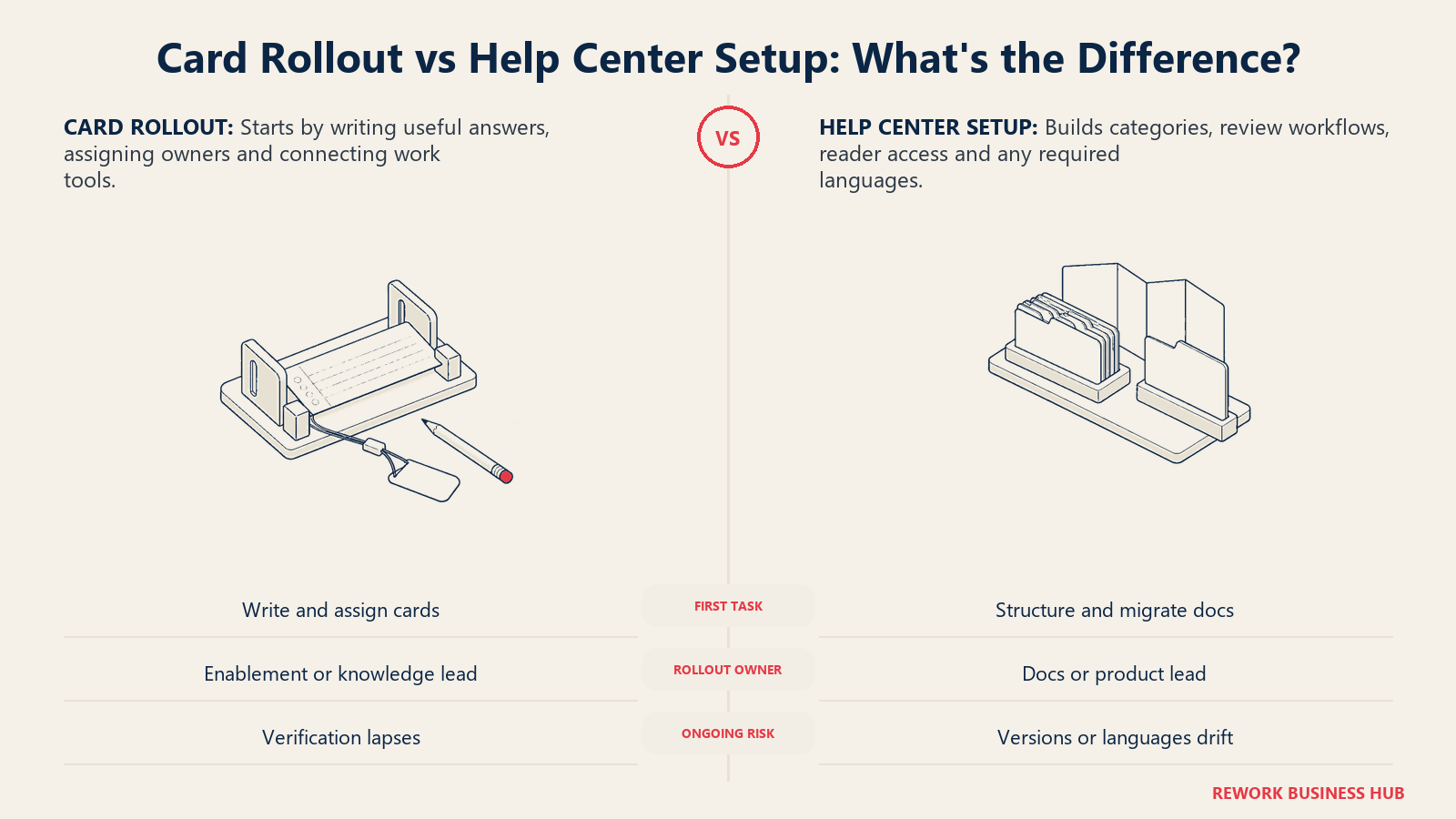
Implementation effort depends on the content you need to organize. A card rollout assigns useful answers to owners; a help center also needs categories, publishing rules and audience access.
| Guru | Document360 | |
|---|---|---|
| Main setup task | Authoring and assigning the first batch of cards, connecting Slack, Teams, or Salesforce | Setting up the category tree, workflow stages, knowledge base privacy model, and languages if needed |
| Who typically owns rollout | Enablement, support ops, or a knowledge manager | Technical writing, product, or a docs-focused ops lead |
| Time to first useful answer | Days, as soon as the first cards are published and verified | Days to weeks, depending on how much existing content needs migrating and categorizing |
| Ongoing maintenance burden | Rests on card owners honoring their verification schedule | Rests on keeping versions in sync with releases and translations current across languages |
| Where deployment risk concentrates | Cards never get written, or verification lapses | The category structure gets messy, or localization falls behind the English source |
What Each One Costs to Buy
Here's the paragraph that matters most for your budget: as of September 2026, neither vendor publishes a single dollar figure anywhere on its site, and that isn't an inconvenience, it's the honest spine of this decision.
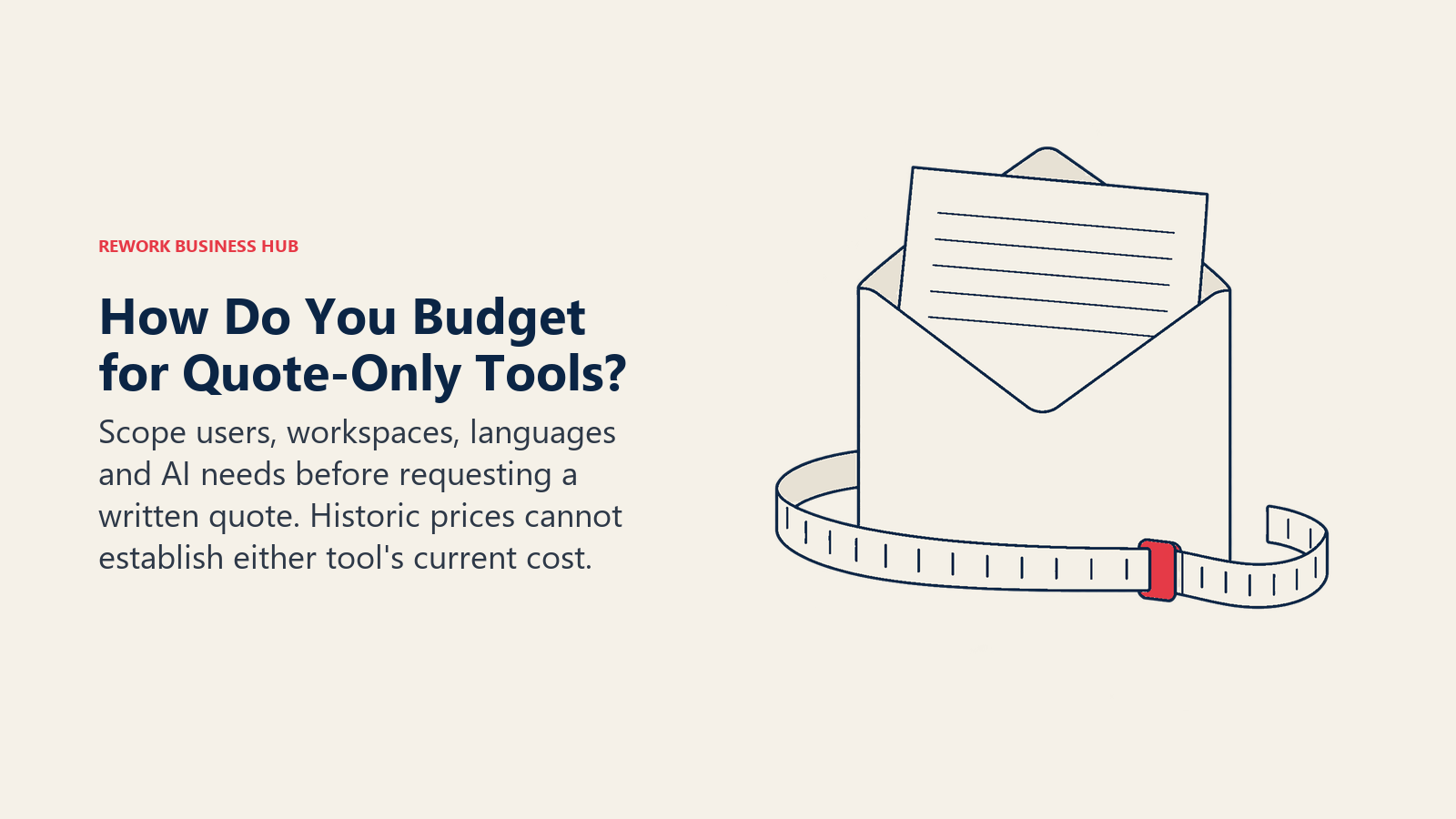
Guru's pricing page shows no plan names, no dollar figures, and no seat minimum. It says your "investment is tailored to your organization's scale, knowledge complexity, and AI maturity," and every visitor gets routed to "talk to sales." Document360's pricing page is the same shape with a different set of levers: it names six things that affect cost, team accounts (editors and reviewers), workspaces, languages, SSO and security needs, the knowledge base privacy model, and AI Premium Suite usage, and explains its reasoning directly: "a flat tier would either overcharge small teams or undercharge enterprises."
That means both evaluations start with a sales call, not a web page, and a buyer can't self-serve a like-for-like comparison the way you could between two vendors that publish tiers. Budget for a longer time-to-number in procurement, and go into the first call ready to ask specifically how the price scales: for Guru, that's mostly seat count and how much of the AI layer you turn on; for Document360, it's extra workspaces, extra languages you localize into, and how deep into the AI Premium Suite you go. Get the exact structure in writing, what counts as a "seat" or a "workspace," what happens at renewal, and whether implementation is billed separately, before you sign anything.
| Guru | Document360 | |
|---|---|---|
| Pricing page shows | No plan names, no figures, "talk to sales" | No plan names, no figures, a quote form |
| What the vendor says drives cost | Scale, knowledge complexity, and AI maturity | Team accounts, workspaces, languages, SSO/security needs, KB privacy model, AI Premium Suite usage |
| Free plan | None published | None; discontinued for new signups in November 2024 |
| Trial | Not mentioned | 14-day free trial |
| Historic figure still repeated online | Roughly $25 per user/month, 10-seat minimum (reported, not current) | Roughly $199 a month (reported, not current) |
Two historic figures still circulate widely for these tools, and both should be treated as exactly that, historic. Neither number appears on the vendor's own site today, and using either to budget a 2026 deal will likely undershoot the quote you actually get back.
One more honest note: if you're under 50 people, both tools are priced for a bigger problem than yours. A well-maintained internal wiki, see Confluence vs. Notion, usually solves the internal-answer problem for far less, and a lighter, published-price help-center tool can cover a smaller customer-facing need. Bloomfire is worth knowing about here too: it also went quote-only, but its model is a fixed annual contract rather than a per-seat rate, a genuinely different shape of the same opacity problem, covered in our best Bloomfire alternatives guide. Our best Guru alternatives and best Document360 alternatives guides both include options with real, published prices.
When Guru Is the Right Call
- Your support, sales, or CS reps answer the same handful of questions differently depending on who's on shift, and you need one verified version living where they already work.
- New-hire ramp time is a real, measured cost, and a verified answer in Slack on day one matters more than a searchable archive of everything the company has ever written.
- You want built-in accountability: a named owner and a re-verification date on every answer, not a search result you have to judge for yourself.
- The audience is entirely internal. You have nothing that needs to be published to customers.
When Document360 Is the Right Call
- Your documentation is customer-facing and functions as part of the product experience, not an internal reference.
- You ship product releases often enough that "which version of the docs matches which version of the product" is already a real support burden without versioning.
- You sell or support customers in multiple languages and need localization built into the publishing workflow, not bolted on afterward.
- You need search analytics that show what customers looked for and didn't find, to prioritize what gets written next.
Decision Framework
| If you are... | Pick |
|---|---|
| Answering the same question over and over inside Slack, Teams, or Salesforce with no owned "official" version | Guru |
| Publishing versioned, multi-language docs that customers or partners read on their own | Document360 |
| A support or CS org where reps need one trusted answer mid-conversation, not a document to skim | Guru |
| A product company shipping frequent releases that need docs to version alongside them | Document360 |
| Running both a customer help center and a rep-facing answer layer | Budget for two tools, not one |
| Under 50 people with a modest wiki need, not a governed answer layer or a public help center | Neither, see Confluence vs. Notion |
What to Do Next
Answer the internal-versus-external question before you book a single demo. Pull five questions your support or sales reps asked a coworker in Slack last week instead of finding a written answer; if the honest fix is a verified card someone owns, start a Guru pilot with exactly those five cards. Separately, open your public help center or docs site, if you have one, and check whether it has a version selector and a language switcher; if it needs one and doesn't have it, that's a Document360 evaluation, not a Guru one. Either way, get the pricing structure in writing before the second call, and if neither vendor's quote-only process fits a team your size, our best Guru alternatives, best Document360 alternatives, and best Slite alternatives guides cover lighter, published-price options.

Principal Product Marketing Strategist
On this page
- Key Facts
- TL;DR
- Who Each Tool Is Built For
- Push vs. Publish: The Split That Actually Matters
- Content Model and Authoring
- Freshness and Trust: Whose Job Is It to Keep Answers Right?
- Search and AI
- Permissions and Publishing: Internal vs. Customer-Facing
- Integrations and Where the Answer Surfaces
- Analytics and Reporting
- Implementation and Time to Value
- What Each One Costs to Buy
- When Guru Is the Right Call
- When Document360 Is the Right Call
- Decision Framework
- What to Do Next