Best QuickBooks Payroll Alternatives in 2026: 14 Payroll Platforms for Every Business Size and Budget
Turn this article into takeaways for your work.


Each assistant summarizes the article only for you and suggests best practices for your work.
If you're shopping QuickBooks Payroll alternatives in 2026, it's probably not because the product is broken. It still does the core job well: payroll posts straight into QuickBooks Online with no third-party connector, same-day or next-day direct deposit by tier, automatic tax filing, and a tax penalty protection guarantee on Elite few competitors match. Most US bookkeepers already know it, which matters more than any feature list when a payroll run goes wrong before a Friday payday.
What sends people looking anyway is just as real. Prices rose across every tier on July 1, 2025 (a month later for accountant-billed accounts), HR features stay thin next to Gusto or Rippling, benefits administration is limited, and support is inconsistent. The 14 platforms below are evaluated on published pricing, accounting-sync depth, and fit by team size, whether you're staying on QuickBooks Online and just swapping payroll, or leaving it entirely.
Key Facts
- QuickBooks Online Payroll's per-employee rate rose across every tier on July 1, 2025 (August 1 for accountant-billed accounts): Core jumped 8.3% ($6.00 to $6.50), Premium rose 11.1% ($9 to $10), Elite rose 9.1% ($11 to $12), per Intuit's update summarized by Woodard.
- QuickBooks holds an estimated 82.55% share of the small business accounting software market, per 6sense's tracking data, which is why the accounting-sync question below matters so much.
- 31% of small businesses still run payroll on spreadsheets or paper (44% among employers with 5 to 19 workers), and 40% had already incurred a payroll penalty, per Employment Hero's 2025 survey reported by International Accounting Bulletin.
- 49% of US workers say they'd job hunt after just two payroll mistakes, per The Workforce Institute at Kronos's "Engaging Employees Through Payroll" study, cited by HR Dive.
Quick Comparison Table
| Tool | Best For | Starting Price | Key Strength | Key Limitation |
|---|---|---|---|---|
| Gusto | Transparent pricing | $49/mo + $6/employee | Published pricing, every tier | Multi-state and time tracking need Plus |
| OnPay | Flat-rate, no upsells | $49/mo + $6/worker | One plan, everything included | No dedicated support tier |
| Rippling | HR, IT, payroll unified | Quote only | Deepest QuickBooks sync here | Costs stack fast with modules |
| Patriot Software | Budget small businesses | $17/mo + $4/worker | Lowest published starting price | Thin HR past core payroll |
| Square Payroll | Retail and hourly teams | $35/mo + $6/person | Native Square POS sync | No-base-fee is contractor-only |
| ADP RUN | A familiar national brand | Quote only | Native QuickBooks GL connector | No published pricing |
| Paychex Flex | A phone number to call | Quote only | Decades of tax history, PEO option | Sync needs a separate paid product |
| Wave Payroll | Leaving QuickBooks entirely | $40/mo + $6/employee | Pairs with Wave's accounting | No QuickBooks Online sync |
| SurePayroll | Very small, household employers | $29/mo + $7/worker | Nanny and household payroll | Sync is a $4.99/mo add-on |
| Homebase Payroll | Hourly teams on Homebase | $39/mo + $6/active employee | Timesheets flow into payroll | Sync only works with QBO Plus |
| Justworks Payroll | A path to PEO later | $50/mo + $8/employee | Upgrades into PEO, same login | Costlier per employee than flat-rate |
| Roll by ADP | A chat-based payroll app | $39/mo + $5/employee | Chat interface, ADP backing | Limited config for complex COAs |
| Deel | Contractors or staff abroad | $49/contractor/mo | Best global contractor/EOR coverage | Not domestic W-2 payroll |
| Paycor | Mid-market HCM depth | Quote only | Configurable QuickBooks GL mapping | No published pricing |
Why Companies Actually Leave QuickBooks Payroll
| Pain Point | Who Feels It Most | Trigger Frequency |
|---|---|---|
| Price increases across every tier since July 2025 | Owners reviewing the renewal invoice | Very common |
| Per-employee fees climbing as headcount grows | Finance leads modeling next year's budget | Common |
| HR features stay thin outside of payroll | Office managers doing HR by hand | Very common |
| Benefits administration limited next to Gusto or Rippling | Teams adding their first benefits plan | Common |
| Support quality inconsistent across tiers | Anyone whose payroll run has gone wrong | Common |
| Value case depends on staying on QuickBooks Online | Businesses re-platforming accounting too | Moderate |
| Multi-state filing costs more on lower tiers | Remote or multi-location teams | Moderate |
If you want a structured way to weigh what replaces it, our guide to choosing payroll software walks through the criteria that matter most before you sign anything.
Staying on QuickBooks Online? Here's What Actually Syncs
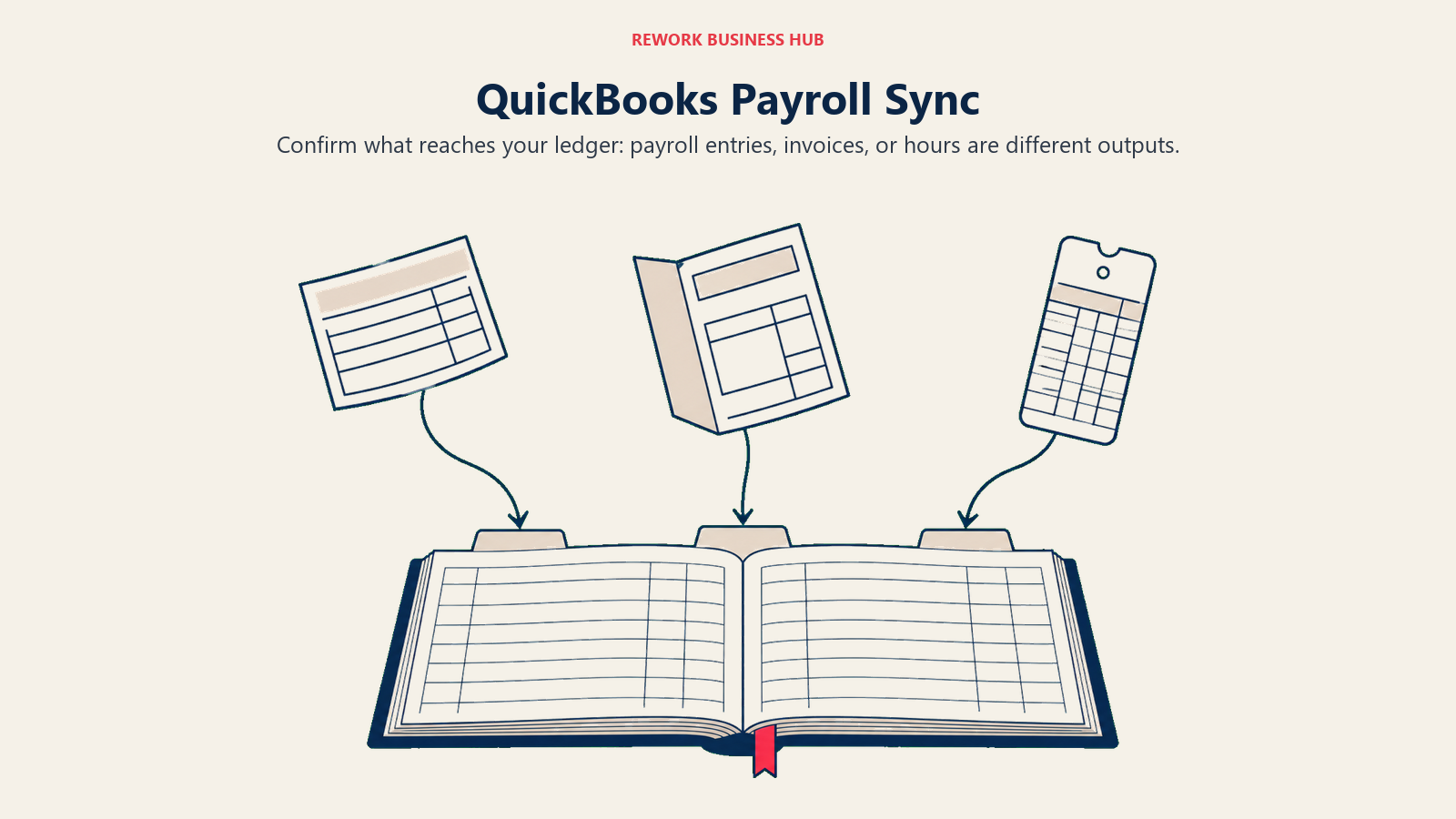
Not everyone reading this is leaving QuickBooks Online, plenty just want a better payroll product on the same books. Sync quality varies more than any vendor's marketing page admits: some tools post a real journal entry automatically, others need manual mapping first, and one, Wave, doesn't sync with QuickBooks Online at all, since it's a competing accounting product. See our guides on choosing accounting software and choosing bookkeeping software for the broader question underneath this.
| Tool | Sync Type | What Actually Syncs | What Breaks or Needs Setup |
|---|---|---|---|
| Gusto | Native | Two-way journal entries each run | QuickBooks Desktop gets export only, no live sync |
| OnPay | Native | Auto-exports to chart of accounts, department-level | Choose summary vs. line-item detail correctly |
| Rippling | Native | Real-time sync of payroll, benefits, time off | Platform and payroll module cost separately |
| Patriot Software | Native | Auto journal entry each run, summary or detail | Runs before you connected don't backfill |
| Square Payroll | Native | Auto-syncs categories to chart of accounts | Categories need manual mapping once |
| ADP RUN | Native (GL interface) | Maps each wage, tax, deduction line | Every line mapped by hand first |
| Paychex Flex | Paid add-on | Paychex GLS posts via "Link and Sync" | Separate product, not built into Flex |
| Wave Payroll | None | Only syncs with Wave Accounting | Moving to Wave means migrating books |
| SurePayroll | Paid add-on | $4.99/mo add-on syncs to your ledger | Costs extra on top of the base rate |
| Homebase Payroll | Native, limited | Approved timesheets sync into QBO Plus | Only QBO Plus; syncs hours, not full GL |
| Justworks Payroll | Native | Sends each invoice as a Bill or Journal Entry | Syncs the invoice, not a GL journal |
| Roll by ADP | Native | Chat command posts to GL each run | Simple charts of accounts only |
| Deel | Native, invoice-based | Syncs invoices and documents to AP | Built for global billing, not payroll GL |
| Paycor | Native (Marketplace app) | Configurable GL tool syncs payroll data | Setup takes time; pricing is quote-only |
1. Gusto: The Clearest Transparent-Pricing Move
Gusto publishes every price and lets you self-serve the whole setup, including the QuickBooks Online sync, without a sales call. Journal entries post automatically once your chart of accounts is mapped, usually in 15 to 30 minutes.
Target audience: US companies with 2 to 150 employees, especially founders running payroll without a dedicated administrator.
| Pros | Cons |
|---|---|
| Published pricing on every self-serve tier | Multi-state and time tracking are Plus-only |
| Native, two-way QuickBooks Online sync | US-only, no international payroll |
| Unlimited payroll runs on every plan | Premium is quote-only |
| Strong employee self-service portal | Support can slip during tax season |
Pricing: Simple: $49/mo + $6/employee/mo. Plus: $80/mo + $12/employee/mo. Premium: quote-only. Per Gusto's pricing page.
Best for: A leaver whose complaint is per-employee creep with no published ceiling. See best Gusto alternatives if Gusto is the one you're leaving.
2. OnPay: One Flat Price, No Upsells
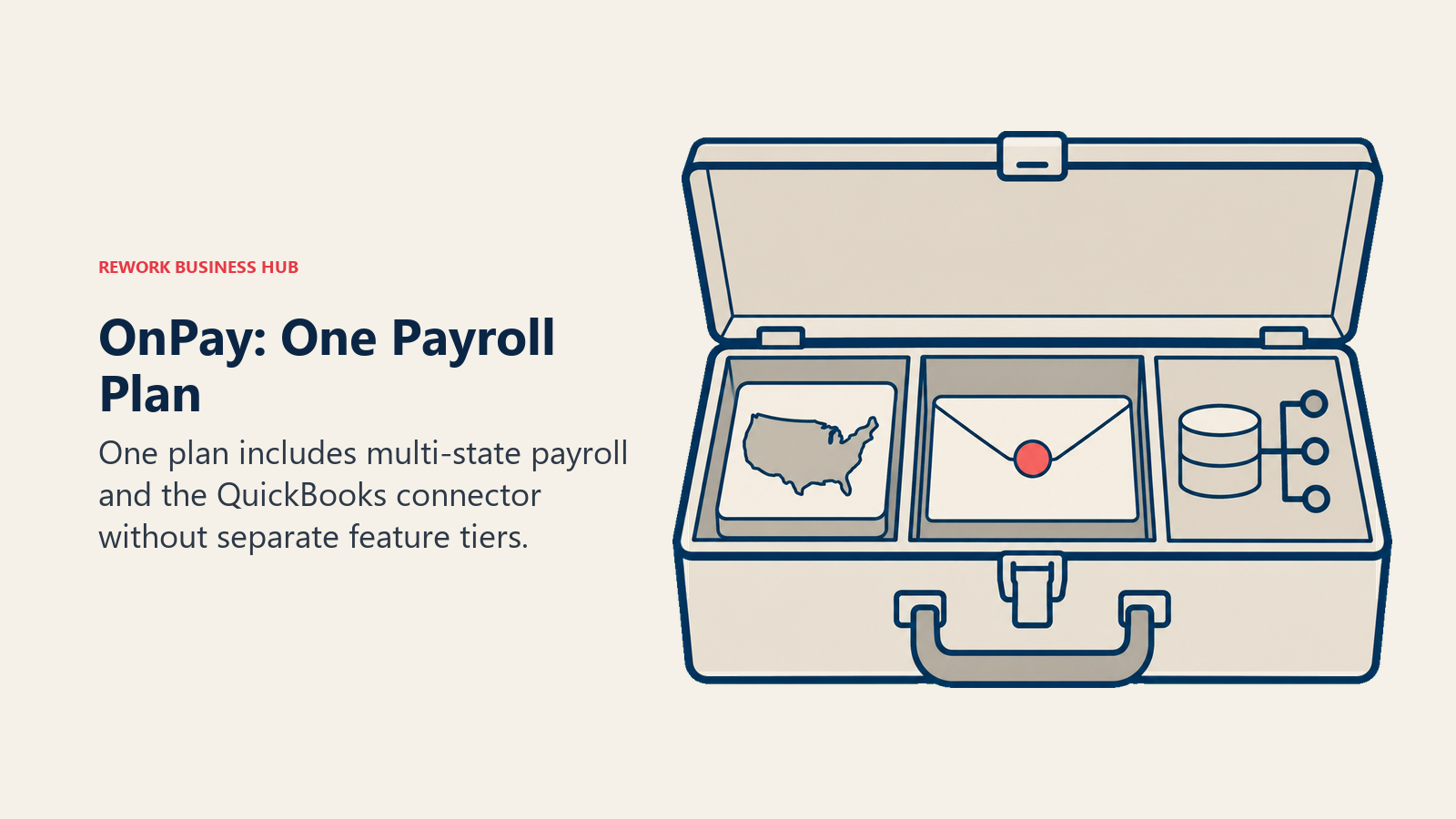
OnPay is the opposite of QuickBooks Payroll's three-tier ladder: one plan, one price, everything included, with no separate charge for multi-state filing, 1099s, or the QuickBooks Online connector.
Target audience: US businesses with 1 to 80 employees, common among accountants managing several small clients at once.
| Pros | Cons |
|---|---|
| Single plan, all features included | Weaker analytics than mid-market tools |
| Transparent, easy-to-model pricing | No dedicated support tier for larger accounts |
| Handles multi-state payroll and 1099s natively | US-only, no international payroll |
| Native QuickBooks sync, department-level detail | Less brand recognition than Gusto or QuickBooks |
Pricing: $49/mo + $6/worker/mo, so $55/mo with a single worker. One plan, no implementation fee. Per OnPay's pricing page.
Best for: A bookkeeper's client roster or a small owner who wants QuickBooks-level sync without QuickBooks's per-tier fee creep.
3. Rippling: The Deepest QuickBooks Online Sync in This List
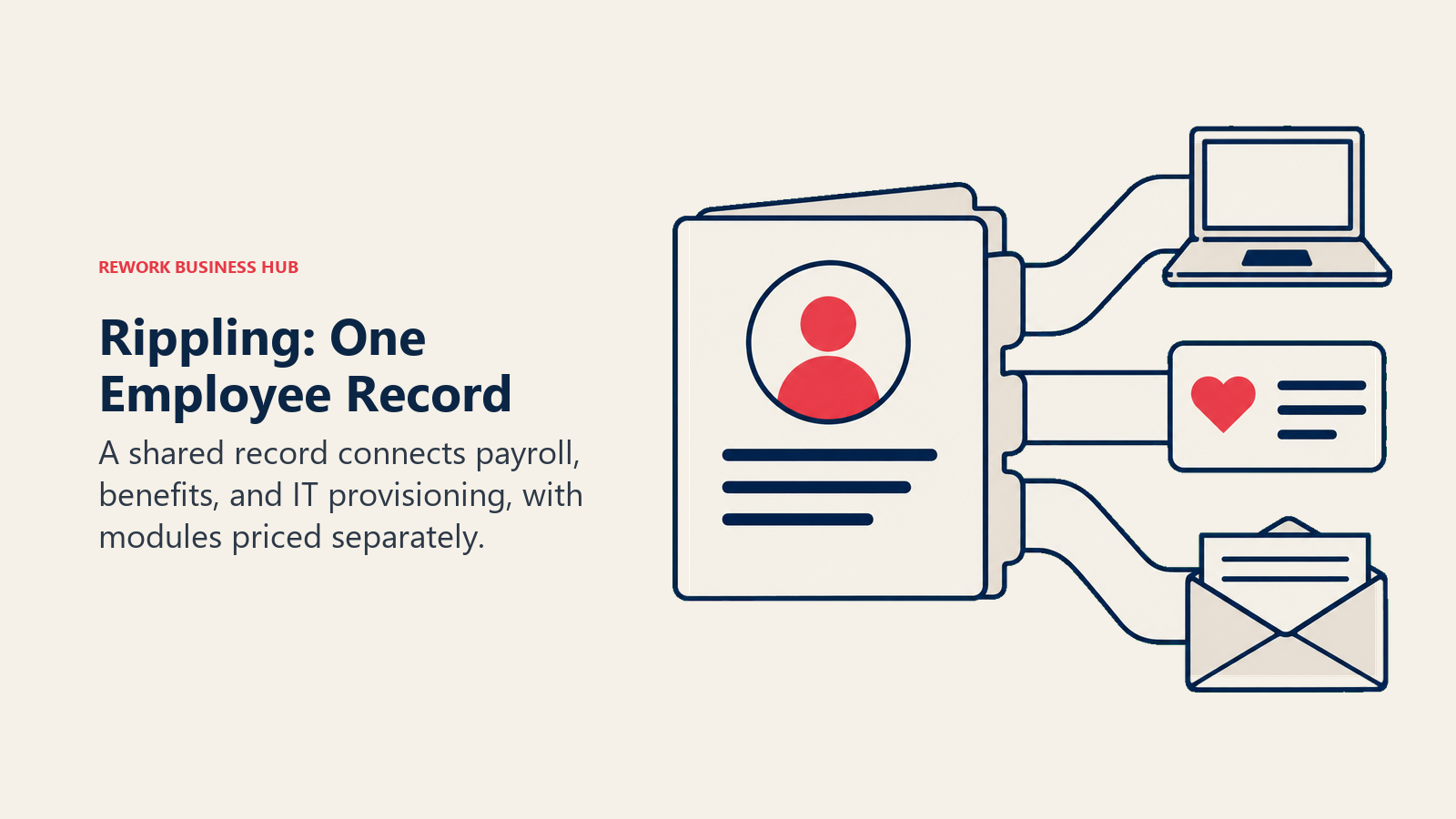
Rippling's bet is that payroll shouldn't be an island. Onboard someone once and it can provision their laptop, enroll them in benefits, and sync the resulting payroll into QuickBooks Online's chart of accounts in real time, something QuickBooks Payroll was never built to do.
Target audience: Tech-forward companies with 30 to 500 employees wanting fewer manual handoffs between HR, IT, and accounting.
| Pros | Cons |
|---|---|
| Real-time, two-way QuickBooks Online sync | Costs stack quickly as you add modules |
| HR, IT, and payroll on one record | Pricing isn't published, a demo is required |
| Global payroll and EOR options available | Setup and configuration take real time |
| Strong onboarding and offboarding automation | Easy to overbuy modules during sales |
Pricing: Rippling doesn't publish rates. Its pricing page says most products are billed per employee per month, some with a monthly base fee, and every quote is built from the modules you pick.
Best for: A growth-stage team tired of stitching payroll to a separate IT process.
4. Patriot Software: The Lowest Published Starting Price
Patriot exists for the buyer who wants the cheapest legitimate payroll that still files taxes correctly and still talks to QuickBooks Online.
Target audience: Budget-conscious US small businesses with 1 to 25 employees and bookkeepers wanting the lowest cost per client.
| Pros | Cons |
|---|---|
| Lowest published starting price here | Thin HR features beyond core payroll |
| Native QuickBooks journal-entry sync | Not built for past 25 to 50 employees |
| Self-service and full-service tiers available | Phone support hours are more limited |
| Transparent, published pricing | Fewer integrations than Gusto or QuickBooks |
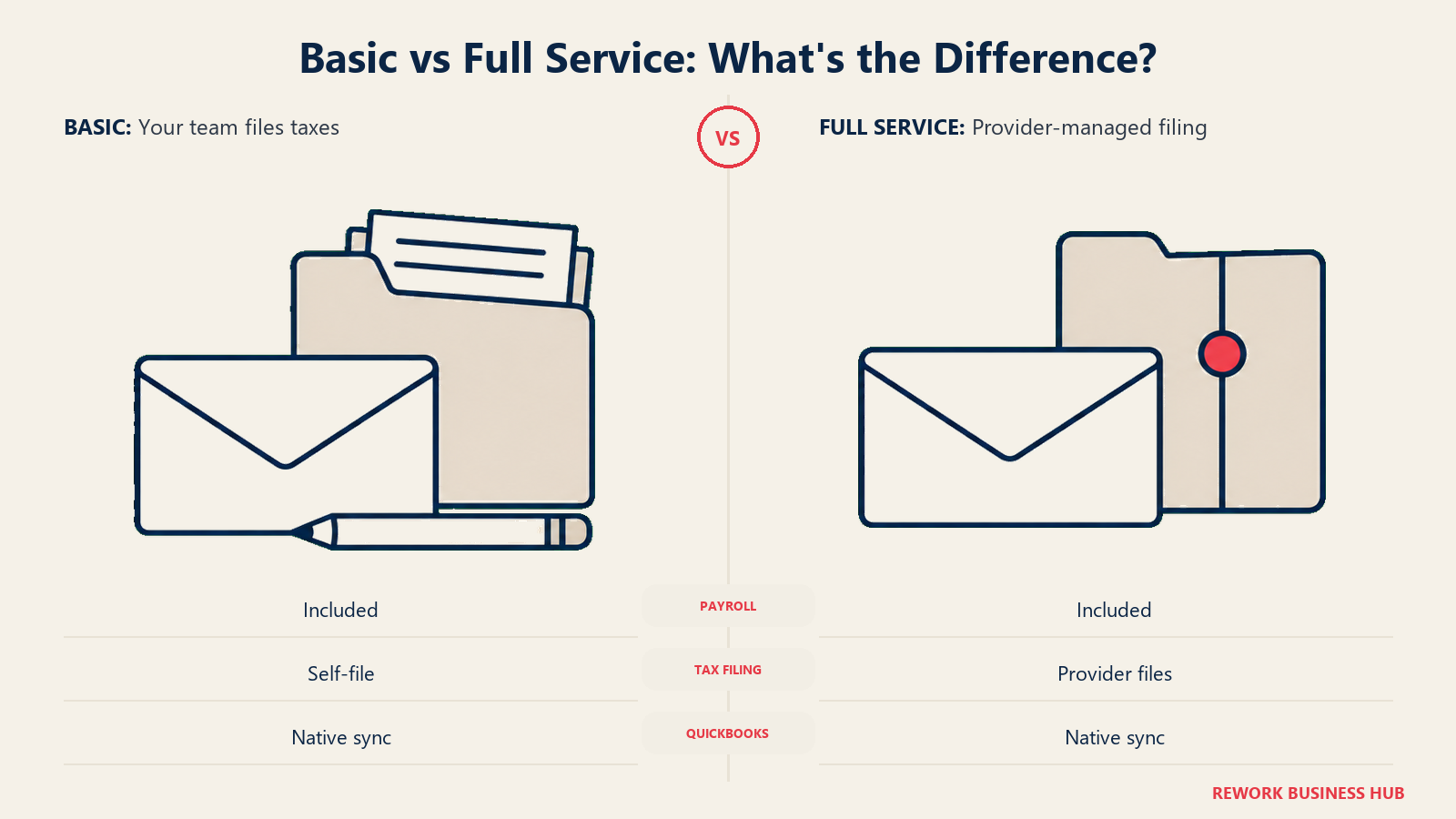
Pricing: Basic (self-file taxes): $17/mo + $4/employee/mo. Full Service (Patriot files for you): $37/mo + $5/employee/mo. A 50%-off-3-months promo applies to both; figures above are the regular, ongoing rate. Per Patriot's pricing page.
Best for: A very small business or a bookkeeper's client roster focused on minimizing per-client software cost. Our guide to choosing HR software for small business covers weighing price against feature depth at this size.
5. Square Payroll: Built Around Hourly Shifts and a POS
If your team clocks in through Square, Square Payroll removes a step QuickBooks Payroll can't: hours, tips, and shift differentials flow from the point of sale into payroll directly.
Target audience: Retail, restaurant, and salon businesses already on Square, particularly those with 1 to 50 employees.
| Pros | Cons |
|---|---|
| Direct sync with Square POS and timecards | Weaker fit for salaried, office-only teams |
| Native QuickBooks export with category mapping | Less HR depth than Gusto or Rippling |
| Contractor-only plan with no base fee | Best value depends on Square hardware |
| Handles tip reporting and shift diffs natively | Multi-state support is less mature |
Pricing: Employees and contractors: $35/mo + $6/person paid/mo. Contractor-only: $6/person paid/mo, no base fee (that reputation applies only to the contractor-only plan). Per Square's payroll pricing page.
Best for: A restaurant, retail shop, or salon that wants payroll and point-of-sale hours to be the same data.
6. ADP RUN: A National Brand With a Real GL Connector
ADP RUN is payroll sold the traditional way: a national compliance network, sales-led, with a genuine QuickBooks GL connector built in rather than bolted on.
Target audience: US businesses with 5 to 150 employees wanting ADP's compliance depth without Workforce Now's complexity.
| Pros | Cons |
|---|---|
| Native two-way QuickBooks GL interface | No published pricing on any tier |
| Deep compliance network built over decades | UI has aged relative to Gusto or Rippling |
| Marketplace of 300+ HR integrations | GL mapping needs manual setup first |
| Strong brand recognition with lenders, auditors | Support quality varies by account size |
Pricing: No published rate: every tier shows a "get pricing" link, and ADP calls its approach consultative. See best Paychex alternatives if quote-only pricing is the real frustration, or best ADP alternatives for ADP's enterprise product.
Best for: A business that wants the "big national payroll brand" model but is frustrated with QuickBooks's pricing ladder specifically.
7. Paychex Flex: Decades of Tax Filing, a Phone Number to Call
Paychex has filed payroll taxes since 1971. Flex scales from a two-person shop's first payroll to an enterprise account, with a real PEO option if benefits become the priority later.
Target audience: US businesses with 2 to 1,000+ employees wanting a dedicated payroll specialist and 24/7 US support over a self-service portal.
| Pros | Cons |
|---|---|
| Decades of payroll tax-filing experience | No published pricing, every quote is custom |
| Real PEO arm alongside standard payroll | QuickBooks sync needs a separate paid GL product |
| Dedicated payroll specialists on accounts | UI feels dated next to Gusto or Rippling |
| 24/7 US-based support | Per-run and year-end fees can surprise buyers |
Pricing: Paychex does not publish rates for Flex; every quote is custom. Its QuickBooks sync runs through the separate Paychex General Ledger Service, not Flex itself.
Best for: A team leaving QuickBooks Payroll for phone-call support and a PEO option no self-service platform offers.
8. Wave Payroll: For Businesses Leaving QuickBooks Online Entirely
Wave is built for the reader who isn't just switching payroll, they're switching accounting too. Wave Payroll only connects to Wave Accounting, so your books leave QuickBooks Online along with your payroll.
Target audience: Solo founders and very small businesses (1 to 15 employees) wanting one login instead of two.
| Pros | Cons |
|---|---|
| Files payroll taxes in all 50 states | Does not sync with QuickBooks Online at all |
| Pairs with Wave's own accounting suite | Not a fit if keeping QuickBooks for the books |
| Simple, flat per-person pricing | Less reporting depth than mid-market tools |
| No long-term contract | Payroll here has never been free, despite the reputation |
Pricing: $40/mo base + $6 per active employee + $6 per contractor paid, US-only, one price in all 50 states. Per Wave's own payroll page. This isn't the free bookkeeping tool Wave is known for; payroll has its own subscription.
Best for: A business that's decided the real fix is leaving QuickBooks Online entirely. See our guide to choosing accounting software if that choice is still open.
9. SurePayroll: The Budget Option Paychex Already Owns
SurePayroll has been owned by Paychex since 2011, which explains why it feels like a leaner sibling to Flex rather than an independent challenger. It's built for the smallest employers, including households hiring a single nanny.
Target audience: US businesses with 1 to 25 employees, plus household employers who need a nanny or caregiver on payroll.
| Pros | Cons |
|---|---|
| Dedicated nanny and household payroll plan | QuickBooks sync is a $4.99/mo add-on |
| Backed by Paychex's compliance infrastructure | Fewer modern HR features than Gusto or Rippling |
| Unlimited runs and free direct deposit | Multi-state filing adds a separate fee |
| Simple, no-frills setup | Less brand recognition than its parent company |
Pricing: Small Business Payroll: $29/mo + $7/worker/mo, multi-state adds $9.99/mo. Nanny and Household: $39/mo with one employee, $7 per extra. The QuickBooks add-on runs $4.99/mo. Per SurePayroll's pricing page.
Best for: A very small employer or a household hiring its first nanny, where Paychex-level compliance beats a modern interface.
10. Homebase Payroll: Hourly Scheduling That Feeds Payroll
Homebase started as scheduling and time-clock software, and its payroll add-on leans into that: approved timesheets and hours flow directly into payroll, which matters for hourly teams QuickBooks Payroll treats like salaried ones.
Target audience: Restaurant, retail, and service businesses with 1 to 75 mostly hourly employees, already scheduling in Homebase.
| Pros | Cons |
|---|---|
| Timesheets and hours sync into payroll | QuickBooks sync only works with QBO Plus |
| Built specifically for hourly, shift-based teams | Payroll is an add-on to a scheduling plan |
| Simple, mobile-first for managers and staff | Less HR depth than Gusto or Rippling |
| Handles overtime and break rules automatically | Not built for salaried, office-only teams |
Pricing: Payroll add-on: $39/mo base + $6/active employee/mo, on top of a base scheduling plan. Per Homebase's pricing page.
Best for: A restaurant or retail business already on Homebase that wants hours and payroll to be the same data. If scheduling is the friction point, see best Homebase alternatives.
11. Justworks Payroll: A Path to PEO Benefits Later
Justworks sells payroll on its own, but the real pitch is the door it opens: the same login can later upgrade into a full PEO plan for large-group benefits, a path QuickBooks Payroll lacks.
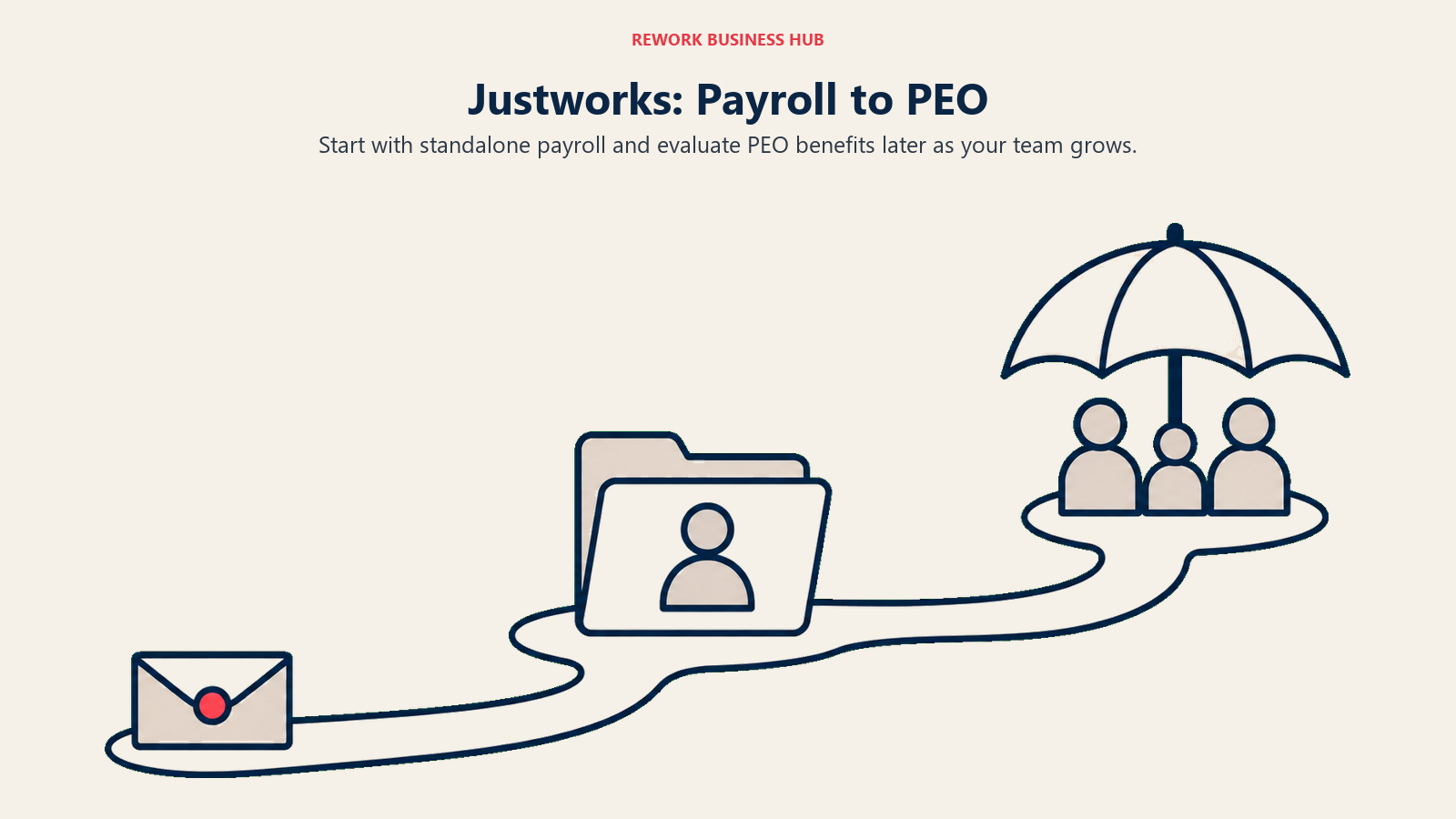
Target audience: US startups with 5 to 100 employees wanting room for PEO-level benefits later.
| Pros | Cons |
|---|---|
| Native QuickBooks sync (Bill or Journal Entry) | Costs more per employee than flat-rate rivals |
| Clear upgrade path to PEO for benefits | Not available outside the US |
| Month-to-month billing, no long-term contract | Sync is invoice-level, not a GL journal |
| Simple, modern interface for small HR teams | Overkill if you'll never add PEO benefits |
Pricing: Justworks Payroll (non-PEO): $50/mo base + $8/employee/mo. PEO Basic runs $79/employee/mo and PEO Plus runs $124/employee/mo, both with no base fee. Per Justworks's pricing page.
Best for: A startup that wants payroll now but expects to need benefits within a year or two. See best PEO services, or best Justworks alternatives if Justworks is the one you're leaving.
12. Roll by ADP: Payroll You Run By Chatting
Roll strips payroll down to a chat window: type "run payroll" and an AI-driven assistant walks through the steps, backed by ADP's compliance infrastructure. It's the simplest alternative here to QuickBooks Payroll's own Core tier.
Target audience: Very small US businesses with 1 to 15 employees, especially first-time employers.
| Pros | Cons |
|---|---|
| Chat interface, no payroll experience required | Limited config for a complex chart of accounts |
| Native QuickBooks sync, posts to your GL each run | Fewer HR features than larger ADP products |
| No long-term contract | Less useful once a team outgrows simple payroll |
| Backed by ADP's compliance network | Newer product, smaller track record than RUN |
Pricing: $39/mo + $5/employee/mo, no long-term contract. Per Roll by ADP's pricing page.
Best for: A first-time employer moving off Core who wants simplicity, not more features.
13. Deel: For Contractors and Staff Outside the US
Deel isn't a domestic replacement. It solves what QuickBooks Payroll doesn't touch at all: paying and staying compliant with contractors or employees in countries where you have no legal entity.
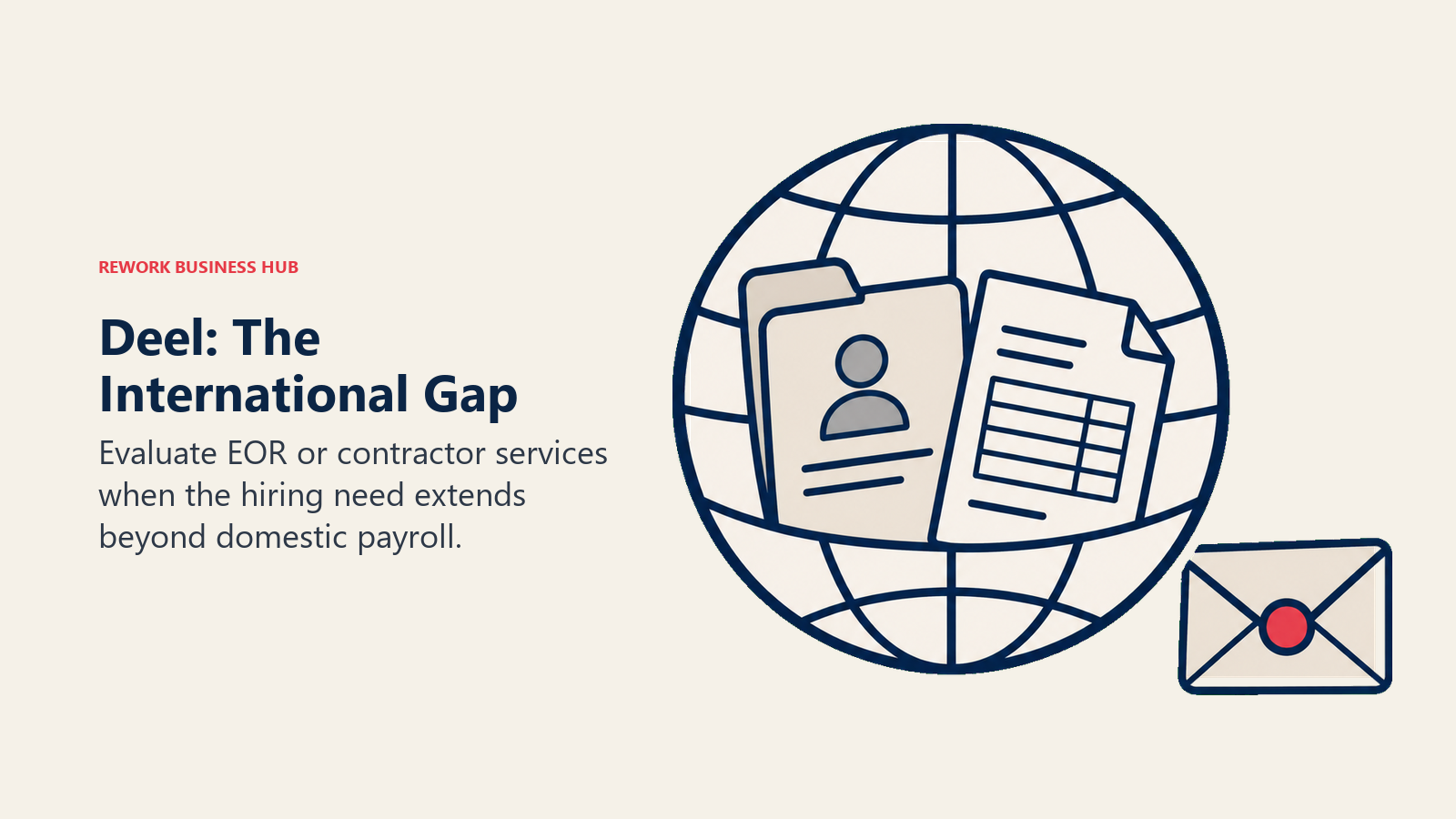
Target audience: Remote-first companies of any size, from a startup paying a few international contractors to a larger company running global EOR.
| Pros | Cons |
|---|---|
| Contractor management in 150+ countries | Not built for US-only domestic W-2 payroll |
| EOR coverage without a local entity | EOR pricing is steep at low volume |
| US PEO option alongside global EOR | Primarily an international compliance platform |
| QuickBooks sync for invoices and documents | Sync is invoice-based, not a payroll journal |
Pricing: Contractor Management: $49/contractor/mo. US PEO: $125/employee/mo. EOR: from $599/employee/mo. Per Deel's pricing page.
Best for: A company whose frustration is really an international hiring gap, not a domestic payroll problem. See our Deel vs. Remote comparison for the closest matchup.
14. Paycor: Mid-Market HCM Depth, Quote-Only Pricing
Paycor targets the buyer QuickBooks Payroll was never built for: a mid-market company wanting payroll, HR, and analytics on one platform, with a configurable GL tool doing the sync work.
Target audience: US mid-market companies with 50 to 1,000 employees that outgrew small-business payroll tools.
| Pros | Cons |
|---|---|
| Configurable QuickBooks GL mapping tool | No published pricing, every quote is custom |
| Deeper HCM and analytics than SMB tools | Overkill and pricey under 50 people |
| Broad marketplace of HR integrations | Sales-driven, no self-serve signup |
| Strong compliance and reporting for HR teams | Implementation and mapping take real time |
Pricing: Paycor does not publish rates. Its own materials state cost varies by workforce size and modules selected; any dollar figure circulating online is a third-party estimate Paycor hasn't confirmed.
Best for: A mid-market team that outgrew small-business payroll tools and wants HCM depth over a flat rate.
What a Growing Team Actually Pays
Reported and quote-only prices are hard to compare in the abstract, so here's the same scenario run against every platform with published rates: base fee plus the per-employee rate. Quote-only vendors are shown as quote-only rather than guessed at.
| Platform | 1 Employee | 5 Employees | 25 Employees | 50 Employees | Basis |
|---|---|---|---|---|---|
| QuickBooks Payroll (Core, baseline) | $56.50 | $82.50 | $212.50 | $375.00 | Published |
| Gusto (Simple) | $55 | $79 | $199 | $349 | Published |
| OnPay | $55 | $79 | $199 | $349 | Published |
| Roll by ADP | $44 | $64 | $164 | $289 | Published |
| Patriot Software (Full Service) | $42 | $62 | $162 | $287 | Published, regular rate |
| Square Payroll | $41 | $65 | $185 | $335 | Published |
| SurePayroll (Small Business) | $36 | $64 | $204 | $379 | Published |
| Homebase Payroll (add-on) | $45 | $69 | $189 | $339 | Published, add-on |
| Wave Payroll | $46 | $70 | $190 | $340 | Published |
| Justworks Payroll (non-PEO) | $58 | $90 | $250 | $450 | Published |
| Rippling | Quote only | Quote only | Quote only | Quote only | Quote required |
| Deel (Contractor Management) | $49 | $245 | $1,225 | $2,450 | Published, contractor rate |
| ADP RUN | Quote only | Quote only | Quote only | Quote only | Quote required |
| Paychex Flex | Quote only | Quote only | Quote only | Quote only | Quote required |
| Paycor | Quote only | Quote only | Quote only | Quote only | Quote required |
Stage Fit Matrix
| Tool | Startup (0-20) | Growth (20-100) | Mid-Market (100-500) | Enterprise (500+) |
|---|---|---|---|---|
| Gusto | Excellent | Strong | Moderate | Not suitable |
| OnPay | Excellent | Strong | Moderate | Not suitable |
| Rippling | Light | Strong | Excellent | Good |
| Patriot Software | Excellent | Good | Not suitable | Not suitable |
| Square Payroll | Excellent | Strong | Moderate | Not suitable |
| ADP RUN | Good | Strong | Good | Moderate |
| Paychex Flex | Good | Strong | Strong | Good |
| Wave Payroll | Excellent | Moderate | Not suitable | Not suitable |
| SurePayroll | Excellent | Good | Not suitable | Not suitable |
| Homebase Payroll | Excellent | Strong | Moderate | Not suitable |
| Justworks Payroll | Strong | Excellent | Moderate | Not suitable |
| Roll by ADP | Excellent | Good | Not suitable | Not suitable |
| Deel | Excellent | Excellent | Strong | Strong |
| Paycor | Limited | Good | Strong | Good |
Sizing and Persona Table
| Tool | Team Size Sweet Spot | Primary Buyer | Secondary Buyer |
|---|---|---|---|
| Gusto | 2-150 employees | Founder / office manager | Bookkeeper |
| OnPay | 1-80 employees | Business owner | Accountant |
| Rippling | 30-500 employees | Head of People | VP of IT |
| Patriot Software | 1-25 employees | Owner / bookkeeper | Multi-client accountant |
| Square Payroll | 1-50, hourly-heavy | Restaurant / retail owner | Shift manager |
| ADP RUN | 5-150 employees | Business owner | Office manager |
| Paychex Flex | 2-1,000+ employees | Owner or HR admin | Finance lead |
| Wave Payroll | 1-15 employees | Solo founder | Bookkeeper |
| SurePayroll | 1-25, plus households | Owner or household employer | Nanny payer |
| Homebase Payroll | 1-75, hourly-heavy | Restaurant / retail manager | Owner |
| Justworks Payroll | 5-100 employees | Founder / HR lead | Finance lead |
| Roll by ADP | 1-15 employees | First-time payroll owner | Bookkeeper |
| Deel | 1-500+, global | People ops lead | CFO / Legal |
| Paycor | 50-1,000 employees | HR director | VP of Finance |
How to Choose: Decision Framework
| If you need... | Choose |
|---|---|
| Transparent, published pricing without a sales call | Gusto or OnPay |
| Payroll synced into HR, IT, and benefits | Rippling |
| The lowest published starting price | Patriot Software |
| Payroll built around hourly shifts and a POS | Square Payroll or Homebase Payroll |
| A national brand with a native QuickBooks GL connector | ADP RUN |
| Decades of tax history and a real PEO option | Paychex Flex |
| To leave QuickBooks Online entirely, accounting included | Wave Payroll |
| Contractor or Employer of Record coverage abroad | Deel |
What QuickBooks Payroll Still Does Best
Most readers here have already decided to move. But QuickBooks Payroll earns these strengths honestly, and they're worth weighing against the price increase that likely brought you here.
| QuickBooks Payroll Strength | Who It Matters For |
|---|---|
| Native QuickBooks Online sync, no third-party connector | Bookkeepers managing the books directly |
| Same-day or next-day direct deposit, by tier | Businesses running payroll close to payday |
| Automated federal, state, local tax filing | Owners who don't want to track tax deadlines |
| Tax penalty protection guarantee on Elite | Risk-averse finance and compliance teams |
| Familiarity across the US bookkeeping profession | Anyone handing books to an outside accountant |
| A single login for accounting and payroll | Small teams avoiding two vendor relationships |
If one login for books and payroll is worth the post-2025 rate, staying put (or moving up a tier for tax penalty protection) is defensible. For the wider field, see our best payroll software for small business roundup.
Frequently Asked Questions about QuickBooks Payroll Alternatives
What's the biggest reason people leave QuickBooks Payroll?
The July 2025 price increase. Core's per-employee rate rose from $6.00 to $6.50/month, Premium and Elite rose too, on top of already-thin HR features and inconsistent support.
Is Gusto actually cheaper than QuickBooks Payroll?
Usually, at small headcounts. Gusto Simple runs $49/mo + $6/employee/mo against Core's $50/mo + $6.50/employee/mo, though Simple skips multi-state payroll and time tracking; those need Gusto Plus at $80/mo + $12/employee/mo.
Can I switch payroll providers and keep QuickBooks Online for accounting?
Yes. Most tools here sync natively, including Gusto, OnPay, Rippling, Patriot Software, Square Payroll, ADP RUN, Justworks Payroll, and Roll by ADP. Paychex Flex and SurePayroll need a paid add-on. Wave Payroll is the exception, it only syncs with Wave's own accounting software.
Which alternative is easiest for a very small business?
OnPay or Roll by ADP. OnPay is a single flat-priced plan with native QuickBooks sync, and Roll runs through a chat interface if you've never processed payroll before.
What happens to my books if I switch to Wave Payroll?
They move with you. Wave Payroll only connects to Wave Accounting, so switching means migrating your ledger off QuickBooks Online, not running two systems side by side.
Do any of these alternatives include more HR features than QuickBooks Payroll?
Rippling, Justworks Payroll, and Paycor go well beyond QuickBooks Payroll's payroll-first set, adding IT provisioning, PEO-level benefits, and HCM analytics respectively.
What to Do Next
Pick two platforms from the framework above and run one real pay cycle through each trial or sandbox, a demo alone only shows the best case. Add a new hire, run an off-cycle correction, and check whether the ledger lands where expected. Staying on QuickBooks Online? Start with Gusto or OnPay and confirm the sync first. Leaving entirely? Start with Wave and plan the books migration first, not last.
Camellia writes about HR and payroll tooling for B2B teams.

Principal Product Marketing Strategist
On this page
- Key Facts
- Quick Comparison Table
- Why Companies Actually Leave QuickBooks Payroll
- Staying on QuickBooks Online? Here's What Actually Syncs
- 1. Gusto: The Clearest Transparent-Pricing Move
- 2. OnPay: One Flat Price, No Upsells
- 3. Rippling: The Deepest QuickBooks Online Sync in This List
- 4. Patriot Software: The Lowest Published Starting Price
- 5. Square Payroll: Built Around Hourly Shifts and a POS
- 6. ADP RUN: A National Brand With a Real GL Connector
- 7. Paychex Flex: Decades of Tax Filing, a Phone Number to Call
- 8. Wave Payroll: For Businesses Leaving QuickBooks Online Entirely
- 9. SurePayroll: The Budget Option Paychex Already Owns
- 10. Homebase Payroll: Hourly Scheduling That Feeds Payroll
- 11. Justworks Payroll: A Path to PEO Benefits Later
- 12. Roll by ADP: Payroll You Run By Chatting
- 13. Deel: For Contractors and Staff Outside the US
- 14. Paycor: Mid-Market HCM Depth, Quote-Only Pricing
- What a Growing Team Actually Pays
- Stage Fit Matrix
- Sizing and Persona Table
- How to Choose: Decision Framework
- What QuickBooks Payroll Still Does Best
- What to Do Next