Best GetResponse Alternatives in 2026: 11 Email Marketing Tools Compared

Turn this article into takeaways for your work.


Each assistant summarizes the article only for you and suggests best practices for your work.
GetResponse is a genuine all-in-one: email campaigns, visual automation builder, landing pages, webinars, and paid-ad funnels under one roof at a price that undercuts most marketing suites. For a solo marketer or small team that wants to run an entire funnel without stitching tools together, that value proposition is real. The problem shows up when your needs sharpen. The automation builder is capable, but ActiveCampaign's is more flexible. The e-commerce revenue tracking lags Klaviyo and Omnisend in depth. List-size-based pricing climbs fast once your contact count passes 10,000. And support complaints cluster around response times and chat quality once you're past the trial.
So teams leave GetResponse for one of two reasons: they want to go deeper on a specific capability (automation logic, e-commerce revenue attribution, creator monetization), or they find a cheaper option that covers 80% of what they use GetResponse for. The alternatives below cover both directions.
Quick Comparison Table
| Tool | Best For | Starting Price | Key Strength | Key Limitation |
|---|---|---|---|---|
| Mailchimp | SMBs wanting brand familiarity | $13/mo (500 contacts) | Design templates, ecosystem | Expensive at scale, weak automation |
| ActiveCampaign | Automation-first B2B and DTC | $15/mo (1,000 contacts) | Deep automation builder, CRM | Add-ons add up fast |
| Brevo | High-volume senders on a budget | $9/mo (5k emails/mo) | Email-volume pricing, multi-channel | Automation UX is clunky |
| Kit (ConvertKit) | Creators and newsletter publishers | $39/mo (1,000 subs) | Creator monetization, clean UX | Limited for B2B teams |
| Constant Contact | Local businesses, nonprofits | $12/mo (500 contacts) | Event tools, nonprofit discounts | Steep contact-count price jumps |
| Klaviyo | E-commerce revenue attribution | $20/mo (500 contacts) | Predictive CLV, behavioral flows | Expensive, e-com-only lens |
| MailerLite | Budget-conscious small teams | $12/mo (Comfort) | Price-to-feature ratio | Feature ceiling on complex automations |
| Omnisend | Shopify/WooCommerce stores | $16/mo (500 contacts) | SMS + email + push in one flow | E-commerce-only positioning |
| GoHighLevel | Agencies managing multiple clients | $97/mo (flat) | White-label, unlimited contacts | Usage fees for SMS/email/AI on top |
| HubSpot Marketing Hub | Scaling B2B with full CRM | $20/mo/seat (Starter) | CRM-native, reporting depth | Professional plan jumps to $890/mo |
| AWeber | Small businesses wanting simplicity | $15/mo (500 subs) | Simple, reliable, good support | Limited depth vs. newer tools |
Stage Fit Matrix
| Tool | Startup | Growth | Mature |
|---|---|---|---|
| Mailchimp | Yes | Yes | Costly |
| ActiveCampaign | Yes | Yes | Yes |
| Brevo | Yes | Yes | Yes |
| Kit | Yes | Yes | No (creator-focused) |
| Constant Contact | Yes | Partial | No |
| Klaviyo | No (e-com focus) | Yes | Yes |
| MailerLite | Yes | Yes | Partial |
| Omnisend | Yes | Yes | Yes |
| GoHighLevel | No (agency model) | Yes | Yes |
| HubSpot Marketing Hub | Partial | Yes | Yes |
| AWeber | Yes | Partial | No |
Sizing and Persona Table
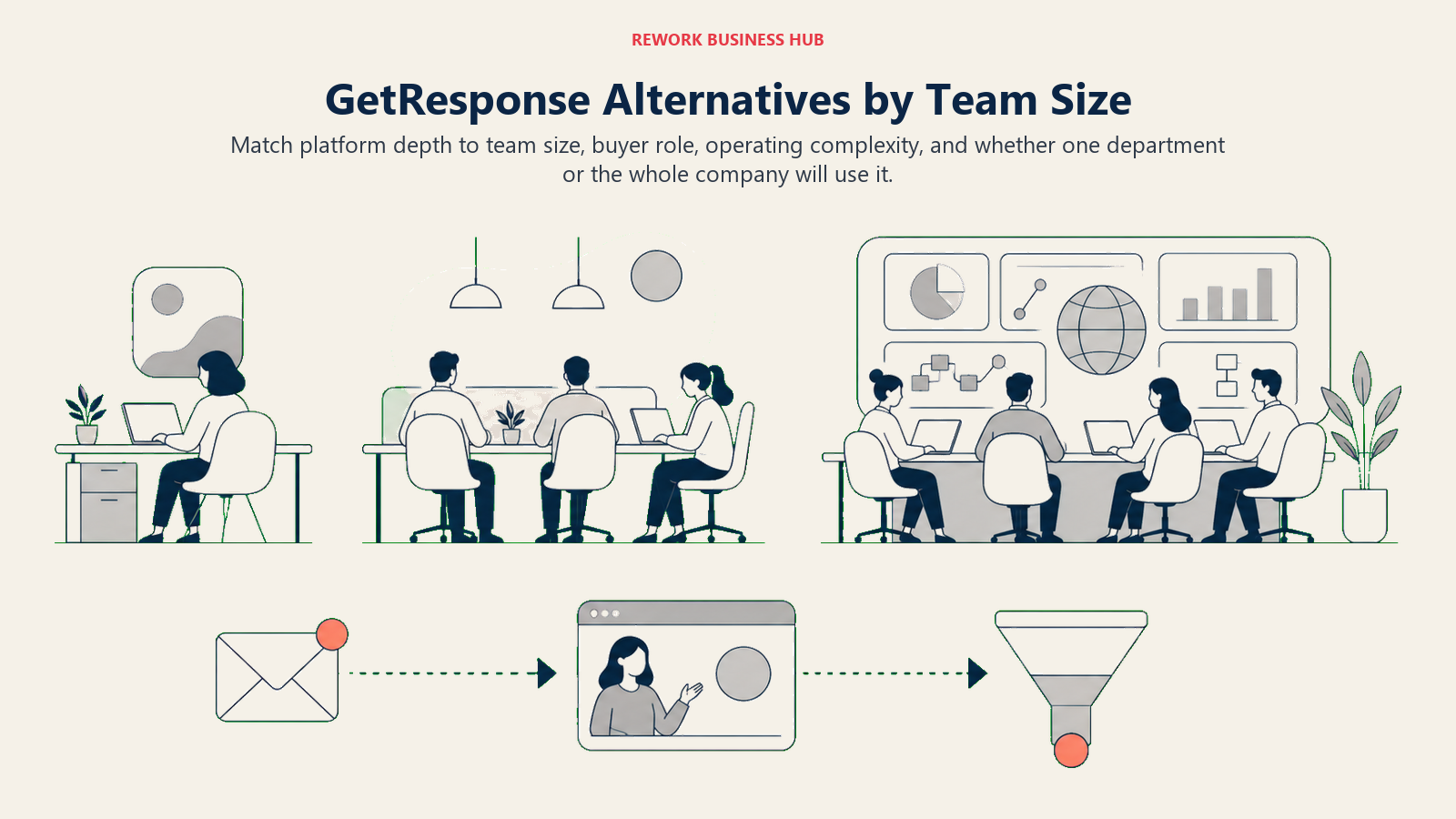
The table below maps the strongest alternatives to the team sizes and buyer profiles they serve best.
| Tool | Ideal Company Size | Ideal User | Budget Range/Year |
|---|---|---|---|
| Mailchimp | 1-100 | Solo marketer or small team | $156-$5,000+ |
| ActiveCampaign | 5-500 | Marketing manager, automation lead | $180-$5,000+ |
| Brevo | 1-1,000+ | Email-first marketers, agencies | $108-$6,000+ |
| Kit | Solo-50 | Creator, newsletter operator | $468-$2,000+ |
| Constant Contact | 1-100 | Local business owner | $144-$2,000+ |
| Klaviyo | 5-500 (e-com) | E-commerce marketing manager | $240-$10,000+ |
| MailerLite | 1-50 | Budget-focused small team | $130-$2,000+ |
| Omnisend | 1-200 (e-com) | Shopify/WooCommerce operator | $192-$3,000+ |
| GoHighLevel | Agency/5-200 clients | Agency owner, consultant | $1,164+ |
| HubSpot Marketing Hub | 20-5,000 | Marketing director, RevOps | $240-$50,000+ |
| AWeber | 1-50 | Solo to small team | $180-$1,500+ |
1. Mailchimp
Methodology/Vision: Mailchimp built its reputation on approachability: a drag-and-drop editor, polished templates, and a free plan that let millions of small businesses start email marketing without a learning curve. In 2026 it remains the most recognized name in email, which matters when your stakeholders want brand familiarity.
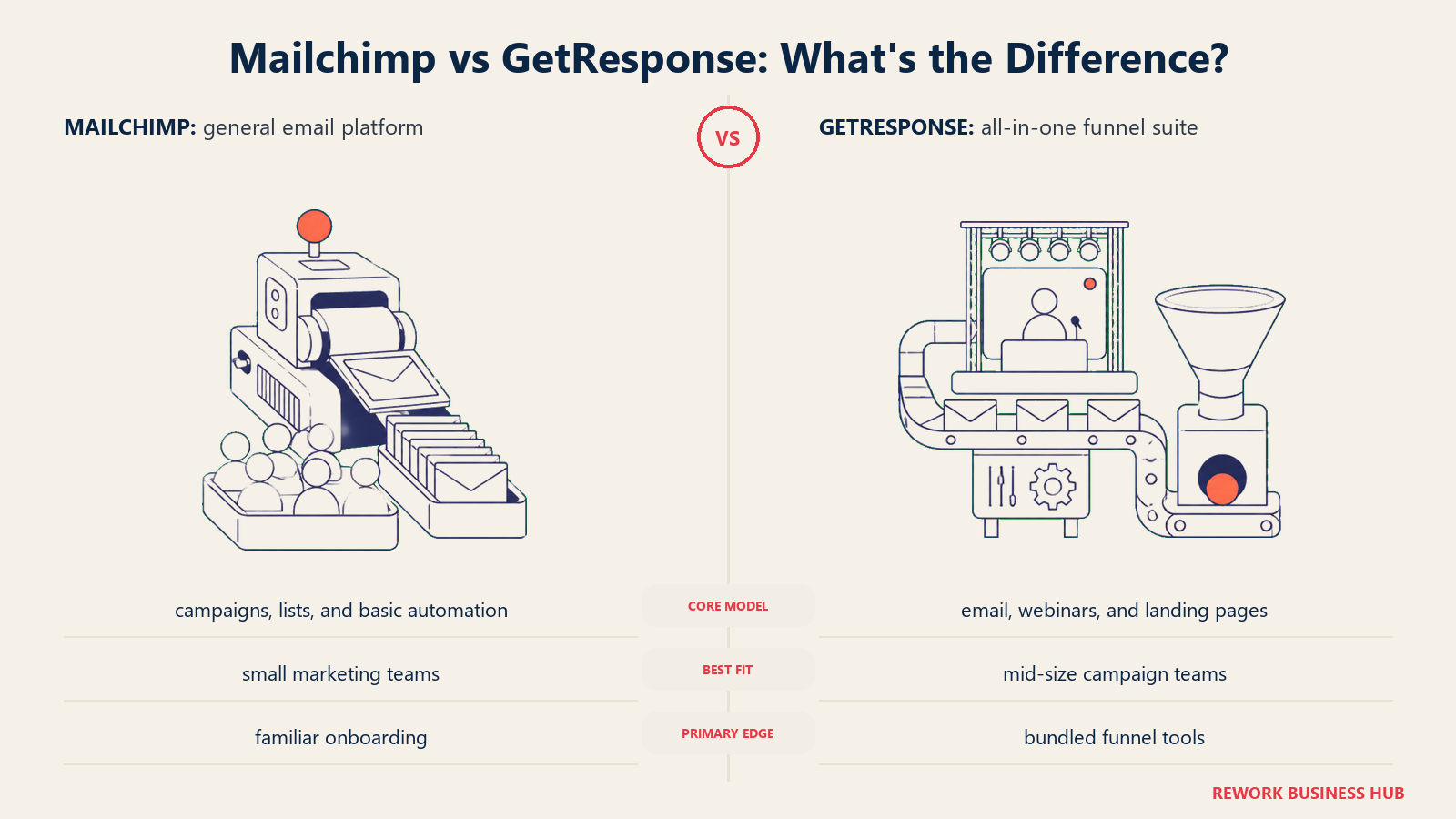
Target audience: Small-to-mid businesses that want reliable campaign delivery, decent templates, and a tool their whole (non-technical) team can use without training.
Sizing fit: Solo to ~100. Above 5,000 contacts, pricing climbs sharply and automation limitations start to bite.
Stage fit: Startup and growth. At mature scale, automation depth and contact-billing inefficiencies push teams to switch.
Team vs. company-wide: Marketing team.
| Pros | Cons |
|---|---|
| Brand recognition, easy stakeholder buy-in | Free plan cut to 250 contacts in early 2026 |
| Strong template library | Unsubscribed contacts still count toward billing |
| Good integrations ecosystem | Automation is basic vs. ActiveCampaign |
| Predictive send-time optimization | Price increases have been frequent (twice in early 2026) |
Pricing: Essentials from $13/month (500 contacts). Standard from $20/month (500 contacts). Premium from $350/month (10,000 contacts). At 5,000 contacts, Standard costs $100/month. See mailchimp.com/pricing.
Best for: Small teams that prioritize design quality and ease of use over automation depth.
2. ActiveCampaign
Methodology/Vision: ActiveCampaign is built around the idea that automation should mirror how a salesperson actually thinks: if a contact visits a pricing page twice, tags themselves as high-intent, and hasn't replied to the last email, do X. The automation builder supports conditional logic, split paths, and goal-based branching that GetResponse's visual builder can't match. It also bundles a light CRM on Plus and above, which bridges marketing and sales without needing a separate tool.
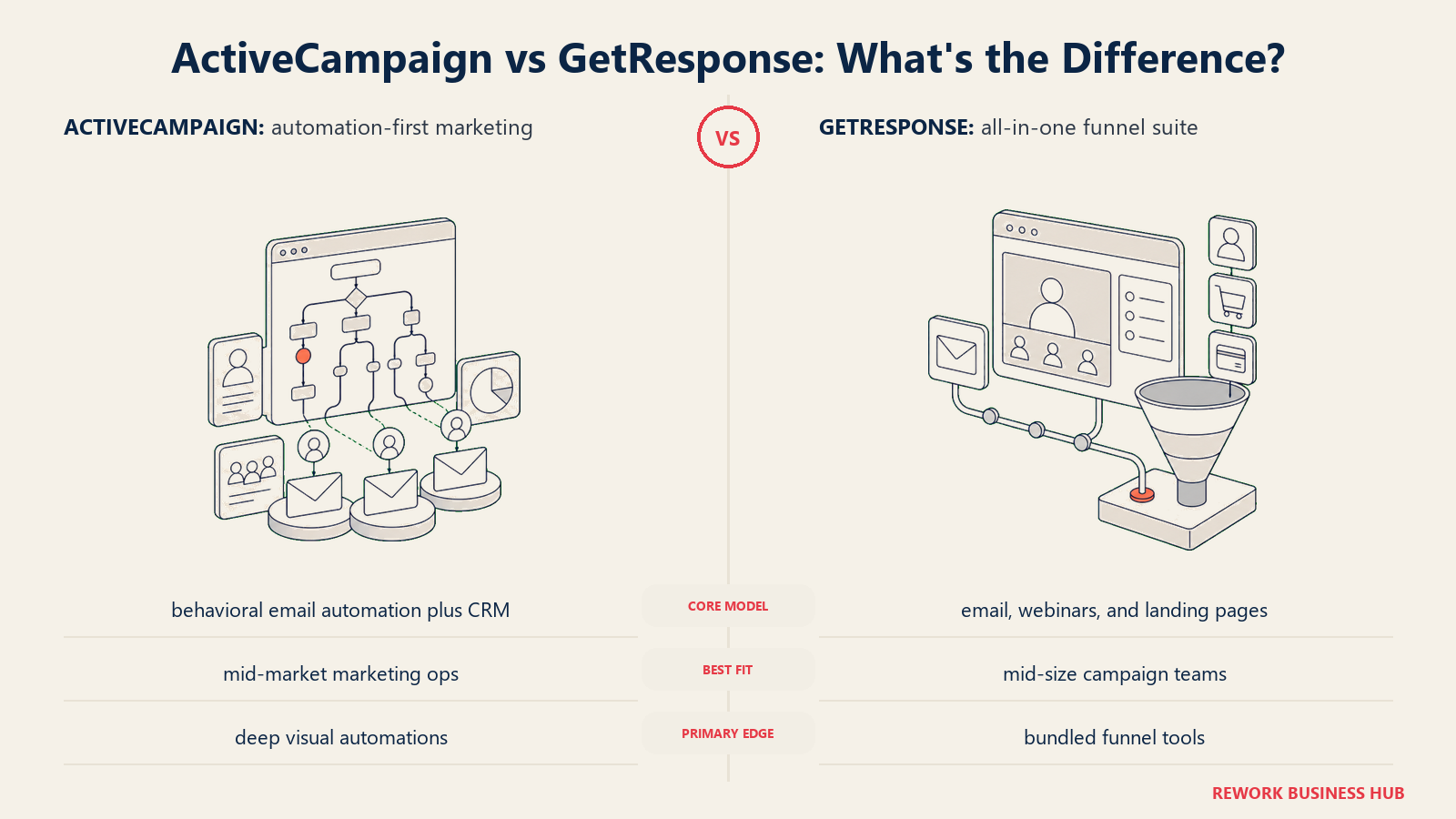
If GetResponse is your main frustration point because your automations are getting too complex, ActiveCampaign is the first place to look. See how it stacks up in our best ActiveCampaign alternatives guide if you want to evaluate it from the other direction.
Target audience: B2B marketers, SaaS teams, and DTC brands that need sophisticated email flows and lead-scoring logic.
Sizing fit: Works from small teams to 500+ seat organizations. The deeper CRM and reporting features pay off at 20+ users.
Stage fit: Startup to mature.
Team vs. company-wide: Marketing-heavy, with sales involvement on Plus and above.
| Pros | Cons |
|---|---|
| Best-in-class visual automation builder | No free plan (14-day trial only) |
| Lead scoring built in | Extra user seats add $12/month each |
| Light CRM on Plus and above | Transactional email requires separate Postmark plan |
| Predictive sending and win probability on Pro | Onboarding can take weeks for complex setups |
Pricing: Starter $15/month (1,000 contacts, annual billing). Plus $49/month. Pro $79/month. Enterprise $145/month. Monthly billing runs ~25% higher. See activecampaign.com/pricing.
Best for: Teams whose core need is sophisticated multi-step automation logic rather than all-in-one funnel features.
3. Brevo
Methodology/Vision: Brevo (formerly Sendinblue) built its model around email volume rather than contact count. You pay for what you send, not the size of your list. That's a significant structural advantage for teams with large databases they don't email constantly, like seasonal businesses or B2B teams with long buying cycles.
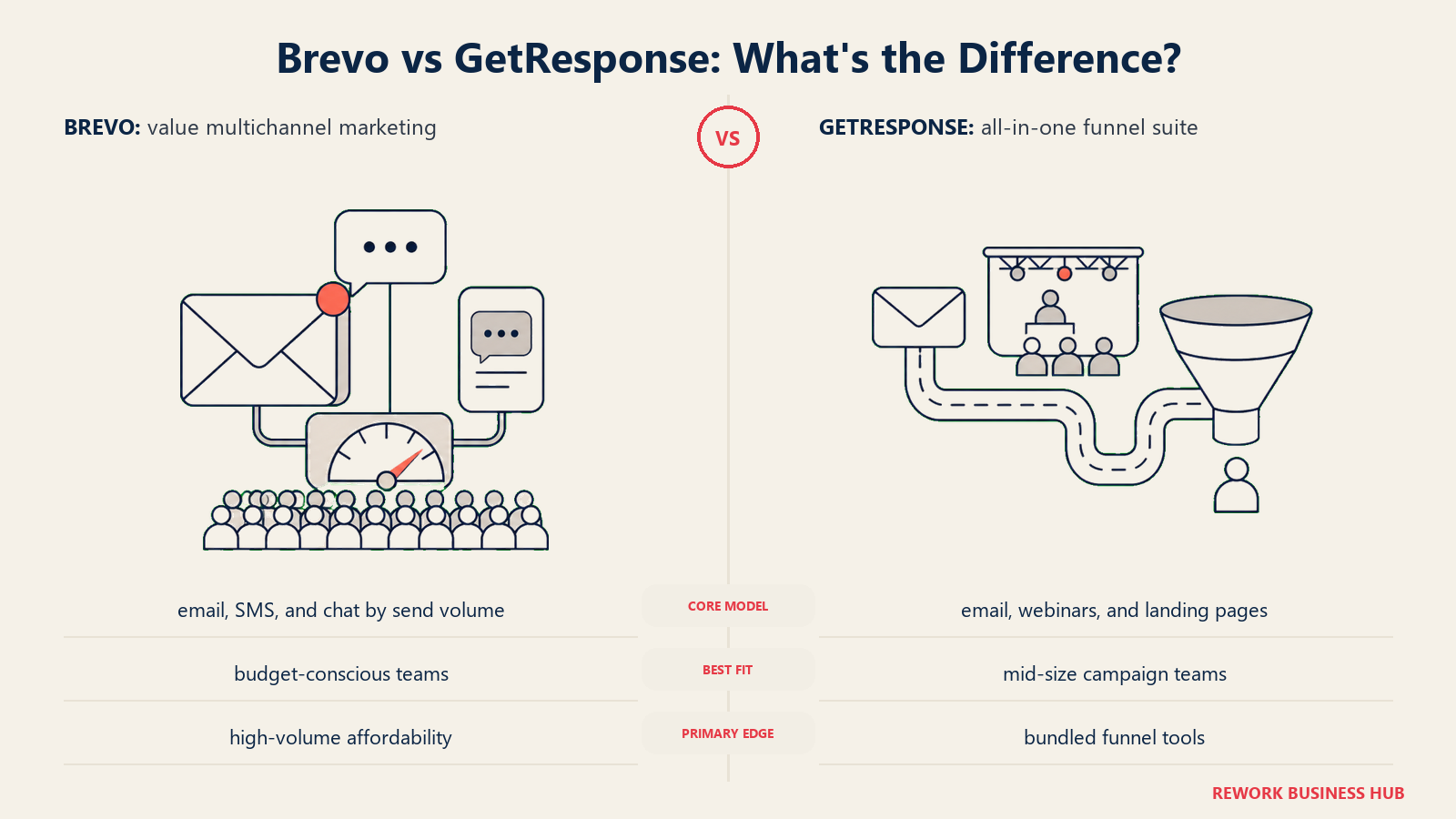
If you've been burned by GetResponse's contact-tier jumps, Brevo's send-volume model often results in 40-60% lower bills for the same volume sent. It also bundles SMS, transactional email, WhatsApp campaigns, and a basic CRM into a single platform.
Target audience: High-volume senders, multi-channel marketers, and businesses that maintain large contact databases but don't email frequently.
Sizing fit: Solo to enterprise. The volume-pricing model scales without punishing list growth.
Stage fit: Startup to mature.
Team vs. company-wide: Marketing team, with some overlap into sales on the built-in CRM.
| Pros | Cons |
|---|---|
| Email-volume pricing is fairer for large lists | Automation UX is less polished than GetResponse |
| Free plan: 300 emails/day, 100,000 contacts | Brevo logo removal costs extra on lower tiers |
| SMS, WhatsApp, transactional email in one platform | Customer support response times vary |
| Strong deliverability reputation | Design templates aren't as modern as Mailchimp |
Pricing: Free (300 emails/day). Starter $9/month (5,000 emails/month). Standard $18/month (includes landing pages, multi-user). Professional $499/month (high-volume). See brevo.com/pricing. Check our best Brevo alternatives if you're comparing Brevo directly.
Best for: Teams with large contact lists who send infrequently, or businesses that need multi-channel outreach (email + SMS + WhatsApp) without separate tools.
4. Kit (ConvertKit)
Methodology/Vision: Kit (the rebranded ConvertKit) is purpose-built for creators: authors, podcasters, course sellers, and newsletter writers who need a clean list-building and monetization layer rather than a corporate marketing suite. The product philosophy is simplicity: subscribers, broadcasts, automations, and paid newsletters, without the bloat.
Target audience: Individual creators, newsletter publishers, course instructors, and coaching businesses. It's not built for B2B teams with multi-rep sales motions.
Sizing fit: Solo to small teams. Above 50 staff, Kit's feature ceiling becomes visible.
Stage fit: Startup through growth (in the creator context). Not designed for enterprise scale.
Team vs. company-wide: Individual creator or small content team.
| Pros | Cons |
|---|---|
| Generous free plan: 10,000 subscribers | Prices jumped ~35% in Sept 2025 |
| Paid newsletter and course monetization built in | Limited for B2B teams or companies with CRM needs |
| Clean, fast UX | No native e-commerce attribution |
| Strong creator community and integrations | Advanced reporting requires Pro plan |
Pricing: Free up to 10,000 subscribers (one automation). Creator $39/month for 1,000 subscribers ($33/month annually). Pro $79/month ($66/month annually). See kit.com/pricing. For more context, check our best ConvertKit alternatives guide.
Best for: Newsletter operators and individual creators who want clean email delivery and a path to monetize their audience.
5. Constant Contact
Methodology/Vision: Constant Contact has been around since 1995 and its product shows that history, in good ways and bad. The event management tools are genuinely strong. The editor is approachable. Nonprofit discounts (up to 30%) make it attractive for that segment. But the pricing model punishes list growth aggressively: going from 500 to 1,000 contacts on the Lite plan jumps from $12 to $50, a 317% increase.
Target audience: Local businesses, event organizers, nonprofits, and small teams that prioritize ease of use and phone support over feature depth.
Sizing fit: Solo to ~100 employees. Above that, the price-to-feature ratio deteriorates.
Stage fit: Startup. Rarely the right choice for growth-stage and above.
Team vs. company-wide: Single marketer or small team.
| Pros | Cons |
|---|---|
| Strong event registration and management tools | Aggressive contact-count pricing jumps |
| Up to 30% nonprofit discount | Unsubscribed contacts count toward billing |
| Phone support available | Automation is limited vs. Brevo or ActiveCampaign |
| Longest track record in the space | UI is dated compared to Mailchimp or Brevo |
Pricing: Lite $12/month (500 contacts). Standard $35/month (500 contacts). Premium $80/month (500 contacts). Note: at 1,000 contacts, Lite jumps to $50/month. See constantcontact.com/pricing. See our best Constant Contact alternatives for a full comparison.
Best for: Nonprofits, local event-driven businesses, and teams that value phone support and simple campaign creation.
6. Klaviyo
Methodology/Vision: Klaviyo is the category leader for e-commerce email and SMS. It integrates deeply with Shopify, WooCommerce, and BigCommerce, pulling order history, browse behavior, cart data, and CLV predictions into your segmentation and automation logic. If you're running an e-commerce brand and you want to attribute revenue directly to email flows (down to the SKU level), no other tool on this list does it better.
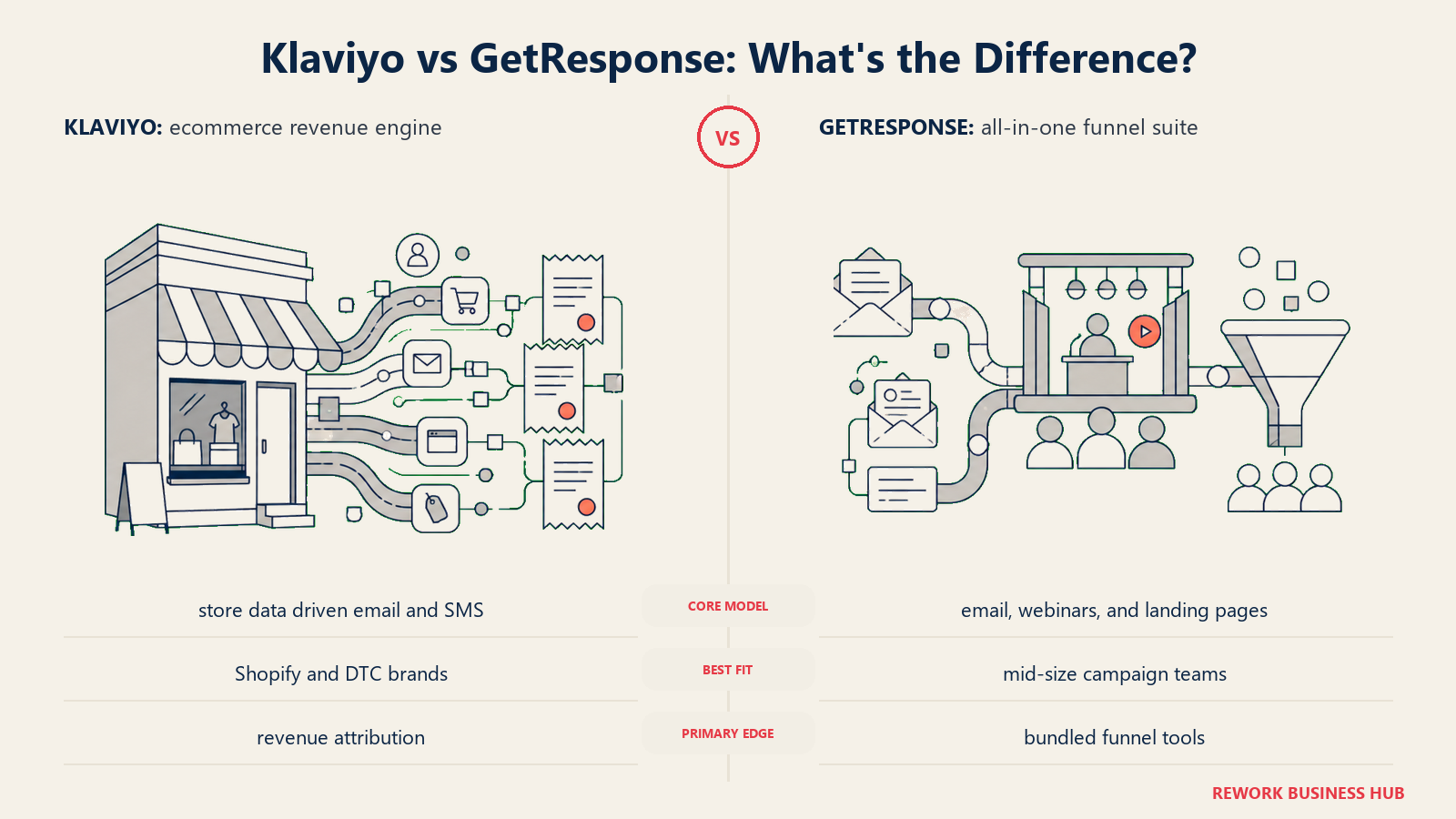
The tradeoff: it's expensive, and the entire product is built around an e-commerce mental model. If you're not running a store, Klaviyo's depth is wasted on you. For dedicated e-commerce marketers evaluating the space, our best Klaviyo alternatives guide covers the full competitive field.
Target audience: E-commerce brands on Shopify, WooCommerce, or BigCommerce with a serious email/SMS program.
Sizing fit: Small stores to major DTC brands. Pricing scales with active profiles rather than total list size.
Stage fit: Growth to mature (within e-commerce).
Team vs. company-wide: E-commerce marketing team.
| Pros | Cons |
|---|---|
| Predictive CLV and purchase likelihood built in | Expensive: $150/month at 10,000 contacts (email only) |
| Revenue attribution to email flows | Active profile model can raise costs unexpectedly |
| Deep Shopify/WooCommerce native integration | No meaningful use case outside e-commerce |
| Behavioral segmentation with real purchase data | SMS is now an add-on (May 2026 pricing change) |
Pricing: Free up to 250 active profiles. Email plan: $20/month (500 contacts), $30/month (1,000), $150/month (10,000), $720/month (50,000). Combined email + SMS starts at $35/month. See klaviyo.com/pricing.
Best for: E-commerce brands that need revenue-attributed email and SMS automation built on real purchase and behavioral data.
7. MailerLite
Methodology/Vision: MailerLite competes on price-to-feature ratio. For small teams that want automations, landing pages, website hosting, and newsletter delivery without paying GetResponse or Mailchimp prices, MailerLite consistently comes out ahead on the value calculation. The UX is clean, onboarding is fast, and the free plan is reasonable.
Target audience: Budget-conscious small teams, solopreneurs, bloggers, and early-stage startups that want automation without the price tag.
Sizing fit: Solo to ~50 employees. Above that, feature gaps around complex automation and reporting start showing.
Stage fit: Startup to early growth.
Team vs. company-wide: Marketing team.
| Pros | Cons |
|---|---|
| Comfort plan at $12/month is hard to beat | Free plan now covers 250 subscribers, down from 1,000 in older reviews |
| Unlimited emails on the Power plan | Limited conditional branching vs. ActiveCampaign |
| Landing pages, website builder included | No built-in CRM |
| 10% discount on annual billing, 30% nonprofit discount | Feature ceiling visible at complex automation needs |
Pricing: Free (250 subscribers, 2,500 emails/mo). Comfort $12/month billed monthly ($10.80/month annual) with templates, automations, and no send limits, at 500 subscribers. Power $25/month billed monthly ($22.50/month annual) adds unlimited emails and seats. See mailerlite.com/pricing.
Best for: Small teams and solo operators who want a clean, affordable GetResponse alternative with landing pages and basic automations included.
8. Omnisend
Methodology/Vision: Omnisend sits in the same e-commerce space as Klaviyo but with a different emphasis: making email, SMS, and push notifications work together inside the same automation workflow without needing separate tools. Its Shopify integration is strong, and the pre-built e-commerce flows (abandoned cart, post-purchase, win-back) ship ready to use.
Target audience: Shopify and WooCommerce store owners who want SMS + email + push notifications managed together, without Klaviyo's price tag.
Sizing fit: Solo store owners to mid-size DTC brands.
Stage fit: Startup to mature (within e-commerce).
Team vs. company-wide: E-commerce marketing team.
| Pros | Cons |
|---|---|
| All three channels (email, SMS, push) in one automation | E-commerce-only: weak fit for B2B |
| All core features included on free plan (250 contacts) | SMS changed to add-on model in May 2026 |
| Competitive pricing vs. Klaviyo | Revenue attribution less deep than Klaviyo |
| Pre-built e-commerce automations | Can feel limited if you need custom logic |
Pricing: Free (250 contacts, 500 emails/month). Standard $16/month (500 contacts). Pro $59/month (2,500 contacts, unlimited emails). SMS is now a volume-based add-on at roughly $0.007/SMS on new Pro subscriptions. See omnisend.com/pricing.
Best for: Shopify and WooCommerce sellers who want unified email + SMS + push notification automations at a lower price than Klaviyo.
9. GoHighLevel
Methodology/Vision: GoHighLevel is not really an email marketing tool. It's a white-label agency platform that bundles CRM, funnels, booking, courses, reputation management, email, and SMS into a single dashboard that agencies can rebrand and resell to clients. The flat pricing model (unlimited contacts on all plans) is what attracts agency operators who'd otherwise pay per-client on every other tool.
The catch: usage fees. SMS, calls, email volume, and AI features are all billed on top of the plan. A $297/month plan can easily run $400-500 once you factor in usage. If you're not an agency or a consultant managing multiple clients, GoHighLevel's pricing model doesn't make sense. For marketing teams evaluating the full space, see our best GoHighLevel alternatives guide.
Target audience: Marketing agencies, consultants, and multi-location businesses managing multiple client accounts.
Sizing fit: Agency/solo to mid-size agency. Also works for franchise operators and multi-location businesses.
Stage fit: Growth to mature (in agency context).
Team vs. company-wide: Agency team plus clients.
| Pros | Cons |
|---|---|
| White-label: resell as your own product | Usage fees for SMS, calls, email, AI are separate |
| Unlimited contacts on all plans | Not designed for single-brand in-house teams |
| Full funnel: CRM, email, SMS, booking, courses | Learning curve is steep |
| $297/month covers unlimited client sub-accounts | $97 Starter plan is only 3 sub-accounts |
Pricing: Starter $97/month (3 sub-accounts). Agency Unlimited $297/month (unlimited sub-accounts). SaaS Pro $497/month (white-label SaaS mode). Annual billing saves ~17%. See gohighlevel.com/pricing.
Best for: Marketing agencies and consultants who need a white-label all-in-one platform to manage and resell marketing services to multiple clients.
10. HubSpot Marketing Hub
Methodology/Vision: HubSpot Marketing Hub is the best-in-class choice when you need marketing and CRM to share the same data model with zero integration overhead. Contacts, deals, email engagement, form submissions, and campaign attribution all live in one place. The reporting depth at Professional and Enterprise is genuinely strong: you can trace a closed deal back to the specific email, ad, or landing page that started the conversation.
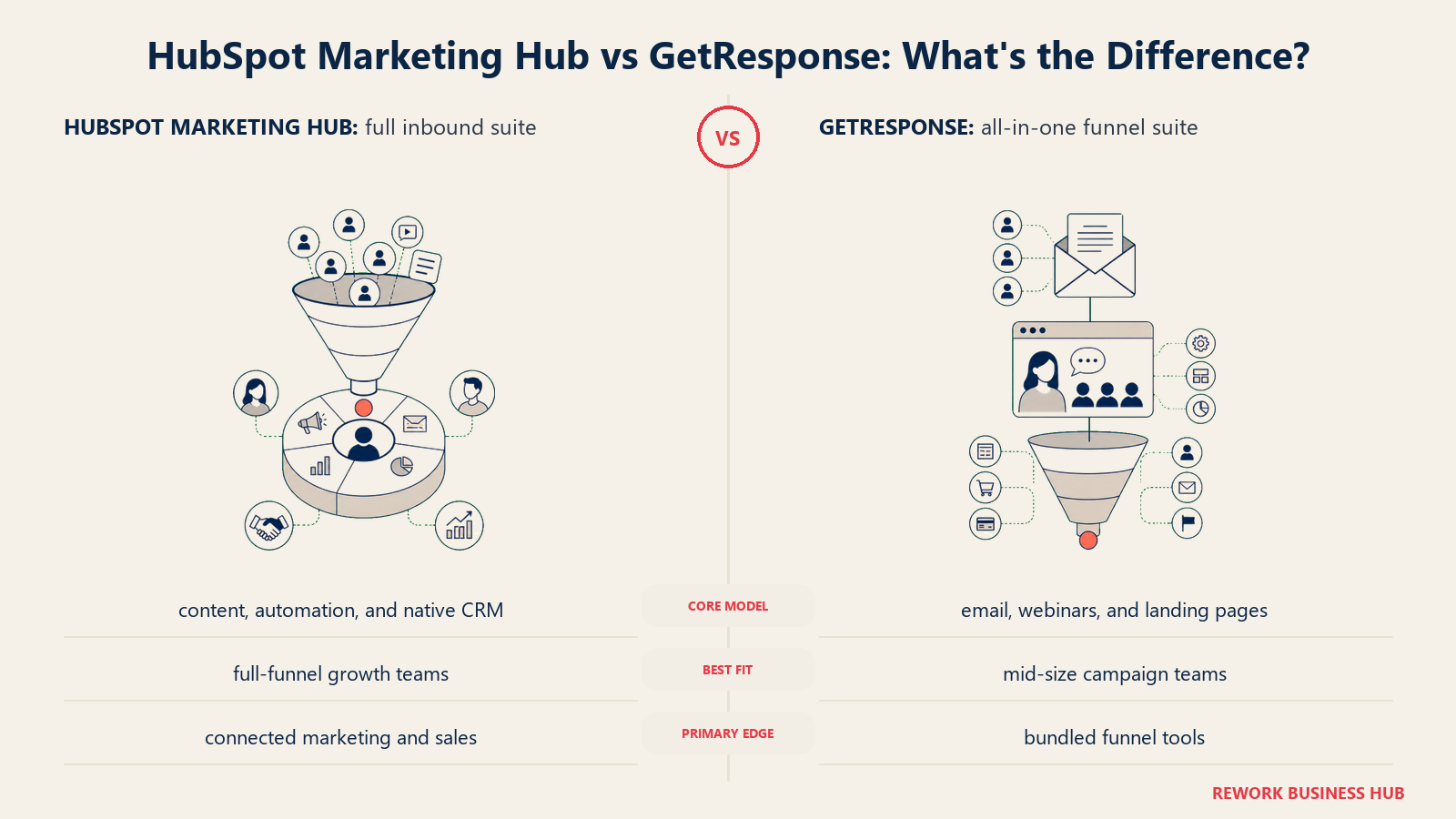
The problem is price. Starter at $20/month per seat is reasonable. Professional jumps to $890/month for 3 seats, plus a $3,000 mandatory onboarding fee. That cliff is steep, and most teams hit it when they need automation beyond basic sequences. If you're already on HubSpot CRM and evaluating the Marketing Hub add-on, the integrated view is hard to argue against. If you're coming from GetResponse and not already on HubSpot, it's a significant investment to evaluate carefully.
Target audience: B2B companies, SaaS teams, and professional services firms that run marketing and sales in HubSpot and want a unified data view.
Sizing fit: Works from small teams (Starter) to enterprise (Enterprise). The value accelerates as your sales team grows.
Stage fit: Growth to mature.
Team vs. company-wide: Marketing plus sales, with RevOps visibility.
| Pros | Cons |
|---|---|
| CRM-native: no integration gap between marketing and sales | Professional plan at $890/month is a steep jump |
| Deep multi-touch attribution reporting | $3,000 onboarding fee for Professional |
| AI content assistant and predictive scoring | Contact overages trigger next tier automatically |
| Strong ecosystem of integrations | Starter plan automation is limited |
Pricing: Starter $20/month per seat (1,000 contacts). Professional $890/month (3 core seats, 2,000 contacts, $45/additional seat). Enterprise $3,600/month (5 core seats). See hubspot.com/pricing/marketing.
Best for: B2B and SaaS teams that want marketing attribution, lead scoring, and email automation directly connected to a CRM without a separate integration.
11. AWeber
Methodology/Vision: AWeber has been in the email marketing business since 1998, which means rock-solid deliverability reputation and a support team that actually picks up the phone. In 2026 it's neither the cheapest nor the most feature-rich option, but it's one of the most reliable. Small businesses that have been burned by deliverability issues elsewhere often gravitate here.
Target audience: Small businesses, local service providers, and coaches who want reliable email delivery and real human support without building complex automations.
Sizing fit: Solo to ~50. Above that, other tools offer more at similar or better prices.
Stage fit: Startup to early growth.
Team vs. company-wide: Solo operator or small marketing team.
| Pros | Cons |
|---|---|
| Deliverability reputation built over 28 years | Feature set lags newer tools at the same price |
| Phone support (rare in email marketing) | Free plan limited to 500 subscribers |
| No learning curve | No meaningful path for B2B automation depth |
| 14-day free trial, no credit card needed | Annual discount only 17-33% |
Pricing: Free up to 500 subscribers. Lite starts at $15/month (500 subscribers, $12.50/month annually). Plus starts at $30/month (500 subscribers, $20/month annually). See aweber.com/pricing.
Best for: Small businesses and solo operators who value proven deliverability and human support over automation sophistication.
How to Choose: Decision Framework
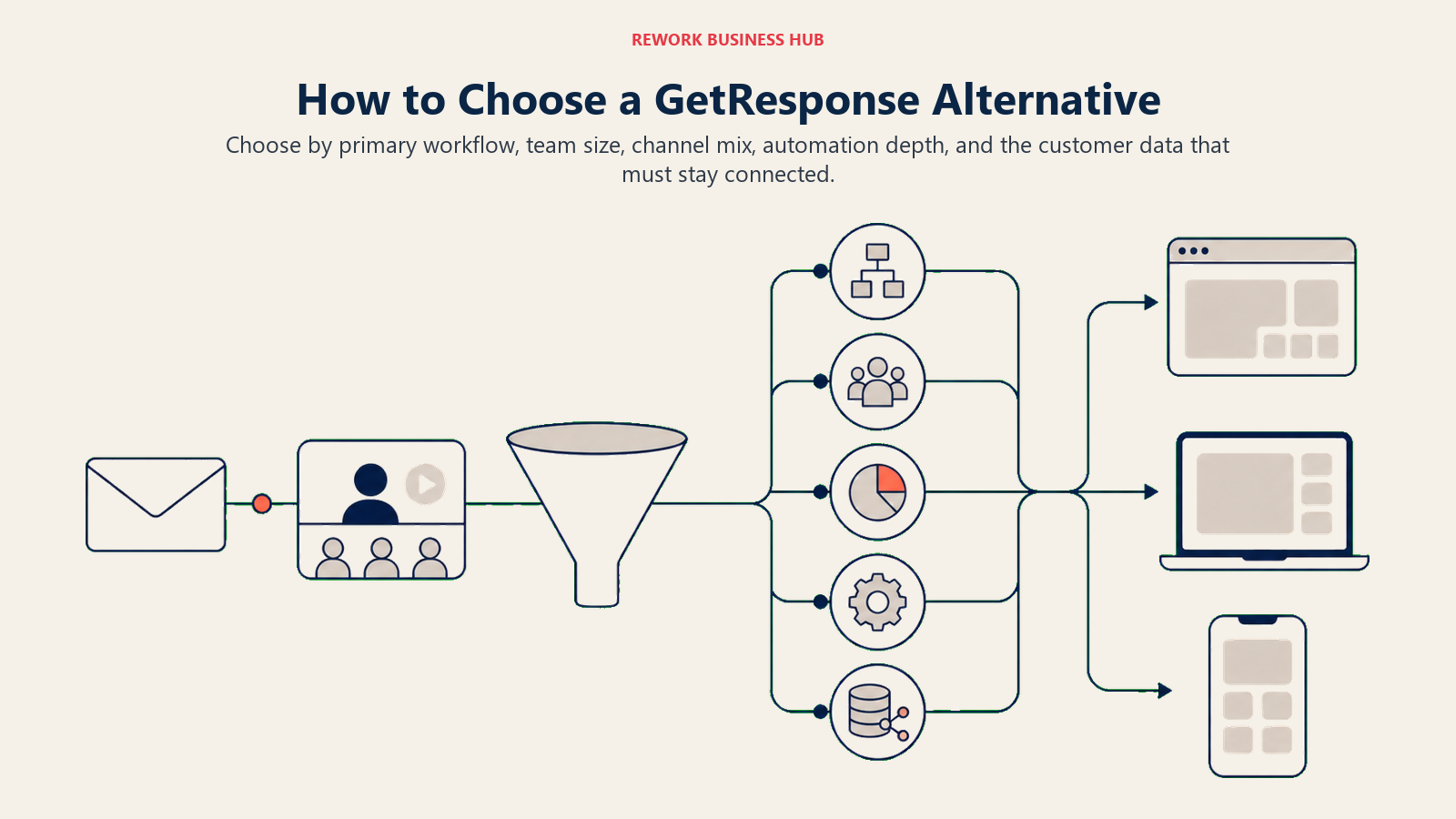
Use these criteria to narrow the field by workflow, team size, channel mix, automation depth, and connected customer data.
| If your main problem is... | Consider... | Skip... |
|---|---|---|
| GetResponse automation is too rigid | ActiveCampaign | Constant Contact, AWeber |
| Contact-count pricing is getting expensive | Brevo (volume-based pricing) | Mailchimp, Klaviyo |
| You sell physical products and need revenue attribution | Klaviyo or Omnisend | Kit, AWeber |
| You're a creator monetizing a newsletter | Kit | GoHighLevel, HubSpot |
| You run an agency with multiple clients | GoHighLevel | All single-brand ESPs |
| You want CRM + marketing on the same data | HubSpot Marketing Hub | GetResponse, MailerLite |
| You need email + SMS + push for a Shopify store | Omnisend | HubSpot, Kit |
| Budget is the primary constraint | MailerLite or Brevo | Klaviyo, HubSpot |
What to Do Next
Start by identifying what specifically isn't working with GetResponse. If automation logic is the issue, book a demo with ActiveCampaign and spend an hour in their flow builder before committing. If pricing is the friction, model your current contact count and send frequency on Brevo's volume-based calculator. If e-commerce attribution is the gap, Klaviyo and Omnisend both offer 14-day trials that let you connect your Shopify store and see revenue attribution live.
And if the real problem is leads from your email campaigns not converting because the marketing-to-sales handoff is broken, look at HubSpot Marketing Hub, which puts marketing and CRM on the same data model.
Each tool in this list offers either a free plan or a free trial. The best way to validate fit is to connect your actual list, run your most common campaign type, and see where the friction surfaces. Don't rely on feature matrices alone; the interface and support quality show up only when you're inside the product.
Camellia writes about marketing and lifecycle tooling for B2B teams. Last updated June 2026.

Principal Product Marketing Strategist