The Learning Tech Stack Explained
Turn this article into takeaways for your work.


Each assistant summarizes the article only for you and suggests best practices for your work.
A learning tech stack is the set of software layers an organization uses to create, deliver, track and improve learning. It's rarely one product. It's a handful of tools that each do one job, joined by a few shared standards and by data that flows between them. Most "we need a new LMS" conversations are really conversations about one layer of a stack nobody has drawn on a whiteboard.
This article draws it. It walks through each layer, explains how the layers connect, shows what a sensible stack looks like at different company sizes, and gives you a way to evaluate one. It stays at the category level on purpose. Vendors change monthly; the layers don't.
What a Learning Tech Stack Actually Is
Think of the stack as three questions answered by software:
- Where does learning live, and who owns the record? (Delivery and record-keeping.)
- How does a person find and consume it? (Discovery, content, live sessions.)
- How do we know it worked, and what does it mean for the business? (Data, skills, analytics.)
Underneath all three sits plumbing: single sign-on, a sync with your HR system, and a few interoperability standards. When the plumbing is wrong, every layer above it looks broken, even when the tools themselves are fine.
A useful habit is to separate the system of record from everything else. The system of record is the one place where "Mai completed the data protection course on 3 March" is the official answer. Other tools may feed it or read from it, but they shouldn't each keep their own competing truth.
The Layers, One by One
1. System of record: the LMS
The learning management system (LMS) is the usual home for assignments, enrollments, deadlines, completions and certificates. It's where compliance evidence lives. If a regulator or a customer asks for proof that every technician finished a safety module, this is the layer that answers.
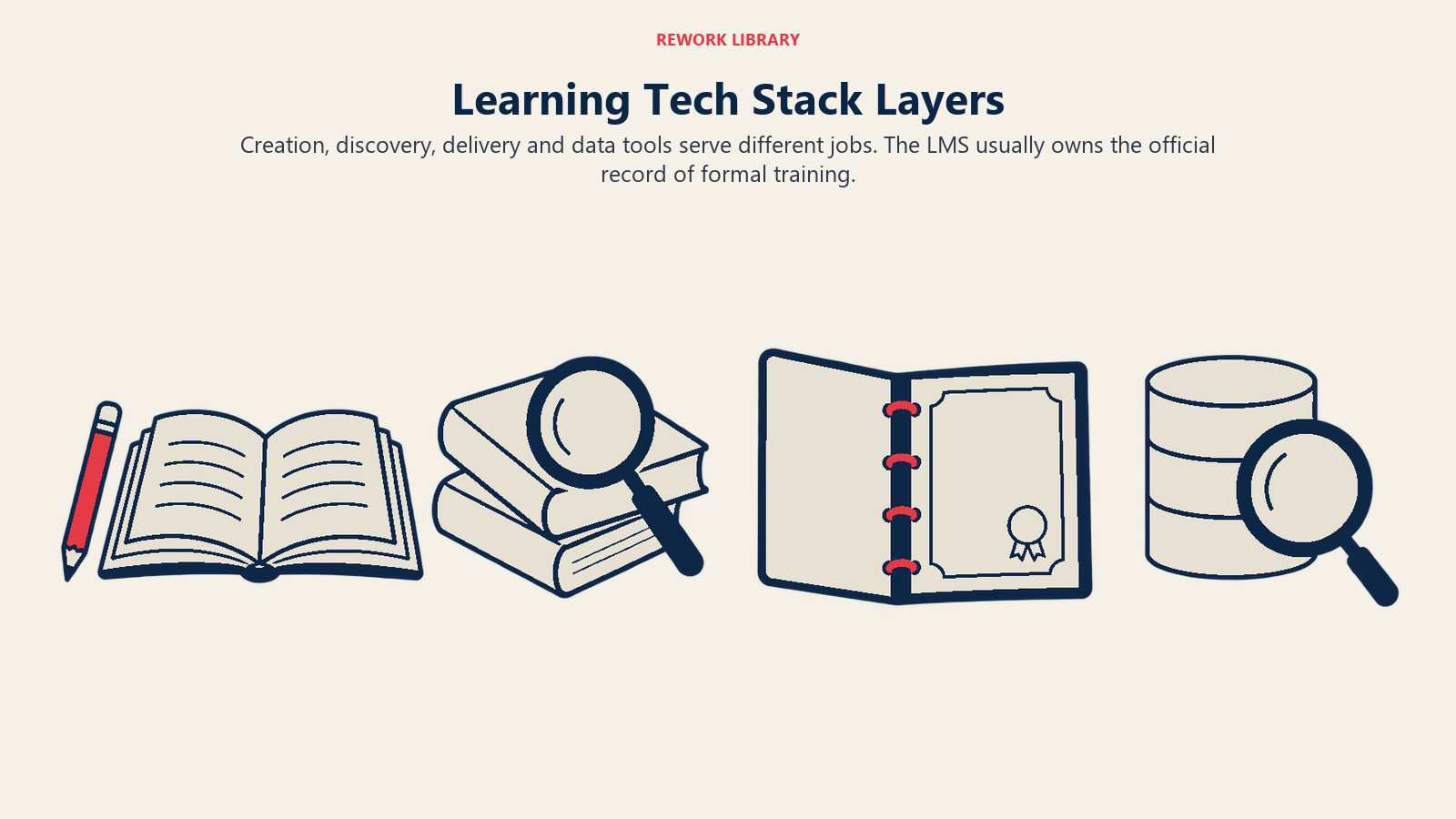
Most stacks start here because the first learning need is almost always mandatory: onboarding, safety, data protection, product certification. The LMS is also the hardest layer to replace later, because years of completion history sit inside it.
2. Discovery: the LXP
A learning experience platform (LXP) sits on top of content from many sources and helps people find, follow and share it, using search, recommendations and learning paths. It answers "what should I learn next?" rather than "what do I owe?"
The difference between this layer and the LMS is covered in full in LMS vs LXP. The short version: the LMS pushes assigned learning to people, and the LXP lets people pull what they need. Many products now blend both jobs, so treat discovery as a capability you may or may not buy as a separate tool.
3. Content authoring tools
Authoring tools are where courses, quizzes and simulations get built. They sit at the edge of the stack: they produce packages or files that the LMS or LXP then hosts. Typical categories include:
- Course authoring tools that publish interactive modules.
- Video and screen-recording tools for short explainers and walkthroughs.
- Assessment and quiz builders, sometimes bundled with the above.
- AI-assisted drafting tools that turn a document or recording into a first-pass lesson, which a human still needs to review.
The practical question for this layer is the output format. If a tool can't export something your delivery layer accepts, the work has to be rebuilt by hand. That's why the standards in a later section matter more than they sound.
4. Content libraries and licensed content
Not everything needs to be built. Content libraries are catalogs of ready-made courses and videos on topics like communication, compliance, software skills and leadership. They plug into the LMS or LXP, and they change the economics of a learning team: fewer hours spent building generic courses, more spent on the training only your company can write.
From the seller's side, these arrangements are covered in training content licensing. From the buyer's side, the questions are about fit, freshness, and whether the library works in the platform you already have.
5. Virtual classroom and live learning
Some learning needs a live person: a workshop, a coaching session, a product launch briefing. The virtual classroom layer covers video sessions with breakout rooms, polls, whiteboards, attendance capture and recordings. In many companies this is simply a video-meeting tool. In training-heavy organizations it's a dedicated tool that reports attendance back to the LMS automatically.
The test for this layer is the hand-off. If a live session happens and nobody records attendance in the system of record, the training didn't officially happen, whatever the room felt like.
6. Assessment and credentialing
Assessment covers quizzes, practical evaluations, proctored exams and the certificates or badges issued at the end. Some LMS products include this natively. Others rely on specialist tools, particularly when exams are high-stakes or when credentials need to be verifiable by third parties.
Two things matter here. First, whether scores flow into the record so a manager sees "passed with 85%" and not just "attended." Second, whether credentials expire, since many compliance certificates must be renewed on a cycle.
7. Learning data: the LRS and xAPI
A learning record store (LRS) is a system that stores learning activity data. It exists because formal courses are only part of how people learn. Someone reads an article, watches a video, completes a simulation, or shadows a colleague, and none of that leaves a trace in a course-completion table.
The standard behind this layer is xAPI, published by Advanced Distributed Learning (ADL). Its specification describes a statement as akin to a sentence of the form "I did this", built from an actor, a verb and an object, and sent to an LRS. The same document notes that, before xAPI, most LRSs were learning management systems, which is a neat summary of why this layer exists: it lets learning data live outside a single product.
For most small and mid-sized teams, an LRS is a "later" layer. It earns its place once you have several tools generating activity and a real question that completion tables can't answer. For the format details and how xAPI compares with SCORM, see SCORM and xAPI.
8. Skills and talent platforms
Skills platforms maintain a map of what people can do, what roles require, and where the gaps are. They connect learning to hiring, internal mobility and performance. Some are standalone products. Others are modules inside a talent suite or an LXP.
This layer is where learning stops being an HR cost line and starts informing workforce decisions: which gaps are widening, which roles can be filled internally, which training actually closes a gap. It only works if the skills data is trustworthy, which depends on how it's gathered (self-assessment, manager input, assessments, inferred from activity) and how often it's refreshed. The ideas behind this are in skills-based learning.
9. Analytics and reporting
Analytics is the layer that turns records into answers. At the basic end, it's the LMS's built-in reports: completions, overdue lists, scores. At the advanced end, it's a data warehouse or BI tool combining learning data with HR, sales or support data, so you can ask whether trained people actually perform differently.
Most disappointment with learning analytics comes from asking a dashboard to answer a question the underlying data can't support. Completion counts say who finished. They don't say whether anything changed on the job. The measures worth tracking, and how to read them, are in EdTech metrics.
10. Integrations: HRIS, SSO and the rest
The integration layer is the least glamorous and the most important. It's what keeps the stack from becoming a pile of separate logins and out-of-date spreadsheets. The essentials:
- HRIS sync. The HR system holds the authoritative list of employees, managers, departments, roles and start dates. The learning stack should read it, not maintain a second copy. New hires should appear in the LMS with the right onboarding path automatically, and leavers should disappear. If you run an HR platform such as Rework's People app as your employee system of record, that's the feed your learning tools should connect to.
- Single sign-on (SSO). One login, controlled centrally. This matters for security, and it matters for adoption, since forgotten passwords kill voluntary learning faster than bad content does.
- LTI. The Learning Tools Interoperability specification from 1EdTech, which lets an LMS or platform integrate remote tools and content in a standard way. In practice, it's how you add a specialist tool (a simulation, a coding sandbox, a proctoring service) inside the LMS without building a custom connector each time.
- APIs and webhooks. For everything the standards don't cover: pushing completion data to a CRM for partner certification, pulling headcount changes from HR, or sending scores to a data warehouse.
How the Layers Connect
Data flows in a fairly predictable pattern. The table shows the typical direction for each connection.
| From | To | What moves | Common mechanism |
|---|---|---|---|
| HRIS | LMS / LXP | Employees, managers, roles, start dates | Scheduled sync or API |
| Identity provider | Every learning tool | Authentication | SSO |
| Authoring tool | LMS / LXP | Course packages | SCORM, xAPI or cmi5 export |
| Content library | LMS / LXP | Catalog and launch links | Vendor integration, LTI |
| Virtual classroom | LMS | Attendance and recordings | Integration or API |
| Specialist tools | LRS | Activity statements | xAPI |
| LMS | HRIS / talent system | Completions, certifications | API |
| LMS, LRS, skills platform | Analytics | Learning and skills data | Export, API, warehouse |
Two points are worth underlining. First, the arrows that matter most are the ones into the system of record. A tool that doesn't report back is a tool whose training doesn't count. Second, interoperability standards exist so you don't have to build each arrow by hand. When you evaluate a product, ask which standards it speaks, not just whether it "integrates."
Typical Architectures by Organization Size
There's no correct stack, only a stack that fits your size, your regulatory load and the number of people who will actually administer it. These patterns show up repeatedly.
| Organization | Typical shape | Layers present | Layers usually skipped |
|---|---|---|---|
| Small team (under about 100 people) | One LMS, a licensed content library, a video-meeting tool | LMS, content library, virtual classroom, SSO | LXP, LRS, skills platform |
| Growing mid-market company | LMS with strong reporting, authoring tool, library, HRIS sync | Above plus authoring, assessment, integrations | LRS, standalone skills platform |
| Large enterprise | LMS plus LXP, several content sources, skills layer, analytics | Nearly all layers | Few, though usage varies by business unit |
| Training business or EdTech company | Customer-facing LMS or academy, authoring, assessment, analytics | Delivery, authoring, assessment, commerce, analytics | Internal HR integrations |
| University or institution | Institutional LMS, many LTI tools, student information system | Delivery, assessment, LTI ecosystem, analytics | Skills and talent platforms |
A few lessons hide in that table.
Small teams should buy for the record, not the dream. A 40-person company that must show completion of safety training doesn't need a recommendation engine. It needs assignments, reminders and a clean export. Add layers when a concrete problem demands one.
Education businesses have a second stack. If you sell learning rather than only deliver it, you also need payment, enrollment, customer-facing branding and support. The segments are mapped in EdTech segments.
How Buyers Evaluate a Stack
Teams usually evaluate products one at a time and discover the stack problem afterward. A better order is to evaluate the architecture first, then the tools.
1. Start with the job list, not the feature list. Write down what the stack must do in the next 12 months: prove compliance, onboard faster, certify partners, grow skills, report to leadership. Each job maps to a layer. Layers without a job don't get budget.
2. Identify the system of record. Decide which tool owns the learner's official history. Every other tool either feeds it or reads from it. If two tools could both claim to be the record, you've found a problem to solve before buying.
3. Check standards support. Ask each vendor which of SCORM, xAPI, cmi5 and LTI it supports, in which direction, and in which versions. Ask for a real demonstration, not a checkbox on a slide. A failed course import during a trial is a cheap lesson. The same failure after signing is an expensive one.
4. Test the integrations you can't live without. HRIS sync and SSO come first. Ask who maintains the connection, what happens when a manager changes, and how long a new hire takes to appear. Insist on seeing it work with a sample of your own data.
5. Count hours. Every layer needs someone to run it: enroll users, curate content, answer tickets, fix broken imports. A powerful tool with no owner decays. Budget for the person, not only the license.
6. Plan for the buying process itself. Larger deals involve security reviews, data-protection checks and several stakeholders. Enterprise learning procurement and how companies buy training cover how that works from the inside.
Common Mistakes
Buying layers before problems. An LXP, an LRS and a skills platform on day one, for a team that mostly needs to track onboarding. Every layer you add increases integration work and admin load.
Measuring activity instead of outcomes. Completions and logins are easy to count. They're not the same as skills gained or performance changed. Decide early which business measure the stack is supposed to move.
Key Facts
- A learning tech stack is a set of layers: LMS, LXP, authoring tools, content libraries, virtual classroom, assessment, LRS, skills platform, analytics, and integrations.
- The LMS is usually the system of record for formal training. Decide which tool owns the learner's official history before buying anything else.
- xAPI, published by ADL, records learning as actor, verb and object statements that are stored in a learning record store (LRS) (ADL xAPI specification).
- LTI, from 1EdTech, lets a learning platform integrate remote tools and content in a standard way (1EdTech).
- Small teams usually need only an LMS, a content library and a meeting tool. LXP, LRS and skills layers come later, when a specific problem calls for them.
- HRIS sync and single sign-on are the integrations that most affect accuracy and adoption.

Co-Founder & COO
On this page
- What a Learning Tech Stack Actually Is
- The Layers, One by One
- 1. System of record: the LMS
- 2. Discovery: the LXP
- 3. Content authoring tools
- 4. Content libraries and licensed content
- 5. Virtual classroom and live learning
- 6. Assessment and credentialing
- 7. Learning data: the LRS and xAPI
- 8. Skills and talent platforms
- 9. Analytics and reporting
- 10. Integrations: HRIS, SSO and the rest
- How the Layers Connect
- Typical Architectures by Organization Size
- How Buyers Evaluate a Stack
- Common Mistakes
- Key Facts