AI Content Repurposing: Turning One Asset Into Many
Turn this article into takeaways for your work.


Each assistant summarizes the article only for you and suggests best practices for your work.
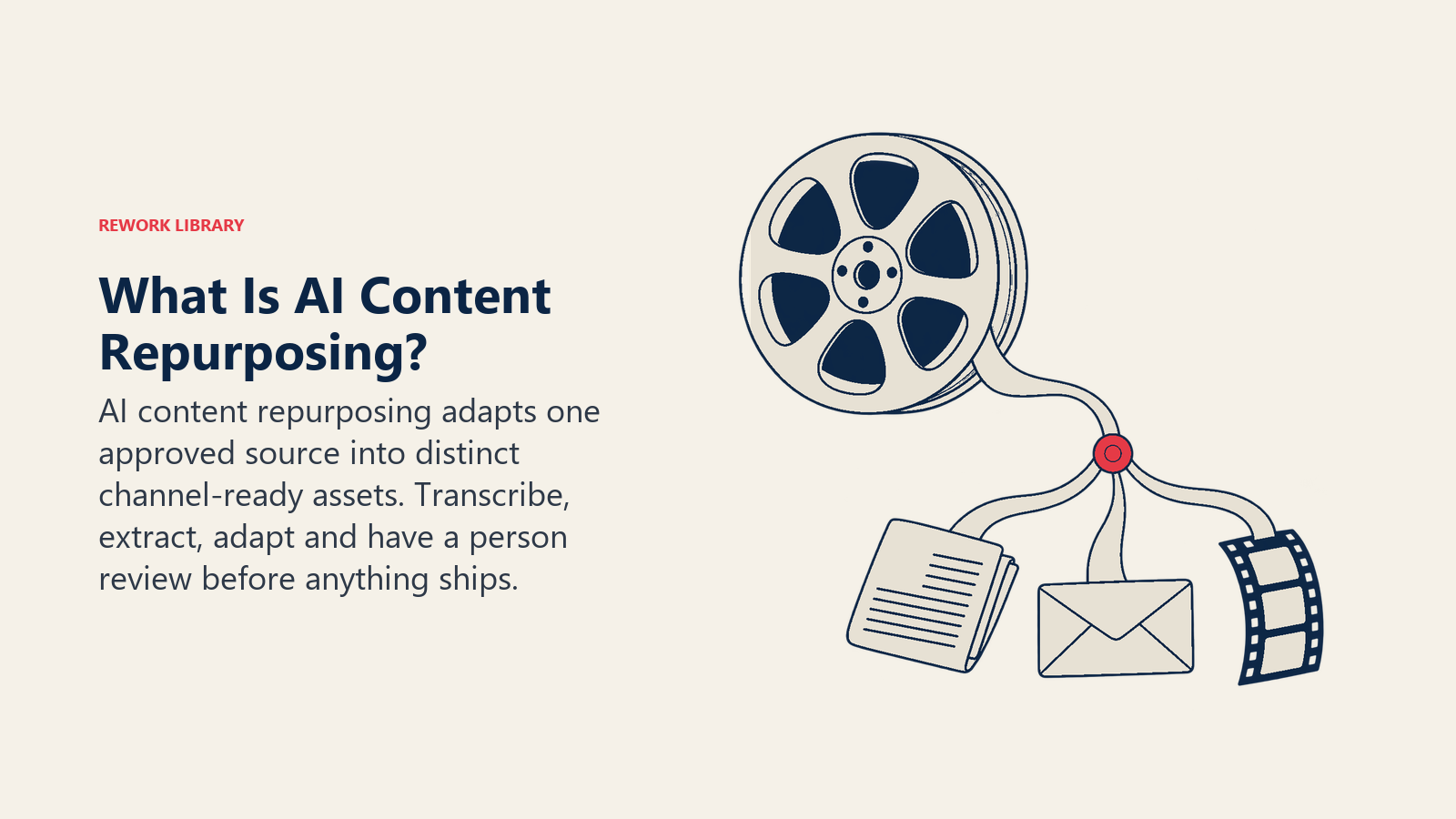
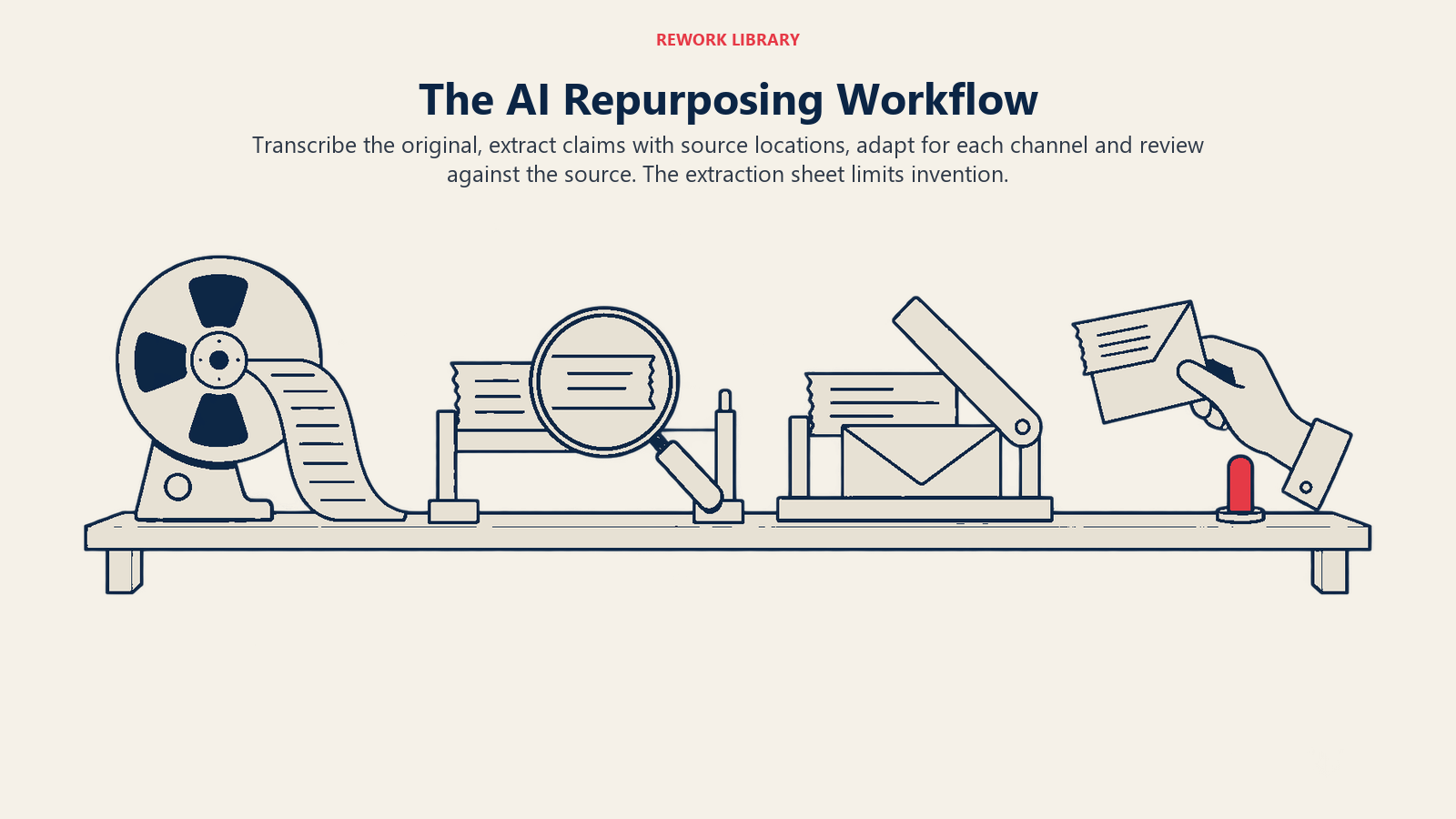
AI content repurposing is the practice of taking one substantial source asset, such as a webinar recording, a research report or a long article, and using AI to turn it into several smaller, channel-specific assets: a summary article, a LinkedIn post series, an email, a short video script, a slide outline. The method that works is a loop of four steps: transcribe the source, extract its claims and quotes, adapt them for each channel, and review with a human before anything ships. AI does the mechanical lifting in the first three steps. People own the fourth.
For content and campaign managers, the appeal is plain. A single hour-long webinar or a 30-page report already contains the expertise, the data and the stories. What it lacks is a form that fits a feed, an inbox or a sales call. AI shrinks the time between "we have a great asset" and "it's working in six places."
But repurposing is also where AI content goes wrong most quietly. A summary can drift from the facts. A post can drift from your voice. Ten near-identical pages can look like scaled filler to a search engine. This guide gives you the process, a mapping table you can copy, and the quality checks that keep derivative content worth publishing.
Why repurposing is a good fit for AI (and where it isn't)
Repurposing starts with material you already own and have approved. That makes it safer than asking a model to write from nothing, because the model is transforming text you can check rather than recalling facts from memory. Google's guidance on generative AI makes the distinction directly: it says generative AI can be particularly useful when researching a topic and to add structure to original content, while generating many pages without adding value for users may violate its spam policy on scaled content abuse.
That sentence is a decent test for every repurposing project. Are you adding structure, clarity and a new angle to something original? Or are you producing volume?
Key Facts: AI Content Repurposing
- Google says generative AI can be useful for researching a topic and adding structure to original content, but using it to generate many pages without adding value for users may violate its spam policy on scaled content abuse (Google Search Central).
- Google's guidance notes that generative models predict a likely sequence of words rather than retrieve facts, so outputs may contain inaccuracies, and it calls manual fact-checking before publishing critical (Google Search Central).
- That review also applies to metadata that can appear in search results: title elements, meta descriptions, structured data and image alt text (Google Search Central).
- When Google finds multiple pages with the same or very similar primary content, it clusters them and picks one as the canonical; a canonical preference you indicate is a hint, not a rule (Google Search Central).
- Redirects and rel="canonical" annotations are strong canonical signals, while sitemap inclusion is a weak one (Google Search Central).
- Google's spam policy lists republishing content from other sites without adding original content or value as abusive scraping (Google Search Central).
Where AI isn't a good fit: sources that are thin to begin with. If the webinar was forgettable, ten derivative posts won't fix it. Repurposing multiplies what's in the source. It doesn't add what's missing.
The four-step method
Step 1: Ingest and transcribe
Everything downstream depends on a clean text version of the source. For audio and video, that means a transcript with speaker labels and timestamps. For a PDF report, it means extracted text plus a separate list of the charts, tables and figures, since those carry the numbers people want to quote.
Two habits save pain later:
- Keep the transcript as the single source of truth. Every derivative asset should trace back to a passage in it. When a reviewer asks "where did this claim come from?", you point to a timestamp or page number.
- Fix names, product terms and numbers in the transcript first. Speech-to-text tools stumble on proper nouns and figures. An error you correct once at the source doesn't get copied into eight assets.
This is the "ingest" capability in practice: getting unstructured audio, video and documents into a form the rest of your workflow can use.
Step 2: Extract and analyze
Don't ask the model to "write a LinkedIn post from this webinar" in one jump. First, have it pull out the raw material in a structured list:
- The three to five main arguments, each in one sentence
- Every statistic or factual claim, with the timestamp or page where it appears
- Direct quotes worth reusing, with the speaker's name
- Questions the audience asked, and the answers given
- Terms that need a plain-language definition
- Anything the speaker said that was an opinion rather than a fact
This extraction sheet is the most valuable artifact in the process. It's short enough for a human to review in ten minutes, and it becomes the only input the adaptation step is allowed to use. A model that writes from the sheet, rather than from its own memory of the topic, has far less room to invent. For more on why that matters, see AI hallucination.
Step 3: Adapt per channel
Now generate drafts, one channel at a time, each from the extraction sheet plus a short channel brief. The brief should state:
- Audience and job. Who reads this, and what should they do next?
- Format limits. Length, structure, calls to action.
- Voice rules. Your tone guidelines, plus two or three approved examples. If you don't have written guidelines yet, start with AI brand voice guidelines.
- Angle. Each derivative should lead with a different point from the sheet. Ten posts that all open with the same insight are one post, repeated.
- Source rule. "Use only claims from the extraction sheet. If a sentence needs a fact that isn't there, mark it [NEEDS SOURCE]."
That last rule is cheap and effective. It turns a silent invention into a visible flag.
If your derivatives include video, the short-form scripting and clipping side has its own considerations, covered in AI video marketing.
Step 4: Review before it ships
A human reviewer checks every derivative against the extraction sheet and the original. The next section covers what to check. The principle is simple: AI drafts, a person approves, and nothing publishes on a model's say-so.
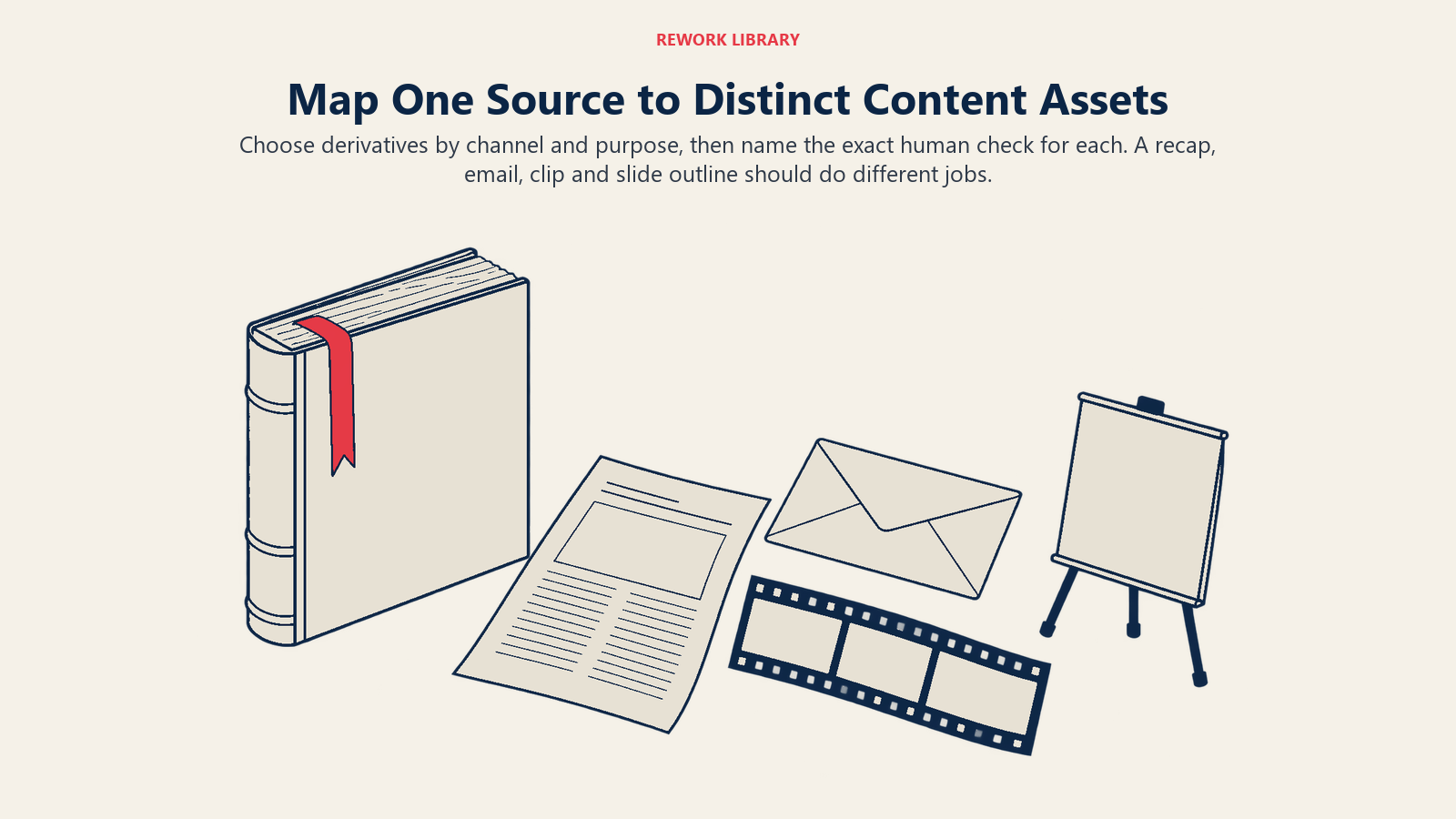
One source, many assets: a mapping table
The table below shows how a single webinar might fan out. Swap the source for a report or long article and the shape stays the same. The point is that each row names both what the AI does and what the human confirms.
| Derivative asset | Channel | AI step | Human check |
|---|---|---|---|
| Recap article (800 to 1,200 words) | Blog | Draft from the extraction sheet, organized by the main arguments | Confirm every claim and figure against the transcript; add an original point of view; write the title and meta description yourself |
| Quote cards (3 to 5) | LinkedIn, Instagram | Pull candidate quotes with timestamps; suggest short captions | Verify wording is verbatim; get speaker approval for attributed quotes |
| Post series (4 to 6 posts) | LinkedIn, X | Draft one post per main argument, each with a different hook | Check voice against the guidelines; remove repeated openings; confirm no claim exceeds what the speaker said |
| Email nurture piece | Condense the top two arguments into a short email with one call to action | Check the offer, links and compliance wording; test the subject line | |
| Short-form video scripts (2 to 3) | Social video | Identify the most self-contained 30 to 60 second segments; draft captions | Confirm each clip makes sense out of context; check captions against audio |
| Slide outline | Sales enablement | Convert arguments and data points into a slide-by-slide outline | Sales lead confirms it matches how they actually pitch; check every chart's source |
| FAQ block | Web page, sales docs | Turn audience questions and answers into clean Q&A pairs | Subject expert confirms answers are still current |
| Podcast or audio snippet notes | Show notes | Summarize with timestamps and a list of links mentioned | Check that every linked resource exists and says what you claim |
| Internal brief | Sales and support | Summarize key claims and objections raised | Product or legal confirms nothing overpromises |
Notice that the "human check" column is never "skim it." It names the specific thing a person must confirm. That's what makes the review fast and consistent across a team.
Quality checks that matter most
Fact drift
Fact drift is what happens when a claim changes slightly each time it's rewritten. "Many teams reported gains" becomes "most teams saw big gains" becomes "teams see 3x results." No single step looks like lying, but the end result isn't what the source said.
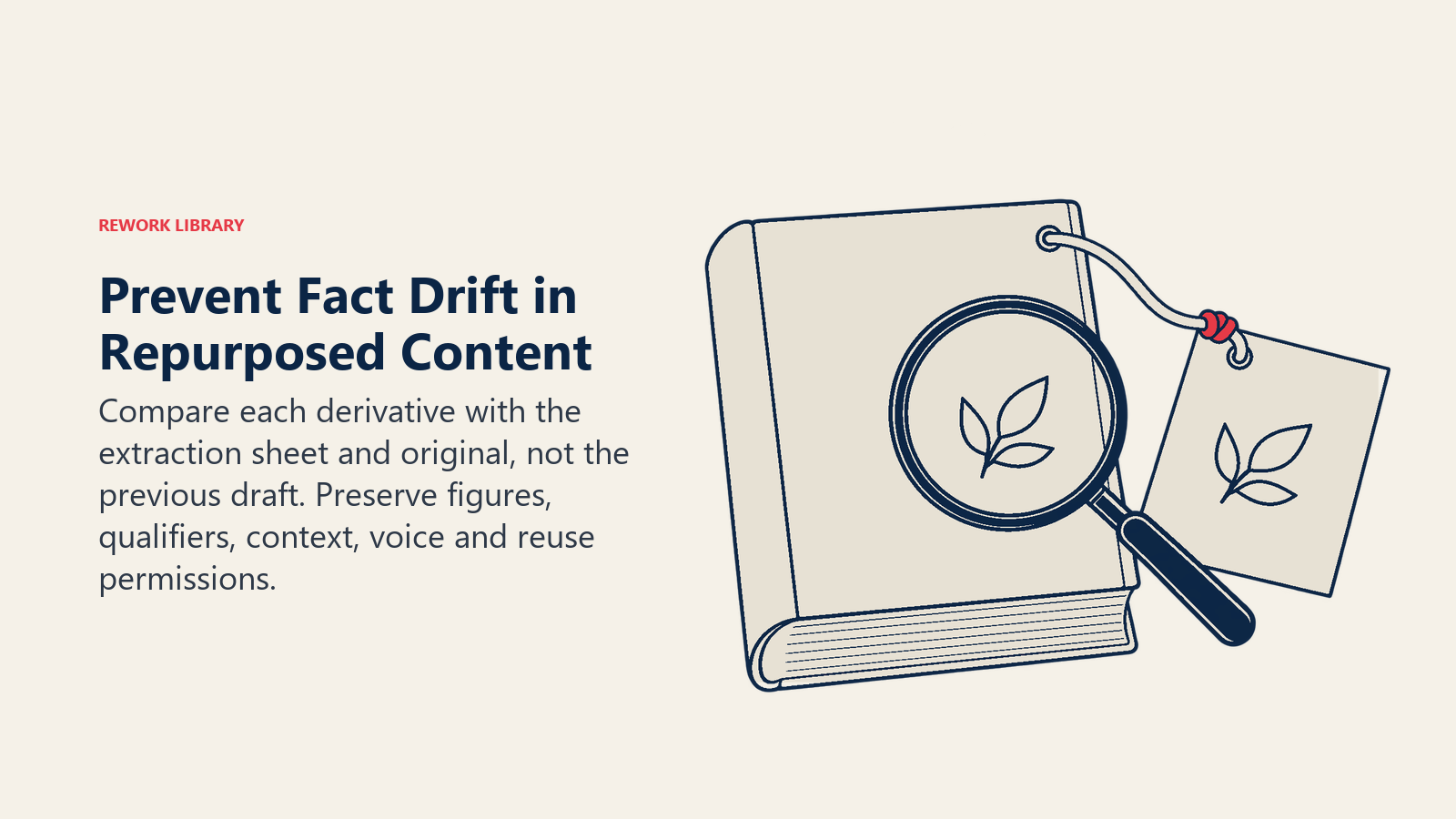
Guard against it by comparing each derivative to the extraction sheet, not to the previous draft. Check numbers character by character. Check that qualifiers survived: "in our sample," "for enterprise accounts," "in 2026." And remember that Google's guidance says to manually fact-check and review all AI-generated content before publishing, including metadata like titles, meta descriptions, structured data and image alt text. A repurposed post often gets those fields filled in last and reviewed least.
Voice drift
Models pull toward a generic, polished register. Across a series of derivatives, your distinctive voice slowly flattens, and readers notice even when they can't say why. Review a batch side by side, not one at a time. If three posts could have come from any company in your category, rewrite the opening lines by hand. A prompt alone rarely fixes it; a before-and-after example from your own archive helps more. The deeper method is in AI brand voice guidelines, and the prompting side is covered in prompt engineering.
Duplication and canonical considerations
If you publish a recap article, a longer version of it, and a transcript page, you may end up with several URLs whose primary content is nearly identical. Google's documentation explains that when it finds pages with the same or very similar primary content, it clusters them and chooses one as the canonical. Some duplication on a site is normal and isn't a violation of its spam policies, but it can confuse readers and make performance harder to track.
Practical rules:
- Make each page earn its own URL. A recap, a deep-dive and a transcript should differ in purpose and depth. If two pages could be merged without losing anything, merge them.
- Pick the page you want to rank and signal it. Redirects and rel="canonical" annotations are strong signals; sitemap inclusion is a weak one. Remember it's still a hint rather than an instruction, so make the content differences real too.
- Be consistent. Link internally to the URL you consider canonical, and don't give conflicting canonical signals for the same page.
- Treat syndicated copies with care. If you republish an article on another site, the copy adds nothing unless it points back to the source. Google's spam policy calls out republishing content from other sites without adding original content or value as abusive scraping, so partners and your own secondary properties should link back clearly.
- Social posts aren't the issue. Short posts on social platforms are different formats on different surfaces. The duplicate-content question is mostly about pages on the open web.
- Translated versions are different. Google treats language versions as duplicates only if the primary content is in the same language, so a real translation of the body isn't a duplicate, while a page with only the header translated is. See Google's canonicalization overview.
Disclosure and context
Google's guidance suggests that sharing how content was created can give your readers more context, for example through background on how automation was used. There's no single required label for blog text, so decide your own policy and apply it consistently. A light-touch note on pages where AI materially shaped the draft is a reasonable option, and quoted speakers should always be attributed by name.
Some rules are firmer. For ecommerce, Google says Merchant Center has its own policies for AI-generated content, including image metadata and labeling of AI-generated product data, per the same guidance page. Check the rules of any platform where you publish, and get legal review for regulated claims.
One more disclosure point is easy to miss: speaker and customer consent. A webinar recording may not grant you permission to cut a customer's quote into a social graphic. Confirm usage rights before turning someone's words into a new asset.
Examples by marketing function
Here are illustrations of how different teams might apply the loop. They're hypothetical scenarios, not case studies.
- Content marketing. A team publishes an annual benchmark report. They extract the five headline findings, then give each its own short article, a chart post and a newsletter segment, linking all of them back to the full report. For the broader planning view, read the AI in content marketer workflow.
- Demand generation. A B2B software team might turn a customer panel webinar into a three-email nurture series, each email built around one objection the panelists addressed.
- Product marketing. A launch briefing becomes a sales enablement one-pager, an FAQ and a short objection-handling doc, all drawn from the same extraction sheet so the claims match.
- Events. A conference keynote yields a recap post, a clip package for the speaker, and a follow-up email for attendees who missed the session.
- Customer marketing. A long customer interview becomes a quote library. Each quote is approved by the customer before it goes anywhere.
Step-by-step: setting up the workflow
- Choose the source asset. Pick something original, substantial and recently approved. Avoid assets with unresolved legal or accuracy questions.
- Check rights. Confirm who appears in the recording and what you may reuse. Get written approval for named quotes.
- Transcribe and clean. Correct names, product terms and figures. Add timestamps or page references.
- Build the extraction sheet. Arguments, claims with locations, quotes, audience questions, opinions flagged as opinions. Have the source's owner review it.
- Decide the derivative set. Use the mapping table above. Choose the three to six that fit your audience and your capacity. More is not better.
- Write channel briefs. One short brief per channel, with audience, format, voice rules and the "use only the sheet" rule.
- Generate drafts, then edit. Give each derivative a distinct angle. Edit for voice by hand where it matters most, usually the first and last lines.
- Run the review checklist. Facts against the sheet, voice against the guidelines, links working, metadata checked, rights confirmed, duplication decisions made.
- Set canonical and internal linking. Decide which page is primary, link derivatives back to it, and avoid publishing near-identical pages.
- Schedule and measure. Stagger publishing so the story unfolds over weeks. Track each asset's contribution, then keep the formats that earn attention and retire the ones that don't.
If you're still shaping the larger content program these assets belong to, AI content strategy is the natural companion, and AI marketing use cases by funnel stage shows where each derivative fits in the buyer's path.
Common pitfalls
- Skipping the extraction sheet. Prompting straight from a transcript invites the model to fill gaps from memory.
- Treating volume as the goal. Ten thin derivatives are worse than three good ones, and at scale they start to resemble the pattern Google's spam policy describes.
- Identical hooks. If every asset opens with the same takeaway, audiences see repetition, not a campaign.
- Stripping context. A statistic pulled out of a slide without its date, sample or definition becomes misleading as a standalone post.
- Forgetting the metadata. Titles, descriptions and alt text are published content too, and they need the same review.
- No owner for the review. If "everyone" checks, nobody does. Name one accountable reviewer per asset.
- Publishing duplicates without a plan. Decide the canonical page before you publish near-identical versions, not after traffic splits.
- Ignoring consent. A recorded guest agreed to a webinar, not necessarily to a quote graphic with their face on it.

Principal Product Marketing Strategist
On this page
- Why repurposing is a good fit for AI (and where it isn't)
- The four-step method
- Step 1: Ingest and transcribe
- Step 2: Extract and analyze
- Step 3: Adapt per channel
- Step 4: Review before it ships
- One source, many assets: a mapping table
- Quality checks that matter most
- Fact drift
- Voice drift
- Duplication and canonical considerations
- Disclosure and context
- Examples by marketing function
- Step-by-step: setting up the workflow
- Common pitfalls