AI Email Marketing: Segmentation, Send-Time Optimization and Copy
Turn this article into takeaways for your work.


Each assistant summarizes the article only for you and suggests best practices for your work.
AI email marketing means using machine learning and generative AI to make four decisions that used to be manual guesses: who should get a message, when it should arrive, what the subject line and body should say, and which version to send to whom. The models learn from your own engagement and purchase data, so each of those decisions can be made per person instead of per list. It doesn't replace a sound strategy, a clean list or a clear offer. It sharpens each of them once they exist.
This guide is the concept side of the topic: what each AI technique does, where it earns its keep, how to roll it out, and the consent and sender rules that sit underneath all of it. If you want to build an autonomous workflow that runs campaigns for you, that's covered in the AI email marketing agent guide. For the wider picture of AI across channels, start with AI in marketing.
The four jobs AI does in email
Most email platforms bundle AI features under different names. They fall into four jobs.
1. Segmentation and prediction. Instead of building segments by hand ("opened in the last 90 days, bought twice"), models score each contact on a likelihood: to buy again, to churn, to engage. Mailchimp, for example, describes predictive segmentation as a way to identify customers most likely to purchase again, and its audience dashboard groups customers by how likely they are to buy again and how much they're expected to spend, which requires a paid account with a connected store and purchase data.
2. Send-time optimization (STO). The model picks a delivery time per recipient based on when they've historically opened or clicked. This is covered in detail below.
3. Copy generation and testing. Generative models draft subject lines, preview text and body variants, and testing tools learn which wins. A person still decides what's true, on-brand and compliant.
4. Content personalization. Product recommendations, dynamic blocks and next-best-offer logic choose what each person sees inside the same email. This builds on the broader idea of AI personalization.
All four share one dependency: data. The quality of your first-party data (purchases, clicks, preferences, consented profile fields) decides how good the output is.
AI segmentation: from rules to predictions
Rule-based segmentation answers "who did X?" Predictive segmentation answers "who is likely to do Y next?" Both have a place.
| Approach | Example | Strength | Weakness |
|---|---|---|---|
| Rule-based | Bought in the last 30 days | Transparent, easy to audit | Static; misses patterns you didn't think of |
| Scored (predictive) | Top 20% likelihood to buy again | Finds likely buyers before they act | Needs enough purchase history; a black box to some degree |
| Clustered | Groups of similar browsing and buying behavior | Reveals segments you didn't define | Clusters need human naming and sense-checking |
| Lifecycle | New, active, lapsing, lapsed | Maps cleanly to journeys | Thresholds still set by people |
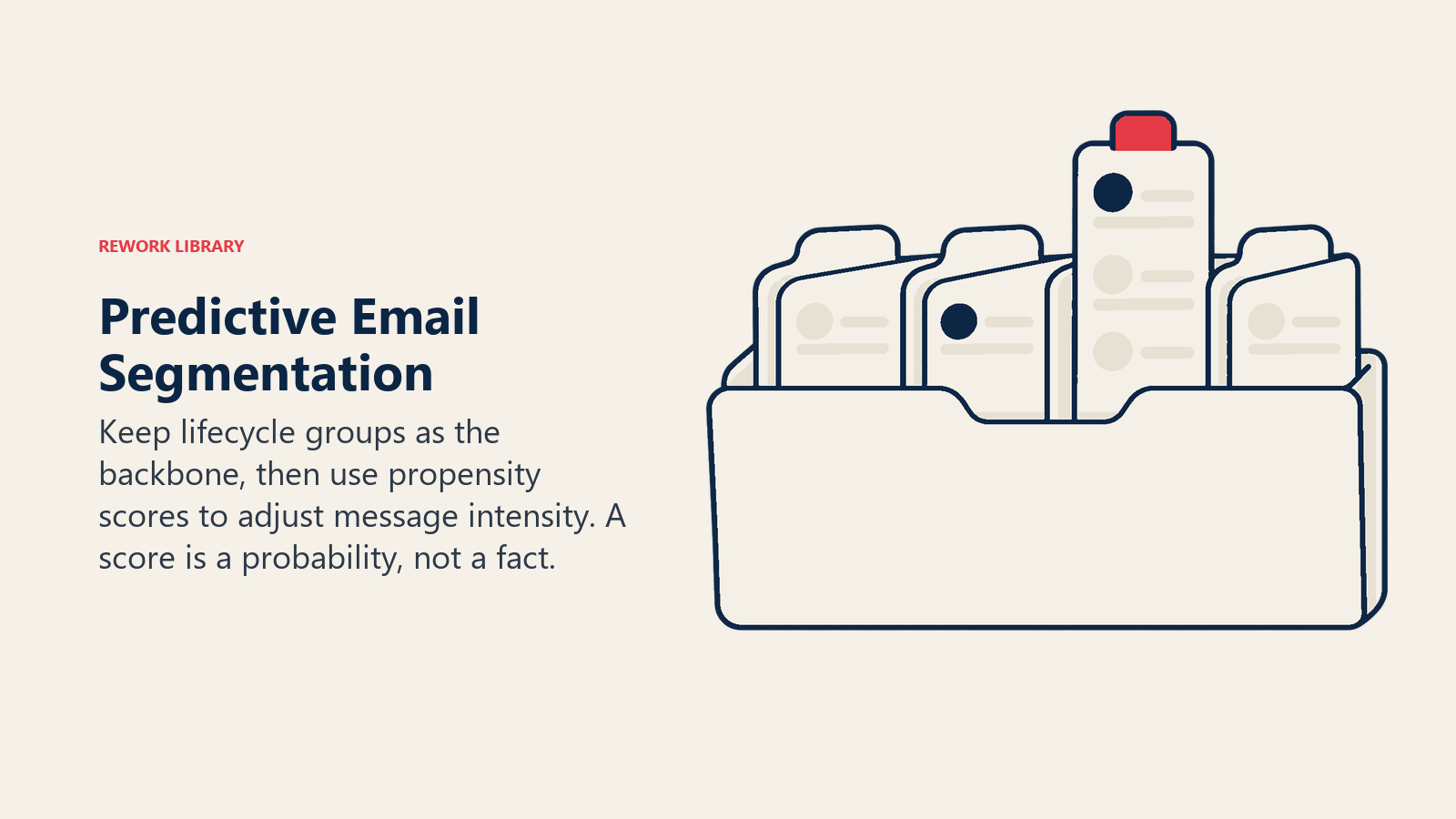
A practical pattern is to keep rule-based lifecycle segments as the backbone and layer a predictive score on top to decide message intensity. A high-propensity lapsing customer might get a personal reminder, while a low-propensity one gets a lighter touch or goes quiet. This is the same logic behind lead scoring in B2B, where lead nurturing programs route contacts based on engagement and fit.
Two cautions. First, predictions need volume: a list with a few hundred purchases won't support a stable propensity model, and platforms often state minimum data requirements. Second, a score is a probability, not a fact. Sample the people the model puts in each segment and ask whether the grouping makes business sense.
Send-time optimization: what it does and its limits
Send-time optimization replaces "Tuesday at 10am for everyone" with a per-recipient delivery window. Platform documentation shows the mechanics differ.
Mailchimp's help page says its Send Time Optimization uses data science to find when contacts are most likely to open within 24 hours of the date you select. It's included with the Standard plan or higher, needs enough data from your sent emails, requires that more than five hours remain in the day in your account's time zone, needs the send date to be at least 48 hours ahead, and supports regular, plain-text, A/B and multivariate emails but not automated emails.
Klaviyo's approach is different. Its help article on Smart Send Time describes an exploratory send in which each recipient is randomly assigned a time in their local time zone over a 24-hour period, followed by focused sends around the chosen time. The number of exploratory sends needed depends on your number of profiles, from one campaign for very large lists to four or five for lists between 12,000 and 17,999.
Notice what that means in practice. STO isn't magic. It's a learning process with data requirements, scheduling constraints and a warm-up period. For small lists, a simpler test (send the same message to equal random groups at two or three different times) can tell you as much.
The open-rate problem
Many STO tools optimize for opens, and opens have become a shaky signal. Apple's Mail setting Protect Mail Activity hides the recipient's IP address from senders and downloads remote content privately in the background when a message arrives, instead of when it's viewed. A tracking pixel that loads at delivery looks like an open whether or not a human read the message. The effect is that open rates for people using that Apple Mail feature can be inflated, and "most likely to open" can end up reflecting when the message arrived rather than when a person engaged.
The fix is to judge send-time experiments by clicks, conversions or revenue per recipient, not opens alone. If your platform lets you choose the optimization goal, choose a click-based or purchase-based one.
Key Facts: AI in email marketing
- Mailchimp's Send Time Optimization finds a likely-to-open time within 24 hours of your chosen send date, needs enough sending history, and doesn't apply to automated emails (Mailchimp Help).
- Klaviyo's Smart Send Time starts with an exploratory send where each recipient gets a randomly assigned local time over 24 hours; the number of exploratory sends depends on list size (Klaviyo Help Center).
- With Protect Mail Activity on, Apple Mail hides the recipient's IP address and downloads remote content in the background on arrival, which can make open rates unreliable (Apple Support).
- Gmail's bulk sender rules apply to senders of 5,000+ messages a day to Gmail accounts, effective February 1, 2024, and require SPF, DKIM, DMARC and one-click unsubscribe (Google Workspace Admin Help).
- Google tells bulk senders to keep spam rates below 0.10% and avoid ever reaching 0.30% (Google Workspace Admin Help).
- Under CAN-SPAM, each separate violating email can carry penalties of up to $53,088, and opt-outs must be honored within 10 business days (FTC).
Subject lines, preview text and body copy
Generative AI is fastest here, and the most misused.
What it's good at. Producing ten honest variants of a subject line in seconds, rewriting a long body into a scannable one, adapting one core message to three audience segments, and tailoring tone per lifecycle stage. It also helps with translation drafts and accessibility edits such as plain-language rewrites.
What it's bad at. Knowing your offer terms, inventing urgency that isn't real, and staying within your claims policy. A model will happily write "Last chance, ends tonight!" for a promotion that runs all month. Under CAN-SPAM, subject lines can't mislead: the FTC's guide says a subject line must reflect what the message contains.
A workable copy process:
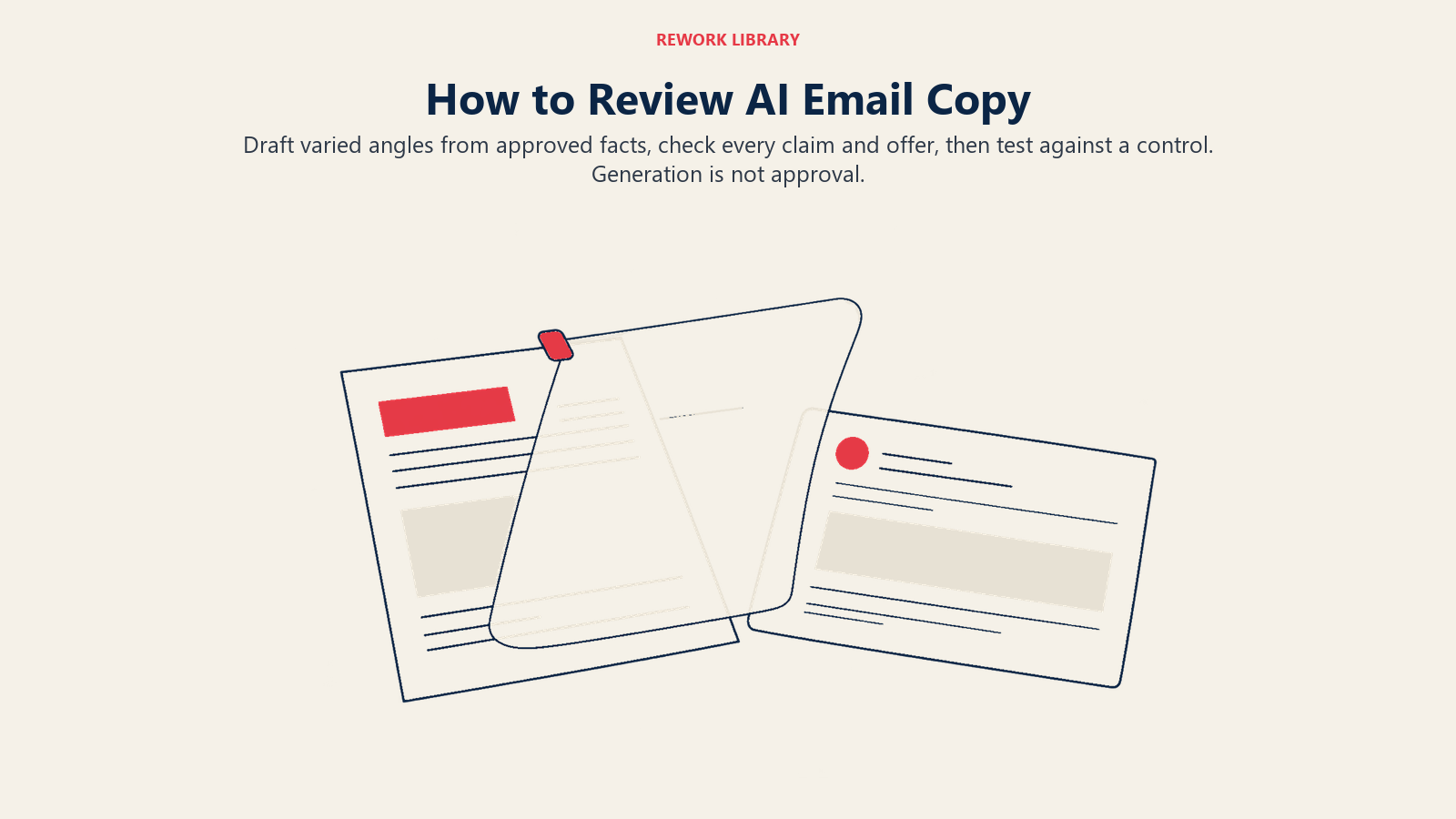
- Give the model your brand voice rules (see AI brand voice guidelines), the audience, the single goal of the email, and the facts it may use.
- Ask for several variants with different angles (benefit, curiosity, specificity), not several rewordings of one idea.
- Strike anything that overpromises, and check every claim, price and date against the source.
- Test two or three variants against a control, with a clear success metric.
- Record what won and why, then feed that learning back into the next brief.
Treat "AI-written" and "AI-approved" as different things. A person owns what goes out under your brand.
Predictive content and dynamic personalization
Inside a single email, AI can pick which products, articles or offers appear for each reader. Common uses:
- Product recommendations based on browsing and purchase history. For stores, email marketing for ecommerce covers the flows where these matter most: abandoned cart, post-purchase and win-back.
- Next-best-content for B2B: recommend the guide, case study or webinar that follows the one a contact just consumed.
- Frequency control, where a model decides who has had enough messages this week and holds the next one.
- Churn and win-back timing, triggering outreach when engagement patterns begin to slip.
Personalization works when the data behind it is accurate and the reader would be comfortable knowing how it was used. Using a recent purchase to suggest an accessory feels helpful. Inferring something sensitive and referencing it is the kind of move that triggers complaints and regulators' attention.
The rules underneath: consent, authentication, unsubscribes
AI changes how you target and write. It doesn't change the rules about who you can email and how.
Sender requirements at the big mailbox providers. Google's bulk sender guidelines apply to senders of more than 5,000 messages a day to Gmail accounts, effective February 1, 2024. They require SPF, DKIM and DMARC authentication, a From domain aligned with SPF or DKIM, one-click unsubscribe (using the List-Unsubscribe and List-Unsubscribe-Post headers) and a clearly visible unsubscribe link in the body. Google also tells senders to monitor spam rates in Postmaster Tools, keep them below 0.10% and avoid ever reaching 0.30%. Even if you send fewer than 5,000 a day, following these practices is sensible.
Here's why that matters for AI. A tool that increases send volume, or sends to loosely defined "likely" audiences, can push complaint rates up. Better targeting should lower complaints; sloppy targeting raises them.
CAN-SPAM in the US. The FTC's compliance guide lists the requirements: accurate header and routing information, non-deceptive subject lines, a disclosure that the message is an ad, a valid physical postal address, a clear way to opt out, honoring opt-outs within 10 business days, and responsibility for mail sent on your behalf, even by a third party. That last point covers any AI tool or agency you use.
GDPR and similar consent regimes. Where consent is your legal basis, it has to be freely given, specific, informed and unambiguous. The UK regulator's guidance on valid consent says consent should be unbundled from other terms, that people must be able to withdraw it easily at any time, that pre-ticked boxes and silence aren't consent, and that you need clear records to demonstrate it. Rules vary by country and by your lawful basis, so have counsel confirm your setup, especially if profiling or automated decisions are involved.
Choosing where to start: a comparison
| Use case | Effort | Data needed | Risk | Good first step? |
|---|---|---|---|---|
| Subject line variants | Low | Brand voice, offer facts | Misleading claims | Yes |
| Send-time optimization | Low | Engagement history | Open-rate distortion | Yes, if you judge it on clicks |
| Predictive segments | Medium | Purchase or conversion history | Thin data, unstable scores | After a few months of clean data |
| Dynamic product blocks | Medium | Catalog plus behavior data | Wrong or stale recommendations | For ecommerce with a clean catalog |
| Full journey automation | High | All of the above | Compounding errors | Later; see AI marketing automation |
How to implement AI in your email program: step by step
- Audit the basics first. Confirm SPF, DKIM and DMARC are set up, unsubscribes work in one click, and your list has consent records. AI on a poor sender reputation just makes the problem faster.
- Clean and connect your data. Merge duplicates, standardize fields, and connect purchase or CRM data to the email platform. Remove long-dormant contacts or put them in a re-permission flow.
- Choose one use case. Start with subject-line testing or send-time optimization. They're quick to switch on and easy to measure.
- Define the success metric before the test. Use clicks, conversion rate or revenue per recipient. Treat opens as a secondary indicator because of mail-privacy features.
- Run a holdout. Keep a random group on your old approach so you can measure the real lift instead of assuming it.
- Add predictive segments next. Create a "likely to buy again" or "at risk of lapsing" segment, send tailored messages, and compare against an untargeted control.
- Set human checkpoints. A person approves copy, claims, offers and new audiences. Automation handles delivery, not accountability.
- Watch complaint and unsubscribe rates. If spam complaints creep toward Google's thresholds, pause expansion and tighten the audience.
- Document and revisit. Record what you changed and what moved. Models drift as your customers and inbox behavior change, so review quarterly. Your wider tool setup is mapped in the AI marketing stack.
Common pitfalls
- Judging by opens. Mail-privacy features inflate them. Use clicks or conversions.
- Optimizing for one metric. A subject line that wins opens through curiosity bait can lower click-through and raise unsubscribes.
- Feeding the model bad data. Duplicates, stale purchase records and miscoded segments produce confident wrong answers.
- Sending more because you can. Cheap generation tempts teams to email more often. Frequency is a deliverability and brand decision.
- Skipping the holdout. Without a control group, any improvement may be seasonality or list growth.
- Unreviewed claims. Generated copy can include false urgency, wrong prices or unsupported promises.
- Hiding the unsubscribe. It's both a legal requirement and a deliverability lever. Make it easy.
- Over-personalizing. If the reader would be unsettled by how you knew something, don't use it.
- Treating consent as a one-time checkbox. Preferences change, and you must be able to show what the person agreed to and let them withdraw.

Principal Product Marketing Strategist
On this page
- The four jobs AI does in email
- AI segmentation: from rules to predictions
- Send-time optimization: what it does and its limits
- The open-rate problem
- Subject lines, preview text and body copy
- Predictive content and dynamic personalization
- The rules underneath: consent, authentication, unsubscribes
- Choosing where to start: a comparison
- How to implement AI in your email program: step by step
- Common pitfalls