Buffer vs Later: Which Social Media Tool Fits Your Team in 2026?
Turn this article into takeaways for your work.


Each assistant summarizes the article only for you and suggests best practices for your work.
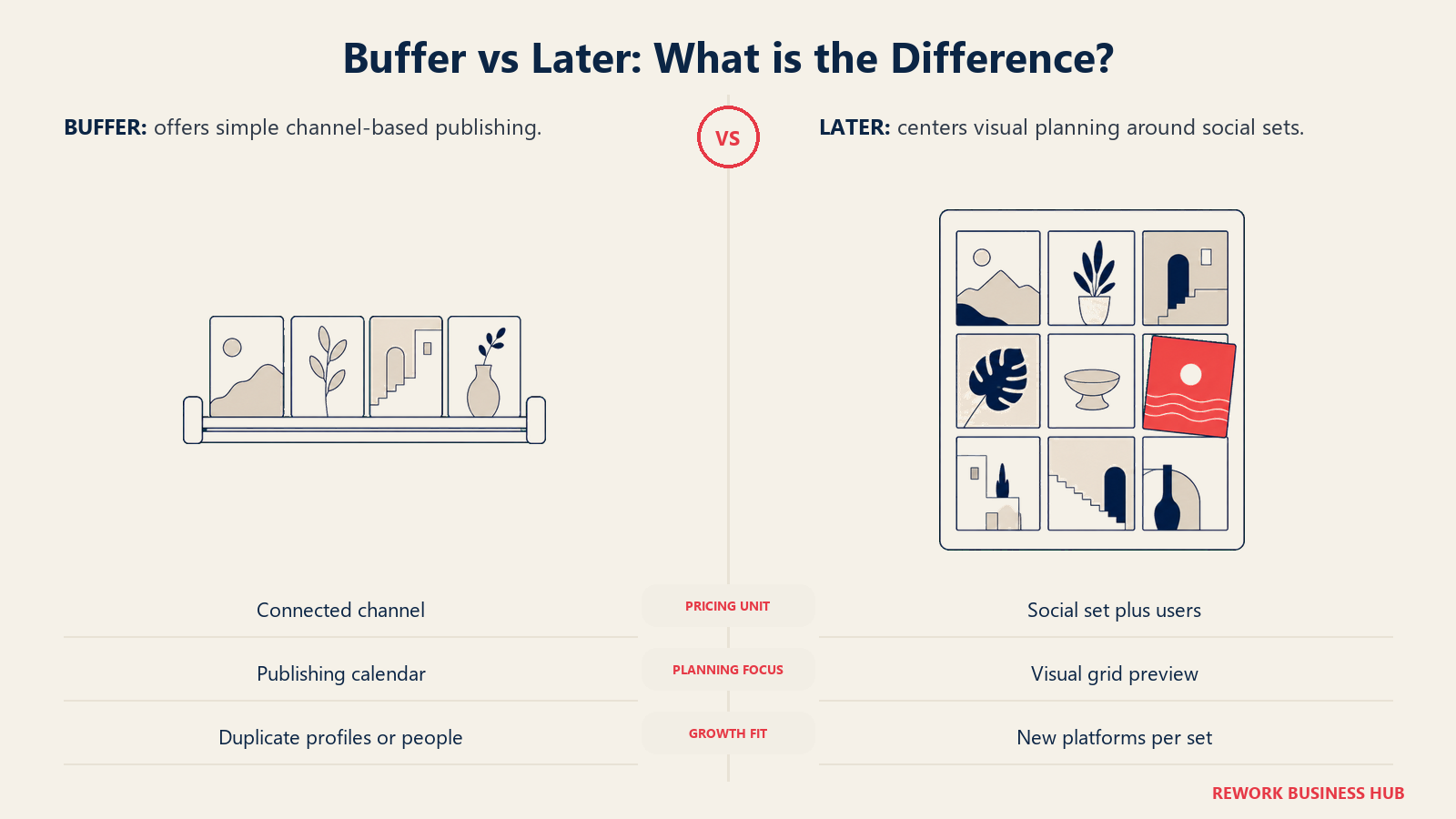
Buffer and Later charge for growth on two different meters, and that fact decides more of this comparison than any feature grid could. Buffer bills per connected channel, full stop, and its Team plan throws in unlimited teammates at no added cost. Later bills per "social set," a bundle of one profile per platform capped at eight platforms, and then bills again per user once your team outgrows what a plan includes. So the real question isn't which tool has more features, it's what's actually growing on your team: more networks, more duplicate accounts on a network you're already using, or more people. Answer that honestly and the choice mostly makes itself.
This comparison is for the marketer, agency owner, or solo creator picking between these two mid-market schedulers, not the enterprise buyer weighing the wider field of social media management software. We'll work the real numbers at four concrete team shapes, cover where Later's visual planning and Buffer's simplicity earn their keep beyond price, and close with a direct pick-one-or-the-other framework. If a third, analytics-first option is also on your shortlist, Later vs Metricool vs Buffer puts all three side by side.
TL;DR
| Buffer | Later | |
|---|---|---|
| Pricing axis | Per connected channel | Per "social set" (1 profile/platform, 8 platforms max), plus per user |
| Entry price | Free (3 channels), then $6/channel/month billed monthly | $18.75/month billed yearly (Starter); no monthly rate published |
| Free plan | Yes: 3 channels, 10 posts/channel, 1 user | None, 14-day trial only |
| Team seats | Unlimited on Team, flat per-channel rate | 1 user on Starter, up to 4 on Scale; extra users $3.75/month each |
| Duplicate accounts on one platform | Just +1 channel at the standard rate | Forces a whole new social set |
| Visual grid planning | Basic calendar, no grid preview | Purpose-built drag-and-drop grid preview |
| Native social inbox | Comments only (Community), no DMs | DMs and comments, from Growth up |
| Best for | Teams with more people than channels, or many duplicate accounts on one platform | Teams growing across new platforms, not duplicating accounts on one |
Who Each Tool Is Actually Built For
Buffer: Simple, and Proud of It
Buffer's pitch has barely moved in over a decade: connect an account, charge for it, keep everything else out of the way. There's no analytics suite bolted onto the roadmap, no ad-platform integration, no separate client-report builder. What ships is a clean visual calendar, a browser extension, and a setup you can finish before your coffee's done. Buffer's free plan (3 channels, 10 scheduled posts per channel, 1 user) has survived while plenty of competitors dropped theirs, and its Team plan bundles unlimited team members into one flat per-channel rate, a structure Later doesn't match at any tier.
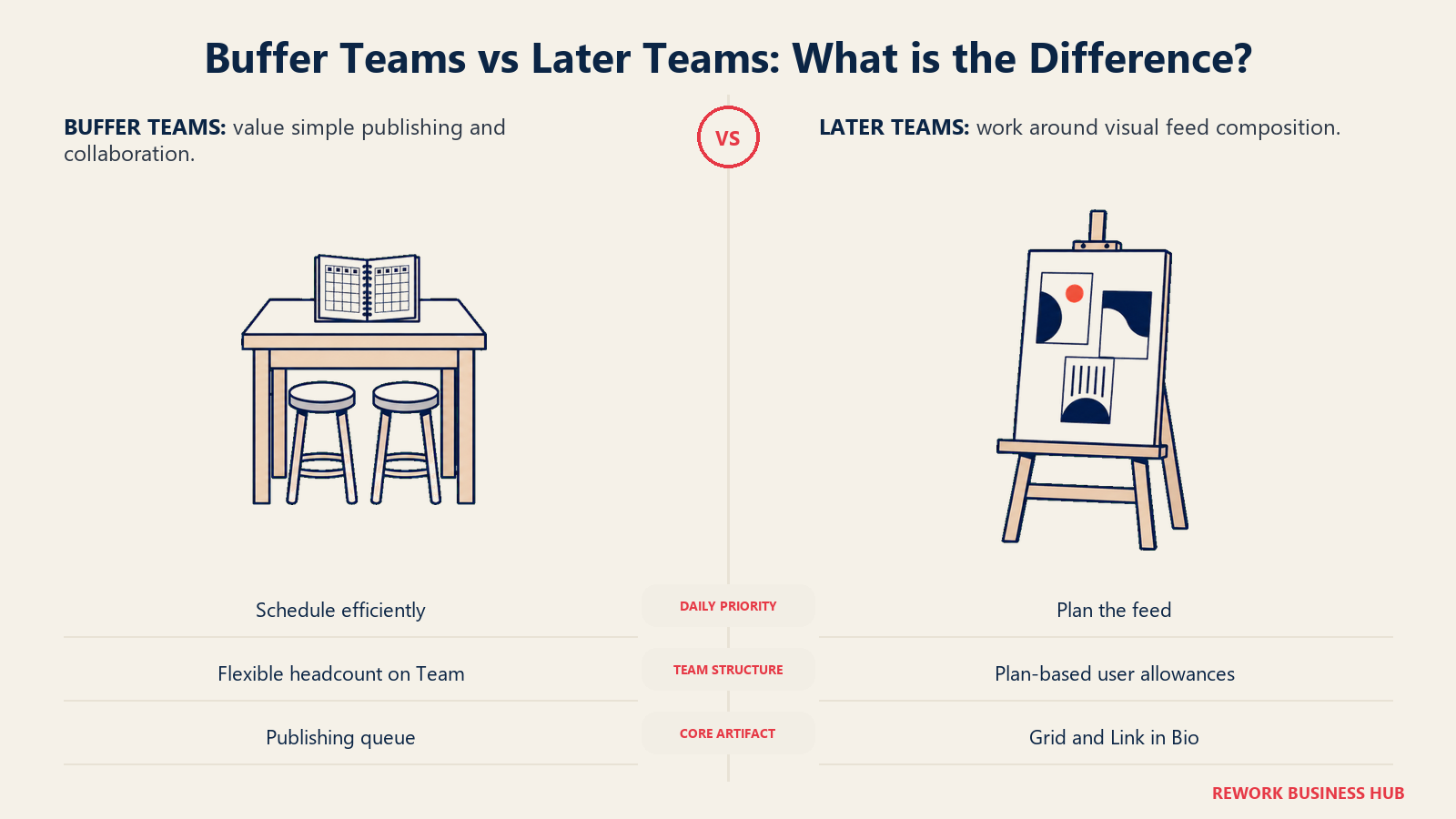
The tradeoff is depth. Buffer ships no social listening, no paid-ads reporting, and an approval flow that's genuinely one step: someone drafts, someone approves. If the complexity on your team is people rather than channels, that's usually the point, not a gap.
Later: Built Around the Grid, Now Two Products
Later started as one of the first dedicated Instagram schedulers, and the visual-first DNA never left. Its core interface previews exactly how a run of posts will look side by side on a profile grid before any go live, which matters to any brand where feed aesthetics carry real weight. Later's Link in Bio tool turns a bio link into a shoppable landing page mapped to that same grid, a natural fit for ecommerce and DTC brands driving traffic from Instagram and TikTok.
The less obvious part of Later's identity: in 2024 it merged with influencer marketing platform Mavrck and rebranded it Later Influence, now sold separately on custom pricing. It isn't bundled into the $18.75 to $82.50 scheduling plans covered in this article, so confirm that before assuming a core plan includes it.
| Buffer | Later | |
|---|---|---|
| Natural buyer | Solo creator or lean team that wants scheduling without a learning curve | Ecommerce, DTC, or content brand where feed visuals and grid aesthetics matter |
| Team shape it fits | More people than channels, or unpredictable headcount | A content team of one to four, sometimes with an external client reviewer |
| Primary use case | Fast, opinionated publishing with light engagement | Visual planning, Link in Bio, and (as a separate purchase) influencer/UGC campaigns |
| Where it's overkill | A large team drowning in DMs will outgrow Buffer's engagement depth | A channel-only operator with no visual planning need pays for a grid they won't use |
Key Facts
- Global social media reached 5.79 billion user identities by April 2026, the scale that makes scheduling a volume problem as much as a workflow one, per DataReportal.
- The global social media management software market is valued at $39.14 billion in 2026, headed to $164.52 billion by 2034, per Fortune Business Insights, part of why this tier keeps getting more crowded.
- Buffer carries a 4.3 out of 5 rating across roughly 1,071 reviews on G2; Later carries a 4.5 out of 5 rating across roughly 350 reviews on G2, a smaller, less-scrutinized pool.
- 71% of US adults say they use Facebook and 50% say they use Instagram, according to Pew Research Center's 2025 social media use survey, a reality check for which channels actually need coverage.
Pricing and the Two Axes That Decide This
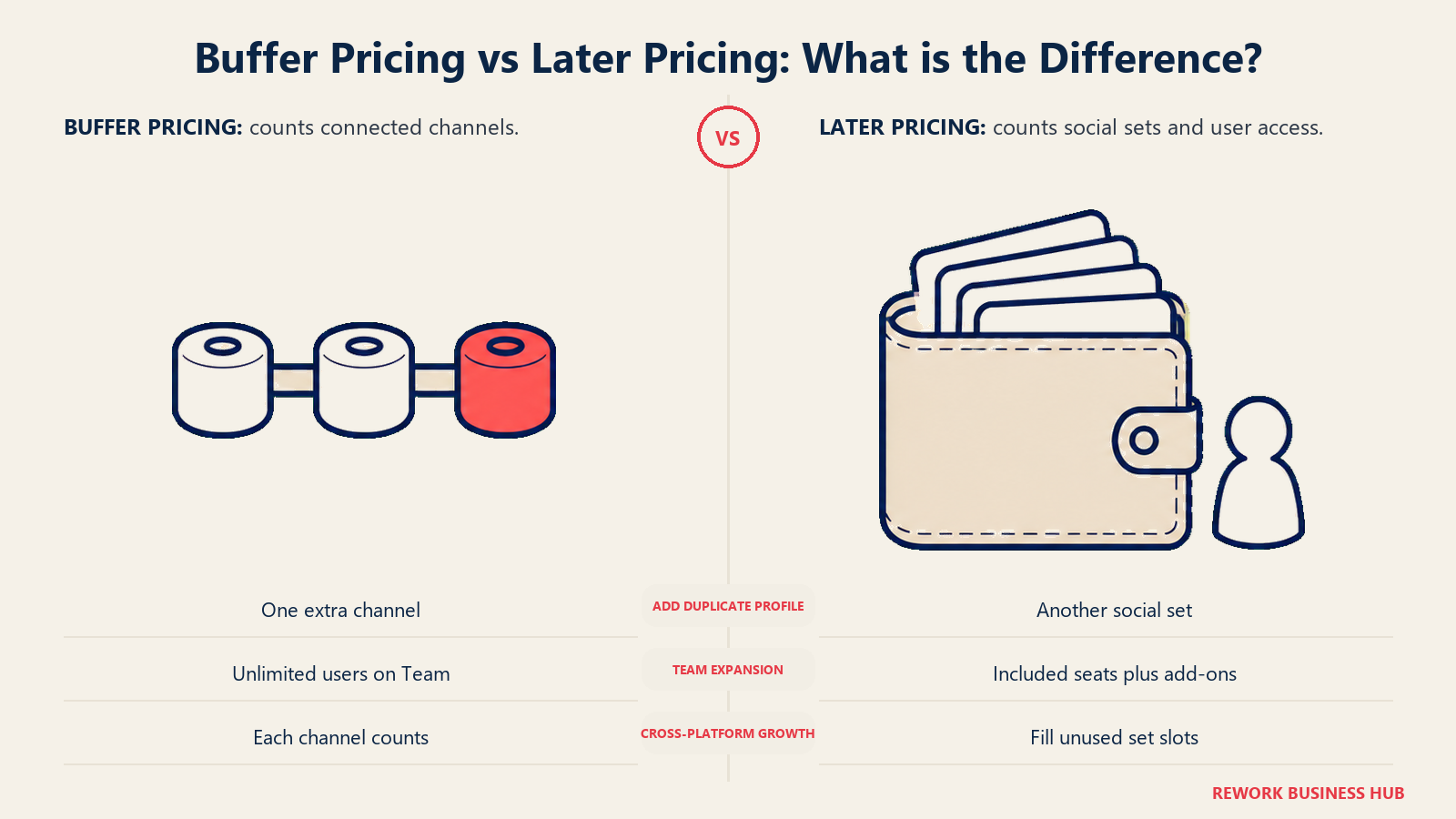
Buffer charges per connected channel, and nothing else. Free covers 3 channels, 10 scheduled posts per channel, and 1 user, at $0. Essentials runs $6 per channel per month billed monthly, or $5 per channel per month billed yearly ($60 per channel per year). Team runs $12 per channel per month billed monthly, or $10 per channel per month billed yearly ($120 per channel per year), and Team throws in unlimited team members at no added cost.
That $6-and-$12 figure is worth being precise about, because it's easy to see it backwards. Buffer's own pricing page lists $5 per channel (Essentials) and $10 per channel (Team) as the yearly-billed monthly-equivalent rates. Pay month to month and the actual rate is $6 and $12. If you've seen $5 and $10 described somewhere as the "monthly" price, that's the annual-billing number wearing the wrong label.
Buffer also volume-discounts channels past 10, straight from its own pricing table:
| Channels | Essentials | Team |
|---|---|---|
| 1-10 | $6/channel | $12/channel |
| 11-25 | $4/channel | $4/channel |
| 26-50 | $3/channel | $3/channel |
| 51+ | $1/channel | $2/channel |
Look at the 11-25 row: Essentials and Team charge the identical $4 per channel there. A single operator running 15 or 20 channels gets Team-tier volume pricing on the cheaper Essentials plan, and loses only the unlimited-teammates perk, not the channel discount. That's a real, checkable quirk of Buffer's pricing table almost nobody writes about.
Later charges on two axes at once: per social set and per user. A social set bundles one profile from each of 8 supported platforms (Instagram, Facebook, TikTok, Threads, YouTube, Pinterest, LinkedIn, Snapchat), so one set covers up to 8 channels, as long as none of them duplicate a platform. Starter runs $18.75 per month billed yearly for 1 set and 1 user. Growth runs $37.50 per month billed yearly for 2 sets and 2 users. Scale runs $82.50 per month billed yearly for 6 sets and 4 users. Extra sets cost $11.25 per month each on Growth and Scale, and extra users cost $3.75 per month each on the same two tiers.
Later doesn't publish a monthly-billed rate at all. The $18.75 / $37.50 / $82.50 figures are the yearly-billed monthly-equivalent, and that's the only number on the page; Later confirms month-to-month costs more without stating what it is. Don't compute one yourself and print it as a quote, because that figure doesn't exist anywhere on Later's site.
The structural point underneath all of this: Buffer's meter only cares how many accounts you connect, so a fifth teammate is free and a fifth account on a platform you're already using costs the same as your first. Later's meter cares about both how many distinct platform slots you fill and how many people log in, so a fifth teammate costs money past the included count, and a second Instagram account, when your set's one Instagram slot is already taken, forces an entire new set, seven unused platform slots included.
The arithmetic in both directions
Four real shapes of growth, worked against both pricing pages, show exactly where each tool's meter helps or hurts.
A solo creator running one profile on each of four networks (Instagram, Facebook, TikTok, LinkedIn), 1 user. All four channels fit inside a single Later social set with four platform slots to spare, so Starter covers it at $18.75/month billed yearly, no add-ons needed. Buffer needs 4 channels on Essentials: $6 x 4 = $24/month billed monthly, or $5 x 4 = $20/month billed yearly ($240/year). At this shape, Later's flat per-set price already undercuts Buffer's per-channel rate, and the gap would widen further if a fifth or sixth new-platform channel got added, since Later's set has room for four more before it needs a second one.
A 5-person team running 4 channels. Buffer needs Team, since Essentials caps at 1 user: 4 channels x $12/month billed monthly = $48/month, or 4 x $10 = $40/month billed yearly ($480/year), and all 5 people share it at no extra cost. Later's Growth plan includes 2 users and covers 4 channels easily inside its 2-set allowance; the other 3 people cost $3.75/month each: $37.50 + (3 x $3.75) = $48.75/month billed yearly. The two land within a few dollars of each other here, but Buffer's unlimited-seat structure means a 6th or 10th hire changes nothing on Buffer's bill while it keeps adding to Later's.
A 1-person operation running 12 Instagram accounts, one franchise or client location per account, all on the same platform. This is where the two meters diverge hardest. Buffer treats it as 12 channels, no different from 12 channels on 12 different platforms: 10 x $6 + 2 x $4 = $68/month billed monthly, straight from Buffer's own volume table. Later treats each additional Instagram account as needing an entirely new social set, since one set holds exactly one Instagram slot; 12 Instagram accounts need 12 sets. Scale's 6 included sets get you halfway, and the other 6 cost $11.25/month each: $82.50 + (6 x $11.25) = $150/month billed yearly, with 7 unused platform slots sitting idle inside every one of those 12 sets. Buffer runs at roughly 45% of Later's cost here, even though Later is the one on the cheaper annual billing term.
An agency running 25 channels across 6 client brands, each client averaging about four platforms (Instagram, Facebook, TikTok, LinkedIn). Since each client needs its own Instagram, Facebook, TikTok, and LinkedIn slot, and a set holds only one of each, this needs 6 separate social sets, one per client, each using half its 8 available slots. That's an exact fit for Scale's included 6 sets and, if the team is 4 people or fewer, its included 4 users: $82.50/month billed yearly, flat, covering all 25 channels. Buffer needs Team for a multi-person agency: 10 x $12 + 15 x $4 = $180/month billed monthly, or, using Buffer's own published figure for 25 channels on Team, $150/month billed yearly. Later wins this one outright, because the agency's channel growth here is spread across new platforms per client, not duplicated accounts on one platform, exactly the shape Later's social set is built to reward.
Read those four back to back and the pattern holds. Later's per-set price is hard to beat when growth adds new platforms, whether that's one team's four networks or six clients' four networks each. Buffer's per-channel price is hard to beat once growth means either more people or more duplicate accounts on a platform you're already using, and it gets dramatically cheaper the more that second condition applies.
| Configuration | Buffer | Later | Cheaper option |
|---|---|---|---|
| Solo creator, 4 channels across 4 platforms, 1 user | $24/mo billed monthly ($20/mo billed yearly) | $18.75/mo billed yearly (only term published) | Later |
| 5-person team, 4 channels | $48/mo billed monthly ($40/mo billed yearly) | $48.75/mo billed yearly | Buffer, narrowly, and the gap widens with headcount |
| 1-person operation, 12 Instagram accounts | $68/mo billed monthly | $150/mo billed yearly | Buffer, by a wide margin |
| Agency, 25 channels across 6 clients (~4 platforms each) | $180/mo billed monthly ($150/mo billed yearly) | $82.50/mo billed yearly | Later, at roughly half Buffer's price |
Publishing and Scheduling
Both tools handle the core job, queue content, publish on schedule, but they differ in an underappreciated way: how many posts you're allowed to publish. Buffer's free plan allows 10 scheduled posts per channel (refillable), and both paid tiers publish without a practical cap, fair-use limited at 5,000 scheduled posts per channel. Later caps posting per profile by tier: Starter allows 30 posts per profile per month, Growth allows 180, and only Scale goes unlimited. A brand posting to Instagram multiple times a day can burn through Starter's 30-post allowance in under two weeks.
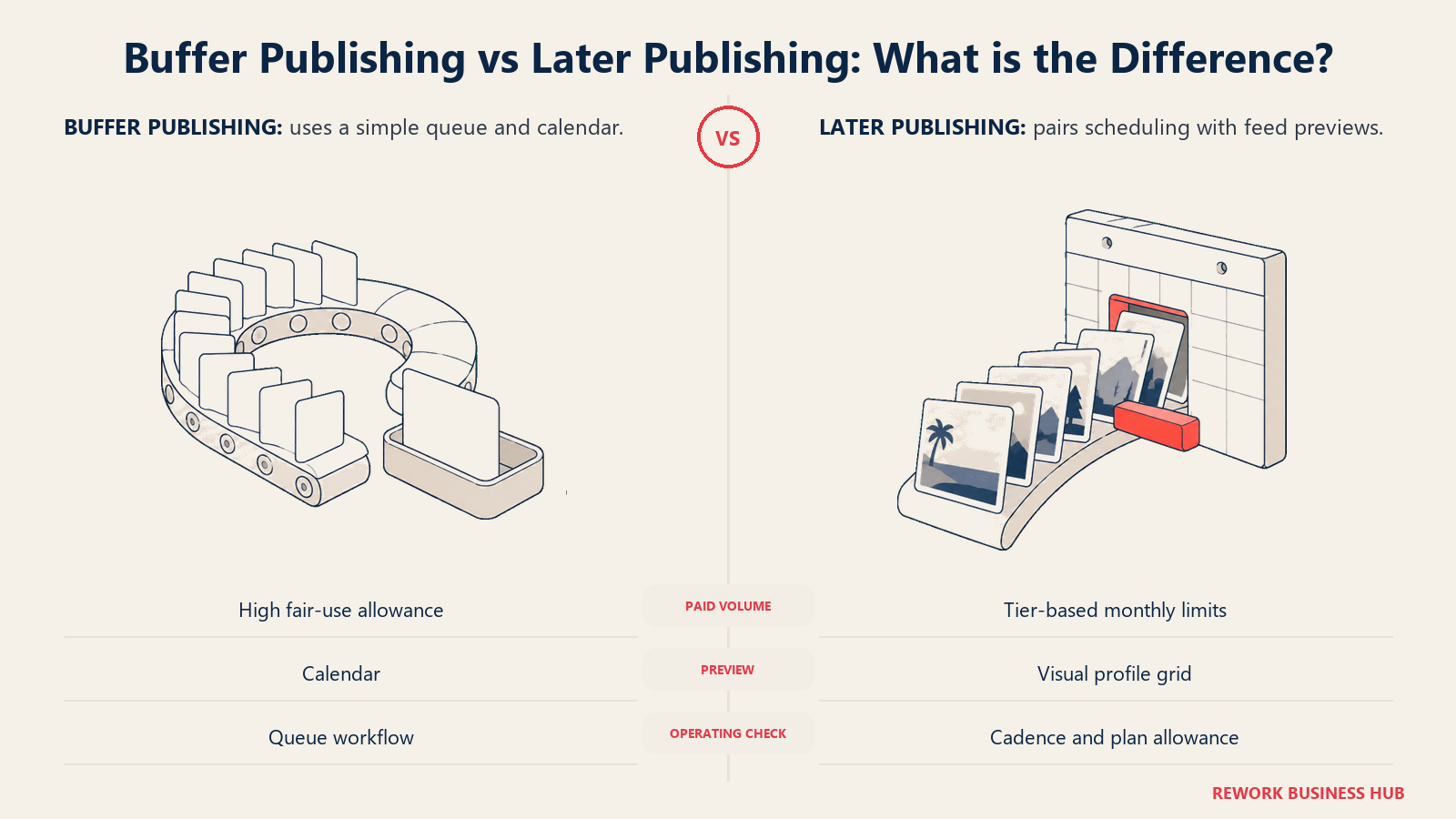
Buffer's publishing flow is intentionally shallow: a visual calendar you drag posts around, a browser extension for grabbing content on the go, and straightforward first-comment and hashtag tools. Later's flow is built around the grid: you compose or drag media directly onto a visual preview of how nine posts will look on a profile before any go live, plus a monthly allotment of AI credits for caption help and content ideas.
| Buffer | Later | |
|---|---|---|
| Posting cap | Free: 10/channel (refillable). Paid: unlimited, fair-use capped at 5,000/channel | Starter: 30/profile/month. Growth: 180/profile/month. Scale: unlimited |
| Visual grid preview | Not available, calendar view only | Yes, drag-and-drop grid preview before publishing |
| Browser extension | Yes | Not a core feature |
| AI credits included | Bundled into the AI Assistant, no published monthly cap | 5/month (Starter), 50/month (Growth), 100/month (Scale) |
| Extra AI credits available | Not applicable | $3.75/month per 100 extra credits (Growth, Scale) |
Visual Planning and the Content Calendar
Later's visual-first identity shows up nowhere more clearly than here. The grid preview lets you rearrange posts before publishing and see, side by side, whether five product shots in a row feel cohesive or clash, a workflow Buffer's plain calendar view doesn't attempt. Later's Link in Bio tool turns a single bio link into a clickable landing page mapped to that same grid, useful for ecommerce and content brands driving traffic off Instagram and TikTok bios.
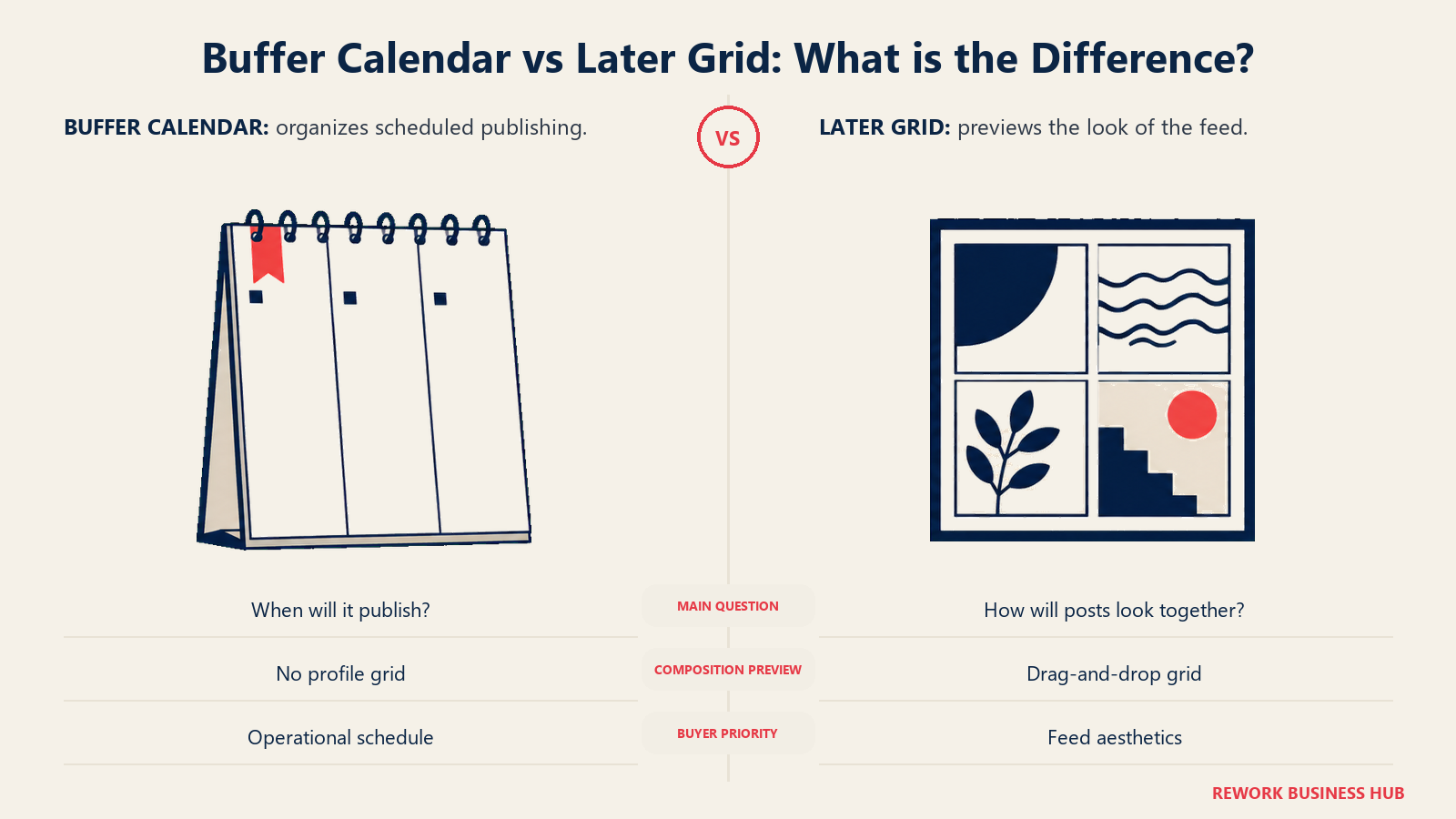
Buffer has no comparable visual-planning layer. Its calendar shows what's scheduled and when, which covers the operational need, but it isn't built to preview how a run of posts reads as a set. If your brand's feed aesthetics genuinely matter to the product, fashion, food, design, or lifestyle content especially, that gap is worth weighing against the price difference above. Neither tool's grid or calendar substitutes for the other; a team that cares about both the schedule and the look will feel the difference within a week of daily use.
Engagement and the Inbox
This is one of the sharper gaps between the two. Later's social inbox, which pulls in messages and comments, ships from Growth up, alongside internal and external approvals, useful for an agency looping a client into sign-off without handing them a full seat. Starter has no inbox at all.
Buffer's Community feature consolidates public comments, not direct messages, from several connected networks into one stream, so you're not switching between apps to reply. It ships on paid plans but stops short of a full inbox: no DM handling, no auto-responder, and no assignment or tagging workflow for splitting response duty across a team.
| Buffer | Later | |
|---|---|---|
| Public comment management | Yes, via Community | Yes, from Growth up |
| Direct message management | Not available | Yes, from Growth up |
| Included from | Community ships on paid plans | Growth ($37.50/month billed yearly) and up, not on Starter |
| Approval routing tied to the inbox | Single-stage, not role-based | Internal and external approvals, from Growth |
Analytics and Reporting
Buffer's Insights covers the fundamentals: engagement rate, follower growth, and top-performing posts, broken out by platform, with 30 days of history on the free plan and unlimited history on both paid tiers, which Buffer states outright rather than leaving vague.
Later's analytics scale hard with tier. Starter includes up to 3 months of history; Growth extends that to 1 year; Scale reaches 2 years and adds Meta Ads analytics, custom analytics, competitive benchmarking, Brand Health, and Brand Mentions, capabilities Buffer doesn't ship at any price. If a client-facing report combining paid and organic performance is part of the job, Later's Scale tier is doing something Buffer simply can't.
| Buffer | Later | |
|---|---|---|
| Core engagement metrics | Yes | Yes |
| Analytics history | Up to 30 days on Free; longer on paid, exact window not published | 3 months (Starter) to 2 years (Scale), tier-gated |
| Paid ads analytics (Meta Ads) | Not available | Yes, Scale only |
| Competitive benchmarking | Not available | Yes, Scale only |
| Brand Health / Brand Mentions | Not available | Yes, Scale only |
Collaboration, Seats and Approvals
Later's approval workflow, live from Growth, supports both internal reviewers and external ones, a client with no Later login at all, a workflow Buffer doesn't offer, alongside custom roles for scoping what each teammate can touch. The cost of that depth is the per-user meter: every reviewer past a plan's included count is a real, recurring $3.75/month line item on Growth and Scale.
Buffer's Collaborate features let teammates draft, edit, and approve before a post goes live, a natural fit for Team's unlimited-seat structure, since adding people there costs nothing. The approval flow is single-stage: someone reviews, then approves, without Later's internal-versus-external role split. A team that mostly needs "did someone check this before it posted" gets that from Buffer for free; a team that needs a client to sign off without ever logging in needs Later's Growth tier or higher.
Network Coverage
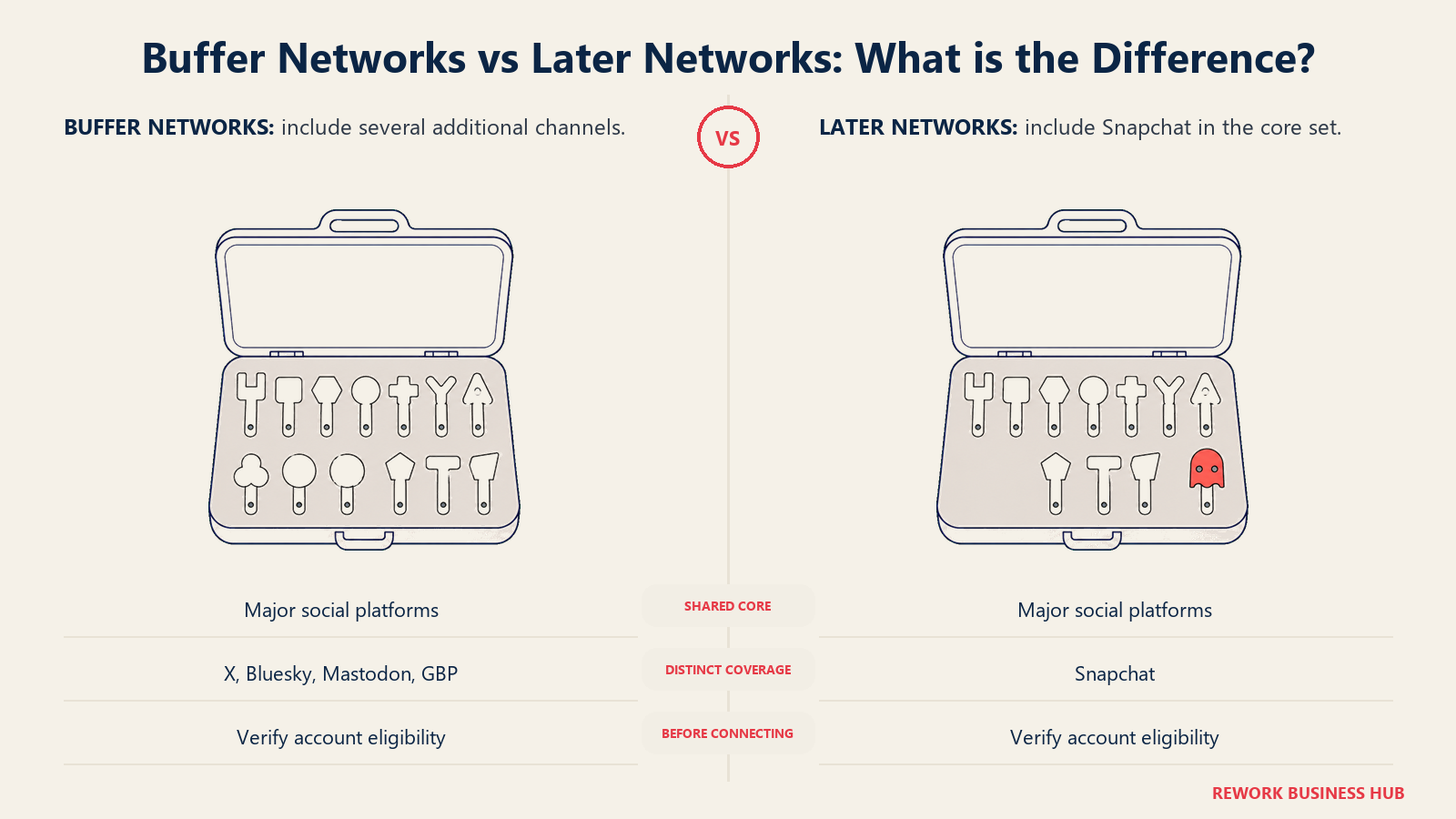
Coverage overlaps on the platforms most teams actually use, and diverges at the edges. Later's 8 supported platforms are Instagram, Facebook, TikTok, Threads, YouTube, Pinterest, LinkedIn, and Snapchat, notably leaving out X (Twitter). Buffer publishes to a longer list, including Facebook, Instagram, TikTok, LinkedIn, Threads, Bluesky, YouTube Shorts, Pinterest, Google Business Profile, Mastodon, and X.
| Network | Buffer | Later |
|---|---|---|
| Instagram, Facebook, TikTok, LinkedIn | Yes | Yes |
| Pinterest, YouTube | Yes | Yes |
| Threads | Yes | Yes |
| Snapchat | Not supported | Yes |
| X / Twitter | Yes | Not on Later's core network list |
| Bluesky, Mastodon | Yes, both | Not supported |
| Google Business Profile | Yes | Not supported |
If your channel list is entirely inside Instagram, Facebook, TikTok, LinkedIn, Pinterest, YouTube, and Threads, coverage is a non-issue either way. If X, Bluesky, Mastodon, Snapchat, or Google Business Profile matter to your mix, check this table against your actual list before assuming parity.
Two platform-level realities apply no matter which tool you pick. Instagram's Graph API only allows direct, automatic publishing for Business or Creator accounts, a personal profile can't connect at all, and even then, Stories with interactive elements like polls, sliders, or the link sticker can't be auto-published by any third-party scheduler; both Buffer and Later fall back to a push notification you tap to finish manually. TikTok's Content Posting API caps scheduled posting at 25 videos per account per day, a limit that applies regardless of which tool is sending the request. Neither restriction is a product gap on Buffer's or Later's part. Both are the network's own API rules, and every scheduler in this category runs into them the same way.
AI Features
Both tools ship a named AI feature rather than a vague "AI-powered" bullet. Buffer's AI Assistant helps brainstorm ideas, rewrite drafts, and adapt one idea into platform-specific versions, bundled into paid plans without a published credit cap. Later meters AI differently: a fixed number of credits per month for caption generation and content ideas, with extra credits available for a fee on Growth and Scale.
| Buffer | Later | |
|---|---|---|
| Caption / idea generation | Yes, AI Assistant | Yes, credit-metered |
| Rewrite existing drafts | Yes | Not a named capability |
| Monthly credit cap | Not published | 5 (Starter), 50 (Growth), 100 (Scale) |
| Buy more credits | Not applicable | $3.75/month per 100 extra credits (Growth, Scale) |
Free Plans and Trials
This is the most decisive gap in the entire comparison for anyone just starting out. Buffer's free plan is real and current: 3 channels, 10 scheduled posts per channel (refillable), 100 idea prompts, 1 user, the AI Assistant, 30 days of Insights history, the Community inbox, and 1 API key, all at $0, with no time limit.
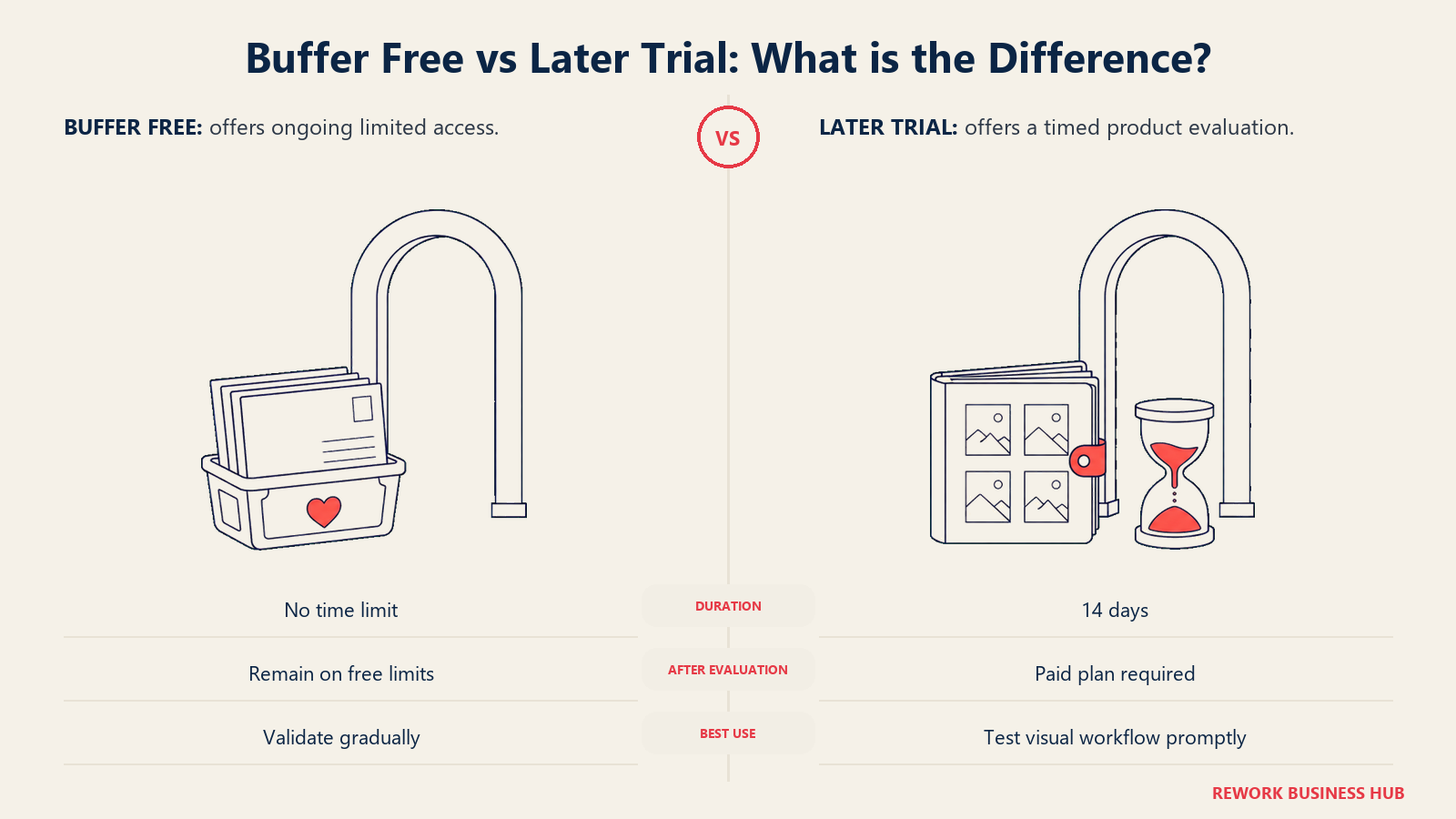
Later has no free plan at all, only a 14-day free trial. Once the trial ends, the cheapest way to keep using Later is Starter at $18.75/month billed yearly, with no monthly-billed alternative published on the page.
| Buffer | Later | |
|---|---|---|
| Free plan | Yes, ongoing, no time limit | None |
| What free includes | 3 channels, 10 posts/channel, 1 user, AI Assistant, Community inbox | Not applicable |
| Trial | Not needed, given the free plan | 14 days, then paid only |
| Cheapest paid entry after trial or free | $6/channel/month billed monthly (Essentials) | $18.75/month billed yearly (Starter), no monthly option |
Buffer's free plan survives because its business model doesn't depend on land-and-expand seat growth: revenue scales with channels connected, and a generous free tier has been a proven acquisition channel for the company for over a decade. Later's calculus differs. Later Influence, the separate influencer product born from the 2024 Mavrck merger, is the newer growth engine, and the core scheduling plans compete on visual features rather than a free-tier giveaway.
Implementation and Time to Value
Buffer is the faster of the two to a first published post, often minutes, since there's little to configure beyond connecting an account. Later asks slightly more upfront: building a first social set, setting posting defaults, and, if the approval flow matters, inviting reviewers, though a single-person team still posts the same day.
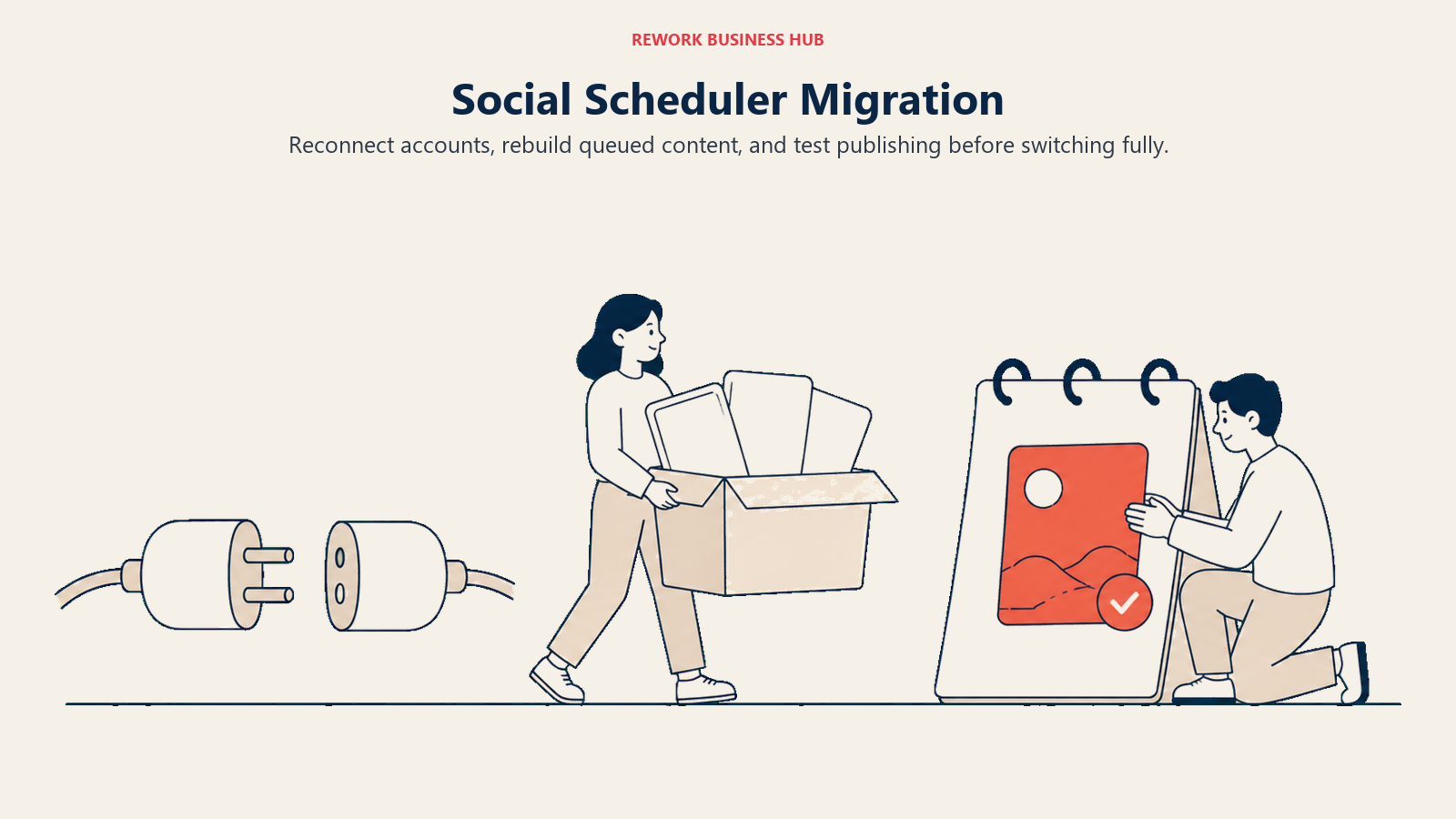
Switching later, in either direction, costs some setup time but no lock-in fee. Both tools connect to standard platform APIs rather than a proprietary integration, so disconnecting accounts and reconnecting them on a different scheduler is a same-day task, not a migration project. What doesn't transfer automatically is content already queued inside one tool; budget a week or two to rebuild that queue after switching, regardless of which direction you're moving.
| Buffer | Later | |
|---|---|---|
| Time to first scheduled post | Minutes | Same day |
| Time to basic team adoption | Same day | Same day to a couple of days |
| Time to full feature adoption | Not applicable, the feature set is intentionally lean | Days, once approvals and Link in Bio are configured |
| Dedicated admin needed | Rarely | Helpful once multiple sets and approval chains are in play |
When Buffer Is the Right Call
- You want to be scheduling your first post within minutes, not after building out a social set.
- Your team's real variable is headcount, not channel count, and you want a 5th or 10th teammate to cost nothing extra.
- You're running several duplicate accounts on the same platform (multiple client or location Instagram profiles) and don't want that to force a whole new pricing container.
- You want a genuine, permanent free plan to validate the workflow, not a countdown trial.
When Later Is the Right Call
- Your brand's feed aesthetics genuinely matter, and a grid preview earns its place in the daily workflow.
- Your channel growth is adding new platforms per client or per brand, not duplicate accounts on a platform you're already using.
- You want a client or brand manager to approve posts without needing a login, a workflow Buffer doesn't offer.
- You're running, or planning to run, a structured influencer or UGC program under the same vendor relationship, even as a separate purchase through Later Influence.
Decision Framework
| If you are... | Pick |
|---|---|
| Growing your channel list mostly by adding new platforms, not duplicate accounts | Later |
| Growing your team faster than your channel count | Buffer |
| Running multiple accounts on the same platform (multi-location, multi-client) | Buffer, since duplicate accounts are what Later's social sets penalize hardest |
| Building a program around feed aesthetics, grid preview, or Link in Bio | Later |
| Starting out and want a genuine ongoing free plan | Buffer |
| Need a client to approve posts without logging in | Later, from Growth up |
| Still comparing the wider category before narrowing down | See Best Social Media Management Software in 2026 |
What to Do Next
Count two things before trialing either tool: how many of your channels duplicate a platform you're already on, and how many people need real login access versus just visibility into what's scheduled. Run those two numbers against the arithmetic above; it tells you more than either pricing page will on its own. If your growth story is more platforms per brand or client, start a Later trial against your actual channel list before the 14 days run out. If it's more people, or several accounts on the same platform, Buffer's free plan lets you test the real workflow at zero cost first.
Neither tool is the default pick for a team that needs deep listening or a full unified inbox the way Hootsuite or Sprout Social might be, and Later vs Metricool vs Buffer brings a third, analytics-first option into the comparison if neither Buffer nor Later is quite right. For the wider field, see Best Buffer Alternatives, Best Later Alternatives, Best Hootsuite Alternatives, Best Sprout Social Alternatives, Best Agorapulse Alternatives, and Best Sprinklr Alternatives.

Principal Product Marketing Strategist
On this page
- TL;DR
- Who Each Tool Is Actually Built For
- Buffer: Simple, and Proud of It
- Later: Built Around the Grid, Now Two Products
- Key Facts
- Pricing and the Two Axes That Decide This
- The arithmetic in both directions
- Publishing and Scheduling
- Visual Planning and the Content Calendar
- Engagement and the Inbox
- Analytics and Reporting
- Collaboration, Seats and Approvals
- Network Coverage
- AI Features
- Free Plans and Trials
- Implementation and Time to Value
- When Buffer Is the Right Call
- When Later Is the Right Call
- Decision Framework
- What to Do Next