Best Free SEO Tools in 2026: 11 Tools That Cost Nothing
Turn this article into takeaways for your work.


Each assistant summarizes the article only for you and suggests best practices for your work.
The best free SEO tools in 2026 are Google Search Console, Bing Webmaster Tools, Ahrefs Free, Google Keyword Planner, PageSpeed Insights, Google Trends, the free version of Screaming Frog, Semrush's free plan, Similarweb's traffic checker, Seobility's free plan and Moz's free account. All of them cost nothing to start. None of them is unlimited, and the caps are where free stops being free.
"Free" in SEO means three different things. Some tools are free because the company that runs the search engine wants your site to work well in it (Google and Bing). Some are free samples of a paid product, built to get you to upgrade (Semrush, Similarweb, Moz). And some are free crawlers with a hard ceiling on size (Screaming Frog). Mixing those up is how a team ends up trusting a ten-keyword rank tracker to run a site with a thousand pages.
This guide lists 11 tools, states the cap on each one, and then shows what each job costs once you pass the free limit. If you want the full paid landscape, start at the best SEO tools hub. If you're comparing paid options for one job, the siblings are linked where they fit: keyword research, rank trackers, site audits and traffic checkers.
Key Facts
- Google Search Console is described by Google as a free service that shows how often your site appears in Google Search, which queries show it and how often searchers click through.
- Screaming Frog's free SEO Spider crawls up to 500 URLs per crawl, and the paid licence is $279 per year per user.
- Ahrefs Free gives you 5,000 crawl credits per project per month in Site Audit and shows 1,000 backlinks and keywords at once, for sites you own and confirm.
- Similarweb's free Website Traffic Checker allows 3 searches per day before it asks you to sign up.
- Seobility's free plan tracks 10 keywords and crawls 100 pages per audit for one project, with no time limit.
Quick Comparison Table
| Tool | Best For | Starting Price | Key Strength | Key Limitation |
|---|---|---|---|---|
| Google Search Console | Real Google search data for your own site | Free | First-party queries, clicks, impressions | Only your own properties; shows a subset of rows |
| Bing Webmaster Tools | Bing data, IndexNow, backlinks | Free | Backlink and keyword research included | Bing traffic share is smaller than Google's |
| Ahrefs Free | Backlinks and technical audit for your own sites | Free | Real Ahrefs data on sites you own | Limited to your own sites; 5,000 crawl credits a month |
| Google Keyword Planner | Keyword ideas and search estimates | Free (Google Ads account needed) | Google's own keyword estimates | Built for advertisers; needs account setup with billing |
| PageSpeed Insights | Speed and Core Web Vitals | Free | Real-user and lab data side by side | One URL at a time |
| Google Trends | Seasonality and topic direction | Free | Relative interest back to 2004 | Relative scale, not search volume |
| Screaming Frog (free) | Crawling small sites | Free; $279 per year to unlock | Fast desktop crawler | 500 URLs per crawl; no scheduling |
| Semrush Free | A taste of the Semrush suite | $0 | Broad toolset in one login | 1 demo project; 10 reports a day |
| Similarweb Traffic Checker | Competitor traffic estimates | Free | Rank, visits, sources, tech stack | 3 searches a day; much is gated |
| Seobility Free | Starter audit and rank tracking | Free | Audit, tracking and tools in one | 1 project, 100 pages, 10 keywords |
| Moz Free Account | Light keyword and link lookups | Free | Familiar Moz metrics | Limited lookups; caps not printed |
How to Choose a Free SEO Tool
Start with the job, not the brand. Free tools are strongest at diagnosis (what's happening on my site?) and weakest at competitive research (what are others doing?), because the first needs only your own data and the second needs someone else's.
Three questions narrow it down fast:
- Do you own the site you're checking? Search Console, Bing Webmaster Tools and Ahrefs Free all require you to prove ownership, and in exchange they show you real data. If you're studying a competitor, those three won't help.
- How big is the site? Under 500 pages, Screaming Frog's free crawler covers you. Past that, the free tier cuts off mid-crawl and you'll need a paid licence or a different tool.
- Do you need numbers you can trust to the digit? Keyword volumes, traffic estimates and difficulty scores from third-party tools are estimates. Search Console and Bing data are measured. Use the estimates to compare, not to promise.
Sizing and Persona Table
| Your Situation | Start With | Add Next | Skip For Now |
|---|---|---|---|
| New site, solo founder | Search Console, Bing Webmaster Tools, PageSpeed Insights | Google Trends, Seobility Free | Similarweb, Semrush Free |
| Small business site under 500 pages | Search Console, Screaming Frog free, Ahrefs Free | Keyword Planner, Bing Webmaster Tools | Paid suites |
| Content team publishing weekly | Search Console, Google Trends, Keyword Planner | Ahrefs Free, Moz free account | Screaming Frog paid |
| Freelancer or consultant | Search Console, Screaming Frog free, PageSpeed Insights | Ahrefs Free for client sites | Rank trackers beyond Seobility's 10 keywords |
| Marketer sizing up competitors | Similarweb Traffic Checker, Semrush Free | Google Trends | Anything that needs site ownership |
1. Google Search Console: The Only Source of Real Google Data About Your Site
Who it's for: anyone with a website, from a first blog to an enterprise. It's the baseline every other SEO tool is measured against.
Sizing fit: every size. A five-page site and a five-million-page site both start here.
What it does best: Google describes Search Console as a free service that shows how often your site appears in Google Search, which search queries show it, and how often searchers click through. That's first-party data, and no paid tool can match it for your own site, because paid tools estimate and Google reports.
Use it to find queries where you rank on page two (an easy win for a content refresh), pages that get impressions but few clicks (a title or description problem), and pages Google has trouble indexing.
Honest limit: the report isn't a complete list. Google's own help says that, due to internal limitations, Search Console stores and shows only the most important data rows, and points to bulk data exports for the most complete query list. It also tells you nothing about competitors or about queries where you don't appear.
| Pros | Cons |
|---|---|
| Real clicks and impressions from Google | Your own properties only |
| No cost, no caps on the number of sites | Shows only the most important rows |
| Indexing and page experience reports | No keyword volume or competitor view |
Pricing: free.
Best for: every site, as the first tool you set up.
2. Bing Webmaster Tools: The Underrated Free Suite
Who it's for: site owners who want a second data source, publishers who care about Bing and Copilot traffic, and anyone who wants IndexNow.
Sizing fit: every size. It's most useful for small teams because it bundles things other vendors charge for.
What it does best: Microsoft's own post calls it "free and full of powerful features". Search Performance reports impressions, clicks and average position by page and keyword using up to 16 months of data. Site Scan runs an on-demand technical audit for broken links, duplicate tags and missing metadata. There's also keyword research with search volume, and a backlinks report that shows referring domains and anchor text, including for competitors' sites. You can submit URLs and use IndexNow to tell Bing and other participating engines about added, updated or deleted pages.
Honest limit: Bing's share of searches is smaller than Google's, so the keyword and backlink data describe a smaller audience. Treat it as a useful cross-check, not the whole picture. The tool's pages don't state a cap on URL submissions.
| Pros | Cons |
|---|---|
| Free backlink data, including competitors | Smaller search audience than Google |
| Built-in Site Scan and keyword research | Copilot and AI reports are still in preview |
| IndexNow for fast change notification | Data is Bing-only |
Pricing: free.
Best for: teams that want free backlink and keyword data without a paid account.
3. Ahrefs Free: Real Ahrefs Data on Sites You Own
Who it's for: site owners who want a serious backlink and technical audit without paying. Ahrefs Webmaster Tools has been renamed Ahrefs Free.
Sizing fit: small to mid-size sites. The crawl allowance suits sites up to a few thousand pages.
What it does best: Ahrefs Free covers unlimited websites that you own and confirm. It includes Web Analytics (up to 1 million events per project), Site Audit with 5,000 crawl credits per project per month, and Site Explorer, which shows the top 1,000 backlinks and keywords at once. It also includes one free AI Content Helper document a month. There's no expiry date.
Honest limit: it only works on sites you own, so you can't use it to look at a competitor. Site Explorer's 1,000-row view means large sites see a slice of their backlink profile. Keyword tracking isn't part of the free product.
| Pros | Cons |
|---|---|
| Ahrefs-quality backlink and audit data | Your own sites only |
| Unlimited sites you own | 5,000 crawl credits a month per project |
| No expiry | Top 1,000 backlinks and keywords at a time |
Pricing: free. The cheapest paid step on Ahrefs' pricing page is Starter at $29 per month, with Lite at $129 per month billed monthly. Ahrefs prints monthly-billed prices and doesn't print annual dollar figures.
Best for: the backlink audit of your own site.
4. Google Keyword Planner: Free Keyword Ideas With a Catch
Who it's for: content planners who want keyword ideas and Google's own estimates, and who don't mind setting up a Google Ads account.
Sizing fit: every size, though it's designed around advertisers rather than SEO.
What it does best: Google's help says Keyword Planner lets you view estimates on the number of searches a keyword gets each month. Google's product page calls it a free resource for building keyword lists. For finding related terms and seeing which topics are bigger than others, it's hard to beat on price.
Honest limit: you can't use it without an account. The help page says you must complete your account setup by entering your billing information to reach basic features like keyword ideas, and the product page adds that you need to finish setting up a Google Ads account. Google also says keywords with very low search volumes, or sensitive ones, aren't discoverable or forecastable. The numbers are advertiser-oriented estimates, so use them for ranking ideas against each other, not for forecasting traffic.
| Pros | Cons |
|---|---|
| Google's own keyword estimates | Needs a Google Ads account with billing details |
| Free resource | Built for ads, not organic SEO |
| Good for finding related terms | Low-volume and sensitive keywords not shown |
Pricing: free.
Best for: first-pass keyword ideas. For deeper work, see the best keyword research tools.
5. Google PageSpeed Insights: Speed Data From Real Users
Who it's for: anyone who suspects a slow site is hurting rankings or conversions.
Sizing fit: every size, one URL at a time.
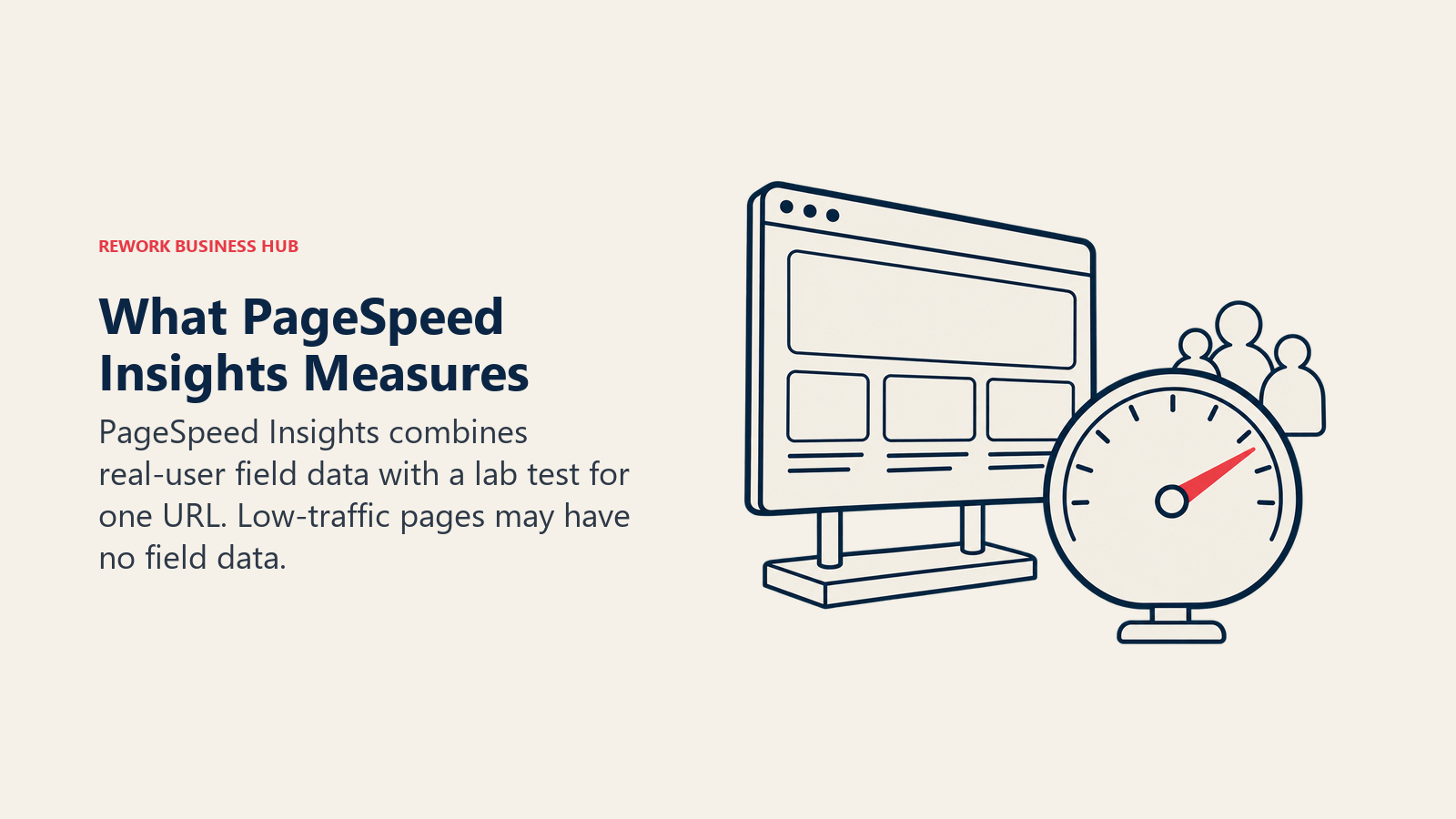
What it does best: PageSpeed Insights puts two kinds of data on one screen. Field data comes from the Chrome UX Report and covers real users over the previous 28-day collection period (FCP, INP, LCP and CLS). Lab data comes from Lighthouse and gives Performance, Accessibility, Best Practices and SEO scores for mobile and desktop. The Core Web Vitals "Good" thresholds are LCP at or under 2,500 ms, INP at or under 200 ms and CLS at or under 0.1, and a page passes when the 75th percentile of all three is Good.
Honest limit: it checks one URL at a time, so it's a spot-check, not a site-wide monitor. Field data needs enough real-user traffic, so a new or small page falls back to origin-level data or shows none. The API works with or without a key, but Google recommends a key for frequent automated queries, and the quota isn't on that page.
| Pros | Cons |
|---|---|
| Real-user and lab data together | One URL at a time |
| Clear pass/fail thresholds | Low-traffic pages may lack field data |
| Mobile and desktop views | No site-wide monitoring |
Pricing: free to use.
Best for: diagnosing why a specific page feels slow.
6. Google Trends: Seasonality and Direction, Not Volume
Who it's for: content planners, product marketers and anyone timing a campaign.
Sizing fit: every size. It needs no account.
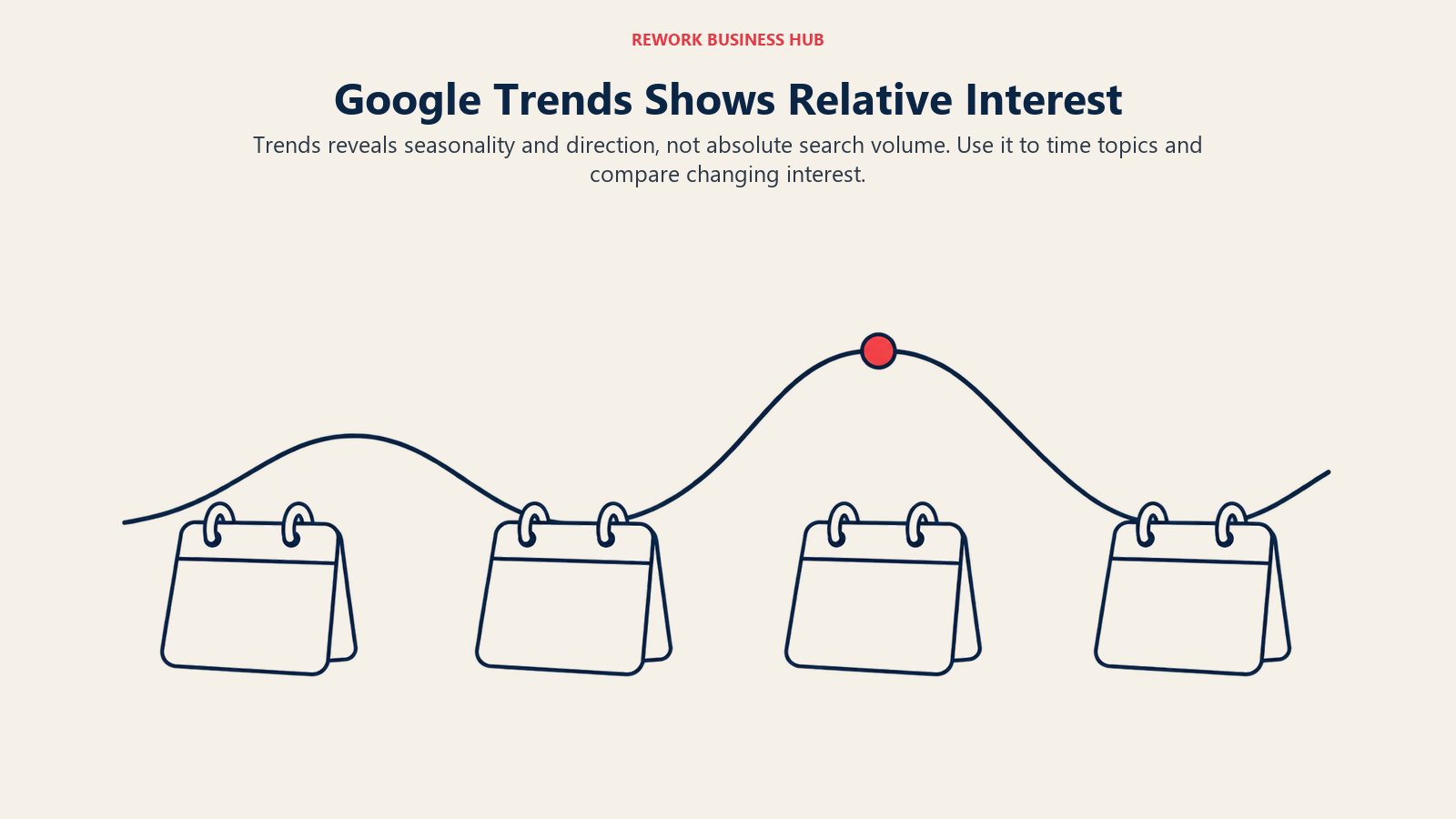
What it does best: Google News Initiative calls it the free Trends Explore tool, with data from 2004 to the present. It's the quickest way to see whether interest in a topic is rising, seasonal or fading, and how two terms compare. Trending Now adds windows of 4 hours, 24 hours, 48 hours or 7 days, refreshed on average every ten minutes, across 100+ countries and regions.
Honest limit: the numbers are relative. Google's data FAQ says values are scaled from 0 to 100 based on a topic's proportion to all searches on all topics, so a score of 60 doesn't mean 60 searches. Very low volume shows as 0, and the data comes from a sample of Google searches.
| Pros | Cons |
|---|---|
| Interest history back to 2004 | Relative scale, not absolute volume |
| Compare topics and regions | Low-volume terms show as 0 |
| No account needed | Sample of searches, not all of them |
Pricing: free.
Best for: deciding when to publish and which of two topics is gaining ground.
7. Screaming Frog SEO Spider (Free Version): The Crawler Every Auditor Has Installed
Who it's for: SEOs, developers and site owners who want to see their site the way a crawler does.
Sizing fit: small sites. The free version stops at a fixed URL count.
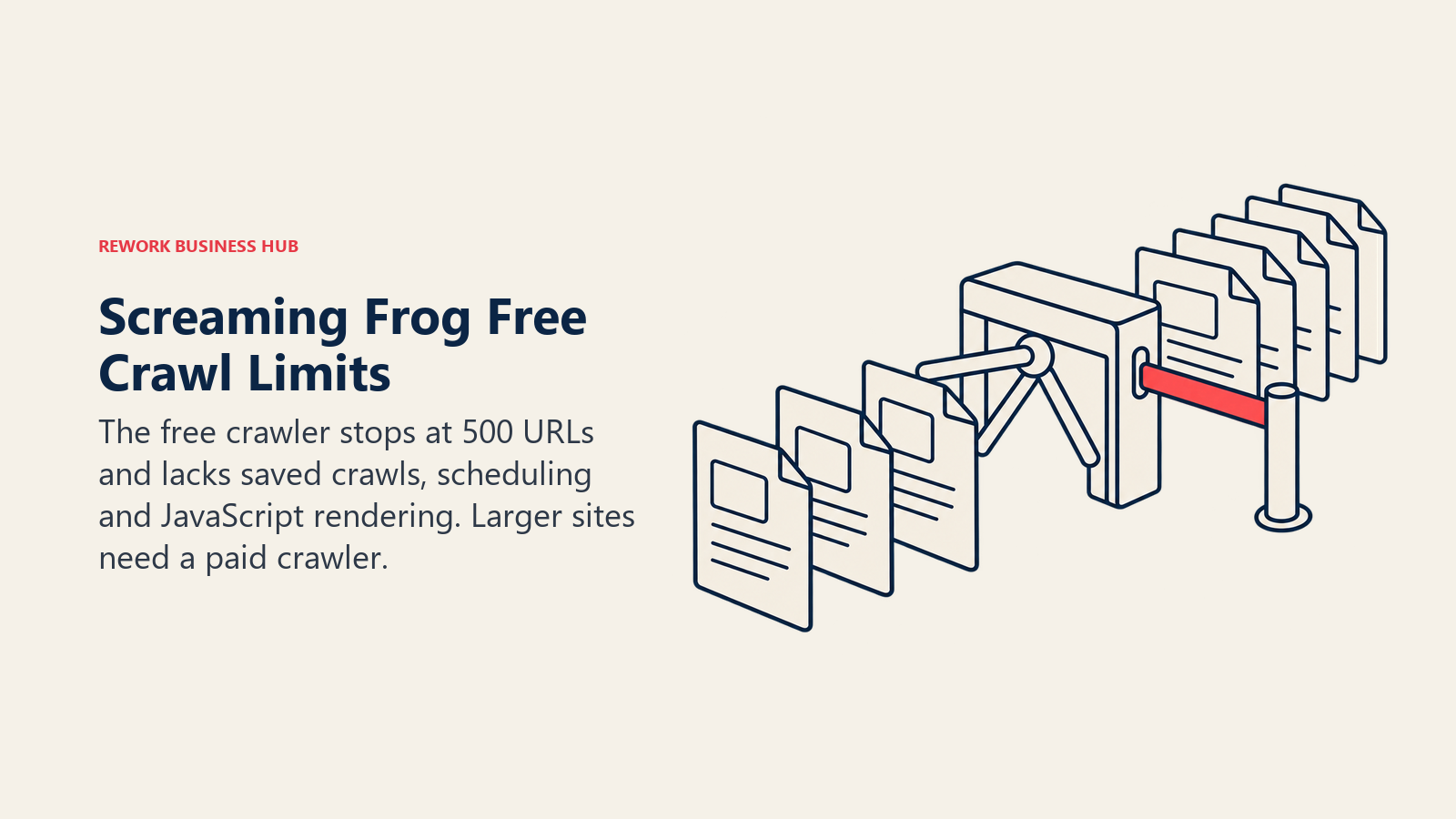
What it does best: it's a desktop crawler that finds broken links, redirect chains, duplicate titles, missing metadata and similar issues quickly. The free version crawls up to 500 URLs per crawl, needs no sign-up or email, and doesn't expire.
Honest limit: besides the 500-URL cap, the free version lacks scheduling, crawl configuration and saving, JavaScript rendering, crawl comparison, custom extraction and the Google Analytics, Search Console and PageSpeed integrations. Those are paid-only features per Screaming Frog's own comparison. For a 5,000-page site, free is a sample, not an audit.
| Pros | Cons |
|---|---|
| Fast, thorough crawling of small sites | 500 URLs per crawl |
| No sign-up needed | No JavaScript rendering or scheduling |
| Doesn't expire | No saved crawls or comparisons |
Pricing: free up to 500 URLs. The paid licence is $279 per licence per year, billed annually only, with licences lasting one year before renewal. Bulk rates drop to $265 for 5 to 9 licences.
Best for: one-off audits of sites under 500 pages. For bigger sites and ongoing monitoring, see the best SEO audit tools.
8. Semrush Free: A Sample of the Suite
Who it's for: marketers who want to try Semrush's interface and run occasional reports before deciding on a paid plan.
Sizing fit: evaluation use. It isn't meant to run a project.
What it does best: Semrush's pricing page lists a Free plan at $0, with no credit card required. It includes one demo project and 10 reports per day across all vital tools. That's enough to look at a domain overview, test a keyword idea or see how the site audit reads.
Honest limit: one demo project and a daily report cap mean you can't track a real set of keywords or audit a real site on a schedule. Semrush also offers a separate seven-day free trial of paid features, which is a different thing from the free plan.
| Pros | Cons |
|---|---|
| Broad toolset in one login | 1 demo project |
| No credit card required | 10 reports a day |
| Easy path to a trial of paid features | Not built for ongoing work |
Pricing: Free is $0. The cheapest paid plan, SEO, is $139 per month billed monthly or $117.33 per month billed annually, with 5 websites and 500 daily tracked keywords.
Best for: testing whether Semrush's workflow suits you before paying.
9. Similarweb Website Traffic Checker: Competitor Estimates in Three Searches a Day
Who it's for: marketers, analysts and founders who want a quick read on a competitor's scale.
Sizing fit: quick lookups, not ongoing monitoring.
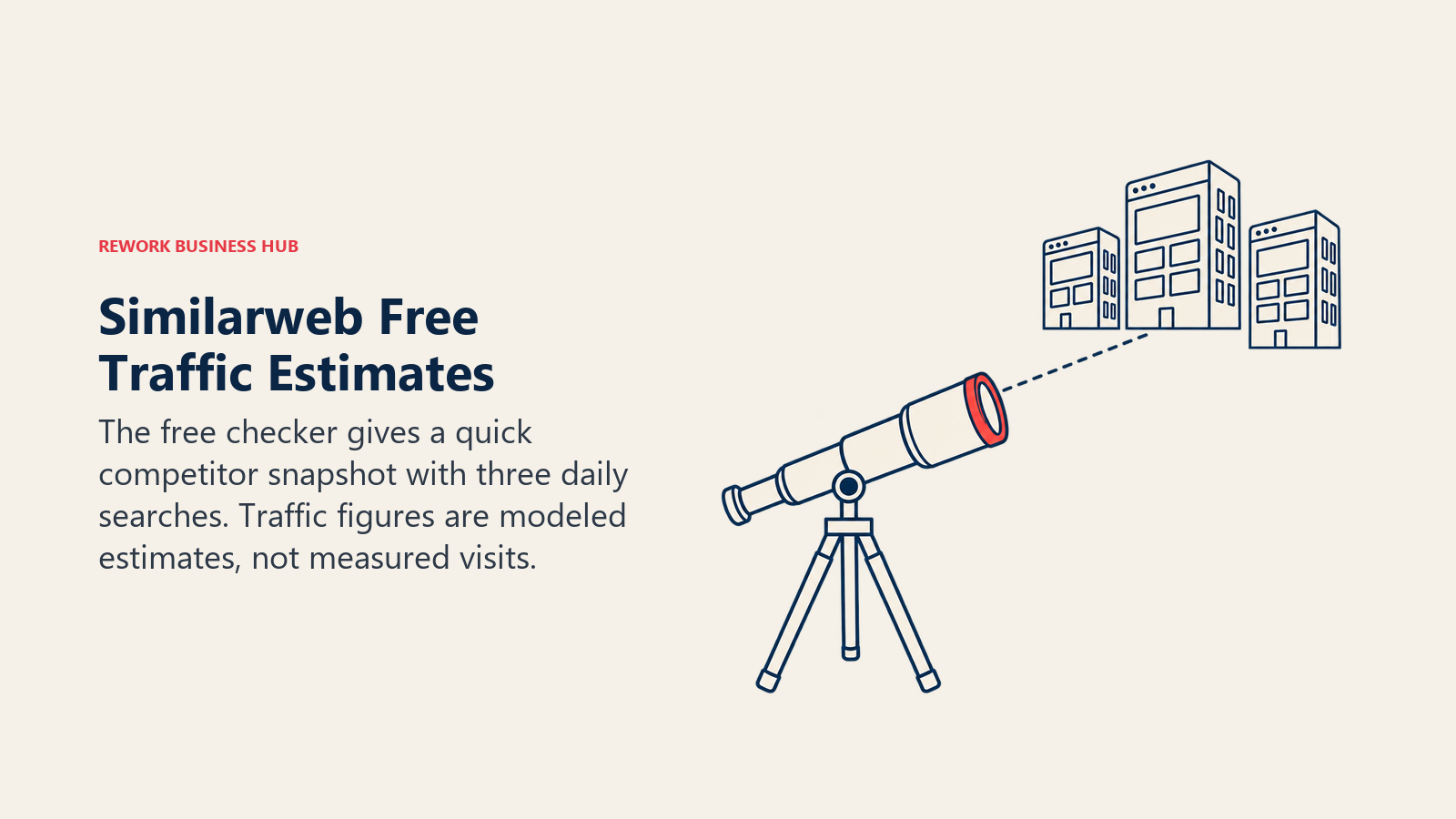
What it does best: the free checker shows Global, Country and Category Rank, total visits over the last 3 months, bounce rate, pages per visit and visit duration. It also shows traffic by country, audience demographics, top marketing channels, top keywords, referrals, display advertising, social, outgoing links, technology stack, and competitors and similar sites.
Honest limit: you get 3 searches per day. Much of each report is gated behind a sign-up or trial: only the top 3 channels show in the full channel breakdown, the keyword list and most referral rows are partial, and Excel or PDF export isn't included. Historical data and advanced filters need a paid plan. And all of it is an estimate. Traffic numbers for sites you don't own are modeled, so they're good for comparing rough size, not for reporting precise visits.
| Pros | Cons |
|---|---|
| Works on any public domain | 3 searches a day |
| Rank, channels, keywords and tech in one view | Full lists gated behind sign-up or trial |
| Free browser extension also available | Estimates, not measured traffic |
Pricing: free. The cheapest self-service package on Similarweb's package page is Competitive Intelligence at $65 per month billed annually or $99 billed monthly, for 1 user with 3 months of history.
Best for: sizing up a competitor in a minute. For more options, see the best website traffic checkers.
10. Seobility Free: Audit, Rank Tracking and Tools in One Free Plan
Who it's for: small site owners who want a single free dashboard for audit and rank tracking.
Sizing fit: one small site.
What it does best: Seobility's free plan isn't time-limited. It covers 1 project, a limited website audit of 100 pages per crawl, 10 tracked keywords, 5 tool requests per day and 3 AI prompts. For a brochure site with a dozen pages and a handful of target terms, that's enough to run a routine check.
Honest limit: every cap is small. Ten keywords is a pilot, not a tracking plan, and 100 pages per crawl won't cover a store or a blog with a real archive. Rankings update daily within the top 20 by default, and deeper daily checks are paid add-ons.
| Pros | Cons |
|---|---|
| No time limit | 1 project |
| Audit and rank tracking together | 100 pages per crawl; 10 keywords |
| Paid plans have a 14-day trial | Only 5 tool requests a day |
Pricing: free. Premium is €59.90 per month billed monthly, or €575.04 per year billed annually (prices exclude VAT), with 3 projects, 25,000 pages per crawl and 300 keywords.
Best for: a free starter dashboard for a very small site.
11. Moz Free Account: Familiar Metrics With Tight Lookups
Who it's for: people who know Moz's metrics and want occasional keyword or link lookups.
Sizing fit: light use.
What it does best: Moz's pricing page notes that a free Moz Community account gives limited access to MozBar, Keyword Explorer and Link Explorer. It's a way to check a domain's link profile or a keyword's difficulty without a subscription.
Honest limit: Moz doesn't print the lookup limits for the free account on its pricing page, so treat the allowance as small and check it in your account. Free access is for occasional lookups, not tracking, crawling or reporting.
| Pros | Cons |
|---|---|
| Familiar Moz metrics | Limited lookups; caps not printed |
| MozBar for quick checks in the browser | No tracking or scheduled crawls |
| Low commitment | Designed to lead to a paid plan |
Pricing: free. Moz Pro starts at Starter, listed at $49 per month. Standard is $99 per month billed monthly, or $79 per month billed annually ($950 for the first year), with 1 user, 3 tracked sites and 300 tracked keywords.
Best for: occasional link and keyword lookups.
Free Tier Caps at a Glance
Every free tier has one number that matters. Here they are in one place.
| Tool | The Cap That Matters | What Happens at the Limit |
|---|---|---|
| Google Search Console | Stores and shows the most important rows | Use bulk data exports for fuller query lists |
| Bing Webmaster Tools | Up to 16 months of performance data | Older data isn't shown |
| Ahrefs Free | 5,000 crawl credits per project per month; top 1,000 backlinks and keywords | Audit stops; the rest of the profile is hidden |
| Keyword Planner | Needs Google Ads account with billing details | No access until set up |
| PageSpeed Insights | One URL at a time | Test pages individually |
| Google Trends | Relative 0 to 100 scale | No absolute volume |
| Screaming Frog free | 500 URLs per crawl | Crawl stops |
| Semrush Free | 1 demo project; 10 reports per day | Reports blocked until the next day |
| Similarweb checker | 3 searches per day | Sign-up prompt |
| Seobility Free | 1 project, 100 pages, 10 keywords | Upgrade prompt |
| Moz free account | Limited lookups (caps not printed) | Upgrade prompt |
What the Free Stack Misses and What Upgrading Costs
A free stack built from Search Console, Bing Webmaster Tools, Ahrefs Free, PageSpeed Insights and Screaming Frog covers diagnosis well. It leaves four gaps: tracking rankings at scale, crawling big sites, researching keywords with real volume numbers, and watching competitors. Here's the cheapest paid step for each job.
| Job | What Free Misses | Cheapest Paid Step | Price |
|---|---|---|---|
| Rank tracking | Seobility Free stops at 10 keywords | Seobility Premium (300 keywords) | €59.90 per month billed monthly, excl. VAT |
| Rank tracking, more keywords | Free tools stop at tens of keywords | Mangools Basic (200 keywords, weekly updates) | $49 per month billed monthly (US list price) |
| Crawling large sites | Screaming Frog free stops at 500 URLs | Sitebulb Lite (10,000 URLs per audit) | $18 per month billed monthly, or $180 per year billed yearly |
| Crawling large sites, no URL cap | Free version lacks scheduling and rendering | Screaming Frog paid licence | $279 per licence per year |
| Backlinks beyond 1,000 rows, competitor research | Ahrefs Free is limited to your own sites | Ahrefs Starter, or Lite with 750 tracked keywords | $29 per month; Lite $129 per month billed monthly |
| Keyword volumes at scale | Keyword Planner is for advertisers; Trends is relative | Keywords Everywhere Bronze (100,000 credits a year) | $7 per month, billed annually at $84 |
| Competitor traffic estimates | 3 searches a day on Similarweb | Similarweb Competitive Intelligence | $65 per month billed annually, or $99 billed monthly |
| All-in-one suite | Semrush Free has 1 demo project | Semrush SEO | $139 per month billed monthly, or $117.33 per month billed annually |
Prices for these tools come from each vendor's own pricing page, and several are priced in other currencies or by region. The Mangools figure is the US list price. Semrush's separate Traffic and Market toolkit, which covers competitor traffic in more depth, is listed at $289 per month and is a separate purchase on top of any Semrush plan.
The pattern in that table: the first paid step for most jobs costs $7 to $60 per month, not hundreds. If rank tracking is your gap, the best rank trackers compares the options in depth. If you're thinking about visibility in AI answers rather than classic search, that's a separate category, covered in the best AI SEO tools, the best AEO tools and AEO vs SEO.
Decision Framework: If You Need X, Pick Y
| If You Need To... | Pick | Why |
|---|---|---|
| See which Google queries bring clicks | Google Search Console | First-party data |
| Check your backlinks for free | Ahrefs Free or Bing Webmaster Tools | Both show link data for sites you own |
| Crawl a site under 500 pages | Screaming Frog free | No sign-up, fast |
| Find out why a page is slow | PageSpeed Insights | Real-user and lab data |
| Decide when to publish a seasonal topic | Google Trends | Interest history to 2004 |
| Brainstorm keyword ideas | Google Keyword Planner | Google's own estimates |
| Size up a competitor | Similarweb Traffic Checker | 3 free searches a day |
| Track a few keywords on a new site | Seobility Free | 10 keywords, no expiry |
| Get IndexNow submission | Bing Webmaster Tools | Built in |
| Try a full suite | Semrush Free, then a trial | 1 demo project, then a 7-day trial |
A Practical Free Setup in One Afternoon
You can have a working free stack running in a few hours. The order matters, because each step makes the next one more useful.
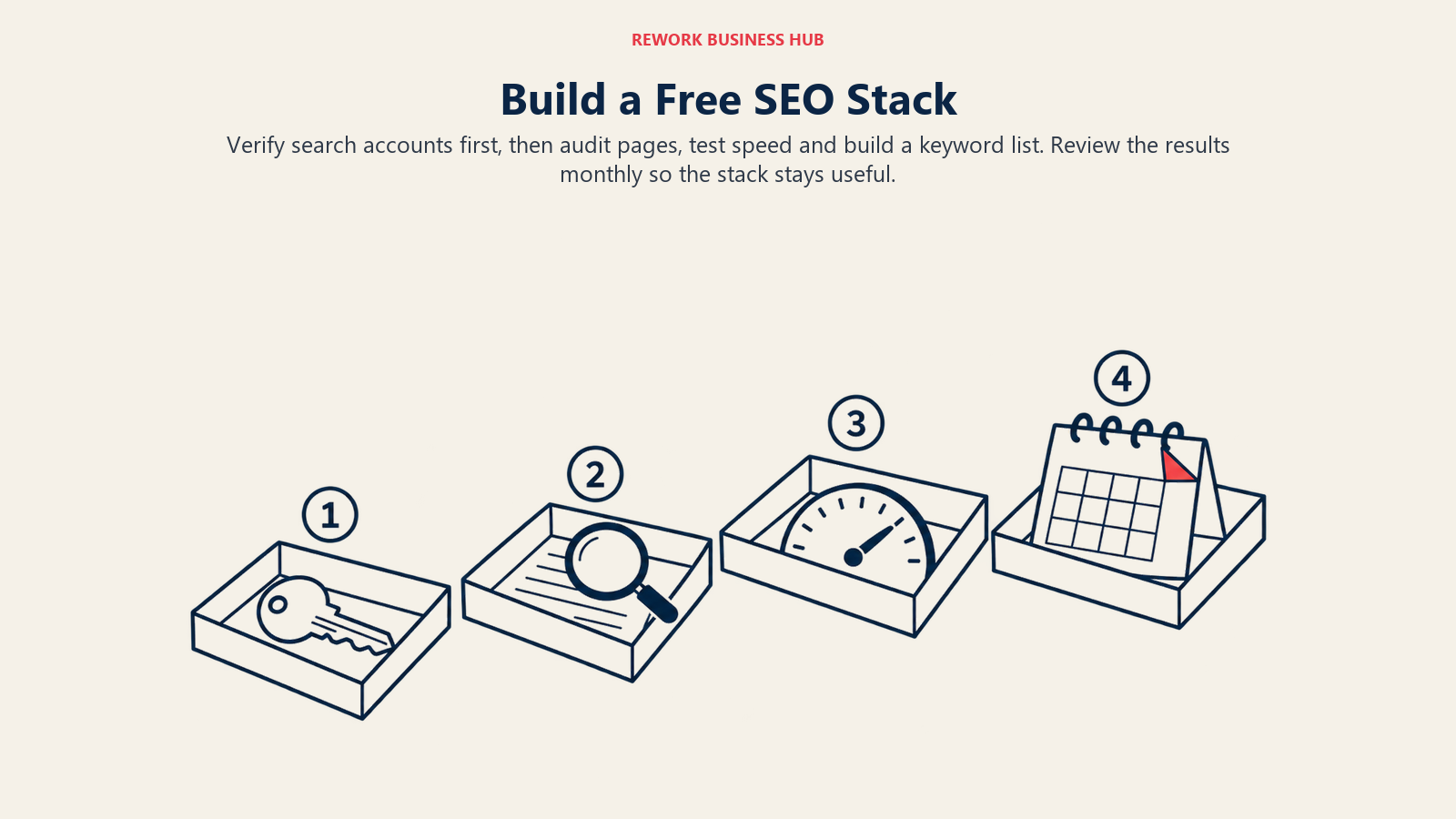
- Set up Search Console and Bing Webmaster Tools first. Both need ownership confirmation, and data only starts collecting once they're connected. Doing this first means you have history when you need it.
- Add the site to Ahrefs Free. Once ownership is confirmed, Site Audit starts crawling within its monthly credit allowance and Site Explorer shows your backlink profile.
- Run Screaming Frog once. If the site is under 500 URLs, you'll get the full picture. If it's over, you'll get a sample, and you'll know it's time to look at a paid crawler.
- Test your five most important pages in PageSpeed Insights. Write down the mobile LCP, INP and CLS for each. That's your baseline.
- Build a keyword list with Keyword Planner and Google Trends. Use Planner for ideas and relative size, and Trends to check which ones are rising.
- Put your top ten target keywords in Seobility Free. It's a small tracker, but ten keywords is enough to see whether your most important pages are moving.
Then set a calendar reminder. Free stacks fail when nobody looks at them. A monthly 30-minute review of Search Console queries, Ahrefs Free audit issues and PageSpeed Insights results catches most problems early.
When Free Stops Being Enough
You'll know it's time to pay when one of these happens: you have more than 500 pages and keep hitting the crawl limit, you need to track more than a few dozen keywords, you want weekly competitor snapshots, or you need reporting for a client or a boss. Those are the moments when time spent working around a cap costs more than the subscription.
Don't upgrade to a suite just because you hit one cap. If crawling is the issue, a $18 per month crawler solves it. If rank tracking is the issue, a dedicated tracker will beat a suite's allowance on price per keyword. The hub on the best SEO tools maps each job to its paid options.
What to Do Next
- Verify your site in Google Search Console and Bing Webmaster Tools today, so data starts collecting.
- Add the site to Ahrefs Free and run a first audit.
- Crawl the site with Screaming Frog's free version and note whether you hit the 500-URL cap.
- Pick the one gap that hurts most (rank tracking, crawling, keyword volume or competitor data) and look at its paid options. Start at the best SEO tools hub, or go straight to keyword research tools.
- If your question is about showing up in AI answers rather than classic search, read the Semrush AI Toolkit alternatives and the Ahrefs Brand Radar alternatives.

Principal Product Marketing Strategist
On this page
- Key Facts
- Quick Comparison Table
- How to Choose a Free SEO Tool
- Sizing and Persona Table
- 1. Google Search Console: The Only Source of Real Google Data About Your Site
- 2. Bing Webmaster Tools: The Underrated Free Suite
- 3. Ahrefs Free: Real Ahrefs Data on Sites You Own
- 4. Google Keyword Planner: Free Keyword Ideas With a Catch
- 5. Google PageSpeed Insights: Speed Data From Real Users
- 6. Google Trends: Seasonality and Direction, Not Volume
- 7. Screaming Frog SEO Spider (Free Version): The Crawler Every Auditor Has Installed
- 8. Semrush Free: A Sample of the Suite
- 9. Similarweb Website Traffic Checker: Competitor Estimates in Three Searches a Day
- 10. Seobility Free: Audit, Rank Tracking and Tools in One Free Plan
- 11. Moz Free Account: Familiar Metrics With Tight Lookups
- Free Tier Caps at a Glance
- What the Free Stack Misses and What Upgrading Costs
- Decision Framework: If You Need X, Pick Y
- A Practical Free Setup in One Afternoon
- When Free Stops Being Enough
- What to Do Next