Comet vs Gemini in Chrome vs ChatGPT: Which AI Browser Agent Fits Your Team in 2026?
Turn this article into takeaways for your work.


Each assistant summarizes the article only for you and suggests best practices for your work.
You're probably a COO, head of ops, or IT director who has watched three people on your team start letting an AI click around the web for them, each with a different product. One installed Perplexity's Comet. One turned on Gemini in Chrome. One asks ChatGPT to run tasks in its own browser. Now you need a view on which of these, if any, gets a company-wide yes, and under what rules.
These three are not the same kind of thing. Comet is a separate browser you install and sign into. Gemini in Chrome is an assistant (and, on paid plans in a few regions, an agent) built into the Chrome you may already manage. ChatGPT is a general assistant that can run agent tasks in a virtual browser and, through an extension, work beside you in your own Chrome, Edge, Brave or Vivaldi window. The differences that matter to a business are less about which one writes the nicest summary and more about who can see your logged-in sessions, how each one handles a malicious web page, and what your admins can switch off. If you want the wider field first, our best AI browser agents roundup ranks eleven tools including these three, and best personal AI agents covers the individual-assistant end of the market.
One note on scope before the tables. OpenAI's ChatGPT Atlas browser is not part of this comparison as a live product. OpenAI's own help center says Atlas has been retired and no longer receives updates, so we treat ChatGPT here as the desktop and web app, agent mode, and the Chrome extension.
TL;DR
| Perplexity Comet | Gemini in Chrome | ChatGPT | |
|---|---|---|---|
| What it is | A standalone AI browser with a built-in assistant | An assistant and agent inside Google Chrome | An assistant with agent mode, plus a side chat in your existing browser |
| Agent feature name | Comet Assistant | Auto browse | Agent mode (and browser tasks in the desktop app) |
| Price to start | Browser is free to download | Gemini in Chrome needs no paid plan; auto browse needs Google AI Pro or Ultra | Agent mode is paid plans only (Plus $20/month; Pro from $100/month) |
| Platforms | Mac, Windows, iOS, Android (Perplexity lists all four) | Desktop (Windows, Mac, Chromebook Plus); auto browse documented as desktop | Web, desktop app, mobile; Chrome extension for browser side chat |
| Admin story | Comet for Enterprise with MDM, 500+ browser policies, per-domain agent permissions | Chrome Enterprise policies; auto browse off by default for managed users | Workspace toggle for agent mode (off by default for enterprise); Lockdown Mode |
| Biggest strength | Agent permissions you can set per domain, and a published prompt-injection defense stack | Lives in the browser your IT team already governs | Strongest login handoff (you take over the browser to sign in) and the widest plan ladder |
| Biggest catch | A new browser to deploy and approve | Auto browse is limited by plan, region and language | Agent mode has a monthly message cap that is small on Plus |
Key Facts
- Google says Gemini in Chrome auto browse allows up to 20 multi-step task requests per day on Google AI Pro and up to 200 on Google AI Ultra, and asks for confirmation before sending communications, submitting forms, or touching sensitive financial and health sites.
- OpenAI's help center lists agent mode monthly limits of 40 messages on Plus, 400 on Pro, and 40 on Business and Enterprise, and says the safeguards "don't eliminate all risks."
- Perplexity reports its BrowseSafe detection model reached an F1 of about 0.91 on prompt-injection detection, and its authors state that "No detection model is a silver bullet."
- Chrome Enterprise documentation says auto browse is currently off by default for managed users and is turned on with the GeminiActOnWebSettings policy.
- Perplexity says audit logs for Comet are available to organizations with 50 or more Enterprise Pro seats, or at least one Enterprise Max seat.
- ChatGPT's Chrome extension lets you choose Allow once, Allow for this site, Allow for all sites, or Decline, and marks allow-for-all-sites as "Elevated Risk."
What Each Tool Is Actually Built For
Start with the architecture, because it decides almost everything downstream.
Comet is a Chromium-style browser from Perplexity with an assistant in a sidebar. Perplexity's own page describes it as a personal assistant that can take on tasks, with examples like drafting a reply from your schedule or buying an office chair. It was first limited to Max subscribers in July 2025 and then opened for free download. The agent lives in a browser you must install, which means a new application for IT to approve, but it also means Perplexity controls the whole stack, including its permission model.
Gemini in Chrome is the opposite bet. You don't adopt a new browser, you switch on an assistant in the one you have. Google's help page says it works on Chromebook Plus, Mac and Windows, uses your current tab by default, and can share up to 10 open tabs. The agentic part, auto browse, is a separate paid-plan feature that completes multi-step tasks on your behalf.
ChatGPT started as a chat product and added agent behavior on top. Its agent runs in a virtual browser, and its Chrome extension adds a side chat beside whatever page you're on in Chrome, Edge, Brave or Vivaldi (not Opera). You get one assistant across chat, files, agents and browser work, which is a strength if your team already lives in ChatGPT and a weakness if you wanted a tool that only does browsing.
| Comet | Gemini in Chrome | ChatGPT | |
|---|---|---|---|
| Where the agent runs | Inside the Comet browser on your device | Inside your signed-in Chrome session | Virtual browser for agent mode; your own browser through the extension |
| Does it need a new app? | Yes, the Comet browser | No, just a Chrome setting | Desktop app or web; extension is optional |
| Primary buyer | Individual power users and teams piloting a new browser | Companies already standardized on Chrome and Google Workspace | Companies already paying for ChatGPT seats |
| Natural team | Research, sales, ops generalists | Anyone on Chrome, subject to plan and region | Mixed teams with an existing ChatGPT footprint |
Decision by Business Goal
Frame the choice through the goal you were handed, not the feature list.
| Your goal | Likely first pick | Why |
|---|---|---|
| Get ROI fastest without a new hire or new rollout (CEO lens) | Gemini in Chrome if you're on Chrome and in an eligible plan and region; otherwise ChatGPT | Nothing new to install for Chrome shops, and ChatGPT may already be paid for |
| Scale across teams without a rollout disaster (COO lens) | ChatGPT or Comet for Enterprise | Both have an admin console path and a staged-access model; Comet's pilot-by-member setting suits phased rollout |
| Fewest governance and integration landmines (IT lens) | Gemini in Chrome | Your Chrome policies, Workspace controls and device management already exist |
| Tightest control over what the agent may touch (security lens) | Comet for Enterprise | Per-domain Browser Control, Read Only or No Access settings |
| Predictable cost with a clear cap (CFO lens) | ChatGPT or Gemini | Printed plan prices and published usage caps; Comet's enterprise pricing is not printed on the pages we reviewed, so confirm it with Perplexity |
| Reporting and audit trail (RevOps and People Ops lens) | Comet for Enterprise or Chrome Enterprise | Both describe admin-level visibility; thresholds apply, see the governance section |
Agent Autonomy: How Much Does Each One Do on Its Own?
All three sit between "answers questions about this page" and "runs your errands unattended." Where they differ is when they stop and ask.
Gemini in Chrome auto browse is the most explicit about checkpoints. Google's help page says you review Gemini's plan and click Start Task before it runs, and that Gemini asks for confirmation before sending communications, modifying your data, submitting web forms, scheduling events, and accessing sites with highly sensitive financial or health data. For steps like finalizing a financial transaction, accepting terms of service, or creating an account, it asks you to take over. Google also labels the feature experimental and says plainly that you're responsible for its actions, including mistakes and unexpected purchases.
ChatGPT agent mode pairs confirmations for high-impact actions with a "watch mode" that requires supervision on certain sites. When a task needs a login, the agent pauses and asks you to take over the virtual browser, and screenshots are not captured while you control it. Scheduled task runs count against your monthly message allowance.
Comet Assistant gives the most dial-turning, though the defaults are consumer-friendly. Its permission model has a global switch for letting Comet control the browser, an "Always Allow" option that lets it act without confirming each step, and per-domain overrides. Admins can turn Always Allow off so every action asks first.
| Autonomy behavior | Comet | Gemini in Chrome (auto browse) | ChatGPT (agent mode) |
|---|---|---|---|
| Plan review before start | Not documented on the pages we reviewed | Yes, you click Start Task | Not documented as a gate; confirmations for high-impact actions |
| Confirmation for sensitive actions | Yes unless "Always Allow" is on | Yes, for communications, form submits, data changes, sensitive sites | Yes, for high-impact actions |
| Hands control back for finance or terms | Not documented | Yes (transactions, terms, account creation) | Login handoff via "Take over browser" |
| Can run in the background | Max users get a background assistant per Perplexity's October 2025 announcement | Tasks run in a browser tab; there's a cap on concurrent tasks | Yes, including scheduled tasks |
| Stop button | Pause control on the Comet page | Yes, stop or take over at any time | Yes, take over the browser |
Treat "not documented" as a question for the vendor, not a negative. If a specific gate matters to your policy, put it in your pilot checklist and confirm it with the vendor.
Logged-In Site Access: Who Holds the Keys?
This is the question your security lead will ask first, because a browser agent working in a signed-in session can do whatever that user can do.
Gemini's answer is Google's own identity layer. With your permission it can use Google Password Manager and Sign in with Google, and Google says it "doesn't share your passwords with Gemini in Chrome or other sites." You can review or remove the sites it may sign you into under Settings, AI innovations, Gemini in Chrome. Auto browse doesn't work in Incognito or when you sign in to Chrome with a school account.
ChatGPT's extension takes a per-site approach. It asks before using each new website, and you can choose allow once, allow for this site, allow for all sites, or decline. You manage the allowlist and blocklist in Settings, Computer Use. OpenAI also marks browser history as "Elevated Risk" and offers no always-allow for it. In the virtual browser, cookies persist across sessions, so OpenAI advises signing out of sites and clearing cookies in Data Controls when a task is done.
Comet keeps credentials on the device. Perplexity's setup page says Comet asks for keychain access so it can store website passwords, payment information for autofill, and authentication tokens locally with encryption. The same page notes that Personal Search analyzes your browsing history to find relevant information, which is worth a conversation with your privacy lead before rollout. Perplexity's assistant-permissions article doesn't address logged-in sessions directly, so confirm how the assistant treats an active session with the vendor.
| Login handling | Comet | Gemini in Chrome | ChatGPT |
|---|---|---|---|
| Credential storage | Local, encrypted, via keychain | Google Password Manager and Sign in with Google | Your own browser (extension) or a virtual browser with persistent cookies (agent) |
| Per-site grant | Domain-level Browser Control, Read Only, No Access | "Sites Gemini can sign you in to" list | Allow once, this site, all sites, or decline |
| Human takeover | Not documented | Yes, for sensitive steps | Yes, "Take over browser" for logins |
| Ways to revoke | Comet Settings (delete saved passwords, sign-in data, payment info) | Remove sites in Gemini in Chrome settings | Settings, Computer Use, manage allowlist and blocklist; clear cookies in Data Controls |
| Worth flagging | Browsing history analyzed for Personal Search | Not usable in Incognito or on school accounts | "Allow for all sites" carries an Elevated Risk label |
Prompt Injection and Security Posture
Prompt injection means hidden instructions on a web page that try to hijack the agent into doing something you didn't ask. For a browser agent holding your logins, it is the central risk, and all three vendors say so in their own documents. Our primer on prompt injection and the broader AI agent security guide cover the mechanics in depth.
What each vendor actually publishes:
- Perplexity is the most detailed in public. Its BrowseSafe post describes a benchmark, a fine-tuned detection model, and a defense-in-depth architecture, with the detector screening web content before it reaches the model as the first layer. It reports an F1 of about 0.91 for its own model and says no detector is a complete fix. Independent researchers have published prompt-injection findings against Comet in the past, including a disclosure from Brave, who competes in the browser market, so read vendor numbers as vendor numbers and ask for current third-party test results.
- Google lists prompt injection as a named risk on the auto browse help page, tells you to monitor sensitive tasks closely, and says Chrome's safeguards don't replace your own monitoring. Its enterprise documentation also warns that letting an agent act in an active browser session carries significant security risks, including credential risks, and advises admins to weigh their threat model before enabling it.
- OpenAI says its agent uses prompt-injection monitoring, refusal patterns, confirmations and watch mode, and adds that these measures don't eliminate all risks. Its Lockdown Mode is the most restrictive switch on the list: it limits live web access to cached content and disables Agent Mode, among other features. OpenAI says it is meant for a small set of highly security-conscious users and is not necessary for most.
| Security element | Comet | Gemini in Chrome | ChatGPT |
|---|---|---|---|
| Published injection defense | BrowseSafe (benchmark, detector, layered architecture) | Prompt injection named as a risk; safeguards not detailed on the help page | Monitoring, confirmations, watch mode; system card published |
| Vendor admits residual risk | Yes ("No detection model is a silver bullet") | Yes (monitor tasks closely; experimental) | Yes ("don't eliminate all risks") |
| Kill switch for agent behavior | Admin can disable browser control or Always Allow; per-domain No Access | Admin policies; user can turn off "Let Gemini browse for you" | Workspace toggle; Lockdown Mode disables Agent Mode |
| Endpoint security tie-in | Enterprise plans integrate with CrowdStrike Falcon, per Perplexity | Chrome Enterprise policy set | Enterprise controls through workspace settings |
| Independent research | Public disclosures exist; request current third-party results | Confirm with Google | Confirm with OpenAI |
If a vendor's claim matters to your risk review, ask for the date of the test and who ran it. A detector score from the vendor's own lab is useful, but it isn't an audit.
Data and Privacy Controls
Consumer defaults and business defaults are different on all three, so check which tier your people are really on.
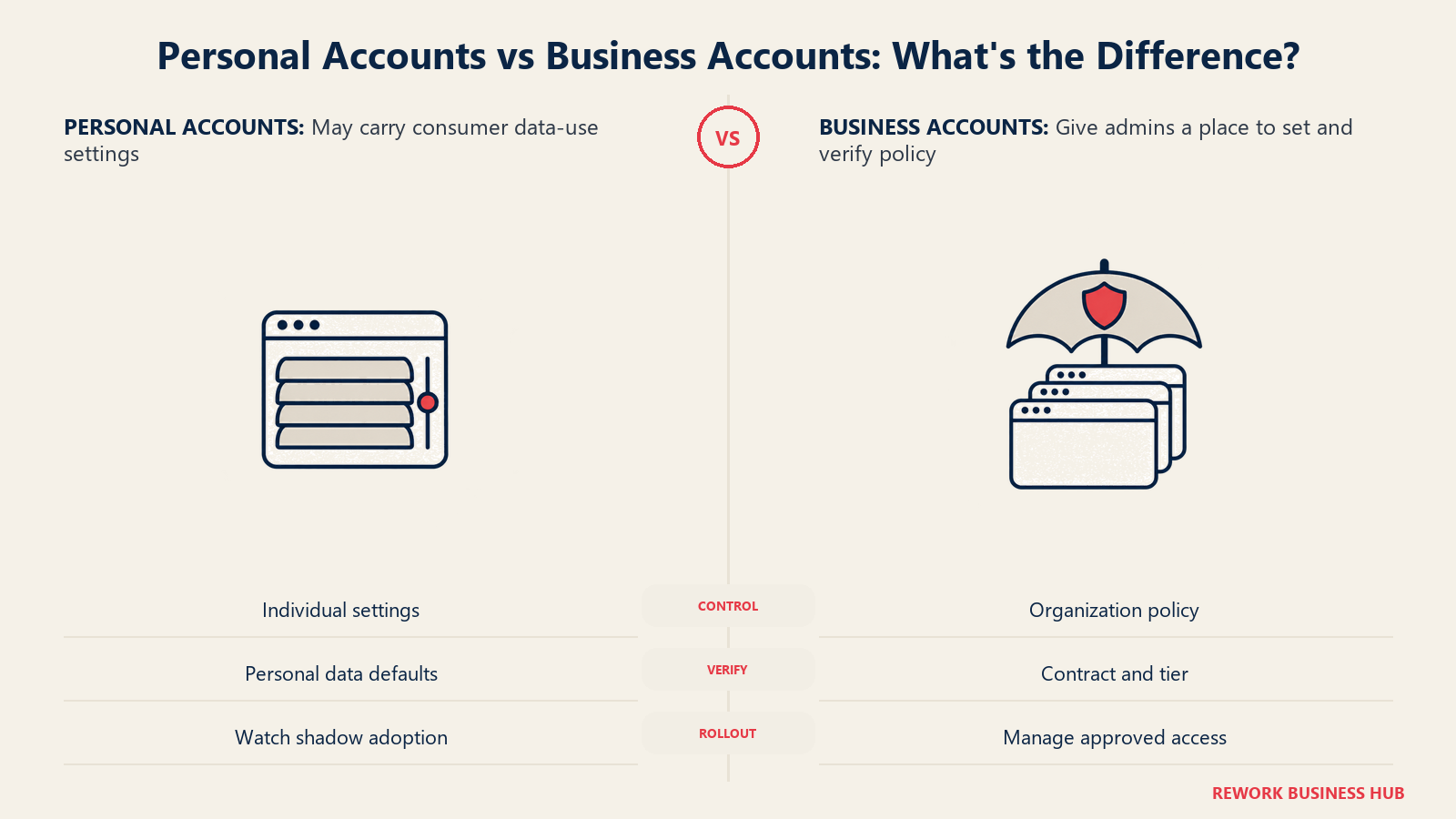
On the enterprise side, Perplexity states that for Enterprise users on Comet, "no data is ever logged or used to train AI models," that it operates under SOC 2 Type II and GDPR compliance when paired with an Enterprise account, and that third-party model providers have contractual commitments not to retain data sent through Comet. Google's Chrome Enterprise documentation says interactions with Gemini stay within your organization, that content isn't used to train models outside your domain without permission, and that existing Workspace protections apply. For ChatGPT, the extension documentation says OpenAI stores browser activity only when it becomes part of the chat context, that memories follow your Memories setting, and it advises against sending secrets through browser tasks.
On the personal side, the picture is murkier, which is exactly why shadow adoption is the risk. A free Comet install, a personal Google account with Gemini in Chrome turned on, and a personal ChatGPT login each carry their own data terms. Confirm the current terms for each consumer tier with the vendor before you let anyone use them with customer data.
| Data question | Comet | Gemini in Chrome | ChatGPT |
|---|---|---|---|
| Enterprise training statement | No data logged or used to train models (Enterprise accounts) | Not used to train outside your domain without permission (Workspace) | Confirm workspace terms with OpenAI |
| Compliance claims | SOC 2 Type II, GDPR (Enterprise accounts) | Existing Workspace protections | Confirm with OpenAI |
| Local vs cloud | Credentials stored locally, encrypted | Runs in your Chrome session; Google account governs data | Agent runs in OpenAI's virtual browser; extension acts in your browser |
| User deletion controls | Delete browsing data, saved passwords, sign-in data, payment info in Settings | Review and remove site sign-in permissions; toggle Media understanding | Data Controls; Atlas data was separate from ChatGPT memory |
| Tab and history exposure | Personal Search uses browsing history | Current tab by default; up to 10 tabs shared | Browser history marked Elevated Risk, asks every time |
Admin and Enterprise Controls
Here the products diverge most.
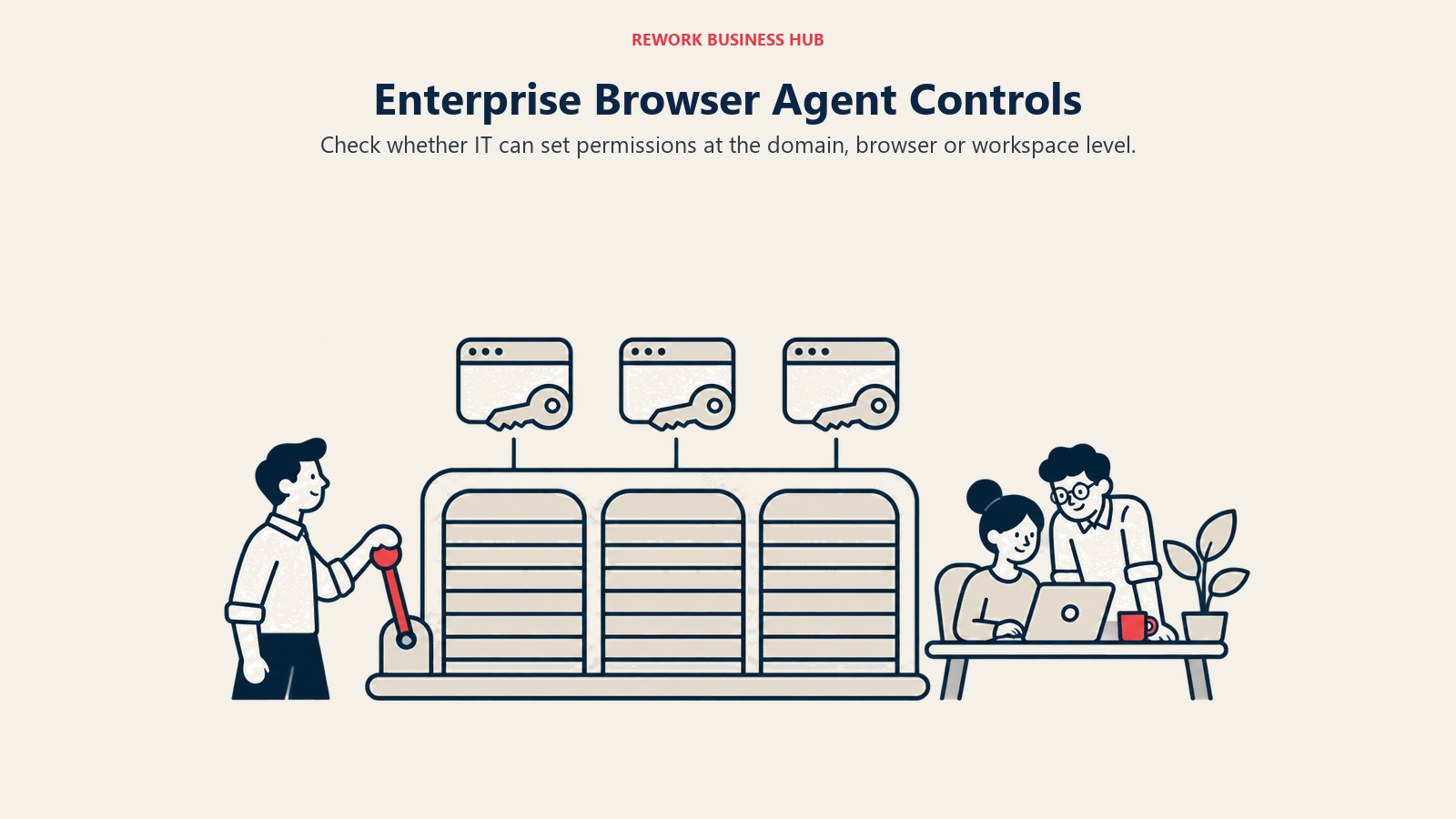
Comet for Enterprise works with Perplexity Enterprise accounts (Enterprise Pro and Enterprise Max) on macOS and Windows. Perplexity's help center lists MDM deployment, silent and offline installation, over 500 Chromium-based policies, a dashboard, and agent-permission controls for website restrictions and action approvals. Admins can enable Comet for specific members first, which makes a pilot easy. Audit logs have the seat threshold noted above.
Gemini in Chrome is managed through the Chrome Enterprise console under Devices, Chrome, Settings, Generative AI, Gemini integrations. Access requires both the Gemini app setting and the GeminiSettings policy to be enabled. Auto browse is off by default for managed users and can be turned on with the GeminiActOnWebSettings policy, with allowed and blocked URL lists, for specific Workspace editions that Google lists. Google's page names Business Standard and Plus, Enterprise Standard and Plus, and several Education and AI plans, so check your edition against the live list. Policies typically apply in minutes but can take up to 24 hours.
ChatGPT gates agent mode at the workspace level. Per OpenAI, enterprise workspace owners control access with a toggle that is off by default, and agent mode is available to enterprises worldwide, including those with EU data residency. Lockdown Mode adds a role-based way to restrict risky capabilities for admins on enterprise plans, and has been rolling out to personal and self-serve Business accounts as well. The extension docs don't describe plan requirements or admin controls for the extension itself, so ask OpenAI how extension use is governed in your workspace.
| Admin control | Comet for Enterprise | Gemini in Chrome (Chrome Enterprise) | ChatGPT (Business and Enterprise) |
|---|---|---|---|
| Deployment | MDM, silent and offline installer | Existing Chrome management | Desktop app and web; extension per browser |
| Pilot by user group | Yes, enable for specific members | Yes, via group and OU settings | Workspace role and toggle |
| Agent default for managed users | Admin-set; Always Allow can be disabled | Off by default | Off by default for enterprise |
| URL or domain rules | Per-domain Browser Control, Read Only, No Access | Allowed and blocked URL policies | Allowlist and blocklist in Computer Use for the extension |
| Audit visibility | Audit logs with seat threshold; telemetry | Confirm audit scope with Google | Confirm with OpenAI |
| Hard restriction mode | Disable browser control org-wide | Disable via policy | Lockdown Mode |
Platform Support
| Platform | Comet | Gemini in Chrome | ChatGPT |
|---|---|---|---|
| Windows | Yes | Yes | Desktop app and web |
| macOS | Yes | Yes | Desktop app and web |
| Chromebook | Not listed on pages we reviewed | Chromebook Plus | Via web |
| iOS | Yes, per Perplexity | Auto browse not available on iPhone or iPad | Confirm agent availability on mobile with OpenAI |
| Android | Yes (Android 12 or above per the help center) | Chrome Enterprise help lists Android in the US only; Google's India post lists Android for auto browse | Confirm agent availability on mobile with OpenAI |
| Other browsers | Comet is its own browser | Chrome only | Extension supports Chrome, Edge, Brave and Vivaldi; desktop app works with Opera for tab mentions |
Google's documentation is not perfectly consistent on auto browse geography. The Chrome support page says US only and English device language; Google's plan page and its India post say the US and India. Treat region and language as something to confirm on the day you buy, not something to assume.
Pricing as Printed
Do the plan math on the plan your agent users will actually need, not on the cheapest entry point.
| Plan | Price as printed | What it unlocks |
|---|---|---|
| Comet browser | Free to download | Comet and its sidebar assistant; Comet Plus is a separate optional $5 subscription and is included with Pro and Max |
| Perplexity Pro | $17/month billed annually | Expanded Computer access, deep research, more usage |
| Perplexity Max | $167/month billed annually | Highest limits, maximum Computer usage, 10,000 monthly Computer credits |
| Perplexity Enterprise Pro and Max | Not printed on the page reviewed; confirm with Perplexity | Comet for Enterprise, admin controls, audit logs |
| Google AI Pro | $19.99/month, or $199.99 annually (US) | Chrome auto browse, up to 20 multi-step tasks per day |
| Google AI Ultra | From $99.99/month, billed monthly only (US) | Higher limits, up to 200 multi-step tasks per day |
| ChatGPT Plus | $20/month | Agent mode, 40 messages per month |
| ChatGPT Pro | From $100/month | Agent mode, 400 messages per month |
| ChatGPT Business | Per user per month, monthly or annual, minimum 2 users; price not printed on the page reviewed | Agent mode, 40 messages per month, workspace controls |
| ChatGPT Enterprise | Contact sales | Agent mode behind an admin toggle |
Sources: Perplexity pricing, Comet Plus, Google AI plans, ChatGPT pricing. Prices vary by region and can change, so confirm the figure for your country at checkout.
Those are individual-plan prices, useful for sizing a small pilot only. A company rollout belongs on a business tier, and the business-tier prices for Comet and ChatGPT are not printed on the pages we reviewed, so ask each vendor for a written quote before you budget.
Implementation and Change Management
| Factor | Comet | Gemini in Chrome | ChatGPT |
|---|---|---|---|
| Time to first task | Install the browser, sign in | Turn on the setting, opt in | Open the app or install the extension |
| IT approval burden | High for a new browser; MDM tooling helps | Low if you manage Chrome already | Medium; depends on whether you already approved ChatGPT |
| Training load | Learn a new browser and its permission model | Light for Chrome users | Light for existing ChatGPT users |
| Biggest rollout trap | Staff installing the free browser outside IT's view | Eligibility confusion by plan, region and language | Hitting the monthly agent message cap in week two |
| Policy to write first | Which domains the agent may touch | Who may enable auto browse on managed profiles | Who may use agent mode on which sites |
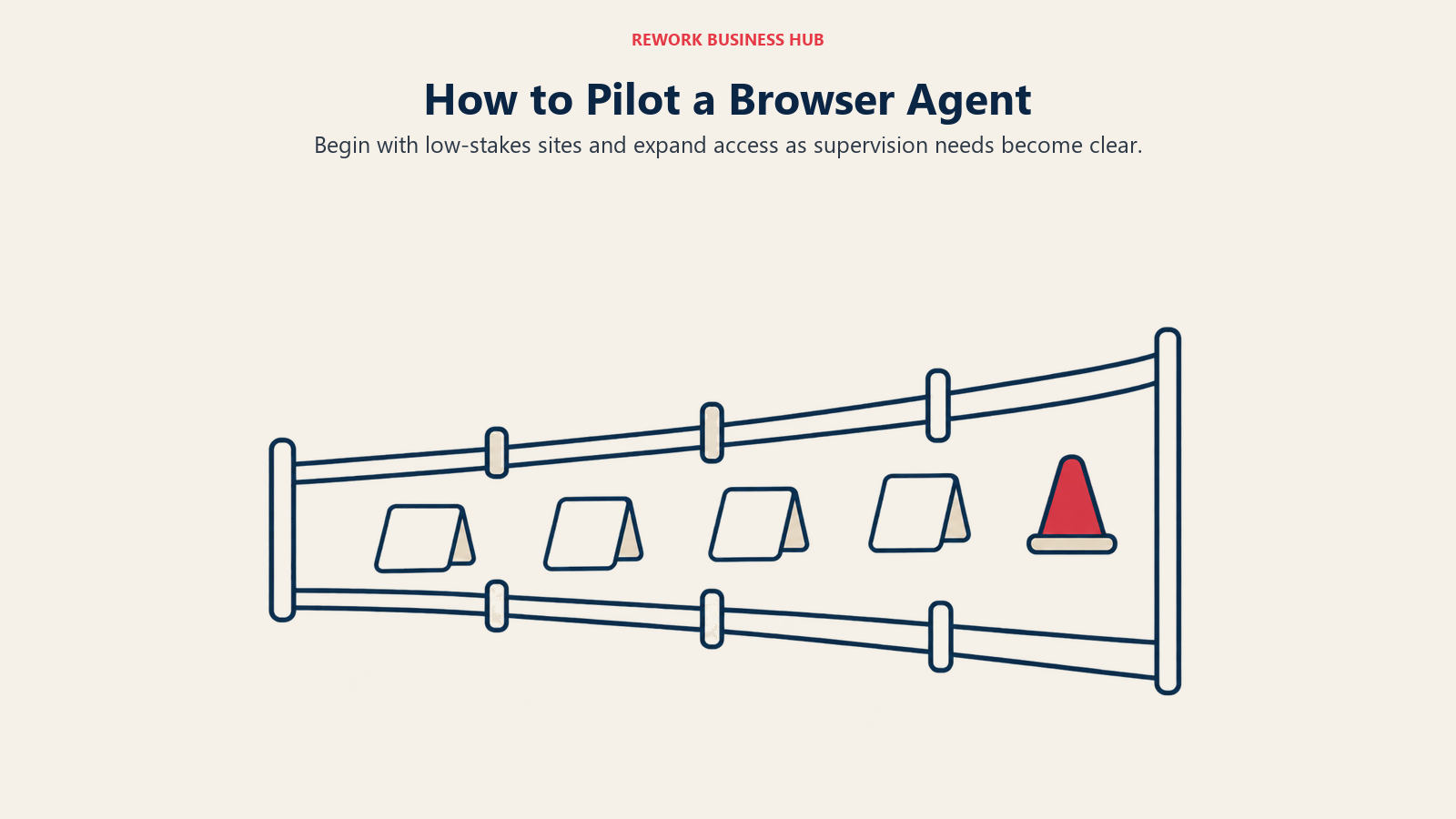
Plan the first four weeks around a short allowlist of sites. Banking, payroll, HR systems and anything with customer personal data should stay off the list until you've watched the agent in low-stakes work. The AI agent guardrails guide is a good template for turning that into written rules, and best AI agent security tools covers the tooling layer if you want monitoring beyond what the vendors ship.
When Comet Is the Right Call
Choose Comet when you want the most granular control over what the agent may touch and you're willing to adopt a new browser to get it. Four scenarios stand out.
- Your security team wants per-domain rules. Browser Control, Read Only and No Access per domain, with the ability to disable Always Allow for everyone, is the most specific permission model of the three on the pages we reviewed.
- You want a pilot you can fence. Enabling Comet for named members first, then expanding, fits a cautious rollout.
- Your team already pays for Perplexity. If research is the daily job, Pro or Max seats may already be there, and Comet Plus is included.
- You need MDM deployment of a browser, with silent install, and you already manage Chromium policies.
It's the wrong call if your IT team won't approve another browser, or if your people need an agent that works in the browser profile they already use.
When Gemini in Chrome Is the Right Call
Choose Gemini in Chrome when your company already runs on Chrome and Google Workspace.
- You standardize on Chrome. Nothing new to install, and your existing Chrome Enterprise policies and group settings extend to Gemini.
- You want governance defaults that start closed. Auto browse is off by default for managed users, so you opt in deliberately.
- Your eligible users are in the US (or India) with English devices. That is a hard constraint, and outside it you only get the assistant, not the agent.
- You want a daily cap built in. Twenty multi-step tasks a day on Pro, 200 on Ultra, is a ceiling you can budget around.
It's the wrong call if your workforce is outside the supported regions or languages, if staff use Safari or Edge, or if you need the agent on iPhone or iPad.
When ChatGPT Is the Right Call
Choose ChatGPT when the agent is one part of a general assistant you already pay for.
- Your team already works in ChatGPT. Agent mode, the desktop app and the Chrome extension sit in the same account, and the extension works in Chrome, Edge, Brave and Vivaldi.
- You want the strongest login handoff. Pausing for you to take over the browser for a sign-in, with no screenshots while you type, is a clean pattern for sensitive credentials.
- You want a restrict-everything lever. Lockdown Mode gives security teams a role they can assign to executives or high-risk users.
- You need global enterprise availability. OpenAI says agent mode is available to enterprises worldwide, including EU data residency.
It's the wrong call if you want heavy daily agent use on a low-cost plan, since Plus is capped at 40 agent messages a month, or if you want a browser-native tool rather than a chat product with browser features.
Decision Framework
| Pick this | If |
|---|---|
| Comet | You want per-domain agent permissions, are willing to deploy a new browser, and your security team prefers explicit Read Only and No Access rules |
| Comet | Your team already lives in Perplexity and research is the core job |
| Gemini in Chrome | You run Chrome and Google Workspace, your users are in an eligible region on English devices, and you want the least new software |
| Gemini in Chrome | You want agent access off until your admins turn it on |
| ChatGPT | You already have ChatGPT seats and want one assistant for chat, files and browser tasks |
| ChatGPT | You need a clean login handoff and a Lockdown Mode for a few high-risk people |
| None yet | Your workflows touch regulated data and you cannot get written answers on logging, retention and injection testing |
What to Do Next
Run a two-week pilot with three users from the team that will use an agent most, and give each one a different tool for the same set of five low-stakes tasks, such as pulling pricing from public vendor pages, filling a non-sensitive internal form, or compiling a competitor summary. Log three things per task: how often the agent stopped to confirm, how long a person needed to check the output, and whether it ever tried to act outside the sites you allowed. Keep banking, payroll and customer personal data out of scope. At the end, hand your IT and security leads the log along with the vendor answers to the "confirm with the vendor" items above, and let the evidence, not the demo, decide whether any of these gets a wider rollout. For the broader field, start from best AI agent platforms.

Co-Founder, Rework.com
On this page
- TL;DR
- Key Facts
- What Each Tool Is Actually Built For
- Decision by Business Goal
- Agent Autonomy: How Much Does Each One Do on Its Own?
- Logged-In Site Access: Who Holds the Keys?
- Prompt Injection and Security Posture
- Data and Privacy Controls
- Admin and Enterprise Controls
- Platform Support
- Pricing as Printed
- Implementation and Change Management
- When Comet Is the Right Call
- When Gemini in Chrome Is the Right Call
- When ChatGPT Is the Right Call
- Decision Framework
- What to Do Next