What Is Partner Relationship Management (PRM)?
Turn this article into takeaways for your work.


Each assistant summarizes the article only for you and suggests best practices for your work.
The term "PRM" gets used for two different things, and most confusion about it comes from mixing them up. Sometimes it means a practice: the way a company recruits, supports, rewards and measures the partners that sell, implement or refer its product. Other times it means a software category: the portals and workflow tools vendors buy to run that practice.
This article defines both, walks through the partner lifecycle that PRM manages, and explains how PRM differs from a CRM. It then lists the core capabilities of PRM software, shows how four major vendor programs expose those functions, and covers build-versus-buy thinking and the ways PRM efforts usually fail.
What PRM Is: A Discipline and a Software Category
Partner relationship management as a discipline is the set of processes a vendor uses to manage its indirect channel. Someone has to decide which partners to recruit, what they're allowed to sell, how they learn the product, how deals are credited and how they're paid. That work exists whether or not any software is involved. A company with ten resellers can run it from a spreadsheet and a shared inbox.
PRM as a software category is the tooling that supports the same work at scale. Its center of gravity is a partner-facing portal, a place where outside companies log in to get content, register deals, request funds and see their results. Behind the portal sit the vendor's workflows for approving partners, routing leads, reviewing deal registrations and reporting on performance.
The two meanings depend on each other. Software can't fix a program with unclear rules, and a good program eventually outgrows spreadsheets. If you're still deciding what kind of program you need, start with the channel partner program and the broader partner-led growth model, then come back to tooling.
The Partner Lifecycle PRM Manages
Most PRM scope maps onto six stages. Different programs name them differently, but the sequence is stable.
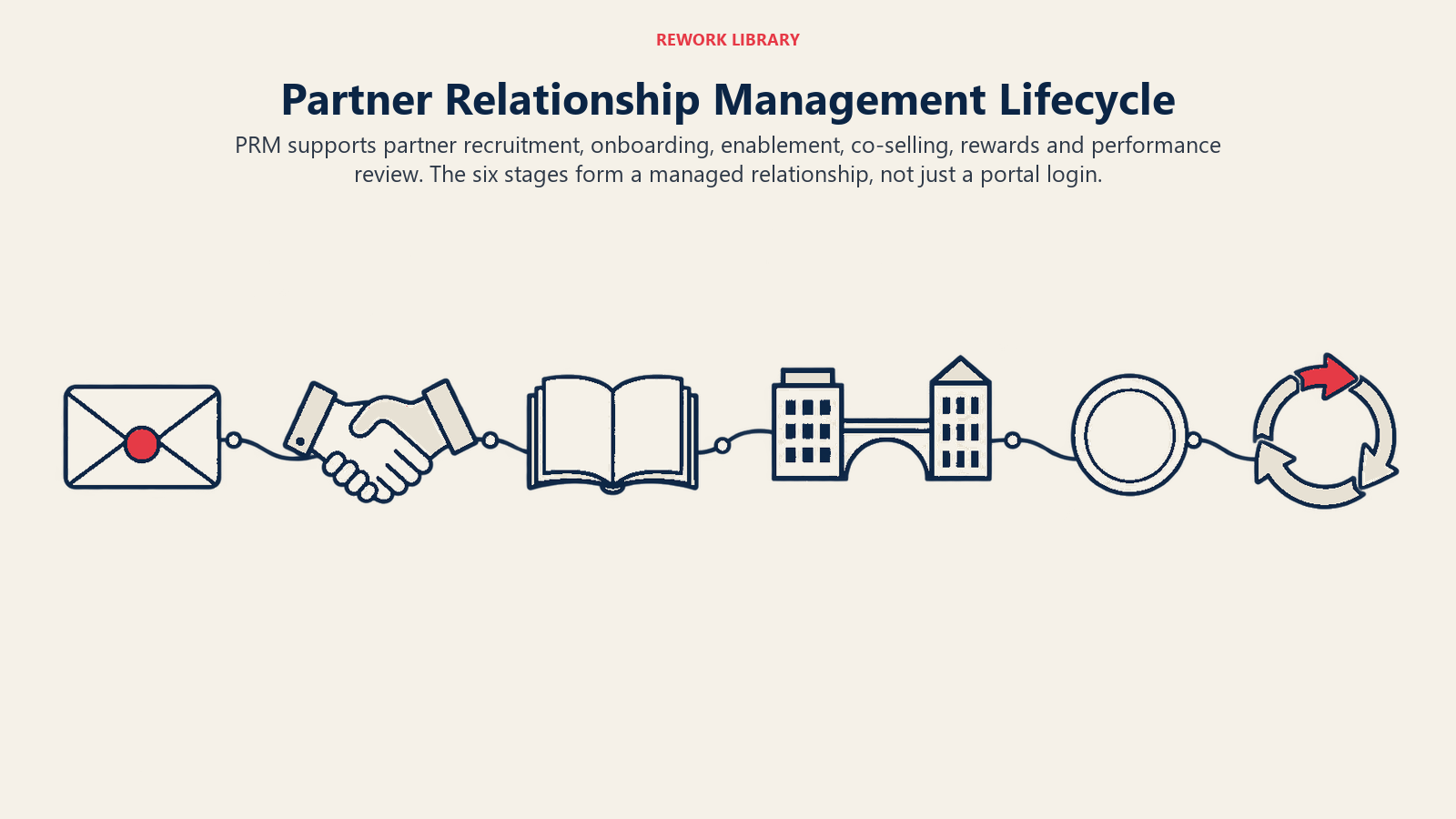
| Stage | What PRM handles | Typical output |
|---|---|---|
| 1. Recruit | Applications, scoring, vetting, approval | An approved partner record |
| 2. Onboard | Agreements, access, first training, joint plan | A partner ready to work a first deal |
| 3. Enable | Content, training, certification, product updates | A partner that can sell or deliver without hand-holding |
| 4. Co-sell | Lead sharing, deal registration, opportunity handoffs | Registered, attributed pipeline |
| 5. Incentivize | Margins, rebates, SPIFFs, market development funds | Paid claims and approved fund requests |
| 6. Measure | Dashboards, scorecards, reviews, tier decisions | Decisions on who gets more investment |
Recruit. The vendor decides who it wants and screens applicants. Good PRM practice treats this as a funnel with criteria, not a mailing list. Oracle's PRM product page describes this step as the ability to "recruit, score, assess, and onboard new partners," which gives a sense of how vendors frame it: a pipeline of partner candidates with scoring, not a one-off signature.
Onboard. Once an agreement is signed, the work shifts to access, vetting follow-through and a first plan. The stages and a working checklist are covered in partner onboarding.
Enable. Onboarding has an end; enablement doesn't. This is the continuing flow of training, sales content and technical resources. A PRM typically hosts the content library and tracks who completed what. See partner enablement.
Co-sell and deal registration. This is the stage that most separates PRM from other tools. Partners bring opportunities, the vendor needs to know about them, and both sides need a shared record of who found what. Deal registration is the mechanism: a partner submits an opportunity, the vendor reviews it, and an approval protects the partner's claim on that deal. The mechanics are explained in deal registration. When registrations overlap with a direct rep's accounts, you get channel conflict, which a PRM can reduce by making ownership visible, though it can't resolve the policy question for you.
Incentives and funds. Partners respond to what the program pays for. That includes margin and rebate structures (partner incentives) and co-funded marketing, covered in market development funds. In software terms, this means fund request and claim workflows with approvals and proof-of-performance steps.
Measure. Reporting closes the loop. Which partners source pipeline, which only transact, which stay dormant. Without this, tier and incentive decisions are made on gut feel. For the metrics themselves, see partner KPIs.
How PRM Differs From CRM
A CRM is built around the vendor's own customers and prospects, and its users are the vendor's employees. A PRM is built around outside organizations that have their own customers, and its users include people who don't work for the vendor at all. That one difference drives most of the others.
| Dimension | CRM | PRM |
|---|---|---|
| Primary users | Vendor's own sales, marketing, service staff | Vendor's channel team plus external partner staff |
| Central record | Lead, contact, account, opportunity | Partner account, partner user, registered deal, fund claim |
| Access model | Internal roles | Partner-company roles with limited, scoped visibility |
| Core question | "How do we sell to this customer?" | "How do we help this partner sell to their customer?" |
| Typical workflows | Pipeline stages, forecasting, campaigns | Partner approval, deal registration, lead routing, MDF claims |
| Success measure | Revenue from direct sales | Revenue sourced, influenced or delivered through partners |
The two aren't rivals. In practice a PRM nearly always connects to a CRM, because registered deals eventually become opportunities that the vendor's sales team forecasts. The risk is double entry and conflicting records. That's why using the CRM as a single source of truth matters even more once partners are creating records in a second system.
Some vendors deliver PRM as a layer on top of the CRM; others sell standalone PRM products that sync with it. Both models exist, and the choice has consequences for data ownership, which comes up again in the build-versus-buy section.
Core PRM Capabilities
Whatever the vendor, most PRM products group their features into the same dozen or so areas. Use this as a requirements checklist.
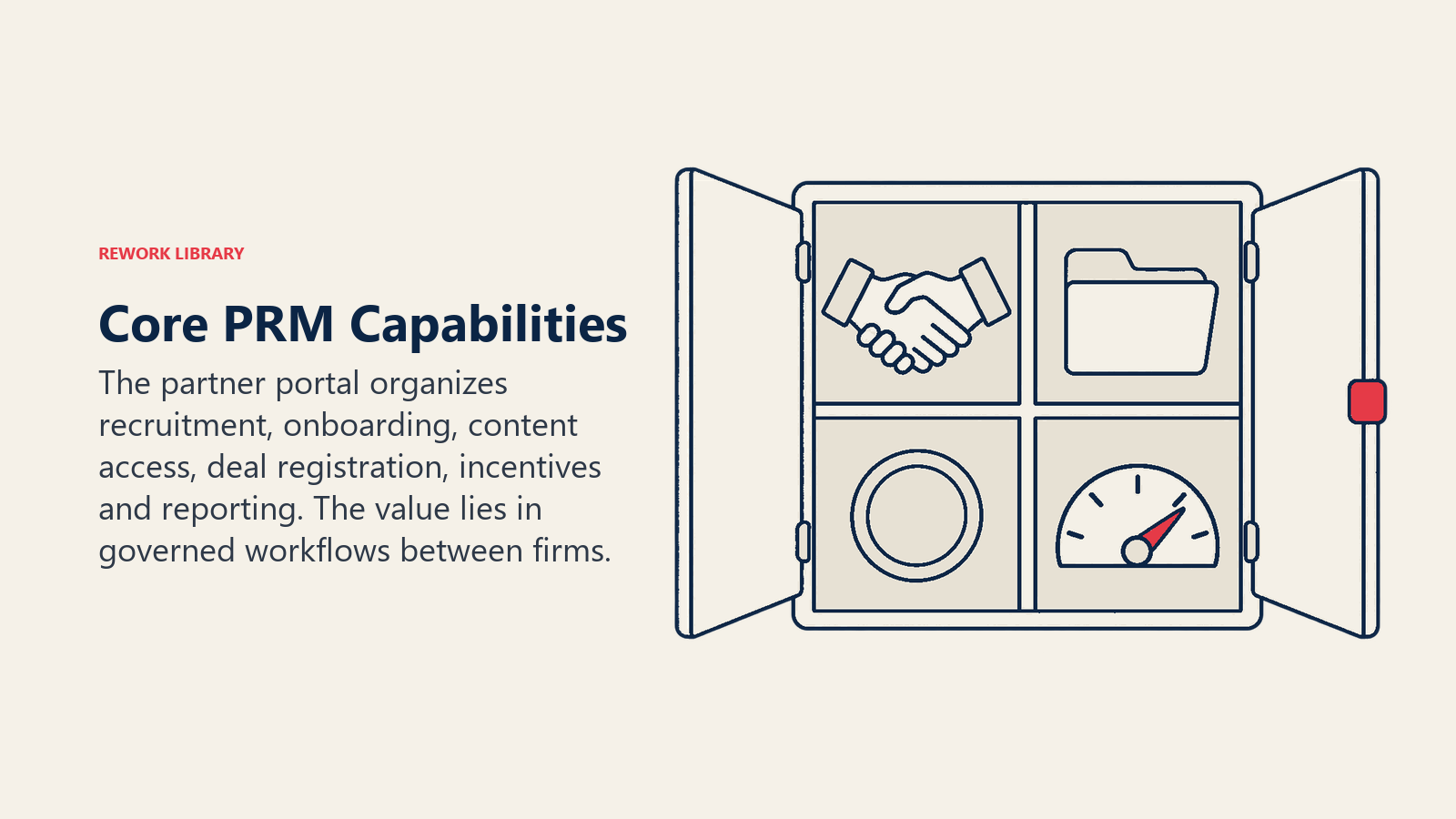
- Partner portal. A branded, authenticated space where partners find everything. Usually supports single sign-on and role-based views.
- Partner recruitment and onboarding workflows. Application forms, scoring or approval steps, task lists and agreement handling.
- Partner account and user management. Company profiles, hierarchies, contacts, and partner-side administrators who can add their own colleagues.
- Content and training library. Sales collateral, product documentation, courses and certification tracking.
- Lead distribution. Rules for passing marketing-sourced leads to the right partner, plus ways for partners to accept, reject and update them.
- Deal registration. Submission forms, approval workflows, expiry rules and protection logic.
- Quoting and opportunity support. Pricing tools, quote generation, and a shared view of opportunity status.
- Incentive and fund management. MDF requests, claims, approvals and payout tracking, plus rebate or SPIFF administration where supported.
- Co-marketing tools. Co-branded assets, campaign templates, shared email or social content.
- Analytics and scorecards. Partner-level and program-level dashboards that feed partner scorecards and tier reviews.
- Integrations. Connections to the CRM, marketing automation, billing and learning systems.
- Governance. Audit trails, permissions, and document or agreement storage.
Not every program needs all of them. A referral-only channel might need a lead form, a payout record and a dashboard. A reseller channel with quoting and territory rules needs much more.
How Major Vendor Programs Expose PRM Functions
The big platform vendors run their own partner programs and sell PRM tooling, so their documentation shows how the functions are packaged. The descriptions below come from each vendor's own pages and describe features, not pricing. Product names and packaging change, so check the current documentation before relying on any detail.
Salesforce
Salesforce's Lightning Partner Management guide describes a prepackaged solution for channel managers and partners, and lists these capabilities: partner account management, partner recruitment, onboarding and support, lead distribution, deal registration, a content library, partner analytics and marketing development fund management. The same guide explains that deal registration automatically sends a registered deal submitted by a partner to the channel manager for approval, and that approval workflows can be customized. Leads created in the process are subject to assignment rules the company defines. This is a clear example of PRM delivered as a layer on the CRM: the partner records live in the same platform as the vendor's own pipeline. Source: Salesforce Lightning Partner Management guide.
Oracle
Oracle's PRM page describes capabilities across the lifecycle. On the front end, it speaks of the ability to recruit, score, assess and onboard new partners. For co-sell it names deal registration and approvals and a way for partners to claim, qualify and convert leads. On funds it describes the ability to approve, disburse and track the return on market development funds, and it offers performance dashboards for identifying top-performing partners. It's a good example of a vendor presenting PRM as an end-to-end lifecycle rather than a single portal. Source: Oracle Partner Relationship Management.
Microsoft Partner Center
Microsoft's Partner Center shows what PRM functions look like from the partner side of a very large program. Its Referrals workspace handles co-sell opportunities and deal registration. The referrals FAQ states that only IP incentives are eligible for deal registration, that deals can't be edited once placed in a terminal state, and that partners get better co-sell visibility by responding quickly and reporting deal sizes, closing dates and final status. Microsoft's bulk operations page shows the governance side: roles such as Referrals admin and Referrals user, a defined set of registration states (ReviewPending, ActionRequired, Approved, Passed, Failed, Closed) and fields that become read-only after submission. These details illustrate two PRM design principles: role-based access for partner staff, and an explicit status model for each registered deal.
HubSpot
HubSpot's Solutions Partner Program shows PRM concepts applied to agencies and service partners. Its program policies state that to publish a profile in the Partner Directory a partner must pass a minimum of one HubSpot certification, and that to become a tiered Solutions Partner it must pass and maintain the Partner Certification. In other words, certification is tied to visibility and status. That's the pattern to look for in any PRM: enablement results (certifications) feed directly into program rules (directory listing, tiering). For how certification works as a program lever, see partner certification.
Key Facts: Partner Relationship Management
- Salesforce's Lightning Partner Management guide lists partner account management, recruitment and onboarding, lead distribution, deal registration, a content library, partner analytics and MDF management as built-in capabilities (Salesforce).
- Microsoft states that only IP incentives (Azure IP co-sell, Biz apps premium, Biz apps standard) are eligible for deal registration in Partner Center (Microsoft Learn).
- Microsoft's bulk deal registration statuses are ReviewPending, ActionRequired, Approved, Passed, Failed and Closed (Microsoft Learn).
- HubSpot requires at least one certification to publish a Partner Directory profile, and a maintained Partner Certification to become a tiered Solutions Partner (HubSpot).
- Oracle describes its PRM as covering recruiting, onboarding, deal registration, lead management, MDF approval and tracking, and performance dashboards (Oracle).
Build vs. Buy: The Conceptual Trade-Offs
Every vendor eventually asks whether to build partner tooling on top of its own CRM or adopt a dedicated PRM. There isn't a universal answer, but the trade-offs are consistent.
Building on your CRM keeps data in one place and lets your team control workflows. It fits when the program is simple, the CRM already supports external users, and you have administrators who can configure and maintain the portal. The cost is ongoing: someone owns every approval workflow, permission rule and report, and each program change becomes a project.
Buying a dedicated PRM gives you prebuilt workflows for registration, funds and onboarding, plus a partner experience that someone else keeps modern. It fits when the program has many partners, several partner types, or complex incentive rules. The cost is another system to integrate, another data model to reconcile with the CRM, and a dependency on the vendor's roadmap.
Questions that tend to decide it:
- How many partner types will you run? Referral, reseller, integrator and ISV partners need different workflows, and a custom build has to handle each.
- Who owns the data? Decide where partner and deal records live, and which system wins when they disagree.
- How complex are the incentives? Simple margin tiers are easy; fund claims, proof of execution and rebate calculations add real workflow.
- What does the partner experience need to be? Partners compare your portal with every other vendor's. A confusing one reduces use.
- Who will administer it? Tools without an owner decay regardless of which route you choose.
- What happens when you scale? A build that works for twenty partners can strain at two hundred.
A staged approach is common: start with a lightweight setup (shared forms, a content folder, a registration sheet), prove the program works, then move to PRM tooling when manual effort becomes the bottleneck. The reverse mistake, buying a heavy platform before the program has rules, is more costly.
Common PRM Failure Modes
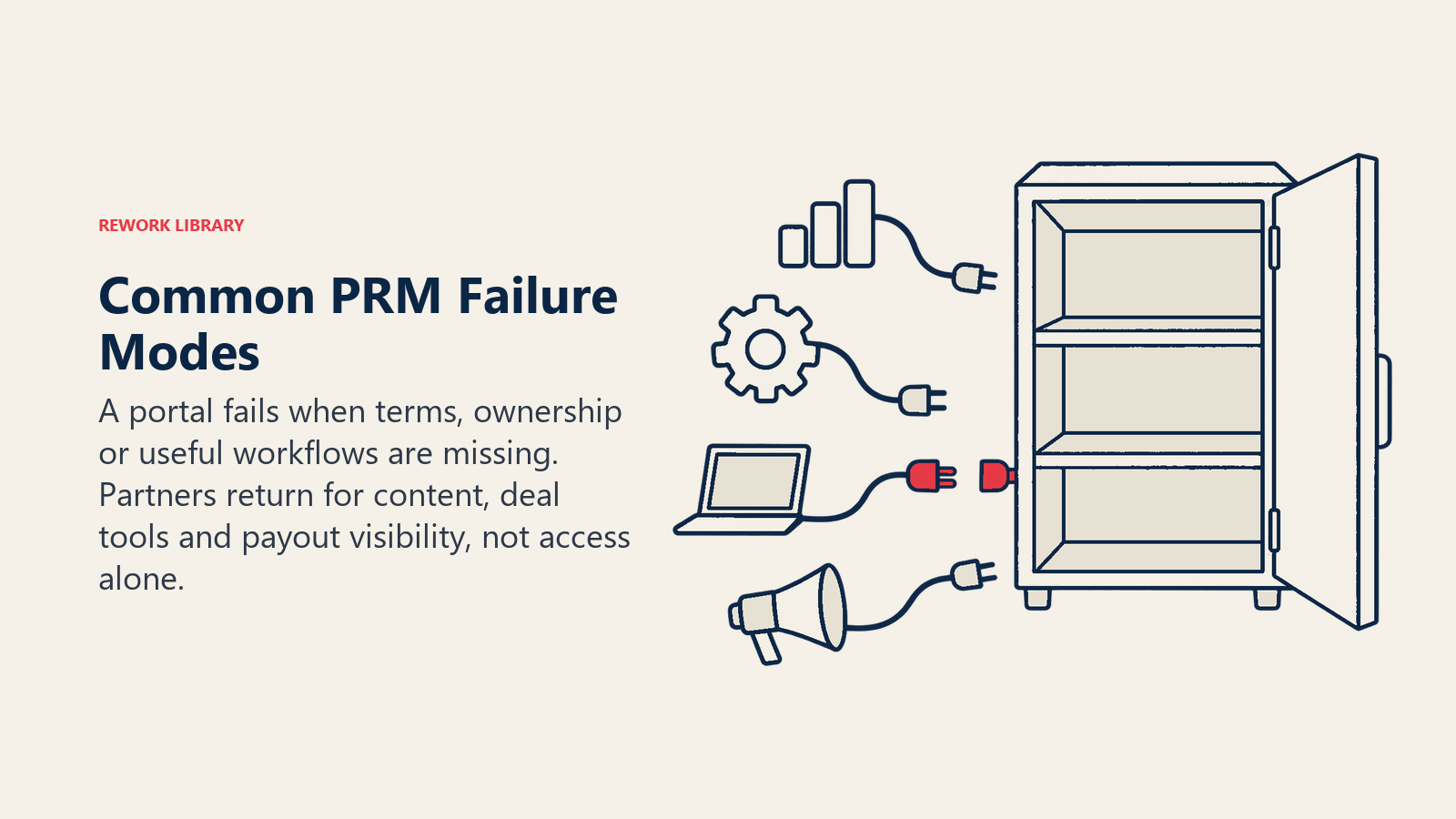
Most PRM problems are program problems that show up in software.
- Tool before program. A portal can't compensate for unclear terms, undefined tiers or no one accountable for partner success.
- The ghost portal. Partners register once and never return because the portal holds nothing they need. Content, deal tools and payout visibility are what bring partners back.
- Slow approvals. If deal registrations or fund claims wait for weeks, partners route around the system. Set service levels for review and measure them.
- Duplicate records. Partners and the vendor's reps both create the same account, and nobody trusts the data. Define matching rules and ownership early.
- Over-permissioning. Giving partner users broad visibility into vendor data creates security and conflict problems; giving too little makes the portal useless. Design role-based access deliberately.
- No measurement. Dashboards that nobody reviews don't change behavior. Tie them to regular reviews, as covered in partner business reviews.
- Attribution disputes. When sourced and influenced revenue are counted differently by each side, trust erodes. See partner attribution.
- Integration drift. The PRM and CRM fall out of sync after a field change or a process update. Assign an owner for the integration, not just the portal.
Related Reading

Co-Founder & COO
On this page
- What PRM Is: A Discipline and a Software Category
- The Partner Lifecycle PRM Manages
- How PRM Differs From CRM
- Core PRM Capabilities
- How Major Vendor Programs Expose PRM Functions
- Salesforce
- Oracle
- Microsoft Partner Center
- HubSpot
- Build vs. Buy: The Conceptual Trade-Offs
- Common PRM Failure Modes
- Related Reading