Demo Design: Building the Demo Around the Buyer's Pain
Turn this article into takeaways for your work.


Each assistant summarizes the article only for you and suggests best practices for your work.
There's an SE on every team who runs the same 45-minute demo for every buyer. Same slides. Same click path. Same "and over here you can see…" Every quarter, conversion drops a little. The buyer nods, says "looks great," and ghosts. The demo wasn't bad. It just wasn't about them.
If you've watched this happen, or done it yourself, you already know the fix isn't a better-looking deck or a slicker click path. It's a different design altogether. A demo that wins is organized around the specific pain the buyer told you about in discovery, not the product's feature tree.
A feature-tour demo asks the buyer to translate what they saw into their own workflow. A pain-led demo does the translation for them, on stage, in real time. That cognitive shift is the difference between "looks great" and "how soon can we start."
Here's the part most SEs miss: demo design is a discovery problem, not a presentation problem. If the demo feels generic, it's because discovery was generic. Fix discovery first, then the demo writes itself. Most of what follows assumes you've done the work upstream. If you haven't, start with Technical Discovery That Reveals Real Fit before you build another deck.
Why Pain-Led Beats Feature-Tour, Every Time
The feature-tour demo has a logic problem at its core. You're showing the buyer everything your product does and asking them to figure out which parts matter for them. That's their job, not yours. And they're not going to do it well: they're going to forget half of what you showed them by Tuesday, and the half they remember probably wasn't the half that solves their actual problem.
Pain-led demos invert this. You take the three pains they told you about in discovery, and you show (in their language, with their workflow, against their data shape) exactly how those three pains disappear. Everything else stays out. If you have an amazing reporting feature and they didn't mention reporting, it doesn't go in the demo. Save it for expansion.
The buyer's brain is doing one thing during a demo: pattern-matching what they're seeing against what they need. The closer your demo looks like their world, the easier that pattern match becomes. The further it drifts into generic-product-tour land, the harder they have to work, and the more they fall back on "looks great, let me think about it."
Pre-Demo Prep: From Discovery Notes to Storyboard
Before you open the demo environment, before you touch a slide, you build the storyboard. This takes 30 minutes if discovery was good and three hours if it wasn't.
Pull your discovery notes. Identify the top three pains the buyer ranked highest. For each, write two sentences:
- Current state: how the buyer experiences this pain today.
- Future state: what changes with your product.
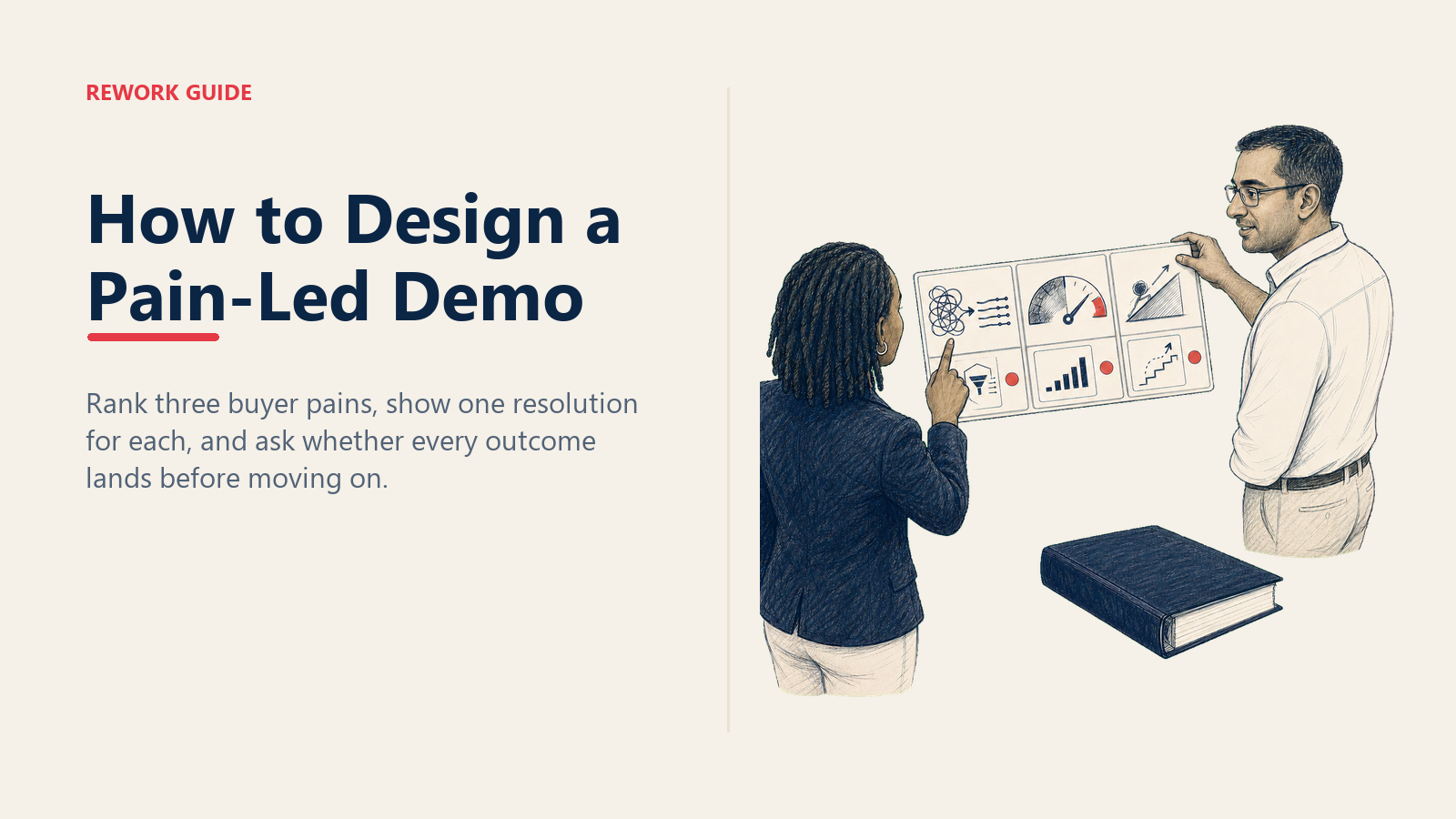
That's your storyboard skeleton. Three pain → resolution arcs, in the order the buyer ranked them. If you have more than three, you didn't prioritize. Pick three. The fourth and fifth pain show up in the follow-up email, not the demo.
Demo Storyboard Template
| Pain (from discovery) | Feature/flow shown | Close question after this arc |
|---|---|---|
| Reps spend 4+ hours/week on manual pipeline updates | Auto-logged activity + smart pipeline view, walked through with the buyer's stage names | "If reps got those 4 hours back next week, what would they spend it on?" |
| Sales leadership has no real-time view of forecast risk | Forecast roll-up dashboard filtered to their team structure | "Would this give your VP what they're asking for in the Monday review?" |
| New hires take 90+ days to ramp to quota | Guided playbook flows + AI call review, against a sample new-hire account | "Would this cut your ramp time in half? What would that be worth in headcount?" |
One row per discovered pain. Max three rows. The close question column is non-negotiable. That's the whole point. You're not just demoing features, you're getting confirmation in real time that the resolution lands.
The 30/40/30 Demo Structure
Most SEs run something like 10/80/10: ten percent setup, eighty percent feature tour, ten percent rushed close. Flip it. The structure that converts is 30/40/30.
30% setup. Recap discovery, out loud, in the room. "Last week you told me three things were the biggest pain points: pipeline hygiene, forecast visibility, and new-hire ramp. Today I'm going to show how we solve those three things, in that order. Sound right?" You're confirming the agenda is theirs, not yours. If they correct you here ("actually pipeline hygiene fell off the list, the new urgent thing is X"), you've just saved yourself 40 minutes of demoing the wrong thing.
40% pain-features. One feature block per pain. Each block follows the same shape: state the pain, show the workflow that resolves it, ask the close question, move on. No detours. If the buyer asks about something off-script, park it ("great question, I want to make sure we cover the three things first, let me come back to that") and actually come back to it.
30% close. Objection handling, pricing context, in-demo close questions, next-step commitment. Most SEs run out of time for this and end with "any questions?" That's a wasted 10 minutes. The close section is where you find out whether the deal is real, what's actually blocking it, and who else needs to see this. You can't get there from a feature tour that ate the clock.
Run the Buyer's Flow, Not the Product Flow
The fastest way to lose a demo is to walk a buyer through your product's onboarding flow. They don't need to learn how to set up the product. They need to see what their life looks like once it's set up.
Set up your demo environment with sample data that looks like the buyer's data. Their team size. Their pipeline shape. Their stage names. Their average deal size. If they're a 30-person sales team selling into healthcare, don't demo with five enterprise reps and big-tech logos. Spend the 20 minutes pre-demo to swap the seed data. Buyers spot generic demo data instantly, and once they spot it, the rest of the demo feels generic too.
Walk through the workflow they described in discovery, in their order, using their language. If they call deals "opportunities," call them opportunities. If they call sales stages "phases," call them phases. Translation happens in your head, not theirs.
This is where Rework's demo environment design pays off. Rework CRM lets SEs clone a sandbox per opportunity in about ten minutes, swap stage names and seed data, and run the demo against something that looks like the buyer's actual world. From $69/month billed yearly, with 5 sales seats included, once they buy.
In-Demo Close Questions: The Six-Question Script
Embed close questions inside the demo, not after. After each pain → resolution arc, ask the right question for that moment. By the third arc, you've either confirmed three yeses (now the close is procedural) or surfaced the real objection while there's still demo time to handle it.
Six questions, mapped to specific demo moments:
1. Confirmation question (after first feature block)
"Does this match how your team works today, or am I missing something?"
You're testing whether your understanding of the workflow holds up under live demo. If they correct you, you adjust on the fly, and they trust you more for asking.
2. Resolution question (after each pain → resolution arc)
"If this worked the way I just showed, would that solve [the specific pain]?"
This is the most important question in the demo. A real "yes" is a buying signal. A "yes, but…" is the actual objection finally surfacing. A "yes" with hesitation is something you push on.
3. Objection-surfacing question (after the second arc)
"What would make this not work for you?"
You're inviting them to surface their concern while there's still demo time to handle it. If they wait until the post-demo internal review, you'll never see the objection. They'll just go quiet. For tactical handling once the objection lands, see Handling Technical Objections in the Room.
4. Pricing-bridge question (after the third arc)
"If the fit is right, when would you want this live?"
You're not asking for budget. You're asking for urgency. Their answer tells you whether this is a "this quarter" deal or a "maybe next year" deal, which changes everything about your follow-up.
5. Decision-process question (during close section)
"Who else needs to see this before we move forward?"
The buyer in the room is rarely the only decision-maker. If they say "just me," push: "great, and who'd sign the contract?" The names you don't know are the deal risk you don't see.
6. Next-step question (last 5 minutes)
"Based on what you've seen, what's the right next step from here?"
Let them propose it. If they propose something weak ("let me think about it and circle back"), counter with something specific ("how about a 30-minute follow-up next Tuesday with [the other stakeholder]?"). If they propose something concrete, you've got commitment.
These six questions take about four minutes total to ask across a 60-minute demo. They are the single highest-leverage thing you can change about how you demo.
Common Pitfalls That Tank Demo-to-Close
The full feature tour. "Let me show you everything we do." The buyer disengages by minute 12. You finish proud of how thorough you were and lose the deal to a competitor who showed three things well.
The demo as tutorial. Teaching the buyer to use the product before they've decided to buy it. They don't need to know how to configure custom roles. They need to know what their team's Monday morning looks like once you're deployed.
Ignoring buying signals mid-demo. The buyer leans in and asks a pricing question. You say "we'll get to that" and lose the moment. When a buyer interrupts the demo to ask about pricing, timing, or implementation, that's the demo telling you it's working. Stop demoing and answer the question.
Demoing to the wrong persona. Showing admin config to a CEO. Showing strategic dashboards to an end user. Same product, different demo, depending on who's in the room. If discovery didn't tell you who's attending, ask before the demo, and storyboard accordingly.
Demoing features the buyer never asked for because "it's cool." Your reporting module is genuinely impressive. They didn't ask for reporting. It doesn't go in the demo. Save it for expansion or for the buyer who actually has a reporting pain.
Before vs. After: A Feature-Tour Redesigned as Pain-Led
Before (feature tour, 45 minutes):
- Welcome + about us (5 min)
- Dashboard tour (8 min)
- Pipeline view (8 min)
- Reporting module (8 min)
- Integrations (6 min)
- Mobile app (5 min)
- Q&A (5 min)
The buyer leaves having seen six features, remembering two, and unable to articulate which one solves their actual problem.
After (pain-led, 60 minutes):
- Recap of three pains + agenda confirmation (10 min)
- Pain 1, pipeline hygiene → smart pipeline view, with their stage names (12 min) → close question
- Pain 2, forecast visibility → forecast roll-up, against their team structure (12 min) → close question
- Pain 3, new-hire ramp → guided playbooks, against a sample new-hire account (12 min) → close question
- Close section: objections, pricing, next-step commitment (14 min)
Same product. Same SE. The second demo converts roughly 20-25% better, in our experience and in the data from teams that have made the switch. The buyer leaves able to answer "what does this product do for us?" in one sentence, which is exactly what they need to convince their CFO.
The Post-Demo Follow-Up Email Template
Send same-day, before they go to bed. Three sections, no fluff:
Subject: Recap from today's demo: three pains, three resolutions
Hi [Name],
Quick recap from today, so you and the team have it in writing.
The three pains we covered, and how Rework addresses each:
- [Pain 1]: today, [current state]. With Rework, [future state]. We showed this with [specific feature/flow].
- [Pain 2]: today, [current state]. With Rework, [future state]. We showed this with [specific feature/flow].
- [Pain 3]: today, [current state]. With Rework, [future state]. We showed this with [specific feature/flow].
Open questions from the demo:
- [Question they asked, with the answer]
- [Question they asked, with the answer]
Proposed next step: Let's hold a 30-minute working session next Tuesday at 2pm with [the additional stakeholder]. I'll walk them through the same three pains and we can align on a procurement timeline. Does that time work?
[Your name]
No "let me know what you think." No "happy to answer any questions." Always a concrete proposal with a date. The buyer will either accept it, push it out, or counter. All three are useful information. "Let me know what you think" gives you nothing and lets the deal cool.
Measuring Whether This Is Actually Working
Three numbers, tracked per SE, reviewed monthly:
- Demo-to-close conversion: percent of demos that result in closed-won within the deal's normal cycle.
- Time-to-close after demo: median days from demo to signed contract.
- Demo no-show rate: a leading indicator of discovery quality. Buyers who skip demos usually weren't qualified properly upstream.
A pain-led demo standard typically lifts demo-to-close by 15-25% and cuts time-to-close by 20-30%, because the buyer leaves the demo with a clearer mental model and fewer unresolved doubts. The full breakdown of which SE metrics matter (and which ones are vanity) is in The Sales Engineer Metrics That Actually Matter.
If you're an enablement leader: enforce the storyboard. Review demo decks before the demo, not after. Reject any demo deck that has more than three pain → resolution arcs, or any that doesn't include the three close questions. The standard is the standard.
How a Pain-Led Demo Day Actually Looks
Most SEs run two to four demos a day in steady-state. The shift to pain-led adds about 30 minutes of prep per demo and removes about 15 minutes of post-demo "what did we even cover" cleanup. Net cost: 15 minutes per demo. Net benefit: meaningfully higher conversion and shorter cycles. For a fuller picture of how the rest of the day fits together, A Day in the Life of a Sales Engineer walks through the full rhythm.
The SEs who hit quota every quarter don't have better demos than the ones who don't. They have better discovery, which means their demos almost write themselves by the time they sit down to build the storyboard. If you're an SE struggling to convert, look upstream. If you're an enablement leader watching team conversion drift, look upstream. The demo is downstream of discovery, always.
Closing Thought
The demo is not your performance. It's the buyer's preview of their future state. Every minute you spend showing things they didn't ask about is a minute stolen from the close. Every minute you spend in their language, against their data shape, asking whether the resolution lands: that's the minute that closes the deal.
Run the storyboard. Use the script. Send the email. Track the three numbers. The rest takes care of itself.

Principal Product Marketing Strategist
On this page
- Why Pain-Led Beats Feature-Tour, Every Time
- Pre-Demo Prep: From Discovery Notes to Storyboard
- Demo Storyboard Template
- The 30/40/30 Demo Structure
- Run the Buyer's Flow, Not the Product Flow
- In-Demo Close Questions: The Six-Question Script
- Common Pitfalls That Tank Demo-to-Close
- Before vs. After: A Feature-Tour Redesigned as Pain-Led
- The Post-Demo Follow-Up Email Template
- Measuring Whether This Is Actually Working
- How a Pain-Led Demo Day Actually Looks
- Closing Thought