AI in the Engineering Manager Workflow: What Actually Helps, What Quietly Breaks
Turn this article into takeaways for your work.


Each assistant summarizes the article only for you and suggests best practices for your work.
Every IDE, project tracker, and standup bot now ships an "AI assistant." Most of them produce confidently wrong estimates, mash 1:1 notes into beige goo, and quietly skip the part of the job that actually matters: judgment. The promise of "AI for managers" has, for me, become a reason to be more skeptical, not less.
I'm not anti-AI. I use Claude and Cursor every day. I've cut hours off my prep load. But I've also been burned, more than once, by trusting a summary that sounded right and was subtly wrong. A 1:1 brief that flattened a tense conflict into "discussed prioritization." A sprint readout that cheerfully missed the fact that two engineers had stopped reviewing each other's PRs. AI doesn't tell you what it doesn't see.
This is the playbook I wish I'd had two years ago. Where AI earns its keep in an EM's week, where it'll quietly break things if you let it, and a 30-day plan to fold it in without losing the parts of the job that have to stay yours.
Why This Matters Now
You are the last line of defense against AI slop reaching your team. If you can't tell the difference between a useful AI summary and a hallucinated one, you'll do one of two things, and both are bad.
You'll reject the tools entirely, and your peers will quietly save four hours a week and you won't. Or you'll trust them too much, walk into a perf calibration with an AI-clustered "themes" doc, repeat its hallucinated framing back to the room, and recommend a promotion based on something the model invented from one Slack thread.
Neither is acceptable for a manager of 6-10 engineers. The job is knowing which workflows AI is good enough for, and which ones you keep in your hands no matter how tempting it is to delegate.
Where AI Actually Helps
These five workflows have survived a year of me trying to break them. They're not exciting, but they're real time back.
1:1 prep summaries
Before each 1:1, I dump the last week's notes from that engineer, their merged PR list, and any Slack threads they were active in into Claude. Prompt:
Here are last week's notes, merged PRs, and Slack threads for [name]. Summarize what's changed since our last 1:1 in 5 bullets max. Flag anything that sounds like friction, blocked work, or scope drift. Don't speculate about feelings. If a thread is unclear, say so.
The "don't speculate about feelings" line matters. Without it the model will helpfully tell you someone seemed "frustrated" based on three terse messages, you'll walk in and ask about it, and the engineer will look at you like you've lost it.
What I get back is a 90-second read that catches things I missed. I still write my own questions. The AI just makes sure I don't open with "so, how's everything going" because I forgot they shipped the migration on Thursday.
Perf review draft input
Six months of 1:1 notes is a lot of paper. Once a cycle, I feed those notes (and only those notes, not Slack, not PRs, that's a different pass) to Claude with a clustering prompt:
Cluster these 1:1 notes into 3-5 themes. For each theme, give me 2-3 concrete moments from the notes that support it. Use direct quotes from the notes where possible. Do not generate themes that aren't supported by at least two distinct notes.
This is helpful. It is not the draft. It surfaces patterns I was already half-aware of and reminds me of specific moments I'd forgotten. From there, I write the actual review in my own voice, with my own examples. The AI output goes in a scratchpad and gets deleted.
An AI-drafted perf review is the worst kind of slop. It sounds professional and means nothing. The engineer reading it will know.
PR-comment summaries and code review delegation
I'm not a code reviewer for my team's day-to-day work, but I do read diffs to stay in the building. If a PR is contentious I'll pull up Claude with the diff and ask:
Summarize the disagreement in this PR thread. What's the core architectural question being debated? What are the strongest points on each side?
Useful when I need to weigh in on a design call without re-reading 80 inline comments. More on the Cursor + Claude pattern below.
Sprint-analysis anomaly detection
Most sprint dashboards are noise. What I want is "this sprint looks weird, here's what." I feed cycle-time, review-latency, and ticket-status data into Claude with one prompt:
Compare this sprint's metrics to the prior 4. Flag any number that's more than 1.5 standard deviations off the trailing average. Don't guess at causes. Just tell me what's anomalous.
The "don't guess at causes" line is doing real work. Without it, the model will confidently tell you "the team is experiencing burnout" because review latency is up, when actually one senior engineer was on PTO. AI is good at "this number looks weird." It is bad at "and here's why."
The why is your job. You go talk to people.
Calendar prep
The smallest win, and the one I'd give up last. Five minutes before any meeting I haven't prepped for, I paste the agenda (or just title and attendees) and the most recent doc into Claude:
90-second brief: what is this meeting probably about, what are the likely tensions, what should I be ready to weigh in on. Be specific. If you don't know, say so.
It's not magical. It's a forced moment of "what am I walking into" instead of arriving cold and burning the first ten minutes catching up.
Where AI Quietly Breaks
These are the workflows where AI looks like it's helping and isn't. Some of them I've watched burn other managers. Some of them I've burned myself.
Judgment calls. Does this engineer need a stretch project or more support? Is this team ready for a re-org or one quarter away? AI gives you a balanced both-sides answer that sounds wise. Your job is to pick. The model has no skin in the game and doesn't know your team.
Delivering hard feedback. The words must come from you, in your voice, to their face. Not over Slack. Not in a doc. Not via an "AI-assisted draft" you tweak. If you can't say it without a script, you don't believe it enough to deliver it, and the person on the other end will feel that.
Hiring decisions. AI screening tools drift toward bias and signal-laundering. They reward candidates who look like the training set, then launder that bias through a confident-sounding score. I've seen one tool downrank a senior engineer because her résumé had a two-year gap (caregiving). Use AI to schedule, to take notes during a panel debrief, to draft a rejection email. Do not let it filter humans.
Performance conversations. PIPs, promotion denials, scope changes, comp conversations. These are legal-adjacent, emotionally heavy, and require precision in your own words. I've never seen an AI-assisted PIP doc that didn't read as cold or wrong, sometimes both.
Strategic calls. Which bet, which trade-off, which sequencing. AI gives you plausible options. It does not give you the option your team can actually execute, the one that fits your political reality, the one your director will sign off on. That synthesis is the job. It's why you get paid.
The "AI Promo Doc" Trap
An engineer hands you a promo packet. The verbs are generic ("drove," "championed," "spearheaded"). The impact statements are suspiciously balanced: three bullets, each two lines, each with a number. There's no voice. The whole thing reads like a LinkedIn endorsement of someone else.
It's Claude. You can tell. Your skip-level can tell.
Here's the thing: it usually doesn't mean the work was bad. It means the engineer's self-narration is hollow, which is a distinct and coachable problem. The work might be excellent. The story is what's broken.
How I coach without humiliating: I don't say "is this AI." I ask, "walk me through the headline impact in your own words." If they can, the story is real and they just outsourced the writing. Fine, but I'll push them to write the next one themselves because the writing is the thinking. If they can't, that's the actual problem, and we work on it together. Either way I'm not playing AI-detector cop in a 1:1.
The packet still has to be rewritten. AI-prose doesn't survive a calibration room. The other managers will read it the same way you did, and your candidate will get downgraded for sounding like everyone else.
Cursor + Claude for Code Review Delegation
Here's the concrete pattern. I'll caveat it heavily after.
Layer 1: Cursor in agent mode. Configured with the team's lint and style rules. Catches the obvious: missing tests, dead imports, type errors, naming inconsistencies. Engineer self-fixes before opening the PR.
Layer 2: Claude on the diff. When the PR is opened, a CI step (or the engineer manually) runs the diff through Claude:
Review this diff. Flag: (1) functions over 50 lines, (2) missing test coverage on new branches, (3) any change to authentication, billing, or data-deletion paths, (4) places where naming is unclear. Do not comment on style; that's handled. Do not approve or block. Just flag.
Output goes as a single comment on the PR. Reviewers read it as a checklist before their human review.
Layer 3: Human review. The reviewer now focuses on architecture, naming intent, whether this fits the system's direction, whether the abstraction is right. The stuff that requires taste.
Where this falls apart. Anything touching auth, billing, payments, data deletion, or PII gets a security-trained human reviewer end-to-end, no AI in the loop for the decision. Novel domains the team hasn't built in before: same. Critical migrations: same. The pattern is good for routine code; it is not good for the work that's actually risky.
I trust this pattern because I've seen the Claude pass miss real bugs and I know what it misses. If you've never sat with the diffs and watched it screw up, you don't yet have the calibration to use it. Run it for a month with full human review on top before you let any of it shorten your review cycle.
30-Day Adoption Plan
If you're starting from zero, do not adopt five AI workflows at once. You'll lose track of which are actually saving time and which are silently producing slop you're cleaning up. One at a time.
Week 1: One workflow only. Pick 1:1 prep. Use it for every 1:1 that week. After each 1:1, write one line: "what did the AI miss." By Friday you'll have 6-10 lines that tell you the model's blind spots. That's the foundation for trusting it.
Week 2: Add one more, either sprint anomaly detection or calendar prep. Same drill. Compare AI output to your own gut. Where it agrees, you save time. Where it disagrees, one of you is wrong; figure out which.
Week 3: Audit. Pull out the notes. Where did AI net-save time, and where did you spend more time fixing slop than you would've spent doing it yourself? Kill any workflow in the second category. If 1:1 prep saved 20 minutes a week and sprint analysis cost you 30 minutes in second-guessing, drop sprint analysis.
Week 4: Write your team's "AI usage norms" doc. A page or two, written by you. Cover what's encouraged, what's allowed with caveats, what's banned. Share it. Take questions.
A starter for the doc:
AI Usage Norms: [Team Name]
Encouraged: 1:1 prep summaries (private to manager), calendar/meeting prep briefs, code-review first pass (Cursor + Claude flags only, no auto-approve), sprint metric anomaly detection, doc summarization for context, drafting non-sensitive emails.
Allowed with caveats: Perf review theme clustering, input only, never the draft. Promo packet outline, outline only, the writing must be the engineer's. Standup notes summarization, okay if the team agrees.
Banned: AI as the final draft of any perf review, calibration document, or PIP. AI as the words of any hard feedback delivered to a person. AI screening of candidates. AI-generated comp justifications. Auto-approval of PRs touching auth, billing, or PII.
Why: AI is a junior assistant. It's good enough to draft, summarize, and flag. It is not good enough to make calls about people, and the calls about people are most of what we do.
That doc is the artifact your team needs. Not a tool list. A shared understanding of what stays human.
Optional: ACE Framework Lens
If you're tracking AI adoption across the org and someone asks where engineering management fits in the ACE Framework, here's the quick mapping. Use it sparingly; the framework is more useful for product decisions than for personal workflow.
- Ingest: pulling 1:1 notes, PR data, Slack threads, sprint metrics into a single working context
- Analyze: sprint anomaly clustering, perf review theme clustering, PR-thread summarization
- Predict: cycle-time forecasting and "is this sprint at risk." Use with extreme caution; these are the most hallucination-prone outputs you'll see.
- Generate: draft inputs only, never finals. 1:1 briefs, calendar briefs, anomaly readouts.
- Execute: don't. Keep humans on the trigger for any people-impacting action. No exceptions.
The execute step is where most team-AI rollouts go sideways. "We auto-assign reviewers" is fine. "We auto-approve PRs under N lines" is the start of an incident review.
Common Pitfalls
Trusting AI estimates. They sound confident. They're built from a training distribution that doesn't include your codebase. Sanity check at best.
Letting AI write feedback you'll deliver. If you can't write it yourself, you shouldn't deliver it. The writing is part of believing it.
Summarizing 1:1s into a shape that loses the signal. Five-bullet summaries collapse a tense conversation into "discussed prioritization." Read your raw notes too.
Single-tool dependency. Pricing changes, models get retired, vendors pivot. The skill is the workflow, not the tool. If your whole prep system depends on Claude staying free at this tier forever, you have a continuity problem.
Measuring Success
You'll know the workflow is working when:
- You're saving 2-4 hours a week on prep and synthesis. Not 10. If someone is selling you 10, they're selling you slop.
- Your team trusts that hard conversations come from you, in your words, in person.
- No AI-generated content reaches a perf review, hiring decision, or calibration room unedited.
- You can articulate, in one sentence each, which workflows you trust AI for and which you don't.
- Your direct reports can articulate the same about their own work, because you've written the norms doc and they've read it.
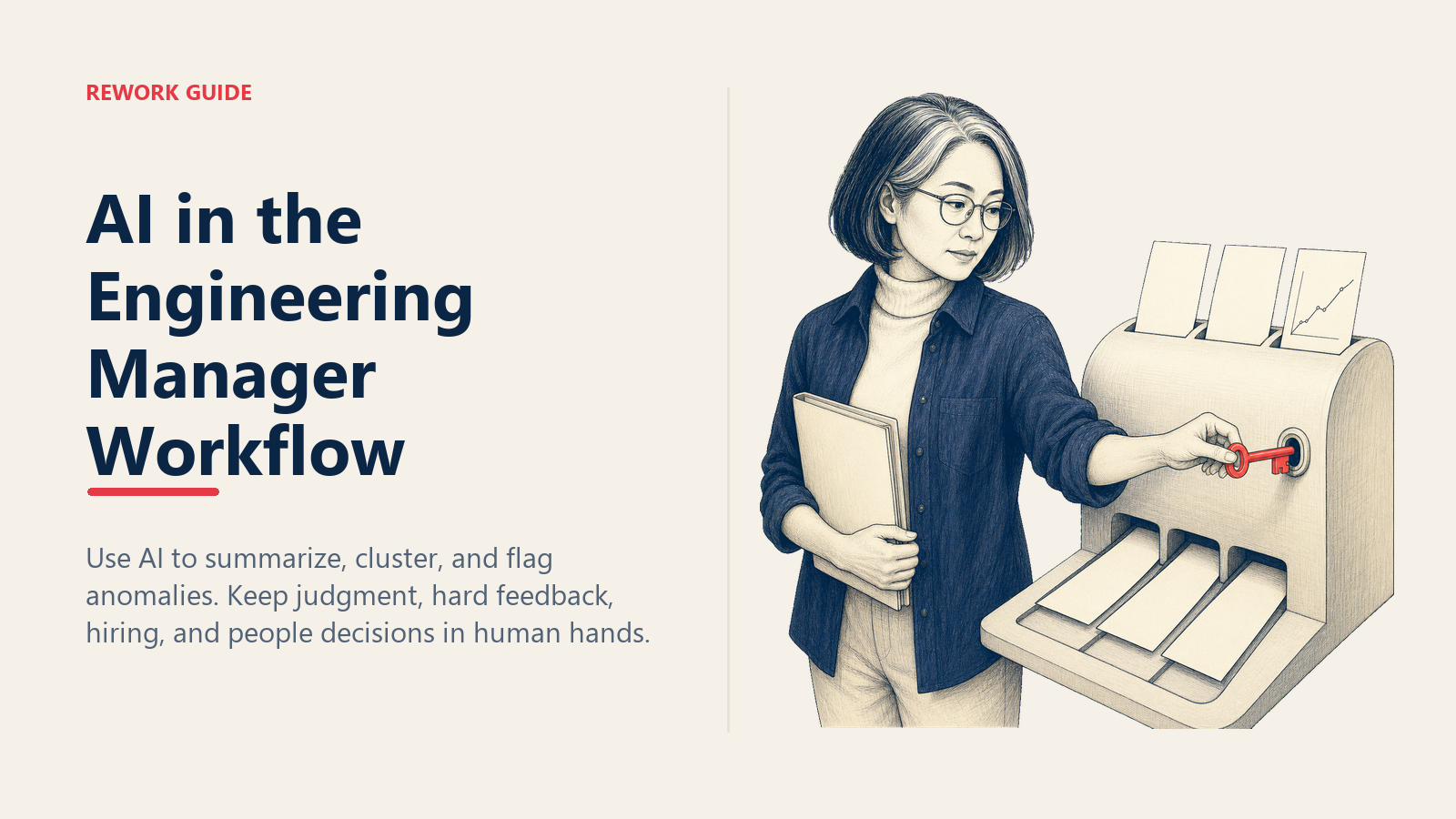
That's the bar. AI is a junior assistant. The job (judgment, hard conversations, the call nobody else is willing to make) stays yours. (That's the one sentence in this piece I wouldn't rewrite.) If a workflow tempts you to outsource judgment, that's the workflow to ban.
Learn More

Principal Product Marketing Strategist
On this page
- Why This Matters Now
- Where AI Actually Helps
- 1:1 prep summaries
- Perf review draft input
- PR-comment summaries and code review delegation
- Sprint-analysis anomaly detection
- Calendar prep
- Where AI Quietly Breaks
- The "AI Promo Doc" Trap
- Cursor + Claude for Code Review Delegation
- 30-Day Adoption Plan
- Optional: ACE Framework Lens
- Common Pitfalls
- Measuring Success
- Learn More