Cube vs Datarails: Which Spreadsheet-First FP&A Platform Fits Your Team in 2026?
Turn this article into takeaways for your work.


Each assistant summarizes the article only for you and suggests best practices for your work.
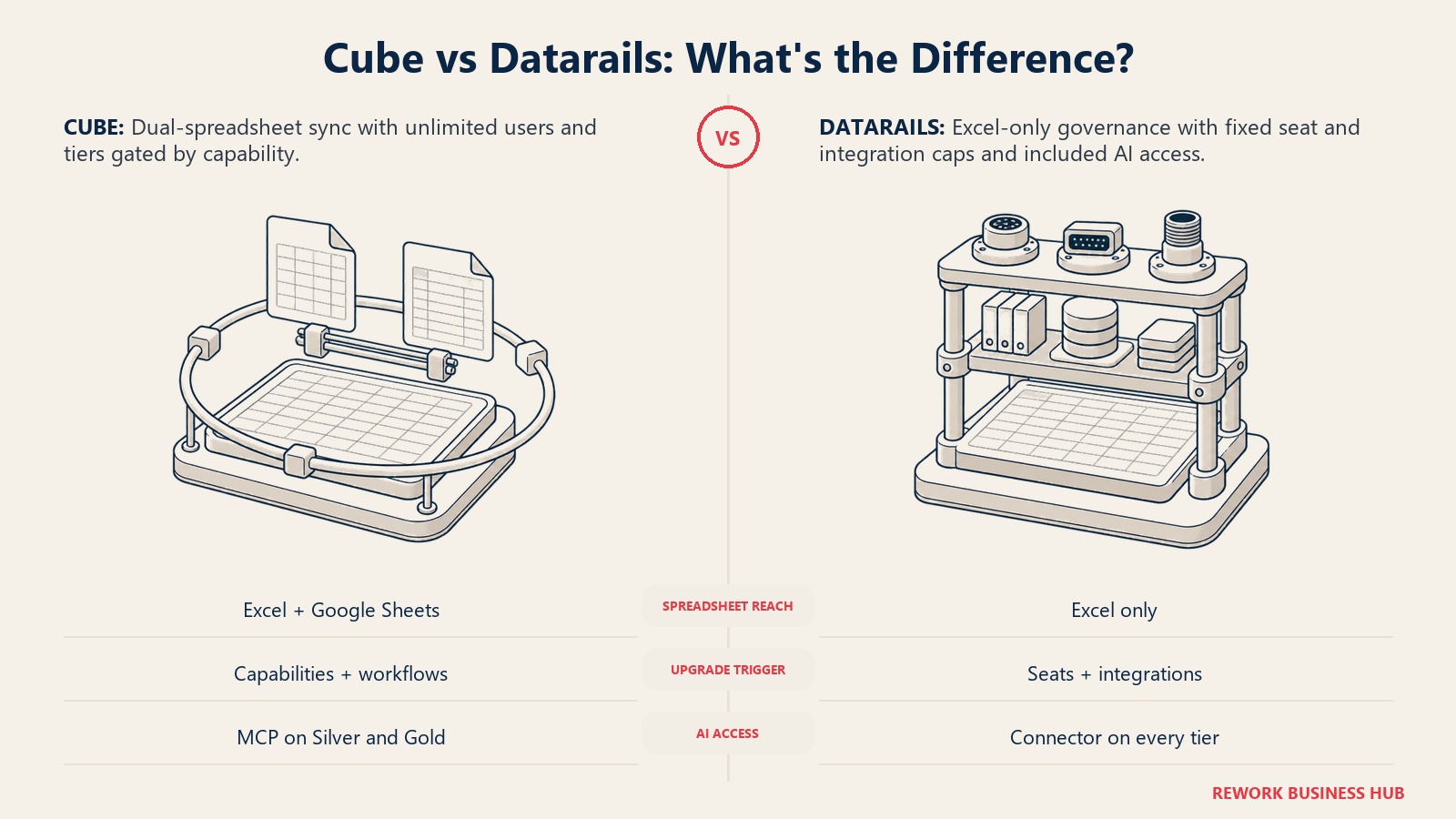
If you've narrowed your FP&A shortlist to Cube and Datarails, the usual comparison framing won't help much, because both tools already agree on the thing most FP&A shootouts fight over. Neither asks your team to abandon its spreadsheets for a walled-garden model builder. Cube syncs live into Excel and Google Sheets. Datarails syncs live into Excel. Both treat the spreadsheet as the interface, not the enemy.
So the real decision lives one level down, in details that don't show up on a features slide. Does your company run Google Sheets anywhere near finance, or is it Excel-only end to end? What happens to your contract the day you hire employee number three on Datarails' entry tier, or the day someone wants an AI agent to touch the model? And since neither vendor publishes a dollar figure, what actually moves the number a sales rep eventually sends you? This comparison works through each of those questions, because that's where Cube and Datarails genuinely diverge, not in whether they respect the spreadsheet.
TL;DR
| Cube | Datarails | |
|---|---|---|
| Spreadsheet coverage | Excel and Google Sheets, same bi-directional sync in both, per Cube's own Google Sheets integration page | Excel only. Datarails calls itself "100% Excel-native" on its own product page; no published Google Sheets support |
| Sync mechanics | "Patented bi-directional connectivity": pull actuals in, push plans back, in the sheet | Flex Add-in embeds live data in Excel; nightly auto-refresh from connected sources, plus write-back via Budget Builder |
| Entry-tier seat cap | None. Every tier: "Unlimited Dimensions and Users" | 2 users, 1 integration on FP&A Professional |
| What's bundled around the spreadsheet | Agentic Finance Layer (Data Managers, Analysts, Planners, Business Partners), Cube MCP Server into Claude, ChatGPT, Copilot on Silver and Gold | FinanceOS: unlimited dashboards/reporting/planning, Datarails AI Agents, FinanceOS AI Connector, on every tier |
| Extra modules | Gold adds "All Integrations & Workflows" and custom modules | Expert bundles one of Month-End Close, Cash Management, or Spend Control; not on lower tiers |
| Implementation | "Typically go live in days, not months" | "4-6 wks Average time to go live" |
| Published pricing | None. Every tier is a "Get quote" button | None. Every tier requires a custom quote |
| Stated customer base | "Over 500 organizations," per Cube's FP&A page | "2000+ companies," per Datarails' FinanceOS page |
Key Facts
- Neither vendor publishes a price. Cube's pricing page routes every tier to a "Get quote" button (cubesoftware.com/pricing), and Datarails' pricing page requires a custom quote for all three tiers (datarails.com/pricing).
- Datarails' entry tier, FP&A Professional, caps out at 2 users and 1 integration. Every Cube tier, including its entry Bronze tier, states "Unlimited Dimensions and Users," a structurally different starting point for a growing team (datarails.com/pricing, cubesoftware.com/pricing).
- Cube's spreadsheet sync is patented and works the same way in Google Sheets as it does in Excel: "You can also send new data back to Cube," per Cube's own Google Sheets integration page (cubesoftware.com/integrations/google-sheets).
- Datarails calls itself "100% Excel-native" on its own product page, with no published Google Sheets support anywhere in its marketing or documentation (datarails.com/datarails-fpa).
- Spreadsheets haven't gone away even where planning software exists: 96% of FP&A practitioners still use spreadsheets for planning and 93% use them for reporting on a daily or weekly basis, per the AFP's 2025 FP&A Benchmarking Survey of 362 practitioners (AFP).
Who Each Platform Is Really For
Both vendors sell to finance teams who want to keep spreadsheets and stop fighting version control, but the buyer who gets the most out of each looks a little different past the pitch.
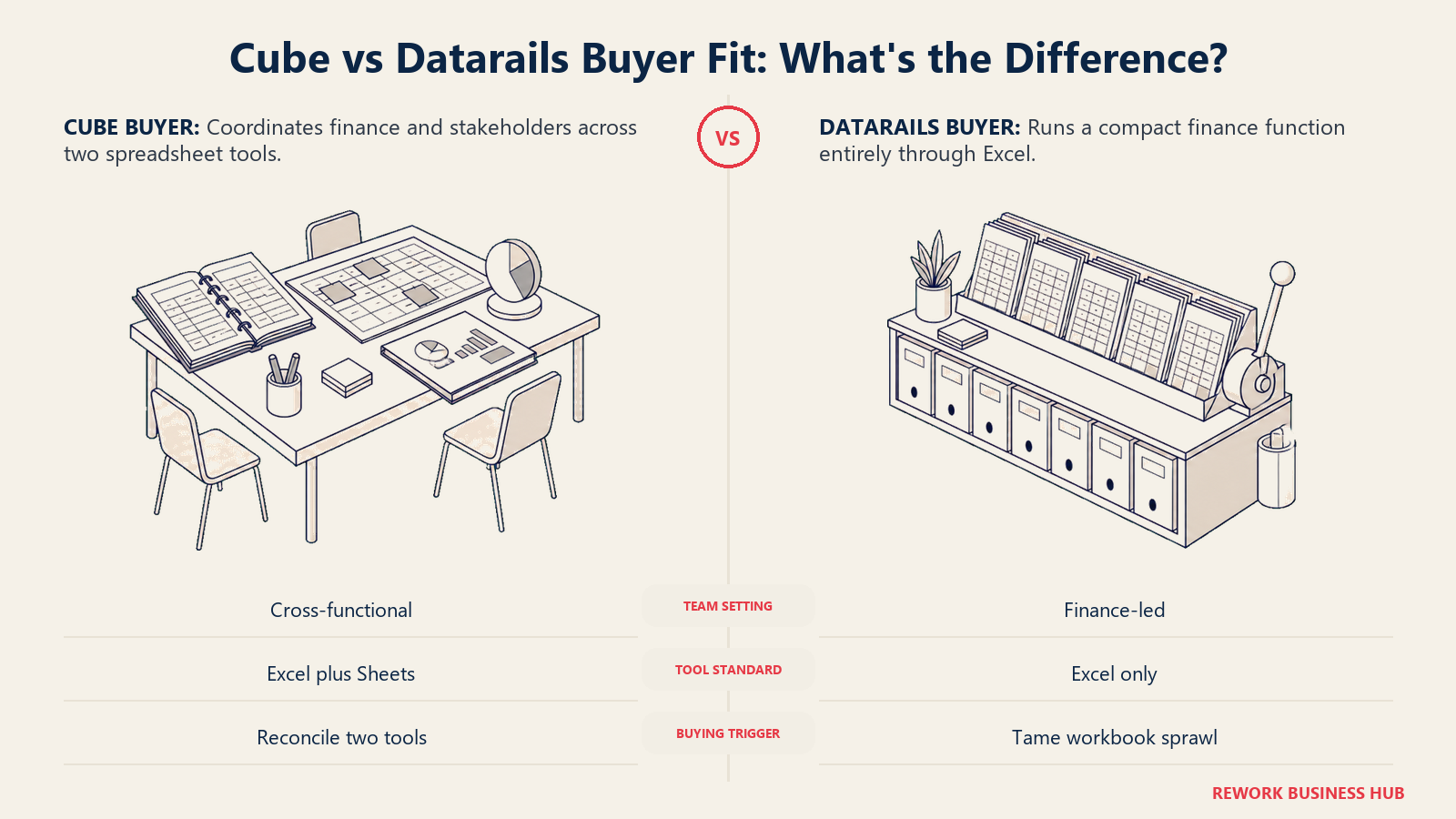
Cube's natural buyer already has, or is willing to build, a mixed spreadsheet environment: an FP&A team where some analysts live in Excel and others, often revenue or ops partners, live in Google Sheets. Datarails' natural buyer has standardized on Excel and wants scattered-workbook chaos solved without a second tool to learn.
| Cube | Datarails | |
|---|---|---|
| Primary buyer | FP&A team in a mixed Excel and Google Sheets environment | Finance team fully standardized on Excel |
| The question they're solving | "How do we let both Excel and Sheets users work off the same live model?" | "How do we stop fighting scattered Excel files without leaving Excel?" |
| Where the platform is strongest | Cross-spreadsheet collaboration, AI assistant access via MCP | Excel-native planning with bundled close, cash, or spend modules at the top tier |
| Where it disappoints | Buyers wanting a named consolidation product must check whether Gold's "custom modules" cover it | Buyers with any Google Sheets usage get no native answer |
| Team maturity assumed | Comfortable using no-code integrations and an MCP-connected AI layer | Wants automation without changing the interface the team already knows |
| Buying trigger | A team split across two spreadsheet tools that no longer reconcile | Version-control chaos across Excel files that email around the company |
Neither profile is more sophisticated. A team that's never touched Google Sheets gets zero practical benefit from Cube's dual-spreadsheet sync. A company where sales or ops partners already build in Sheets loses something real if it standardizes on an Excel-only tool.
Excel Only vs Excel Plus Google Sheets
This is the most concrete, checkable difference between the two products, and it's worth settling first, since it decides who on your team can actually use the tool day to day.
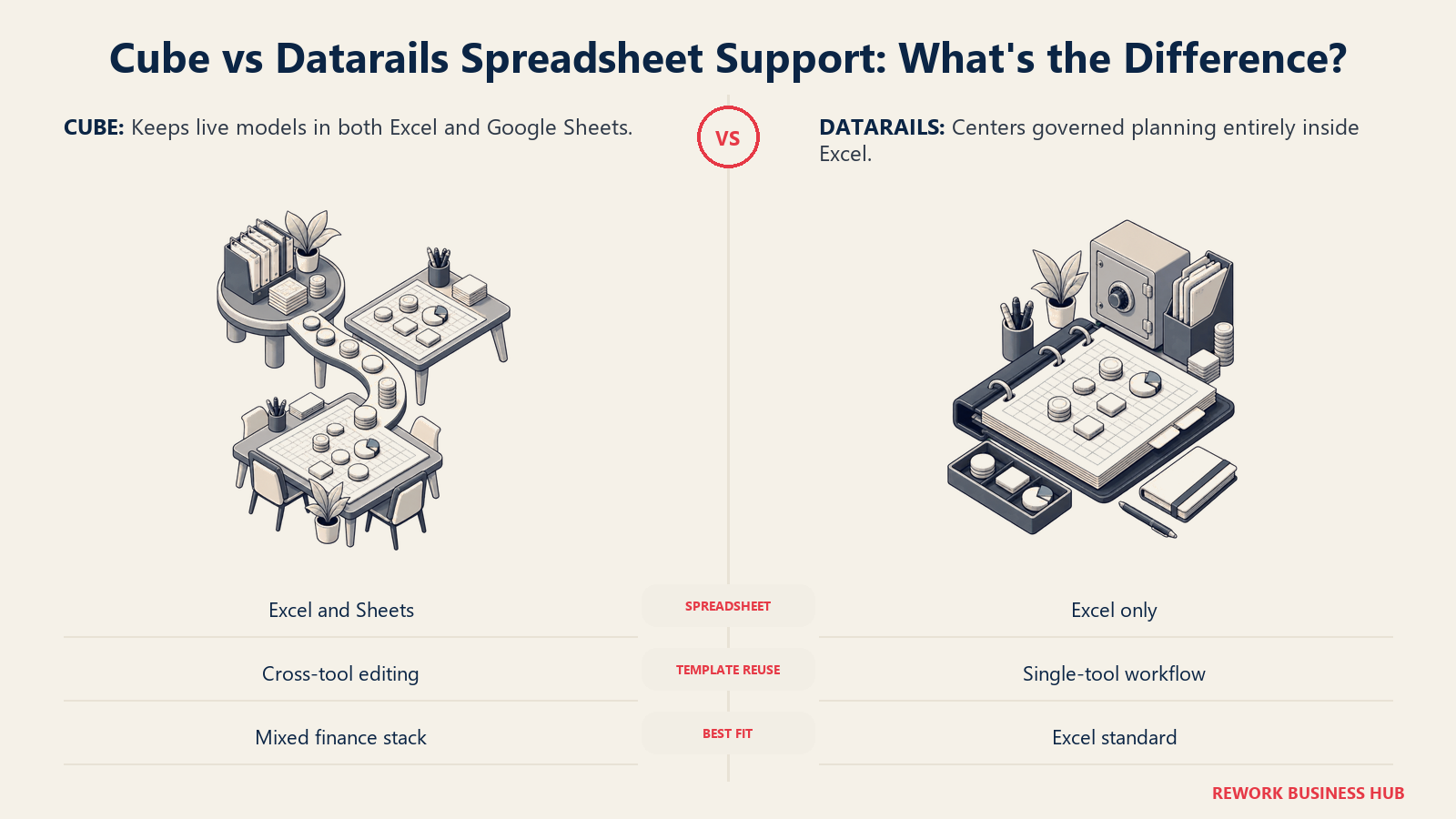
Datarails' own product page states plainly: "100% Excel-native: your models, unchanged." There's no published Google Sheets integration anywhere in its marketing. If any meaningful share of planning work happens in Google Sheets, a sales team's pipeline model, an ops team's headcount tracker, Datarails gives that group nothing native to work with.
Cube treats the two spreadsheet tools as equals. Its Google Sheets integration page states: "Use Cube to bring data from your source system into Google Sheets (or Microsoft Excel). You can also send new data back to Cube," with templates that "can be edited in Excel or Google Sheets, regardless of which software was used to create them." That matters specifically where finance lives in Excel but a stakeholder team, commonly sales or revenue operations, lives in Sheets and needs the same live numbers without a translation step.
| Spreadsheet factor | Cube | Datarails |
|---|---|---|
| Excel support | Full, bi-directional | Full, bi-directional, described as the platform's core identity |
| Google Sheets support | Full, described as the same sync as Excel, per Cube's own integration page | Not published anywhere in Datarails' marketing or docs |
| Cross-tool template reuse | Templates built in one spreadsheet tool can be opened and edited in the other, per Cube's Google Sheets page | Not applicable; single spreadsheet tool |
| PowerPoint or Slides integration | Both, on Silver and Gold tiers | Not part of the published tier structure |
| Best fit if your company is 100% Excel | Fine, but you're not using the differentiator | Purpose-built for exactly this |
| Best fit if any team works in Google Sheets | The only one of the two with a native answer | No native answer |
The Sync Architecture: What "Bi-Directional" Actually Means
Both vendors use the word "sync," and both call it two-way. They're telling the truth, but the mechanics underneath that word differ, and the difference affects how current your numbers are on any given morning.
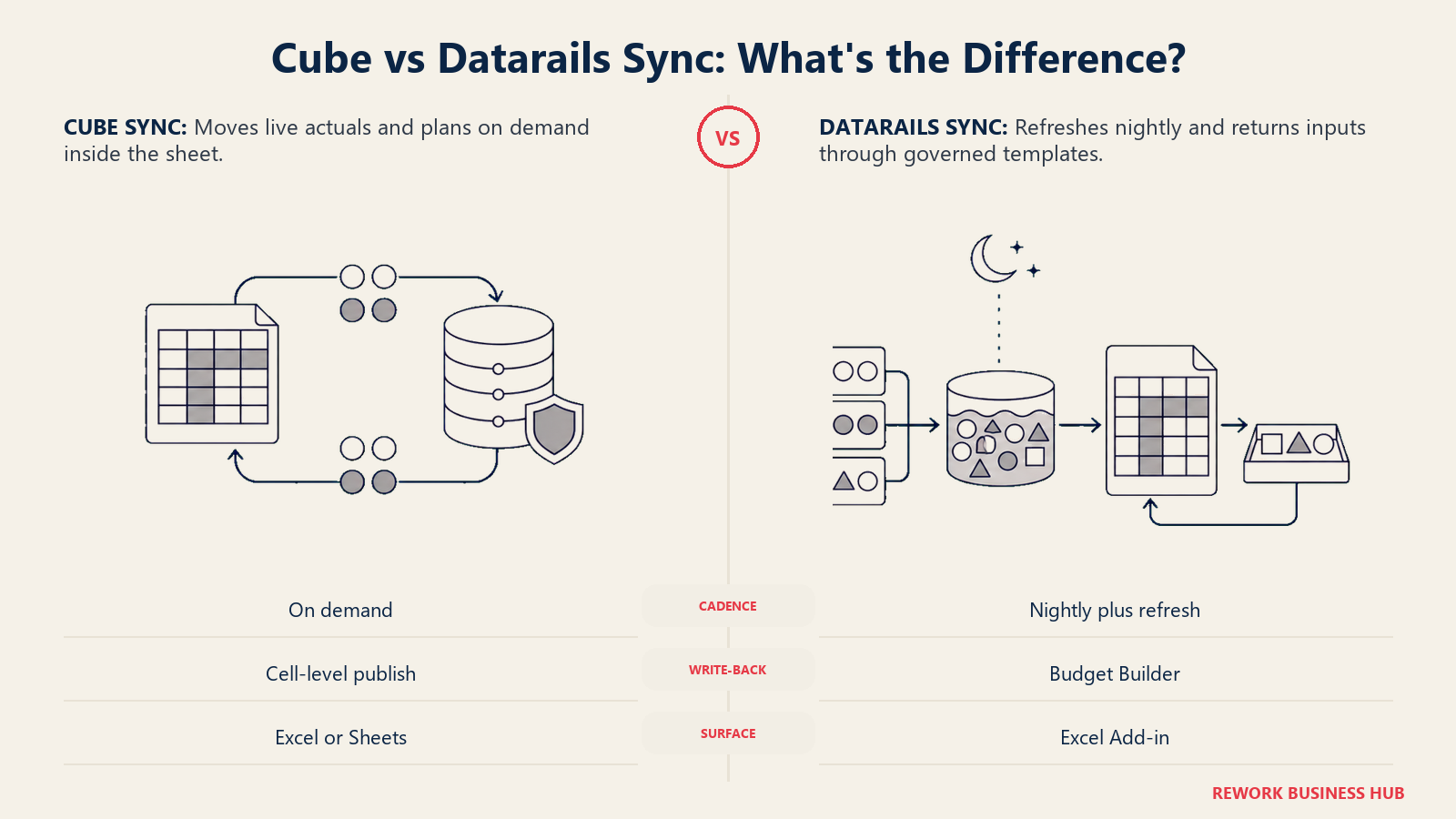
Cube calls its connection "patented bi-directional connectivity," described in blunt cell-level terms: "Patented bi-directional connectivity means you can pull live data in and push changes back," and, specific to planning work, "fetch live actuals into the sheet, publish plans back." The mechanism sits inside the spreadsheet itself, whether Excel or Google Sheets, reading and writing against Cube's connected data layer on demand, without a separate upload step.
Datarails' architecture runs through its Flex Add-in inside Excel, paired with a scheduled sync. Datarails automatically pulls data from your connected systems into the Datarails Cloud on a nightly cadence, and a Refresh button inside the Add-in pulls that state into your workbook. Planning inputs flow the other direction through the Budget Builder: data entered into budget files is captured and mapped into the underlying database. That's a genuine two-way flow, but it's structured around a nightly batch refresh and a purpose-built template rather than a live, on-demand cell-level push from any sheet.
| Sync factor | Cube | Datarails |
|---|---|---|
| Direction | Two-way: pull actuals in, push plans back, at the cell level | Two-way: nightly automated pull, plus write-back through Budget Builder templates |
| Update cadence | On demand inside the spreadsheet | Automatic nightly refresh, plus a manual Refresh button in the Add-in |
| Where it happens | Inside Excel or Google Sheets directly, no separate portal step | Inside Excel via the Flex Add-in; budget writes flow through Budget Builder files |
| Patent claim | Yes: "patented bi-directional connectivity" and "patented spreadsheet connectivity" | Not published as a patented mechanism |
| Applies identically across spreadsheet tools | Yes, Cube states Google Sheets sync is "same as Excel" | Not applicable; Excel only |
| What to verify before buying | Whether "on demand" is truly real-time for your connected systems | Whether nightly cadence is fast enough for your close calendar |
Seat and Integration Economics: The Real Negotiation
This is where the published pricing pages, thin as they are, tell you something concrete about how each negotiation goes.
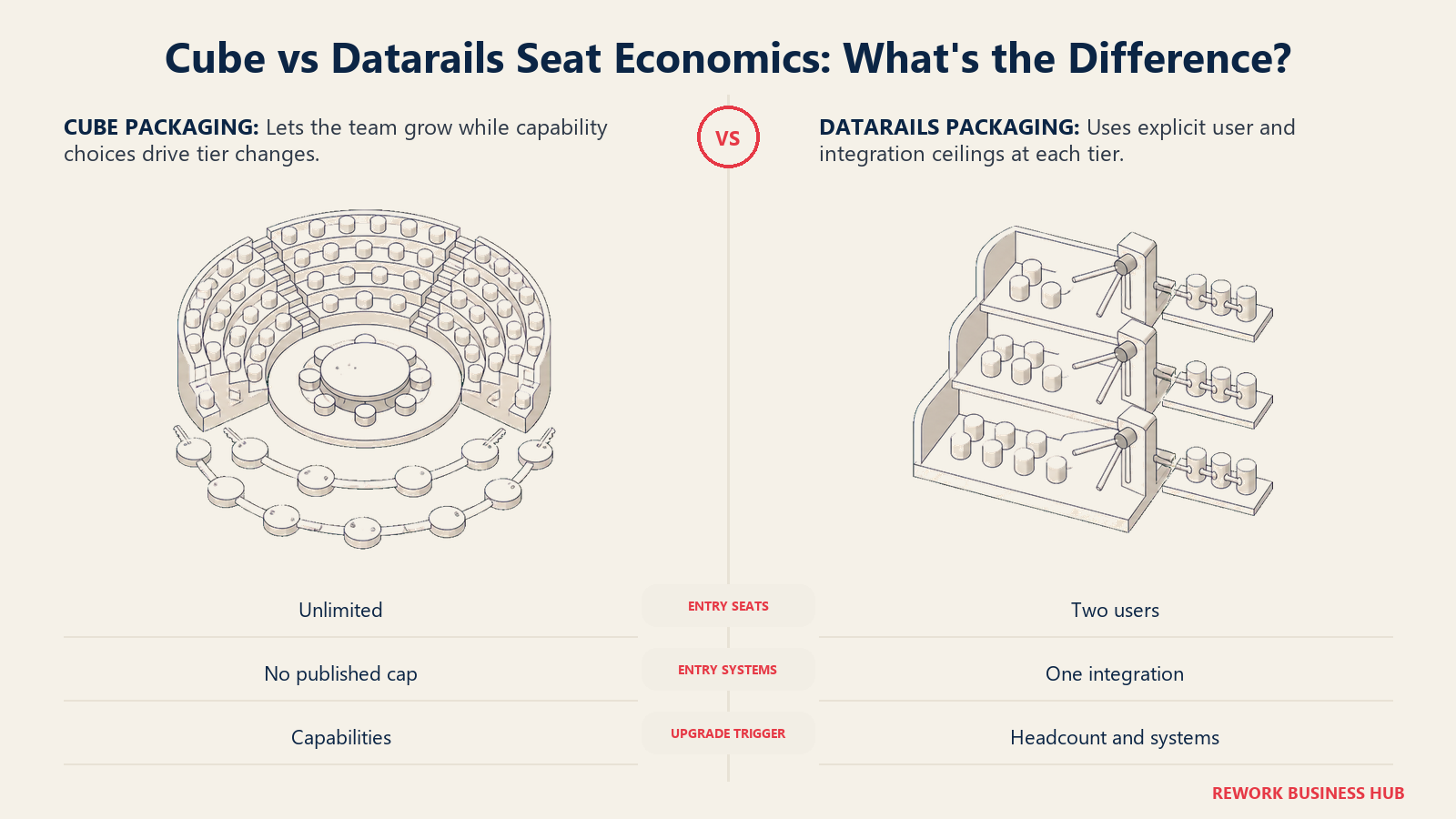
Datarails structures its three tiers almost entirely around headcount and integration count: 2 users and 1 integration on Professional, 5 and 2 on Premium, 15 and 3 on Expert, the only tier with a supplementary product. The moment your function outgrows its tier, a new hire or a second system to connect, you're upgrading or negotiating an exception. Predictable, but a hard ceiling tied to headcount growth rather than the value you're getting.
Cube takes the opposite approach. Every tier, Bronze included, publishes "Unlimited Dimensions and Users." No seat count to negotiate, no integration cap on the entry tier. What differentiates tiers instead is capability: Silver adds Slack, Teams, workflow automation, PowerPoint/Slides, and MCP; Gold adds premium support, "all integrations & workflows," and custom modules. That shifts the negotiation from headcount to "which capabilities do we need," harder to budget for in advance since no number is attached to any of it.
| Economics factor | Cube | Datarails |
|---|---|---|
| Seats on entry tier | Unlimited, published on every tier | 2 users |
| Integrations on entry tier | Not capped in published pricing | 1 integration |
| What gates the next tier up | Capabilities (Slack/Teams, MCP, workflow automation, custom modules) | Headcount and integration count |
| Predictability of hitting a wall | Low; no seat-based trigger to plan around | High; you can forecast the exact hire or integration that forces an upgrade |
| Negotiation leverage point | Which features and support level you need | How many users and integrations you'll need over the contract term |
| Risk if you underestimate | You may pay for capability tiers you don't use yet | You will hit a hard cap and need a mid-contract conversation |
What Ships Around the Spreadsheet
Neither vendor sells a bare spreadsheet connector. Both have built an AI and workflow layer around the sync, arguably a bigger differentiator in 2026 than the spreadsheet mechanics themselves.
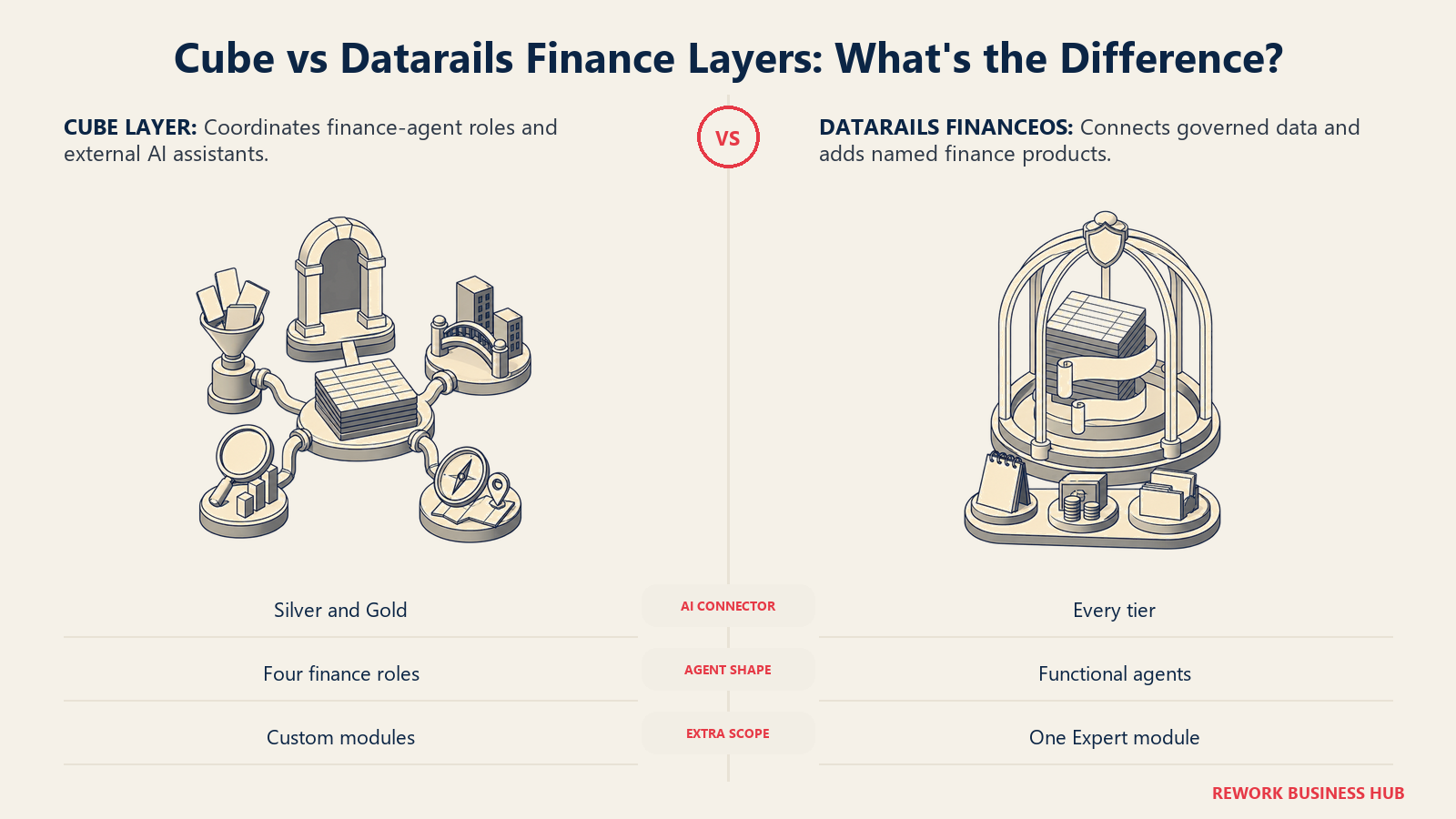
Datarails calls its layer FinanceOS, a "governed, Excel-connected operating layer for finance." Every tier includes "Unlimited Dashboards, Reporting & Planning," Datarails AI Agents, and the FinanceOS AI Connector, which links "governed financial data" to "ChatGPT, Claude, Copilot, Gamma, Lovable, and other leading AI tools," with read-only access and built-in "audit trails, permissions, and governance." A named Spend Control Agent reviews contract terms, benchmarks alternatives, and drafts renewal requests. Notably absent below Expert: any of the three supplementary products, Month-End Close, Cash Management, or Spend Control. Expert bundles exactly one, with no published path to add a second.
Cube calls its layer the "Agentic Finance Layer," with named agent roles (Data Managers, Analysts, Planners, Business Partners), plus the Cube MCP Server, "the universal interface for every AI assistant," into Excel, Google Sheets, PowerPoint, Slides, Slack, Teams, Claude, ChatGPT, and Copilot. MCP itself is gated to Silver and Gold, not Bronze. Connector breadth spans Accounting, CRM, HR and Payroll, Payments, and Data and BI, with Gold adding "all integrations & workflows" and custom modules, though Cube doesn't name those modules the way Datarails names its three.
| Bundled layer | Cube | Datarails |
|---|---|---|
| Name of the AI/workflow layer | Agentic Finance Layer | FinanceOS |
| AI agent roles | Data Managers, Analysts, Planners, Business Partners | Datarails AI Agents, including a named Spend Control Agent |
| AI assistant connector | Cube MCP Server, into Claude, ChatGPT, Copilot, Slack, Teams | FinanceOS AI Connector, into Claude, ChatGPT, Copilot, Gamma, Lovable and others |
| Which tier gets the AI connector | Silver and Gold (MCP Integration listed) | Every tier, Professional through Expert |
| Named supplementary products | Custom modules on Gold, not individually named in published pricing | Month-End Close, Cash Management, Spend Control, one included on Expert only |
| Dashboards and reporting | Unlimited on every tier | Unlimited dashboards, reporting and planning on every tier |
| Governance claims on the AI connector | Not detailed with the same specificity | "Read-only access," audit trails, permissions and data lineage explicitly named |
If a named close, cash, or spend module is the reason you're shopping, that's an Expert-tier-or-nothing decision on Datarails' side, since none of the three is purchasable separately below Expert. If broad AI assistant access from day one matters most, Datarails ships its connector starting on its lowest tier, where Cube reserves MCP for Silver and above.
Implementation Weight and Time to Value
Neither company publishes a rigorous, audited implementation study, but both make specific claims worth comparing.
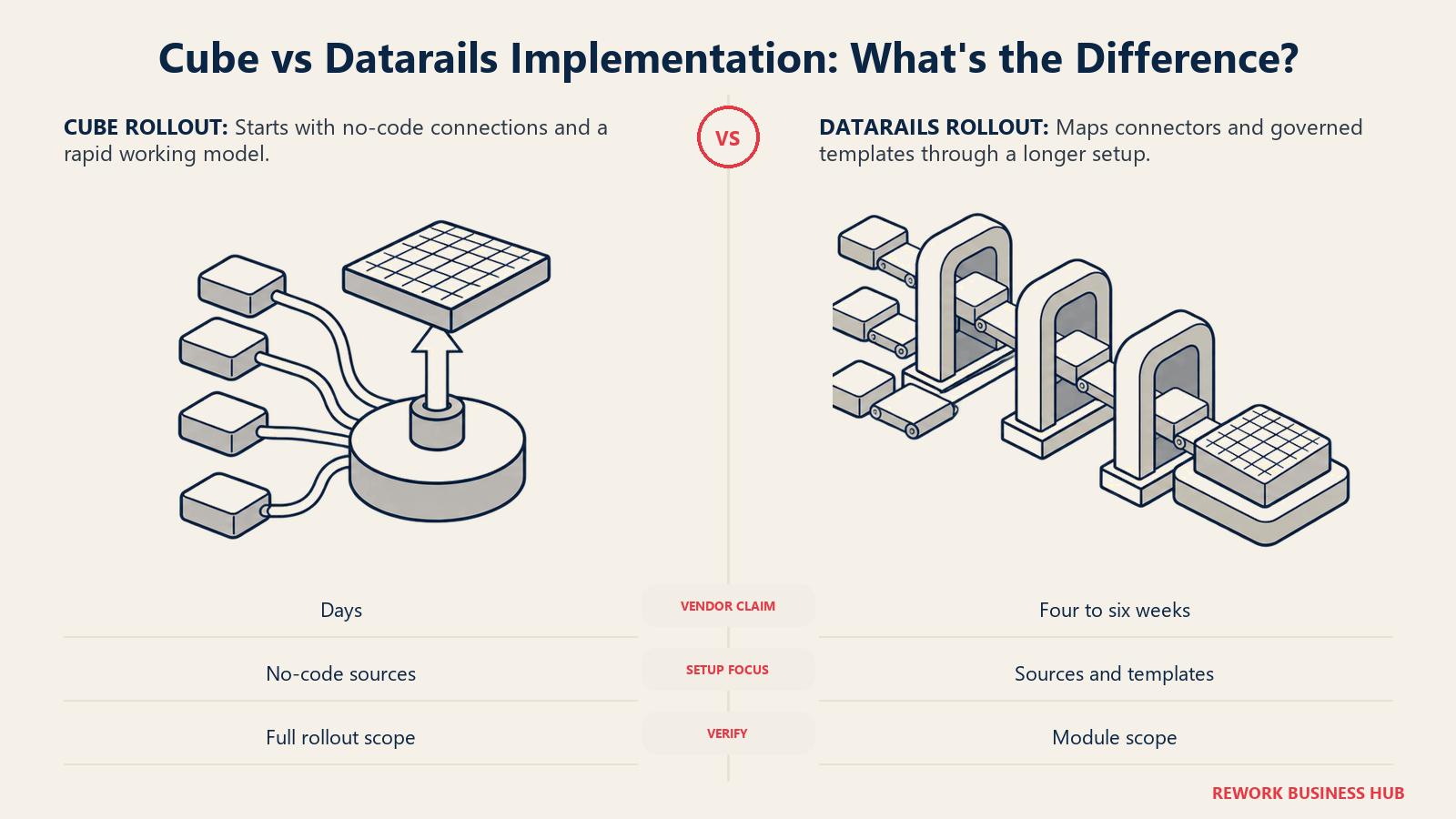
Datarails states an average time to go live of 4 to 6 weeks, repeated in its own FAQ. That tracks with its Excel-only, no-new-interface design: your team keeps working in the file format it knows, and the heavier lift is connecting the 600-plus data sources and mapping Budget Builder templates.
Cube's language is more aggressive: "Cube implementations typically go live in days, not months. No consultants. No IT project," with data sources connecting "through no-code integrations...without IT involvement." Worth stress-testing in a demo, since "days" for a first working model and "days" for a fully governed, multi-department rollout are not the same commitment.
| Implementation factor | Cube | Datarails |
|---|---|---|
| Published claim | "Typically go live in days, not months" | "4-6 wks Average time to go live" |
| Where the claim is published | cubesoftware.com/cube-for-fpa | datarails.com/datarails-fpa |
| Stated dependency | No-code integrations, no IT project required | 600+ pre-built connectors, Budget Builder template setup |
| What the claim likely covers best | A first working model, not a fully configured Gold deployment | A governed rollout including consolidation across connected sources |
| What to verify in a demo | Whether "days" holds once your ERP, CRM, and HRIS connections are in scope | Whether 4-6 weeks includes your supplementary module, if you're on Expert |
Who Administers It
Both vendors pitch themselves as tools finance can run without a standing IT dependency, and both back that with specific language, not a vague claim.
Datarails is explicit: "Zero Code or IT required." Cube makes a similar claim differently: "100% Finance in the driver's seat. Update a formula, change a model, ship the reforecast. Your team owns every change, on your timeline," with data sources connecting "through no-code integrations...without IT involvement." Both make the same promise: a finance analyst, not an engineer, owns the day-to-day system.
| Administration factor | Cube | Datarails |
|---|---|---|
| Stated IT dependency | None; no-code integrations, finance-owned | None; "Zero Code or IT required" |
| Who builds reports and models day to day | Finance team, inside Excel or Google Sheets | Finance team, inside Excel via Flex Add-in and Budget Builder |
| Where new data connections get configured | No-code integration setup inside Cube | No-code connector setup inside Datarails Cloud |
| Certification or specialist role required | Not published as a requirement | Not published as a requirement |
| Risk if the claim doesn't fully hold | Gold-tier custom modules may still benefit from vendor support during setup | Connecting all 600+ sources correctly may still take real coordination |
Reporting and Dashboarding
One of the more evenly matched sections here. Both ship unlimited dashboards on every tier, and both lean on live, auto-refreshing views over static exports.
Cube describes "dynamic dashboards and reporting," drill-down "without leaving the channel," auto-refreshing PowerPoint charts, plus variance analysis, ad-hoc and executive reporting, and integration with Tableau, Looker, and Power BI. Datarails describes "real-time dashboards" and "dynamic dashboards that automatically refresh," bundled under FinanceOS as "unlimited dashboards, reporting & planning" on every tier, with live drill-downs called out specifically.
| Reporting factor | Cube | Datarails |
|---|---|---|
| Dashboards on entry tier | Unlimited, per Cube's pricing page | Unlimited, per Datarails' pricing page |
| Live drill-down | Yes, described as available "without leaving the channel" | Yes, named explicitly as "Live Drill-Downs" under FinanceOS |
| Auto-refresh | Yes, including auto-refreshing PowerPoint charts and tables | Yes, "dynamic dashboards that automatically refresh" |
| External BI tool integration | Named: Tableau, Looker, Power BI | Not named as a distinct integration category in published materials |
| Presentation output | PowerPoint and Google Slides integration, Silver and Gold | Not part of the published tier structure the same way |
| Where reporting differentiates | Cross-tool output (Slides and PowerPoint) plus named BI connections | One unlimited package bundled into FinanceOS from the lowest tier |
Scale Ceiling: Consolidation, Customers, and Where Each Tops Out
Neither vendor publishes a hard technical ceiling, like a maximum entity count, but both make claims worth lining up if consolidation or proven scale matter to your decision.
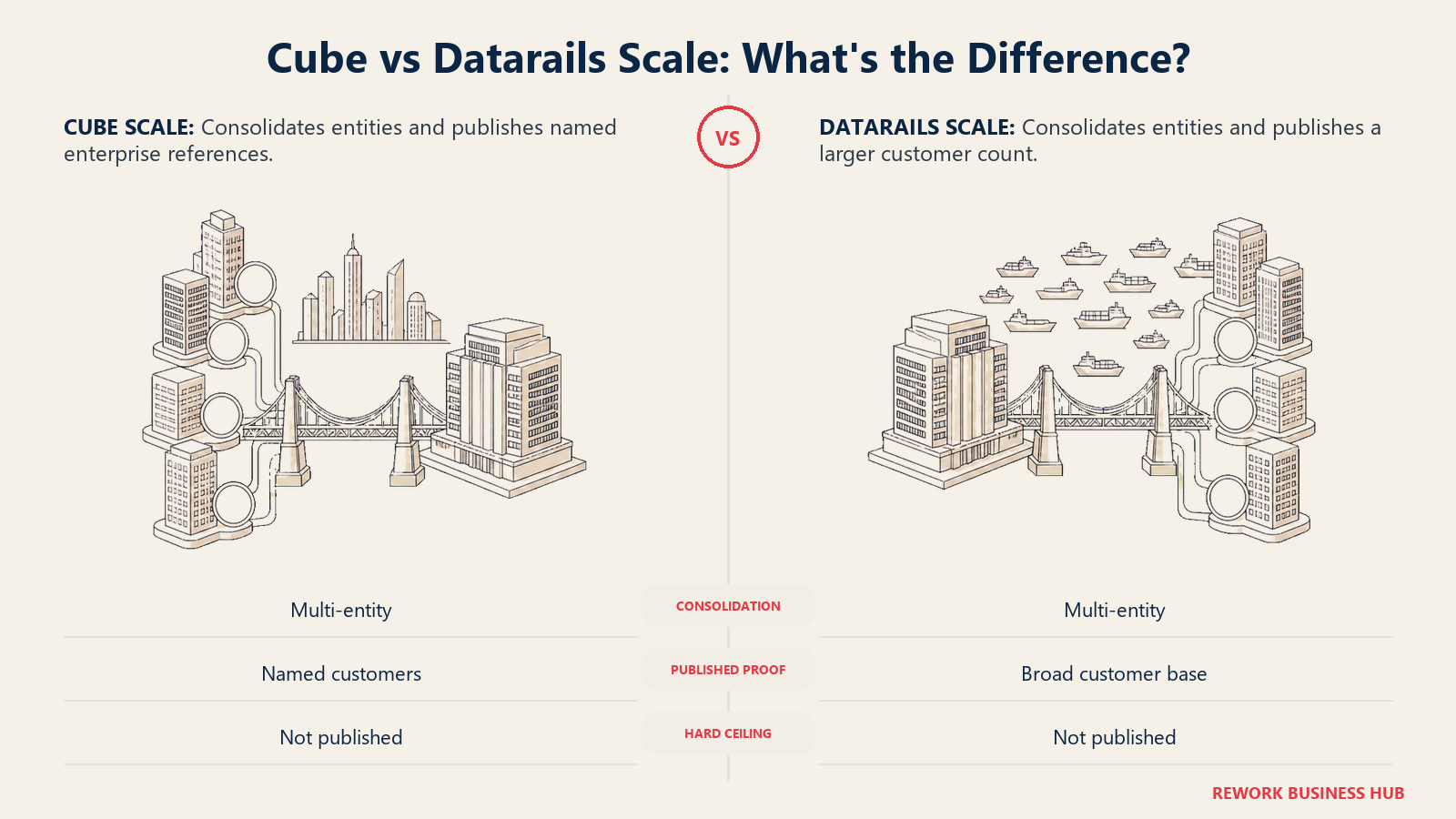
On consolidation, Cube describes the ability to "unify financials across subsidiaries, currencies, and charts of accounts," with "automated intercompany elimination and multi-currency translation." Datarails makes a nearly identical claim: "Datarails handles multi-entity, multi-currency consolidation out of the box, including intercompany eliminations, currency translation, and entity-level drill-down," adding that "whether you're managing two subsidiaries or twenty, the consolidation process is the same." Neither publishes a number beyond that, so push both for a reference customer at your entity count.
On customer base, Cube states "over 500 organizations" trust the platform, naming Block, Docebo, Cracker Barrel, and Wealthfront, and separately claims "1,000s of finance professionals." Datarails states "2000+ companies" run on it. Customer count isn't a technical ceiling, but it's a reasonable proxy for production experience, worth asking each vendor to back with a reference near your revenue band.
| Scale factor | Cube | Datarails |
|---|---|---|
| Multi-entity consolidation | Yes, automated intercompany elimination and multi-currency translation | Yes, "out of the box," explicitly scaled from "two subsidiaries or twenty" |
| Named enterprise customers | Block, Docebo, Cracker Barrel, Wealthfront | Ask Datarails for named enterprise references |
| Stated customer count | Over 500 organizations | 2000+ companies |
| Security certification claim | "SOC 2 Type II Certified," per Cube's platform overview | Not confirmed in Datarails' own published materials |
| What a hard technical ceiling looks like | Not published; ask for a reference at your data volume | Not published; ask for a reference at your entity count |
What Actually Drives Each Quote
Here's the part most competing shortlist articles skip: neither vendor publishes a dollar figure anywhere, and any number attached to either one on a review aggregator or rival comparison page is a third-party estimate, not a confirmed price. Reprinting one would make this article less accurate, not more useful, so it isn't here.
Cube's pricing page, headed "Transparent and Upfront Pricing," lists Bronze, Silver, and Gold, and every tier is a "Get quote" button, no figures despite the headline. What the page does tell you is the shape of the model: since users and dimensions are unlimited on every tier, cost is driven by capability (integrations, MCP access, workflow automation, support level) rather than headcount. Add-ons across all plans include Premium Support+, additional modules, and API access, presumably priced separately, though none of that is published either.
Datarails' pricing page states each tier by user and integration count only, plus one supplementary product on Expert. Its own language emphasizes "complete cost transparency, everything included, no consultant fees, ever," a claim about what's bundled, not what it costs. What drives a Datarails quote is almost entirely headcount, integration count, and whether you need Month-End Close, Cash Management, or Spend Control layered on top.
| What to ask about | Cube | Datarails |
|---|---|---|
| Published price | None; every tier is "Get quote" | None; every tier requires a custom quote |
| What the vendor documents about pricing structure | Unlimited users and dimensions on every tier; cost driven by capability tier | Named user and integration caps per tier; cost driven by headcount |
| Free trial | Not published | Not published |
| The real budget question to ask Cube | Which Silver or Gold capabilities does our team actually need, and what do add-ons like Premium Support+ or API Access cost separately | n/a |
| The real budget question to ask Datarails | How many named users and integrations do we need in year two, and does that push us into Expert | n/a |
| Procurement leverage point | Feature scoping, since seats aren't the constraint | Headcount and integration forecasting, since those are the published constraints |
Because neither page gives you a number, build your own estimate: how many people will actually use the tool, how many systems need to connect this year versus next, whether a named module like Month-End Close forces Datarails' Expert tier, and whether Cube's Silver-and-above MCP access is worth paying for. Get both figures in writing before either goes into a budget request. If the eventual quote lands outside what you can defend, our best FP&A software guide for 2026 covers the wider field, and the best Cube alternatives roundup and best Datarails alternatives roundup are both worth a look.
Switching and Migration Considerations
If you're moving toward either platform from spreadsheets alone, or from a different FP&A tool, the friction tends to live in data mapping and template rebuilding, not the sync technology itself.
| Switching factor | What to check |
|---|---|
| Existing Excel model logic | Both platforms claim to preserve formulas and structure during setup, but budget real validation time, not a lift-and-shift assumption |
| Google Sheets usage today | If any team already works in Google Sheets, only Cube gives that group a native path; migrating them into an Excel-only tool means retraining that group's workflow |
| Data source count | Datarails names 600+ pre-built connectors; Cube names integration categories without a specific count. Confirm your ERP, CRM, and HRIS are supported natively before you sign |
| Supplementary module continuity | If you run a separate close, cash, or spend tool today, confirm whether Datarails' Expert bundle or Cube's Gold custom modules genuinely replace it, or just overlap |
| Contract structure | Datarails' seat and integration caps make the next-tier trigger easy to model; Cube's unlimited-seat structure makes it a capability decision instead, harder to forecast |
| Change management load | Datarails asks nothing of teams already fully on Excel; Cube's dual-sync only pays off if a real share of stakeholders work in Google Sheets |
When Cube Is the Right Call
- Your company genuinely splits work across Excel and Google Sheets. If finance is on Excel but another stakeholder group builds in Sheets, Cube is the only one of the two with a native, patented sync into both.
- You want AI assistant access without waiting for the top tier. MCP integration into Claude, ChatGPT, and Copilot starts on Silver.
- You'd rather negotiate on capability than headcount. Unlimited users and dimensions on every tier means a growing team doesn't trigger an automatic upgrade.
- Multi-tool presentation output matters. Native PowerPoint and Google Slides integration on Silver and Gold covers both formats.
If Cube's dual-spreadsheet sync isn't the differentiator you need, because you're Excel-only end to end, the best Cube alternatives roundup is worth a look before you commit.
When Datarails Is the Right Call
- Your company is fully standardized on Excel with no Google Sheets in the picture. Datarails' own "100% Excel-native" positioning is built for exactly this.
- You want a named close, cash, or spend module bundled in. Month-End Close, Cash Management, and Spend Control are real, named products, and Expert tier bundles one alongside the core planning layer.
- You'd rather have a predictable, headcount-based structure to plan around. Knowing your tier is set by user and integration count, 2/1, 5/2, or 15/3, makes it easier to forecast your upgrade point.
- AI assistant access from day one matters more than which tier you're on. The FinanceOS AI Connector ships on every tier, including entry-level FP&A Professional.
If Datarails' seat and integration caps feel too tight for where your team is headed, or Google Sheets usage rules it out, the best Datarails alternatives roundup and the head-to-head Vena vs Datarails comparison are both useful next stops.
Decision Framework
The shortlist becomes manageable once you reduce it to the operating constraint that matters most. Spreadsheet mix, seat growth, AI access, presentation output and named finance modules point consistently toward one of the two platforms.
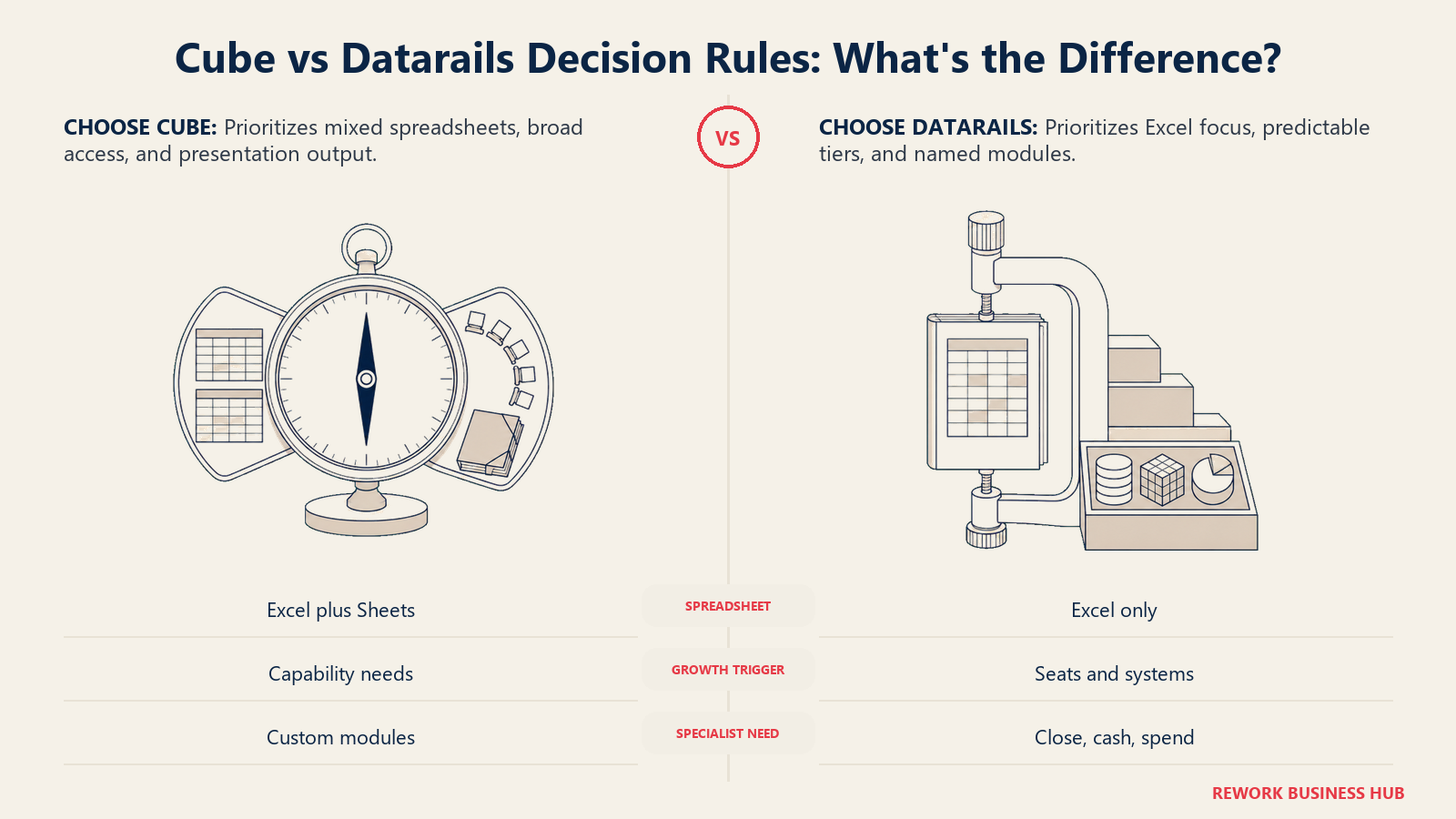
| If this is true for you | Pick |
|---|---|
| Any team outside finance already works in Google Sheets | Cube |
| Your company is fully standardized on Excel, no exceptions | Datarails |
| You want AI assistant (MCP) access without paying for the top tier | Datarails, since its connector ships on every tier |
| You want unlimited users and dimensions with no seat-based upgrade trigger | Cube |
| You need a named Month-End Close, Cash Management, or Spend Control module bundled in | Datarails, via its Expert tier |
| You want native PowerPoint and Google Slides output in one platform | Cube |
| You'd rather forecast your upgrade trigger by headcount than by feature need | Datarails |
| Neither fits because you need heavier connected-planning across departments, not just finance | See our Anaplan vs Workday Adaptive Planning comparison for a different class of platform |
What to Do Next
- Audit where Google Sheets actually lives in your company, not just in finance. If any stakeholder team plans in Sheets, that alone may decide this comparison.
- Model your headcount and integration trajectory for the next 12 to 24 months. For Datarails, map it against the 2/1, 5/2, 15/3 tier structure. For Cube, list the specific Silver or Gold capabilities your team would actually use.
- Name whether a bundled close, cash, or spend module is in scope. Ask Datarails whether Expert tier's single supplementary product covers your need, and ask Cube what its Gold custom modules include, since that isn't itemized in published pricing.
- Ask both vendors for a written, scope-specific quote, not a range, and get a reference customer close to your revenue band and entity count.
- Confirm implementation ownership and timeline in writing. Ask whether the published claim, days for Cube, 4 to 6 weeks for Datarails, reflects a first working model or a fully configured rollout.
Frequently Asked Questions about Cube vs Datarails
Does Cube support Google Sheets, or just Excel?
Both. Cube's own Google Sheets integration page states you can bring data into Google Sheets or Excel and send new data back to Cube, the same bi-directional mechanism in either tool. Datarails is Excel-only, with no published Google Sheets support.
Is Datarails' Excel sync the same as Cube's bi-directional sync?
Both are two-way, but the mechanics differ. Cube describes a patented, on-demand, cell-level sync inside the sheet. Datarails runs an automatic nightly refresh into the Datarails Cloud, plus write-back through its Budget Builder templates, a batch-and-template model rather than a live cell-level push.
Does Cube publish pricing?
No. Cube's pricing page is headed "Transparent and Upfront Pricing" but every tier, Bronze, Silver, and Gold, is a "Get quote" button with no dollar figures published.
How much does Datarails cost?
Datarails doesn't publish a price either. Its three tiers, FP&A Professional, Premium, and Expert, are defined publicly by user count (2, 5, 15) and integration count (1, 2, 3), not by a dollar figure, and each requires a custom quote.
What's the actual difference between Cube and Datarails?
Both keep finance working in a spreadsheet rather than a separate model builder. Cube supports Excel and Google Sheets equally with unlimited users and dimensions on every tier; Datarails is Excel-only with published seat and integration caps per tier, plus named Month-End Close, Cash Management, and Spend Control modules bundled starting at Expert.
Which platform is faster to implement?
Cube states its implementations "typically go live in days, not months," while Datarails states an average time to go live of 4 to 6 weeks. Both figures come from vendor marketing, so ask each vendor what the claim covers, a first working model or a fully configured rollout, before treating it as your own timeline.
Does either platform cap the number of users I can have?
Datarails does, by tier: 2 users on FP&A Professional, 5 on Premium, 15 on Expert. Cube does not; every tier, including entry-level Bronze, states "Unlimited Dimensions and Users."
Related Resources:

Principal Product Marketing Strategist
On this page
- TL;DR
- Key Facts
- Who Each Platform Is Really For
- Excel Only vs Excel Plus Google Sheets
- The Sync Architecture: What "Bi-Directional" Actually Means
- Seat and Integration Economics: The Real Negotiation
- What Ships Around the Spreadsheet
- Implementation Weight and Time to Value
- Who Administers It
- Reporting and Dashboarding
- Scale Ceiling: Consolidation, Customers, and Where Each Tops Out
- What Actually Drives Each Quote
- Switching and Migration Considerations
- When Cube Is the Right Call
- When Datarails Is the Right Call
- Decision Framework
- What to Do Next