Support Tools and Tech Stack
Turn this article into takeaways for your work.


Each assistant summarizes the article only for you and suggests best practices for your work.
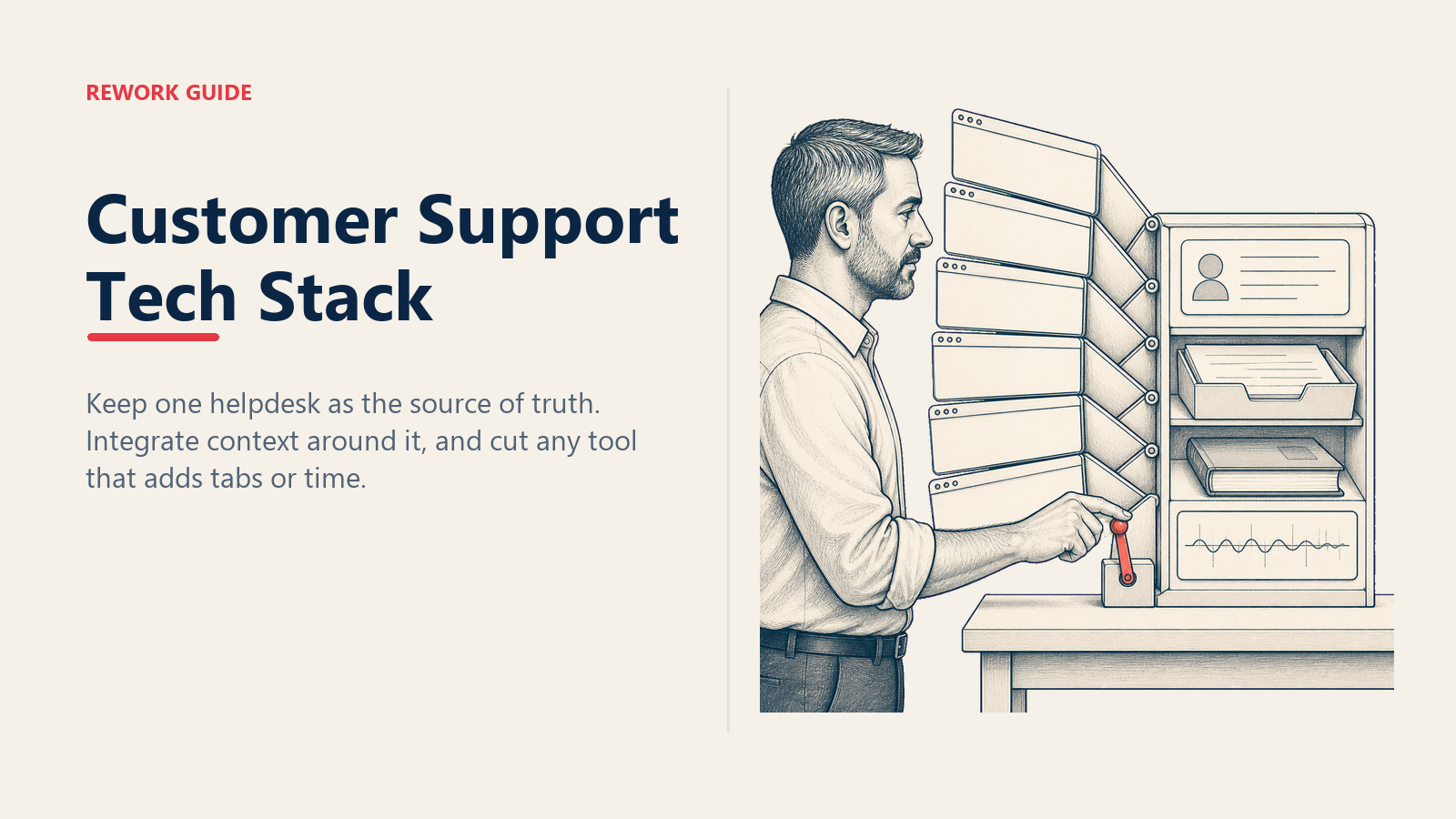
A support specialist is fourteen minutes into a single ticket. Helpdesk in one tab. Knowledge base in another. Slack open to ping engineering. The product itself open to reproduce the bug. An internal wiki for the workaround. A CRM to confirm the customer is on the right plan.
Six tools to answer one question. The customer is still waiting.
This is what tool sprawl looks like from inside the chair. Not a logo soup on a procurement slide. A person trying to hold the context of one ticket across six surfaces while the SLA clock runs.
A support stack is not a collection of products. It's connective tissue between a customer's problem and a resolution. The right stack compresses time-to-answer. The wrong one scatters context and turns every conversation into a scavenger hunt. For specialists, tools are the difference between feeling competent and feeling buried.
This guide covers the categories every support team needs, the categories most teams over-buy, and a rubric for cutting the bottom of the stack each year.
Why the Stack Decides Everything Downstream
The first thing a new specialist learns is the helpdesk. The second thing they learn is which other six tools the helpdesk doesn't talk to. By end of week one they've absorbed a stack someone bought, someone integrated, and someone is going to defend at next year's renewal.
That stack decides their resolution time. It decides whether ticket triage takes thirty seconds or three minutes. It decides whether scripts and macros feel like leverage or another tab. It decides whether the metrics that matter are trustworthy.
Compression over completeness. The best stack is the smallest one that answers every ticket without forcing a specialist to context-switch more than twice.
The Helpdesk Is the Source of Truth
Pick one helpdesk. Funnel every customer touchpoint into it, regardless of channel. If a conversation happens outside the helpdesk, it didn't happen. That sounds rigid. It is rigid. It's also the only way to keep reporting honest, SLAs measurable, and handoffs clean.
Non-negotiables:
- Ticket fields matching how your team segments work: priority, customer tier, product area, ticket type. Three to six fields, not fifteen.
- Tag taxonomy small enough to remember without a cheat sheet. Reorganize quarterly. Anything used fewer than five times in 90 days gets retired.
- Assignment rules routing on variables that matter (channel, plan, product area) rather than round-robin against availability. Round-robin is what you fall back to when you haven't done the work to define routing.
- SLA timers visible on every ticket, not buried in a report. A specialist should see "26 minutes left on first response" without leaving the ticket view.
- Audit trail on every action: assignment, status change, macro applied, internal note. If you can't reconstruct what happened on a ticket six months later, the helpdesk isn't doing its job.
If your helpdesk doesn't do these five things well, the rest of the stack can't compensate. Replace the helpdesk before adding anything on top.
Knowledge Base and Macros: Public Brain, Private Brain
The KB is the public version of your team's brain. Macros are the private version. Both should be living documents, not artifacts.
A KB unchanged in six months is worse than no KB. Customers self-serve to wrong answers, deflection collapses, and specialists field tickets the KB was supposed to prevent.
The fix is ownership, not a tool. Every article has a named owner and a review date. When the date passes, the article gets updated, archived, or reassigned. No exceptions. If you can't make this work without a project manager, the KB owns you instead of the other way around.
Macros need the same hygiene. Review quarterly. Kill anything used fewer than ten times in the last quarter. Rewrite anything with a CSAT score below team average. The top twenty macros should cover roughly sixty percent of common tickets. If the distribution is flatter, macros are too granular and specialists are scrolling instead of selecting.
Specialists are expected to contribute. The rule: if you answered a question in a ticket and the answer isn't in the KB, you write the article before the ticket closes. One article per specialist per month, minimum.
Conversation Tools: Match the Channel to the Problem
Most support stacks have at least three conversation surfaces: chat, email, phone. Some add SMS, in-app, social DMs. The instinct is to give customers every channel. The discipline is matching the channel to the problem.
A simple decision rule:
- Chat for low-context quick wins. Password resets, billing questions, feature lookups. Resolvable in three to five turns.
- Email for documented complex issues. Multi-step troubleshooting, anything needing an audit trail, anything where a senior specialist might pick up the thread mid-resolution.
- Phone for emotional escalations. An angry customer in a chat window stays angry. The same customer on a call gets heard, and a good specialist can de-escalate in five minutes what would have taken a forty-message thread.
Specialists should be empowered to switch channels mid-ticket. Chat going past ten turns? Move it to email with a recap. Email thread past three rounds with tensions rising? Offer a fifteen-minute call. The channel is a tool. The goal is resolution, not channel purity.
Customer Context: One Layer, Not Five
Every specialist needs to know who they're talking to before the second message. Plan, tenure, MRR, last three tickets, account health, named CSM. That's the customer-context layer.
Most teams build this with a CRM connected to the helpdesk. The CRM holds account data; the helpdesk pulls a snippet into the ticket sidebar. Done well, this saves thirty seconds per ticket and prevents the "is this customer worth the upgrade?" mental math. Done poorly, it's another tab.
If your team is already running on Rework, Rework CRM (the Sales Engine, from $69/month billed yearly with 5 seats included) is one credible option. Account, plan, and contact data sit in the CRM and surface inside the helpdesk via integration. It's not the centerpiece (the helpdesk is), but for teams already on Rework, it folds the context layer in without adding another vendor seat. Other teams use HubSpot, Salesforce, Pipedrive, or whatever sales runs on. The principle is the same: one customer-context source, integrated into the ticket view, not a separate tab.
Product Analytics for Reproduction
You can't fix what you can't see. A specialist who can pull a session replay, check feature flags, or inspect event logs solves tickets in one touch instead of three. A specialist who can't has to guess, ask the customer to "try again," or escalate to engineering for what should have been self-service.
The minimum:
- Session replay for the customer's last 24 hours. Watch the bug happen instead of reproducing it from a description.
- Feature flag visibility to confirm whether the customer has the feature they're asking about. Cuts the "actually you're not on that beta" loop to ten seconds.
- Event logs filterable by user ID and timestamp. Confirms whether a specific action actually fired. Closes more "I clicked the button and nothing happened" tickets than any other tool.
Specialists need direct read access. If they have to open an engineering ticket to look at logs, the layer isn't useful. It's a queue.
Internal Docs: The Tribal Knowledge Layer
The KB is for customers. The internal wiki is for specialists.
This is where the workarounds live. The "ask Sarah on Tuesdays." The half-shipped features. The "if you see this error code, escalate to platform team, not infra" rules. The integration that's officially supported but breaks for workspaces created before March 2024.
If this is only in Slack history, it's lost. New hires re-learn it from scratch, senior specialists become bottlenecks, and when someone quits, six months of context walks out the door.
The rule that works: if you Slack-asked a question twice, document it. Notion, Confluence, GitBook, a folder of markdown files, the tool doesn't matter. Pick one canonical place. Audit quarterly. Anything older than twelve months without an update gets reviewed or archived.
AI Assist: Junior Teammate, Not Senior Engineer
AI in the support stack is a tool, not a team member. Treat it like a junior teammate: useful for first drafts, never the final word.
Where AI helps:
- Search. Semantic search across KB and ticket history beats keyword search. "Has anyone seen this error" returns a relevant past ticket in two seconds instead of two minutes.
- Summarization. Long ticket threads collapsed to three bullets when a specialist picks up an escalation. Same for end-of-shift handoff notes.
- Draft responses. First-draft replies a specialist edits and sends. Saves typing, not thinking.
Where AI hurts:
- Judgment calls. Refund or credit? Exception for this customer? AI doesn't know your policy, your culture, or the customer's history.
- Tone in escalations. An angry customer doesn't want a model-generated apology. They want a human who can reason about what went wrong.
- Edge cases. AI fills gaps with plausible-sounding answers. In support, plausible-and-wrong is the worst possible failure mode.
For more detail on where AI fits, the AI in support specialist workflow guide goes deeper.
The Stack-Eval Rubric
Every tool gets scored on five dimensions, on a 1-5 scale, once a year:
| Dimension | Question to ask |
|---|---|
| Time saved per ticket | Does this tool measurably compress resolution time, or does it add a tab? |
| Integration depth | Does it talk to the helpdesk, or does it require copy-paste? |
| Learning curve | Can a new specialist get productive on it in week one? |
| Cost per seat | Does the monthly cost match the value delivered? |
| Kill-cost | If we cut this tomorrow, how painful is the migration? |
Score every tool. Anything scoring under 12 out of 25 goes on the renewal kill list. Anything scoring under 8 gets cut at the next renewal regardless of who championed it.
The kill-cost dimension is the one most teams skip and end up regretting. A tool with a high kill-cost (deep integrations, custom data, six months of macros) is harder to leave even when the value drops. Bake migration friction into the score, not just feature parity.
The Weekly Tool Audit
Fifteen minutes every Friday. The support manager runs this, with one specialist rotating in:
- Are macros being used or ignored? Pull the top 20, the bottom 20.
- Any KB articles flagged stale by customer feedback or specialist questions?
- Any tickets routed to the wrong queue this week? How many?
- Any specialist working around a tool instead of through it? (e.g., copy-pasting between systems, opening seven tabs to answer one ticket)
- Any new SaaS request from procurement or a specialist? Does it solve a real problem, or is it a workflow fix in disguise?
The point isn't to catch problems. It's to keep the stack honest. Tools drift toward sprawl by default. The audit is gravity in the other direction.
The Daily Specialist Checklist
Five minutes at start of shift, two minutes at end:
Start of shift:
- Open helpdesk, check assigned queue
- Scan team queue for high-priority unassigned tickets
- Review macros for the day's likely topics (billing day, post-release day)
- Check status pages of upstream services for outages
End of shift:
- Clear or hand off any tickets in "waiting on me"
- Write a one-paragraph handoff: outstanding escalations, follow-ups owed tomorrow, anything broken in the stack
- Tag any ticket that needs a KB article with
kb-needed
Not aspirational, not "if you have time." Five minutes that prevent the dropped balls that show up in CSAT three weeks later.
Example Stack Tiers
Three rough configurations, monthly cost per specialist:
- Small team (2–5 specialists, <500 tickets/month): helpdesk + bundled KB + chat/email + light CRM + free wiki + AI assist. Roughly $60–180 per seat.
- Mid-market (10–30 specialists, 2K–10K tickets/month): helpdesk with workflow automation, KB analytics, multi-channel including phone, CRM with integrations, product analytics with session replay, wiki, AI assist. Roughly $260–530 per seat.
- Enterprise (50+ specialists, 25K+ tickets/month): enterprise helpdesk with custom workflows, multi-language KB, voice and social channels, CRM with custom integrations, full product analytics, wiki with SSO, AI assist with custom training. Roughly $510–1,090 per seat.
These are envelope numbers, not vendor quotes. The point: enterprise is roughly five to ten times the small-team cost, and cost-per-resolved-ticket should drop, not climb, as the stack matures. If it doesn't, the stack is sprawling.
Common Pitfalls
- No helpdesk hygiene. Fields go unfilled, tags are inconsistent, reporting is garbage, and nobody trusts the dashboard. Fix this before buying anything else.
- Ignoring KB upkeep. Articles drift out of date, customers self-serve to wrong answers, deflection collapses quietly. KB ownership solves this. New tooling does not.
- No internal docs. Every new hire re-learns the same workarounds. Senior specialists become bottlenecks. Knowledge walks out the door when someone quits.
- Tool sprawl. Adding a SaaS for every problem instead of fixing the workflow. The new tool gets adopted by two people, ignored by the rest, and renews automatically next year.
- Specialists without admin access. They file tickets to IT to fix tickets from customers. If a specialist needs to update a macro, they should be able to update a macro. If they need a wait an hour for an admin, the workflow is broken.
Measuring Whether the Stack Is Working
Four metrics, tracked monthly:
- Resolution time trending down quarter over quarter. If it's flat or rising, the stack is adding friction, not compressing it.
- First response time within SLA on 95% or more of tickets. Below 95% means routing or staffing is broken.
- KB contribution rate. Every specialist publishes or updates at least one article per month from real tickets. Below this rate, the KB will rot.
- Macro coverage. Top 20 macros cover 60% or more of common tickets. Below this, the library is too granular and specialists are scrolling.
A fifth, soft metric: the quarterly specialist tool survey. One question per tool: "Does this help you, hurt you, or neither?" Cut the bottom-scoring tool each year. If everyone says the helpdesk hurts, that's a different conversation, and a much bigger one.
The Final Filter
Before approving any new tool, ask one question: which existing tool is this replacing?
If the answer is "none, it's additive," the answer to procurement is no. The stack only stays compressed if every addition triggers a deletion. Otherwise sprawl wins, and in two years a specialist is fourteen minutes into a single ticket with seven tabs open instead of six.
Compression over completeness. The best stack is the smallest one that still answers every ticket.
Learn More

Principal Product Marketing Strategist
On this page
- Why the Stack Decides Everything Downstream
- The Helpdesk Is the Source of Truth
- Knowledge Base and Macros: Public Brain, Private Brain
- Conversation Tools: Match the Channel to the Problem
- Customer Context: One Layer, Not Five
- Product Analytics for Reproduction
- Internal Docs: The Tribal Knowledge Layer
- AI Assist: Junior Teammate, Not Senior Engineer
- The Stack-Eval Rubric
- The Weekly Tool Audit
- The Daily Specialist Checklist
- Example Stack Tiers
- Common Pitfalls
- Measuring Whether the Stack Is Working
- The Final Filter
- Learn More